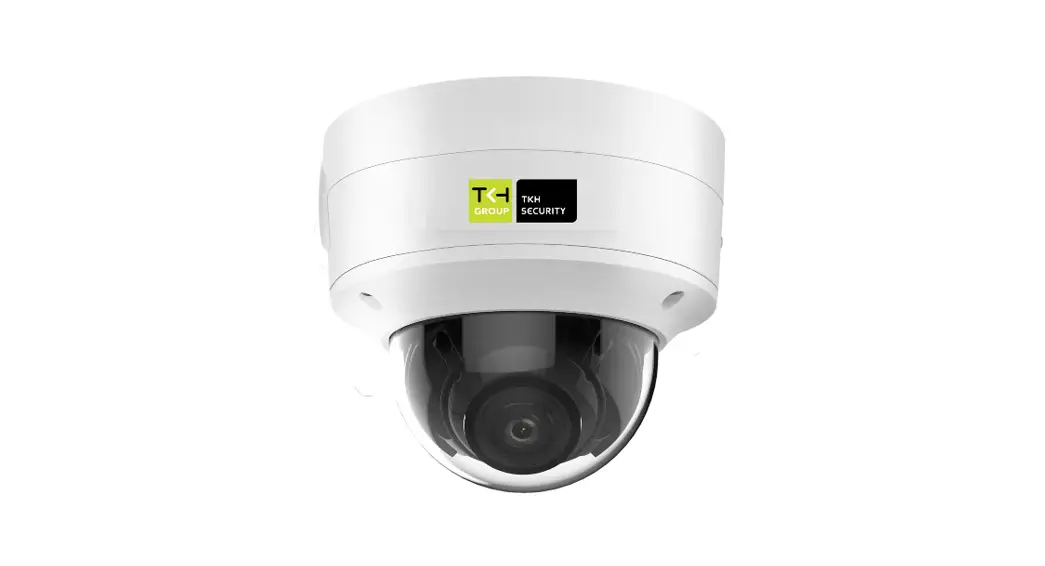
 FD2005v2M
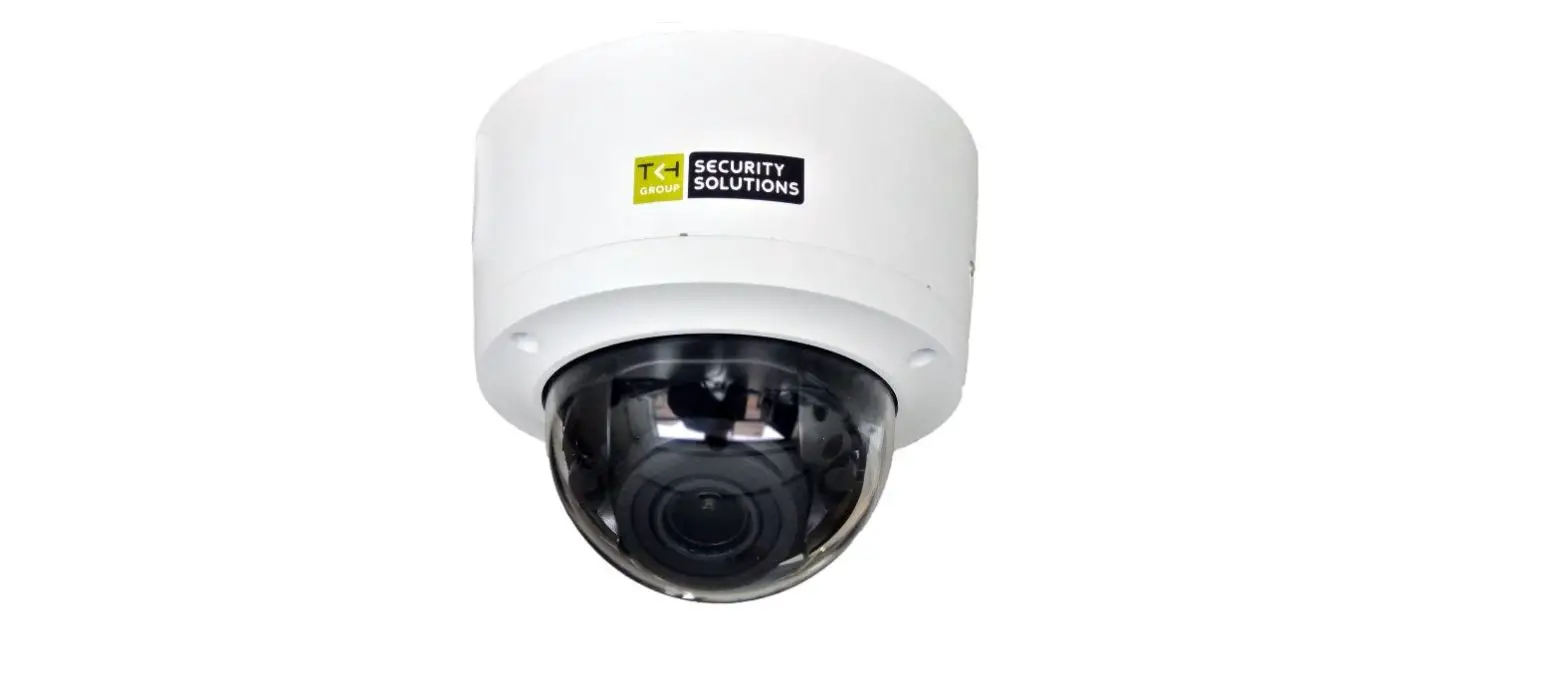
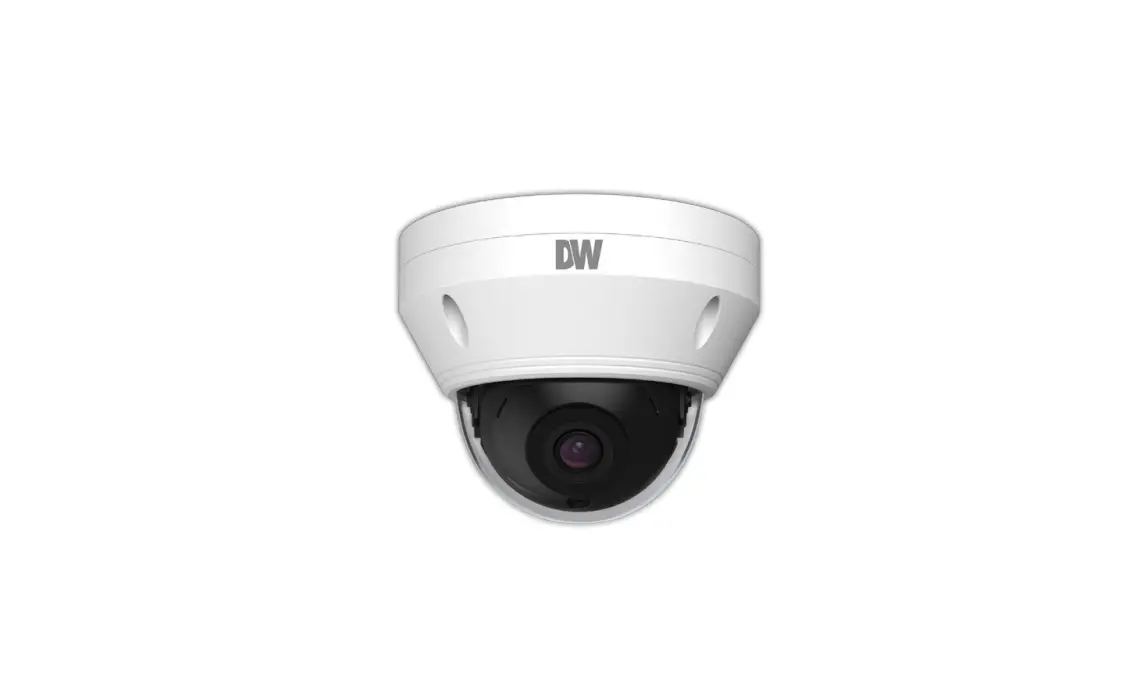
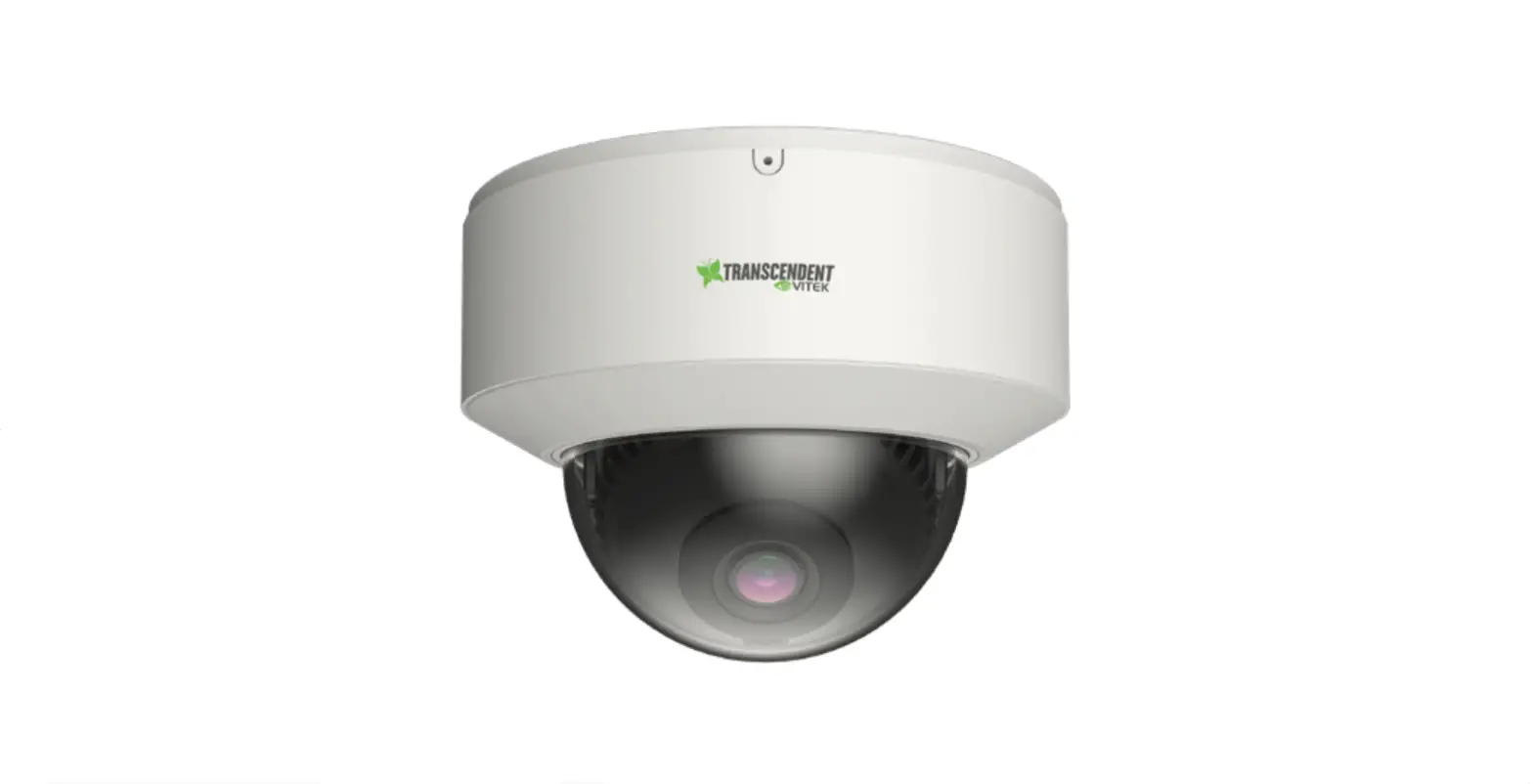
5MP Vandal Fixed Dome Camera
Quick Start Guide
 Find additional manuals, the datasheet, the EU Declaration of Conformity, and the latest firmware for this product at: tkhsecurity.com

Unpack
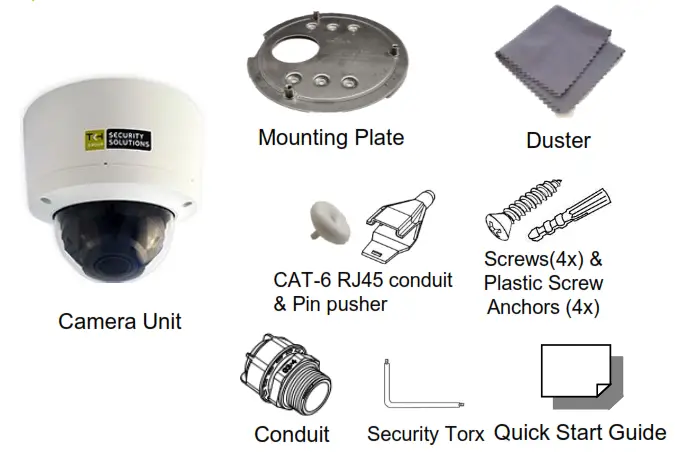
Subject to modification. Actual products and accessories may differ in appearance.
Installation Notices
 CAUTION INSTALLATION SHALL BE PERFORMED BY QUALIFIED PERSONNEL ONLY. INSTALLATION SHALL BE IN ACCORDANCE WITH LOCAL PROCEDURES. THE CAMERA CONTAINS BATTERIES. DO NOT REPLACE IN RISK OF EXPLOSION.
BATTERY REPLACEMENT SHALL NOT BE APPLIED IN VIEW OF THE RISK OF EXPLOSION. LE REMPLACEMENT DES PILES NE DOIT PAS ÊTRE APPLIQUÉ AU RISQUE D’EXPLOSION. DISPOSE OF USED BATTERIES ACCORDING TO THE INSTRUCTIONS. METTRE AU REBUT LES BATTERIES USAGÉES CONFORMÉMENT AUX INSTRUCTIONS..
FOR “PoE” INPUT CONNECTION, USE ONLY WITH UL LISTED I.T.E WITH “PoE” OUTPUT. DESCRIPTION FOR THE “PoE” IS INTENDED TO BE CONNECTED TO NOT EXPOSED
(OUTSIDE PLANT) NETWORKS OR EQUIVALENT STATEMENTS IN INSTALLATION INSTRUCTIONS.
Connectors
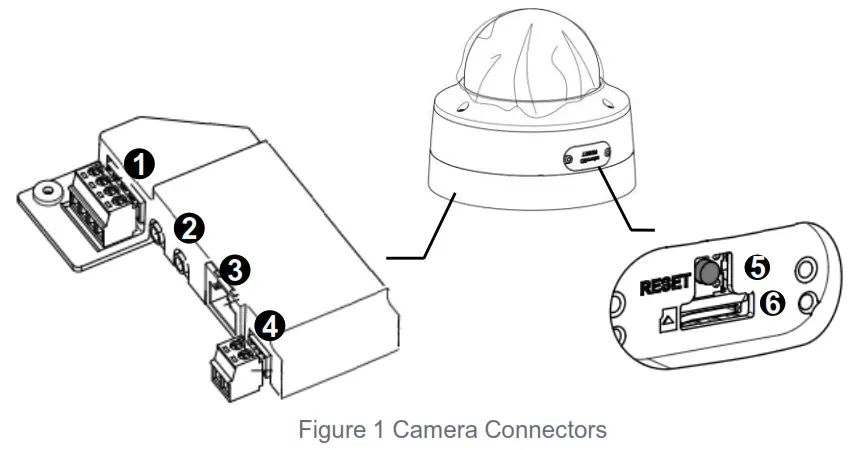 THE RESET BUTTON TAKES 10 SECONDS TO BE EFFECTIVE. IT WILL RESTORE FACTORY DEFAULT SETTINGS, INCLUDING IP ADDRESS, USERNAME, AND PASSWORD.
Connector Definition
| No. | Connector | Definition |
| 1 | Alarm I/O | Alarm I/O connection |
| 2 | Audio I/O | Line In and Line Out connection |
| 3 | RJ-45 Port (Contact Siqura for a compatible PoE injector.) | For network and PoE connections |
| 4 | Power(DC 12V) | Power Connection |
| 5 | Reset Button | Press the button with a proper tool for at least 20 seconds to restore the system. |
| 6 | Micro SD Card Slot | Insert the SD card into the card slot to store videos and snapshots. Do not remove the SD card when the camera is powered on. |
Camera Cabling
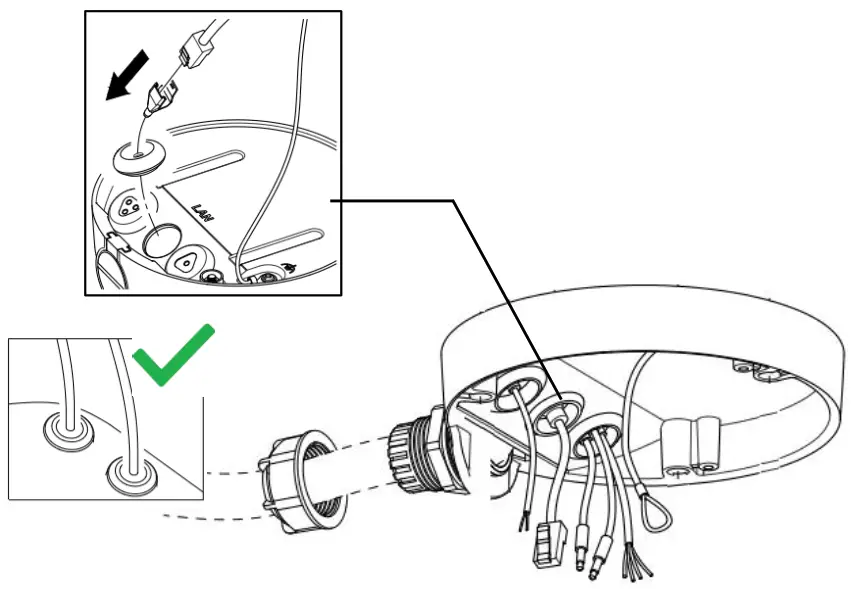
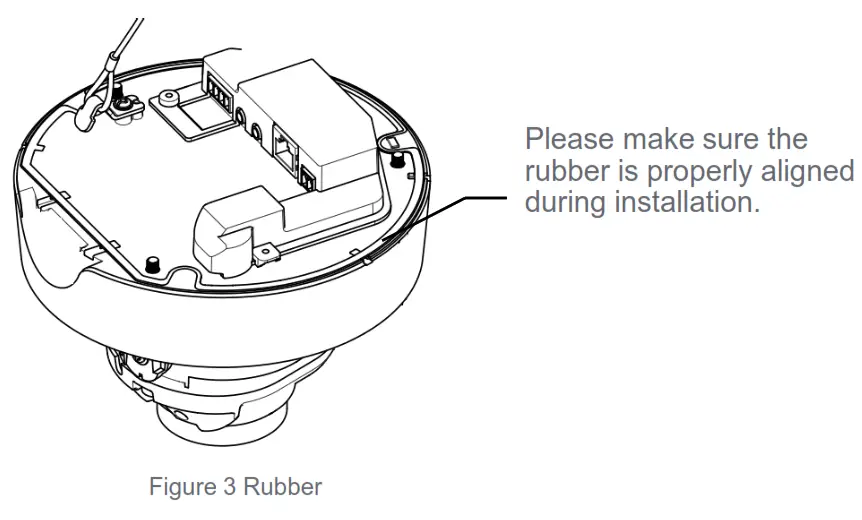
Figure 2 Cabling
Waterproof Notice
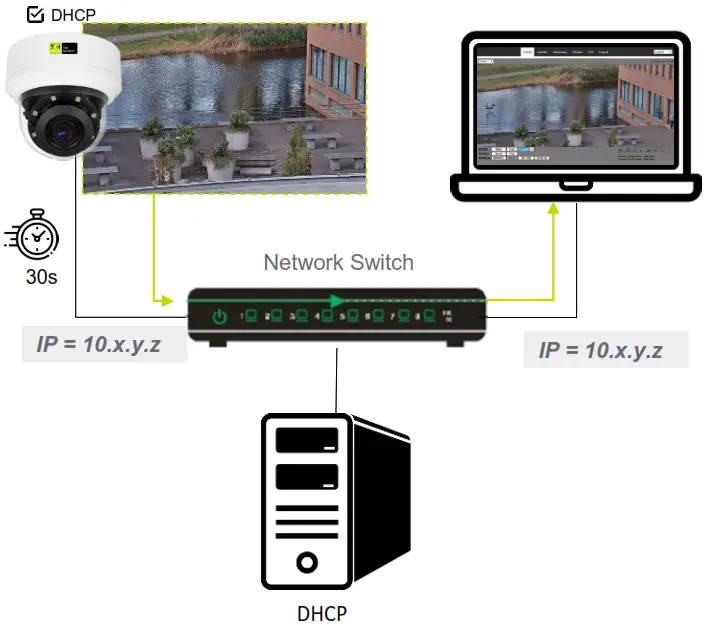
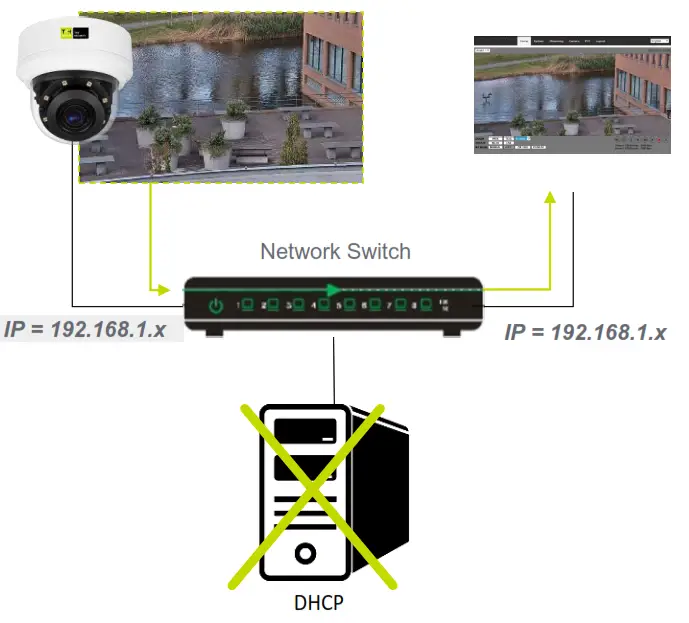
Accessing the Camera – DHCP
 |  |
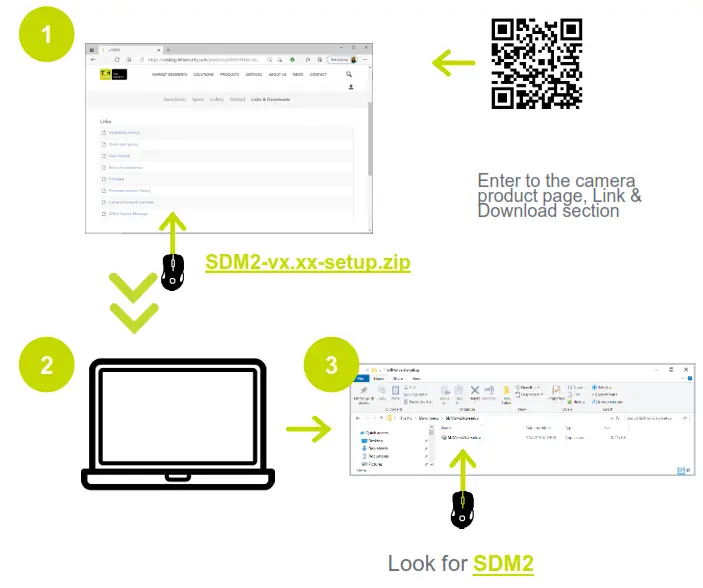
Auto-detect with SDM2
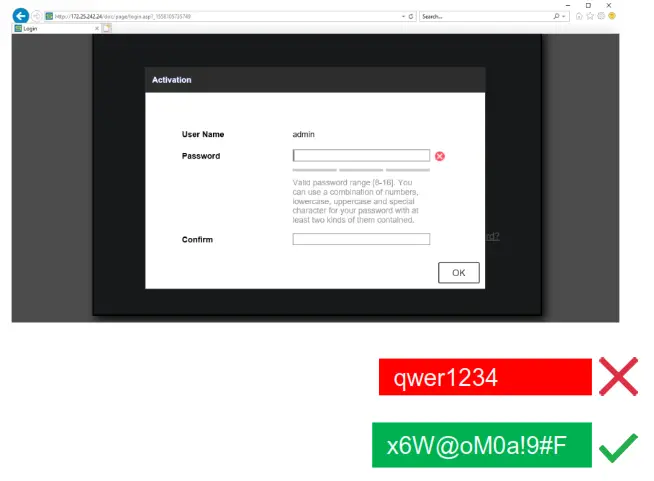
1st-time camera login
Set a strong password
 | 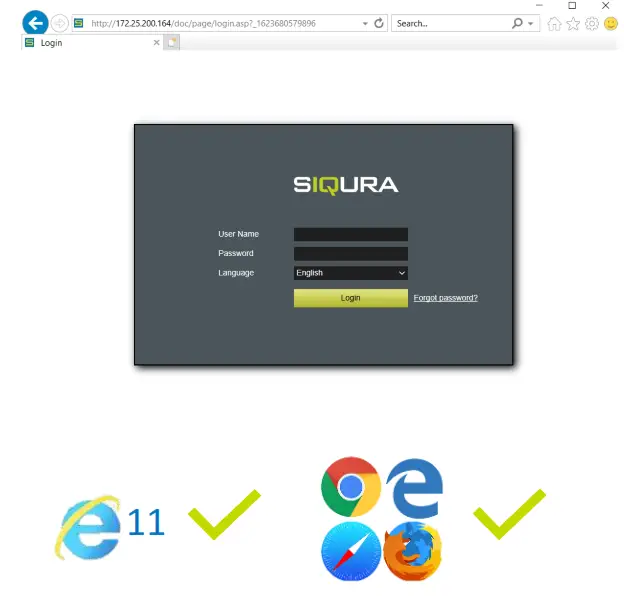 |
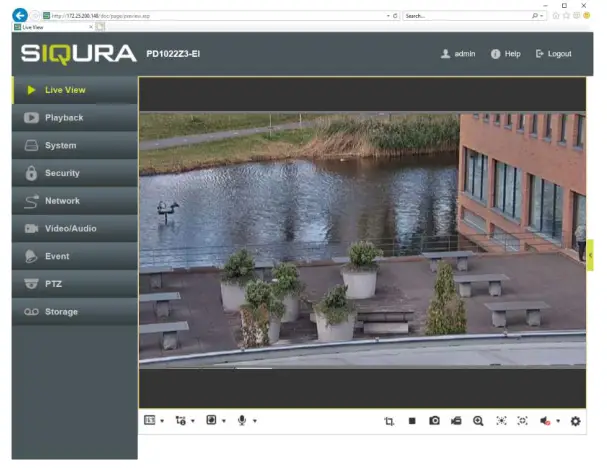
Browser-based Viewer
IT IS NOT RECOMMENDED TO CONTINUOUSLY (24/7) RECORD WITH THE MICRO SD CARD, AS THE CAMERA MAY NOT SUPPORT LONG-TERM CONTINUOUS DATA READ/WRITE. CONTACT THE MANUFACTURER OF THE MICRO SD CARD FOR INFORMATION REGARDING THE RELIABILITY AND THE LIFE EXPECTANCY.
© TKH Security B.V.
2021 | Vision 1 (20211123) | FD2005v2M QSG
 TKH Security