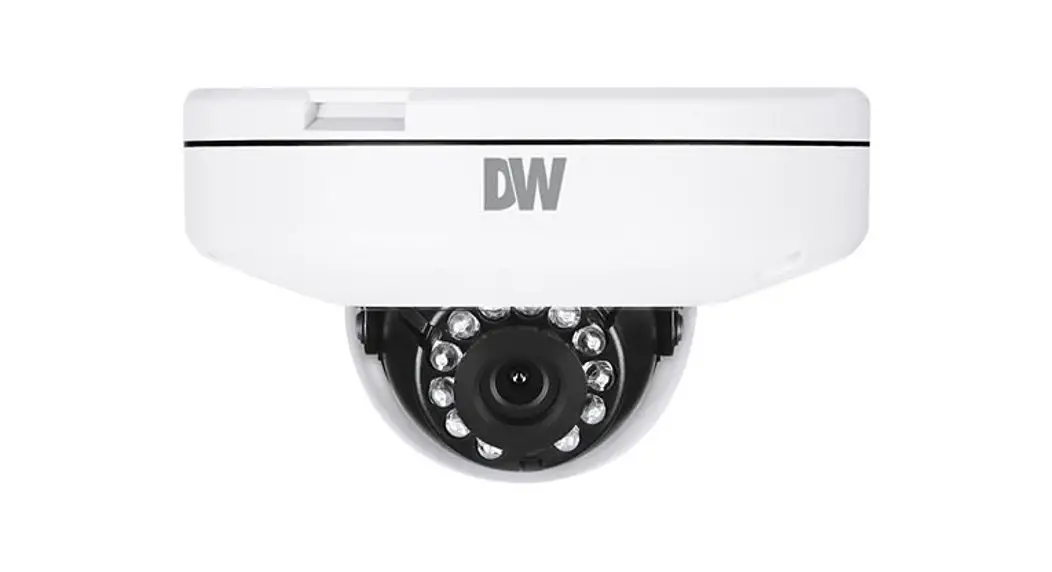
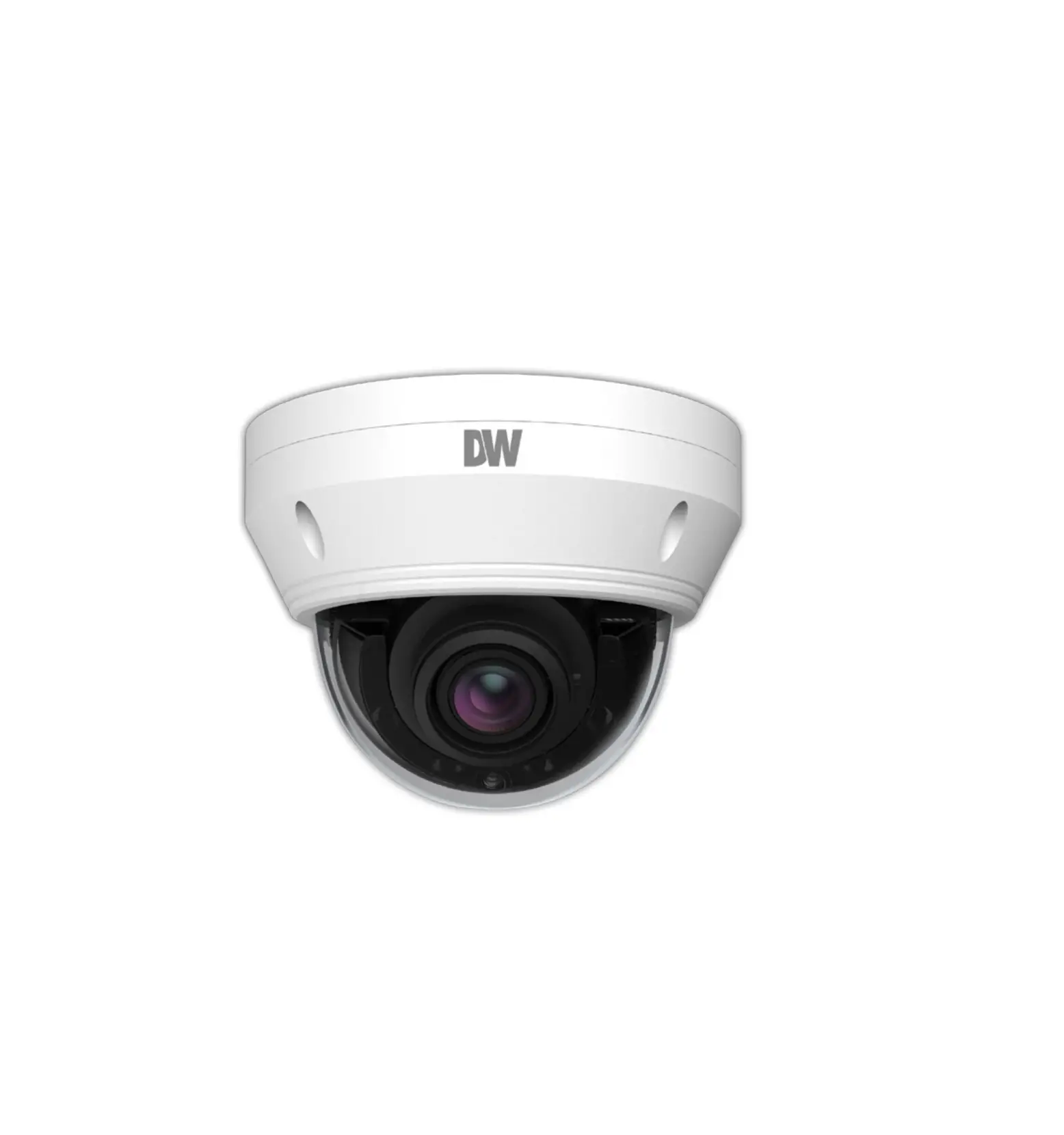
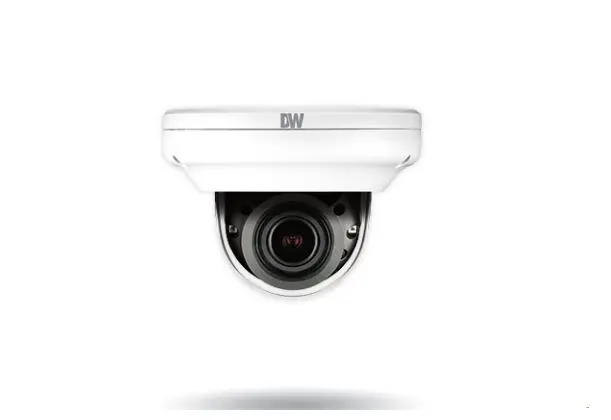
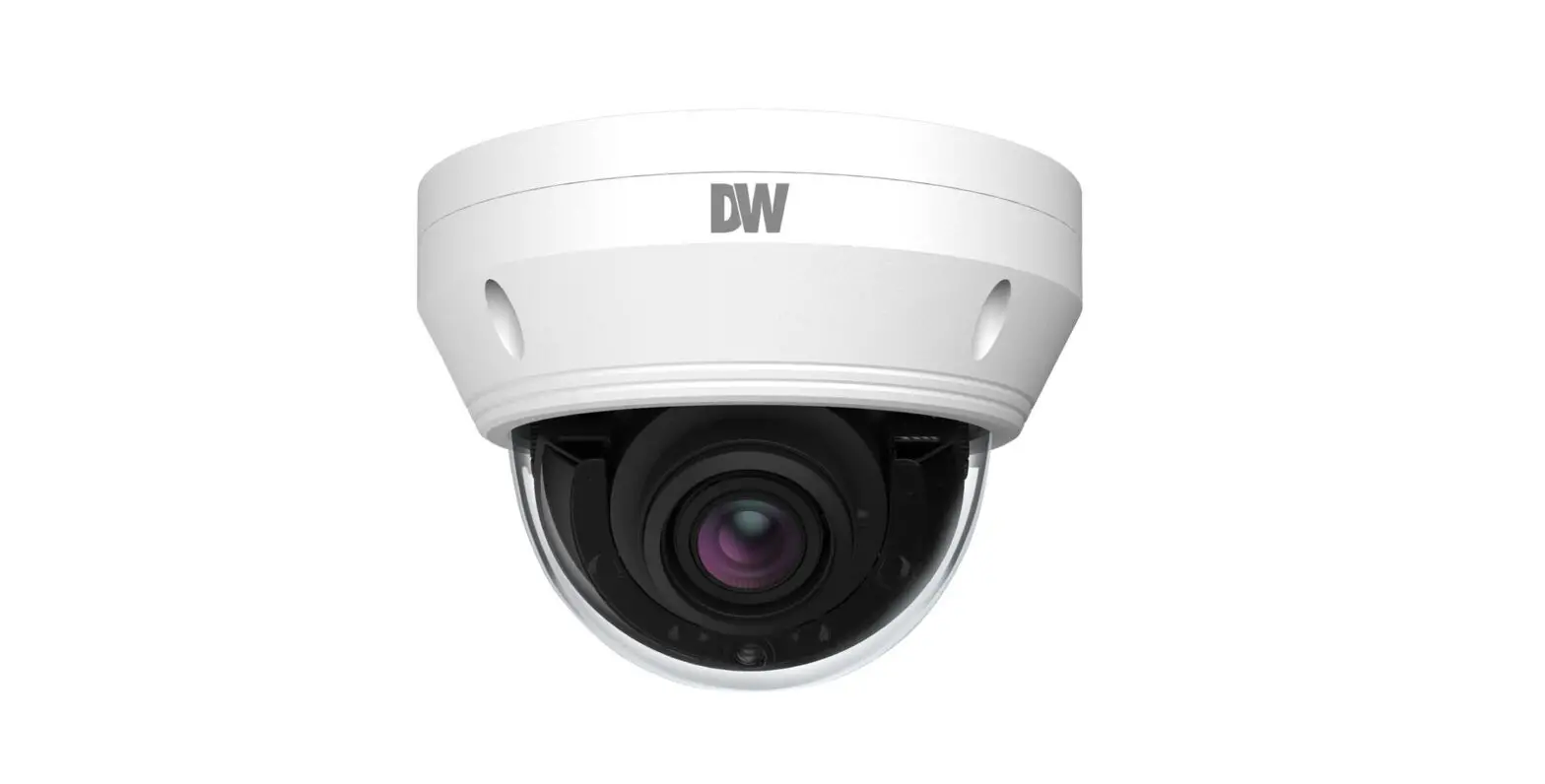
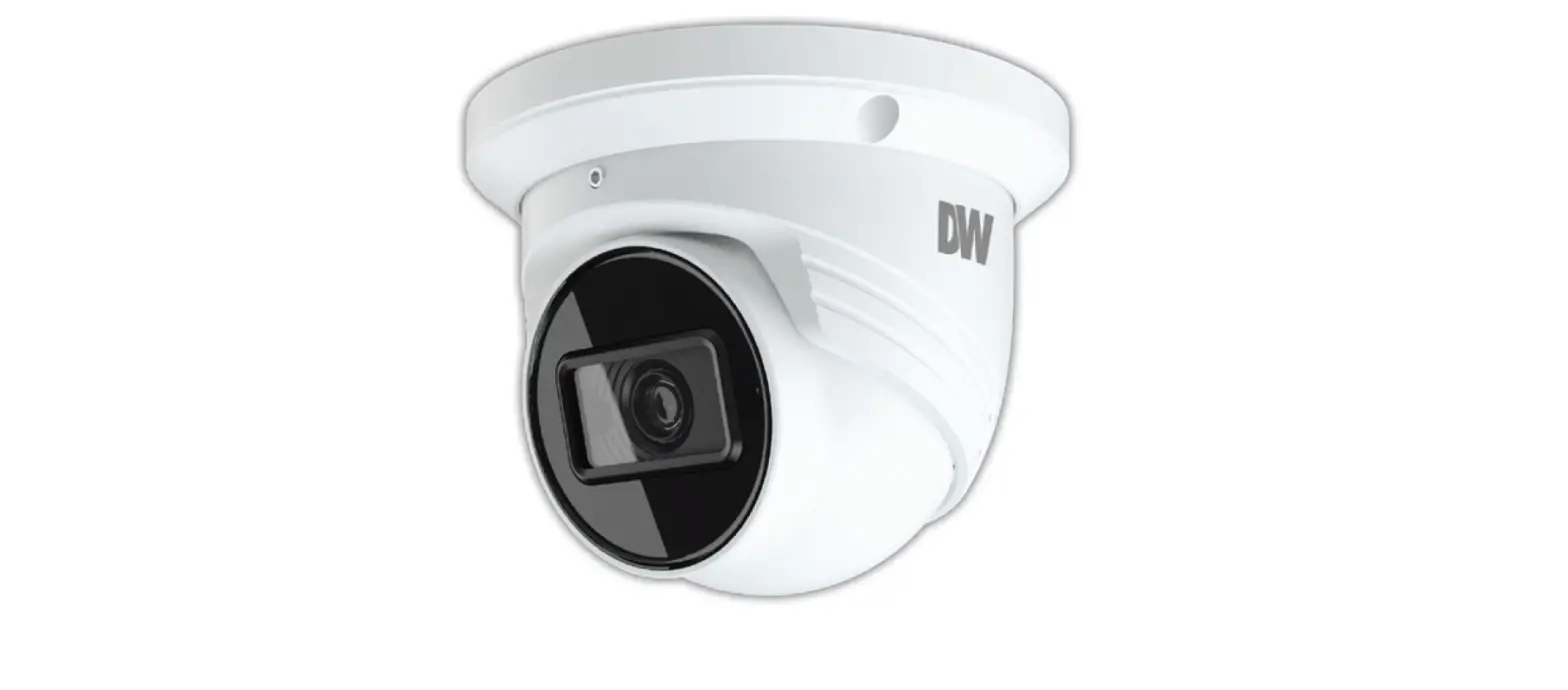
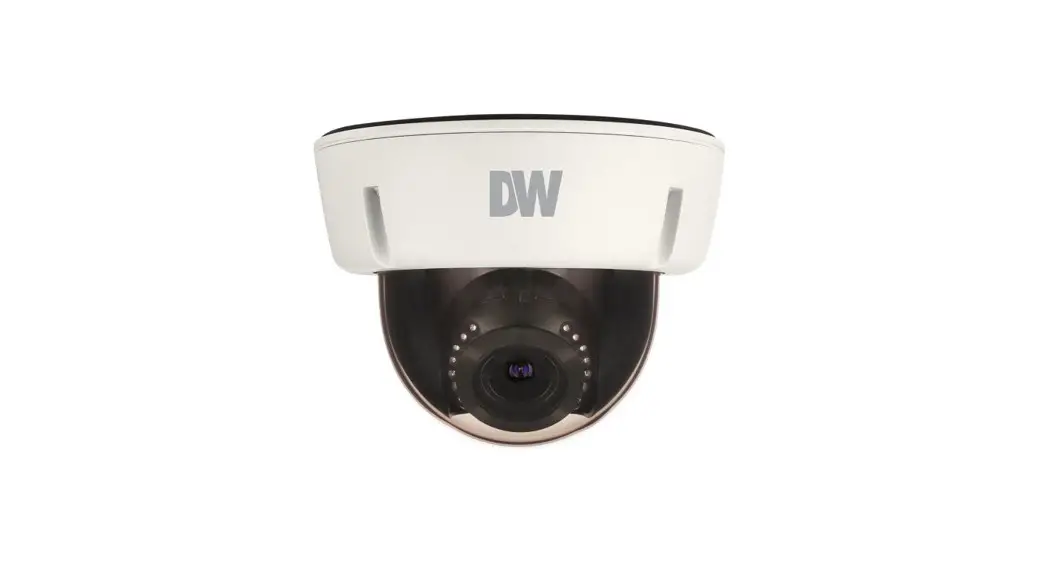
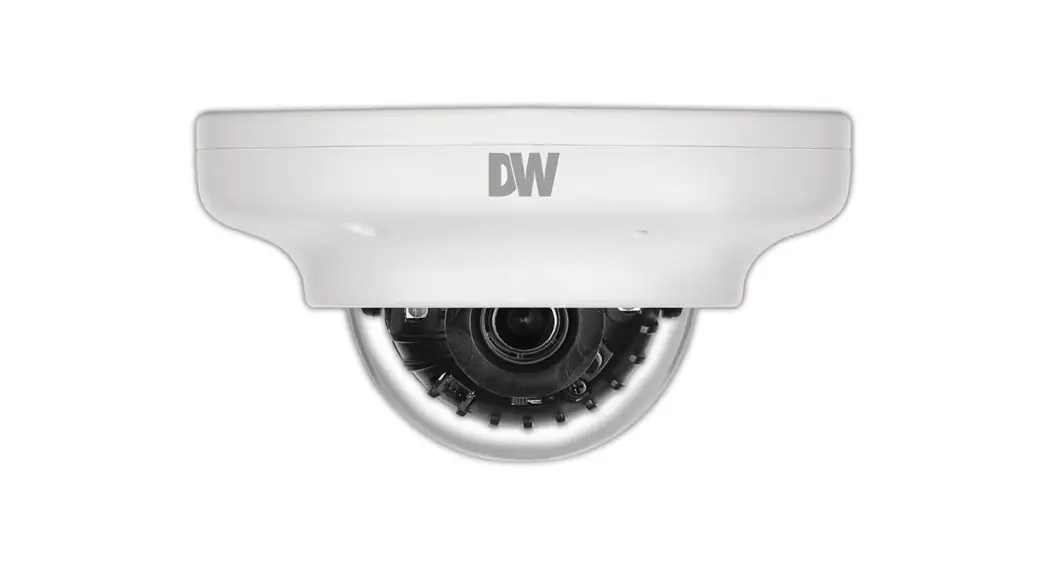
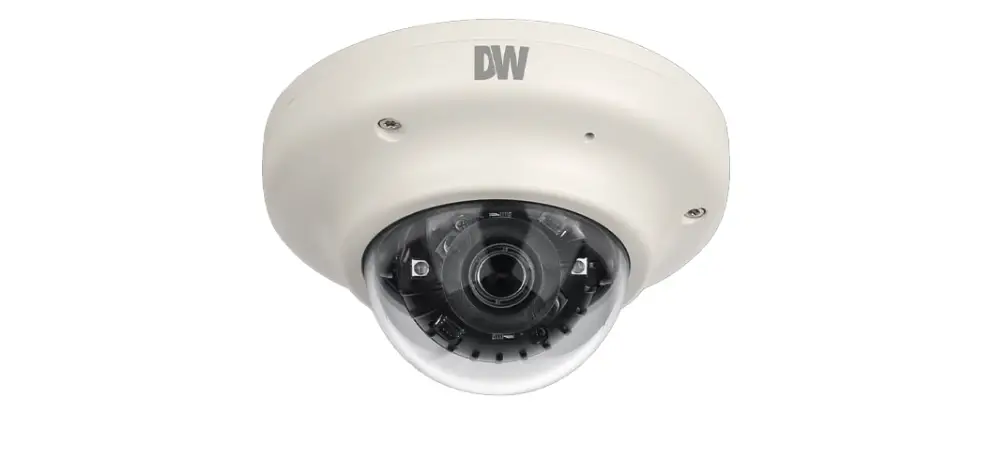
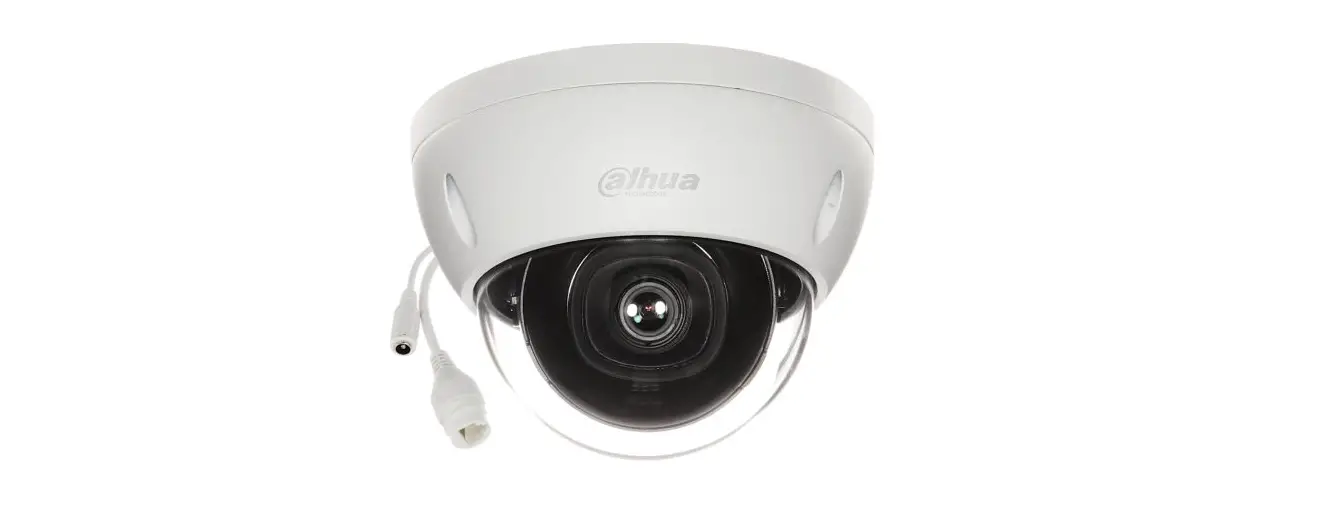
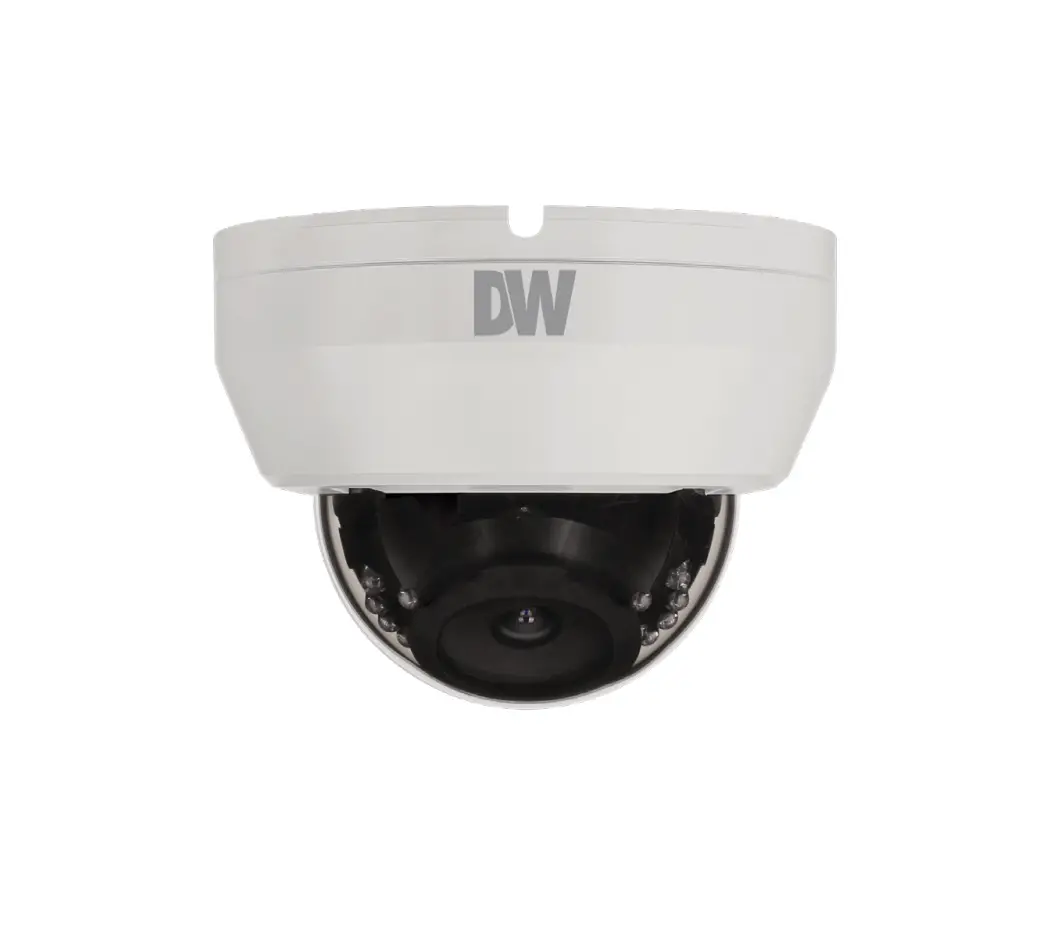
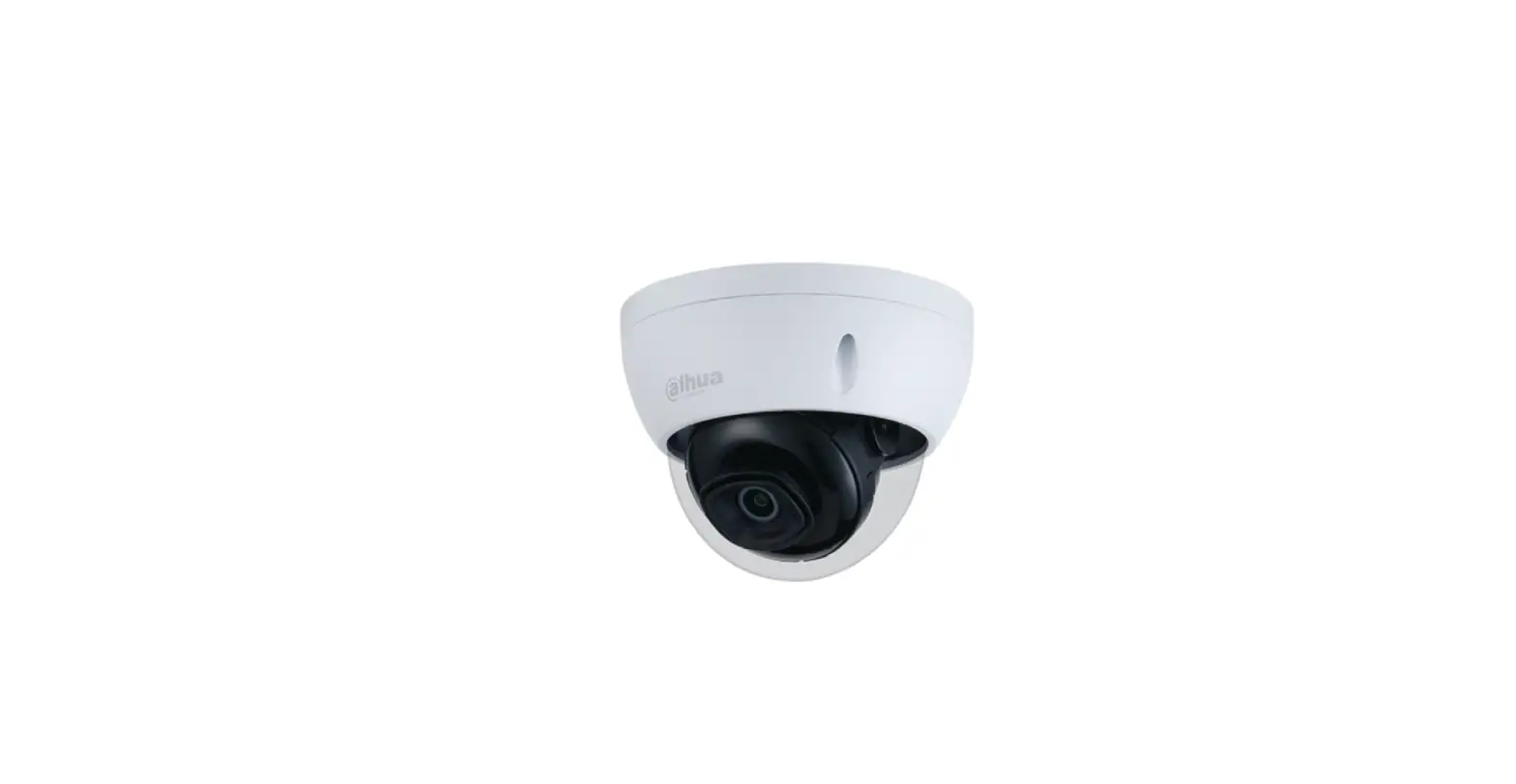
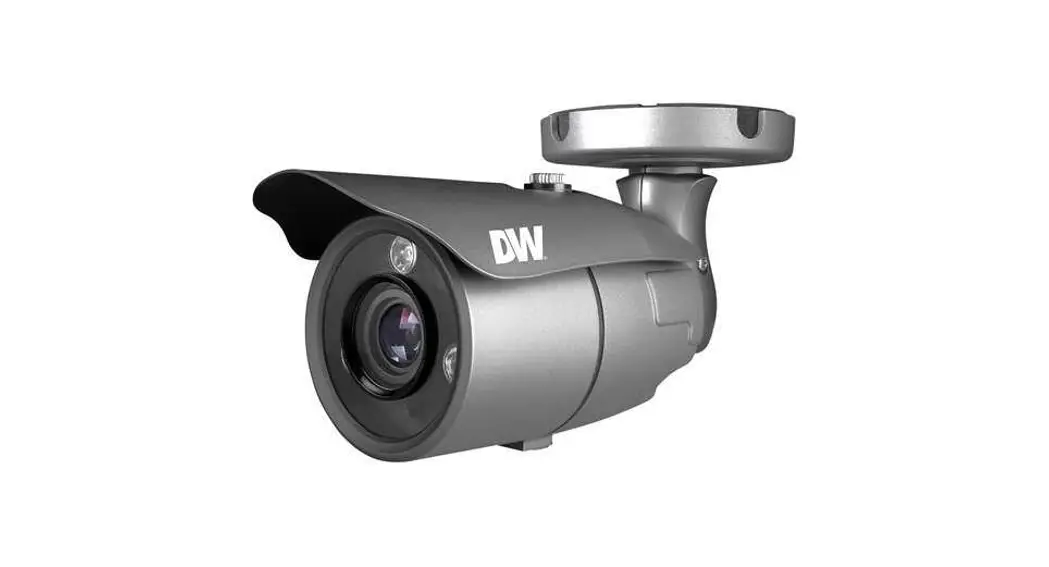
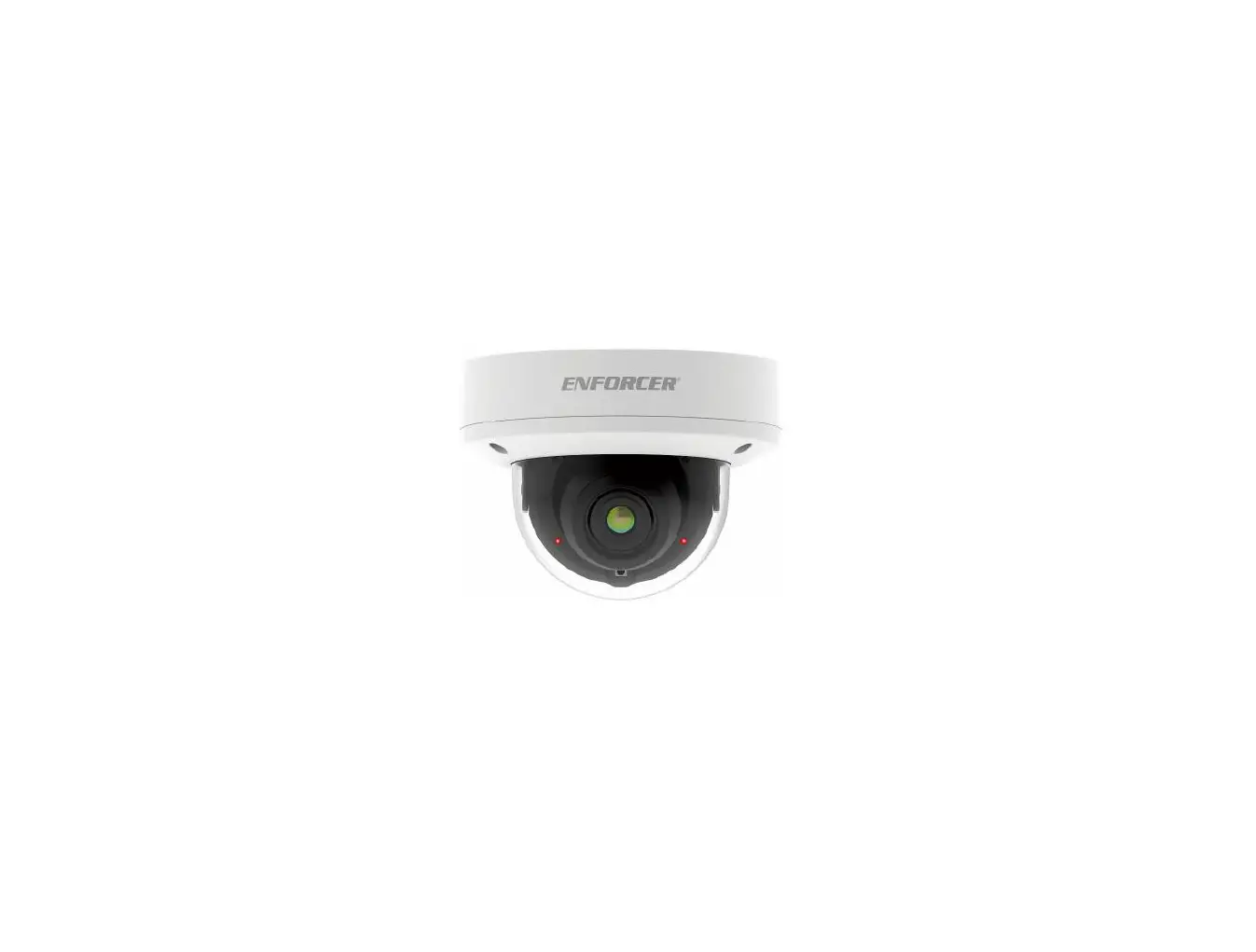
DWC-MF5Wi4TWDMP Ultra Low-Profile Vandal Dome IP Camera
Product Information
The product is a surveillance camera available in two models:
5MP (DWC-MF5Wi4TWDMP) and 2.1MP/1080p (DWC-MF2Wi4TWDMP). The
package includes a quick start guide, quick setup and download
guides, a star wrench (T-20), mounting templates for bolt and nuts
installation and plate installation, a moisture absorber and guide,
a mounting bolt and nuts (2pcs), and a mounting plate.
It is important to note that the user should download all
support materials and tools from the Digital Watchdog website. The
user should search for the product by entering the part number in
the ‘Search by Product’ search bar. This will provide the user with
all supported materials, including manuals and quick start
guides.
The product comes with safety and warning instructions that must
be followed to avoid causing damage to the product or personal
injury. The user must read the entire instruction manual for
complete and proper installation and usage.
Product Usage Instructions
- Before installing the camera, read the entire instruction
manual and follow the safety and warning instructions. - Download all support materials and tools from the Digital
Watchdog website. - Choose the appropriate mounting template for bolt and nuts
installation or plate installation. - Use the star wrench (T-20) to install the mounting bolt and
nuts or mounting plate securely on a wall or ceiling. - Make sure the power supply voltage is correct before using the
camera. - Connect the camera to the power source using the power cord
provided in the package. Ensure that the connection is secure. - Do not connect multiple cameras to a single adapter. Exceeding
the capacity may cause excessive heat generation or fire. - Fasten the camera securely and firmly to avoid falling, which
may cause personal injury. - Do not install the camera in a location subject to elevated
temperature, low temperature, or high humidity. - Do not place conductive objects or containers filled with water
on top of the camera. - Do not install the camera in humid, dusty, or sooty
locations. - Do not install the camera near any heat sources such as
radiators, heat registers, or other products that produce
heat. - Keep the camera out of direct sunlight and heat radiation
sources to avoid causing a fire. - If any unusual smells or smoke come from the unit, stop using
the product at once. Immediately disconnect the power source and
contact the service center. - If this product does not operate normally, contact the nearest
service center. Never disassemble or change this product in any
way. - When cleaning the product, do not spray water directly onto
parts of the product.
Quick Start Guide
5MP model DWC-MF5Wi4TWDMP
2.1MP/1080p model DWC-MF2Wi4TWDMP
Quick Setup and Download Guides
Star Wrench (T-20)
Mounting Template for Bolt and Nuts Installation
Mounting Template for Plate Installation
Waterproof Cap and Rubber Rings (Black: ø0.15″ (ø4mm), White: ø0.19″ (ø5mm))
WHAT’S IN THE BOX
1 set
Moisture Absorber and Guide (Recommended)
1 Mounting Bolt and Nuts – 2pcs
1
Screws and Plastic Anchors 3pcs
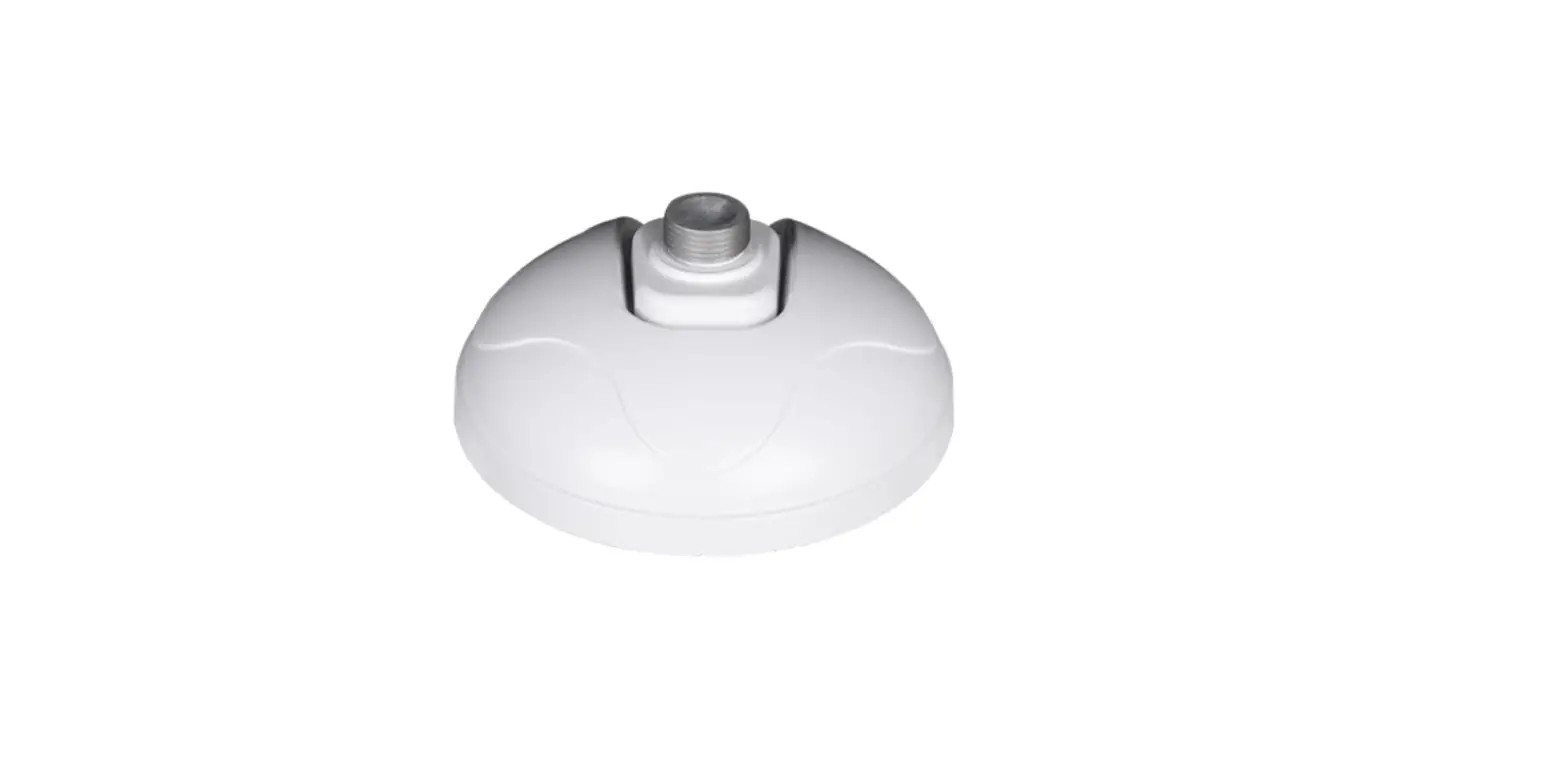
1 Mounting Plate
1 set
1 set 1 set 1 set
1
NOTE: Download all your support materials and tools in one place 1. Go to: http://www.digital-watchdog.com/resources 2. Search your product by entering the part number in the `Search by Product’ search bar. Results for applicable part numbers will populate automatically based on the part number you enter. 3. Click `Search’. All supported materials, including manuals and quick start guide (QSGs) will appear in the results.
Attention: This document is intended to serve as a quick reference for the initial set-up. It is recommended that the user read the entire instruction manual for complete and proper installation and usage.
SAFETY AND WARNING INFORMATION
Read through this Installation Guide carefully before installing the product. Keep the Installation Guide for future reference. See the user manual for more information on the proper installation, use and care of the product. These instructions are intended to ensure that users can use the product correctly to avoid danger or property loss. Warnings: Serious injury or death may occur if any of the warnings are neglected. Cautions: Injury or equipment damage may occur if any of the cautions are neglected. WARNING 1. In the use of the product, you must be strict compliance with the electrical safety regulations of the nation and
region. When the product is mounted on a wall or ceiling, the device shall be firmly fixed. 2. Be sure to use only the standard adapter specified in the specification sheet. Using any other adapter could
cause fire, electrical shock, or damage to the product. 3. Make sure the power supply voltage is correct before using the camera. 4. Incorrectly connecting the power supply or replacing the battery may cause an explosion, fire, electric shock, or
damage to the product. 5. Do not connect multiple cameras to a single adapter. Exceeding the capacity may cause excessive heat
generation or fire. 6. Securely plug the power cord into the power source. An insecure connection may cause a fire. 7. When installing the camera, fasten it securely and firmly. A falling camera may cause personal injury. 8. Do not install in a location subject to elevated temperature, low temperature, or high humidity. Doing so may
cause fire or electric shock. 9. Do not place conductive objects (e.g. screwdrivers, coins, metal items, etc.) or containers filled with water on top
of the camera. Doing so may cause personal injury due to fire, electric shock, or falling objects. 10. Do not install in humid, dusty, or sooty locations. Doing so may cause fire or electric shock. 11. Do not install near any heat sources such as radiators, heat registers, or other products (including amplifiers)
that produce heat. 12. Keep out of direct sunlight and heat radiation sources. It may cause a fire. 13. If any unusual smells or smoke come from the unit, stop using the product at once. Immediately disconnect the
power source and contact the service center. Continued use in such a condition may cause fire or electric shock. 14. If this product does not operate normally, contact the nearest service center. Never disassemble or change this
product in any way. 15. When cleaning the product, do not spray water directly onto parts of the product. Doing so may cause fire or
electric shock. CAUTION 1. Use proper safety gear when installing and wiring the product. 2. Do not drop objects on the product or apply strong shock to it. Keep away from a location subject to excessive
vibration or magnetic interference. 3. Do not use this product near water. 4. The product shall not be exposed to dripping or splashing and no objects filled with liquids, such as vases, shall
be placed on the product. 5. Avoid aiming the camera directly towards extremely bright objects such as the sun, as this may damage the
image sensor. 6. The Main plug is used as a disconnect device and shall stay readily operable at any time. 7. Remove the power adapter from the outlet when then there is lightning. Neglecting to do so may cause fire or
damage to the product. 8. Do not block any ventilation openings. Install following the manufacturer’s instructions. 9. A polarized or grounding-type plug is recommended for this product. A polarized plug has two blades with one
wider than the other. A grounding-type plug has two blades and a third grounding prong. If the provided plug does not fit into your outlet, consult an electrician for replacement. 10. Protect the power cord from being walked on or pinched particularly at plugs, convenience receptacles, and the point where they exit from the product. 11. If any laser equipment is used near the product, make sure the surface of the sensor is not exposed to the laser beam as that may damage the sensor module. 12. If you want to move the already installed product, be sure to turn off the power and then move or reinstall it. 13. Proper configuration of all passwords and other security settings is the responsibility of the installer and/or end-user. 14. If cleaning is necessary, please use a clean cloth to wipe it gently. If the device will not be used for a long time, please cover the lens cap to protect the device from dirt. 15. Do not touch the camera’s lens or sensor module with fingers. If cleaning is necessary, please use a clean cloth to wipe it gently. If the device will not be used for a long time, please cover the lens cap to protect the device from dirt. 16. Use only attachments/accessories specified by the manufacturer. 17. Always use hardware (e.g. screws, anchors, bolts, locking nuts, etc.) compatible with the mounting surface and of sufficient length and construction to ensure a secure mount. 18. Use only with cart, stand, tripod, bracket, or table specified by the manufacturer, or sold with the product. 19. Unplug this product when a cart is used. Use caution when moving the cart/product combination to avoid injury from tip-over. 20. Refer all servicing to qualified service personnel. Servicing is needed when the product has been damaged in any way, such as power supply cord or plug is damaged, liquid has been spilled or objects have fallen into the product, the product has been exposed to rain or moisture, does not operate normally, or has been dropped.
STEP 1 PREPARING TO MOUNT THE CAMERA
1. The mounting surface must withstand five times the camera weight. 2. Do not let the cables get caught in improper places or the electric line cover can be damaged.
This may cause a short or fire. 3. CAUTION: These servicing instructions are for use by qualified service personnel only. To
reduce the risk of electric shock do not perform any servicing other than that contained in the operating instructions unless you are qualified to do so. 4. This product is intended to be supplied by a UL Listed Power Supply Unit marked “Class 2” or “LPS” or “PS2” and rated 12 Vdc, 0.49A (DWC-MF5Wi4TWDMP) and 0.33A (DWCMF2Wi4TWDMP) min. 5. The wired LAN hub providing power over the Ethernet (PoE) in accordance with IEEE 802-3af shall be a UL Listed device with the output evaluated as a Limited Power Source as defined in UL60950-1 or PS2 as defined in UL62368-1. 6. Unit is intended for installation in a Network Environment 0 as defined in IEC TR 62102. As such, associated Ethernet wiring shall be limited to inside the building. 7. For the installation process, remove the dome cover from the camera module by loosening the three (3) screws on the dome. Use the wrench provided with the camera. 8. Install the moisture packet in the base of the camera’s lens. a. Remove the moisture absorber from
the packaging. b. Cut the card and folder along
the dotted line. c. Place the moisture
absorber around the camera’s lens module.
NOTE: The camera will generate enough heat to dry moisture during operation. In most cases it will not need the moisture absorber for more than the first day. In cases where the camera can experience a moisture issue, users must keep the moisture absorber in the camera. The moisture absorber has an approximately 6-month life cycle, varying depending on the environment.
WARNING: It is highly recommended that you install the moisture absorber when mounting the camera. The moisture absorber prevents moisture from being captured inside the camera’s housing, which may cause image performance issues and damage the camera.
Poron Ring
STEP 2 POWERING THE CAMERA
Pass the wires through and make all necessary connections.
Use a PoE Injector (required. Sold separately) to connect data and power to the camera using a single Ethernet cable.
OR
Use non-PoE Switch to connect data using and Ethernet cable and use a power adapter to power the camera.
Part number DWC-MF5Wi4TWDMP DWC-MF2Wi4TWDMP
Power Requirements
Power Consumption
DC 12V, PoE IEEE 802.3af Class 3 (Adapter not included).
DC12V: max 5.9W PoE: max 7.2W
DC 12V, PoE IEEE 802.3af Class 2 (Adapter not included).
DC12V: max 4.0W PoE: max 5.5W
WATERPROOF CAP INSTALLATION
The waterproof cap set comes with two rubber rings. Use the rubber ring best sized for your network cable’s diameter.
NOTE: Cables with ø4.5mm to ø5.5mm thickness should use the black rubber ring. Cables over ø5.5mm in thickness should use the white rubber ring.
NOTE: To ensure moisture seal, make sure the o-ring d is in place between c and e . In extreme environments use of an outdoor rated sealer is recommended.
Resetting the camera: To reset the camera, use the tip of a paper clip or a pencil and press the reset button. Pressing the button for five (5) seconds will initiate a camera-wide reset of all the settings, including network settings.
Reset Button
STEP 3 INSTALLING THE CAMERA
1. Attach the main body to the mounting bracket or mounting surface by tightening the lock screw.
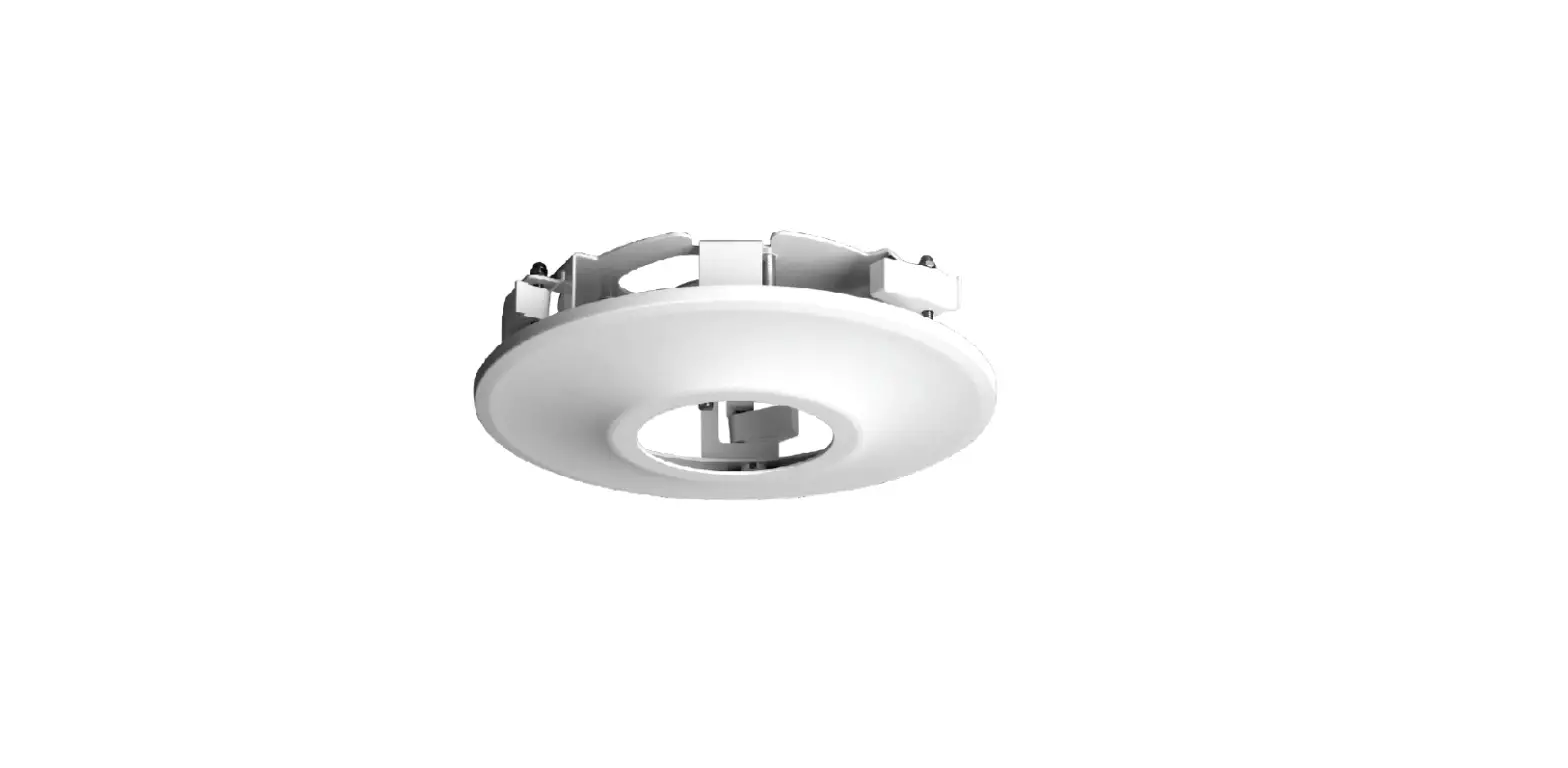
2. For soft installation surfaces, use the included metal mount plate. Fix the mount plate on the mounting surface using the included screws. Then, press the bottom case onto the mount plate. The three bezels on the case will align and snap lock onto the plate.
4. Once the installation is complete, adjust the camera’s tilt, panning and rotation as needed. The cameras’ max angles are:
5. Assemble the dome cover over the camera body and detach the protecting film from the dome bubble.
Installation using Mount Bolt and Screws: 1. Using the mounting template, mark and drill the holes on the mounting
surface. 2. Secure the two long mounting screws to the camera’s base. 3. Pass the wires through the mount brvacket and make all
necessary connections. 4. Mount the camera to the mounting surface by using the 2 mounting nuts.
Rotate the locking discs over the screws until the camera is held tightly from the mounting surface.
Mounting Template
Protective Film NOTE: Please refer to DMP guide for additional information on integration and camera control.
NOTE: Please see the full product manual for web viewer setup, functions and camera settings options.
NOTE: This products is covered by one or more claims of the HEVC Patents
listed at patentlist.accessadvance.com.
Tel: +1 (866) 446-3595 / (813) 888-9555 Technical Support Hours: 9:00AM 8:00PM EST, Monday through Friday
digital-watchdog.com
Rev: 05/23
Copyright © Digital Watchdog. All rights reserved. Specifications and pricing are subject to change without notice.
 Digital Watchdog l Welcome
 Patent Lists - Access Advance
 Resources