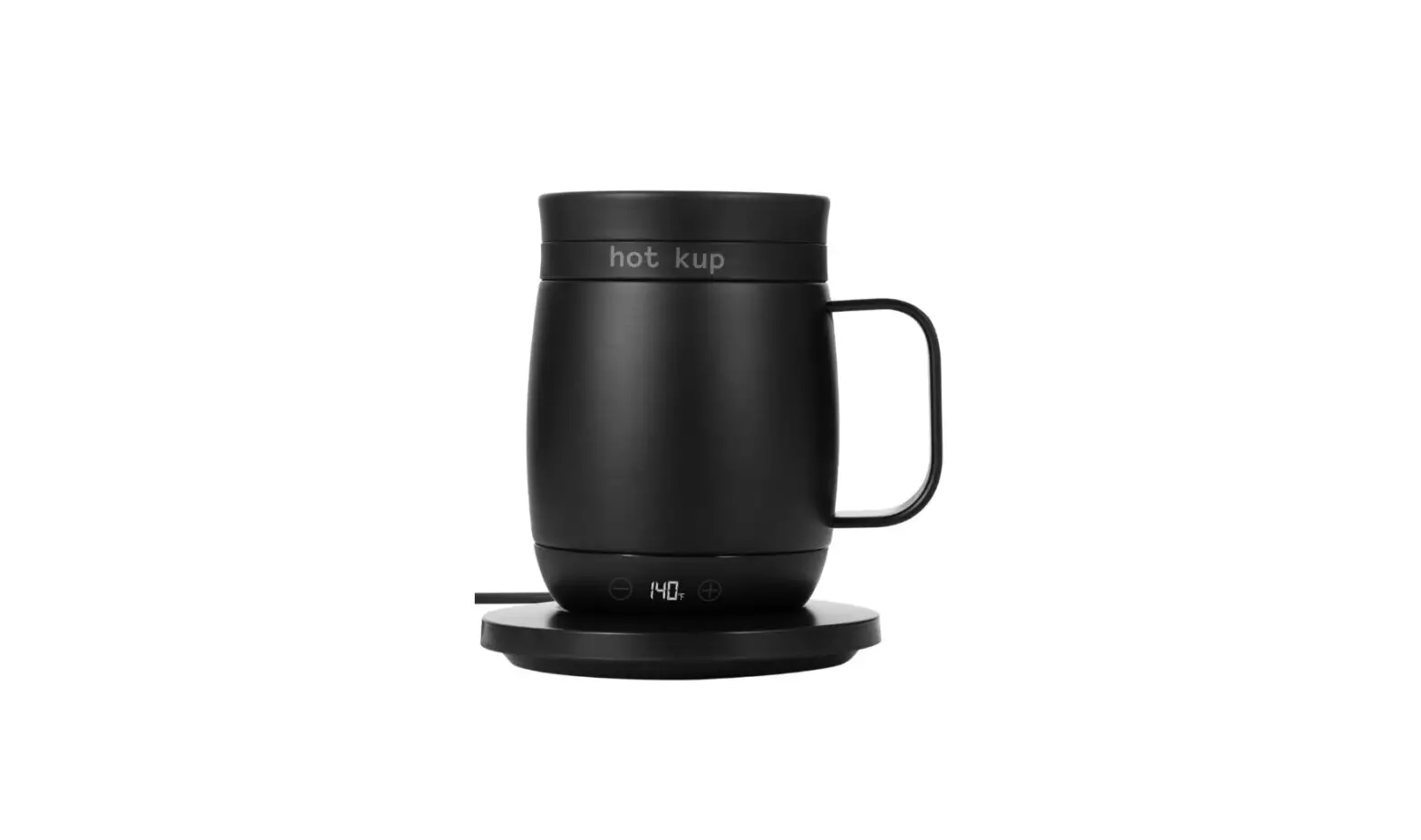
hot kup HKBL Battery Powered Food and Beverage Temperature Control User Manual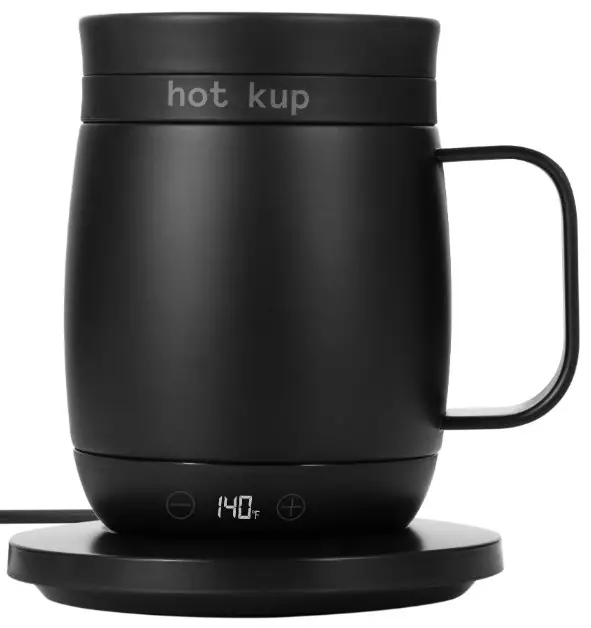
Parts / Visual Reference
- Kup and Drink Cap

- AC Base

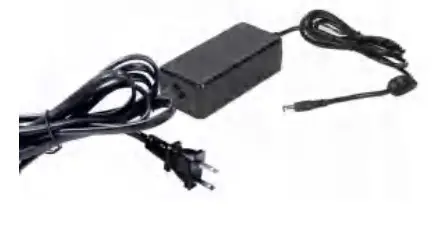
- AC Adapter with Power Button

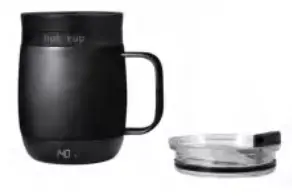
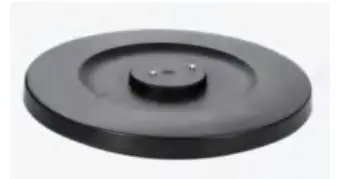
OPTIONAL Battery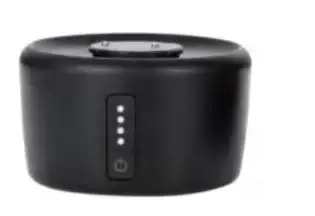
Cup Holder Car Adapter with 12v cord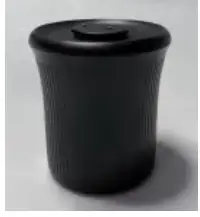
Blender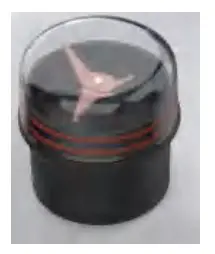
COMING SOON
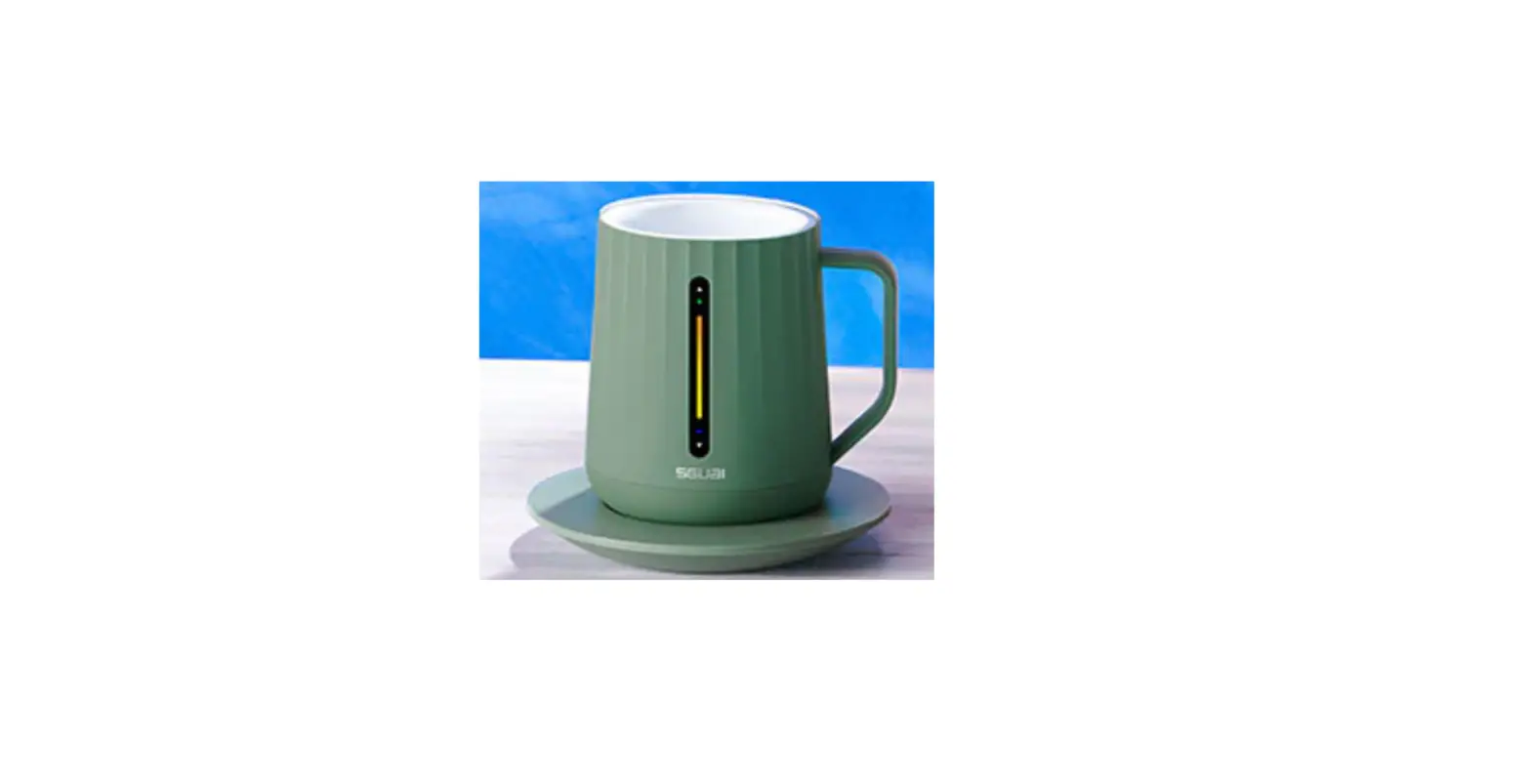
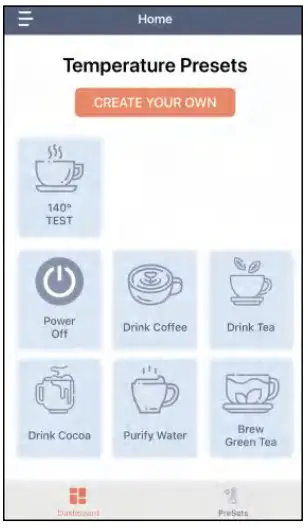
Hot Kup utilizes Patented technology in a stylish new cup design. Brew coffee/tea or maintain Perfect Cup temperature. Temperature range is accessible via Secret til Lit display or APP control. App provides presets for Brew Coffee, Brew Black Tea, Brew Green Tea and programed favorite temperature.
Safety and Care Guideline
- Be cautious of escaping steam
- Do not operate Hot Kup products without liquid in cup
- Keep away from Fire and Heat
- Recharge after use-do not leave battery drained and empty
- Charge Battery only in temperatures between 40°f to 100°f
- Use in temperatures between 4°f and 140°f -Store in temperatures between 40° and 80°f
DO NOT SUBMERGE - Hand wash Kup only, Do Not place in the dishwasher
- Liquids can reach very high temperatures – take care not to spill
- Check O-rings on lid before use
- Do not use metal utensils-they may scratch the non stick coating
Technical Specifications
- Battery Capacity
- Input: 19V at 3.42A
- Output:5V1A-5V2.1A
- Watt hour rating :75.5W or 37.75W
- Power Indicator :4 LEDs
- Protection circuitry for: Over current, Short Circuit, Over Charge, Over Discharge
Overview
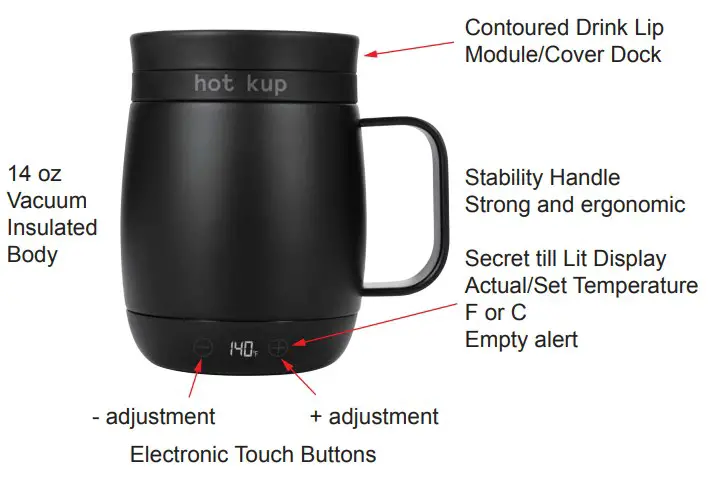
LED will display actual temperature
Adjust on device by touching area of + and – buttons
Single touch for 1 °, hold for fast scroll
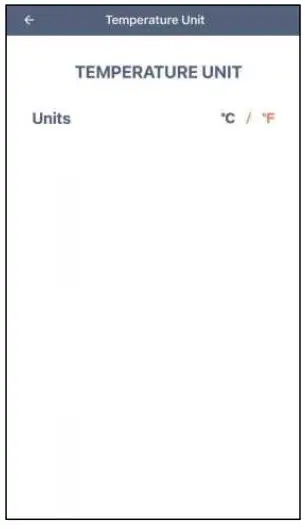
Set F or C on App No liquid warning/auto shut down
Battery Pack Charging Fully charge battery before every use
Open the charging port cover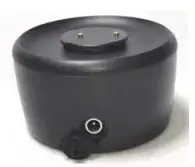
Insert AC plug into charging port.
Ensure connection is tight and snug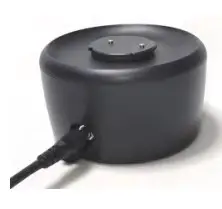
Charging is complete when
LEDs are fully illuminated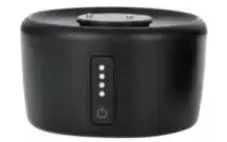
Battery Module function
Turn On/Off
Quick press power button to power ON LED’s indicate battery power level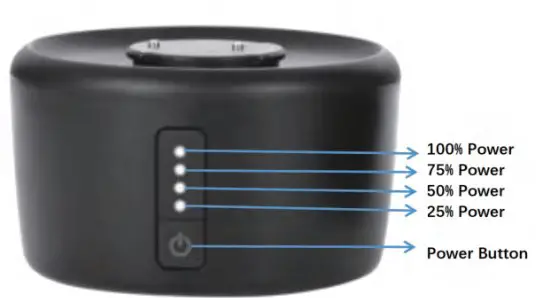
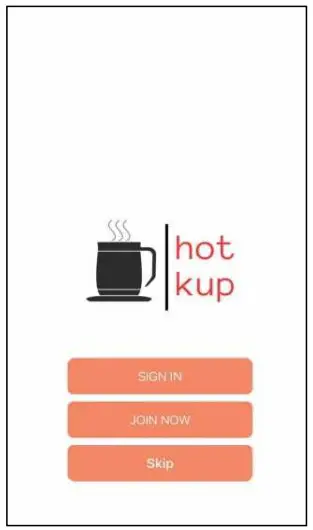
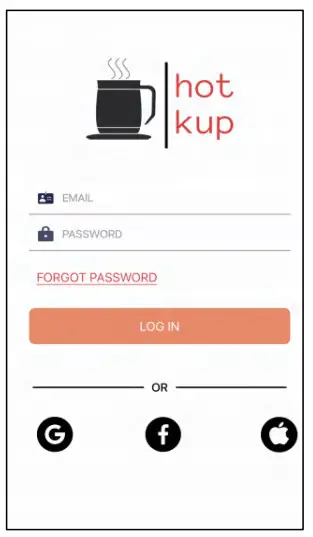
- Join now for first use. Sign in or Skip for future use.

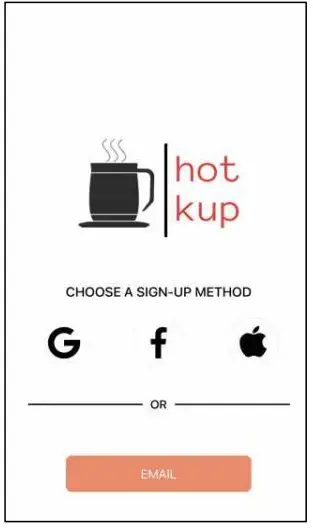
- Select how youwould like to sign in to device.
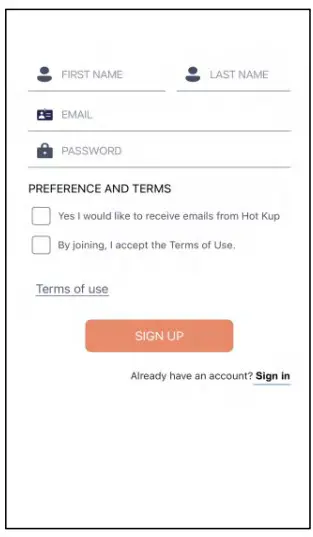
- Complete information entry

- Sign In.
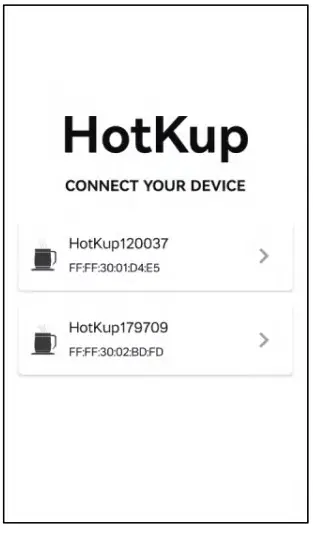
- Select your device if multiple devices are inrange. Device can be named-see Personal
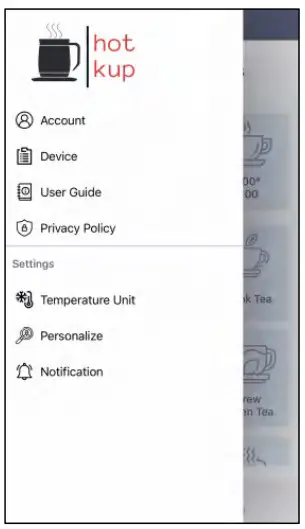
- Select Option.

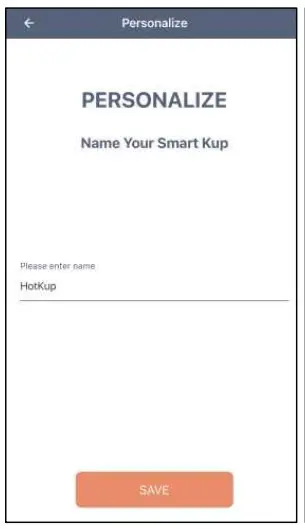
- Name Device.
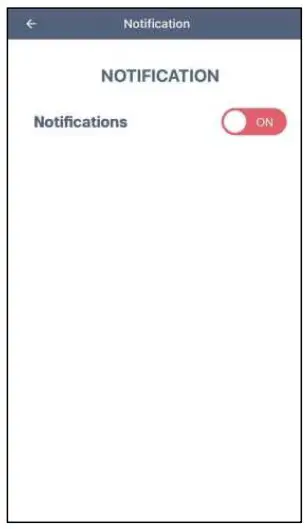
- Enable notification so device can send info to phone.
- Press C or F.
- Select Function Up to 3 presets.

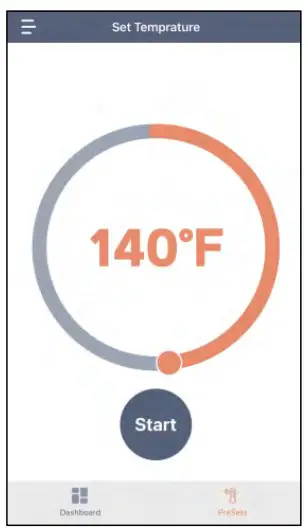
- Use finger to dial in preferred preset temperature.
FCC Warning
This device complies with part 15 of the FCC Rules. Operation is subject to the following two conditions:
(1) This device may not cause harmful interference, and (2) this device must accept any interference received, including interference that may cause undesired operation.
Any Changes or modifications not expressly approved by the party responsible for compliance could void the user’s authority to operate the equipment.
Note: This equipment has been tested and found to comply with the limits for a Class B digital device, pursuant to part 15 of the FCC Rules. These limits are designed to provide reasonable protection against harmful interference in a residential installation. This equipment generates uses and can radiate radio frequency energy and, if not installed and used in accordance with the instructions, may cause harmful interference to radio communications. However, there is no guarantee that interference will not occur in a particular installation. If this equipment does cause harmful interference to radio or television reception, which can be determined by turning the equipment off and on, the user is encouraged to try to correct the interference by one or more of the following measures:
- Reorient or relocate the receiving antenna.
- Increase the separation between the equipment and receiver.
- Connect the equipment into an outlet on a circuit different from that to which the receiver is connected.
- Consult the dealer or an experienced radio/TV technician for help.
The device has been evaluated to meet general RF exposure requirement. The device can be used in portable exposure condition without restriction.