DP E162.CAN 7 Dealer
Product Information
Important Notice
Please keep the QR code label attached to the display cable. The
information from the label is used for software update.
Introduction of Display
The dealer manual is for DP E162.CAN/ DP E163.CAN display.
Product Description
Specifications
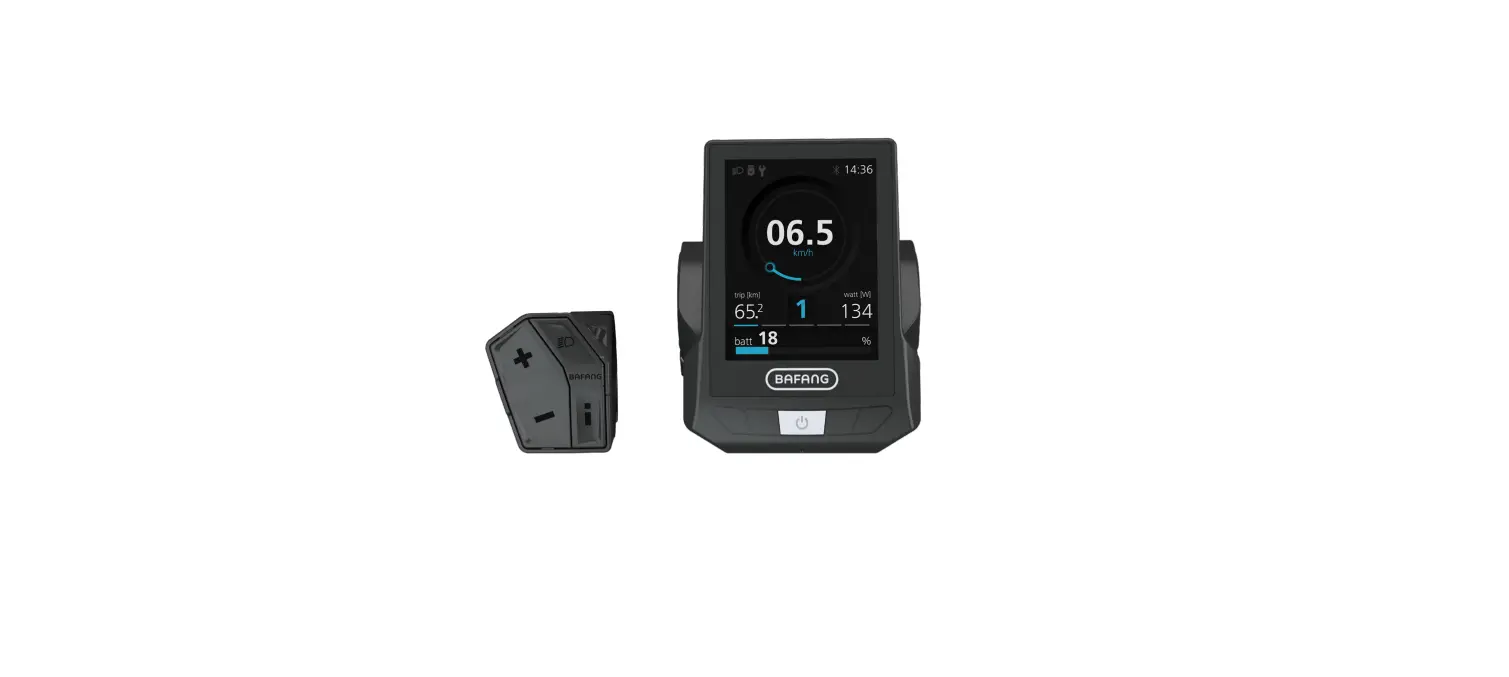
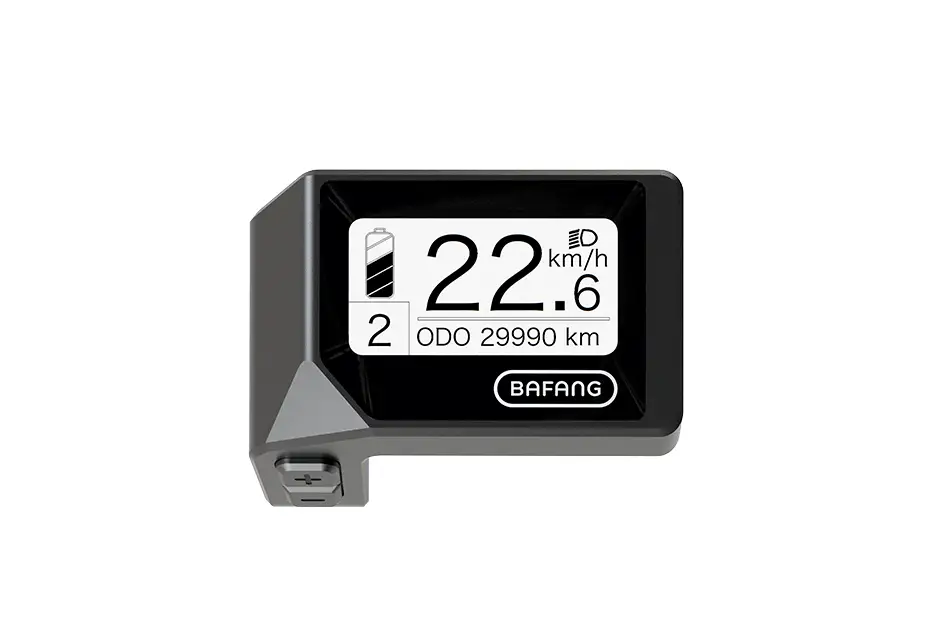
- Battery capacity indicator
- Speed indicator
- Support level indicator
- Headlight indicator
- Bluetooth indicator
Functional Overview
The display has different indicators to show battery capacity,
speed, support level, headlight and Bluetooth status.
Display Installation
Installation Position
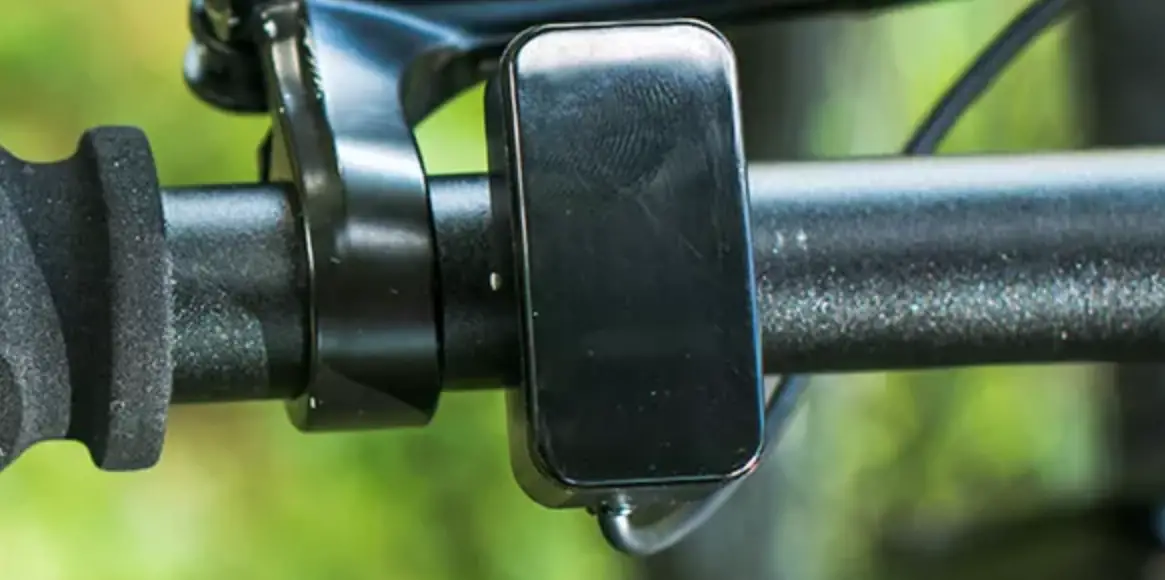
If top tube is disconnected from down tube, the HMI can be
mounted on the front of top tube. If top tube is connected to down
tube, it is recommended to install the HMI on the front of top
tube.
Installation Steps
To install the display, place it into the tube from the upper
mounting hole and then tighten the M4*12 screws from the bottom
mounting holes.
Key Definition
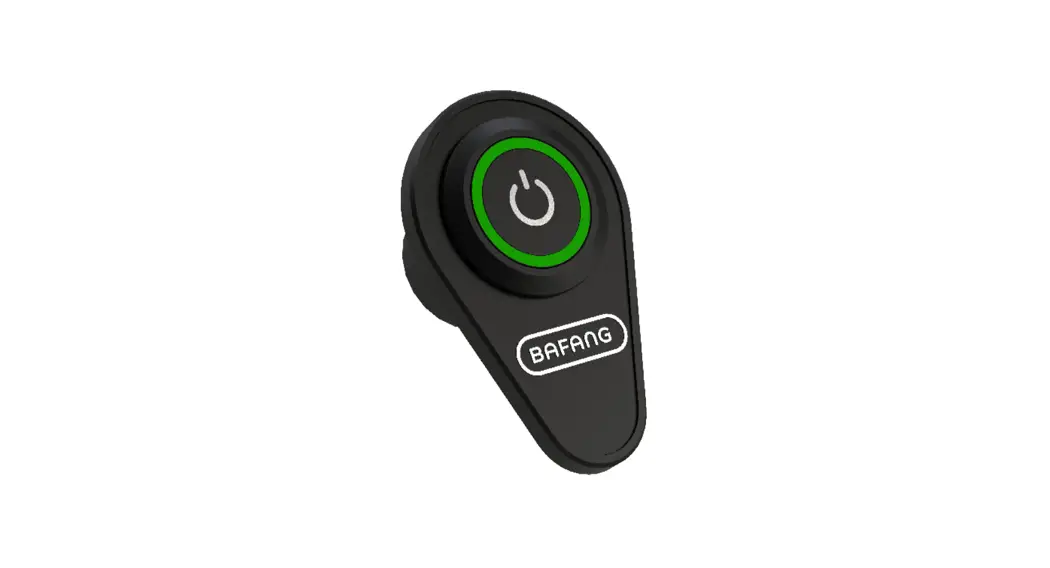
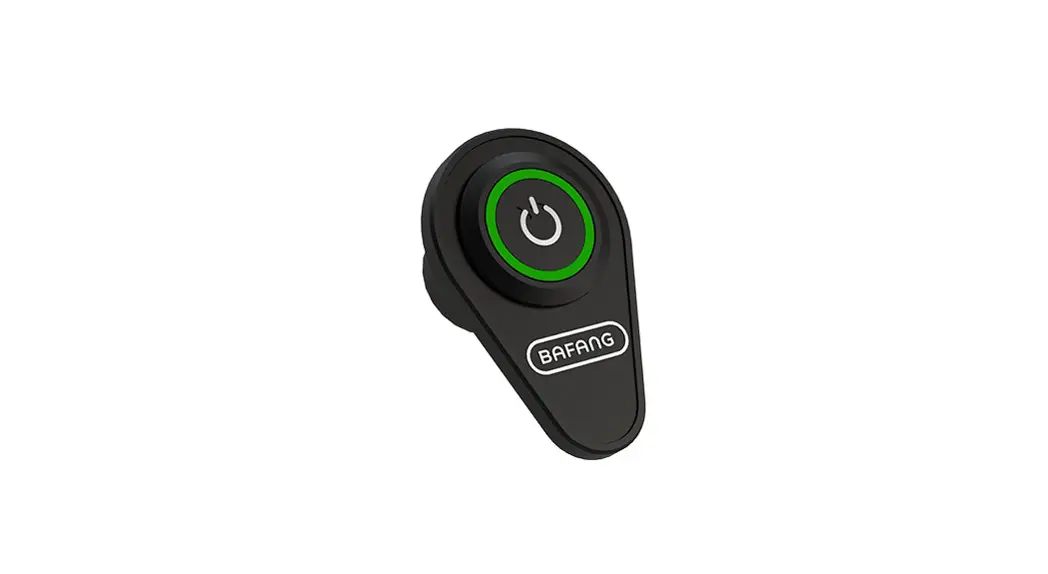
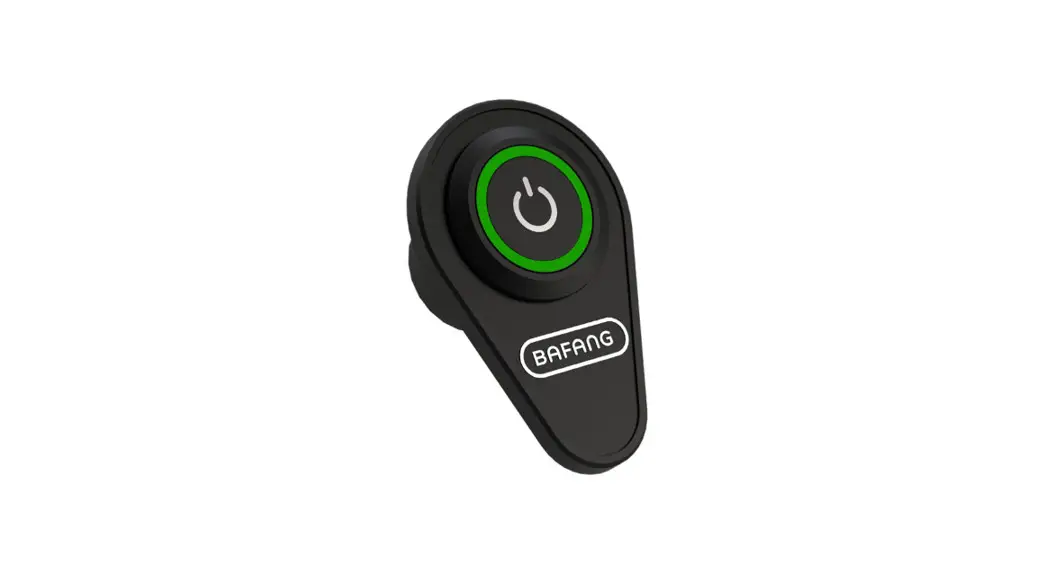
- Power On/Off: Press and hold (>2.5S) on the display to turn
on the system. Press and hold (>2.5S) again to turn off the
system.
Normal Operation
Power On/Off
Press and hold (>2.5S) on the display to turn on the system.
Press and hold (>2.5S) again to turn off the system.
Support Level Selection
When the display is turned on, press the (+) or (-) button to
select the desired support level.
Headlight/Backlight
Press the headlight/backlight button to turn on/off the
headlight/backlight.
Battery Capacity Indication
The battery capacity is indicated on the display.
Bluetooth Indication
The Bluetooth status is indicated on the display.
Error Code Definition
Error codes are defined in the dealer manual for troubleshooting
purposes.
7 DEALER MANUAL FOR DP E162.CAN/ DP E163.CAN
DEALER MANUAL FOR DISPLAY
CONTENT
7.1 Important Notice 7.2 Introduction of Display 7.3 Product Description
7.3.1 Specifications 7.3.2 Functional Overview 7.4 Display Installation 7.4.1 Installation Position 7.4.2 Installation Steps 7.5 Display
2
7.6 Key Definition
4
2
7.7 Normal Operation
5
3
7.7.1 Power On/Off
5
3
7.7.2 Support Level Selection
5
3
7.7.3 Headlight/ Backlight
5
3
7.7.4 Battery Capacity Indication
6
3
7.7.5 Bluetooth Indication
6
3
7.8 Error Code Definition
7
4
BF-DM-C-DP E162&E163-EN November 2022 1
7.1 IMPORTANT NOTICE
· If the error information from the display cannot be corrected according to the instructions, please contact your retailer.
· The product is designed to be waterproof. It is highly recommended to avoid submerging the display under water.
· Do not clean the display with a steam jet, high-pressure cleaner or water hose.
· Please use this product with care.
· Do not use thinners or other solvents to clean the display. Such substances can damage the surfaces.
· Warranty is not included due to wear and normal use and aging.
7.2 INTRODUCTION OF DISPLAY
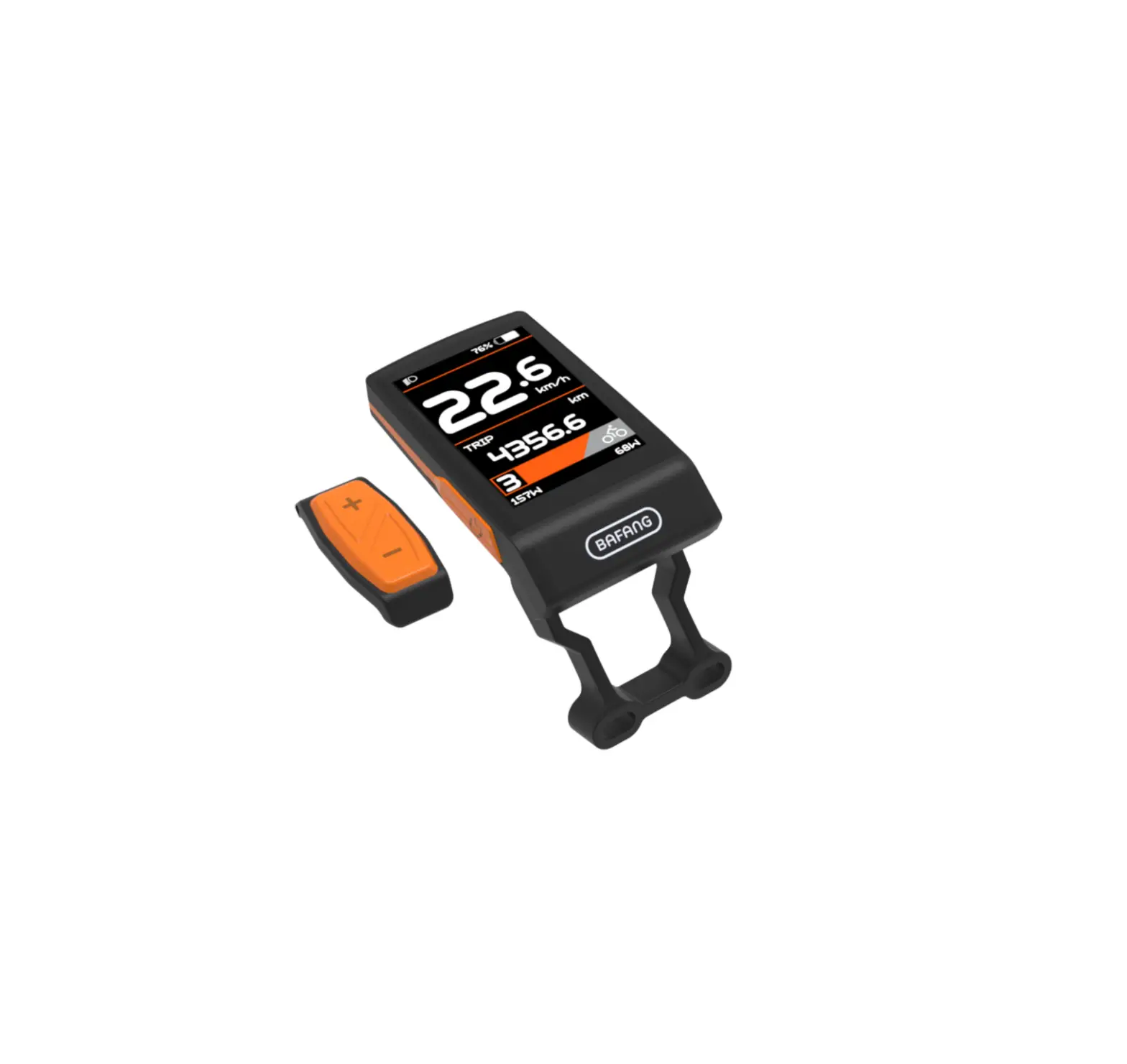
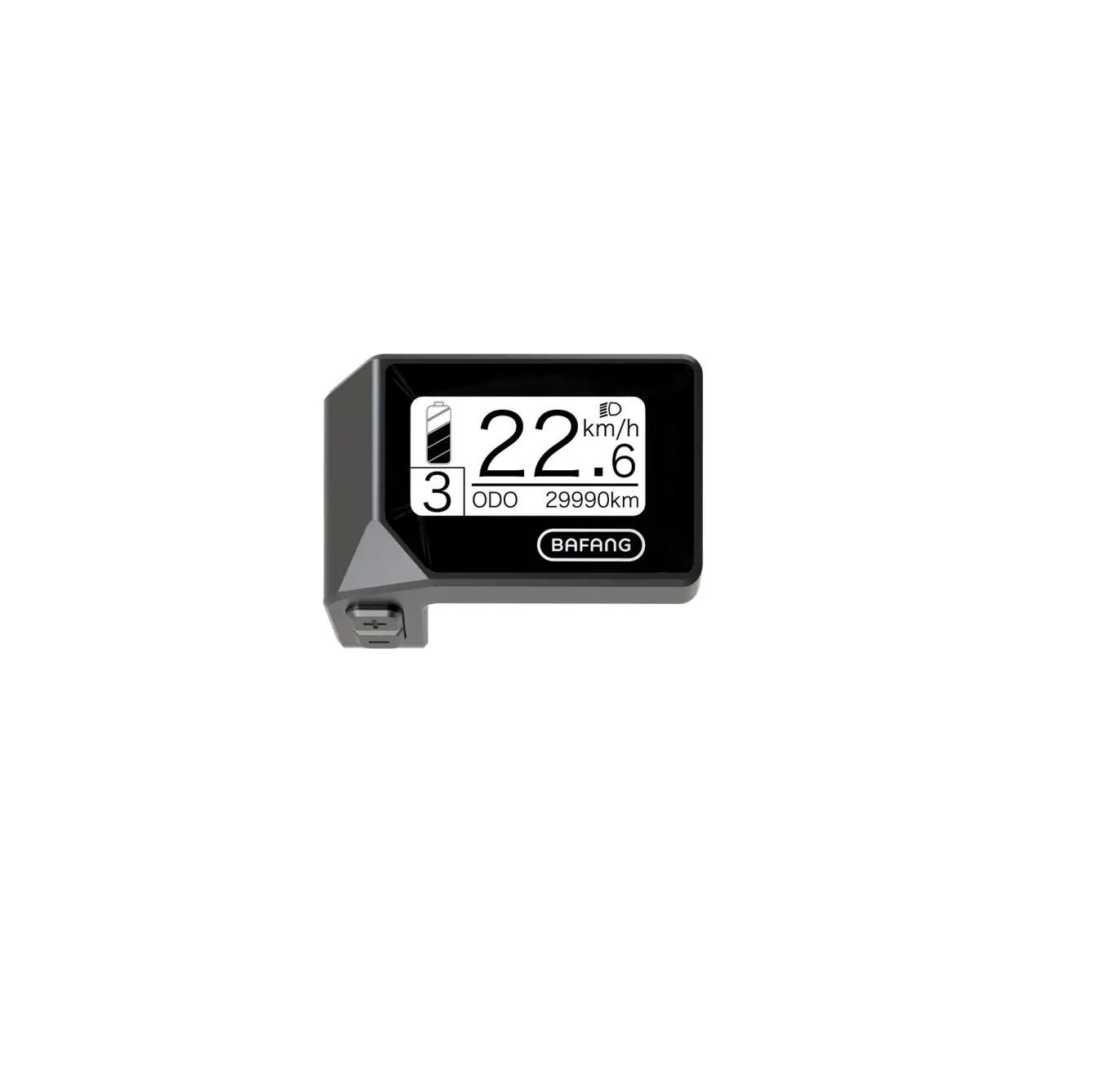
· Model: DP E162.C/ DP E163.CAN · Appearance:
· Identification:
DPE162CF80101.0 PD031505
DPE163CF80101.0 PD031505
Note: Please keep the QR code label attached to the display cable. The information from the label is used for software update.
2 BF-DM-C-DP E162&E163-EN November 2022
DEALER MANUAL FOR DISPLAY
7.3 PRODUCT DESCRIPTION
7.3.1 Specifications · Operating temperature: -20~45 · Storage temperature: -20~60 · Waterproof: IP65 · Storage room Humidity: 30%-70% RH
7.3.2 Functional Overview
· Battery capacity indication · Support level indication · Real-time speed indication · Headlight control and indication · Error code indication · Automatic light sensitivity function · Bluetooth function (only in DP E163.CAN)
7.4 DISPLAY INSTALLATION
7.4.1 Installation Position
Top tube is disconnected from down tube:
HMI can be mounted on the front of top tube
7.4.2 Installation Steps
Place the display into the tube from the upper mounting hole, then tighten the M4*12 screws from the bottom mounting holes.
Top tube is connected to down tube:
Recommended installation position
If HMI is mounted on the front of top tube, it is hard to fix the screws.
BF-DM-C-DP E162&E163-EN November 2022 3
7.5 DISPLAY
1
2
3
4
5
1 Battery capacity indicator 2 Speed indicator 3 Support level indicator 4 Headlight indicator 5 Bluetooth indicator
7.6 KEY DEFINITION
Power On/Off
4 BF-DM-C-DP E162&E163-EN November 2022
DEALER MANUAL FOR DISPLAY
7.7 NORMAL OPERATION
7.7.1 Power On/ Off
Press and hold Press and hold
(>2.5S) on the display to turn on the system. (>2.5S) again to turn off the system.
7.7.2 Support Level Selection
When the display is turned on, press the (<0.5S) button to switch to the support level, the lowest level is 1, the highest level is 3. When the support level indicator doesn’t light up, there is no power assistance.
7.7.3 Headlight/ Backlight
Double click the Double click the
button to turn on the headlight, and the display interface dims. button again to turn off the headlight and the display interface lights up.
BF-DM-C-DP E162&E163-EN November 2022 5
7.7.4 Battery Capacity Indication
The battery capacity is indicated with 5 levels. When the lowest level indicator flashes that means battery needs to charge. The battery capacity is shown as follows:
Bars 5 bars 4 bars 3 bars 2 bars 1 bar 1 flashing
Capacity Range 80%-100% 60%-80% 40%-60% 20%-40% 5%-20% <5%
Example
7.7.5 Bluetooth Indication
Note: Only DP E163.CAN is the Bluetooth version. This display is equipped with OTA function, which can update firmware through the bluetooth. This display can be connected to the Bafang Go APP through Bluetooth. The customer also can develop their own app based on the SDK provided by BAFANG. The data that can be sent to APP are as follow:
No.
Function
No.
Function
1
Speed
8
2
Support level
9
Range Heart beat
3
Battery
10
Calories
4
Current
11
Sensor signal
5
Headlight state
12
Battery Info.
6
Trip
13
Ststem Info.
7
ODO
14
Error code
6 BF-DM-C-DP E162&E163-EN November 2022
7.8 ERROR CODE DEFINITION
DEALER MANUAL FOR DISPLAY
The ebike system’s parts are automatically monitored in real time. If a part is abnormal, the corresponding error code is displayed on the HMI. The E162.CAN/ E163.CAN flashes the code at a frequency of 1 Hz.
The troubleshooting methods in the list are listed in order according to the fault probability and the operability of the related parts. In practice, dealers can adjust the order based on the existing tools and spare parts. (For detailed disassembly steps, please refer to the dealer manual of the corresponding parts on the official website. <www.bafang-e.com>)
In order to protect the electric parts, before disassembling the parts, please switch off the system power first by pressing the control unit of HMI and then disconnect the power cable of the disassembled part. When installing the parts, please fix the parts first, then connect the power cable of the parts, and finnally switch on the system power by pressing the control unit of HMI. Please contact Bafang after-sale service personnel <[email protected]> if the above troubleshooting fails to solve the problem or the error code is not in the above list.
Code
05 07
Cause Throttle not in place
System overvoltage protection
Troubleshooting
Hub Motor System
Mid Motor System
1. Check whether the throttle is in place. 1. Check whether the throttle is in place.
2. Check whether the throttle cable is connected correctly or the cable (from throttle to controller) is damaged.
2. Check whether the throttle cable is connected correctly or the cable (from throttle to drive unit) is damaged.
3. Troubleshoot the faulty part: 1) Replace the throttle 2) Replace the controller
3. Troubleshoot the faulty part: 1) Replace the throttle 2) Replace the drive unit
1. Check whether the nominal voltage of the battery is the same as the controller.
1. Check whether the nominal voltage of the battery is the same as the drive unit.
2. Troubleshoot the faulty part: 1) Replace the battery 2) Replace the controller
2. Troubleshoot the faulty part: 1) Replace the battery 2) Replace the drive unit
1. Check whether the motor cable is
connected correctly or the cable (from
08
Hall signal in motor is abnormal
motor to controller) is damaged. 2. Troubleshoot the faulty part:
Replace the drive unit
1) Replace the motor
2) Replace the controller
BF-DM-C-DP E162&E163-EN November 2022 7
Code
Cause
Troubleshooting
Hub Motor System
Mid Motor System
1. Check whether the motor cable is
connected correctly or the cable (from
motor to controller) is damaged.
09 Phase wire in motor abnormal
2. Troubleshoot the faulty part:
Replace the drive unit
1) Replace the motor
2) Replace the controller
1. If riding for a long time, turn off the 1. If riding for a long time, turn off
Motor overtemperature system and let the motor cool down. the system and let the drive unit
protection
2. If no ride or riding for a short time, cool down.
10
(Only occur when the troubleshoot the faulty part:
2. If no ride or riding for a short
motor is equipped with the 1) Replace the motor
time, replace the drive unit.
temperature sensor.)
2) Replace the controller
1. Check whether the motor cable is
Motor temperature sensor
connected correctly or the cable (from
abnormal
motor to controller) is damaged.
11
(Only occur when the
Replace the drive unit
2. Troubleshoot the faulty part:
motor is equipped with the
1) Replace the motor
temperature sensor.)
2) Replace the controller
12
Controller curent sensor abnormal
Replace the controller
Replace the drive unit
1. If riding for a long time, turn off 1. If riding for a long time, turn off
the system and let the controller cool the system and let the drive unit cool
14
Controller overtemperature down. protection
down.
2. If no ride or riding for a short time, 2. If no ride or riding for a short time,
replace the controller.
replace the drive unit.
15
Controller temperature sensor Replace the controller
abnormal
Replace the drive unit
8 BF-DM-C-DP E162&E163-EN November 2022
DEALER MANUAL FOR DISPLAY
Code
21
Cause Speed sensor abnormal
Troubleshooting
Hub Motor System
Mid Motor System
1. Check whether the motor cable is connected correctly or the cable (from motor to controller) is damaged.
2. Troubleshoot the faulty part: 1) Replace the motor 2) Replace the controller
1. Check whether the spoke magnet has fallen off or the clearance between the spoke magnet and the speed sensor is within the normal range (10-15mm).
2. Check whether the speed sensor cable is connected correctly or the cable (from sensor to drive unit) is damaged.
3. Troubleshoot the faulty part: 1) Replace the speed sensor 2) Replace the drive unit
1. Check whether the torque sensor
Torque sensor abnormal
cable is connected correctly or the cable (from sensor to controller) is
26 (Only occur when the drive damaged.
system is equipped with the 2. Troubleshoot the faulty part:
torque sensor.) 1) Replace the torque sensor
2) Replace the controller
Replace the drive unit
1. Check whether the HMI cable is connected correctly or the cable (from HMI to controller) is damaged.
1. Check whether the HMI cable is connected correctly or the cable (from HMI to drive unit) is damaged.
2. Troubleshoot the faulty part:
2. Troubleshoot the faulty part:
1) Replace the controller if the HMI 1) Replace the drive unit if the HMI
30 Communication abnormal turns off automatically after appear- turns off automatically after appear-
ing error code for 20 seconds.
ing error code for 20 seconds.
2) Replace the HMI if the HMI
2) Replace the HMI if the HMI
doesn’t turn off automatically after doesn’t turn off automatically after
appearing error code for 20 seconds. appearing error code for 20 seconds.
(move to the next page)
(move to the next page)
BF-DM-C-DP E162&E163-EN November 2022 9
Code
Cause
Troubleshooting
Hub Motor System
Mid Motor System
3) If the BESST tool is available, con- 3) If the BESST tool is available,
nect it with HMI and controller, read connect it with HMI and drive unit,
30 Communication abnormal the information of HMI and controller read the information of HMI and drive
and replace the part that cannot read unit and replace the part that cannot
information.
read information.
1. If keep pressing the ON/OFF
1. If keep pressing the ON/OFF
ON/OFF Button detection button when the HMI powers on, the button when the HMI powers on, the
circuit abnormal
error code will alarm. Release the
error code will alarm. Release the
36
(Only occur when the drive system is equipped with
button and observe whether the code button and observe whether the code
disappears.
disappears.
Bafang CAN communication 2. Troubleshoot the faulty part:
2. Troubleshoot the faulty part:
protocol.)
1) Replace the HMI
1) Replace the HMI
2) Replace the controller
2) Replace the drive unit
37
WDT (Watch Dog Timer) in Replace the controller
controller is abnormal
42
Discharge voltage of battery pack is too low
1. Charge the battery 2. Replace the battery
49
Discharge voltage of single 1. Charge the battery
cell is too low
2. Replace the battery
4c
Voltage difference between Replace the battery
single cell
Replace the drive unit
The battery error codes of 42, 49, 4C only occur when the drive system is equipped with the smart BMS and Bafang CAN communication protocol.
10 BF-DM-C-DP E162&E163-EN November 2022
 BAFANG | Home |