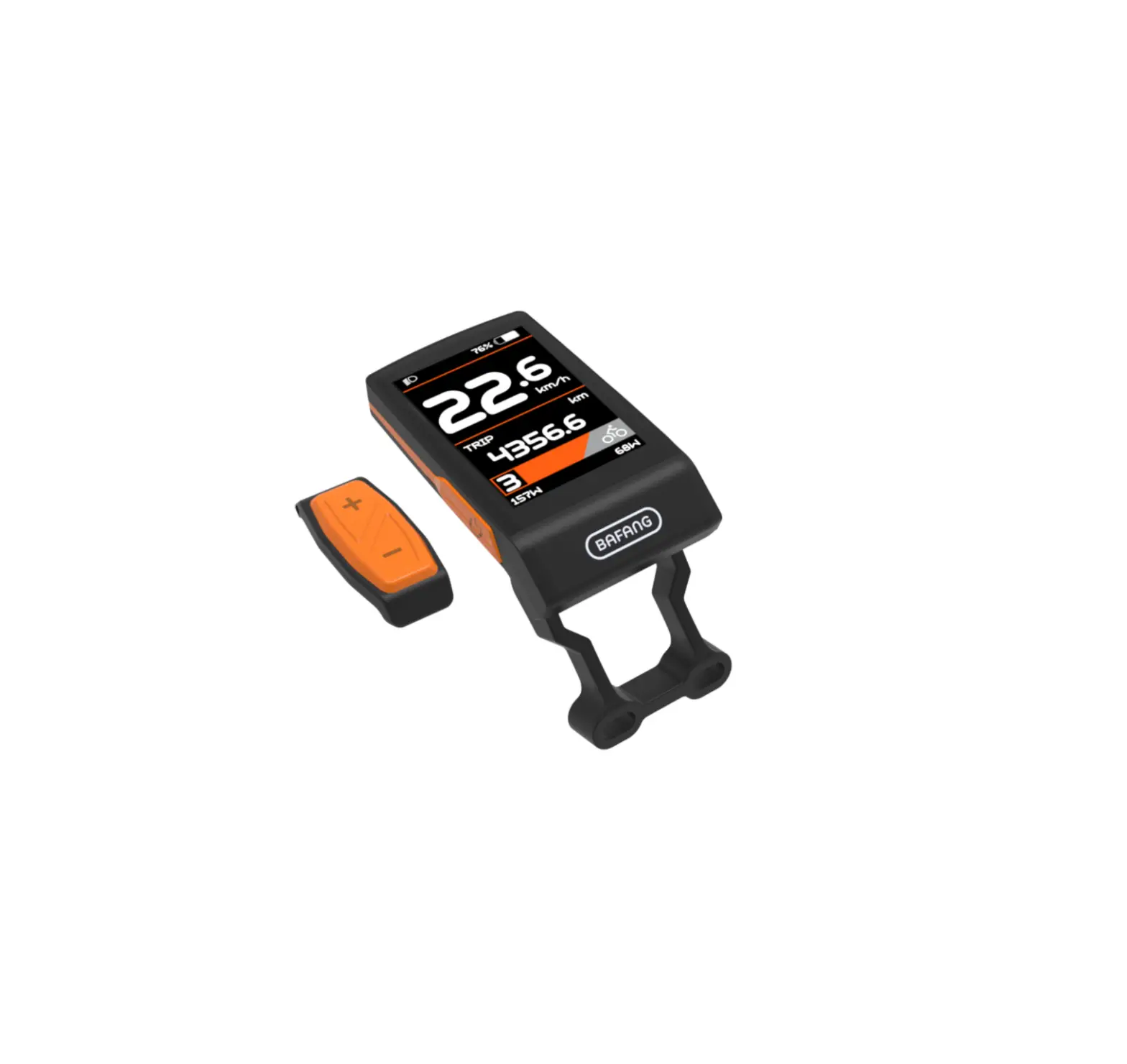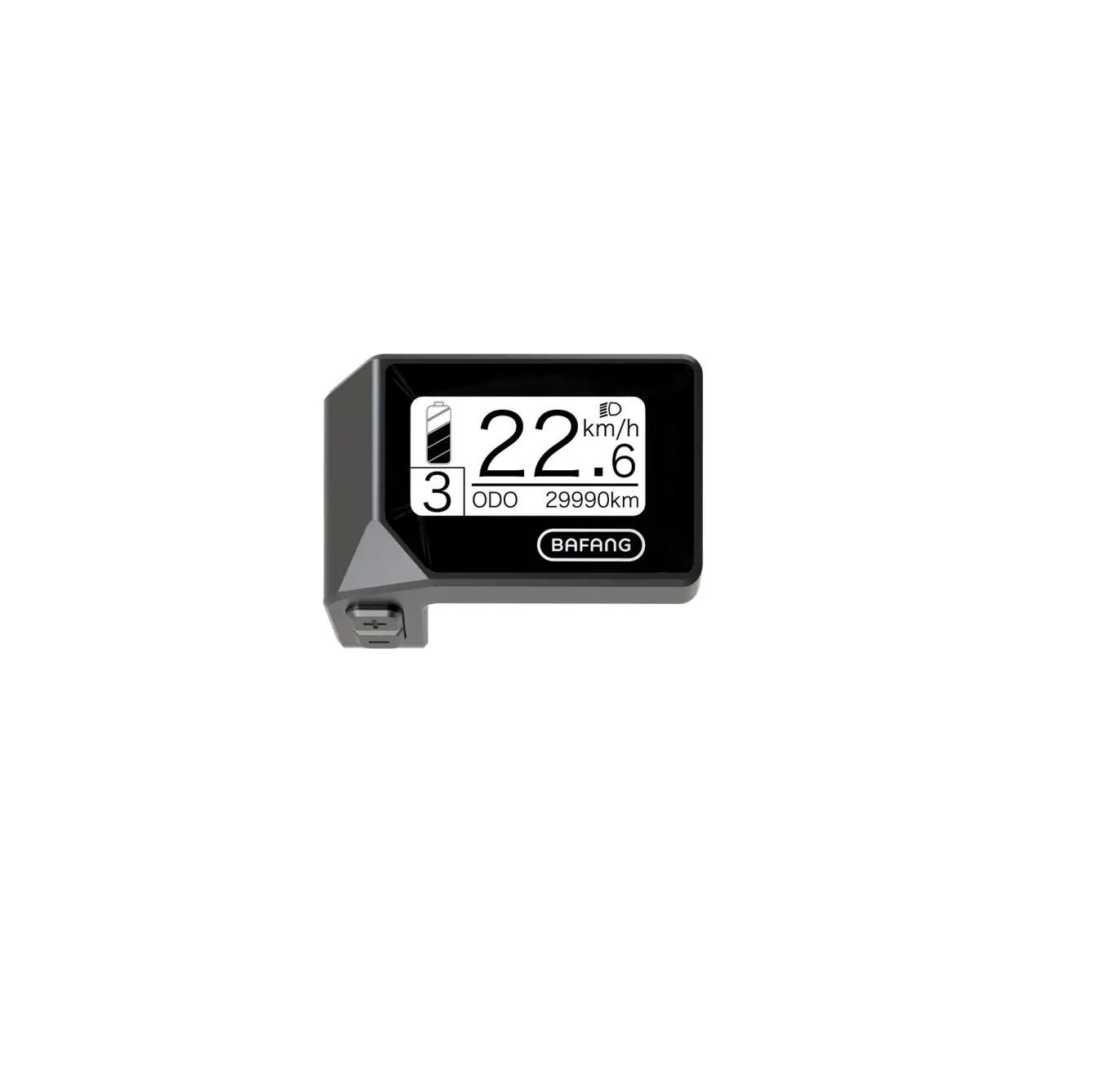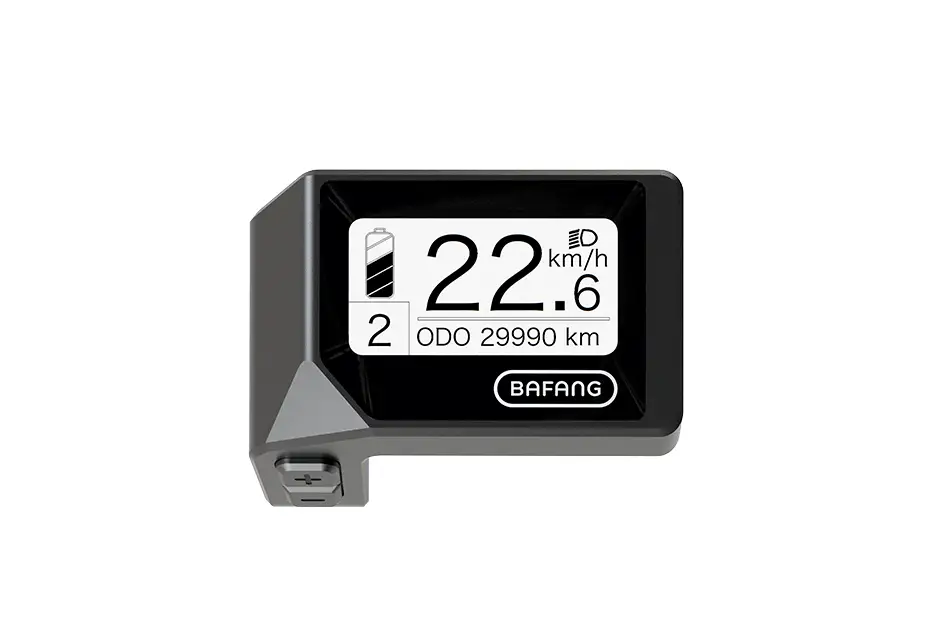
 DP E171.CAN Display Drive System
Owner’s Manual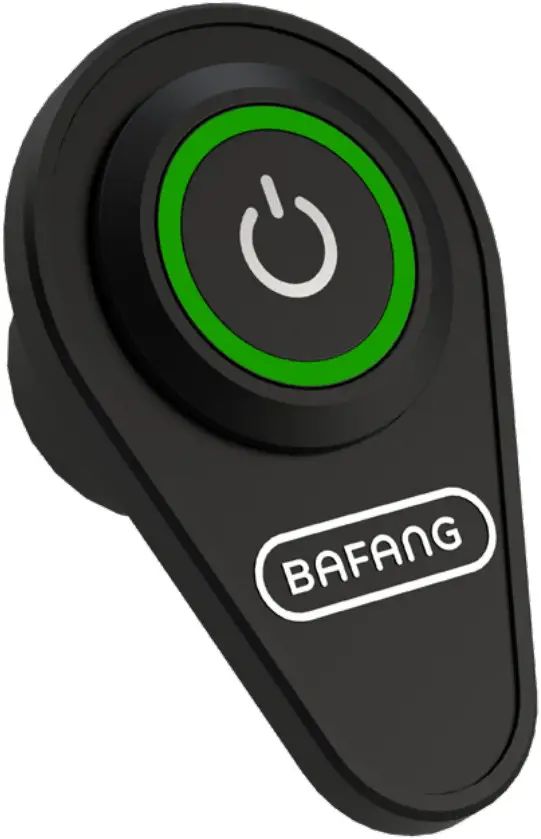
IMPORTANT NOTICE
- If the error information from the display cannot be corrected according to the instructions, please contact your retailer.
- The product is designed to be waterproof. It is highly recommended to avoid submerging the display under water.
- Do not clean the display with a steam jet, high-pressure cleaner or water hose.
- Please use this product with care.
- Do not use thinners or other solvents to clean the display. Such substances can damage the surfaces.
- Warranty is not included due to wear and normal use and aging.
INTRODUCTION OF DISPLAY
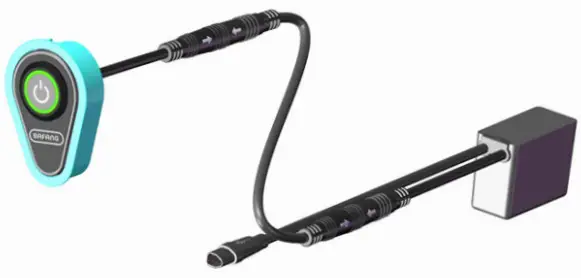
- Model: DP E171.CAN

- The label marking is as follow:
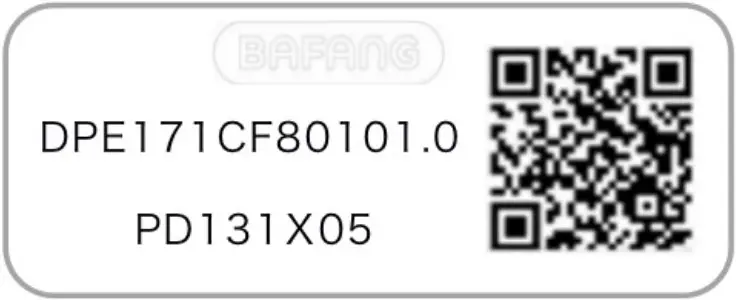 DPC10K10201.1 PD2526051305 DP C10.U 2.0 00AF8Q5120001
 Note: Please keep the QR code label attached to the display cable. The information from the Label is used for a later possible software update.
PRODUCT DESCRIPTION
7.3.1 Specifications
- Operating temperature: -20℃~45 ℃
- Storage temperature: -20℃~60 ℃
- Waterproof: IPX5
- Bearing humidity: 30%-70% RH
7.3.2 Functional Overview
- Battery capacity indicator
- Switch on and off
- Indication and selection of support level
- Control of lighting system
- Indication for error messages
DISPLAY INSTALLATION
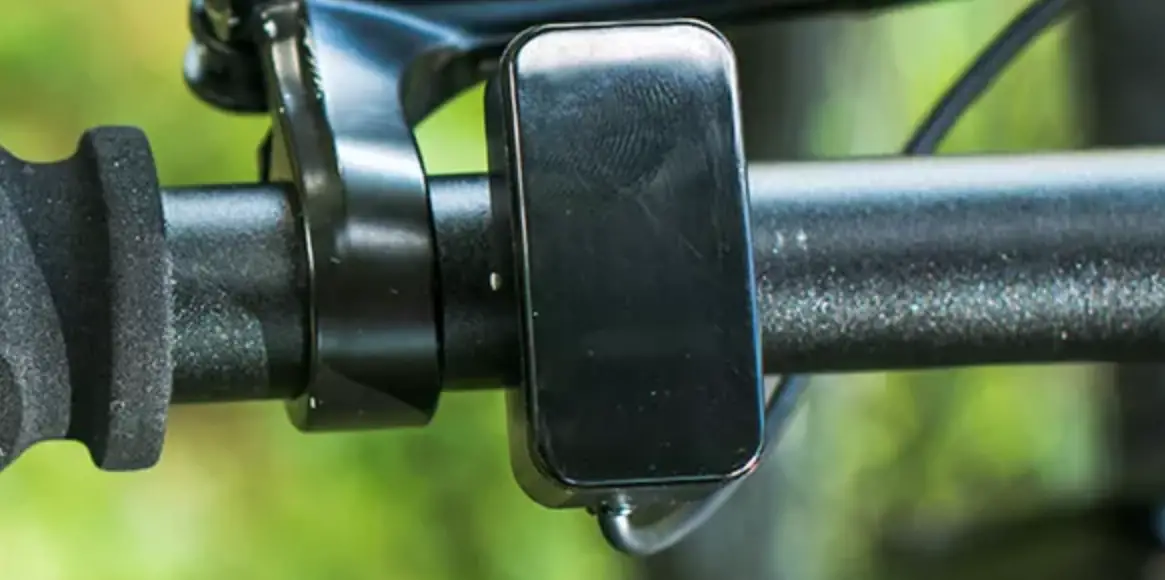
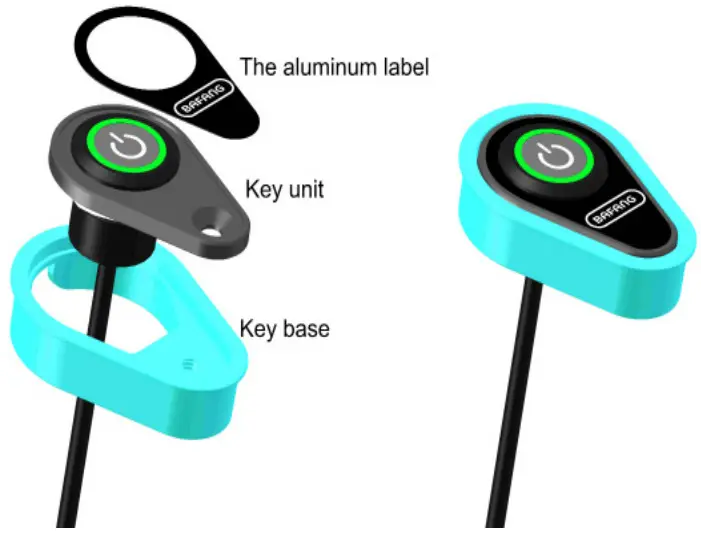
- After the bracket is welded to the bicycle frame, the key unit can be fixed on the key base by M4*12 cross recessed countersunk screws. Then attach the aluminum label.
 Please keep the surface of key unit clean and dry. After attaching the label, please apply a certain of pressure to make it fit.
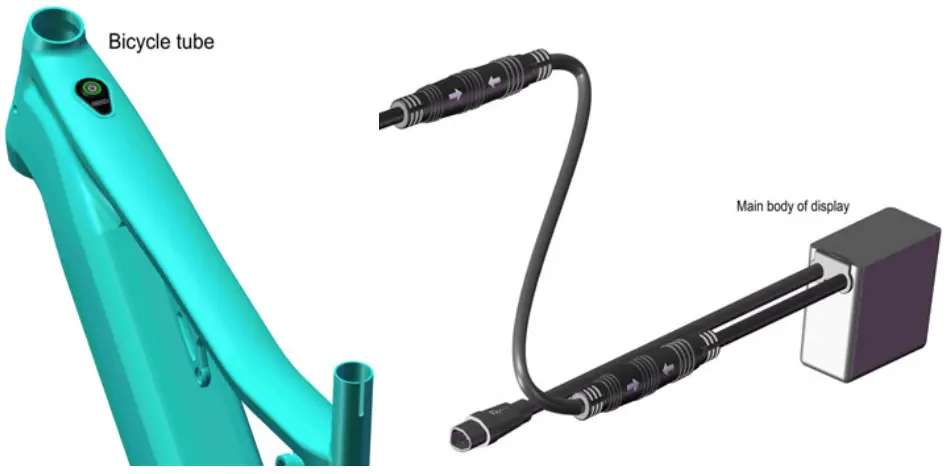
 - Assemble the main body of display with cabling through customer’s bicycle tube.

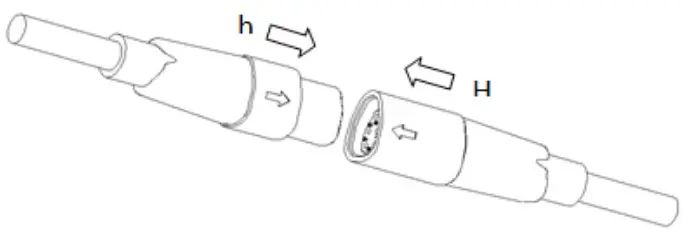
- Dock the DP’s male connector “h” with EB-BUS’s female connector “H” as indicated.

DISPLAY INFORMATION
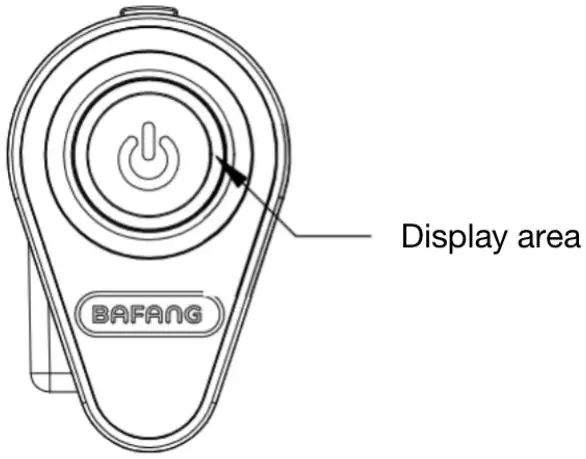
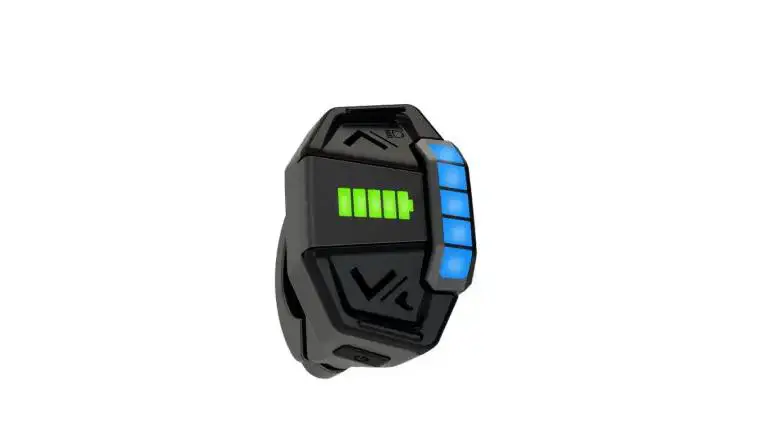
The display area is indicated by RGB lights, including the support level, battery capacity and error indication.
- Display of Support Level
It shows the current support level of 1-3. - Display of Battery Capacity
The RGB light indicates the current battery capacity. Under the state of support level, if there is no operation within 5s, the screen will switch to display the battery capacity. - Display of Error Code
The RGB light flashes at a frequency of 1Hz.
KEY DEFINITION
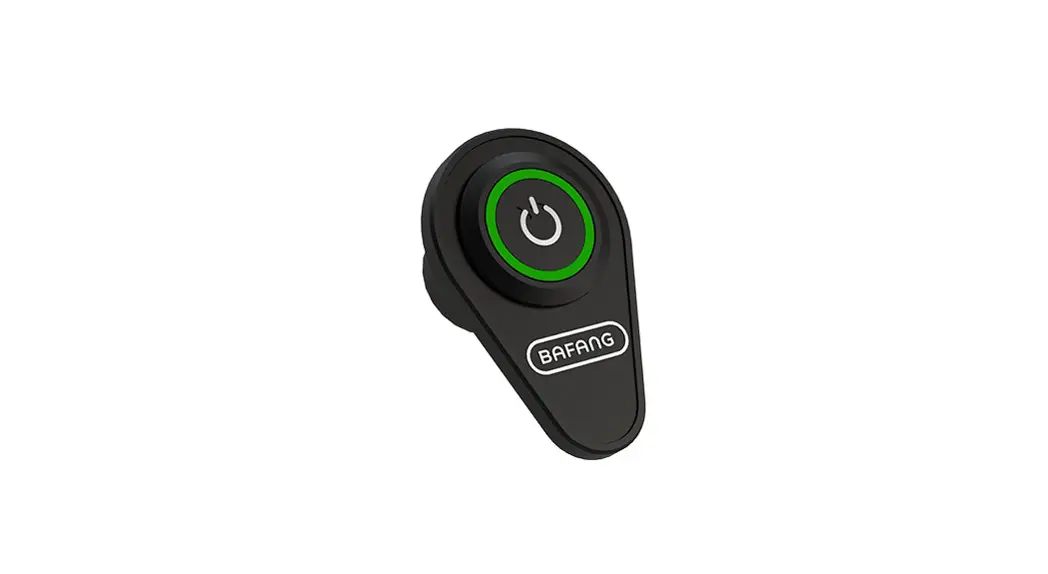
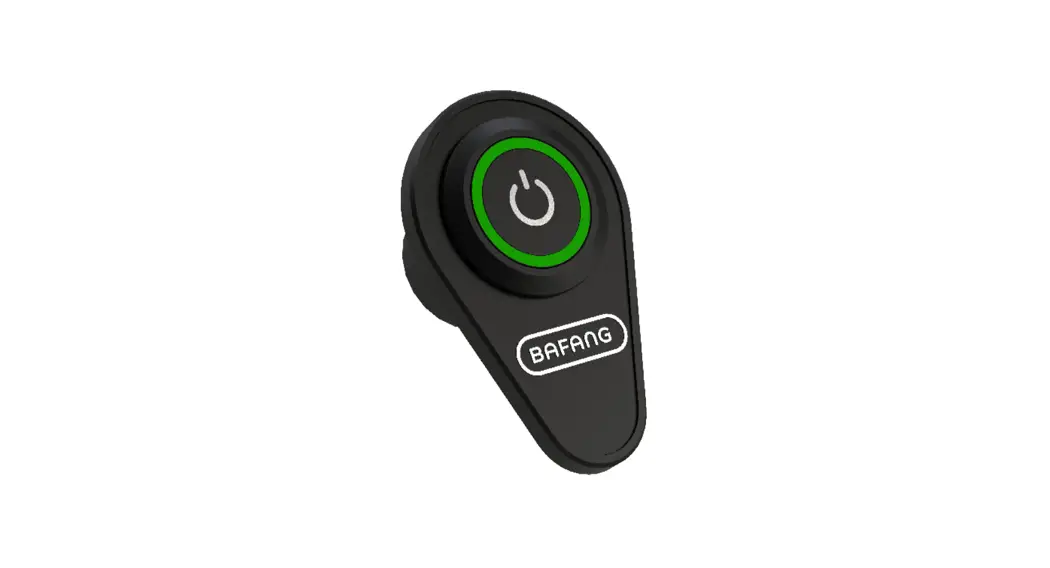
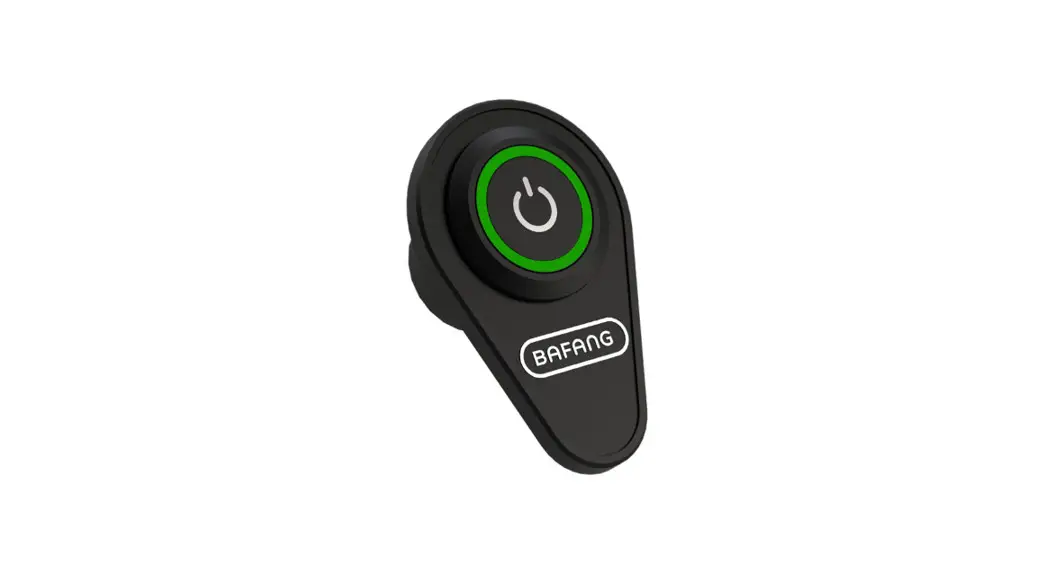
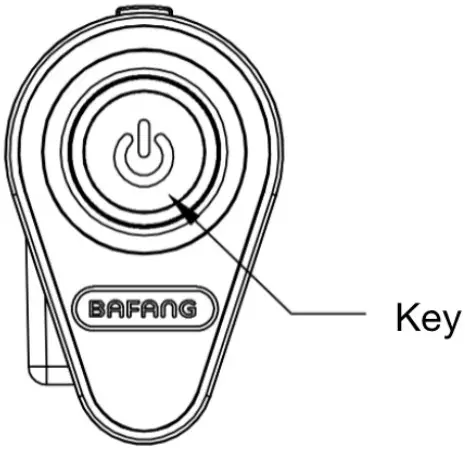
DP E171.CAN has a single button, which achieves to power on and off the machine, select the support levels, and switch on and off the headlight.
NORMAL OPERATION
7.7.1 Switching the System ON/OFF
Press and hold  (>2S) on the display to turn on the system.
Press and hold (>2S) again to turn off the system.
In the off state, the leakage current is less than 1uA.
7.7.2 Selection of Support Levels
When the display is turned on, press (<0.5S) to switch the support levels and change the output power of the motor. The default level is level 1-3. The lowest level is 1, the highest level is 3.
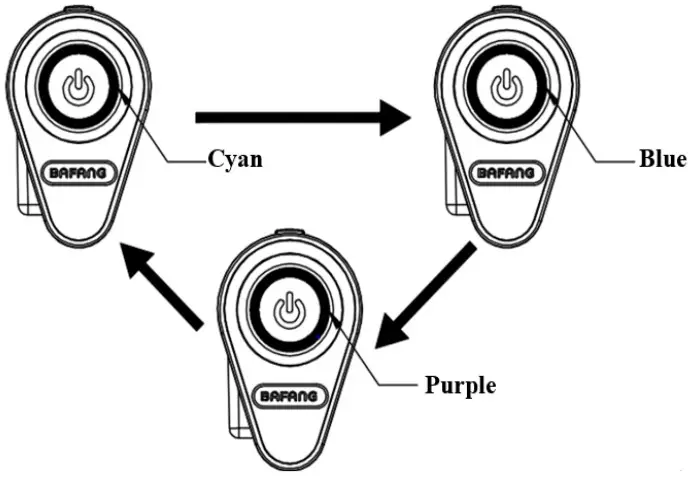 level 1- Cyan; level 2- Blue; level 3- Purple
7.7.3 Headlights / backlighting
ON: Double click when the light is off, and the controller will turn on the lights.
OFF: Double click when the light is on, and the controller will turn off the light. (After turning on the headlight, the brightness of DP will decrease, and vice versa.)
7.7.4 Battery Capacity Indication
| Capacity Range | Color |
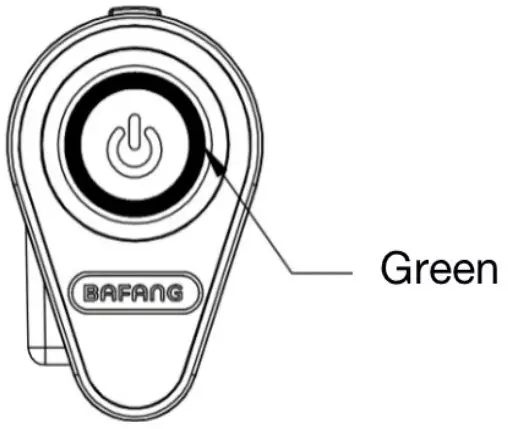
| 40% < C ≤ 100% | Green |
| 20% ≤ C ≤ 40% | Yellow |
| 5% ≤ C < 20% | Red |
| <5% | Flashing Red |
The current battery capacity is displayed by default upon powering on. Press (<0.5S) to display the current level, and short press again to switch the level.
Under the state of support level, if there is no operation within 5s, the screen will switch to display the battery capacity.
7.7.5 Bluetooth Function
DP E171.CAN can work with App (BAFANG GO) via Bluetooth, and all information can be displayed on the smart phone, such as bicycles, battery, sensor, controller and display.
The default name of Bluetooth is DP E171. CAN.
ERROR CODE DEFINITION
The display can show the errors of a pedelec. When the fault is detected, the RGB lights will flash at a frequency of 1 Hz. The flashing blue light indicates the tens digit of the error code, while the flashing cyan light indicates the unit digit. For example:
Error code 25 :
The blue light flickers for 2 times, and the cyan light flickers for 5 times.
Note: Please read carefully the description of the error code. When the error code appears, please first restart the system. If the problem is not eliminated, please contact your dealer or technical personnel.
| Error | Declaration | Troubleshooting |
| 04 | The throttle has fault. | 1. Check the connector and cable of the throttle are not damaged and correctly connected. 2. Disconnect and reconnect the throttle, if still no function please change the throttle. |
| 05 | The throttle is not back in its correct position. | Check the connector from the throttle is correctly connected. If this does not solve the problem, please change the throttle. |
| 07 | Overvoltage protection | 1. Remove and re-Insert the battery to see if it resolves the problem. 2. Using the BESST tool update the controller. 3. Change the battery to resolve the problem. |
| 08 | Error with the hall sensor signal inside the motor | 1. Check all connectors from the motor are correctly connected. 2. If the problem still occurs, please change the motor. |
| 09 | Error with the Engine phase’s | Please change the motor. |
| 10 | The temperature inside the engine has reached its maximum protection value | 1. Turn off the system and allow the Pedelec to cool down. 2. If the problem still occurs, please change the motor. |
| 11 | The temperature sensor inside the motor has an error | Please change the motor. |
| 12 | Error with the current sensor in the controller | Please change the controller or contact your supplier. |
| 13 | Error with the temperature sensor inside of the battery | 1. Check all connectors from the battery are correctly connected to the motor. 2. If the problem still occurs, please change the Battery. |
| 14 | The protection temperature inside the controller has reached its maximum protection value | 1. Allow the pedelec to cool down and restart the system. 2. If the problem still occurs, please change the controller or contact your supplier. |
| 15 | Error with the temperature sensor inside the controller | 1. Allow the pedelec to cool down and restart the system. 2. If the problem still occurs, Please change the controller or contact your supplier. |
| 21 | Speed sensor Error | 1. Restart the system 2. Check that the magnet attached to the spoke is aligned with the speed sensor and that the distance is between 10 mm and 20 mm. 3. Check that the speed sensor connector is connected correctly. 4. Connect the pedelec to BESST, to see if there is a signal from the speed sensor. 5. Using the BESST Tool- update the controller to see if it resolves the problem. 6. Change the speed sensor to see if this eliminates the problem. If the problem still occurs, please change the controller or contact your supplier. |
| 25 | Torque signal Error | 1. Check that all connections are connected correctly. 2. Please connect the pedelec to the BESST system to see if torque can be read by the BESST tool. 3. Using the BESST Tool update the controller to see if it resolves the problem, if not please change the torque sensor or contact your supplier. |
| 26 | Speed signal of the torque sensor has an error | 1. Check that all connections are connected correctly. 2. Please connect the pedelec to the BESST system to see if speed signal can be read by the BESST tool. 3. Change the Display to see if the problem is solved. 4. Using the BESST Tool update the controller to see if it resolves the problem, if not please change the torque sensor or contact your supplier. |
| 27 | Overcurrent from controller | Using the BESST tool update the controller. If the problem still occurs, please change the controller or contact your supplier. |
| 30 | Communication problem | 1. Check all connections on the pedelec are correctly connected. 2. Using the BESST Tool run a diagnostics test, to see if it can pinpoint the problem. 3. Change the display to see if the problem is solved. 4. Change the EB-BUS cable to see if it resolves the problem. 5. Using the BESST tool, re-update the controller software. If the problem still occurs please change the controller or contact your supplier. |
| 33 | Brake signal has an error (If brake sensors are fitted) | 1. Check all connectors are correctly connected on the brakes. 2. Change the brakes to see if the problem is solved. If problem continues Please change the controller or contact your supplier. |
| 35 | Detection circuit for 15V has an error | Using the BESST tool update the controller to see if this resolves the problem. If not, please change the controller or contact your supplier. |
| 36 | Detection circuit on the keypad has an error | Using the BESST tool update the controller to see if this resolves the problem. If not, please change the controller or contact your supplier. |
| 37 | Controller WDT circuit is faulty | Using the BESST tool update the controller to see if this resolves the problem. If not, please change the controller or contact your supplier. |
| 38 | Sensor WDT circuit is faulty | Using the BESST tool update the sensor to see if this resolves the problem. If not, please change the sensor or contact your supplier. |
| 41 | Total voltage from the battery is too high | Please change the battery. |
| 42 | Total voltage from the battery is too low | Please Charge the battery. If the problem still occurs, please change the battery. |
| 43 | Total power from the battery cells is too high | Please change the battery. |
| 44 | Voltage of the single cell is too high | Please change the battery. |
| 45 | Temperature from the battery is too high | Please let the pedelec cool down. If problem still occurs, please change the battery. |
| 46 | The temperature of the battery is too low | Please bring the battery to room temperature. If the problem still occurs, please change the battery. |
| 47 | SOC of the battery is too high | Please change the battery. |
| 48 | SOC of the battery is too low | Please change the battery. |
| 61 | Switching detection defect | 1. Check the gear shifter is not jammed. 2. Please change the gear shifter. |
| 62 | Electronic derailleur cannot release. | Please change the derailleur. |
| 71 | Electronic lock is jammed | 1. Using the BESST tool update the Display to see if it resolves the problem. 2. Change the display if the problem still occurs, please change the electronic lock. |
| 81 | Bluetooth module has an error | Using the BESST tool, re-update the software onto the display to see if it resolves the problem. If not, Please change the display. |
BF-DM-C-DP E171-EN November 2019