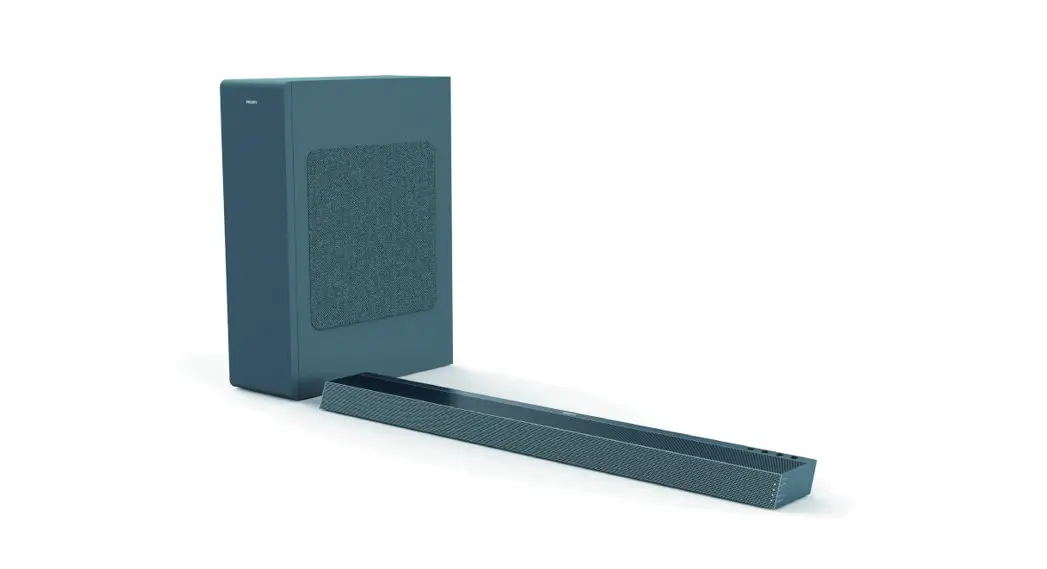
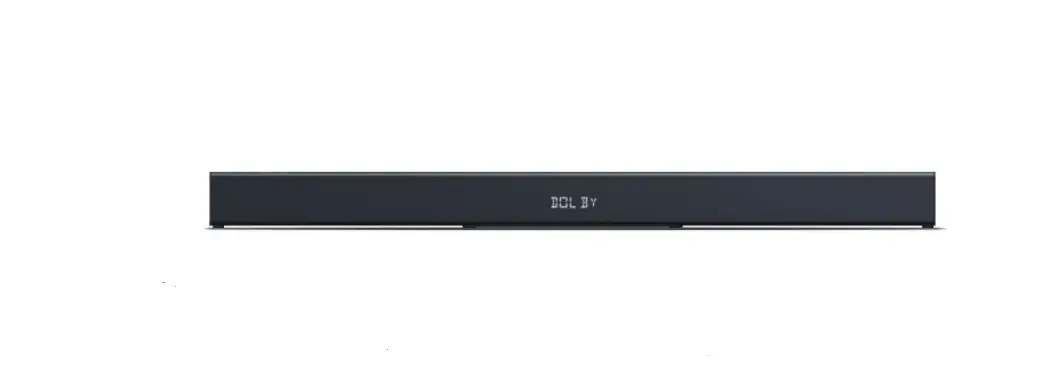
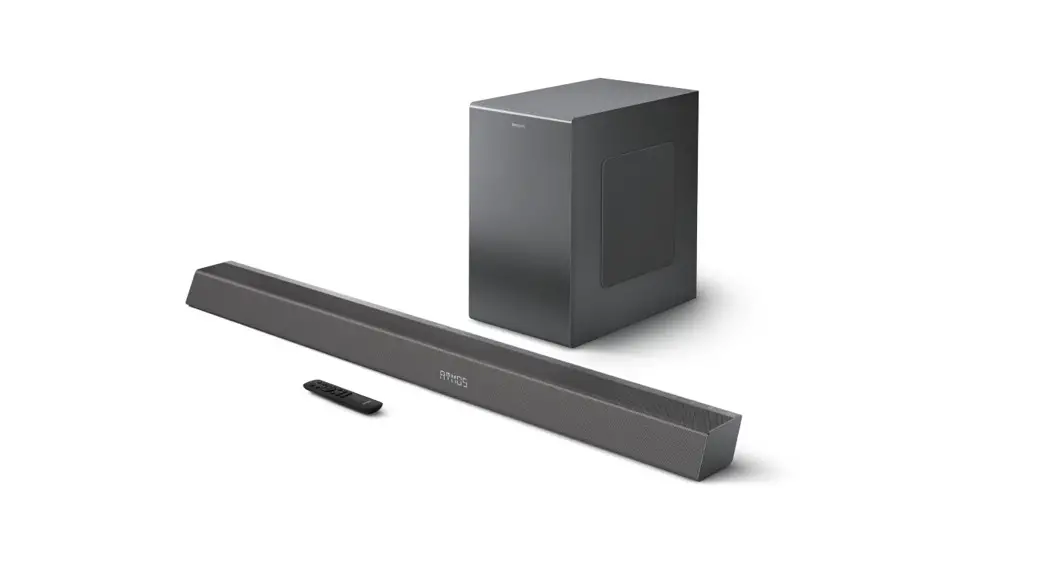
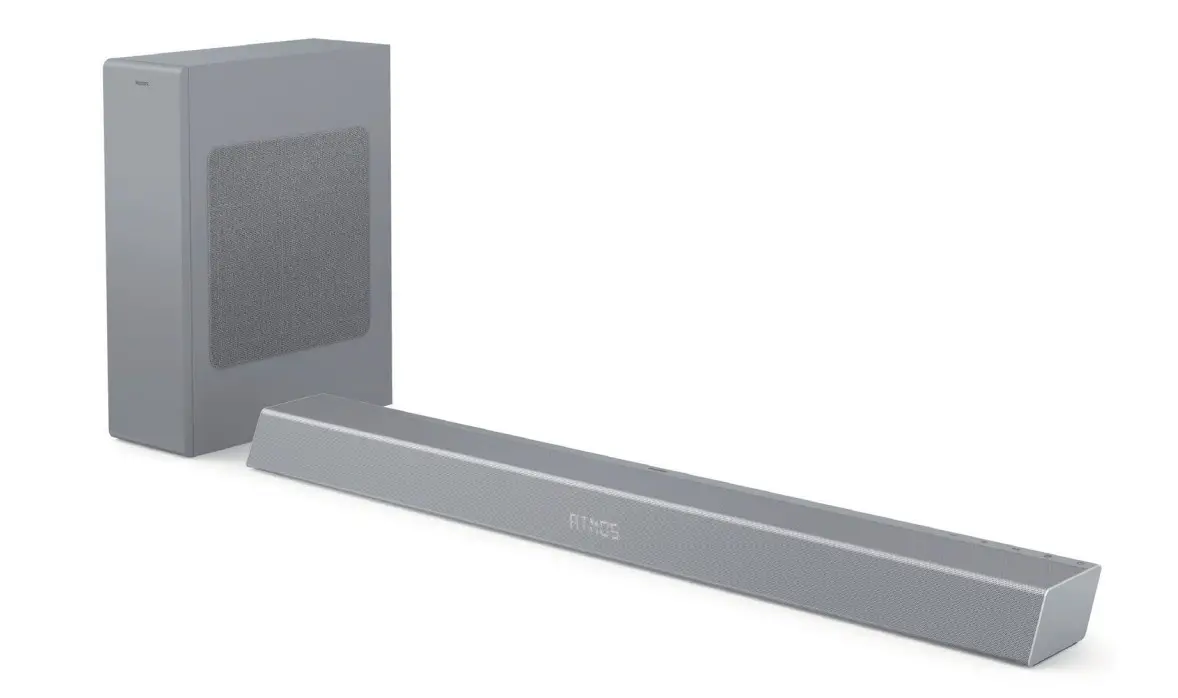
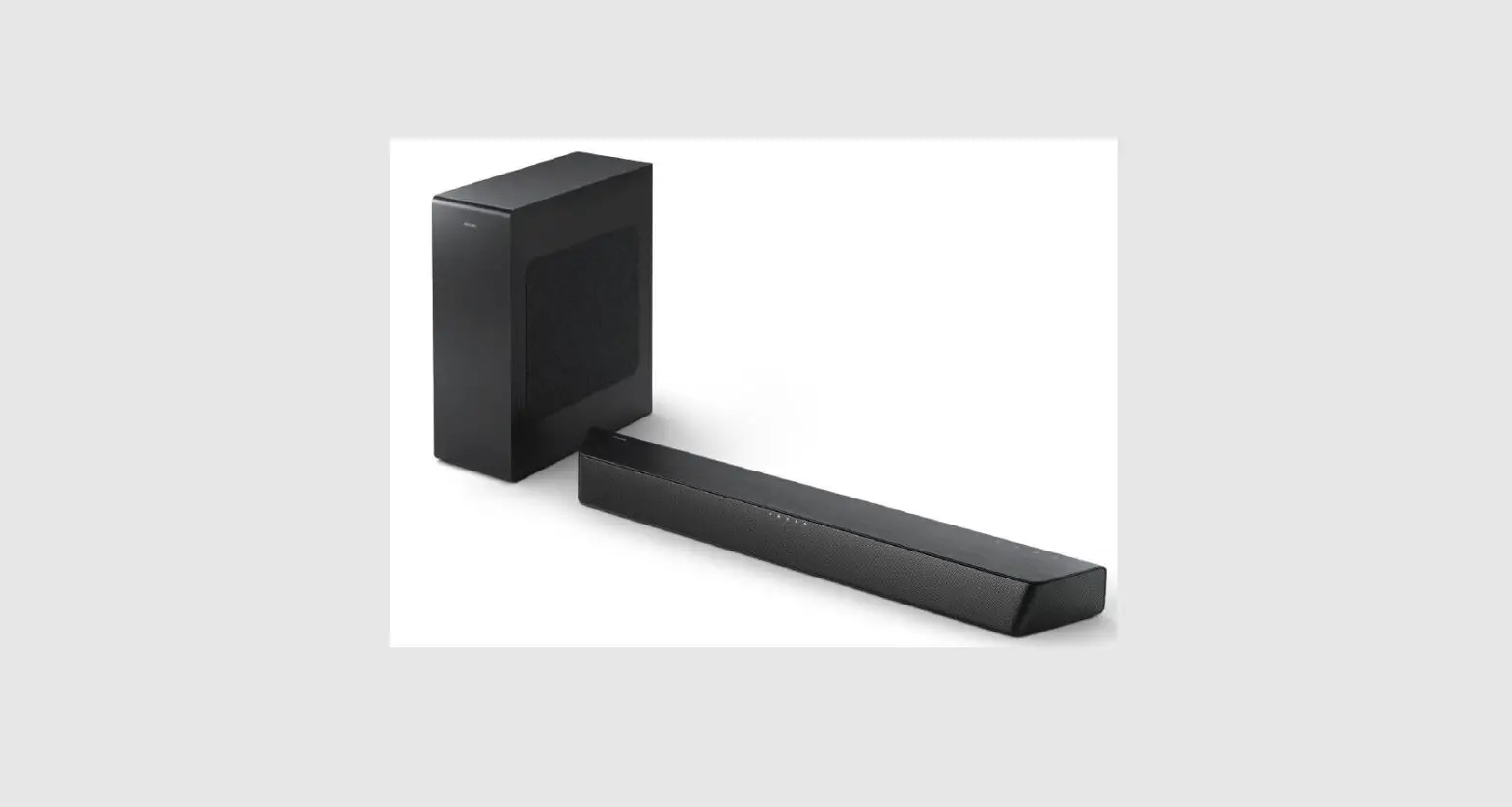
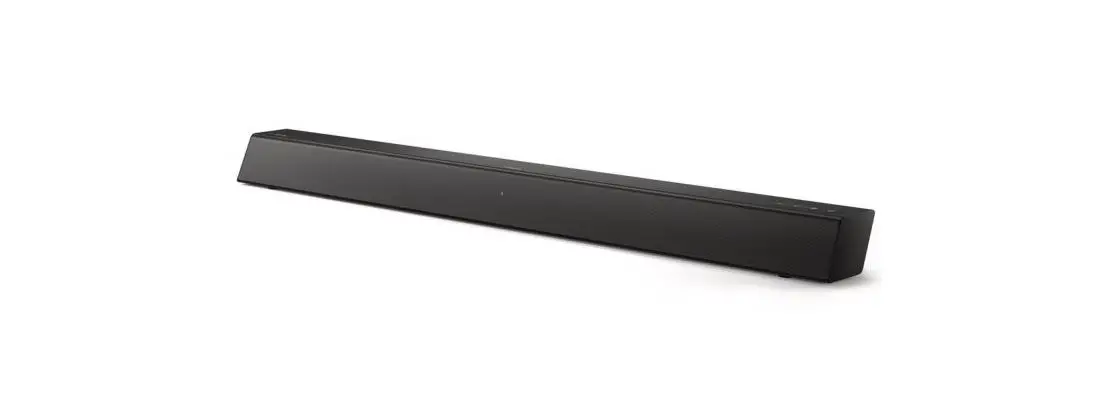
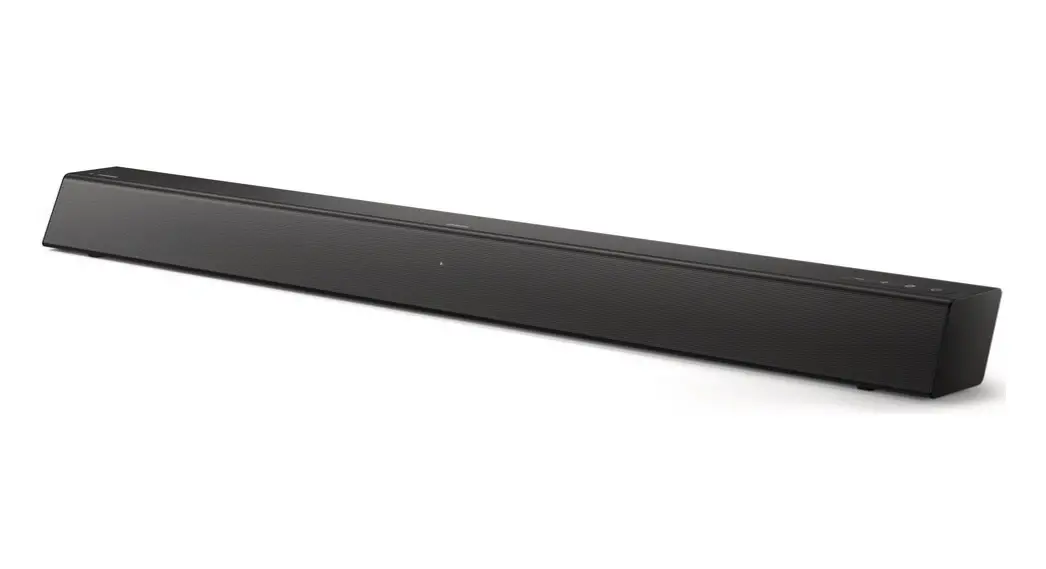
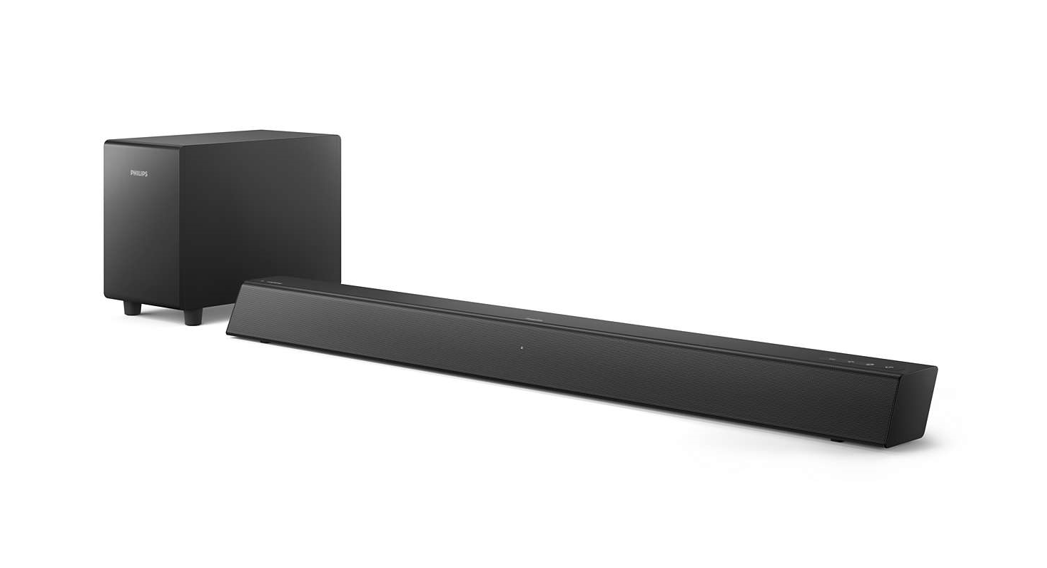
TAB4308 Soundbar
Product Information
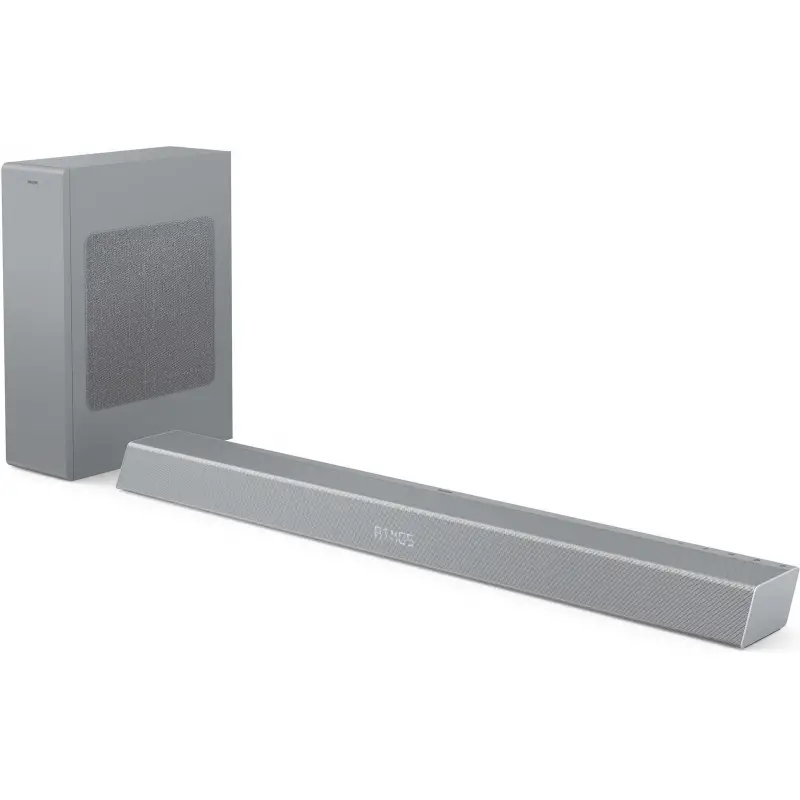
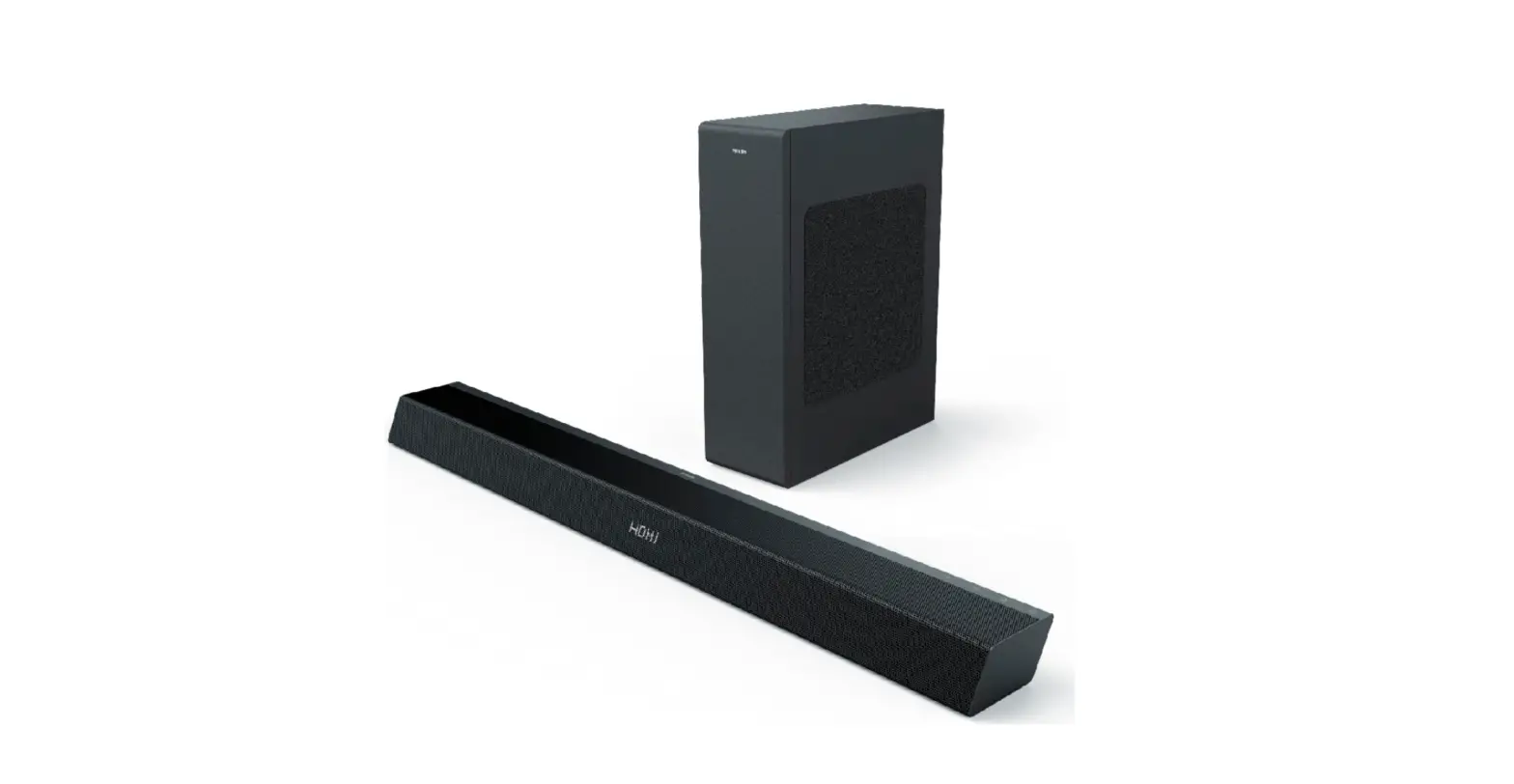
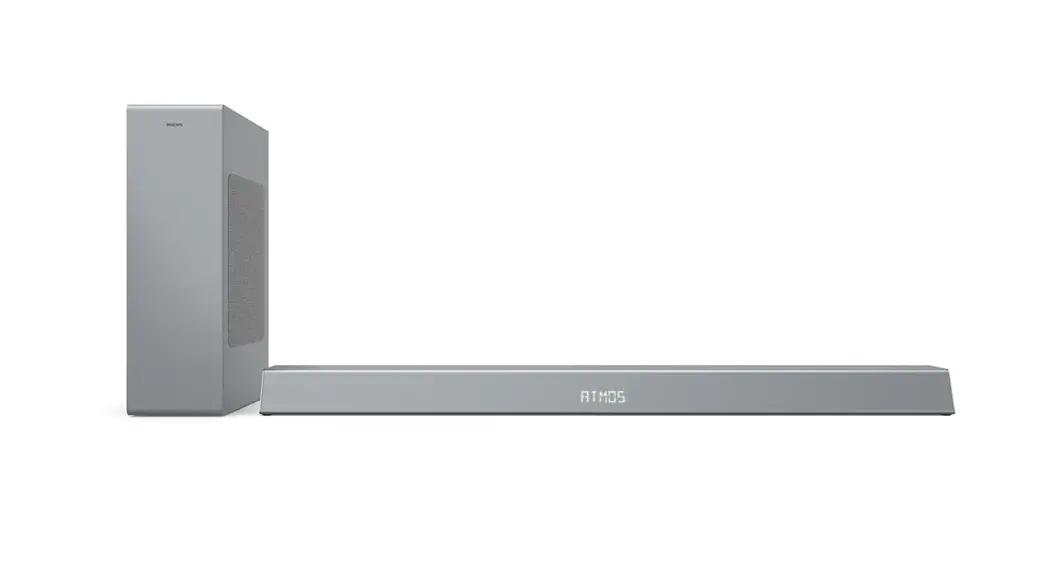
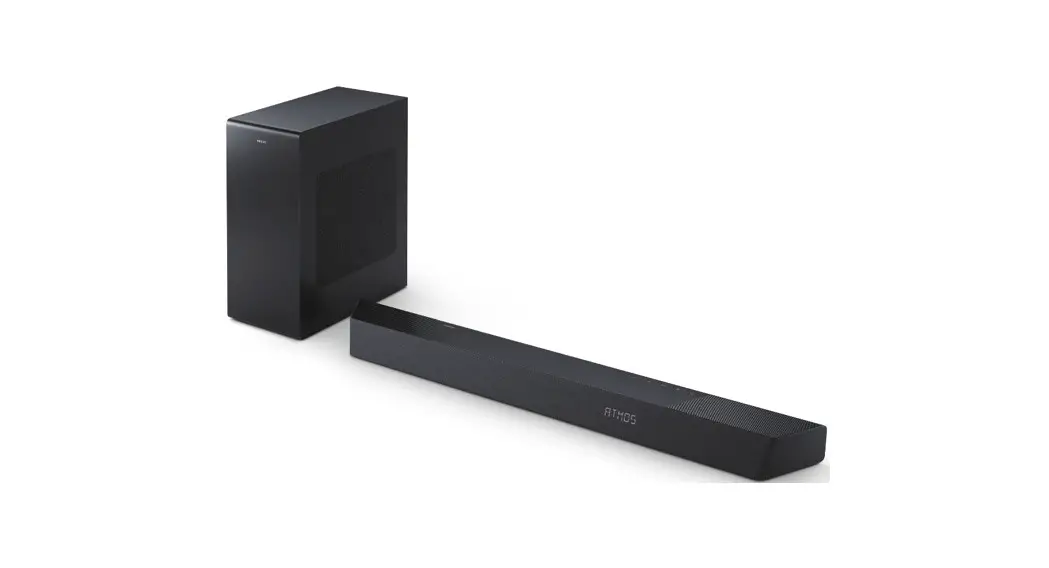
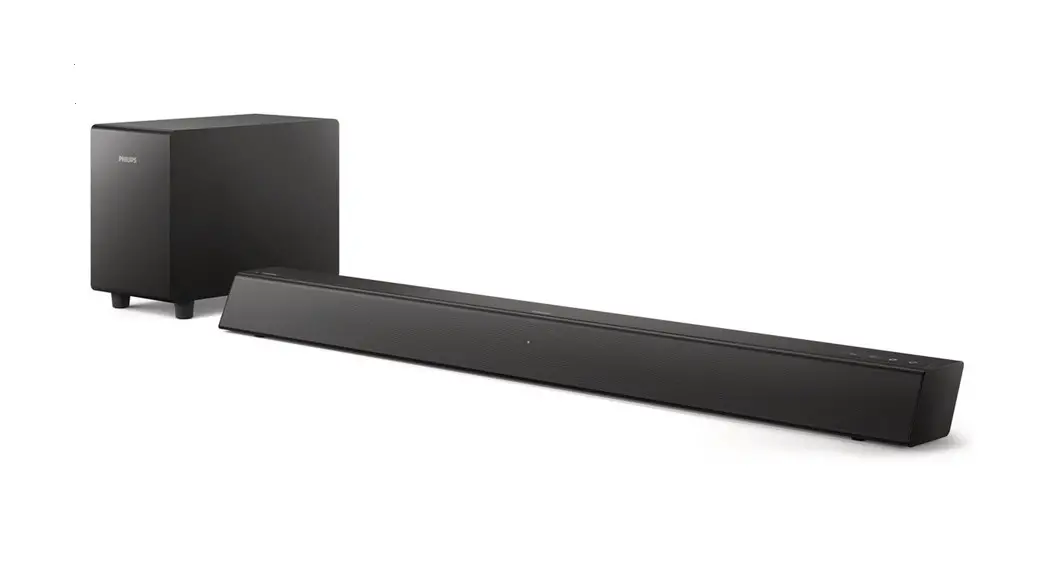
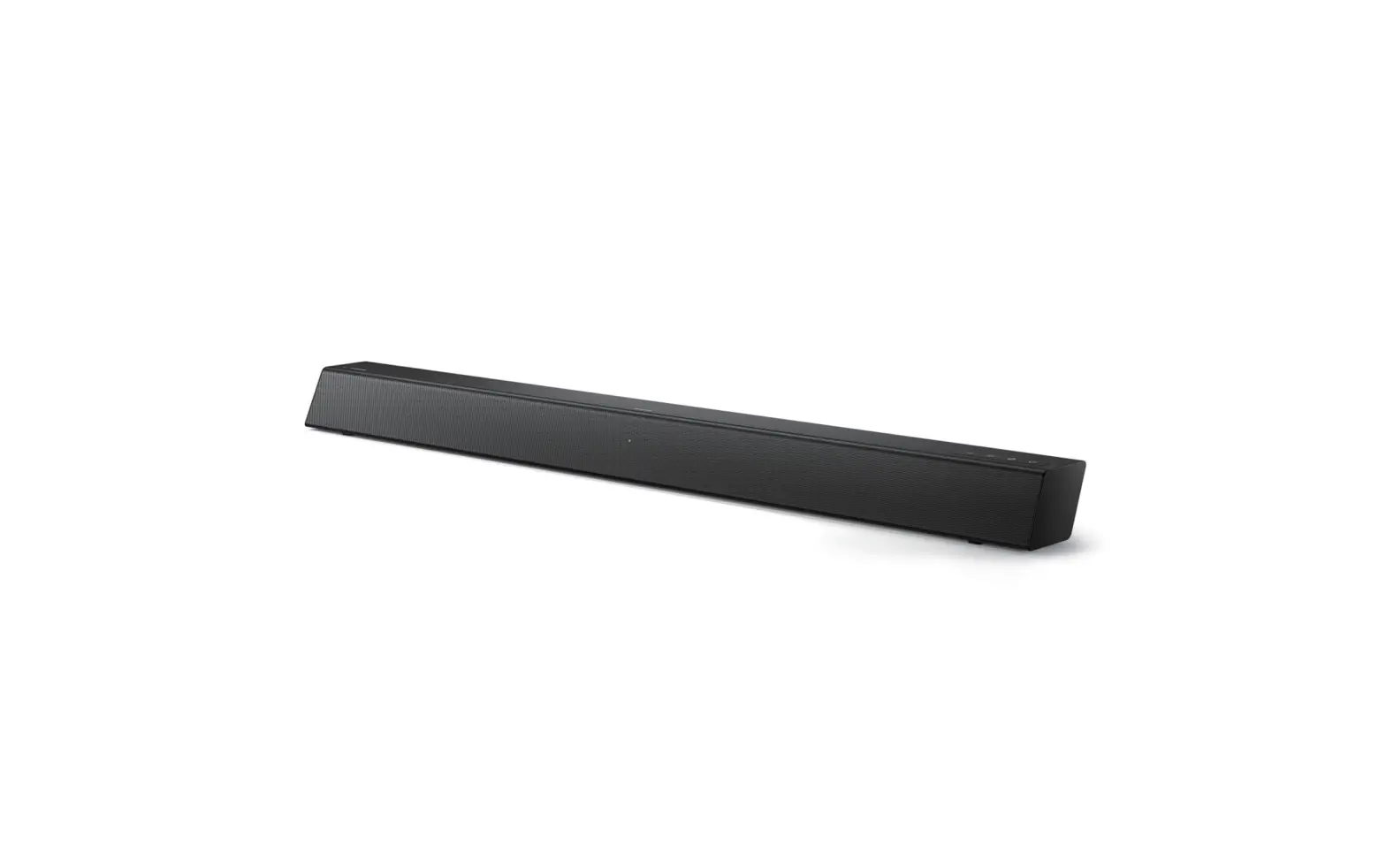
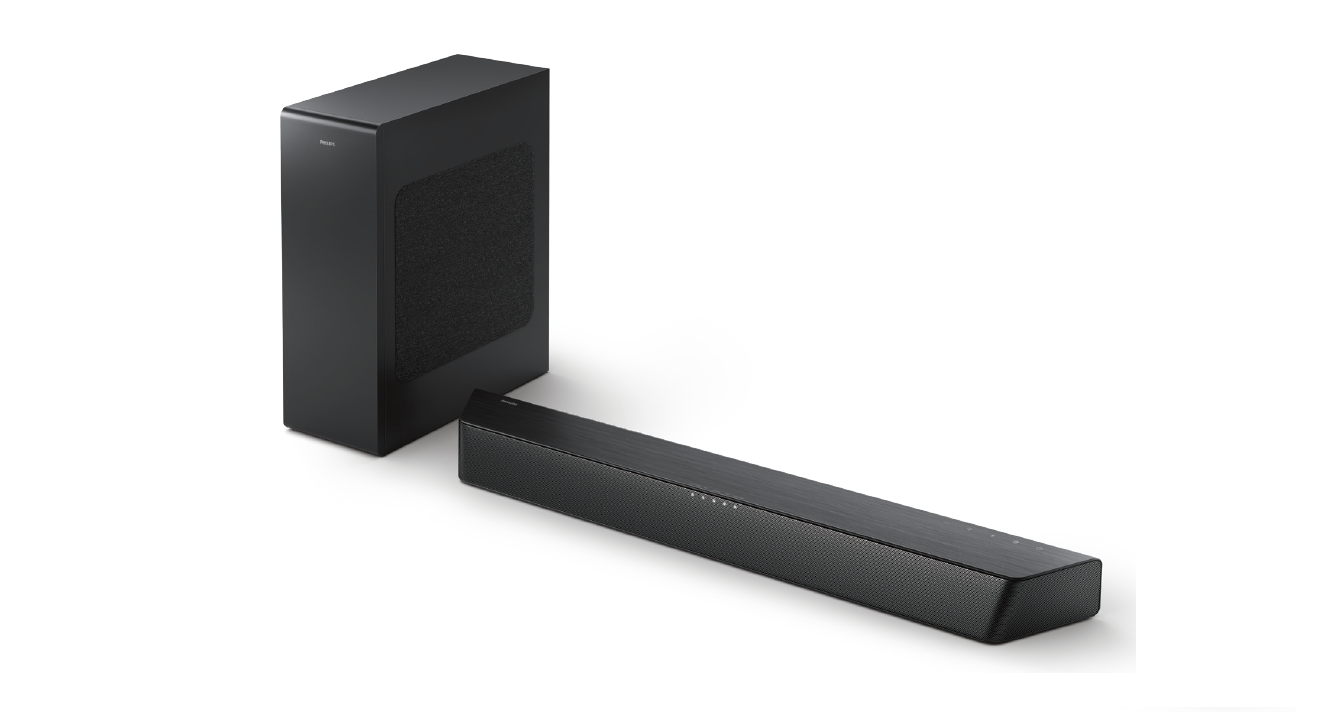
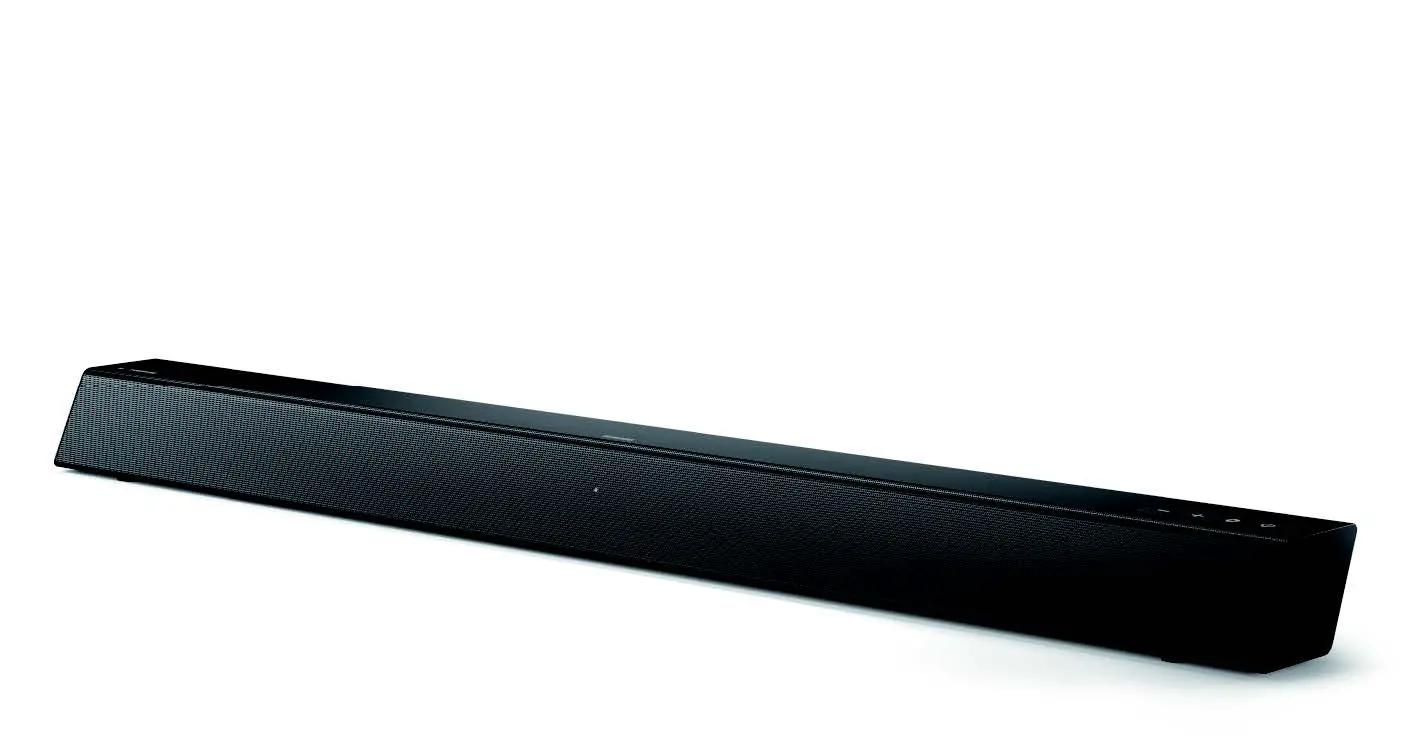
The Soundbar 4000 Series TAB4308 is a speaker system designed to
enhance the audio experience of your TV or music playback. The
Soundbar is equipped with various input sources including Audio in,
Bluetooth, USB, and HDMI ARC. The product comes with a remote
control that allows you to adjust the volume, treble, bass, and
select EQ modes. The Soundbar has a built-in LED indicator that
shows the current volume level. The product also has a subwoofer
output and can be connected to an external subwoofer through a
subwoofer cable. The Soundbar is powered by AC100-240V~,50/60 Hz
and consumes DC24V/2A power. The product has a standby power
consumption of 1W and weighs 1.13kg.
Product Usage Instructions
- To turn on the Soundbar, press the power button. To switch
between input sources, press the input source switch button. To put
the Soundbar on standby mode, long-press the power button. - To adjust the volume of the Soundbar, use the +/- buttons on
the Soundbar or the Vol+/Vol- buttons on the remote control. The
LED indicator will show the current volume level from 0 to max
30. - To adjust the treble and bass volume, use the Bass -/+ and
Treble -/+ buttons on the remote control. The Bass and Treble
volume can be increased or decreased up to 5 levels. - If you want to use Bluetooth mode, press the BT button on the
remote control. On your Bluetooth device, switch on Bluetooth and
search for TAB4108 to start connection. When it is connected, the
LED indicator will stop blinking, and you will hear a connected
voice notification. - To play audio files or music on your Bluetooth device, select
TAB4108 on your Bluetooth device. During play, if a call is coming,
music play will be paused. If your Bluetooth device supports AVRCP
profile, you can skip to a track or pause/resume play using the
remote control. - To exit Bluetooth mode, select another source. When you switch
back to Bluetooth mode, the Bluetooth connection remains
active. - To connect the Soundbar to an external subwoofer, use a
subwoofer cable to connect the Subwoofer output to the
subwoofer. - To use Audio in mode, use a 3.5mm stereo audio cable to connect
the AUX IN connector on your Soundbar to the LINE connector on the
TV or other device. - To use USB mode, use a USB cable to connect the USB connector
on your Soundbar to play the music saved in your USB driver.
Soundbar
4000 Series
TAB4308
/ : Short press: Input source switch
Long press: Power on/Standby
: BT/USB mode: Play/Pause
: Decrease volume
: Increase volume
USB: USB play slot
: Soundbar LED indicator
1
3
Input
2
4
Vol+
5
6
8
Vol-
7
9
Tre- Tre+
10
11
Ba-ss
Bass
+
12
EQ
13
1.ST-BY 2.MUTE 3.Input 4.VOL+ 5.PREVIOUS 6.NEXT 7.PLAY/PAUSE
8.VOL9.TRE10.TRE+ 11.BASS12.BASS+ 13.EQ
1. Switch the SoundBar on or to
standby 2. Mute or restore volume
3. Input: Source Switch, nou for Audio in, bt
for Bluetooth, USb for USB, ArC for
HDMI 4. VOL+Volume up.
5. In BT/USB mode, press to previous
track. In USB mode, long press to
rewind.
6. : In BT/USB mode, press to next
track. In USB mode, long press to
rewind.
7.
In BT/USB mode, Play, Pause or
resume play.
8. VOL-: Volume down.
9. Tre-: Decrease treble
10. Tre+: Increase treble
11. Bass-: Decrease bass
12. Bass+: Increase bass
13.EQ: Select EQ,
“OIL”Movie, “USIC”Music,
“OICE” : Voice,
“StAd” : Stadium
AC IN SUB OUTPUT
Connect the SoundBar and Subwoofer through Subwoofer cabe
Using a 3.5mm stereo audio cable, connect the AUX IN connector on your SoundBar to the LINE connector on theTV or other device.
USB
Using an USB, connect the USB connector on your SoundBar to play the music saved in your USB driver.
Adjust the volume
When adjusting the volume of the soundbar, the status indicator will show the current volume from 0 to max 30.
Adjust the volume 1 Press +/- on the soundbar or press
Vol+/Vol- on the remote control to increase /decrease the volume level.
Max +30
0 Min
Input Vol+
Vol-
Tre- Tre+
Ba-ss
Bass +
EQ
Adjust the treble and bass volume
2 Press Bass -/+ on the remote control to increase/decrease subwoofer’s volume.
bass +5
bass -5
Input Vol+
Vol-
Tre- Tre+
Ba-ss
Bass +
EQ
3 Press Treble -/+ on the remote control to increase/decrease Treble’s volume.
Treble +5
Treble -5
Input Vol+
Vol-
Tre- Tre+
Ba-ss
Bass +
EQ
AUX IN Switch USB input on the remote control.
4. Select and play audio files or music on your Bluetooth device During play, if a call is coming, music play is paused. lf your Bluetooth device supports AVRCP profile, on the remote control you can press / to skip to a track
or press to pause/resume play. 5. To exit Bluetooth, select other source. When your switch back to Bluetooth mode,Bluetooth connection remains active.
15
1Press to turn on SoundBar, switch to “bt” mode, LED indicator blinks at “bt” model 2On the Bluetooth device, switch on Bluetooth, search and select “TAB4108″ to start connection, 3When it connected, the LED indicator would stop blinking, with connected voice notification.
60 20 Hz-20 kHz 800 mV +/-50mV
80
800 mV +/-50mV
5.3
Soundbar Power supply: AC100-240V~,50/60 Hz Power consumption: DC24V/2A Standby power consumption: 1W Dimensions (W x H x D): 570 x 73 x 80mm Weight: 1.13kg Built-in speakers: 2 x full range (2.25″, 4 ohm)
Subwoofer Dimensions (W x H x D): 149 x 217 x 267 mm Weight: 1.87 kg Built-in speakers:1 x low frequency (5”, 6 ohm)
15
on soundbar or press on the remote control.