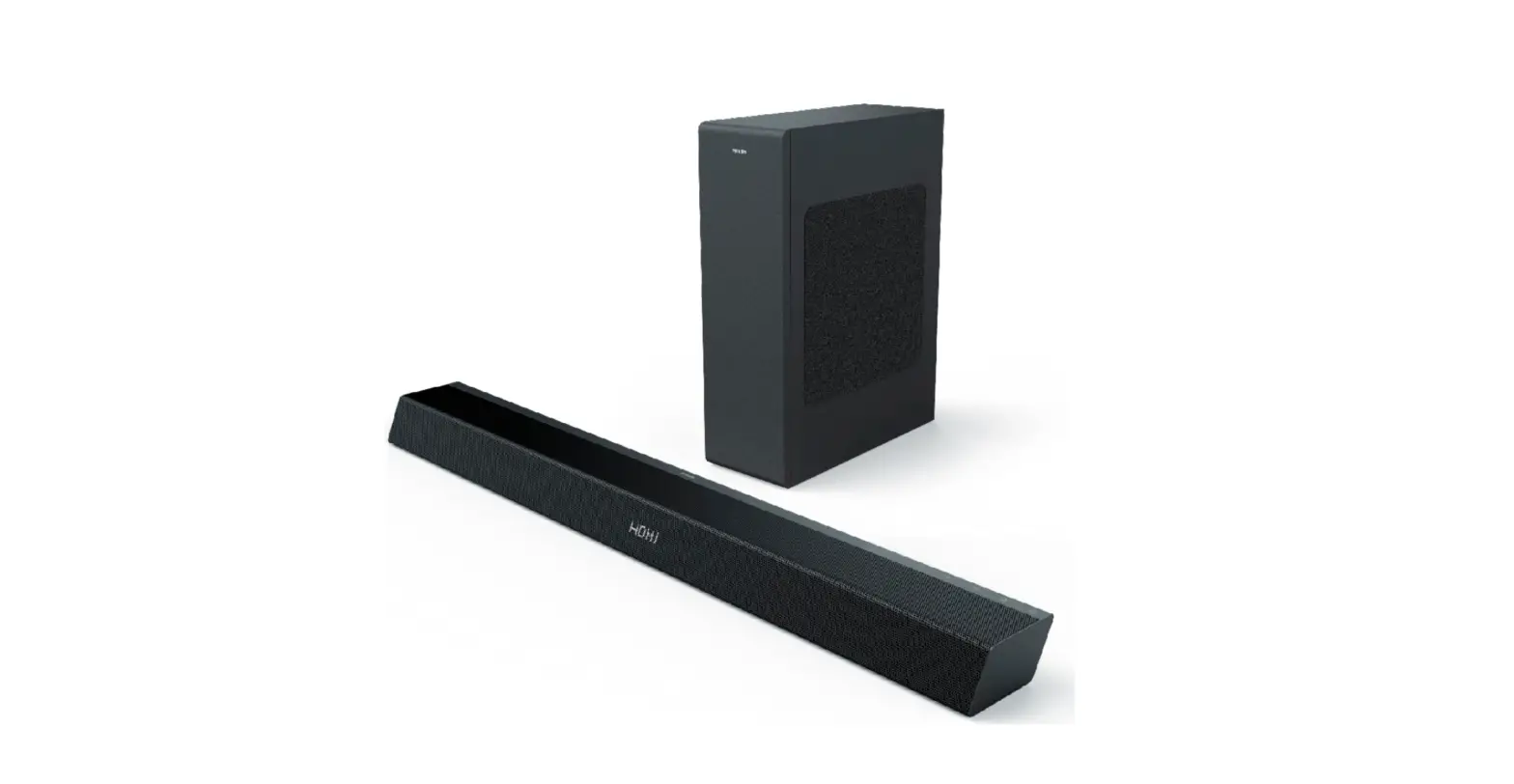
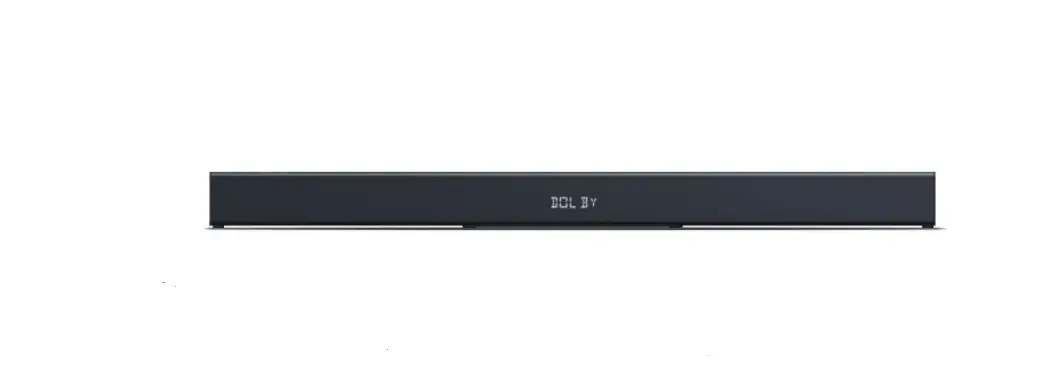
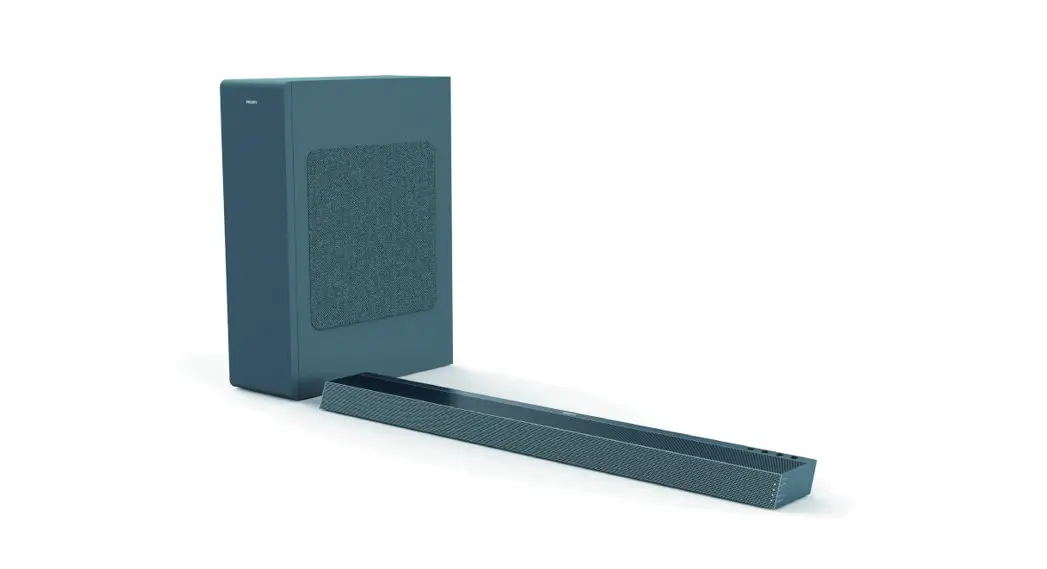
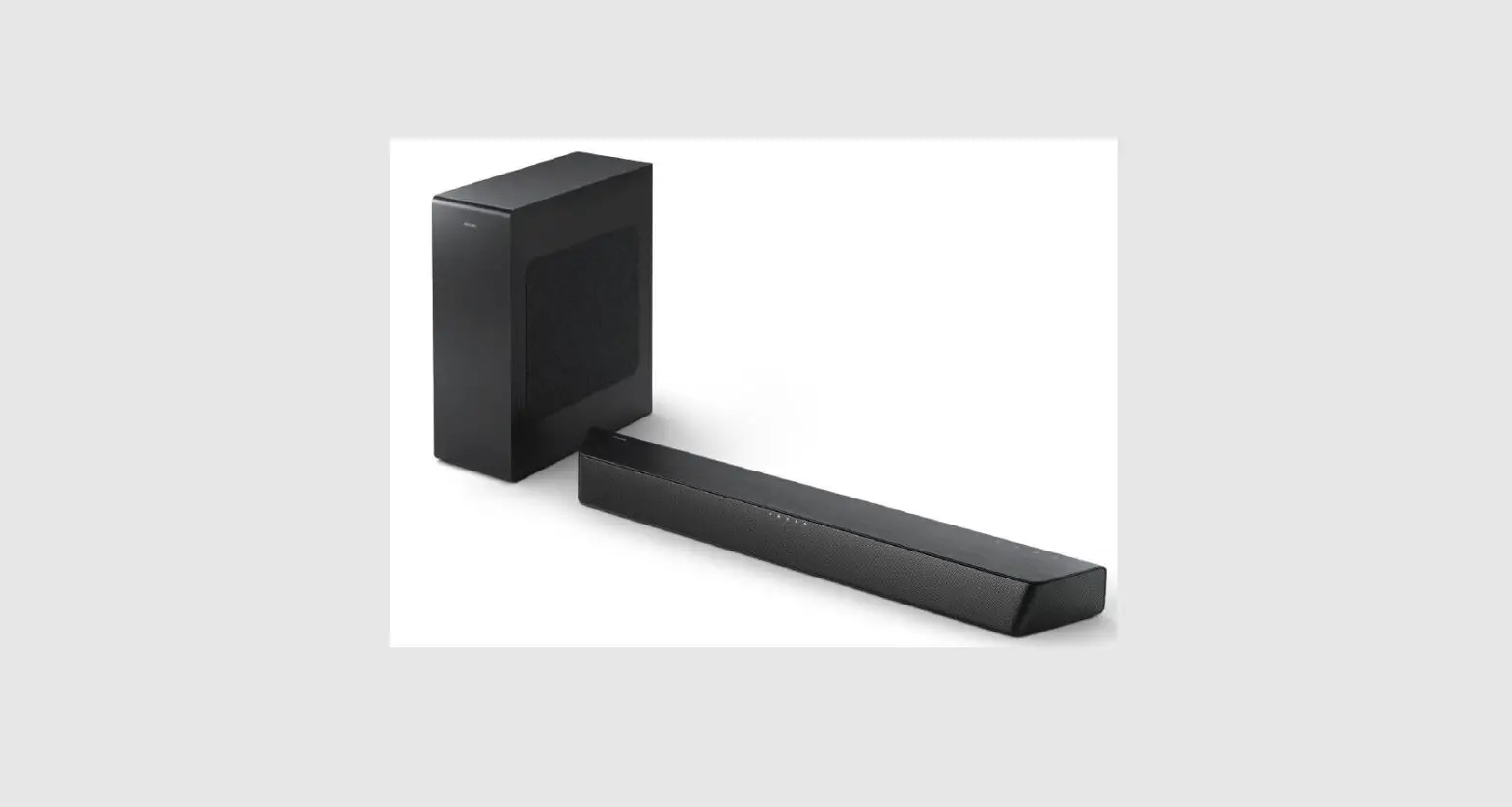
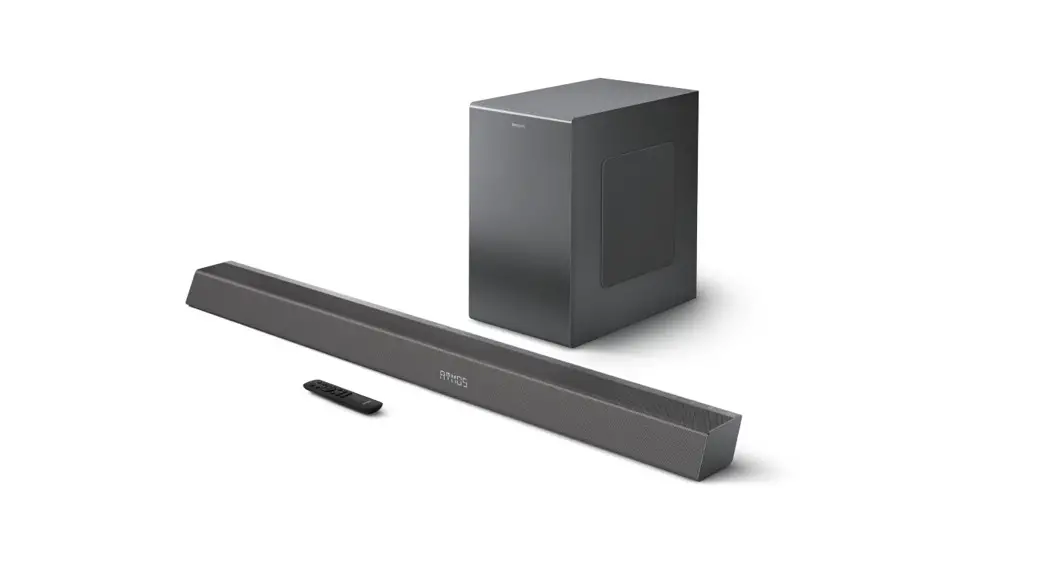
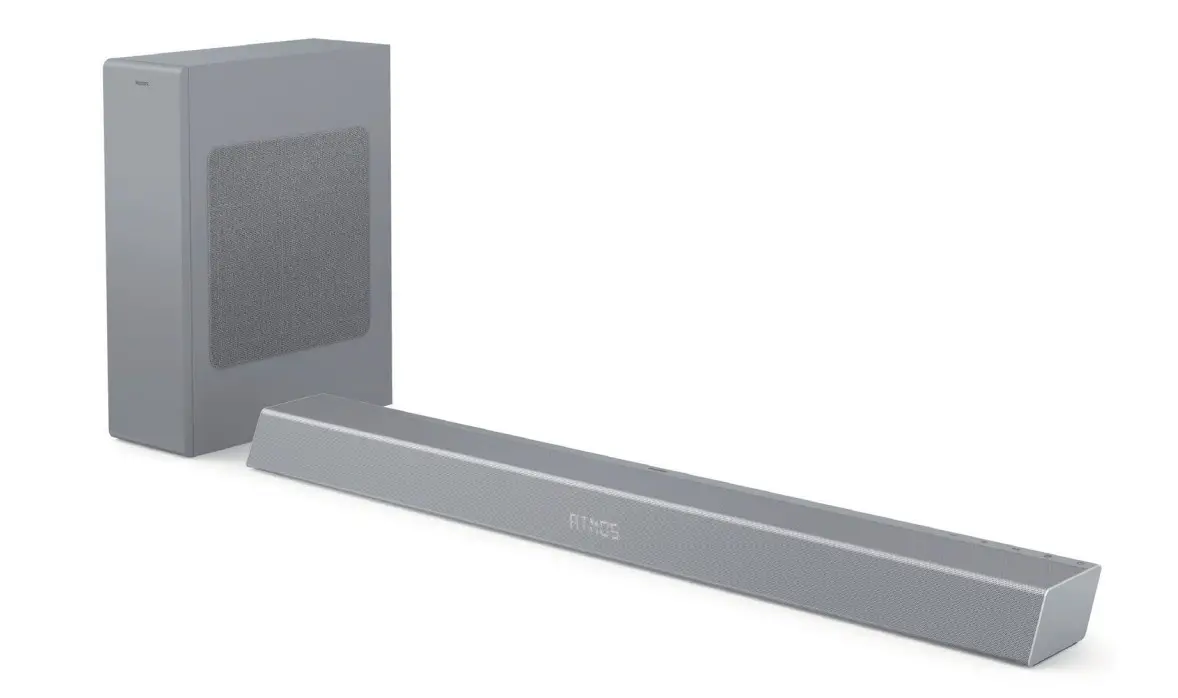
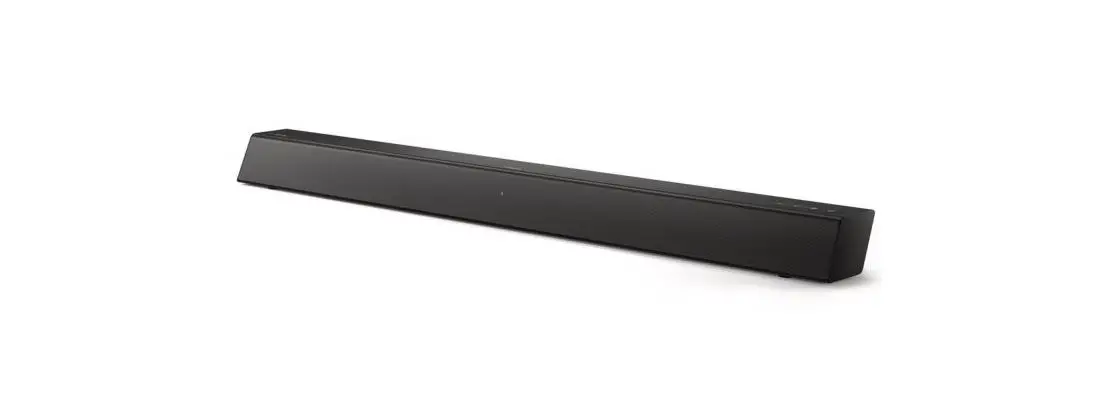
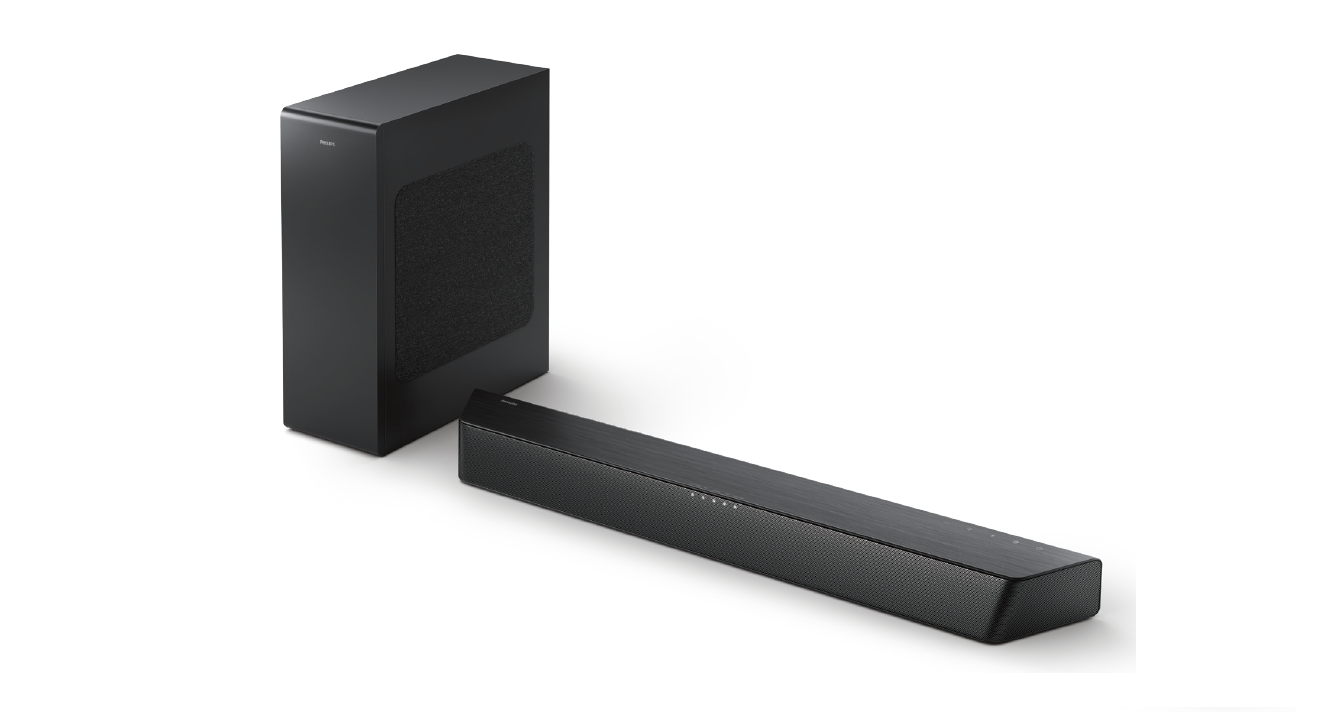
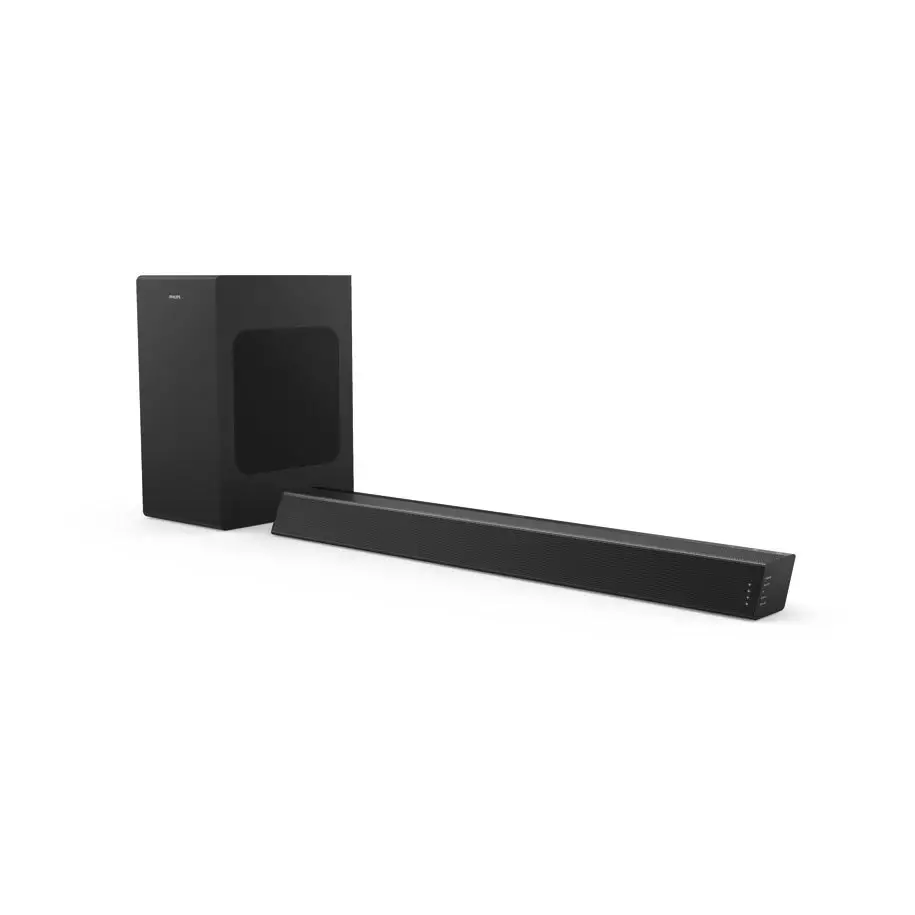
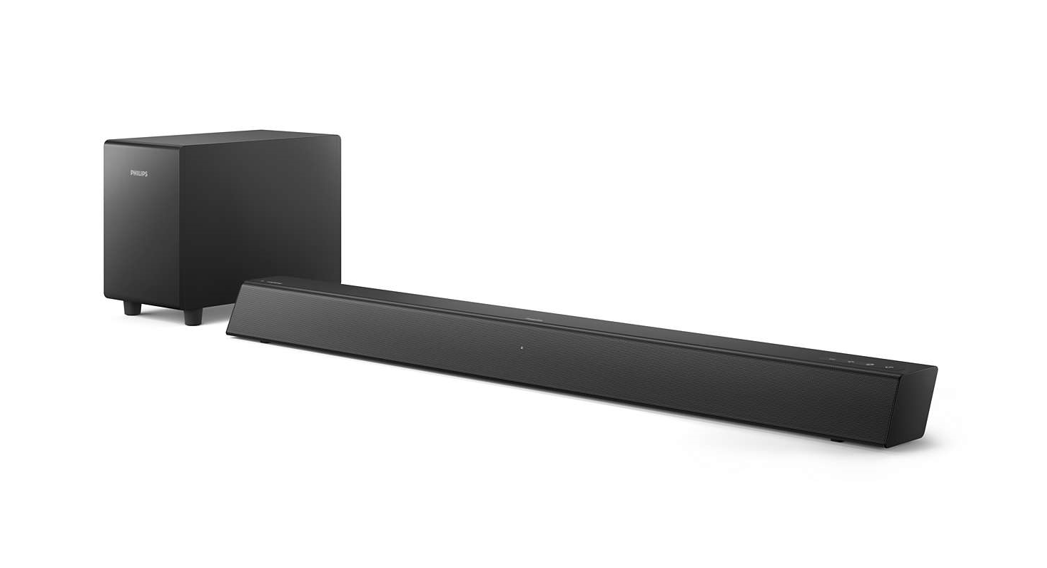
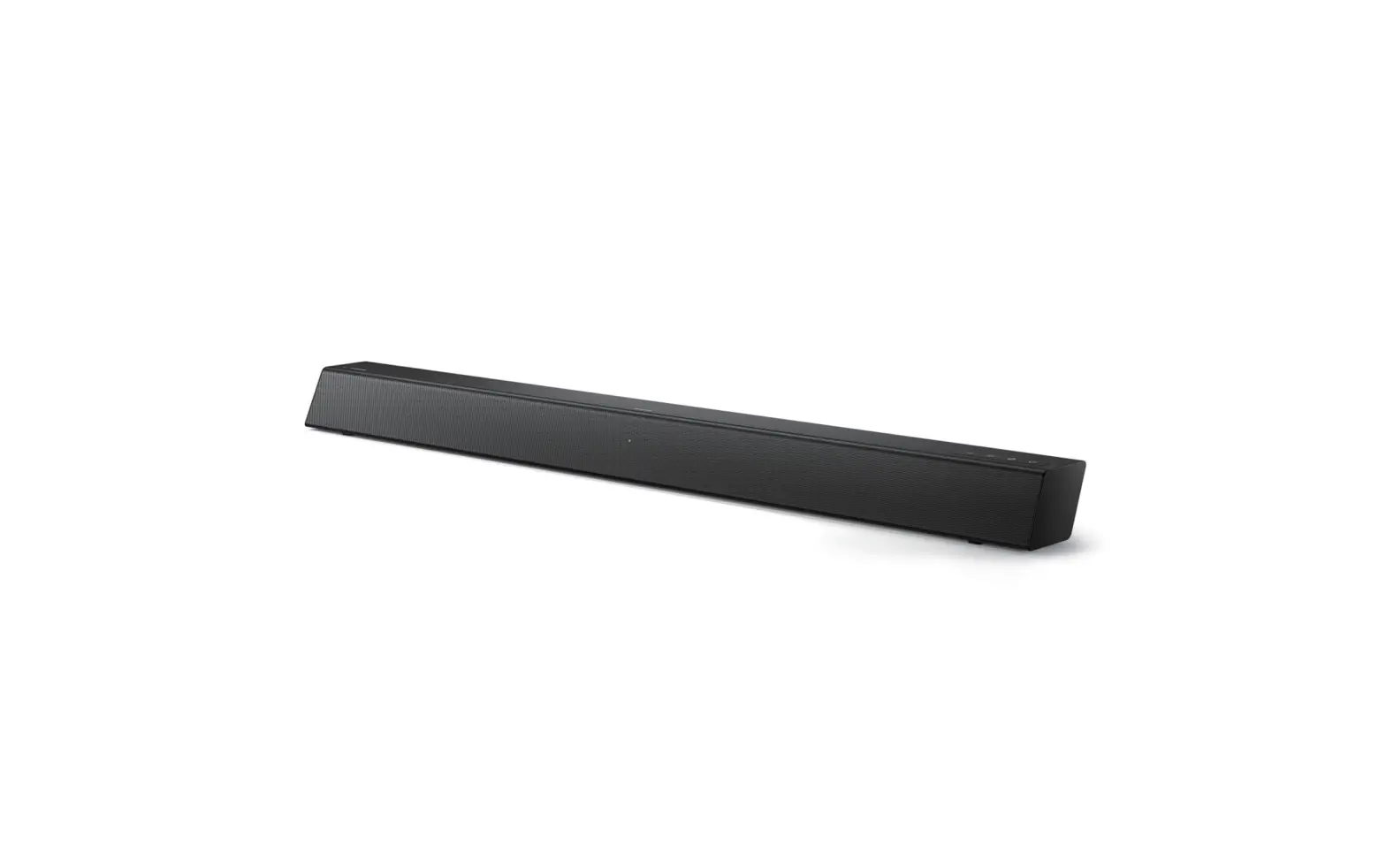
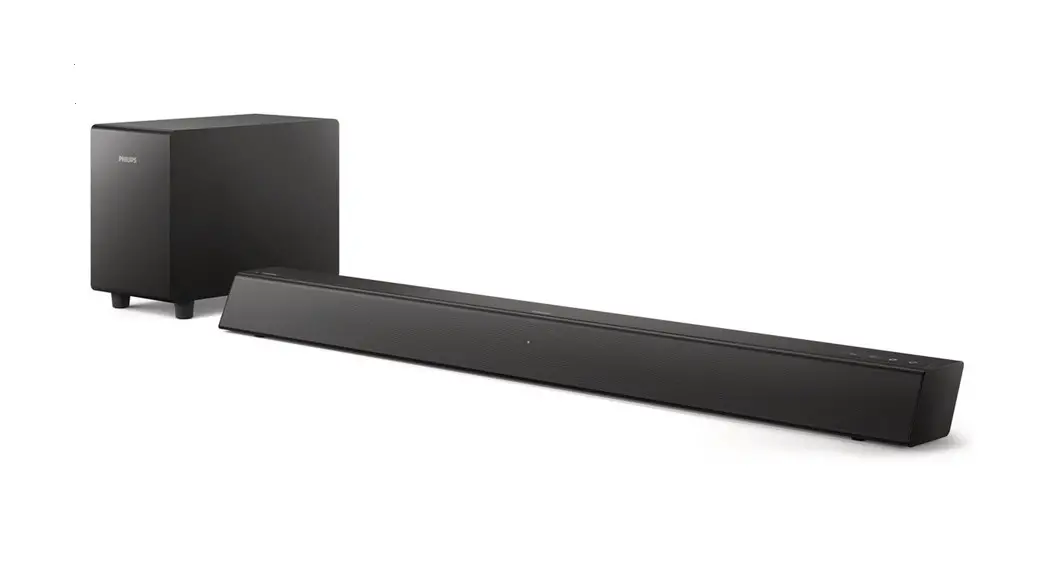
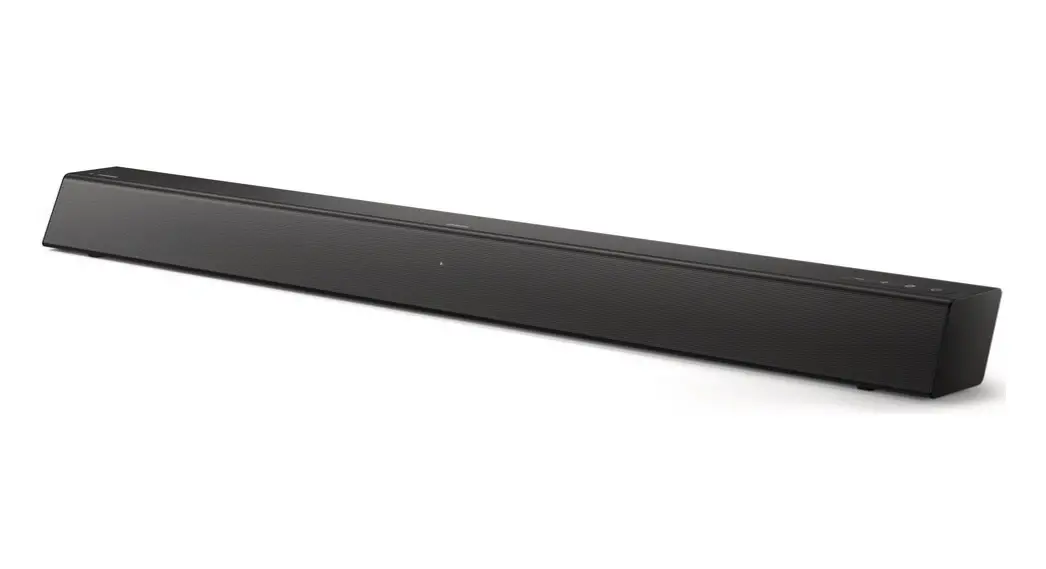
TAB4108 Soundbar
Product Information:
Product Name: Soundbar
Series: 4000 Series
Model: TAB4108
Features:
- Polarity indicator for the DC power connector
- Input source switch
- Power on/Standby function
- BT/USB mode for playing/pausing
- Volume adjustment
- Treble and bass volume adjustment
- EQ selection
- AUX, HDMI(ARC), and USB inputs
- Supports U disk to play music
- LED indicator
Product Usage Instructions:
- Switching the SoundBar on or to standby:
- Short press the power button to switch between on and standby
mode.
- Short press the power button to switch between on and standby
- Muting or restoring volume:
- Press the mute button to mute the sound. Press it again to
restore the volume.
- Press the mute button to mute the sound. Press it again to
- Input source selection:
- Press the input source switch button to cycle through different
input sources: Audio in, Bluetooth (BT), USB, HDMI(ARC).
- Press the input source switch button to cycle through different
- Volume adjustment:
- Press the volume up (+) or volume down (-) buttons on the
SoundBar or use the corresponding buttons on the remote control to
increase or decrease the volume level.
- Press the volume up (+) or volume down (-) buttons on the
- Track control in BT/USB mode:
- In BT/USB mode, press the previous track button to go to the
previous track. In USB mode, long press the button to rewind. - In BT/USB mode, press the next track button to go to the next
track. In USB mode, long press the button to fast forward. - In BT/USB mode, press the play/pause button to play, pause, or
resume play.
- In BT/USB mode, press the previous track button to go to the
- Treble and bass volume adjustment:
- Press the treble decrease (-) or treble increase (+) buttons on
the remote control to decrease or increase the treble volume. - Press the bass decrease (-) or bass increase (+) buttons on the
remote control to decrease or increase the bass volume.
- Press the treble decrease (-) or treble increase (+) buttons on
- EQ selection:
- Press the EQ button to cycle through different EQ modes: Movie,
Music, Voice, Stadium.
- Press the EQ button to cycle through different EQ modes: Movie,
- Connecting AUX IN:
- Using a 3.5mm stereo audio cable, connect the AUX IN connector
on your SoundBar to the LINE connector on the TV or other
device.
- Using a 3.5mm stereo audio cable, connect the AUX IN connector
- Bluetooth connection:
- To turn on SoundBar and switch to BT mode:
- Press the power button on the SoundBar.
- The LED indicator will start blinking in BT mode.
- On the Bluetooth device:
- Switch on Bluetooth.
- Search and select TAB4108 to start the connection.
- The LED indicator will stop blinking and a connected voice
notification will be heard.
Soundbar
4000 Series
TAB4108
The symbol indicates polarity of d.c. power connector; DC voltage
/ : Short press: Input source switch
Long press: Power on/Standby
: BT/USB mode: Play/Pause
: Decrease volume
: Increase volume
: Soundbar LED indicator
1
3
Input
2
4
Vol+
5
6
8
Vol-
7
9
Tre- Tre+
10
11
Ba-ss
Bass
+
12
EQ
13
1.ST-BY 2.MUTE 3.Input 4.VOL+ 5.PREVIOUS 6.NEXT 7.PLAY/PAUSE
8.VOL9.TRE10.TRE+ 11.BASS12.BASS+ 13.EQ
1. Switch the SoundBar on or to
standby 2. Mute or restore volume
3. Input: Source Switch, nou for Audio in, bt
for Bluetooth, USb for USB, ArC for
HDMI 4. VOL+Volume up.
5. In BT/USB mode, press to previous
track. In USB mode, long press to
rewind.
6. : In BT/USB mode, press to next
track. In USB mode, long press to
rewind.
7.
In BT/USB mode, Play, Pause or
resume play.
8. VOL-: Volume down.
9. Tre-: Decrease treble
10. Tre+: Increase treble
11. Bass-: Decrease bass
12. Bass+: Increase bass
13.EQ: Select EQ,
“OIL”Movie, “USIC”Music,
“OICE” : Voice,
“StAd” : Stadium
AUX IN HDMI(ARC)
USB
DC IN
AUX IN HDMI(ARC)
USB
DC IN
USB
Support U disk to play music
AUX IN HDMI(ARC)
USB
DC IN
AUX IN HDMI(ARC)
USB
DC IN
USB
AUX IN HDMI(ARC)
USB
DC IN
USB
USB: Support U disk to play music
AUX IN HDMI(ARC)
USB
DC IN
AUX IN HDMI(ARC)
USB
DC IN
AUX IN HDMI(ARC)
USB
DC IN
Using a 3.5mm stereo audio cable, connect the AUX IN connector on your SoundBar to the LINE connector on theTV or other device.
Adjust the volume
When adjusting the volume of the soundbar, the status indicator will show the current volume from 0 to max 30.
Adjust the volume 1 Press +/- on the soundbar or press
Vol+/Vol- on the remote control to increase /decrease the volume level.
Max +30
0 Min
Input Vol+
Vol-
Tre- Tre+
Ba-ss
Bass +
EQ
Adjust the treble and bass volume
2 Press Bass -/+ on the remote control to increase/decrease subwoofer’s volume.
bass +5
bass -5
Input Vol+
Vol-
Tre- Tre+
Ba-ss
Bass +
EQ
3 Press Treble -/+ on the remote control to increase/decrease Treble’s volume.
Treble +5
Treble -5
Input Vol+
Vol-
Tre- Tre+
Ba-ss
Bass +
EQ
AUX IN Switch USB input on the remote control.
4. Select and play audio files or music on your Bluetooth device During play, if a call is coming, music play is paused. lf your Bluetooth device supports AVRCP profile, on the remote control you can press / to skip to a track
or press to pause/resume play. 5. To exit Bluetooth, select other source. When your switch back to Bluetooth mode,Bluetooth connection remains active.
15
1Press to turn on SoundBar, switch to “bt” mode, LED indicator blinks at “bt” model 2On the Bluetooth device, switch on Bluetooth, search and select “TAB4108″ to start connection, 3When it connected, the LED indicator would stop blinking, with connected voice notification.
Output: 13V/1.8A Input: 100240V AC 50/60Hz 570 × 73 × 80mm 5.25”
15