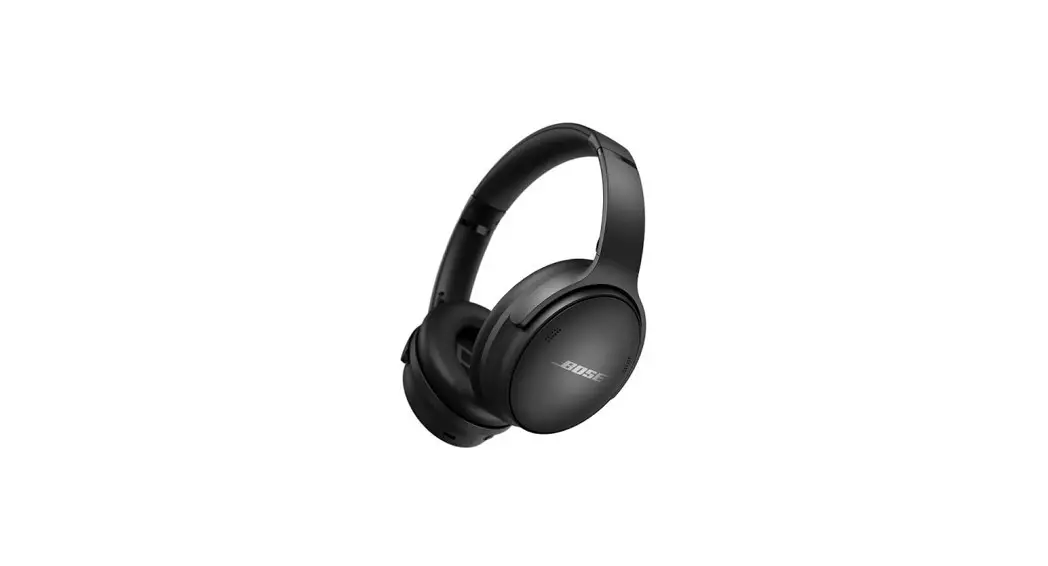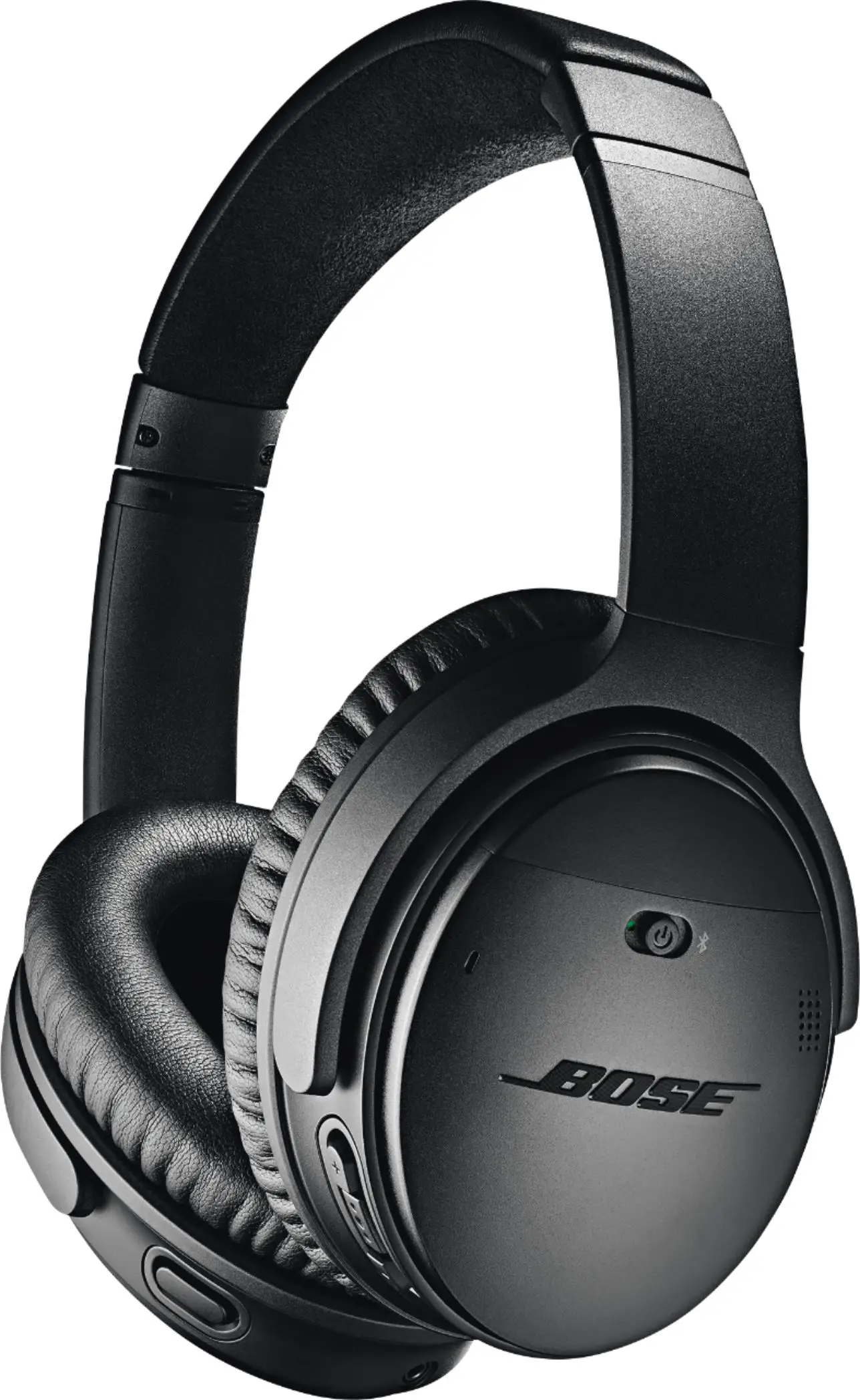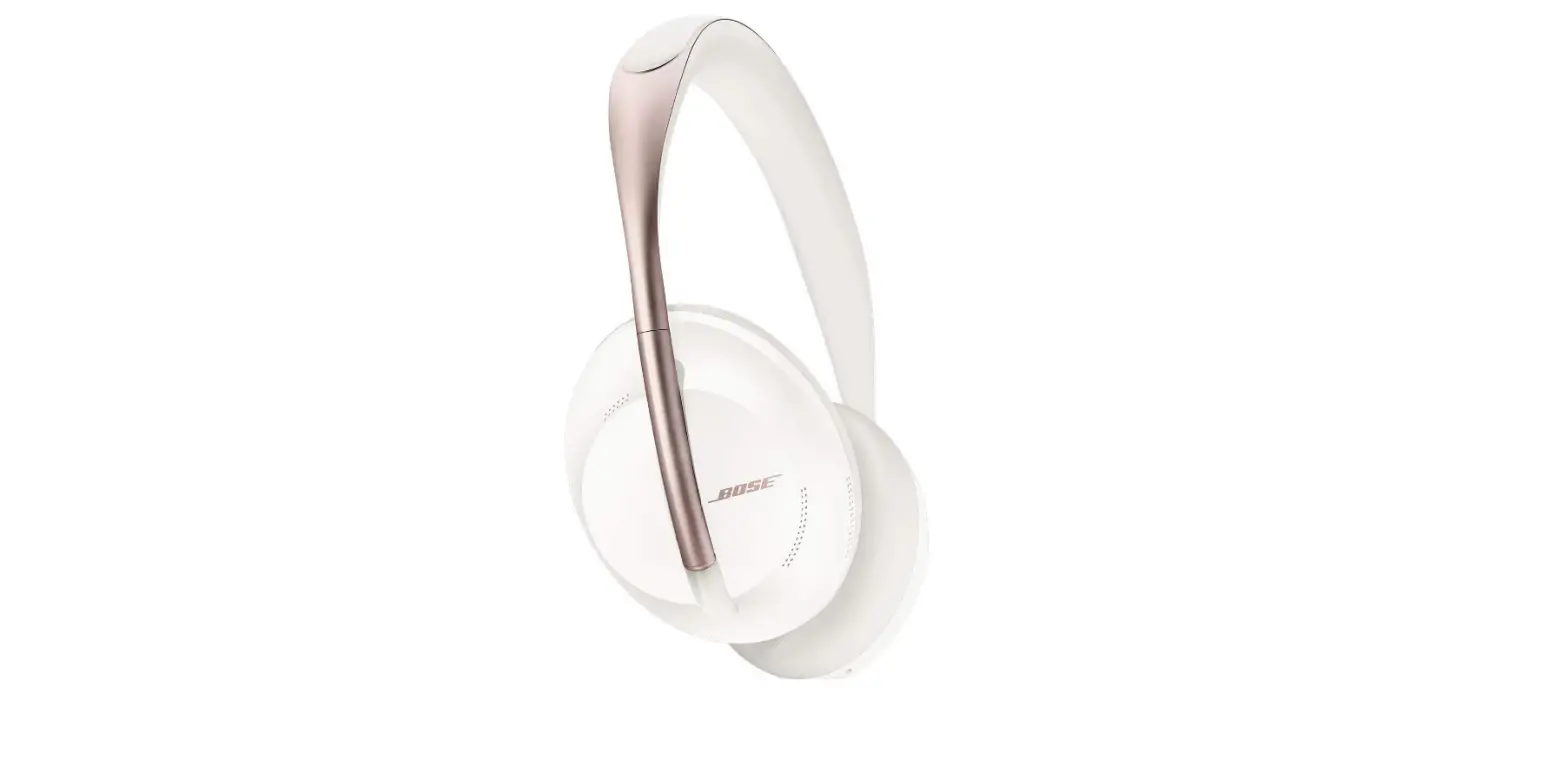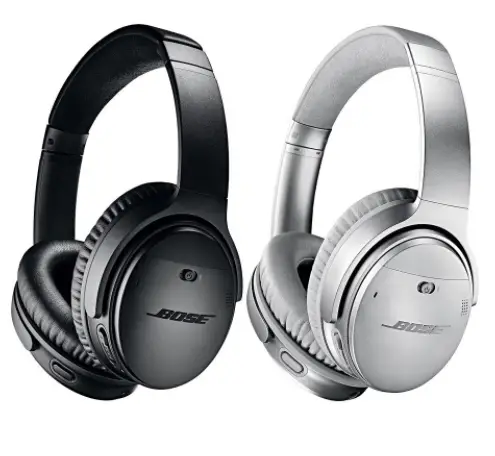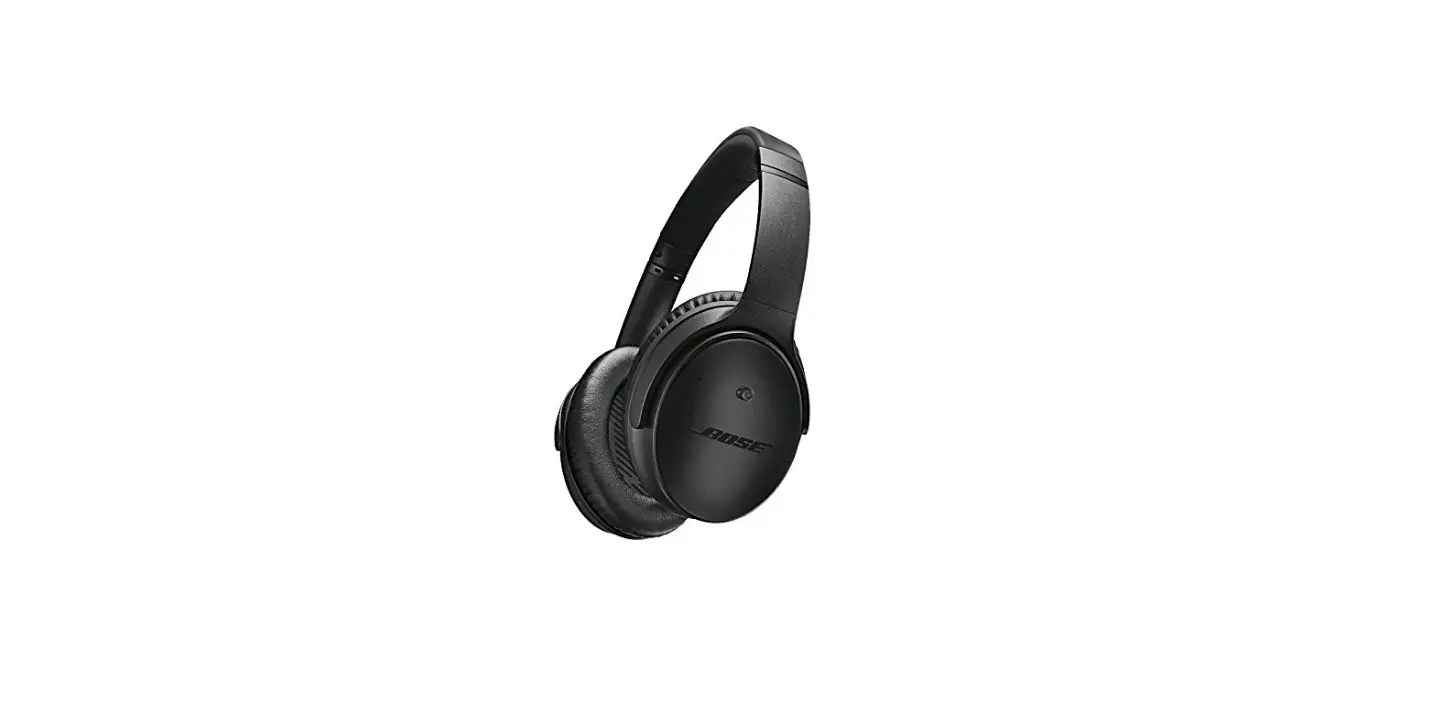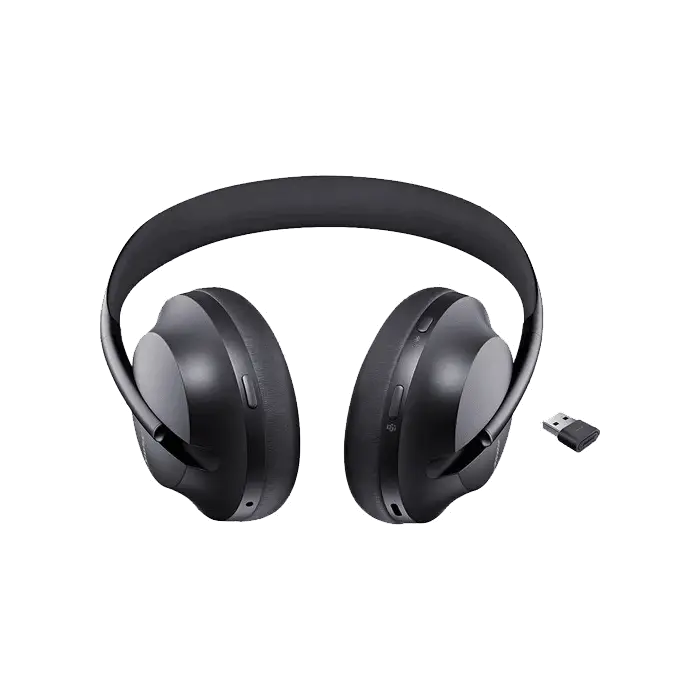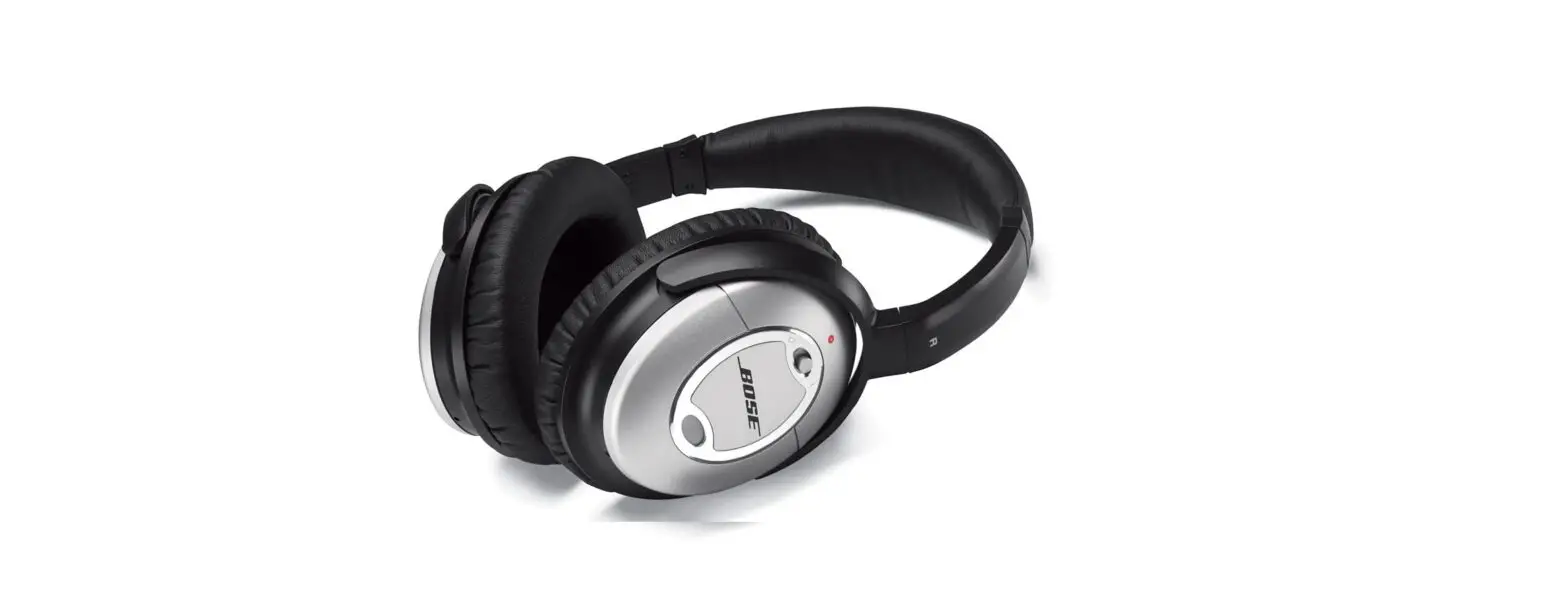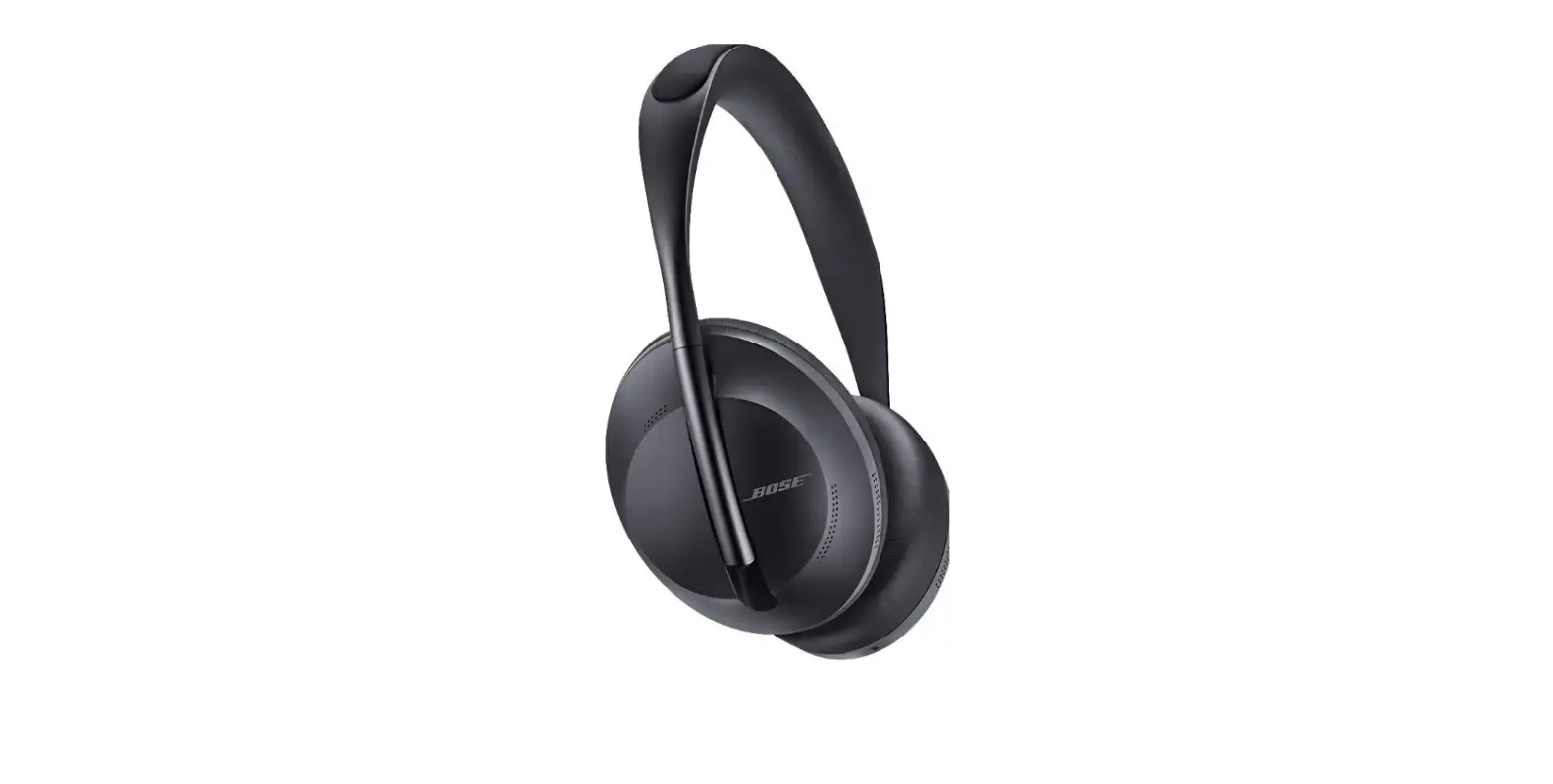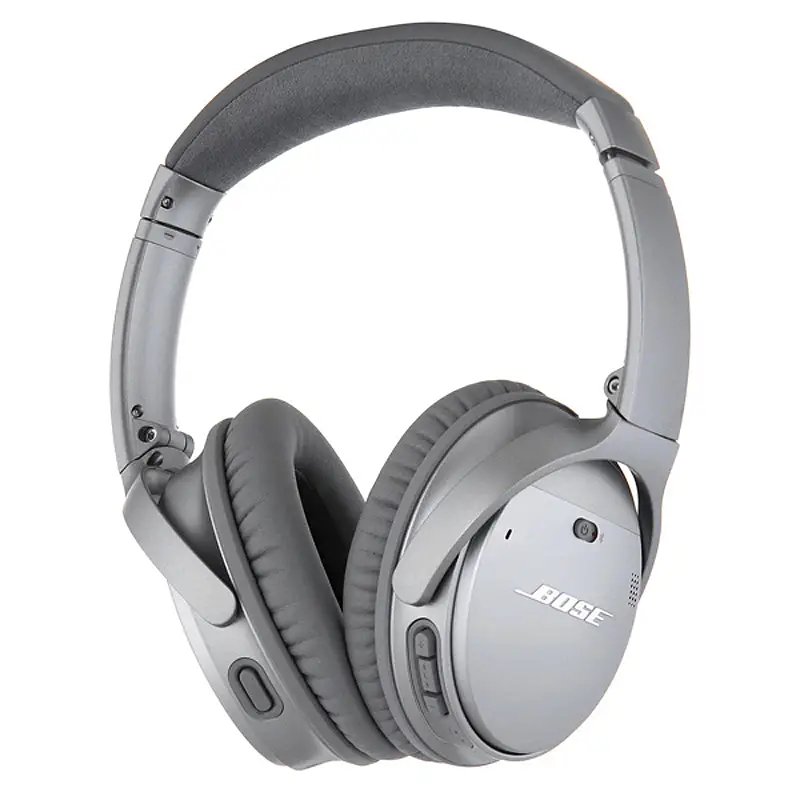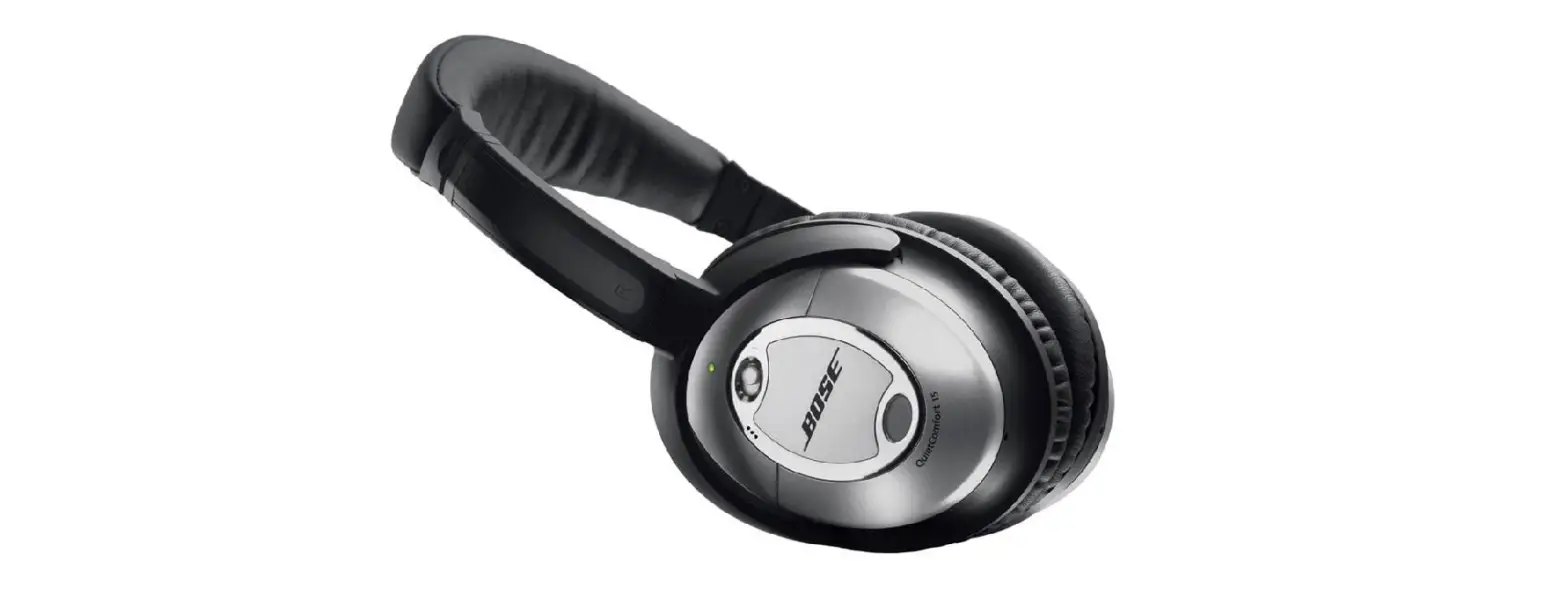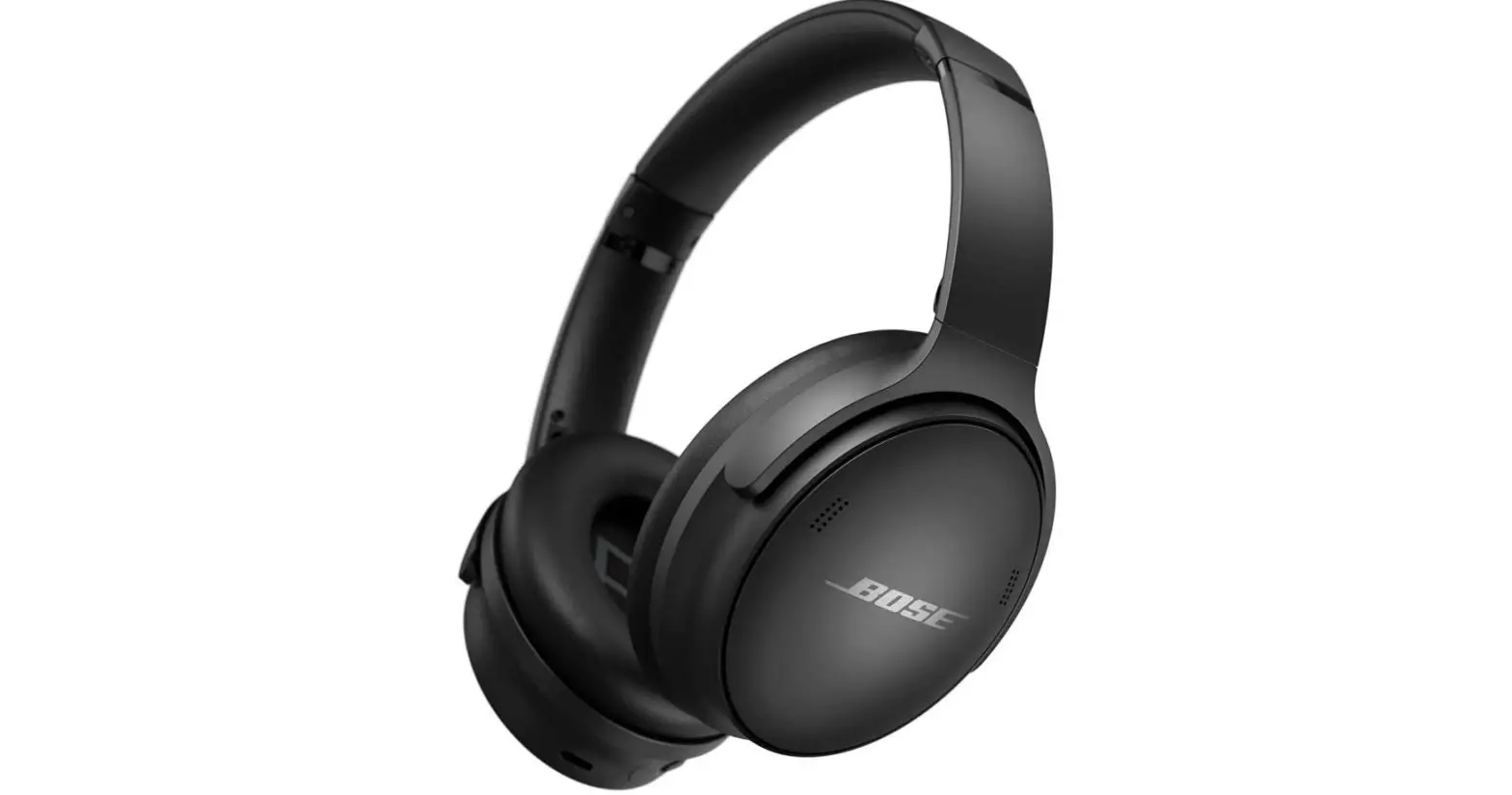

New Bose QuietComfort 45 Bluetooth Wireless Noise Canceling Headphones
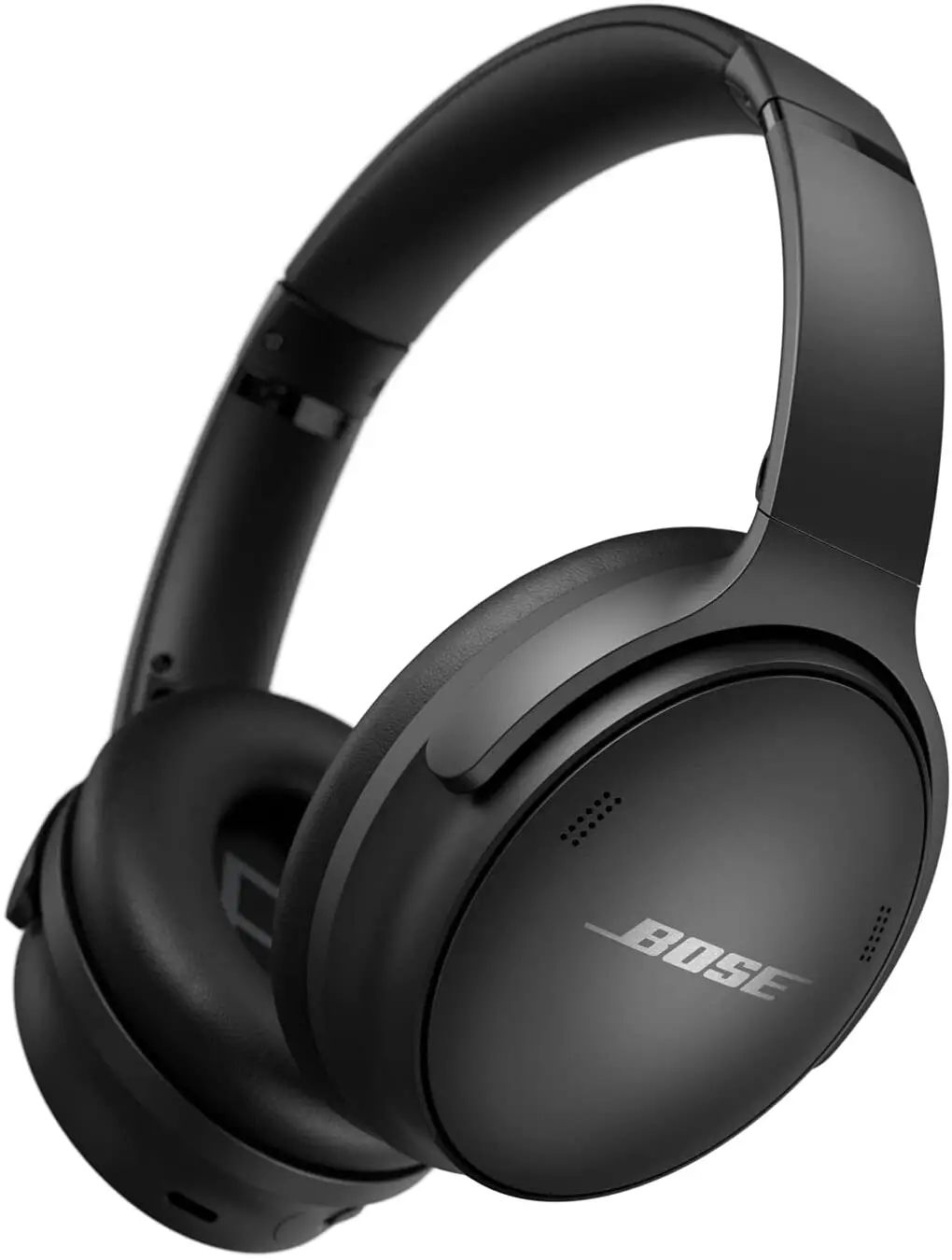
Specifications
- DIMENSIONS: 7.25″ H x 6″ W x 3″ D
- WEIGHT: 0.97 lbs.
- CARRYING CASE: 8.3″ H x 5.7″ W x 2″ D
- BLUETOOTH RANGE: UP TO 9m
- BLUETOOTH VERSION: 5.1
- MANUFACTURER: Bose
The Bose QuietComfort 45 came after the Bose QuietComfort 35 II. These headphones are very comfortable for long use. They are of solid noise-canceling headphones pair. These headphones come with an Ambient Aware mode that will allow you to control the noise cancellation by letting you turn it off to hear the sounds around you. It is a battery life of 25 hours which is impressive. However, these headphones lack some customization offers but that isn’t a major issue. These headphones have an adjustable equalizer which can be accessed by the Bose Music App.
DESIGN
Bose is well known for its sleek-looking and comfortable headphones. The Bose QuietComfort 45 are light in weight and padded with form ear pads, to increase the comfort.
FEATURES
The most prominent feature of these QC45 Bluetooth headphones is that they provide an Awareness Mode. In this mode, the volume of the audio/music decrease, and the external amplifiers amplify the outside sounds, this means that you can turn off the noise cancellation without actually removing your headphones. It also has an equalizer option for tuning the audio playback.
BATTERY LIFE
They are claimed to have a battery life of 25 hours. They also charge quite normally for example they can charge up to 3 hours of usage in just 15 minutes.
WHAT’S IN THE BOX
- Bose QuietComfort 45 headphones
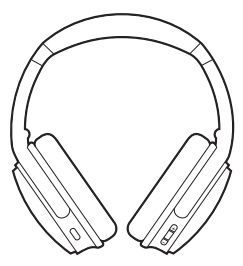
- Carry Case
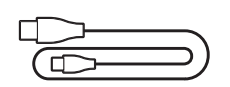
- USB Type-C Cable
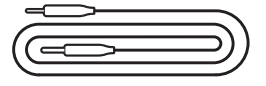
- 5 mm to 3.5 mm Audio Cable
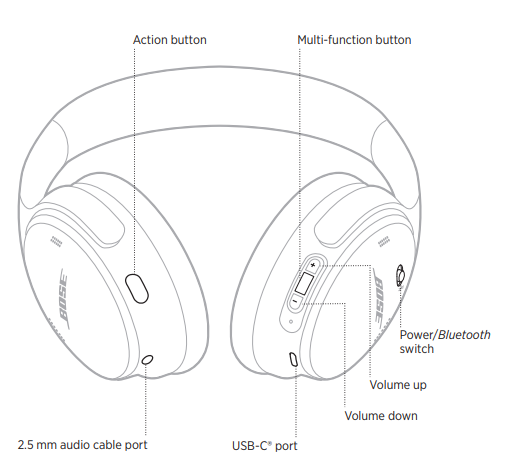
Bose QuietComfort 45 Bluetooth Headphones Control
How to Turn ON/OFF the Headphones
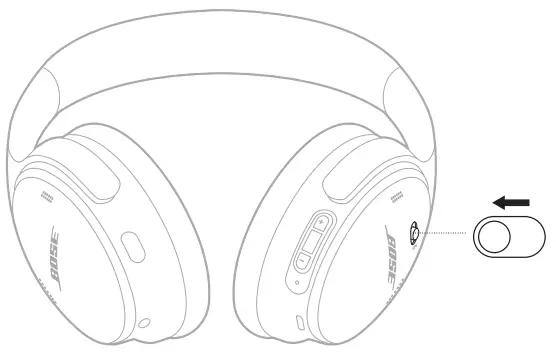
- To turn the headphones ON, slide the Power/Bluetooth switch to the right, which is present on the right earcup
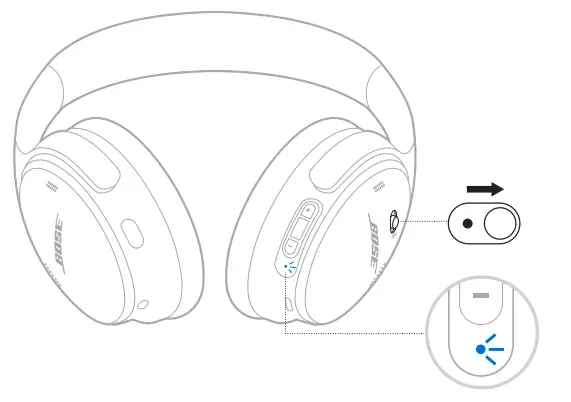
- To turn the headphones OFF, slide the Power/Bluetooth switch to the left, which is present on the right earcup.
How to Control Music/Track in Bose QuietComfort 45 Bluetooth Headphones
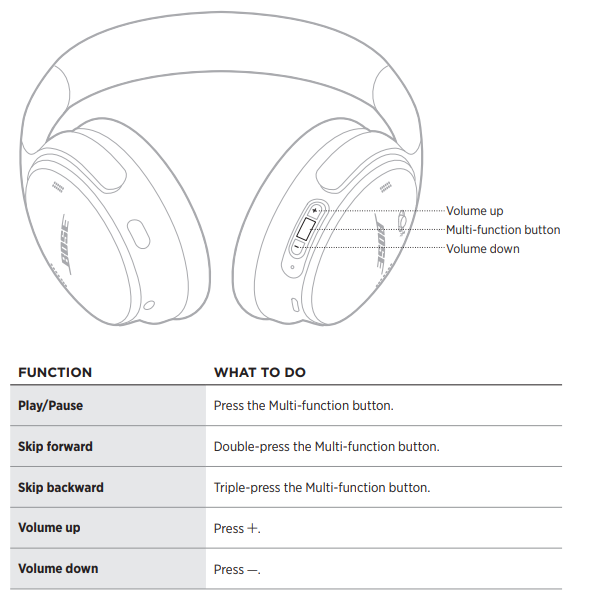
- To quickly increase the volume: Press “+” and hold.
- To quickly decrease the volume: Press “-” and hold.
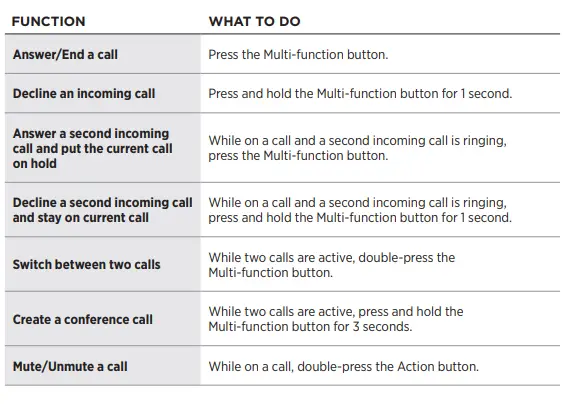
How to Control Phone Calls in the Headphones
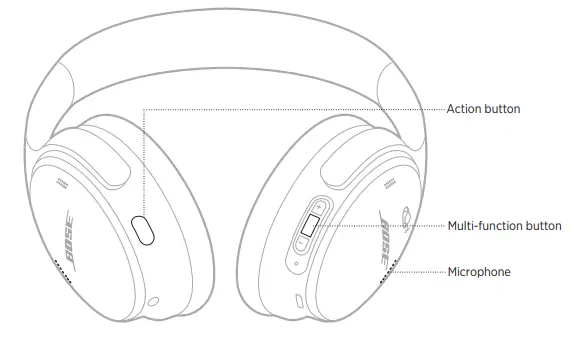
The microphone is present near the front of the right earcup.
How to Turn OFF noise cancellation of the Headphones
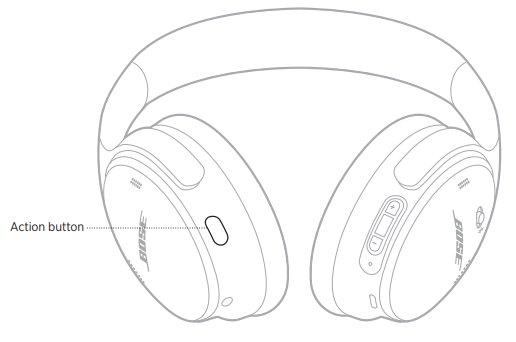
- Press the Action button to switch between Aware Mode and Quiet Mode. The Aware Mode allows you to turn off the noise cancellation feature while listening to music.
- A voice prompt will be heard announcing the noise-canceling mode.
- This can also be done using the Bose Music app on your device.
How to Access Voice Control
- Press the Multi-Function button and hold for 1 second, to access voice control.
- this can’t be done while being on a call.
How to Connect Bose QuietComfort 45 Bluetooth Headphones to your Device
- The headphones can be connected to two devices at a time using Bluetooth, however, music/audio can be played from only one device at a time.
- The headphones can be connected using either Bluetooth or an audio cable.
Connect using Bluetooth
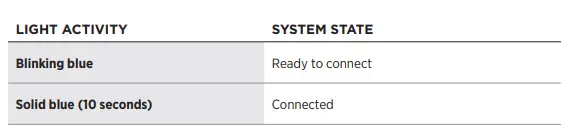
- First of all, turn on the Bluetooth of your headphones by sliding and holding the Power/Bluetooth button to the right for 3 seconds. A voice prompt announcing “Ready to connect” will be heard.
- Go to the Bluetooth Settings of your device and turn it on.
- Select the headphones named “QuietComfort 45” to connect to the Bluetooth headphones.
- Once the connection is successful, a voice saying “Connected to <device>” will be hard and the status light of your headphones will turn blue for 10 seconds.
Connect using Audio Cable
If you have a non-wireless device, or your headphones battery died and want to still listen to music you can use the audio cable that comes with the headphones. The headphones can be turned OFF/ON while used by the audio cable.
- Connect the 2.5mm end of the cable to the port on the left earcup.
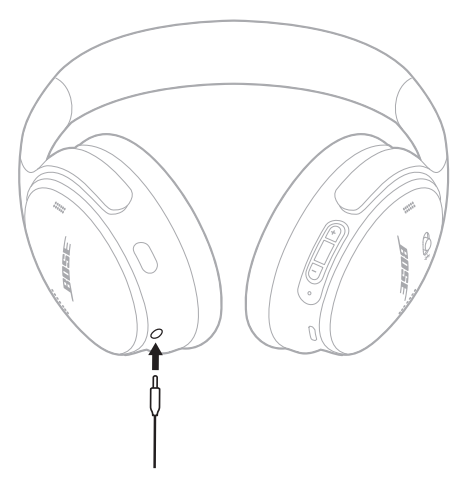
- Connect the 3.5mm end of the cable to your device.
Bluetooth Connection Settings of Bose QuietComfort 45 Bluetooth Headphones
- Disconnecting a Mobile Device: Turn Off the Bluetooth of your device or use the Bose Music App to disconnect the Bluetooth device.
- Reconnecting a Mobile Device: The headphones automatically try to reconnect to the two previously connected devices if they are within a range of 30 ft or 9m and their Bluetooth is on.
- Connecting a Mobile Device: Use the Bluetooth menu and follow the previously mentioned steps or download the Bose Music App.
- Identifying the Connected Device: To know the device that is currently connected, slide the Power/Bluetooth button to the right and release it. A prompt voice will announce the connected device.
- Switching between two Connected Devices: The Bose QC45 headphones can receive calls from both of the connected devices, regardless of the current audio playing device. You can simply switch between the mobile devices by:
- On the first device, pause the audio.
- On the second device, play audio.
How to Charge the Headphones
The battery status is indicated as follows

You can charge your headphones by following the below easy steps:
- On the right earcup in the USB-C port, connect the small end of USB cable.
- The other end of the cable is connected to the USB wall charger.
The following is the status of the charging:
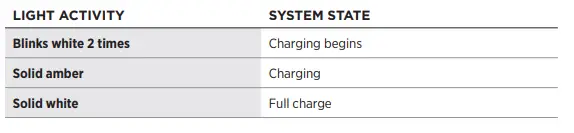
- The headphones take 2.5 hours to be fully charged.
- The battery level is also announced by a voice prompt each time you turn the headphones on or if the battery is low.
How to Conserve the Headphones Battery
If the headphones are not in use, use the Standby Timer to conserve the battery. This can be set up and customized in the Bose Music App.
PROS
- Ambient Aware Mode to control noise cancellation
- USB-C port charging
- Comfortable for long usage
- Lightweight
CONS
- Low Call quality
- ANC isn’t adjustable
VERDICT
If you are looking for headphones that are comfortable to wear for long periods, have a long-lasting battery, and have the ability to control noise cancellation, these headphones are a very stylish option for you.
FREQUENTLY ASKED QUESTIONS
- Do these come with a wire so you can use them on flights?
Yes, the Bose QuietComfort 45 Headphones come with a USB Type-C cable and 2.5mm to 3.5mm audio cable to connect to devices. - Does it have a mute button?
You can mute yourself while being on a call by double pressing the Action button. - Do these have any kind of water or sweat resistance yet?
No, the QC45 doesn’t have any kind of water or sweat resistance therefore it is recommended not to wear them near water. - Can these be charged while in use?
No, they can’t be played while charging. Once charged you can play the audio/music. - How many devices can connect at the same time?
The QC45 can be connected to two devices simultaneously, however, only a single device can play audio at a time. You can switch from one device to the other by pausing the audio of the first device and playing the audio on the second device. - Does the microphone cancel background voices while on call?
The headphones allow your voice to be clear in noisy conditions by isolating and focusing on your voice only and rejecting the noise. - Can I use a different USB-C charging cable than Bose’s?}
Yes, as they don’t come with a wall charger so you will already be using a third-party charger to charge them so this shouldn’t be a problem.