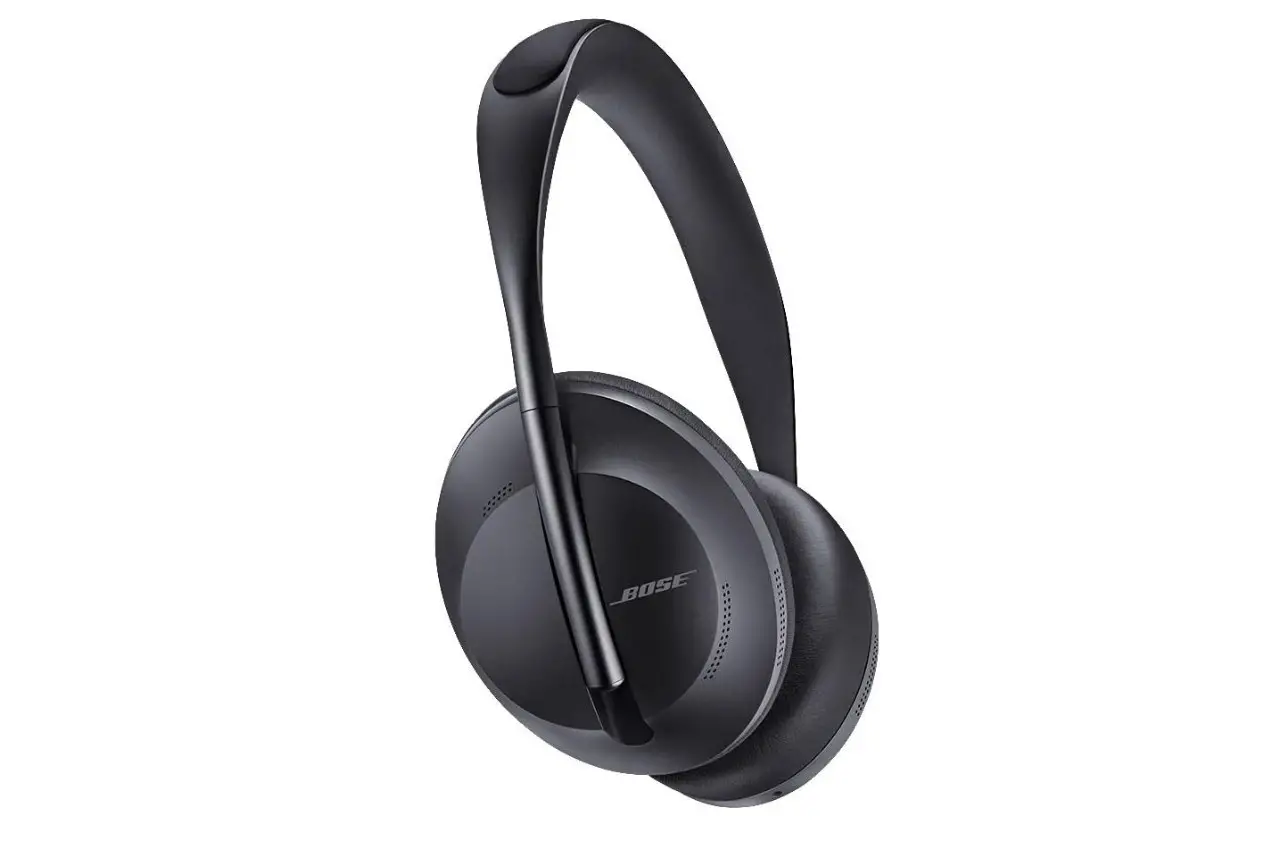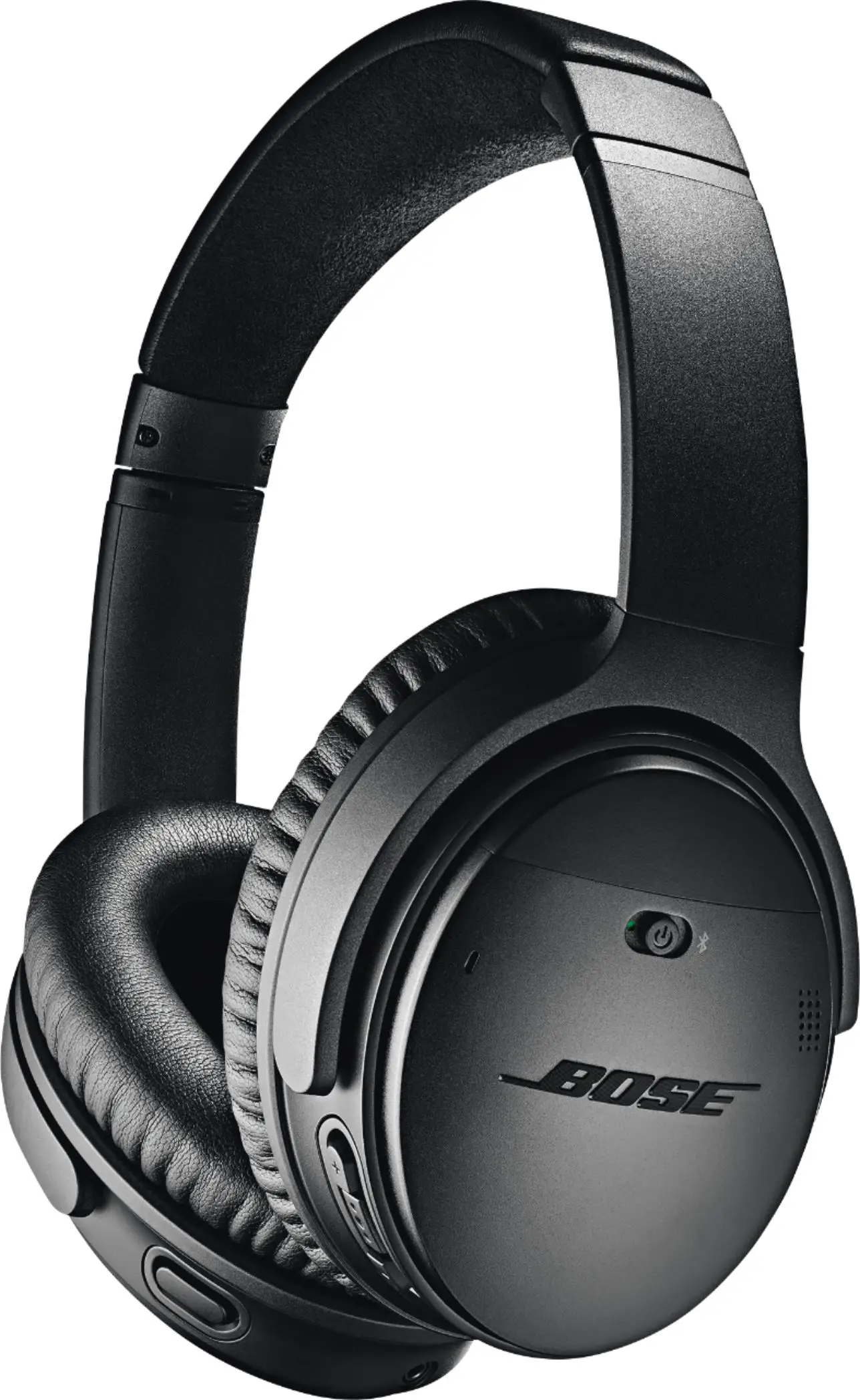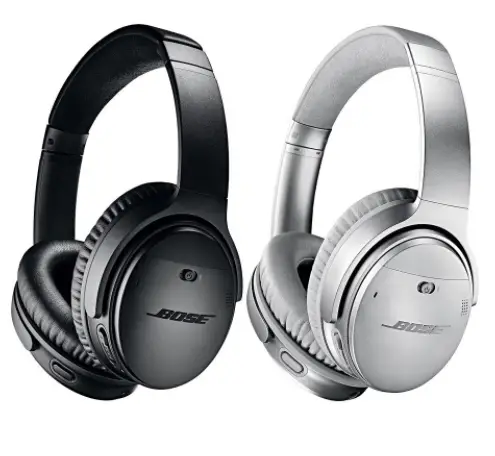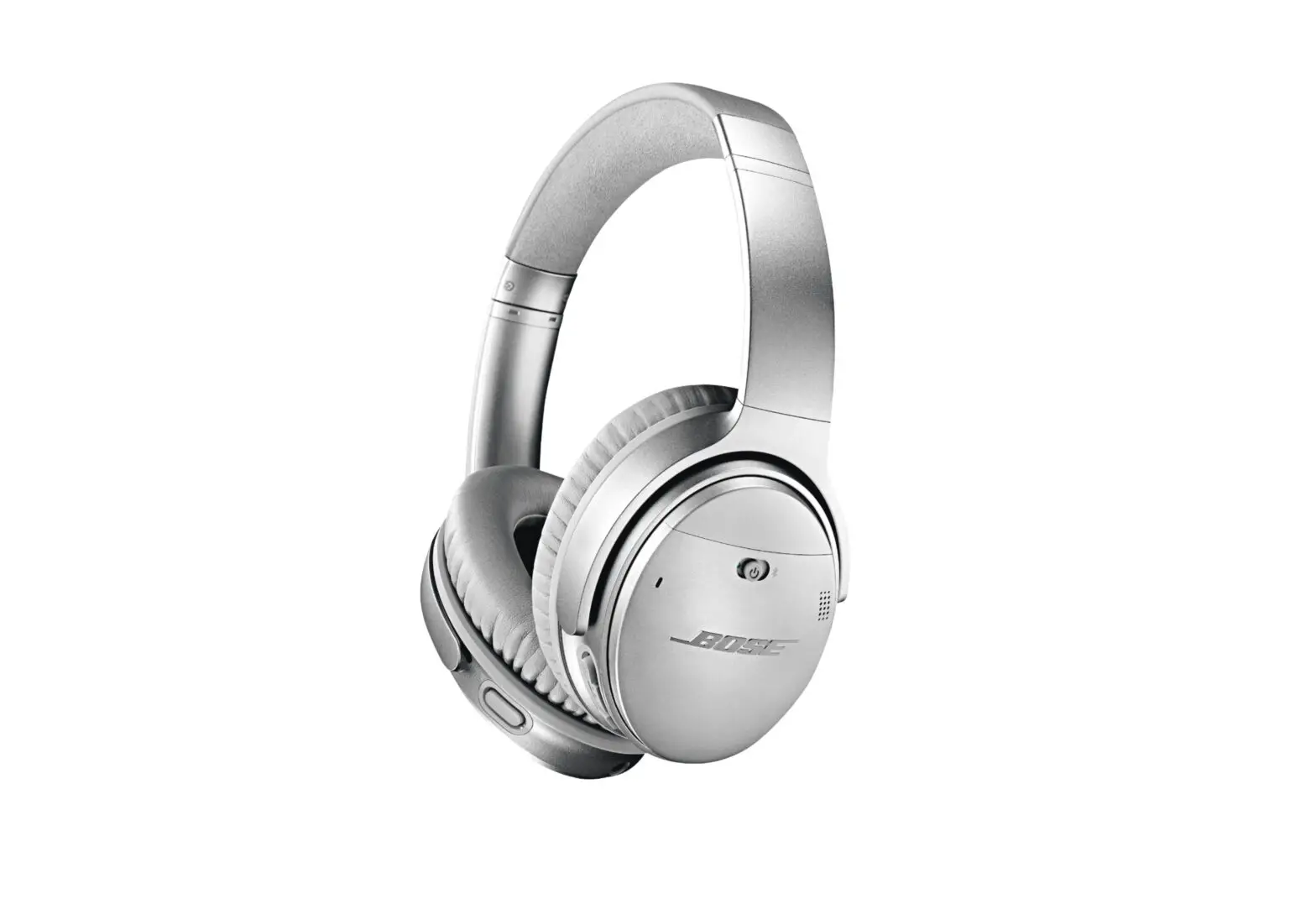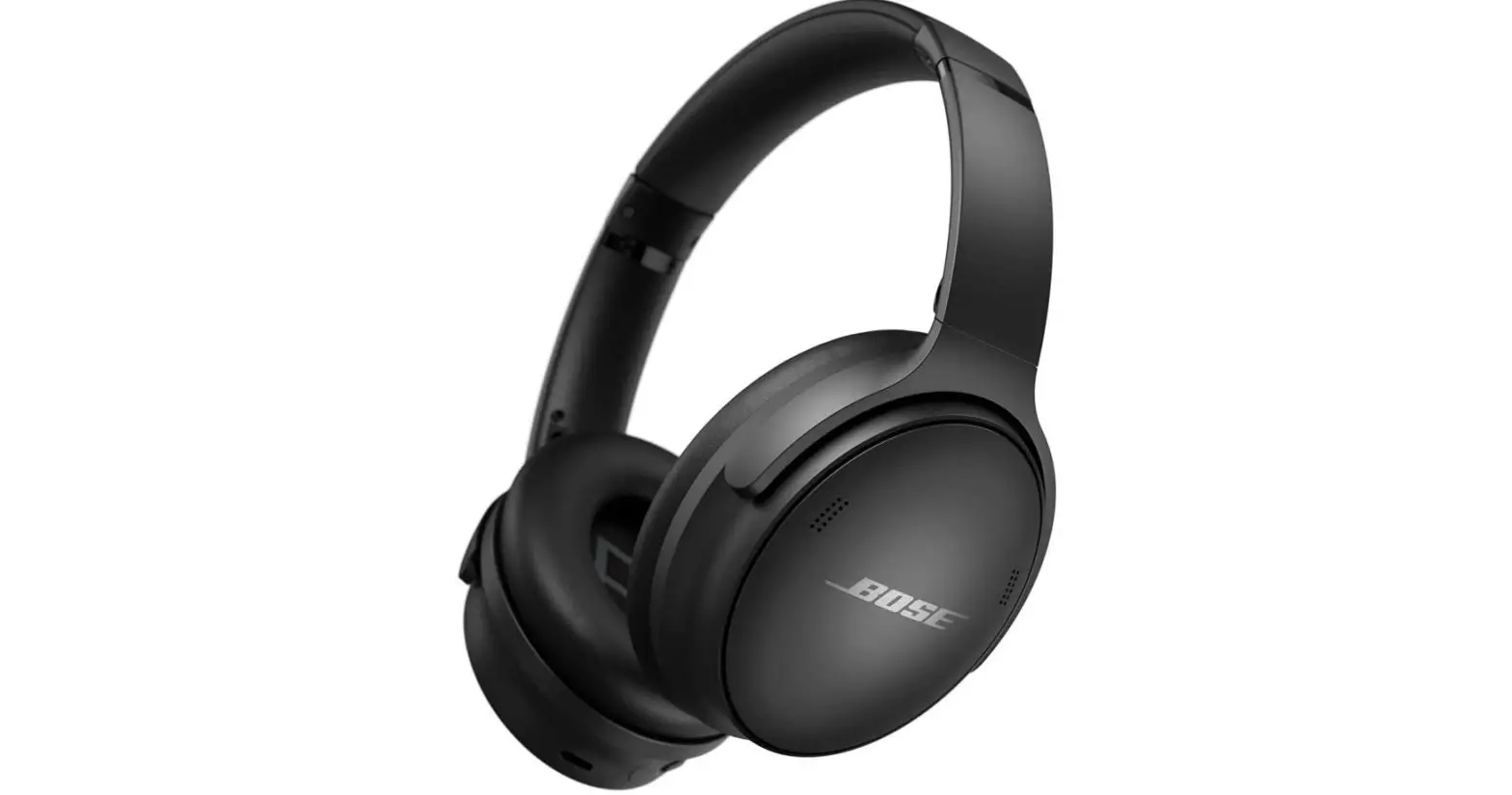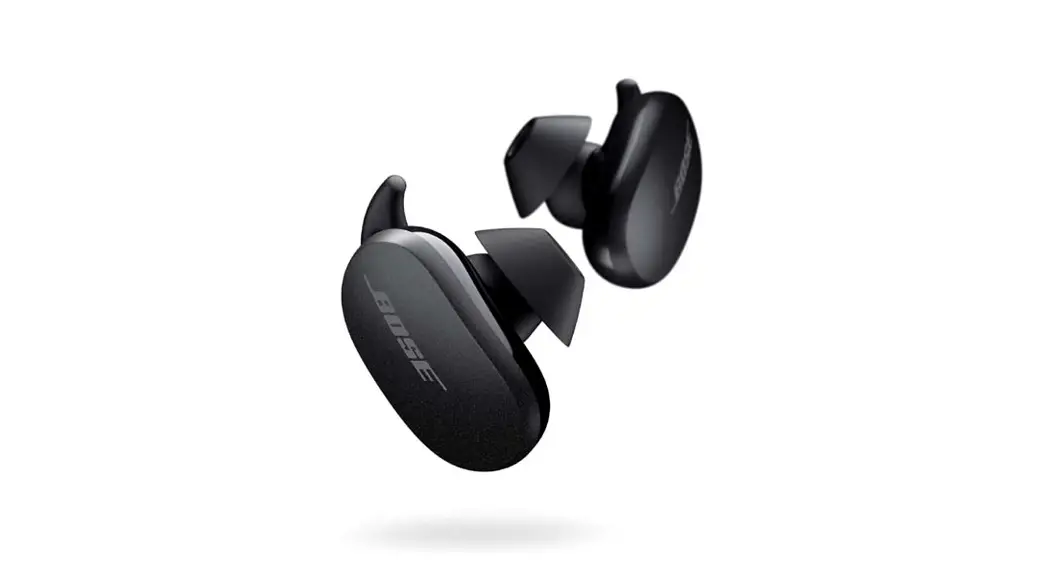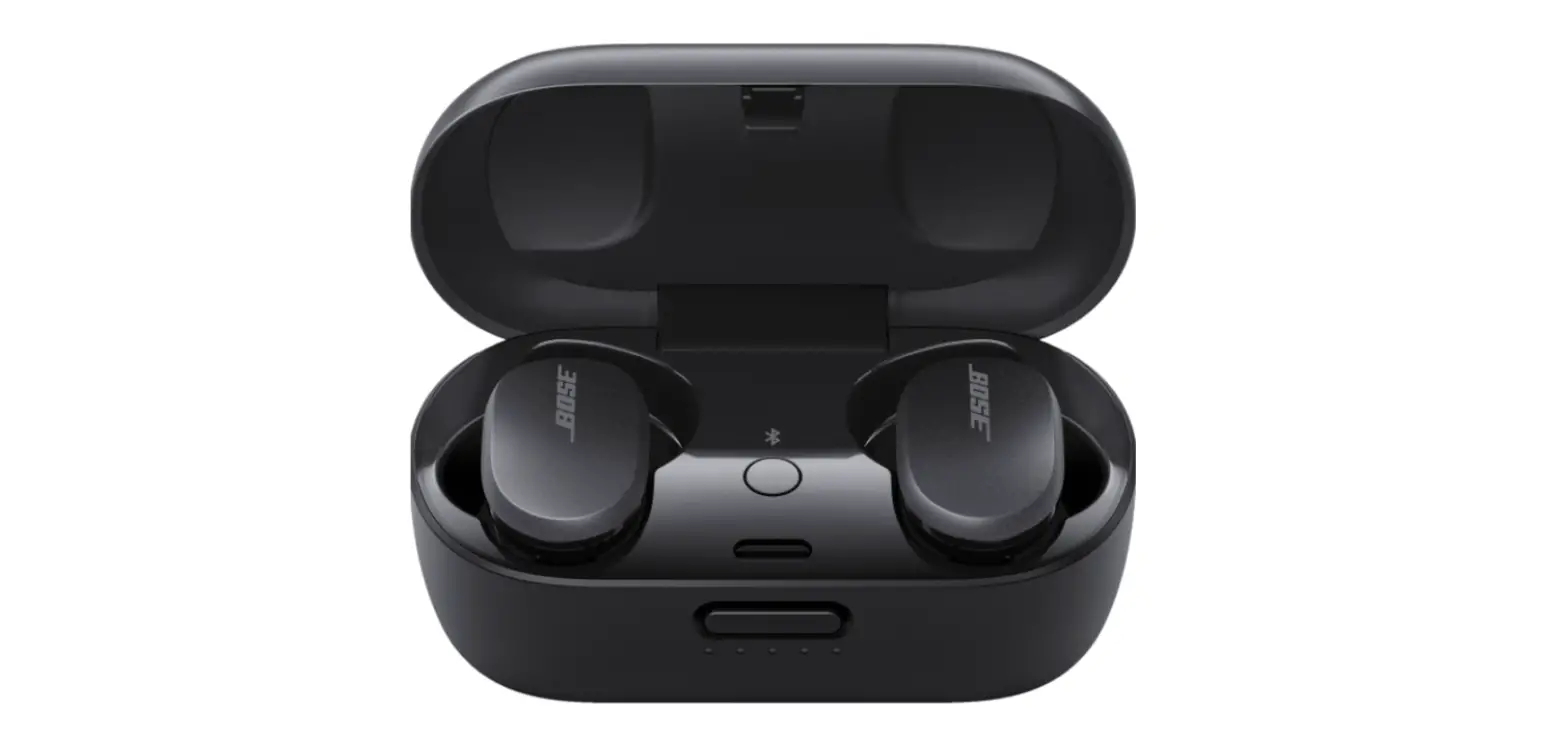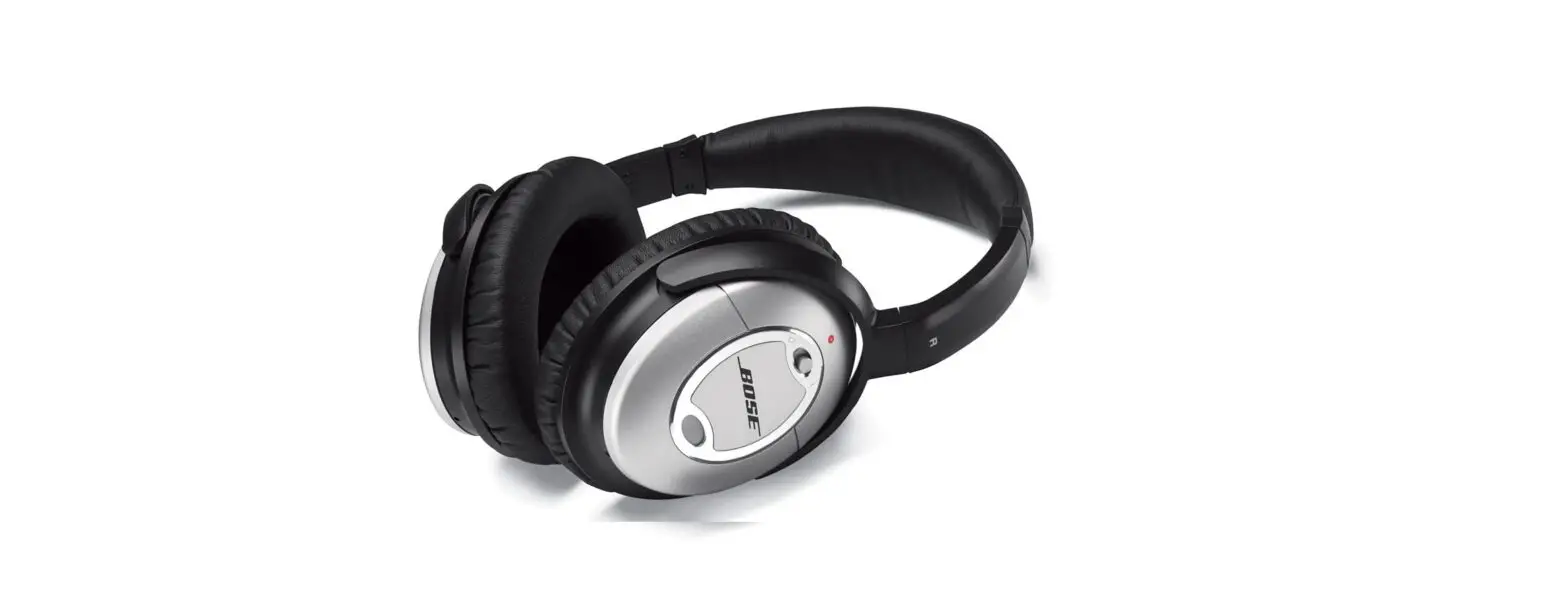

Bose QuietComfort 2 Acoustic Noise Canceling Headphones
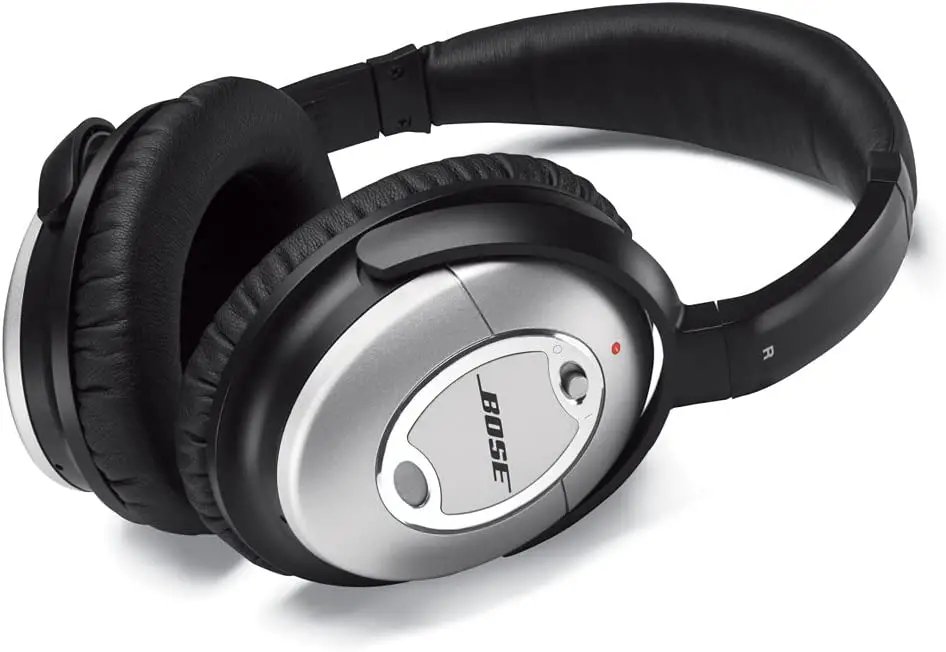
Specifications
- CONNECTIVITY TECHNOLOGY: Infrared
- ITEM WEIGHT: 2 Pounds
- SPECIAL FEATURE: Noise-Cancelling-Feature
- FORM FACTOR: Over Ear
- NOISE CONTROL: Active Noise Cancellation
- POWERED BY: AAA battery
- TOTAL WEIGHT WITH CABLE: 6.9 oz (196 g)
- PRODUCT DIMENSIONS: 8.8 x 8.25 x 2.5 inches
- ITEM WEIGHT: 2 pounds
Introduction
Put on some QuietComfort 2 earbuds to hear your music come to life. The best audio performance is delivered by Bose’s Acoustic Noise Cancelling headphone technology, which is the result of decades of research. The unwelcome noise around you is electronically detected and reduced by this distinguished technology (on buses or trains, in the office, even at home). You consequently hear more of your preferred content. less of the irritating noises that have frequently kept you from paying attention. Incredibly powerful headphone audio performance is also made possible by proprietary TriPort headphone technology, which keeps the design simple and compact.
When you take the QuietComfort 2 headphones on a trip or to the office, they fold flat for simple storage in a backpack or briefcase. They are lightweight and comfy. In comparison to two-cable configurations, a single detachable audio cable makes it simple to connect to portable players, home stereos, and in-flight entertainment systems. If you only want the noise-cancelling advantages of your headphones, you may remove that same cable and make them cordless. Bose headphone technology for acoustic noise cancellation. These proprietary technologies accurately preserve the music, conversation, or silence that you want while electronically identifying and reducing unwanted noise. Bose TriPort headphones’ acoustical design.
For headphones this small, this patented method makes use of three tiny ports in the earcups to deliver a robust audio experience. The QuietComfort earplugs. A crucial acoustical seal is created between the headphones and your head thanks to a proprietary cushion design, which improves noise cancellation and helps to maximize sound quality.
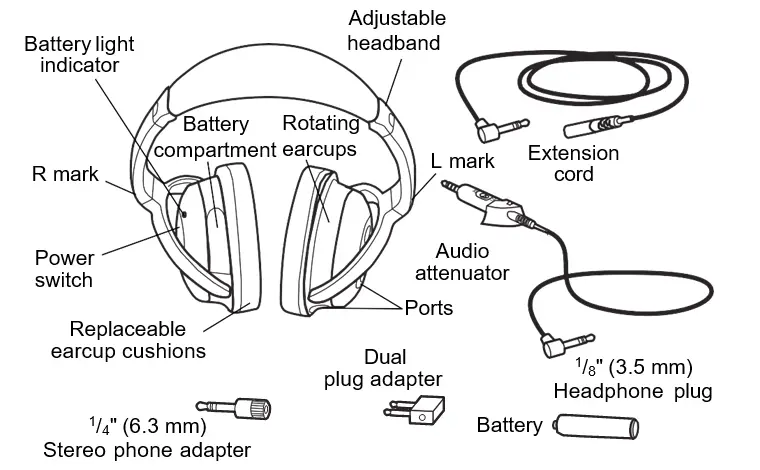
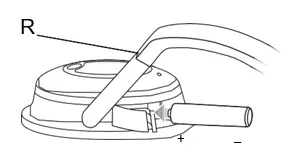
Insert the battery first, before you put on the headphones.
WEARING THE HEADPHONES
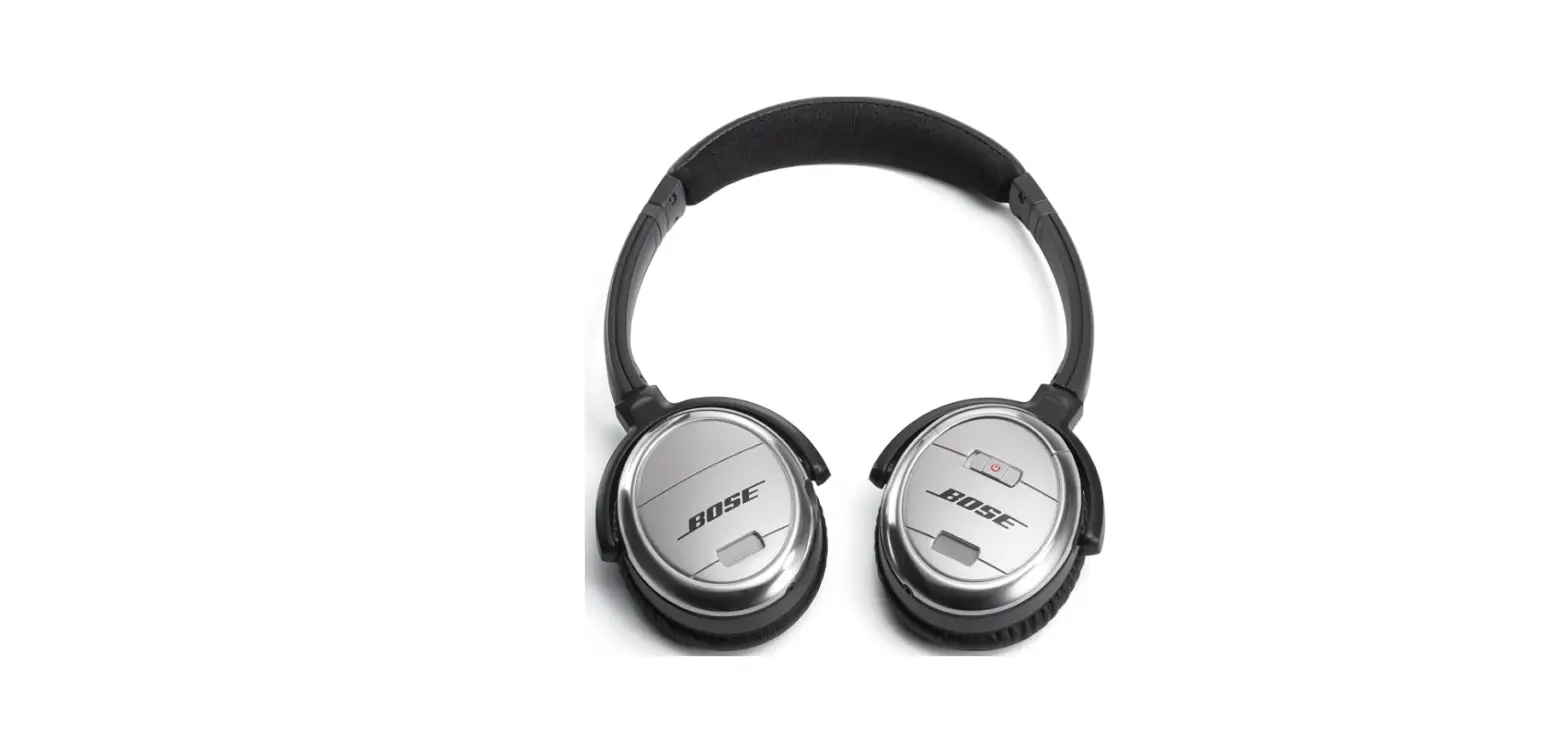
As you put on the headphones, observe the markings that identify the left (L) and right (R) earcups. Adjust the headband so it rests gently on top of your head and the earcup cushions fit comfortably around your ears.
USING YOUR HEADPHONES
- If you plan to use them for noise reduction only, simply put on the headphones and turn on the power switch, located on the right earcup. There are no cable connections required for this use.
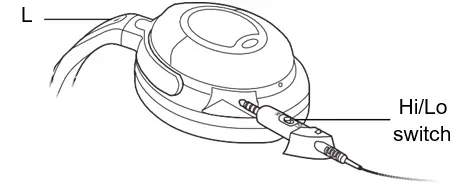
- To use the headphones for audio, first notice the settings on the audio attenuator shown below.

- These Hi and Lo settings are used to adjust the output volume of different audio sources. “Lo” is typically used for airline audio or audio devices that use A/C power. “Hi” is typically used for battery-powered audio devices.
- NOTE: Hi and Lo settings have no effect on noise reduction.
- Select the appropriate setting for the sound source you will use. Then insert the audio attenuator into the opening on the left (L) earcup and press it in so it is flush with the side of the earcup.
- As soon as you connect the headphone plug to your audio source, you are ready to put on the headphones and turn on the power switch to enjoy both audio and noise reduction. Use the volume control on the selected audio source to make additional volume adjustments.
CONNECTING TO AN AUDIO SOURCE
- You can use the headphones with a variety of audio sources: airline audio, a CD, DVD or MP3 player, a personal or laptop computer, or home stereo. The maximum input voltage is 9 Vrms.
- To make the connection, insert the headphone plug into the jack on the audio source you will use.
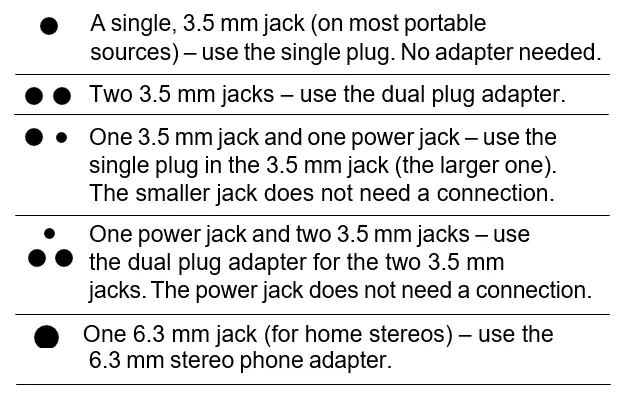
- Notice the jack configurations on the left in the chart below. Instructions on the right tell you how to connect to each type of jack:

- NOTE: Audio jack configurations on airplanes vary. Also, airline audio may not equal the high quality audio you can get from a home stereo or a portable source.
FOLDING THE EARCUPS FOR STORAGE
QuietComfort® 2 Acoustic Noise Cancelling® headphones feature rotating earcups that fold flat for easy, convenient storage. They rotate in one direction only.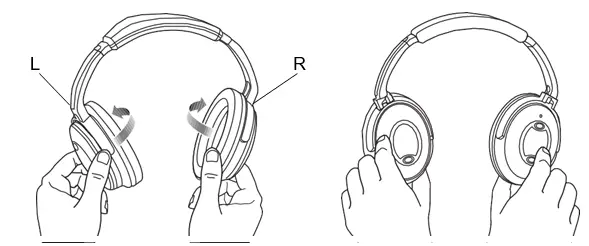
NOTE: Incorrectly rotating the earcups can damage the headphones.
REATTACHING EARCUP CUSHIONS
The earcup cushions are held in place by a mounting flange. This flange snaps under small tabs located around the inside rim of the earcup.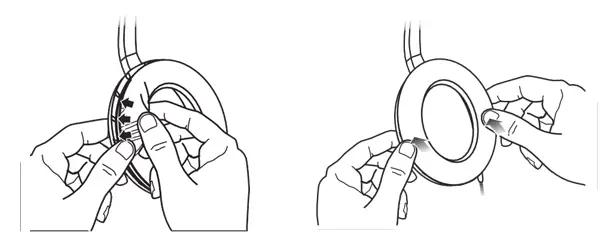
If an earcup cushion becomes partially or completely detached, push its mounting flange back into the earcup. Then use your finger or thumb to press around the edge of the mounting flange, making sure it snaps into place all the way around the earcup.
BATTERY REPLACEMENT
Although it varies by usage, battery life averages 35 hours. With the headphones turned on, the battery light indicator will flash when there are approximately 5 hours of battery life remaining.
When a replacement is needed, use 1 AAA alkaline battery (IEC LR03). Tilt the top of the right earcup inward to gain access to the battery compartment.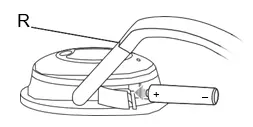
NOTE: You can use rechargeable batteries (NiMH, com- posed of nickel metal hydride, are recommended). They average half the life of alkaline batteries. However, the low battery indicator light is not set for such batteries and will not be a reliable indicator of their remaining battery life.
Replacement parts and accessories You can order parts and accessories, as listed below, by contacting Bose® Customer Service. See the phone number for your area on the inside back cover of this guide.
- Dual plug adapter
- Accessory kit (includes adapters, extension cord, 2 AAA batteries)
- Deluxe carry case
- Replacement ear cushion kit
- 5 m extension cord
- 2 m extension cord
- Audio attenuator
CLEANING THE HEADPHONES
Scheduled cleaning is not required. However, you can simply wipe the outside surfaces with a damp cloth, as needed. Also, be sure that the earcup ports are clear and that no moisture is allowed into the earcups.
TROUBLESHOOTING
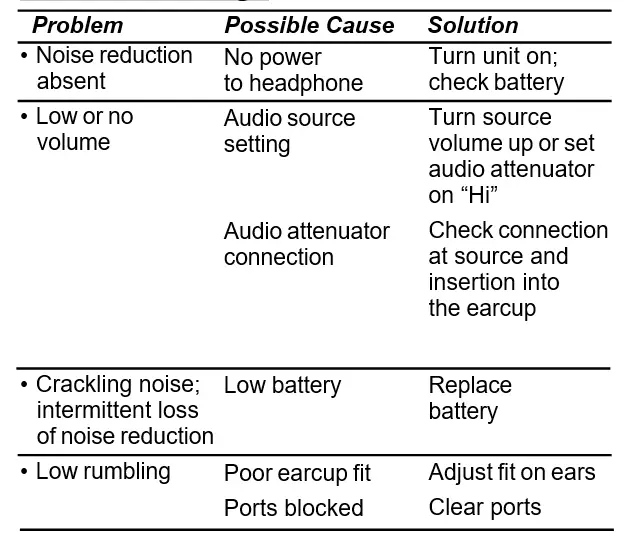
CAUTIONS
- Long-term exposure to loud music may cause hearing damage. It is best to avoid extreme volume when using these headphones, especially for extended periods.
- Do not use these headphones when operating a motor vehicle on a public road, or where the inability to hear outside sounds may present a danger to the user or others.
- Sounds that you rely on as reminders or warnings may have an unfamiliar character when you are using the headphones. Be aware of how these sounds vary in character, so you can recognize them as needed.
- Do not drop, sit on, or allow the headphones to be immersed in water.
FAQs
- How should my Bose QuietComfort 2 be used?
Get your headphones. Next, advance the power switch to the “On” position. The indicator for the battery light will turn on. Use the dual 3.5 mm output plug to connect to in-flight entertainment systems that include dual output connectors. - The Bose action button is what, exactly?
You can quickly and easily access Amazon Alexa, the Google Assistant (available for Android only), or noise cancellation by pressing the Action button, which is a programmable button that is positioned on the back of the left earcup. - Has the Bose Qc2 a microphone?
The Bose QuietComfort 35 II Gaming Headset is essentially identical to the ordinary Bose QC 35 II; the only difference is that the boom microphone may be removed. - How do Bose headphones work for answering calls?
One single press of the Multi-function Button will answer that call and put the previous call on hold. - My Bose headphones don’t have a power button; where is it?
To turn your headphones on or off, push the Power/Bluetooth® button on the right earcup. - How are Bose headphones muted?
To mute or unmute your device, simultaneously press the Volume + and Volume – buttons. If activated, a voice prompt for confirmation is audible. When the microphone is muted, sound can still be heard in your headphones but not during a phone call. - The Bose headphones don’t have a microphone.
Right earbud contains the microphone. - Can you turn off noise cancellation?
Yes. Any level, even different on either side, of sensitivity can be selected. Or it can be shut off entirely. - Can you make calls using Bose headphones?
When they are Bluetooth-connected to a phone, all Bose headphones can be used to answer calls. Using the headphones’ built-in controls, a call can be answered and ended. - Why won’t calls using my Bose headphones connect?
Check the device’s headphone jack for any lint or other debris that could be obstructing the connection by using a flashlight or other light source.