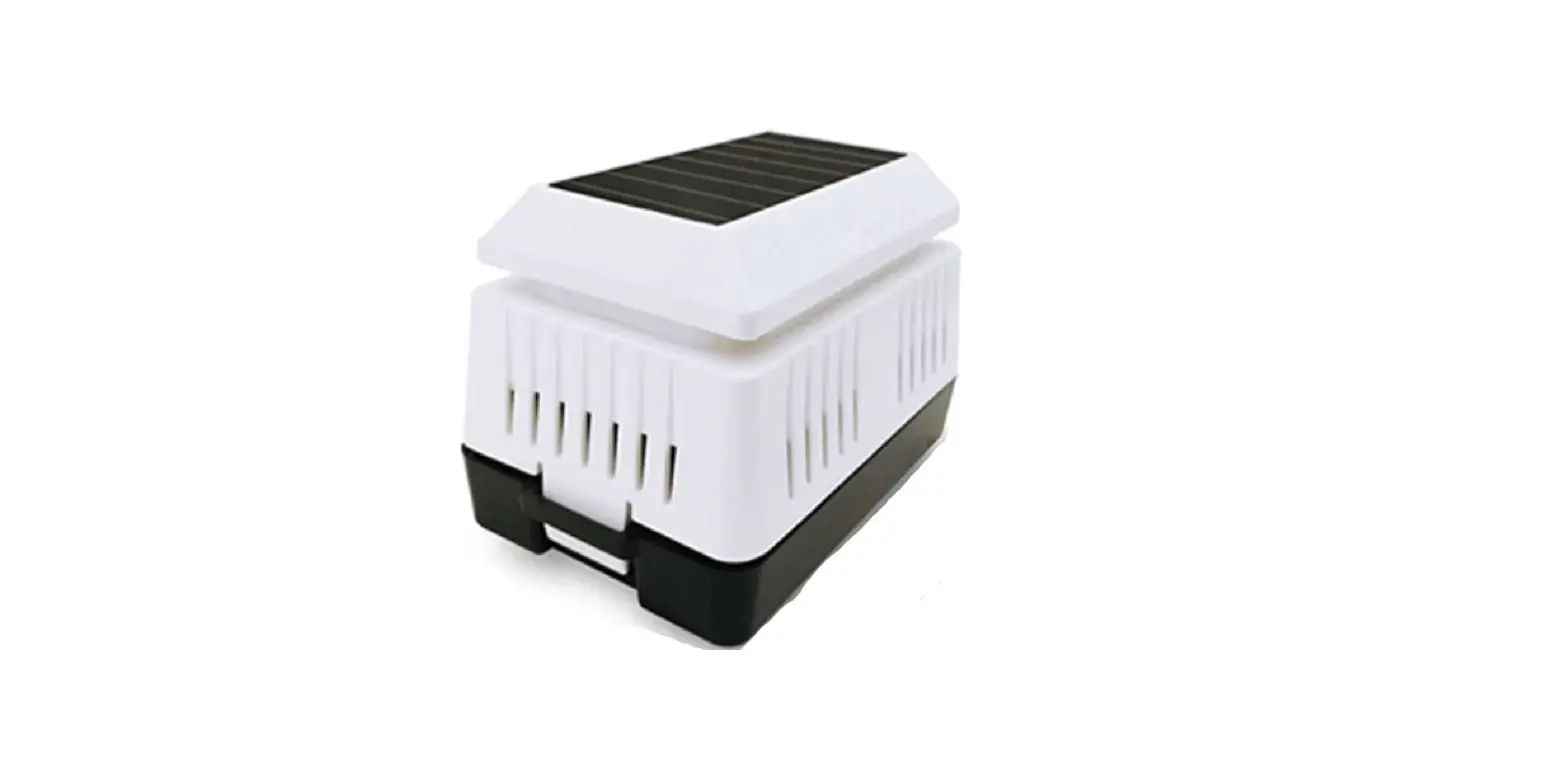
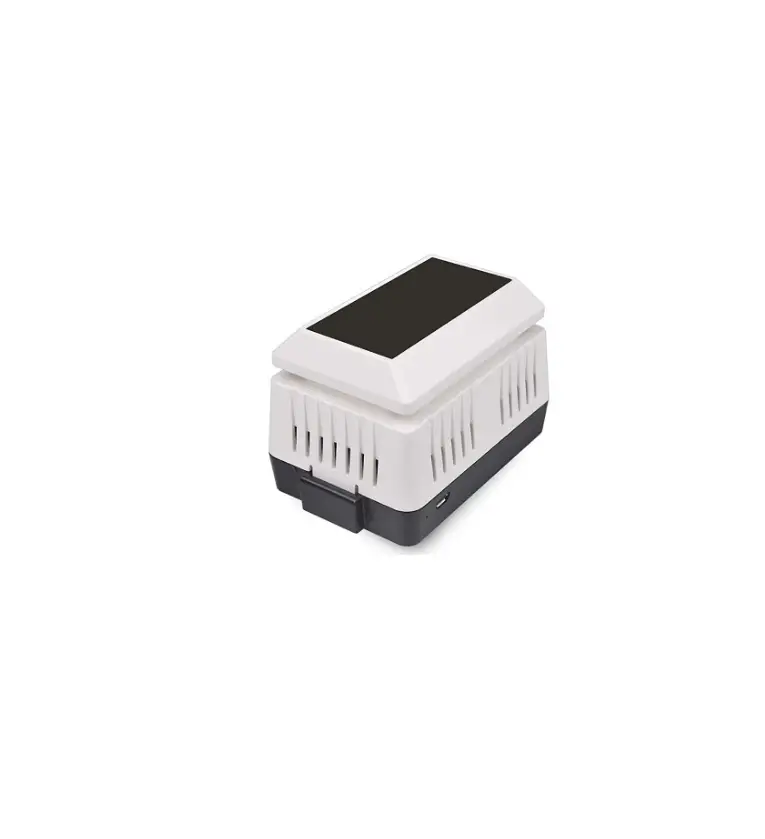
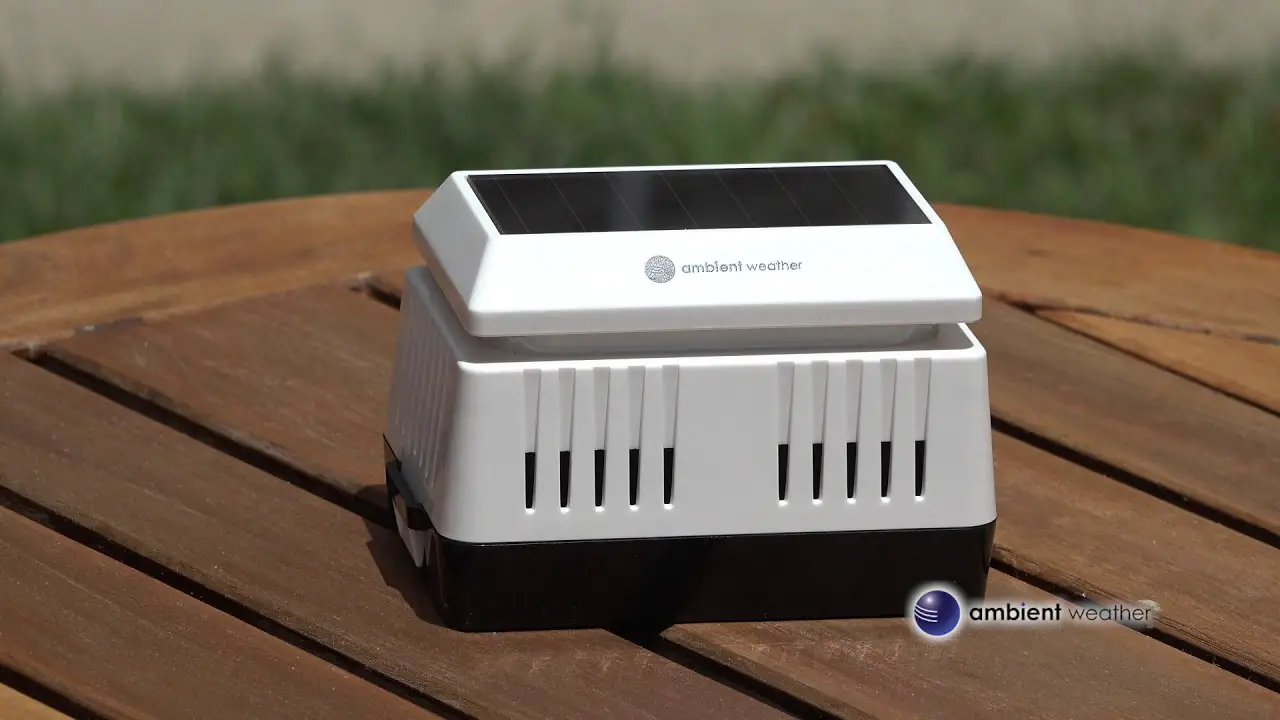
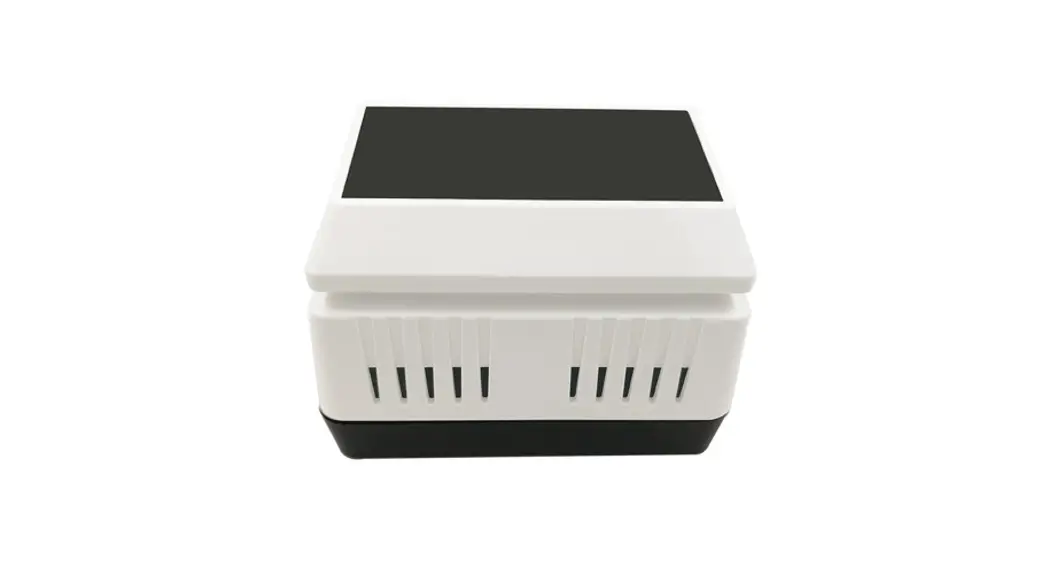
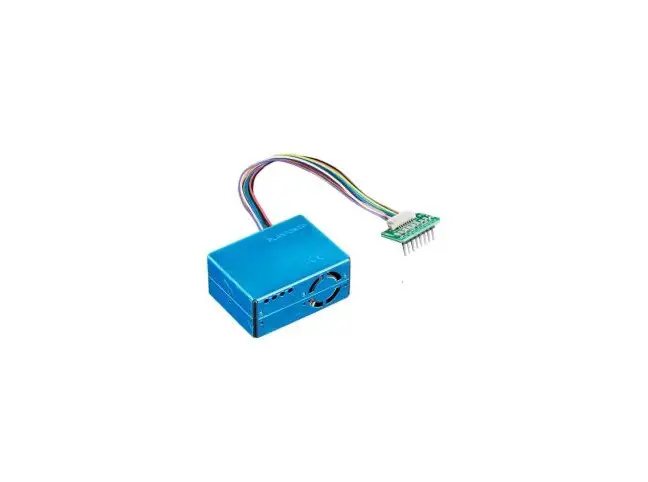
WH43 Indoor PM2.5 Air Quality Sensor
Product Information: Indoor PM2.5 Air Quality Sensor
Model: WH43
The Indoor PM2.5 Air Quality Sensor (Model: WH43) is a wireless
sensor that measures the concentration of PM2.5 (particulate matter
with a diameter of 2.5 micrometers or less) in indoor environments.
It is designed to provide accurate and real-time air quality data
to help you monitor and improve the air quality in your
surroundings.
Features:
- PM2.5 Sensor: Measures indoor PM2.5 concentration every 60
seconds when powered with AC adaptor or every 10 minutes when
powered with batteries. - USB connection for indoor use only.
- Calibration function available when paired with Wi-Fi
Gateway/HP2551/HP3500/HP3501. - Long wireless range, up to 300 feet (100 meters) in open
areas.
The sensor can be paired with different devices for various
functionalities:
When paired with a WH0290 console:
- The console will synchronize with the sensor, and the received
data can be displayed on the console. - AQI (Air Quality Index) calibration function is not available
with this console display. - Supports a maximum of one sensor.
When paired with a Wi-Fi Gateway:
- Monitor live sensor data on the Live Data page of the WS View
Plus app (requires the gateway and your phone to be connected to
the same Wi-Fi network). - Displays current PM2.5 concentration/AQI and 24H AQI (Air
Quality Index) and air quality level index on the Live Data page of
the WS View Plus app. - Supports up to 4 channels.
- Calibration function available.
When paired with a Weather Station Console
(HP2551/HP3500/HP3501/WN1900/WN1920/WN1820):
- View real-time PM2.5 concentration data on the display of the
Weather Station Console. - Supports up to 4 channels.
- Channel names can be edited on the display.
- Calibration function available.
When uploaded to Ecowitt Weather Server:
- View current sensor data, history records, and graphs on the
website. - Set and receive email alerts from the server.
- Channel names can be edited on the website.
- Remote monitoring with a smartphone, laptop, or computer by
visiting the website.
Product Usage Instructions:
- Sensor Set Up:
Before using the Indoor PM2.5 Air Quality Sensor, it needs to be
set up correctly. Follow these steps:- If using batteries, insert them into the sensor. If using an AC
adaptor, connect it to the sensor. - Ensure the sensor is powered on and ready for pairing.
- If calibration is required, pair the sensor with a Wi-Fi
Gateway/HP2551/HP3500/HP3501.
- If using batteries, insert them into the sensor. If using an AC
- Sensor Installation:
The sensor should be installed in an appropriate location for
accurate air quality measurement. Follow these guidelines:- Place the sensor in a well-ventilated area, away from direct
sunlight and heat sources. - Avoid placing the sensor near sources of pollution or airflow
disturbances. - Ensure the sensor is positioned at a suitable height for
accurate readings.
- Place the sensor in a well-ventilated area, away from direct
- Wi-Fi Configure with gateway:
To connect the sensor to a Wi-Fi Gateway, follow these
steps:- Pair the sensor with the Wi-Fi Gateway.
- Configure the Wi-Fi connection between the gateway and your
network.
- View Online Data on WS View Plus/Ecowitt:
To view the sensor data online using WS View Plus or Ecowitt,
follow these steps:- Ensure the sensor is paired with a compatible device (e.g.,
Wi-Fi Gateway, Weather Station Console). - Access the Live Data page of the WS View Plus app or visit the
Ecowitt Weather Server website. - Monitor the current PM2.5 concentration, AQI, and other
relevant air quality information.
- Ensure the sensor is paired with a compatible device (e.g.,
For additional help, download the latest manual from the
provided link or contact the technical support team via
[email protected] or [email protected] (EU/UK).
Indoor PM2.5 Air Quality Sensor
Model: WH43
Contents 1. Introduction …………………………………………………. 3 2. Parts List …………………………………………………….. 3 3. Features ………………………………………………………. 3 4. Sensor Set Up ……………………………………………….5 5. Sensor Installation …………………………………………7 6. Wi-Fi Configure with gateway ………………………..9
6.1 Pair with Gateway ……………………………………9 6.2 Wi-Fi Connection for the Gateway …………..10 7. View Online Data on WS View Plus/ Ecowitt …10 8. Appendix …………………………………………………… 12 9. Specification ……………………………………………….14 10. Warranty Information …………………………………15
1
Please scan the QR code to read English manual and keep it for future reference
Bitte scannen Sie den QR Code zudeutsche Anleitung lesen und aufbewahren füZukunftsbezug
Si prega di scansionare il codice QR perleggi il manuale italiano econservalo perReferenza futura
Instruction manuals https://www.ecowitt.com/support/download/61
Help
Our product is continuously changing and improving, particularly online services and associated applications. To download the latest manual and additional help, please contact our technical support team: [email protected] [email protected] (EU/UK)
2
1. Introduction
Thanks for your purchasing of the WH43 PM2.5 Air Quality Sensor. To ensure the best product performance, please read this manual and retain it for future reference.
2. Parts List
One Air Quality Sensor (Wireless PM2.5 Sensor) One USB Cable User Manual
3. Features
PM2.5 Sensor Measures indoor PM2.5 concentration every 60 seconds when powered with AC adaptor or detecting every 10 minutes when powered with batteries. USB connection for indoor use only Calibration function available when paired with Wi-Fi Gateway/HP2551/HP3500/HP3501 Long wireless range, up to 300 feet (100 meters) in open areas
3
When paired with a WH0290 console: Console will synchronize with this sensor and the received data can be displayed on the console. AQI index Calibration function is not available with this console display. Max one sensor can be supported.
When paired with a Wi-Fi Gateway: Monitor live sensor data on the Live Data page of the WS View Plus app (requires the gateway and your phone using the same Wi-Fi network) Displays current PM2.5 concentration/AQI and 24H AQI and air quality level index on the Live Data page of the WS View Plus app Up to 4 channels supported. Calibration function available
When paired with a Weather Station Console (HP2551/HP3500/HP3501/WN1900/WN1920/WN1820) :
View PM2.5 concentration data in real-time on the Display
Up to 4 channels supported. Channel names can
4
be edited on the Display. Calibration function available.
When uploaded to Ecowitt Weather Server: View current sensor data & history records & graph on the website Set and receive email alerts from the server Channel names can be edited on the website Remote monitoring with smart phone, laptop, or computer by visiting the website
Note: The WH41 and WH43 will be recognized as the same sensor type by the software. If you purchased both, they will share the four channels together and the total quantity of the two sensors could not exceed four.
4. Sensor Set Up
1. Remove the battery door on the base of the air quality sensor as shown in Figure 1
5
Figure 1
No Description
No
Description
1 Red LED Indicator 3 Battery Compartment
(RF transmission)
2 AC Adapter USB Power Port
Cover 4 Battery Compartment
2. Insert two AA batteries and close the batterydoor. Note: The batteries (not included) are mainly for
backup purpose.
6
3. Connect the USB cable between the sensor and an AC adapter(not included).
Note: After inserting the batteries or connecting AC power, the sensor LED indicator will light for four seconds, and then flash once per 1 minute thereafter (10 minutes if only powered by batteries). Each time it flashes, the sensor is transmitting data.
5. Sensor Installation
Before install the sensor into its permanent location, you may go to Section 6 to configure with the gateway first. Once the sensor has been confirmed working correctly, then you can go back here.
Place the sensor on a horizontally surface. Note that the vents must be clear of any obstructions, and we recommend placement away from other electronic devices to prevent interference. Do not place on a metal table to prevent RF signal loss.
Wireless communication is susceptible to interference, distance, walls and metal barriers. We recommend the following best practices for trouble free wireless communication.
7
1. Electro-Magnetic Interference (EMI). Keep the console several feet away from computer monitors and TVs.
2. Radio Frequency Interference (RFI). If you have other devices using the same RF frequency and communication is intermittent, try turning off these other devices for troubleshooting purposes. You may need to relocate the transmitters or receivers to avoid intermittent communication.
3. Line of Sight Rating. This device is rated at 300feet line of sight (no interference, barriers or walls) but typically you will get 100feet maximum under most real-world installations, which include passing through barriers or walls.
4. Metal Barriers. Radio frequency will not pass through metal barriers such as aluminum siding. If you have metal siding, align the remote and console through a window to get a clear line of sight.
8
6. Wi-Fi Configure with gateway
This PM2.5 sensor doesn’t has a display function and you need to use our WS View Plus App to view the data on your mobile application after pairing this device with our Wi-Fi Gateway(sold separately).
6.1 Pair with Gateway
If Wi-Fi Gateway has been in operation, and you have never had any WH41 PM2.5 sensor setup before, just power up the sensor and Wi-Fi Gateway will pick PM2.5 data automatically.
If a PM2.5 sensor has been hooked on Wi-Fi Gateway before, and you have a new PM2.5 sensor to replace the old one, unplug Wi-Fi Gateway from USB socket and power up again, then the new sensor will be learned and old sensor will be erased.
Note: The gateway can support up to 4 PM2.5 air quality sensors (with GW1000/GW1100 Wi-Fi Gateway Firmware V1.4.6 or above). Each new sensor will be recognized as a new channel according to the Power-on sequence. You may attach a label of the channel on each sensor for distinction.
9
6.2 Wi-Fi Connection for the Gateway
For this part, please refer to the manual of the GW1000/GW1100 Wi-Fi gateway. Any question, please contact the customer service.
7. View Online Data on WS View Plus
When the Wi-Fi configuration is done, you can view the live data of your PM2.5 sensor on the WS View Plus application.
10
Note: The PM2.5 data can be only viewed on the Live Data interface since it doesn’t support uploads to weather underground. If you choose to upload the data to our weather server: https://www.ecowitt.net, you can view the live data/history graph and download the records on the website. You can add a shortcut of the website on the home screen of your phone for quick access.
11
8. Appendix
About the Air Quality Levels
Air
PM2.5
AQI Pollution Concentration
Level
ug/m3
Health Implications
Cautionary Statement (for PM2.5)
050
Good
0.0-12.0
Air quality is considered satisfactory, and air pollution poses little or no risk
None
51 100
Moderate
12.1-35.4
Air quality is acceptable; however, for some pollutants there may be a moderate health concern for a very small number of people who are unusually sensitive to air pollution.
Active children and adults, and people with respiratory disease, such as asthma, should limit prolonged outdoor exertion.
101150
Poor
35.5-55.4
Members of sensitive groups may experience health effects. The general public is not likely to be affected.
Active children and adults, and people with respiratory disease, such as asthma, should limit prolonged outdoor exertion.
12
151200
Unhealthy
55.5-150.4
201300
Severe
150.5-250.4
300+ Hazardous 250.5+
Everyone may begin to experience health effects; members of sensitive groups may experience more serious health effects
Health warnings of emergency conditions. The entire population is more likely to be affected.
Health alert: everyone may experience more serious health effects
Active children and adults, and people with respiratory disease, such as asthma, should avoid prolonged outdoor exertion; everyone else, especially children, should limit prolonged outdoor exertion
Active children and adults, and people with respiratory disease, such as asthma, should avoid all outdoor exertion; everyone else, especially children, should limit outdoor exertion.
Everyone should avoid all outdoor exertion
13
9. Specification
Measurement PM 2.5
Range 0~999ug/m3
Accuracy >100ug/m3, ±15% <100ug/m3, ±15ug/m3
(at 25°C
±5°C)
Resolution 1ug/m3
Transmission distance in open field: 100m (300 feet) Frequency: 915/868/433Mhz (optional) Sensor reporting interval: 1 minutes (10 minutes when only powered by batteries)
Power consumption PM2.5 sensor: AC power (5V 1A) – Not included 2 x AA 1.5V Batteries for back up – Not included
14
10. Warranty Information
We disclaim any responsibility for any technical error or printing error, or the consequences thereof. All trademarks and patents are recognized. We provide a 1-year limited warranty on this product against manufacturing defects, or defects in materials and workmanship. This limited warranty begins on the original date of purchase, is valid only on products purchased, and only to the original purchaser of this product. To receive warranty service, the purchaser must contact us for problem determination and service procedures. This limited warranty covers only actual defects within the product itself and does not cover the cost of installation or removal from a fixed installation, normal set-up or adjustments, or claims based on misrepresentation by the seller, or performance variations resulting from installation-related circumstances.
15
 Professional Weather Products | Smart Home Product – Ecowitt
 Ecowitt Weather