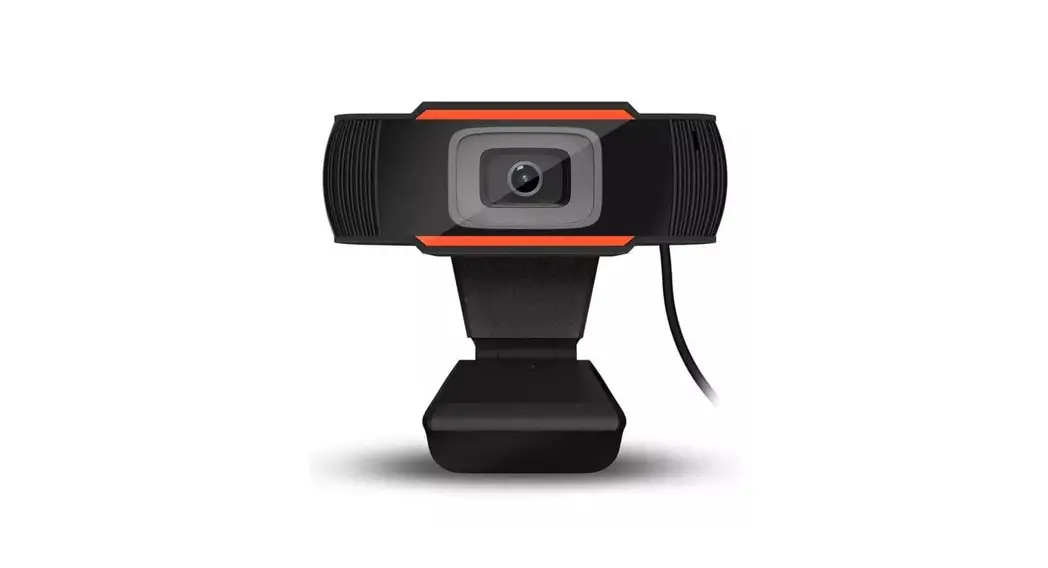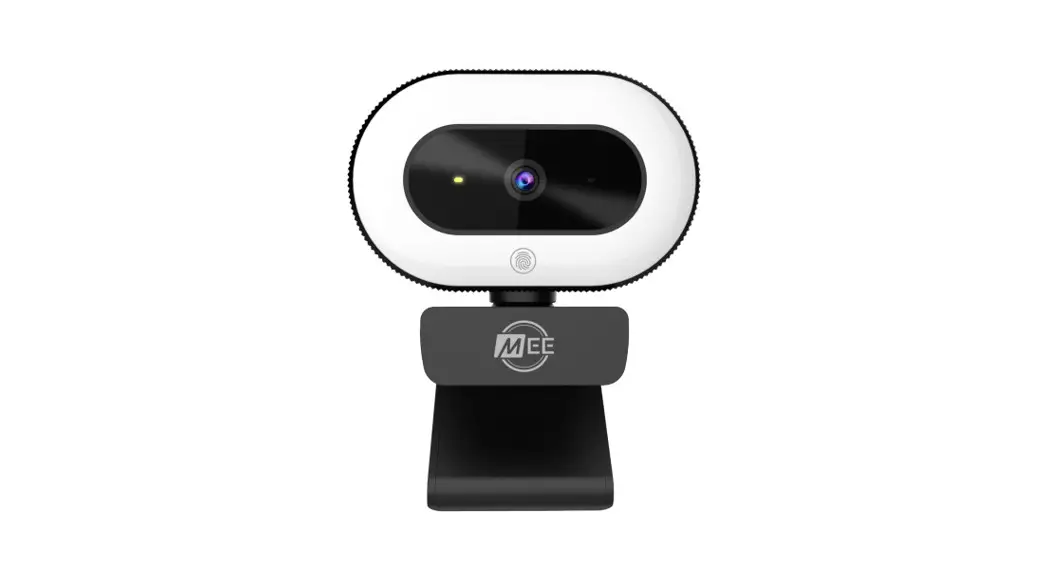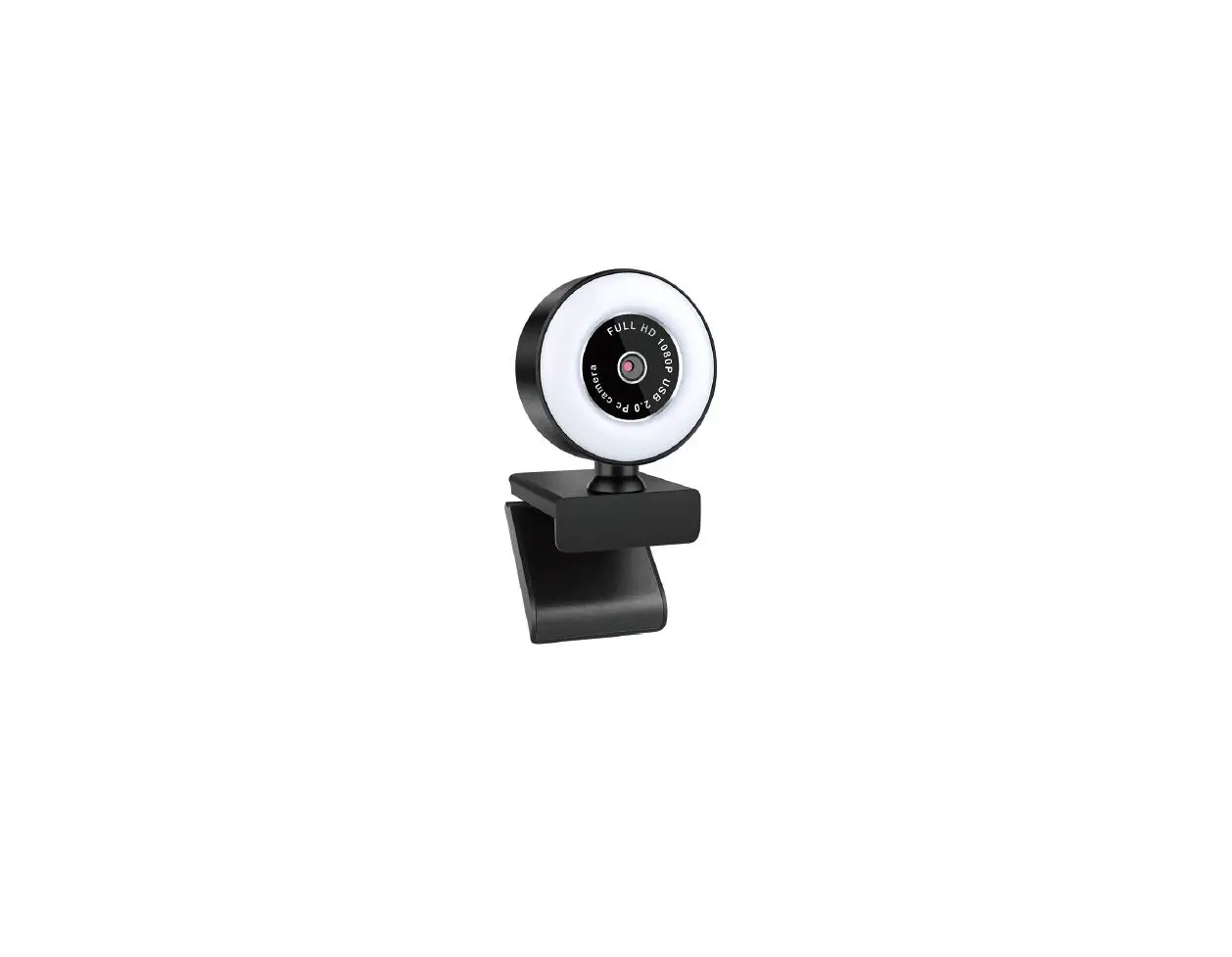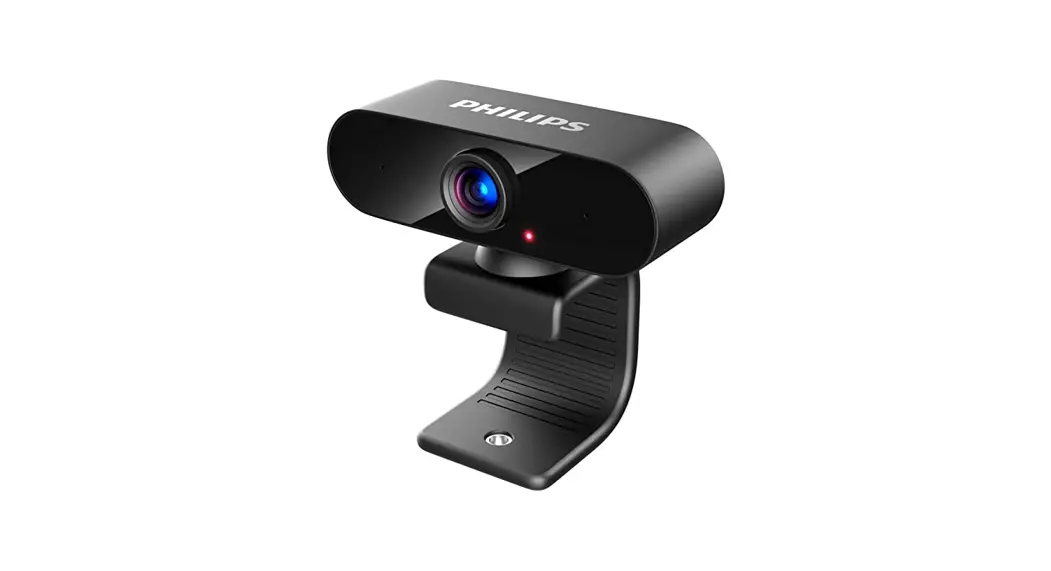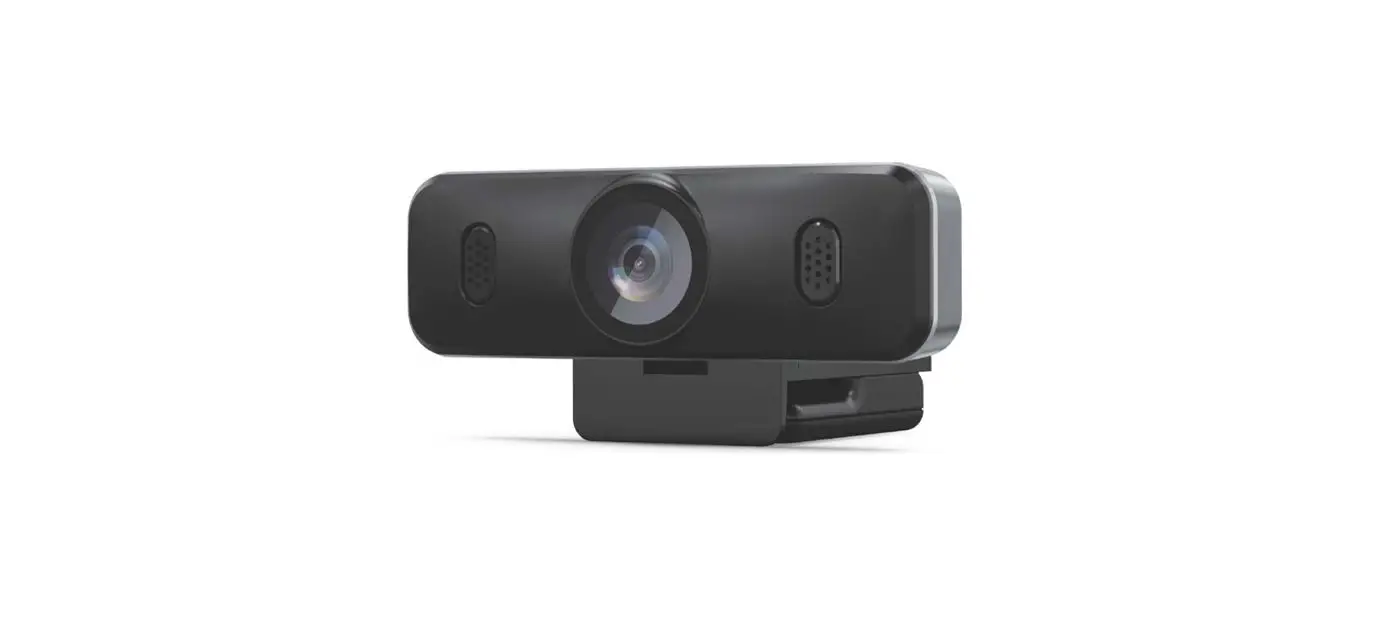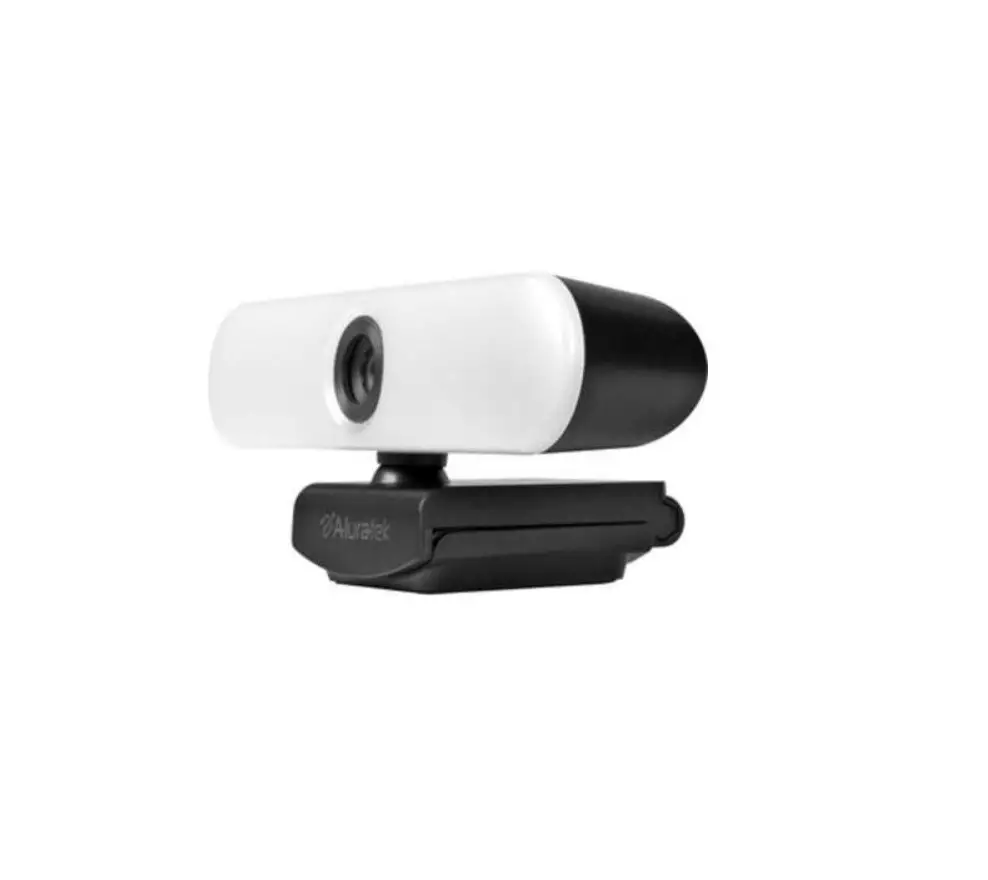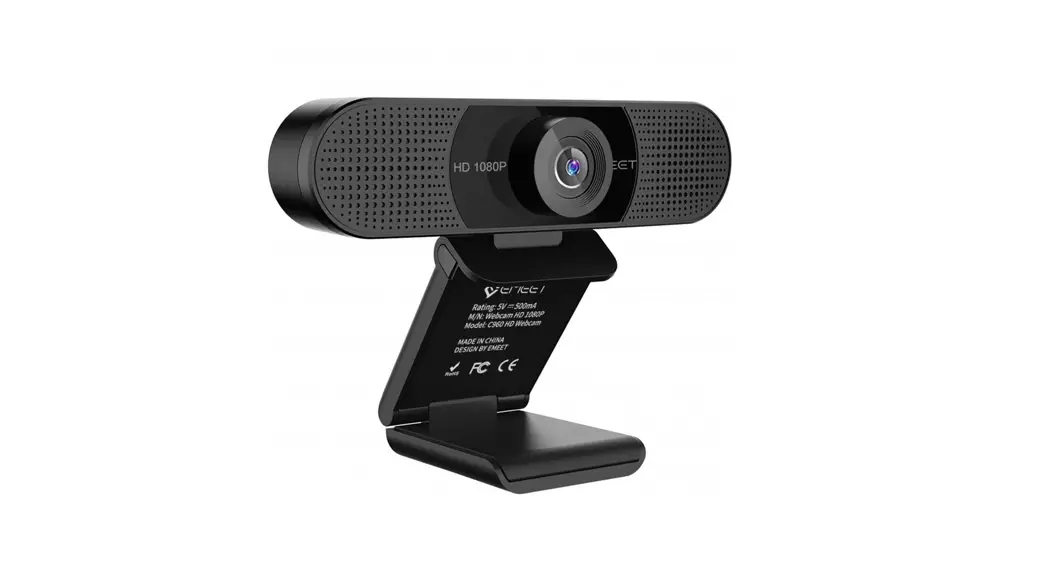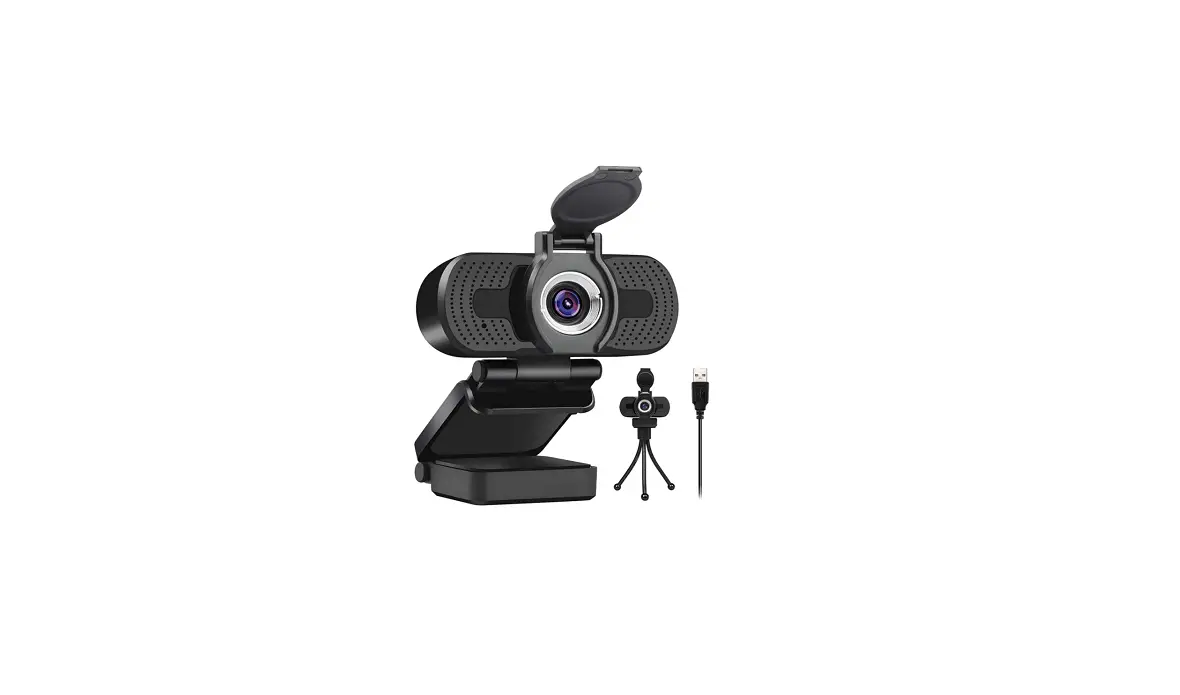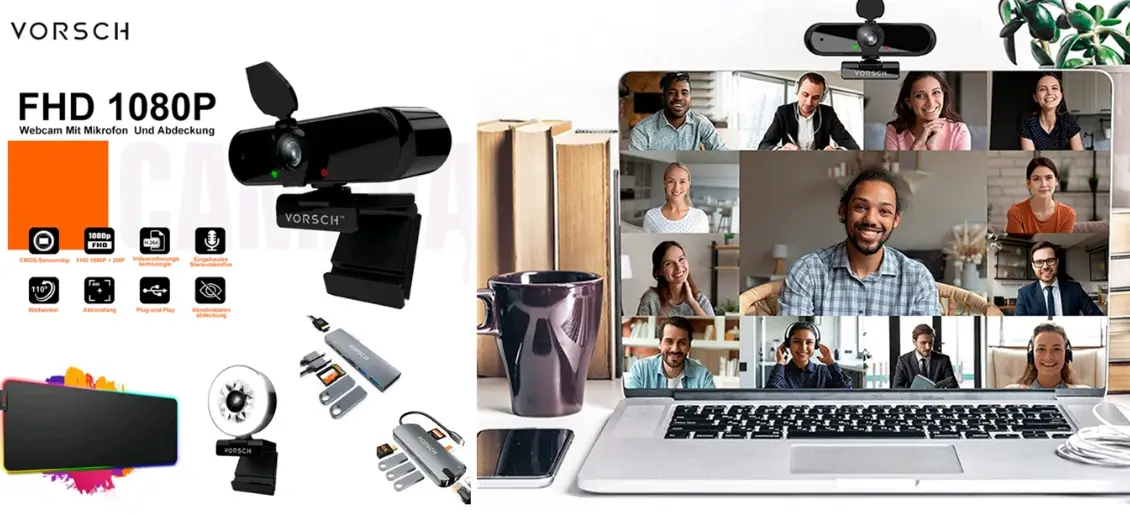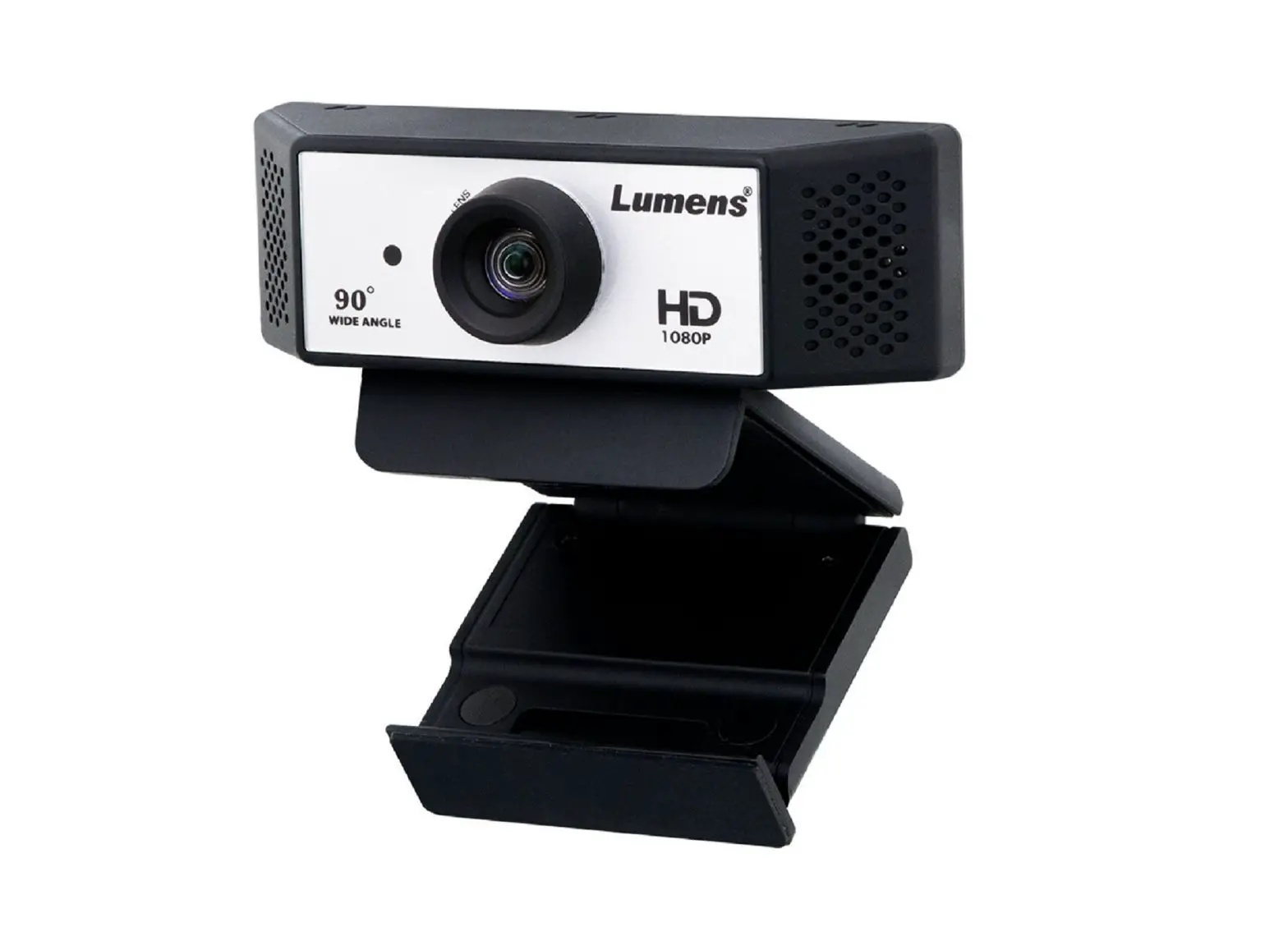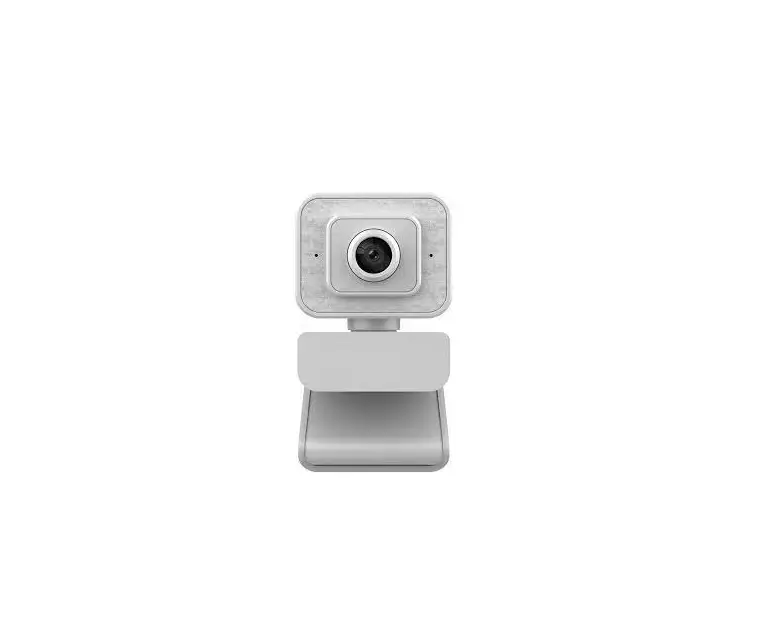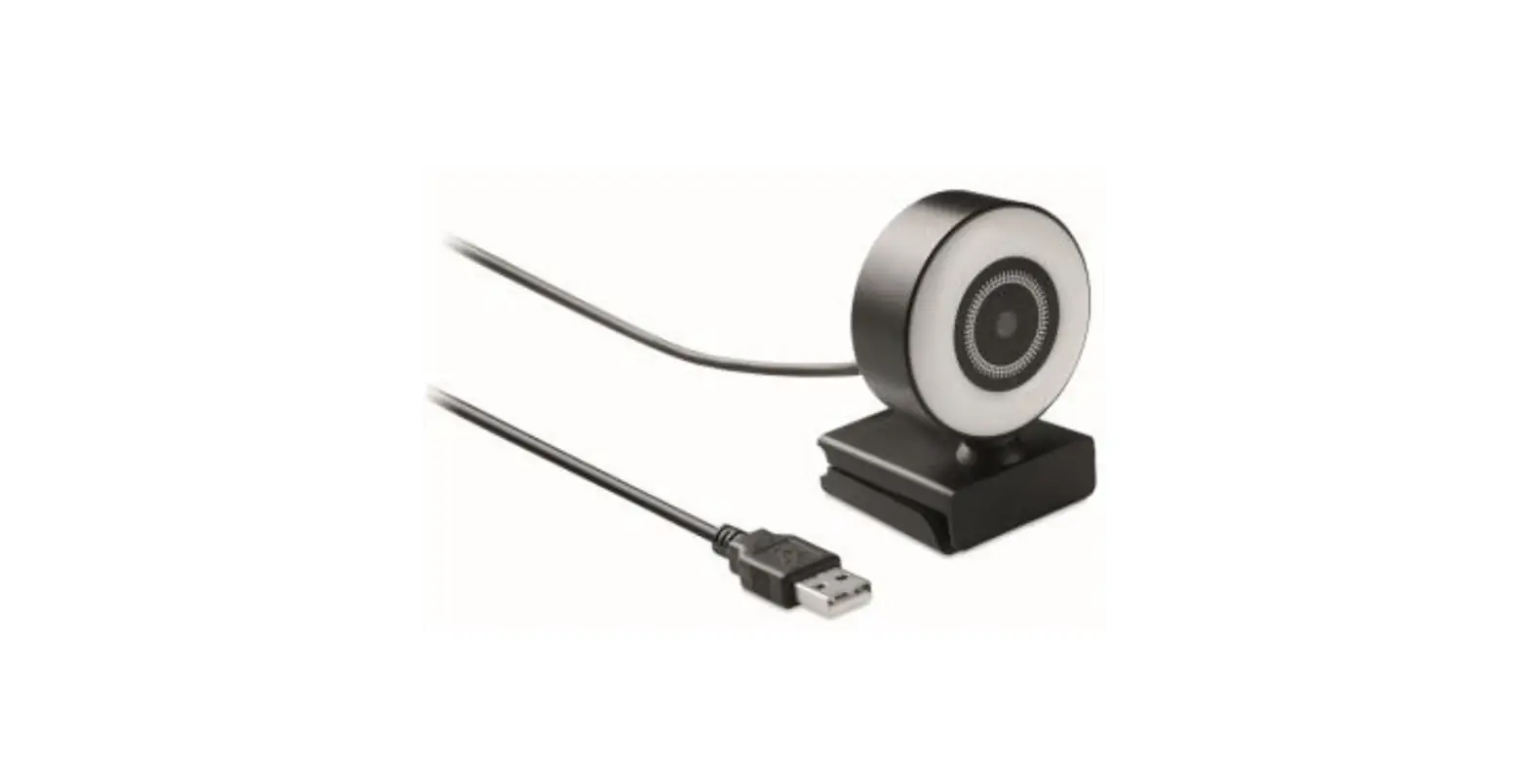

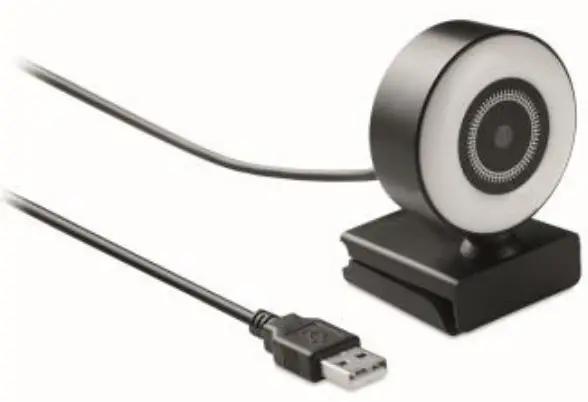
MOB MO6395 1080P HD Webcam and Ring Light
Hereby, MOB, declares that item MO6395 is in Compliance with the essential requirements and other relevant conditions of Directive 2014/30/EU. The full text of the EU declaration of conformity is available at the following internet address: www.momanual.com.
Thank you for choosing our network camera series products!
Based on the non-drive scheme, plug and play, matches with the high-speed USB interface, keeps the video picture smooth and clear.
Unpacking inspection:
When you receive the camera, please check the product packaging and appearance for obvious damage firstly, then open the product outer packing box, refer to the packing list, and check whether the accessories attached with the product are complete. After confirmation, the equipment can be installed and used.
Packing List
- 1x Camera (with USB cable)
- 1x User manual.
Camera Connection:
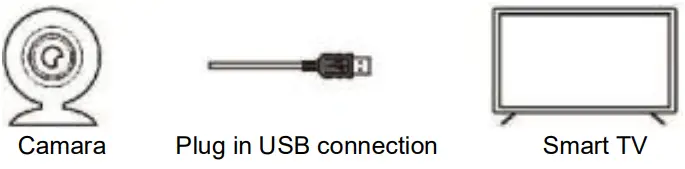
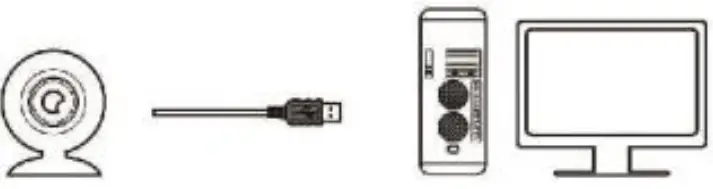
Plug one end of the USB cable of the camera into the USB interface of the set-top box / smart TV / computer and wait for the system to run and install automatically.
Note: the following figure is only for camera connection
- Smart TV connection methods:

- IPTV TV set top box connection methods:

Camara Plug in USB connection IPTV TV set-top box Smart TV - Computer connection methods:

Camara Plug in USB connection Computer main box Computer display

Product parameters and application
| Item | Parameters |
| Sensor type | CMOS Sensor |
| USB applicable interface port | 3.0 2.0 port |
| Lighting requirements | Above 10Lux.Sec |
| Image static storage format | BMP/JPEG |
| Effective pixel | 640*480/1280*720/1920*1080 |
| Voice microphone | Built-in |
| White balance / exposure Automatic control / gain control | Automatic |
| Support system | Support windows 10/ Windows 7 /Vista / XP (SP2 or above) / Android System / Linux/ Support wechat,QQ, MSN, Yahoo and other instant Video chat software, and support Online video chat room |
FAQ
| Question | Possible Reason | Resolvent |
| The camera cannot enter the normal recognition working state | 1. The USB cable is not connected properly.
2. The software is not working properly. | 1. Unplug the USB cable again connect it with another USB port. 2. Restart the software. 3. restart set- top box / smart tv / computer |
 Export
 Error during processing.