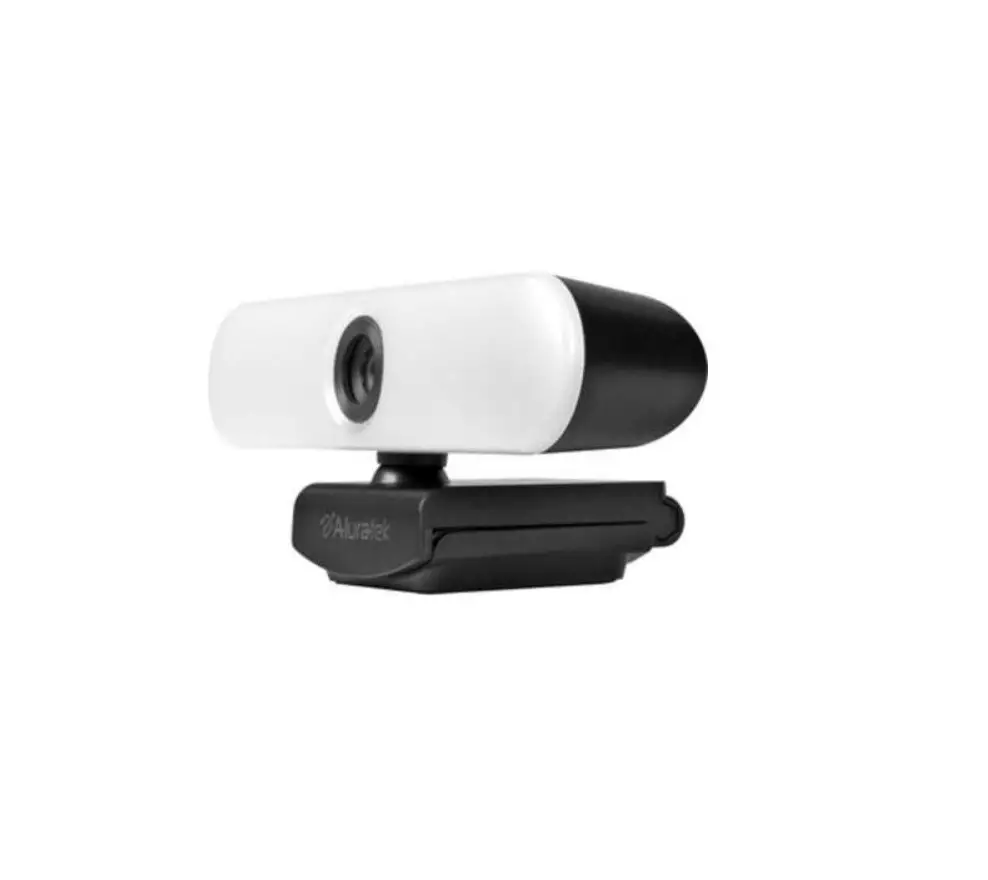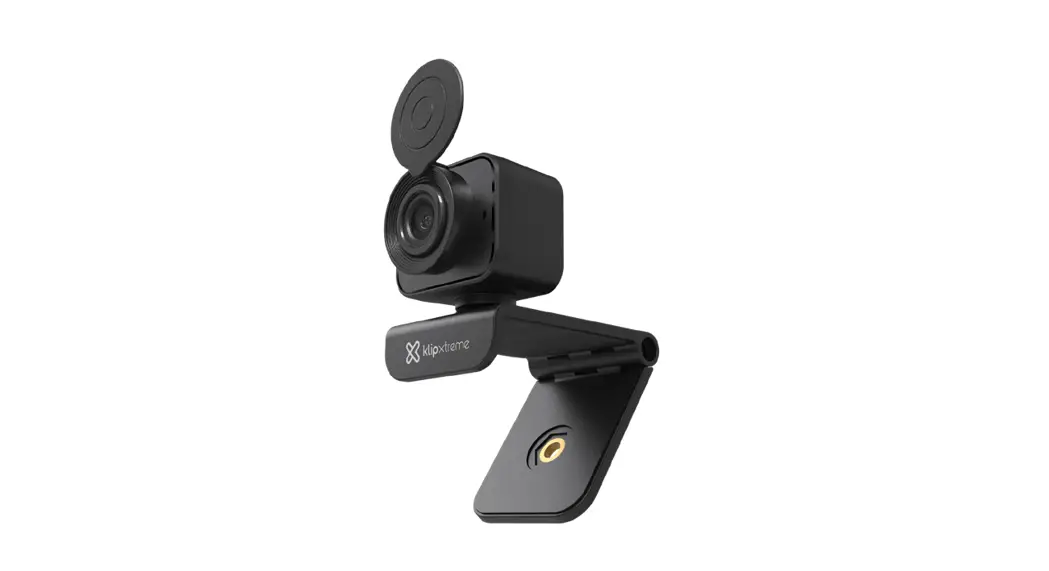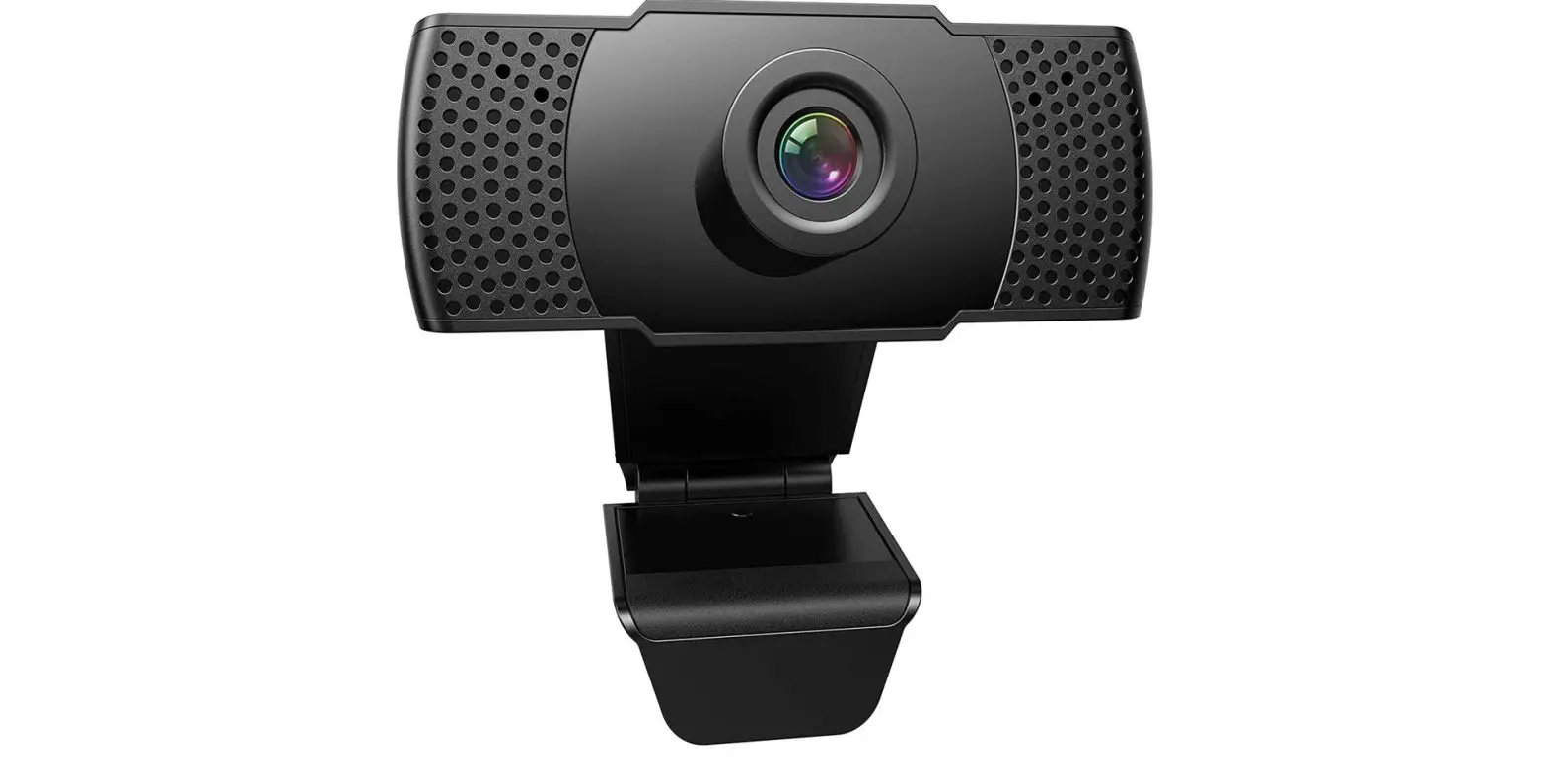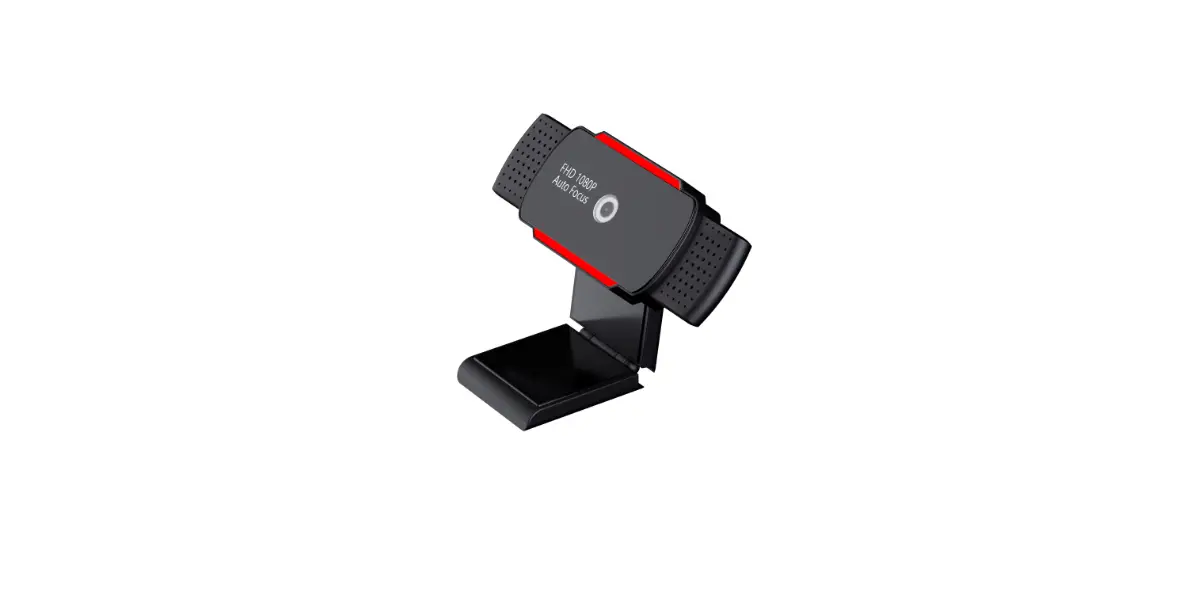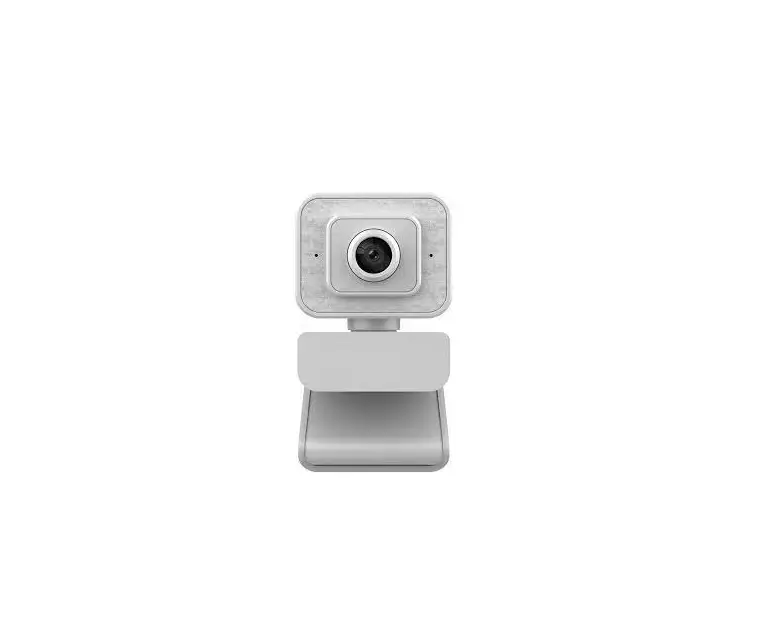
kogan KAWCMHDLKTA Full HD 1080p Webcam With Ring Light User Guide
INSTALLATION
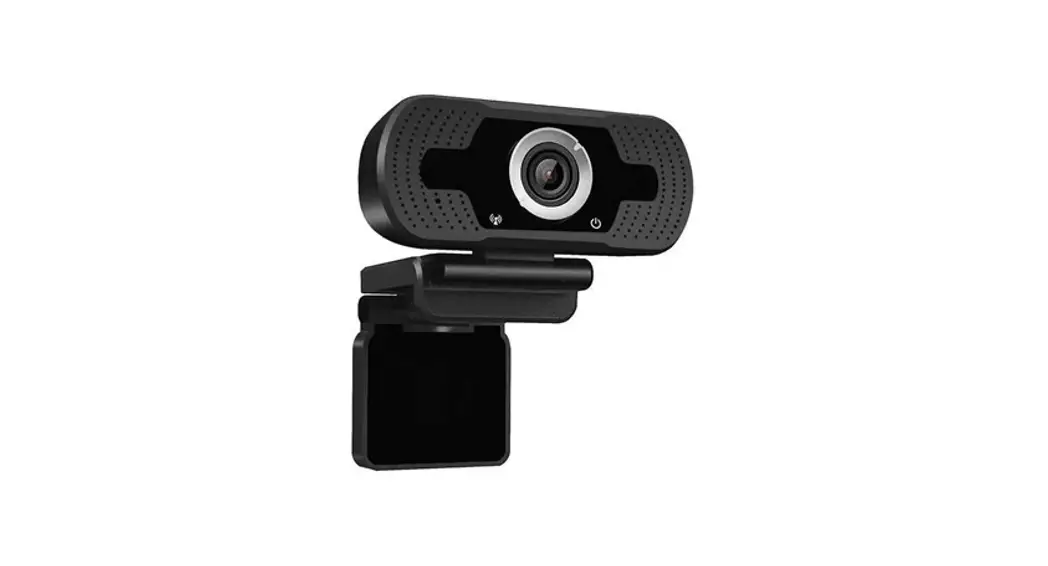
This webcam is plug-n-play, requiring no additional drivers or software to install. Simply insert into a USB 2.0 compatible port and your computer will recognise it as a camera option. To set as the default camera across all apps/programs, you may need to adjust your settings.
Windows 10: Settings > Privacy > Camera
macOS: Open PhotoBooth to change the computer’s default camera from iSight to your Kogan USB Webcam.
Operating the camera:
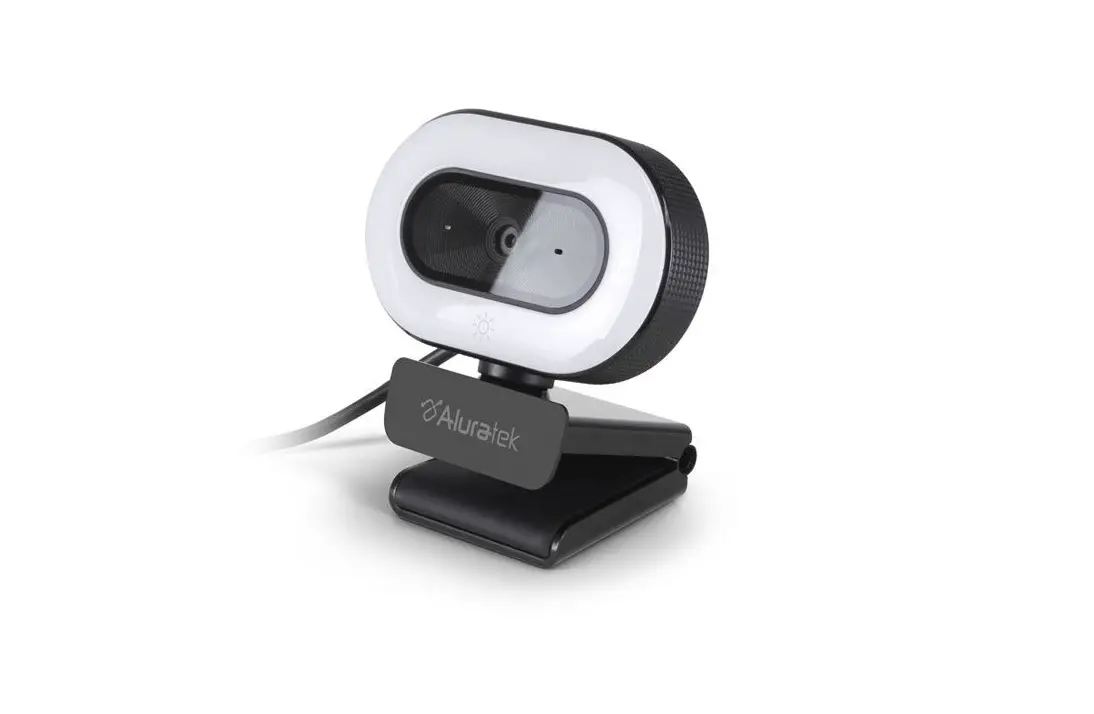
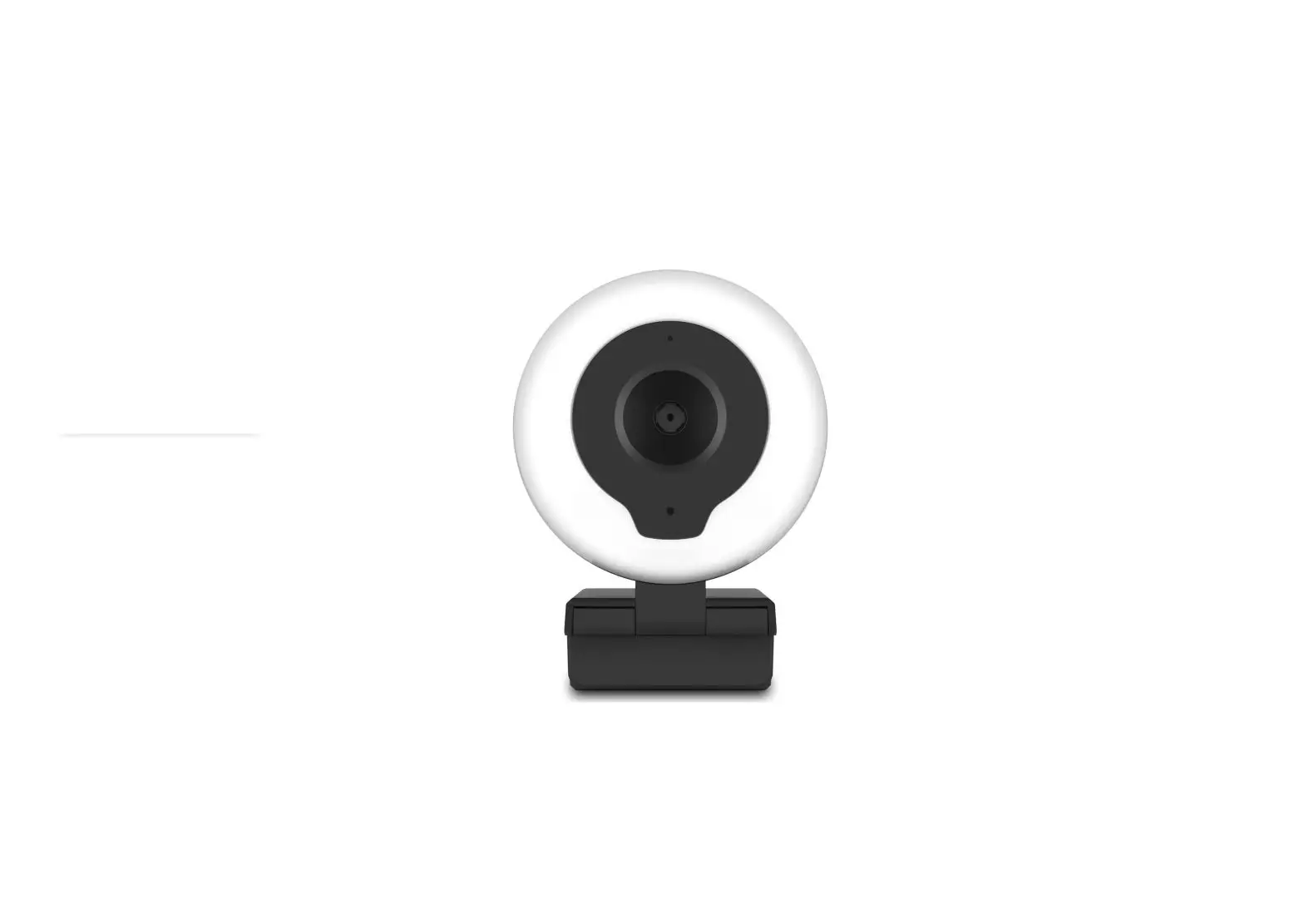
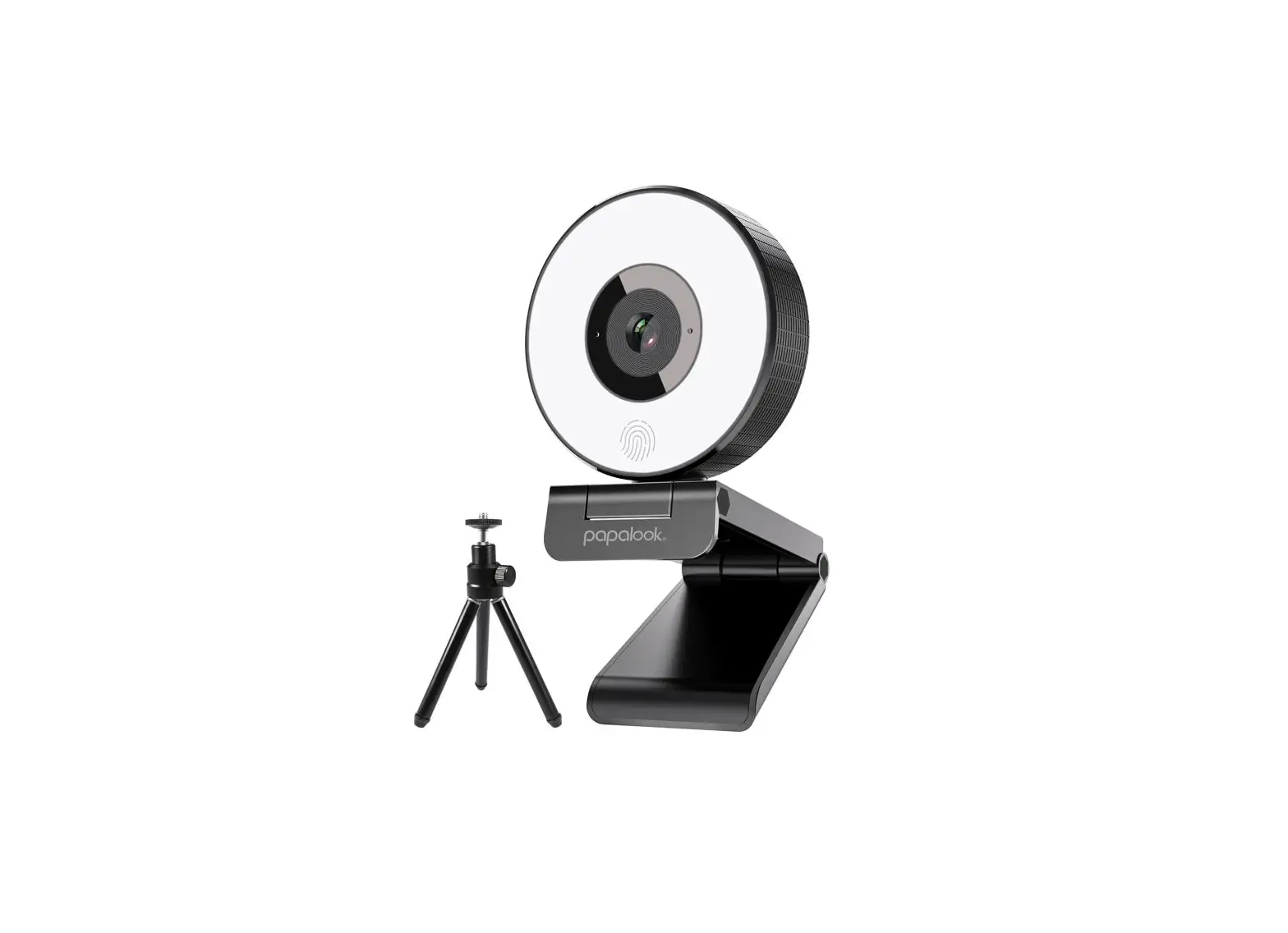
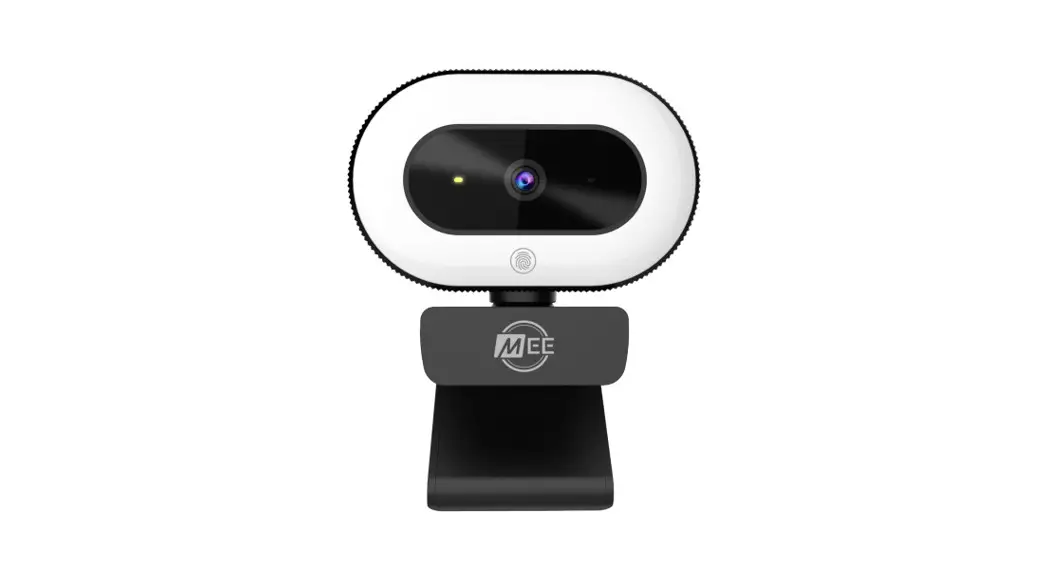
Turn the round knob in the middle to adjust the focal lens.
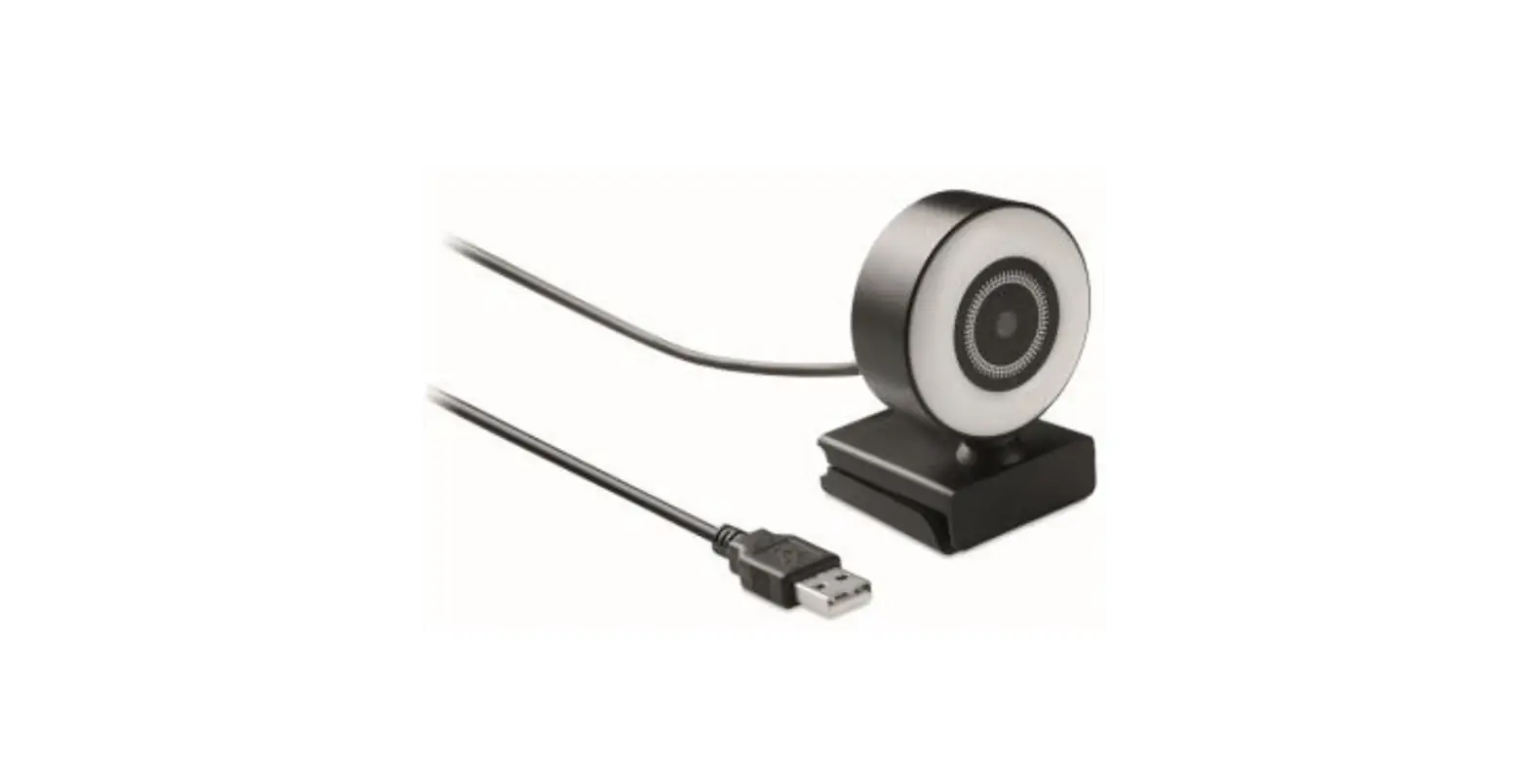
To adjust the brightness, use the lighting dial in the USB cable.
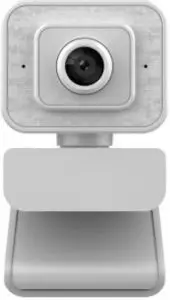
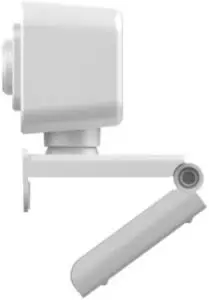
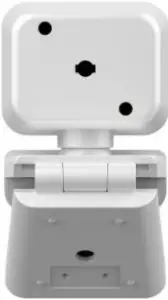
SPECIFICATIONS
Dynamic Pixels: 200W Pixels
Speed Rate: 30 FPS
Signal-to-Noise ratio: 85db
Recommended Resolution: 1960 x 1080 Output
Format: USB 2.0 uncompressed YUY2 or MJPG
Interface: USB 2.0 compatible with USB 1.1
Lumen per square metre :Max: 150 lux
Min: 2 lux
Imaging Range: 70cm-90cm
Scintillation Control: 50Hz or 60Hz
Static Image Capture Format: BMP/JPEG/PNG
Sensor: CMOS 1/4 Colour Chip
Lens: 2P2G
LED lamp beads: 4
Need more information?
We hope that this user guide has given you the assistance needed for a simple set-up.
For the most up-to-date guide for your product, as well as any additional assistance you may require, head online to help.kogan.com