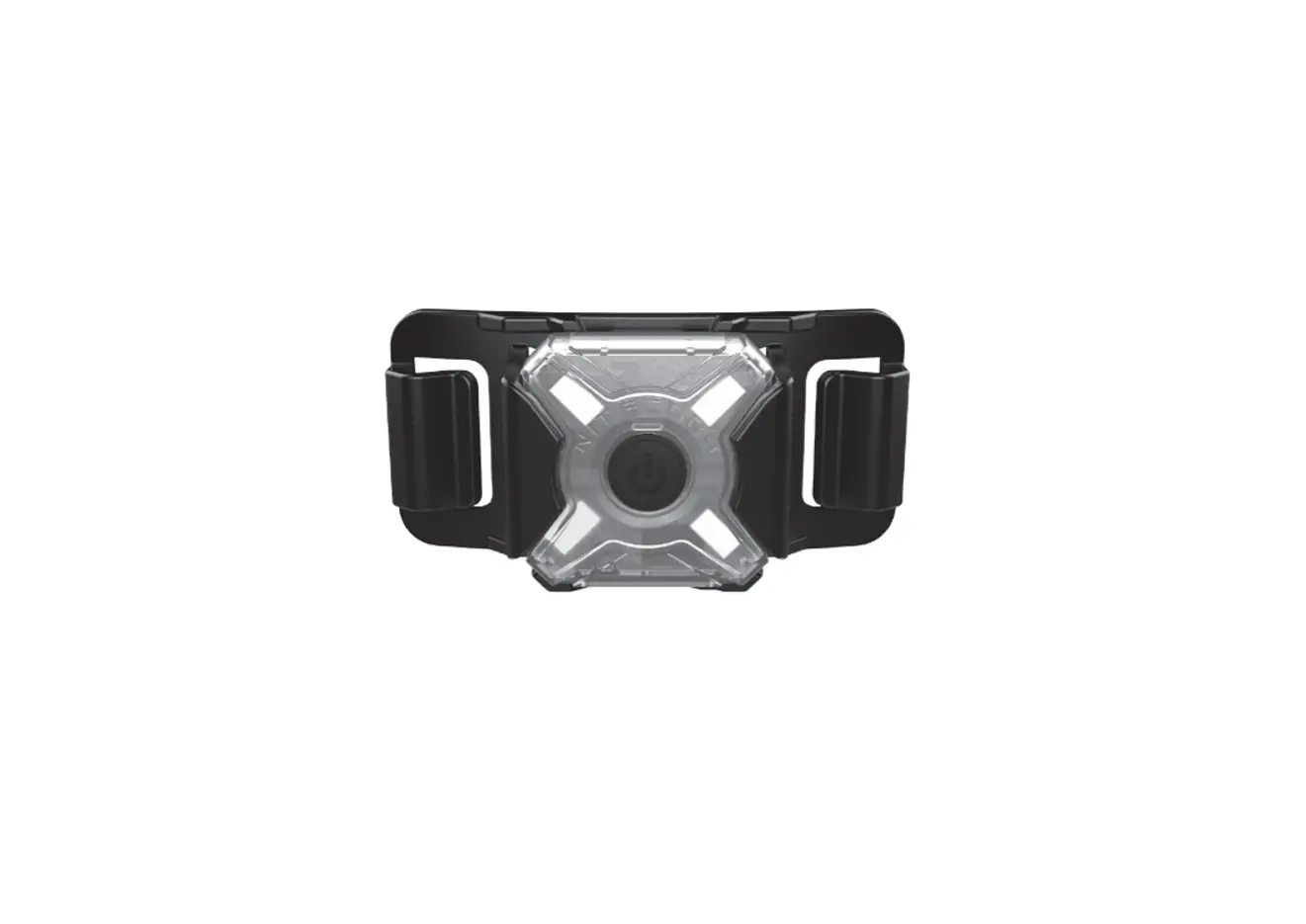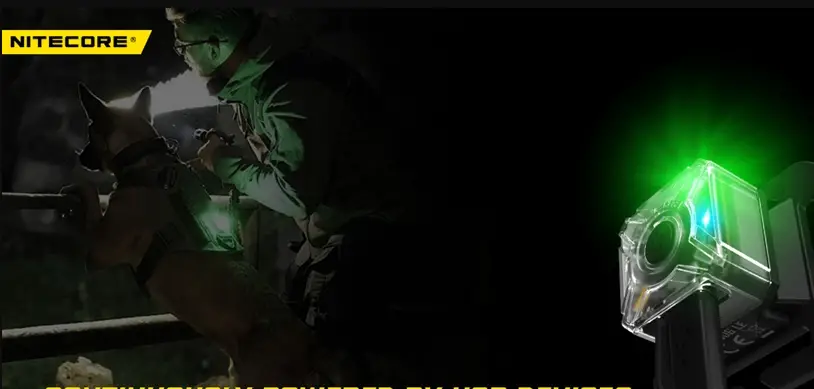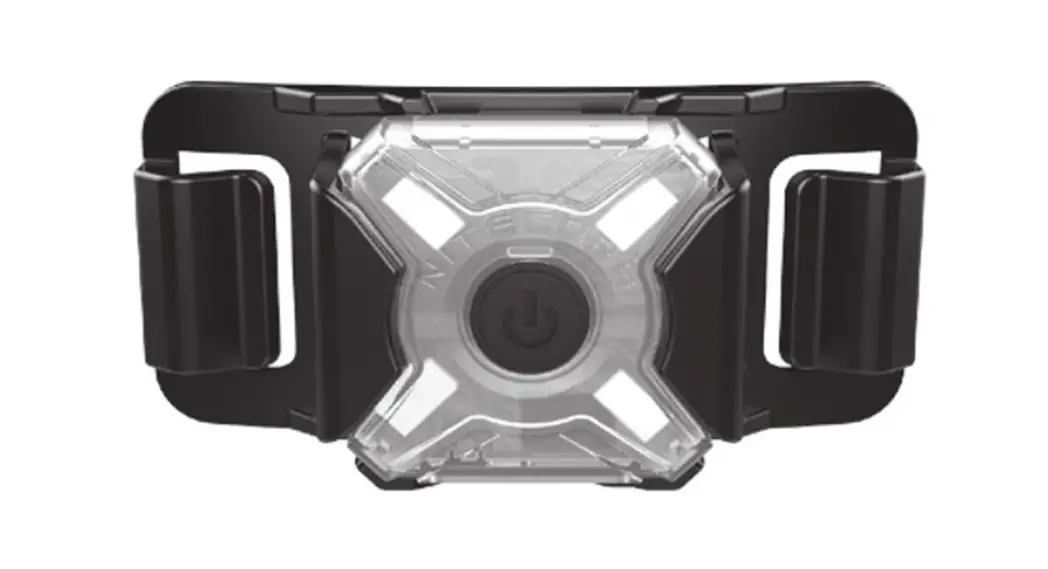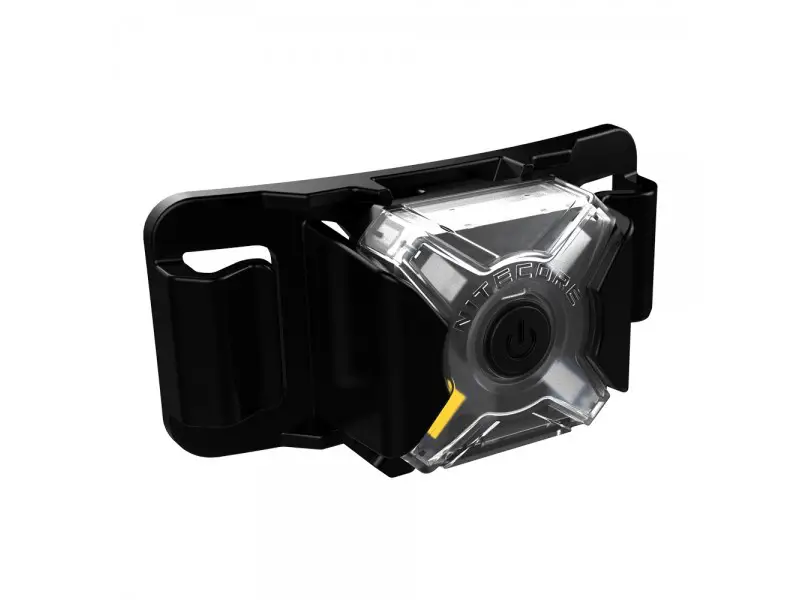
NUJ06 MI [ IR + Multi-colored
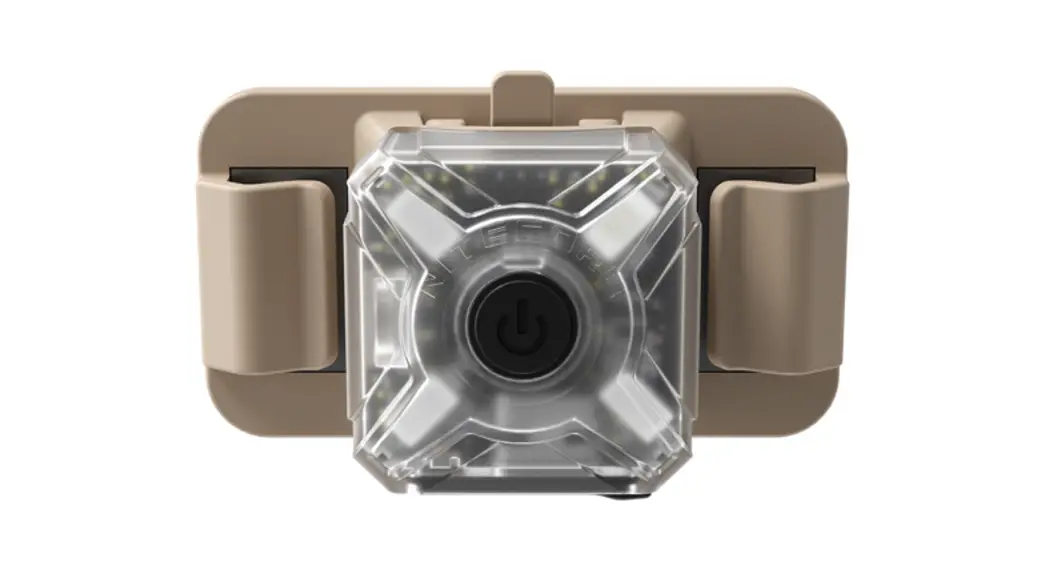
Mini Signal Light
(R + Multi-colored Flashing & Constant-on USB-C Rechargeable
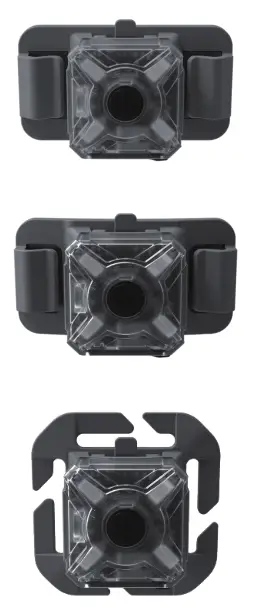
3 Lightweight Brackets Included
Charging Function
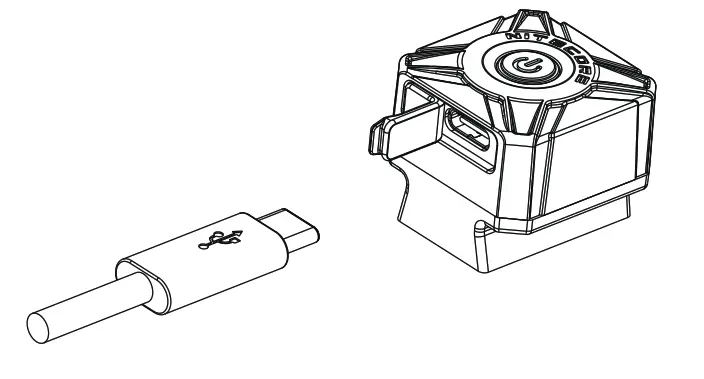
The NUOG MI is equipped with an intelligent charging system. Please charge the battery before the first use.
Connecting to the External Power: As illustrated, uncap the charging port and use the USB cable to connect an external power supply (e.g. a USB adapter, a computer or other USB charging device) to the USB charging port to begin the charging process.
Charging Indicator: During the charging process, the power indicator will flash to inform the user. When the battery is fully charged, the power indicator will turn on steadily.
- The charging time is approx 1h 45min. (Charged via the 5V/1A adapter)
- The standby time is up to 12 months if the battery has been fully charged.
- During the charging process, the NUO6 MI can still be turned on. (The indicator will keep flashing in any mode.)
Operating Instructions
On / Off
On: When the bight is off, long press the Power Button for 1 second to turn it on,
Off: When the light is on, long press the Power Button to turn it off.
Mode Switching
‘When the light is off, keep holding the Power Button for over 5 seconds after turning on the light to cycle through the following modes: IR Constant-on – IR Flashing – Red Constant-on – Red Flashing – Green Constant-on – Green Flashing – Blue Constant-on — Blue Flashing – Red/Blue Police Warming Flashing. Release to select the desired mode. (The NUO6 MI has mode memory. When reactivated, the light will automatically access the previously memorized mode.)
Mode Indication
The NUO6 MI is available with 9 modes including 4 lights of constant- on + flashing and Red/Blue Police Warning Flashing. The access of IR modes is indicated by the vibration as IR light is invisible to the naked eyes.
Power Indication
‘When the light is off, short press the Power Button, and the power indicator will flash to indicate the remaining power of the battery:
- lashing three times indicates that the power is above 50%;
- Flashing twice indicates that the power is below 50%;
- lashing once indicates that the power is below 10%.
Warnings
- Please charge the battery before the first use.
- Please recharge the product every 3 months when left unused for a prolonged time.
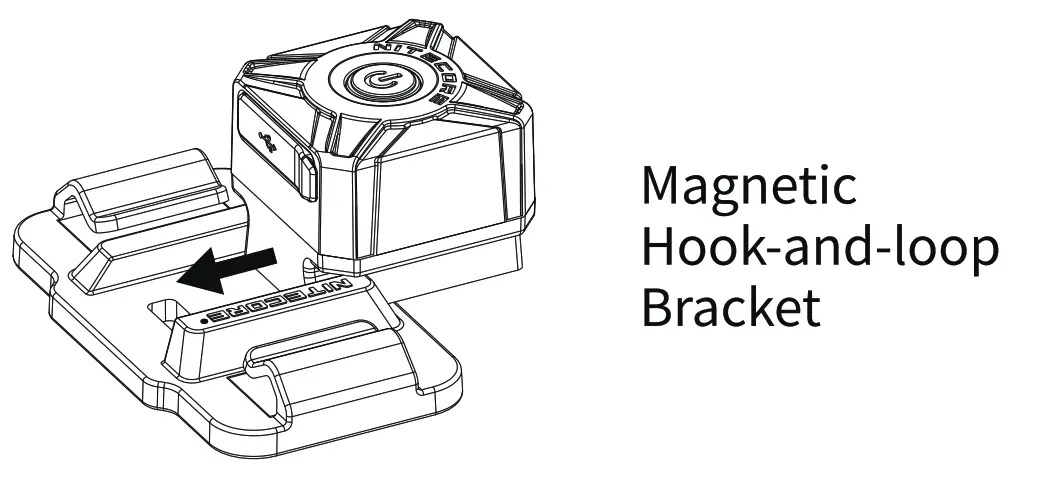
- The Magnetic Hook-and-loop Bracket contains strong magnetic Components. DO NOT put it close to objects that tend to suffer from magnetic interference.
- The product contains small assembly parts. Please keep it away from children to avoid the danger of choking or suffocation. 5
- Do NOT disassemble, modify or reconstruct the product, otherwise, the warranty will be nullified, and the product might be damaged.
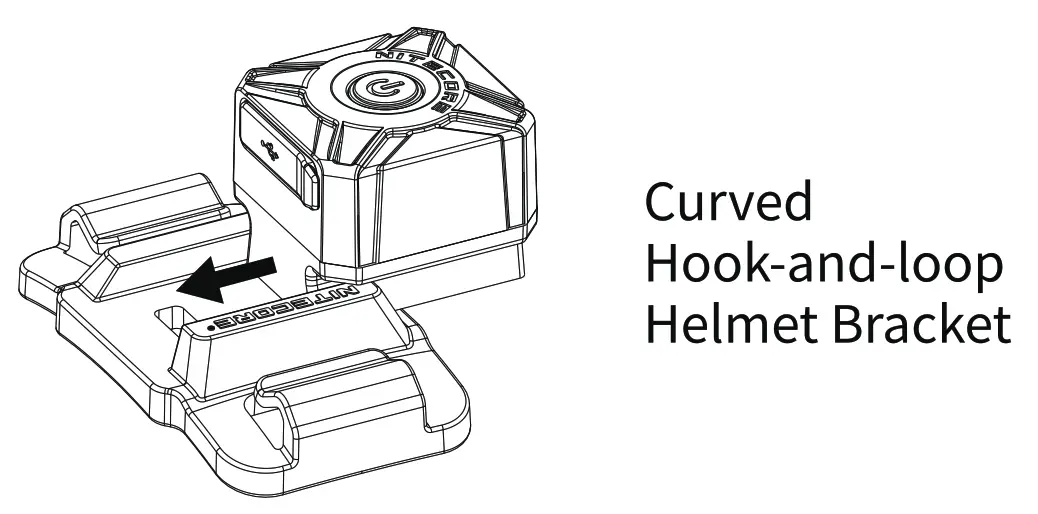
Bracket Installation
 | 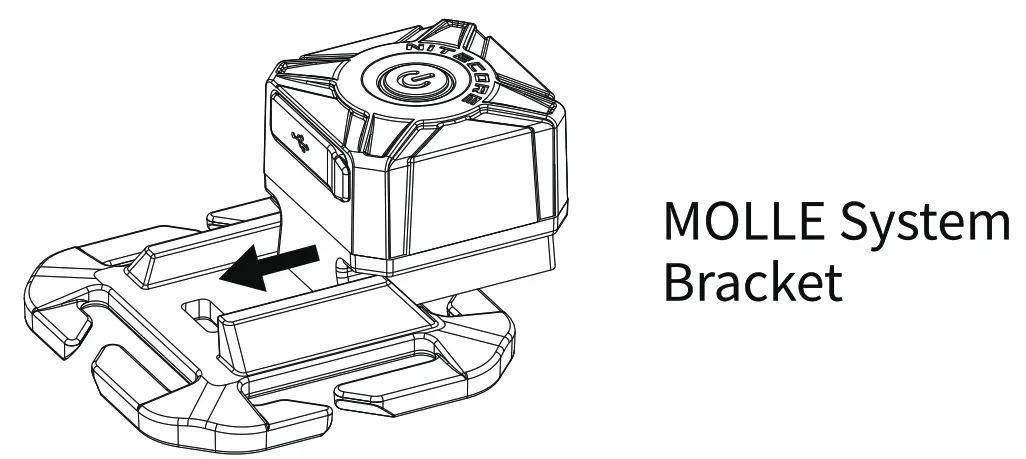 |
Charging Function
 Mode Indication
 Mode Indication
| Made | Vibration |
| IR Constant-on | 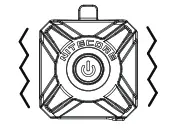 |
| IR Flashing | 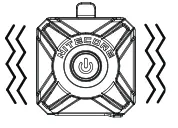 |
| IR Off | 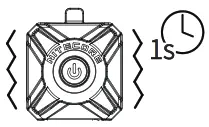 |
| Other | – |
Q&A:
– A: Short press the Power Button. If the signal light vibrates once, it indicates that the NU06 MI is in the IR Constant-on Mode. If the signal light vibrates twice, it indicates that the NUO6 MI is in the IR Flashing Mode. If the blue indicator slowly flashes 1-3 times (Power Indication), it indicates that the NU06 MI is off.
Features
- Ultra Lightweight Mini IR Signal Light
- Utilizes 4 x high-performance LEDs
- Available with IR light (wavelength 940nm), red light, green light and blue light of a totally 9 modes
- Single switch design allows for one-handed operation
- Powered by the built-in 250mAh Li-ion battery with a max runtime of 75 hours
- Built-in Li-ion battery charging circuit with a USB-C charging port
- ARC rail adapter on the body and 3 lightweight brackets included to enable multiple mounting and carry options
- Made from durable PC materials
- Impact resistant to 1 meter
Specifications
Dimensions: 29.5mm x 29.5mm x 25.4mm (1.16” x 1.16”x 1”)
Weight: 16.7g (0.590z) (Bracket Not Included)
Accessories
Magnetic Hook-and-loop Bracket, Curved Hook-and-loop Helmet
Bracket, MOLLE System Bracket, USB-C Charging Cable
Technical Data
| Output | Runtime | Impact Resistance | IP Rating | |
| IR Constant-on | — | 4h | lm | IP66 |
| IR Flashing | — | 50h | ||
| Red Constant-on | 3 Lumens | 9h | ||
| Red Flashing | 3 Lumens | 75h | ||
| Green Constant-on | 8 Lumens | 9h | ||
| Green Flashing | 8 Lumens | 75h | ||
| Blue Constant-on | 2 Lumens | 5h | ||
| Blue Flashing | 2 Lumens | 48h | ||
| Red/Blue Police Warning Flashing | — | 56h |
Note: The stated data is measured using the built-in Li-ion battery (250mAh) under laboratory conditions. The data may vary in real-world use due to different battery usage or environmental conditions.
Warranty Service
All NITECORE products are warranted for quality. Any DOA / defective product can be exchanged for a replacement through a local distributor/dealer within 15 days of purchase. After that, all defective/malfunctioning NITECORE‘ products can be repaired free of charge within 24 months from the date of purchase. Beyond 24 months, a limited warranty applies, covering the cost of labor and maintenance, but not the cost of accessories or replacement parts. The warranty will be nullified if 1. the product(s) is/are broken down, reconstructed, and/or modified by unauthorized parties. 2. the product(s) is/are damaged due to improper use. For the latest information on NITECORr products and services, please contact a local NITECORP distributor or send an email to [email protected] * All images, texts and statements specified herein in this user manual are for reference purposes only. Should any discrepancy occur between this manual and the information specified on www.nitecore? corn, Sysmax Innovations Co., Ltd. reserves the right to interpret and amend the content of this document at any time without prior notice.
Worldwide Warranty Service
Model number ……………..
Serial number…………………………..
Store Stamp………………………
Date of purchase……………………..
This is the certificate of authenticity if this item and we confirm that it has been subjected to the most exacting quality controls by SYSMEX Innovations Co., Ltd.
NOTE: Please ensure this warranty card is fully completed by the distributor or retailer after purchasing the product. Should the product fail to operate correctly during the warranty period, it may be returned with the completed warranty card and original sales receipt to the retailer or local distributor for replacement or repair.
Customer Service Email: [email protected]
SYSMEX Innovations Co., Ltd.
TEL: +86-20-83862000
FAX: +86-20-83882723
E-mail: [email protected]
Web: www.nitecore.com
Address: 24/F, TCL Plaza, No. 18 Haizhou Road, Haizhu District, Guangzhou, 510335, Guangdong, China Made in China Please find us on Facebook: NITECORE Flashlight Thanks for purchasing NITECORE! NU220206MI22
 NITECORE 奈特科尔
 NITECORE