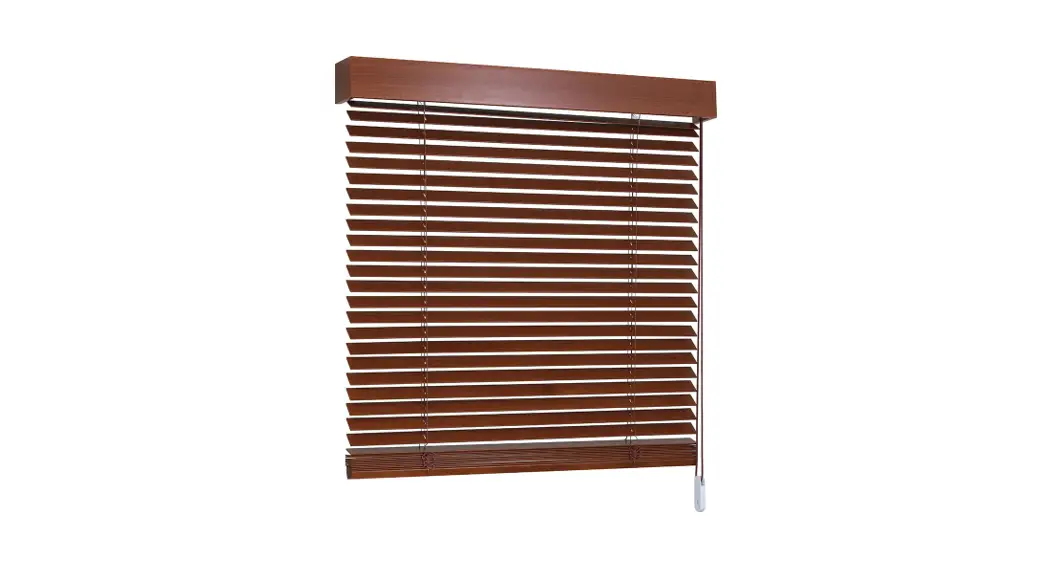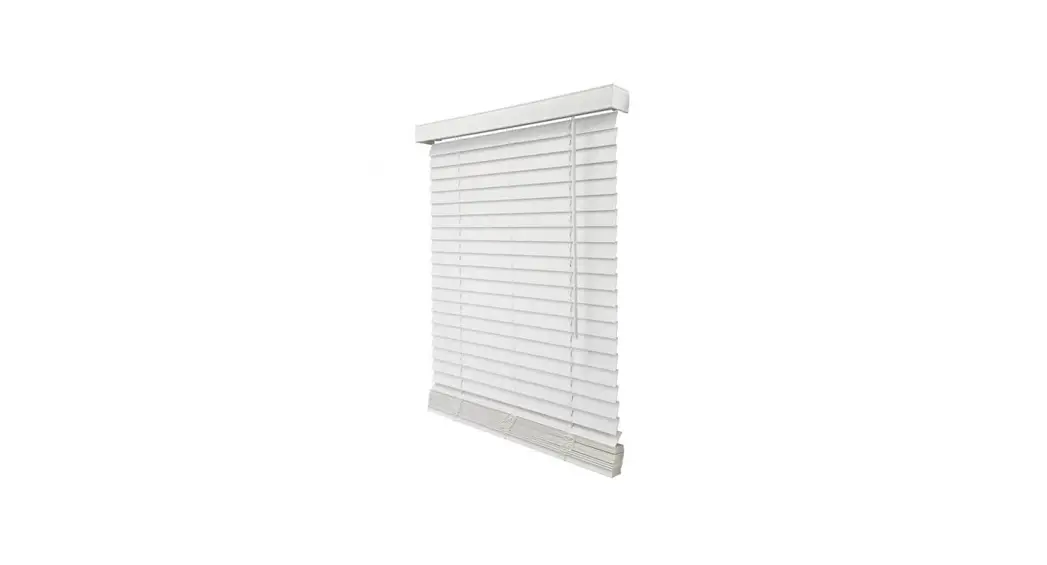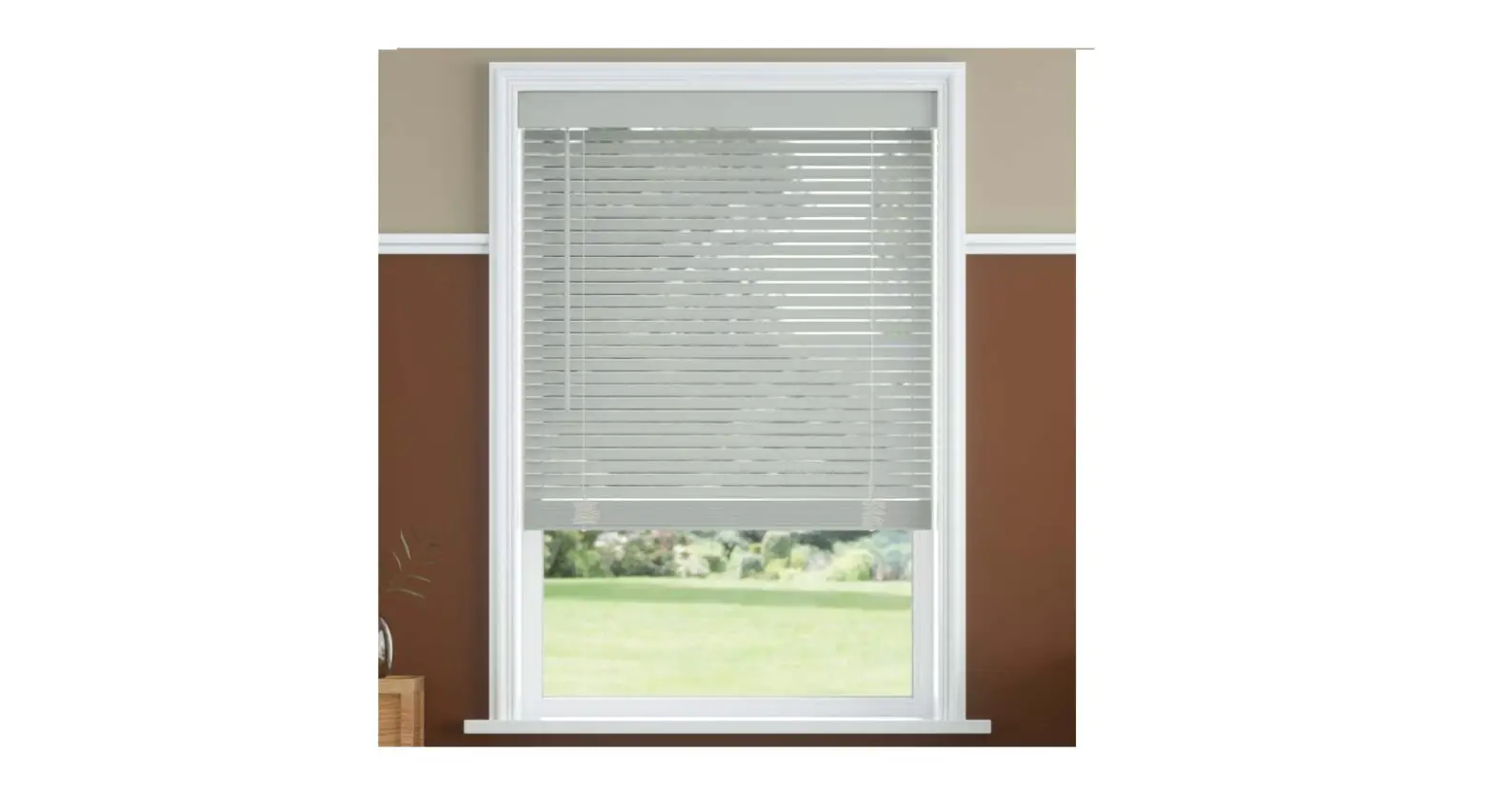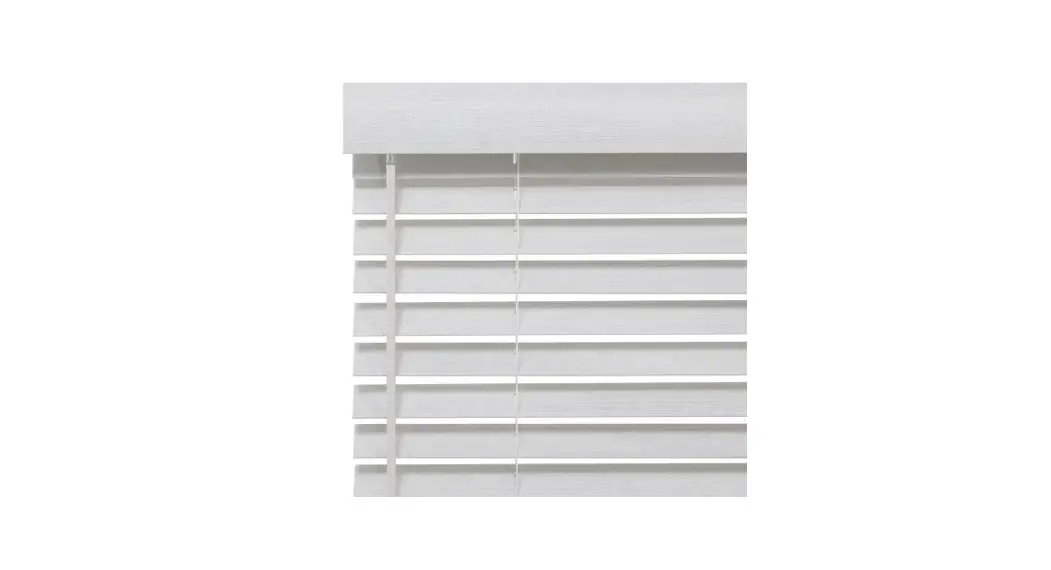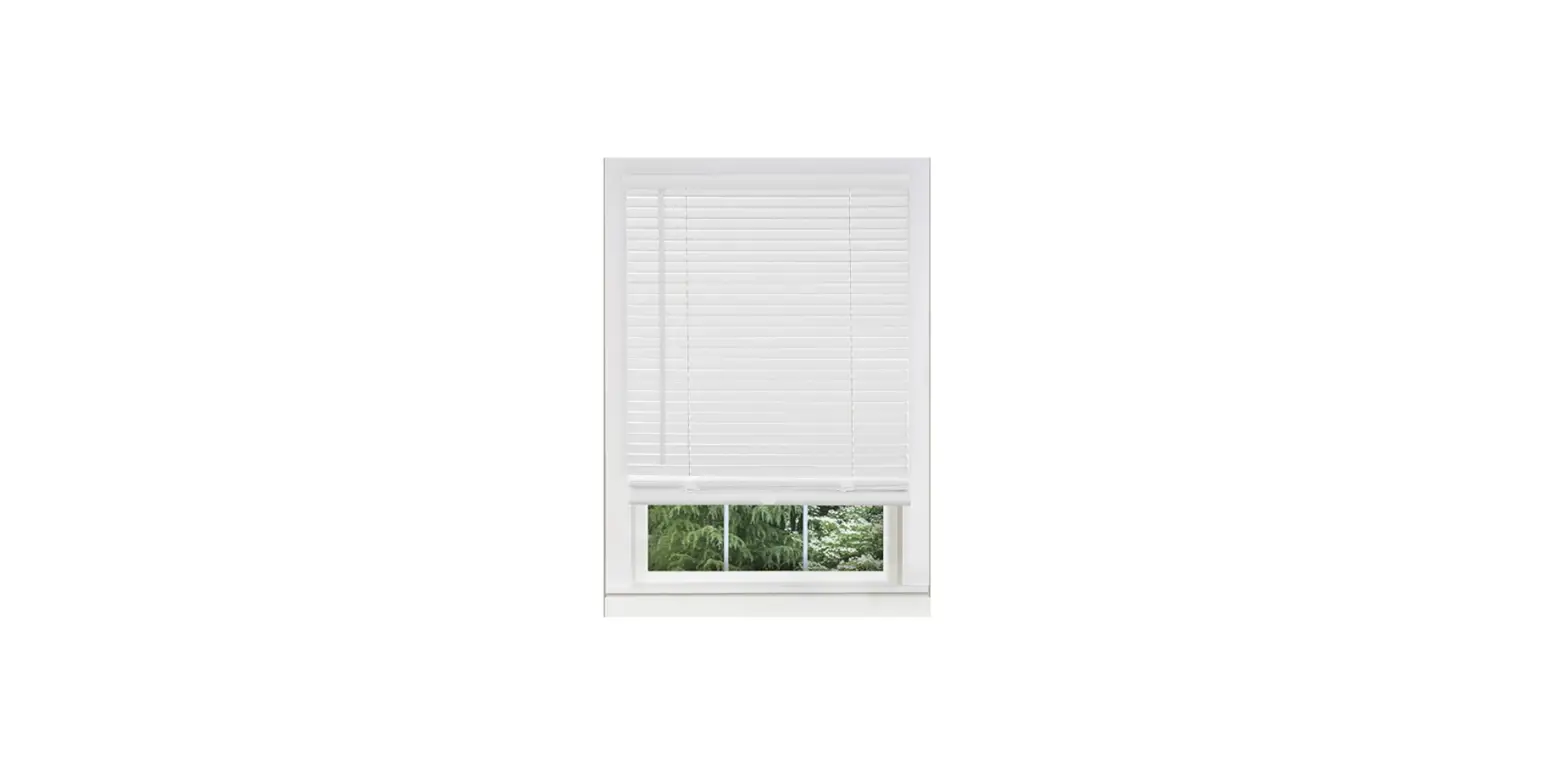

Whole Space Shorten Cordless Blinds
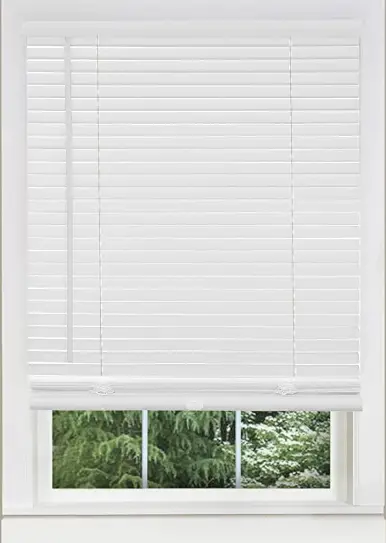
HOW TO Shorten Cordless Blinds
The following lists the maximum amount of slats that may be removed . Removing more than noted will result in failure of your cordless blinds
| Item | Original Length of Blinds | Maximum Q’ty of Slats Can be taken off |
| 1-in. Mini Blinds | 42-in. 64-in. | 12 20 |
| 2-in. Faux Wood Blinds | 42-in. 72-in. | 8 11 |
| 2-1/2-in. Faux Wood Blinds | 42-in. 72-in. | 6 8 |
[ IMPORTANT NOTICE ] Altering blinds will void warranty
Installation
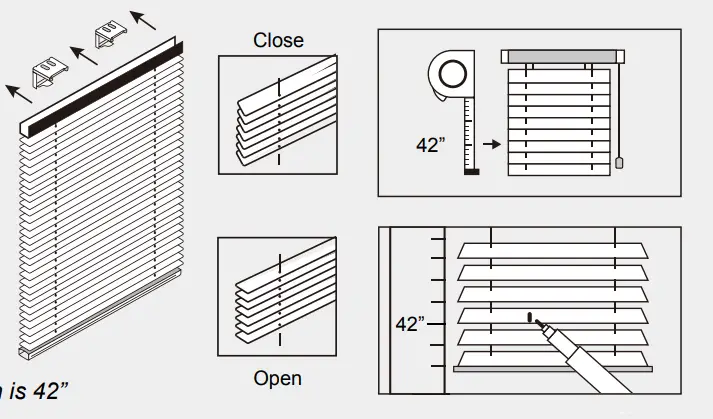
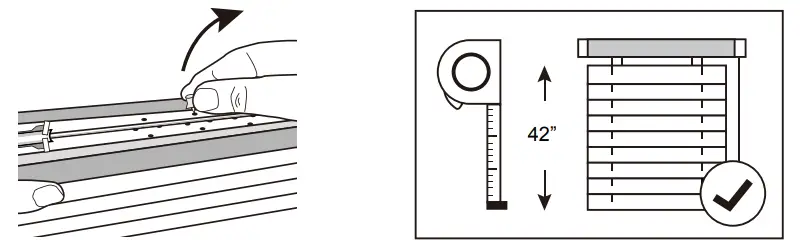
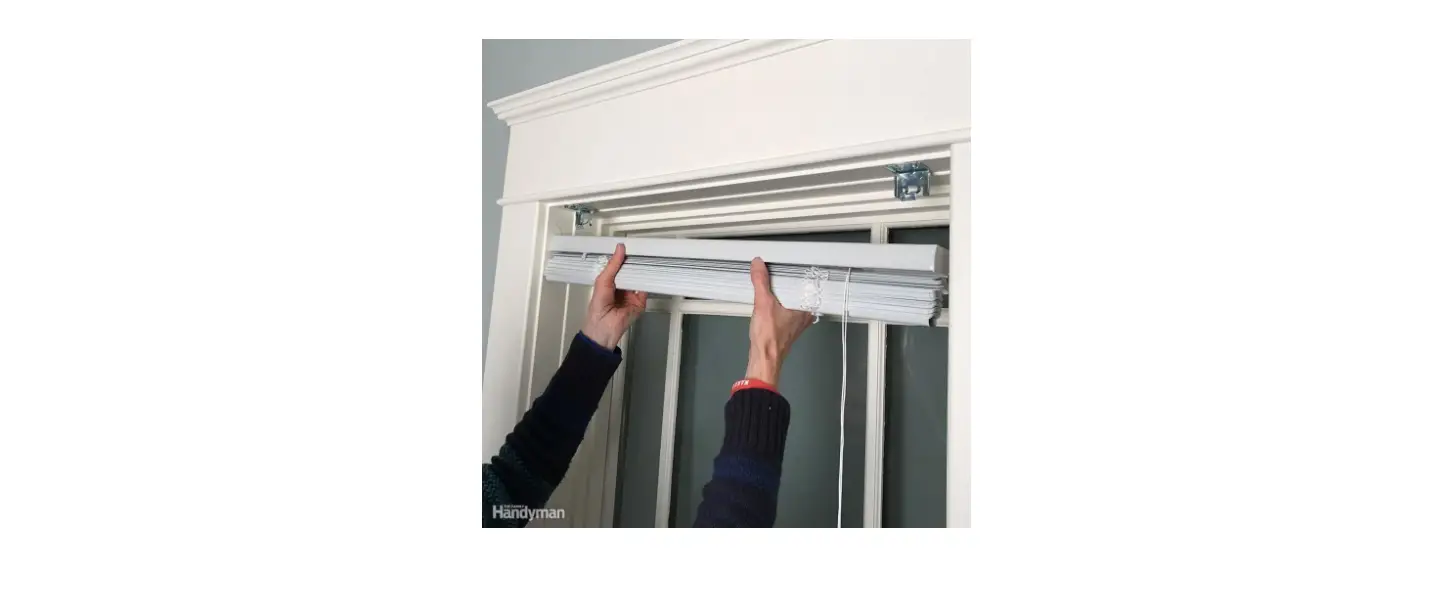
- Install the blind in the brackets, then lower the blind fully and rotate the slats to open position. Measure the desired length and make a mark on the last slat.

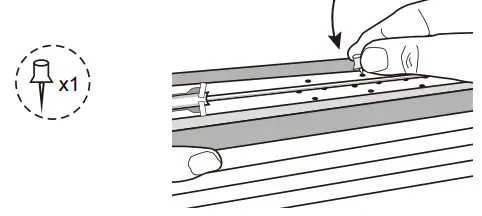
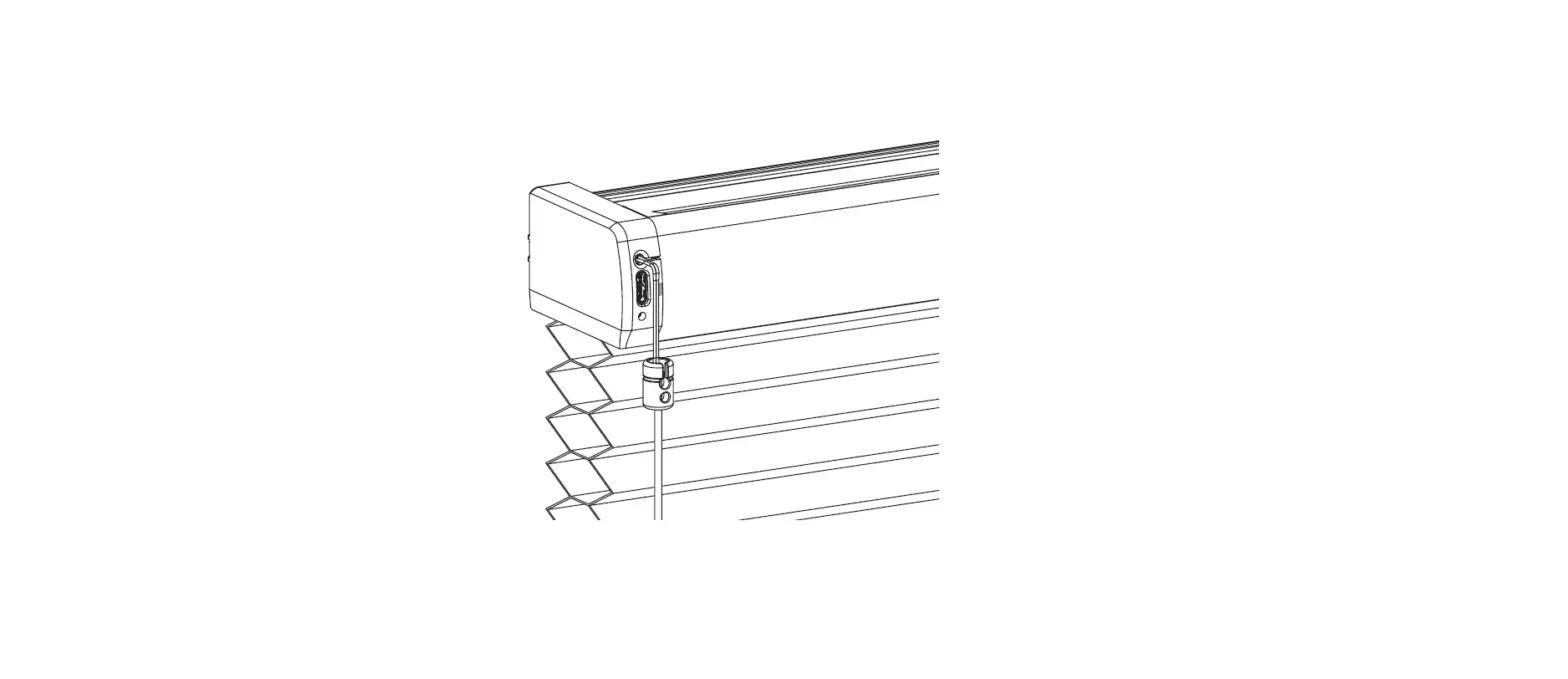
- Uninstall the blind and pull the blind to about 20” long. Take a regular household push pin and insert it into one of the spring box holes to lock the spring tension, keep in place until you complete the last step. Ensure the spring tension is securely fixed.

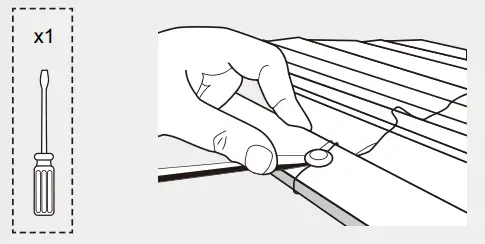
- Using a flat head screwdriver, remove the bottom-rail buttons.

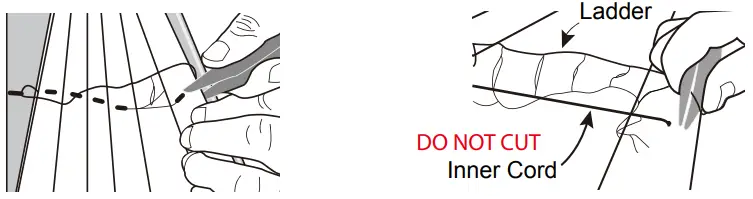
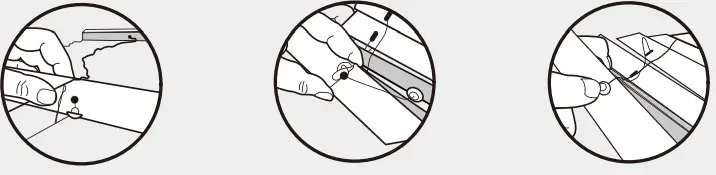
- Carefully cut the slats through the holes (including the marked slat) to remove the slats from the blind.Then cut ONLY the outer ladder string. (Do NOT to cut the inner cord, or the blind will be broken) Leaving two ladders, one to insert the bottom rail and one to tuck inside the hole

- With the one empty ladder, twist the ladder string and insert into the bottom-rail 5 hole and replace the buttons.

- Ensure the bottom-rail buttons are secured. Remove the pin from the spring box. The blind is now shortened to your desired length and can be reinstalled into the brackets.