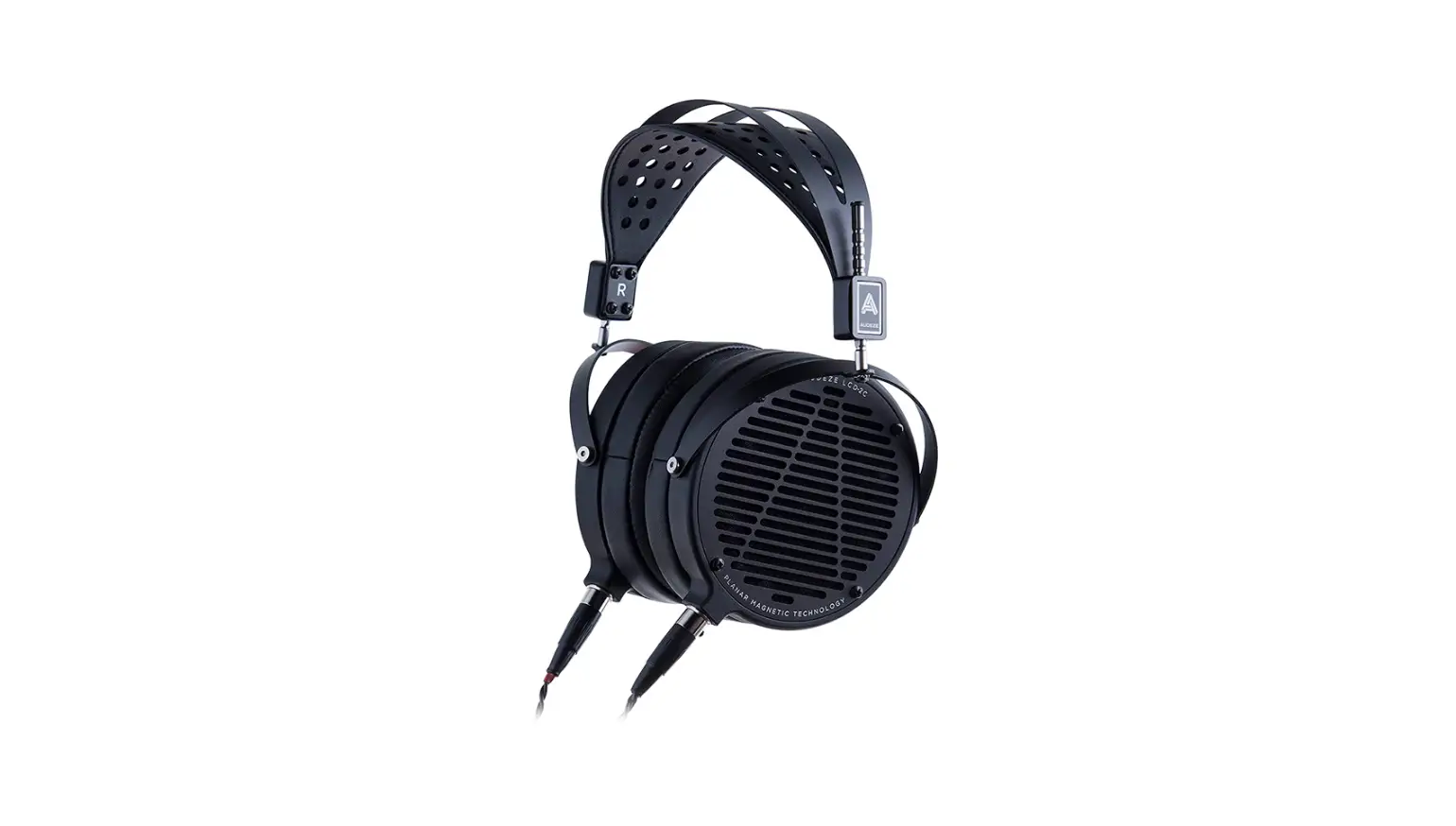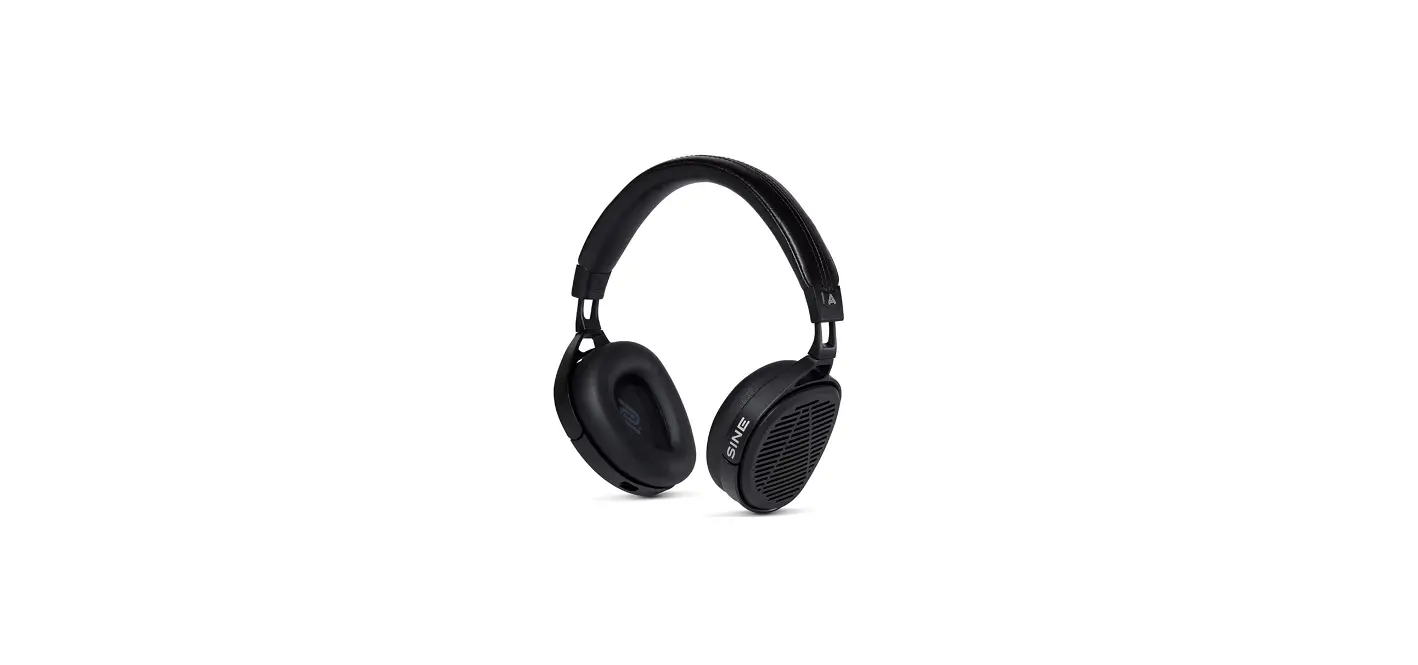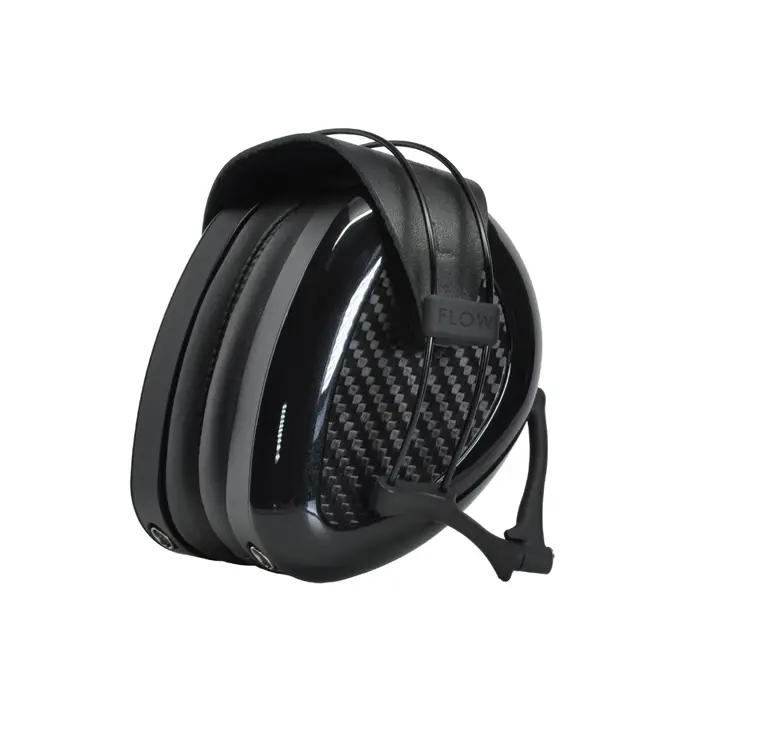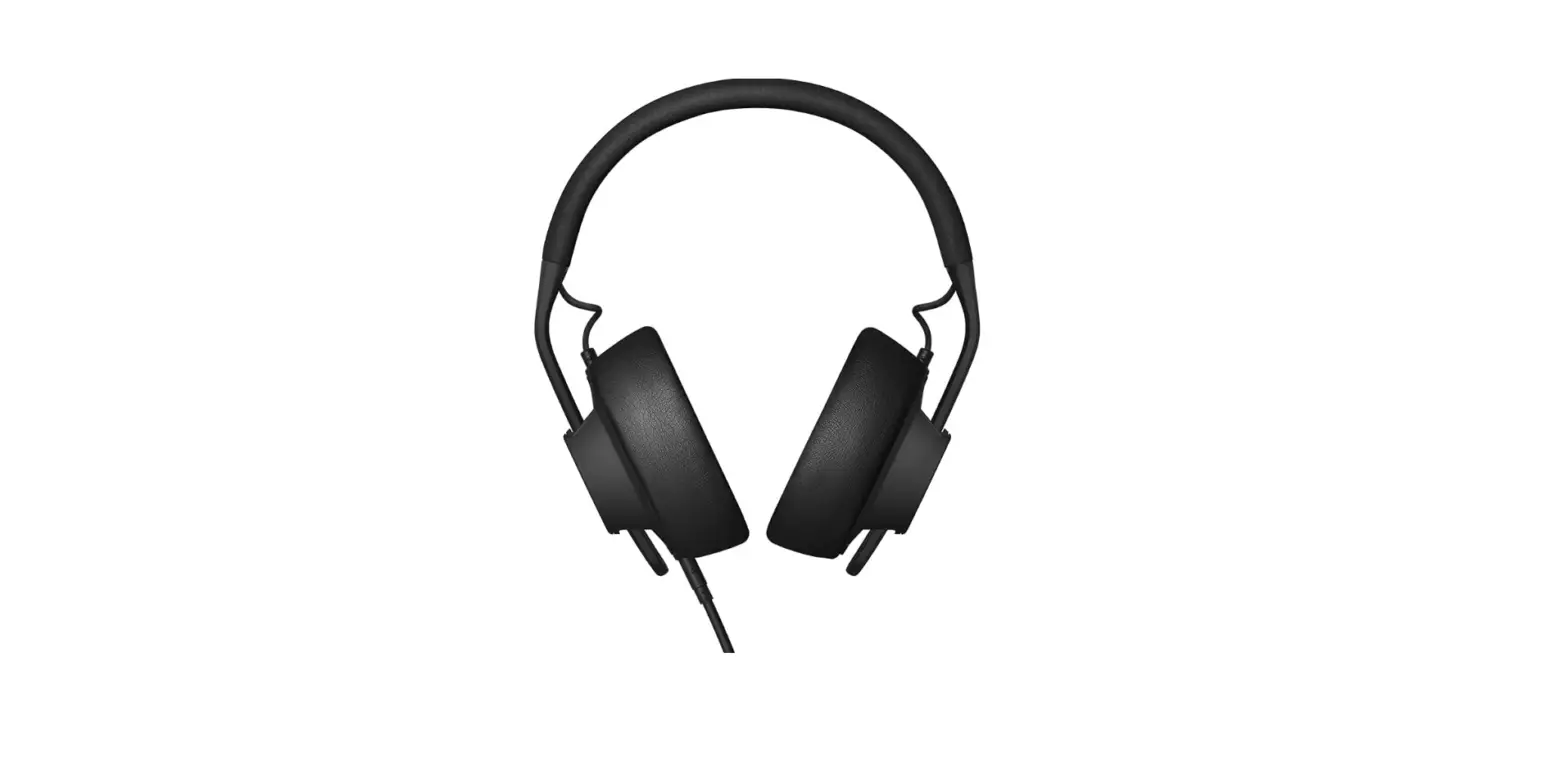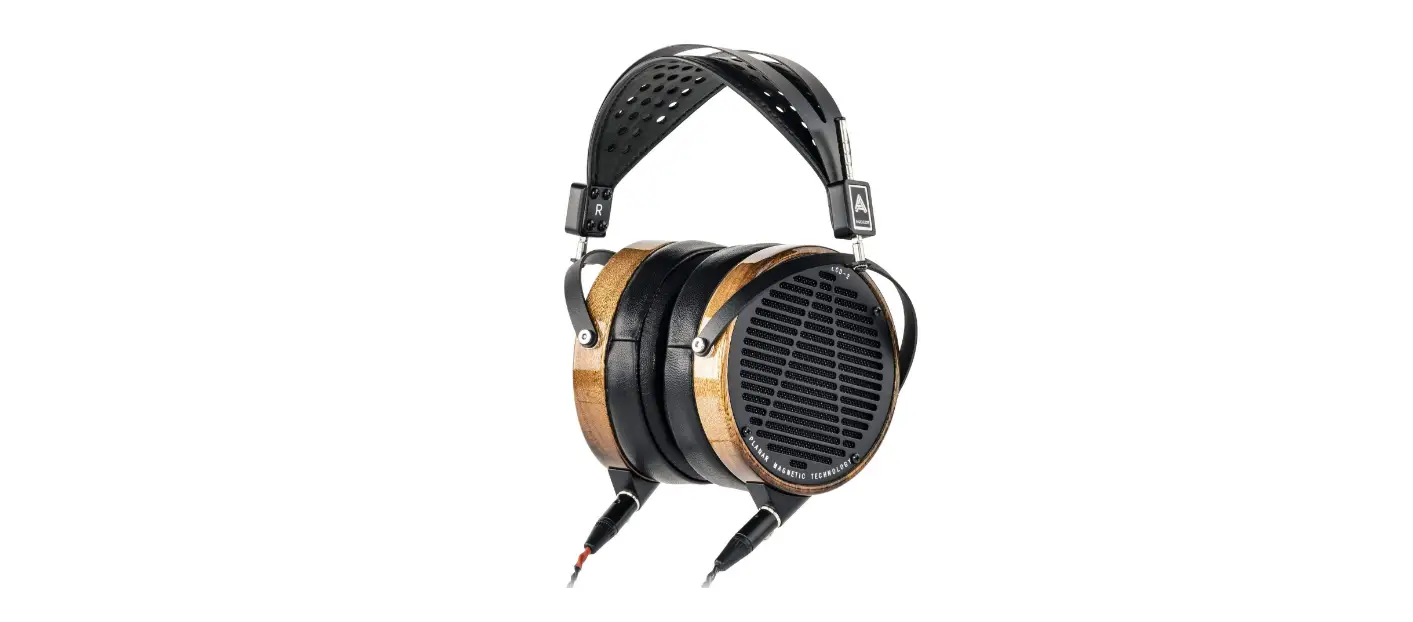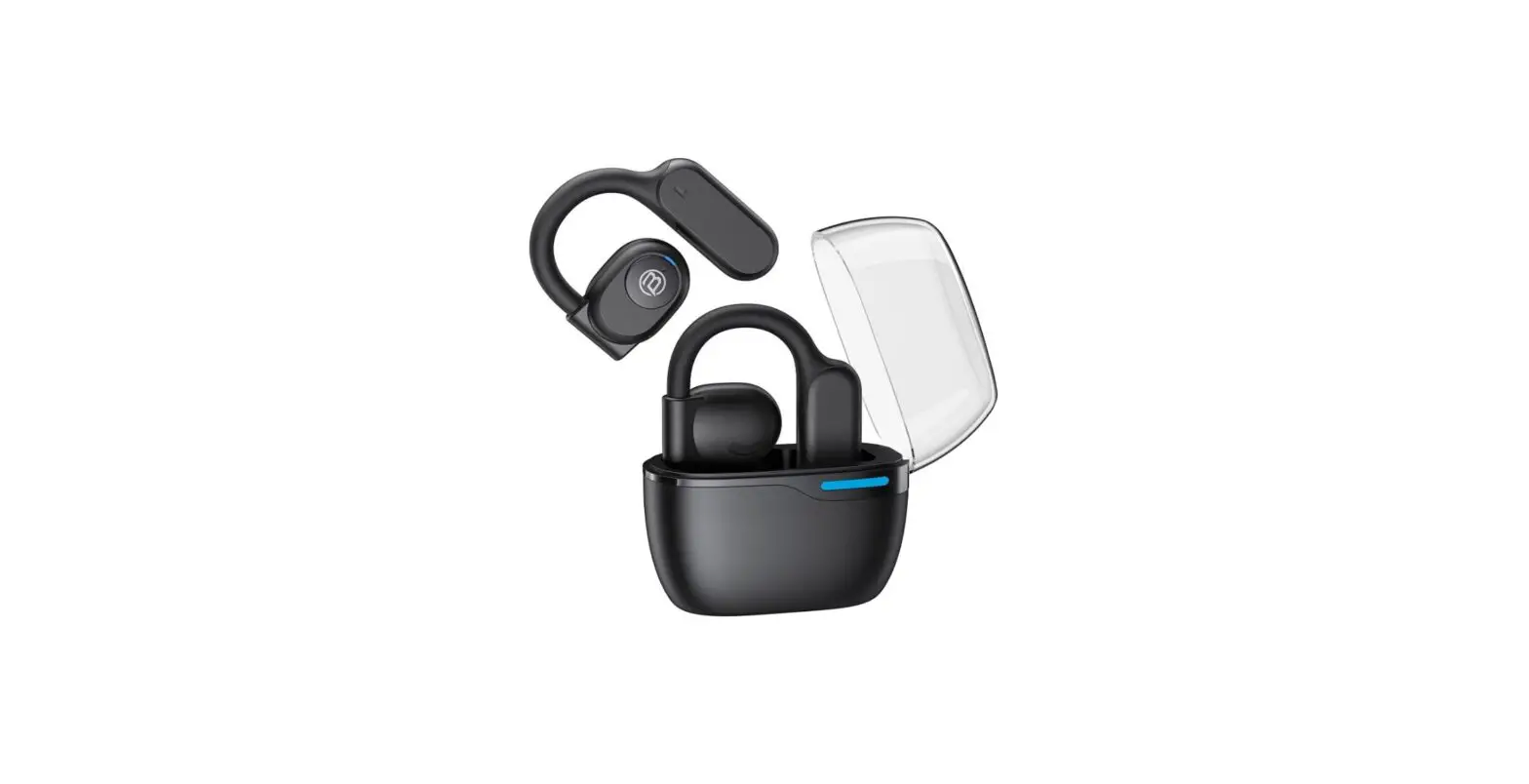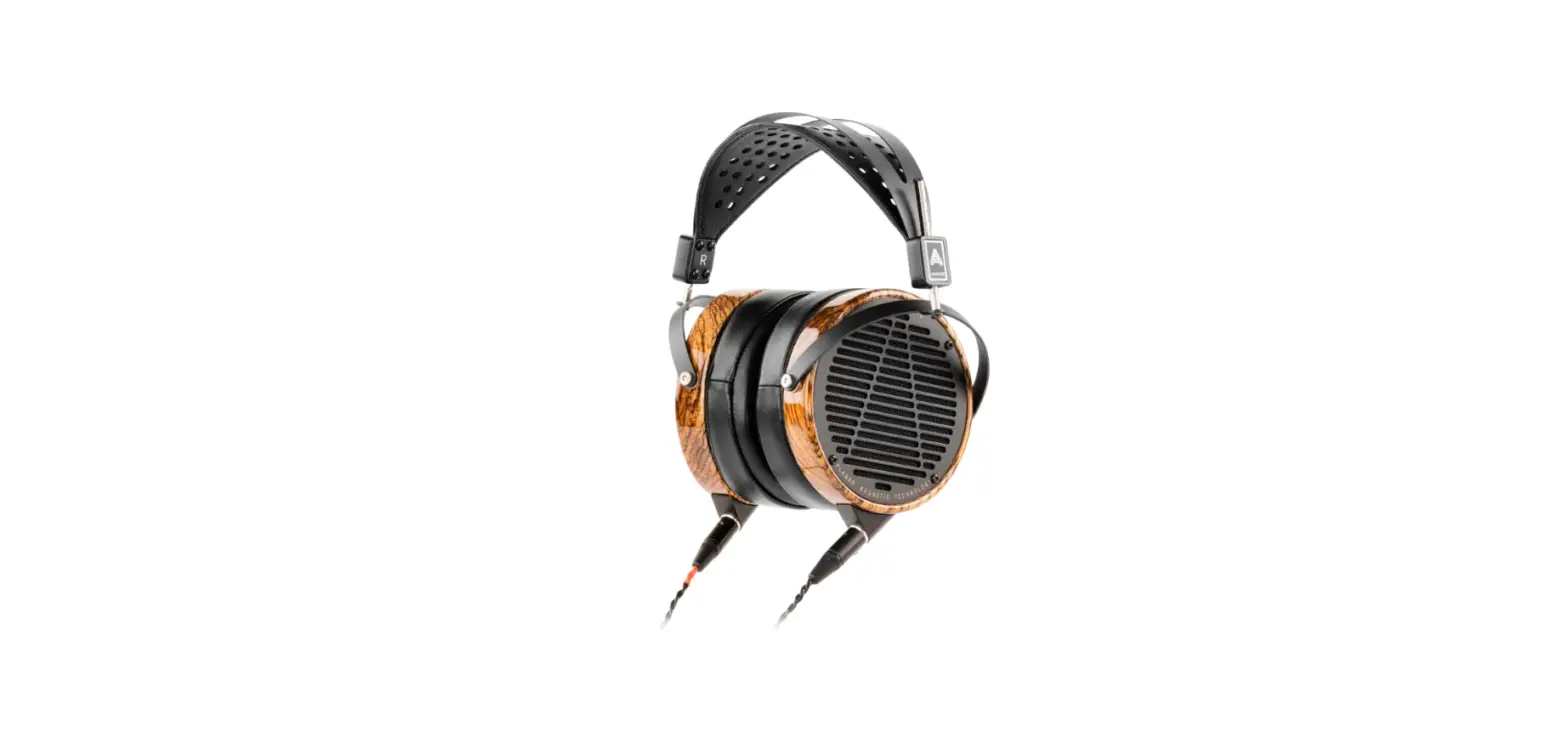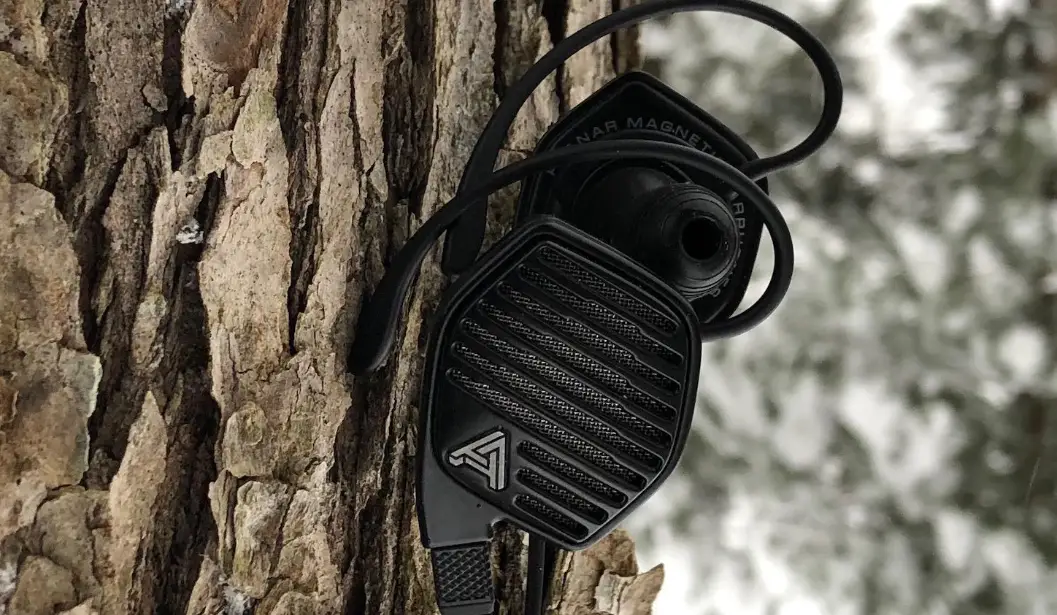

AUDEZE LCDi3 Open Back In Ear Headphones
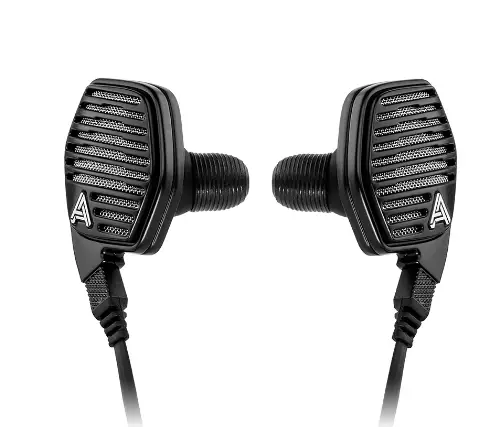
CIPHER FUNCTIONS
 POWER ON
Press second button and hold- POWER OFF
Press second button and hold - BLUETOOTH PAIRING
Press second button and hold  PLAY/ PAUSE
Press second button VOLUME UP
Press third button VOLUME DOWN
Press first button PREVIOUS TRACK
Press first button and hold NEXT TRACK
Press third button and hold ANSWER/ END CALL
Press second button REJECT CALL
Press second button and hold- DURING CALL – END CALL
Press second button  DURING CALL – ANSWER INCOMING
Press second button twice- DURING CALL – SWITCH CALL
Press second button twice - VOICE ASSISTANT
Press second button twice
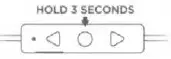 POWER ON
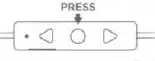 PLAY/ PAUSE
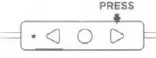 VOLUME UP
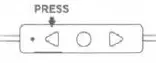 VOLUME DOWN
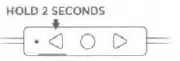 PREVIOUS TRACK
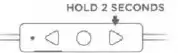 NEXT TRACK
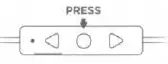 ANSWER/ END CALL
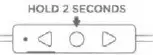 REJECT CALL
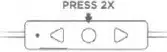 DURING CALL – ANSWER INCOMING
Instruction
The Cipher cable bypasses the iPhone’s internal DAC and amplifier and directly streams a 24-bit digital audio to our high-quality DAC with DSP for significantly better sound quality. The Cipher cable also features a SIRI compatible microphone for voice calls.
For further instructions on using the Audeze Cipher cable
visit: www.audeze.com/cipher-guide.
QUICK CONNECT
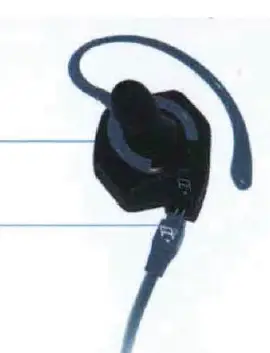
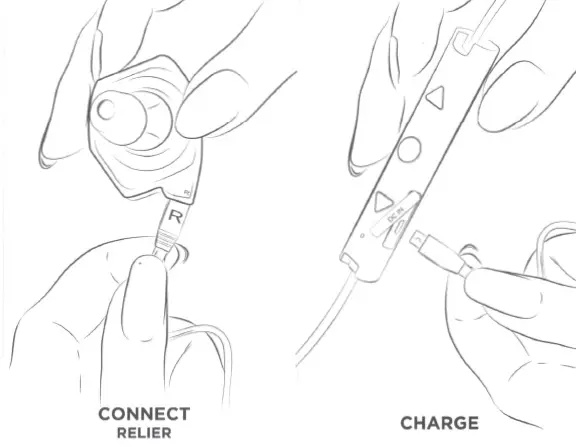
- STEP 1 – Snap ear hook on to headphone. Don’t worry, they won’t break)
- STEP 2 – Plug in (R)ight-side cable into the (R)ight-side headphone
- STEP 3 – Listen and experience detail in music you’ve never heard before
You can customize your fit with any of the various sized EarHooks and EarTips included in the box. To learn more about fitting and using the iSINE, please review the enclosed digital User Guide or visit audeze.com.
 ANSWEA/ END CALL Press second button once
 MUTE Press four button twice
 UMU MICROOPHONE
Press fourth but on once VOLUME UP
Press first UP button VOLUME DOWN
Press THE DOWN button PLAY PAUSE
Press second button once NEXT TRACK
Press second button FAST FORWARD
Press second button twice and hold PREVIOUS TRACK
Press button three times FAST REVIND
Press second button three times an1d hold
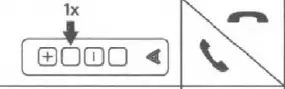 ANSWEA/ END CALL Press second button once
 MUTE Press four button twice
 UMU MICROOPHONE
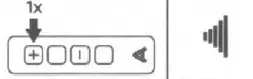 VOLUME UP
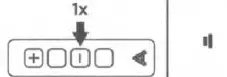 VOLUME DOWN
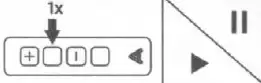 PLAY PAUSE
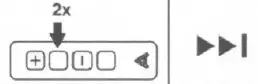 NEXT TRACK
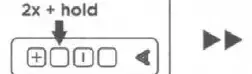 FAST FORWARD
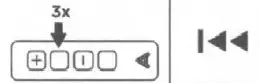 PREVIOUS TRACK
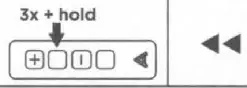 FAST REVIND
FCC Regulatory Compliance
Warning: changes or modifications not expressly approved by the party responsible for compliance could void the user’s authority to operate the equipment.
Note: This equipment has been tested and found to comply with the limits for a Oass B digital device, pursuant to Part 15 of the FCC Rules. These limits are designed to provide reasonable protection against harmful interference in a residential installation, This equipment generates, uses and can radiate radio frequency energy and, if not installed and used in accordance with the instructions, may cause manful interference to radio communications. However, there is no guarantee that interference will not occur in a particular installation.
If this equipment does cause handful interference to radio or television reception, which can be determined by turning the equipment off and on, the user is encouraged to try to correct the interference by one or more of the following measures:
- Reorient or relocate the receiving antenna
- Increase the separation between the equipment and receiver.
- Connect the equipment into an outlet on a circuit different from that to which the receiver is connected.
- Consult the dealer or an experienced radio/TV technician for help.
SERIAL N0. 5001765 CERTIFICATE OF AUTHENTICITY AUDEZE UNCOMPROMISED AUDIO
As the proud owner of a new Audeze” product you’ll soon experience hours of high-quality musical enjoyment. This certificate guarantees the Audeze product you have purchased was thoroughly tested and burned-in at the factory and is ready for use upon arrival.
USER GUIDE AND DRIVER DOWNLOADS AUDEZE
Download User Guide and Drivers www.audeze.com/products/downloads
In an effort to reduce paper waste we are distributing our documents electronically,
 Audeze Headphones | Uncompromised Audio | Planar Magnetic Technology
 Audeze Headphones | Uncompromised Audio | Planar Magnetic Technology