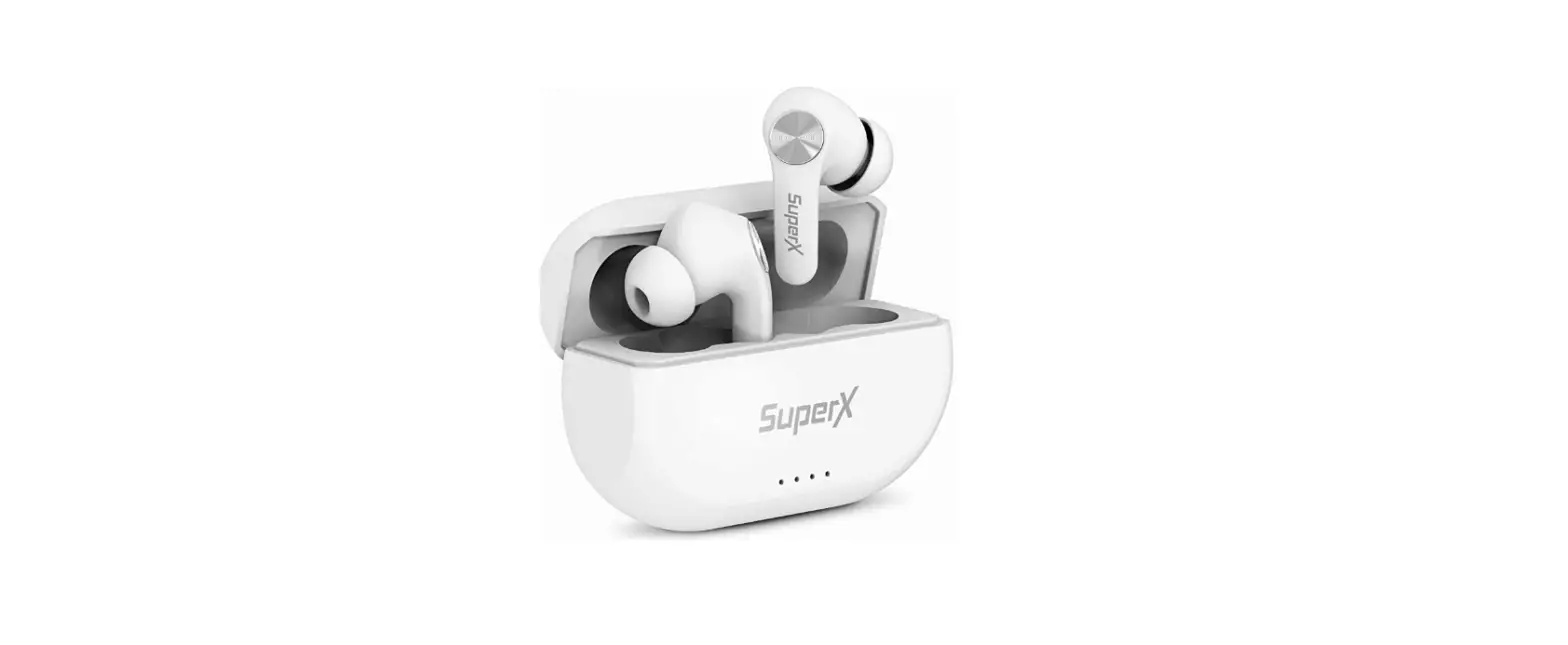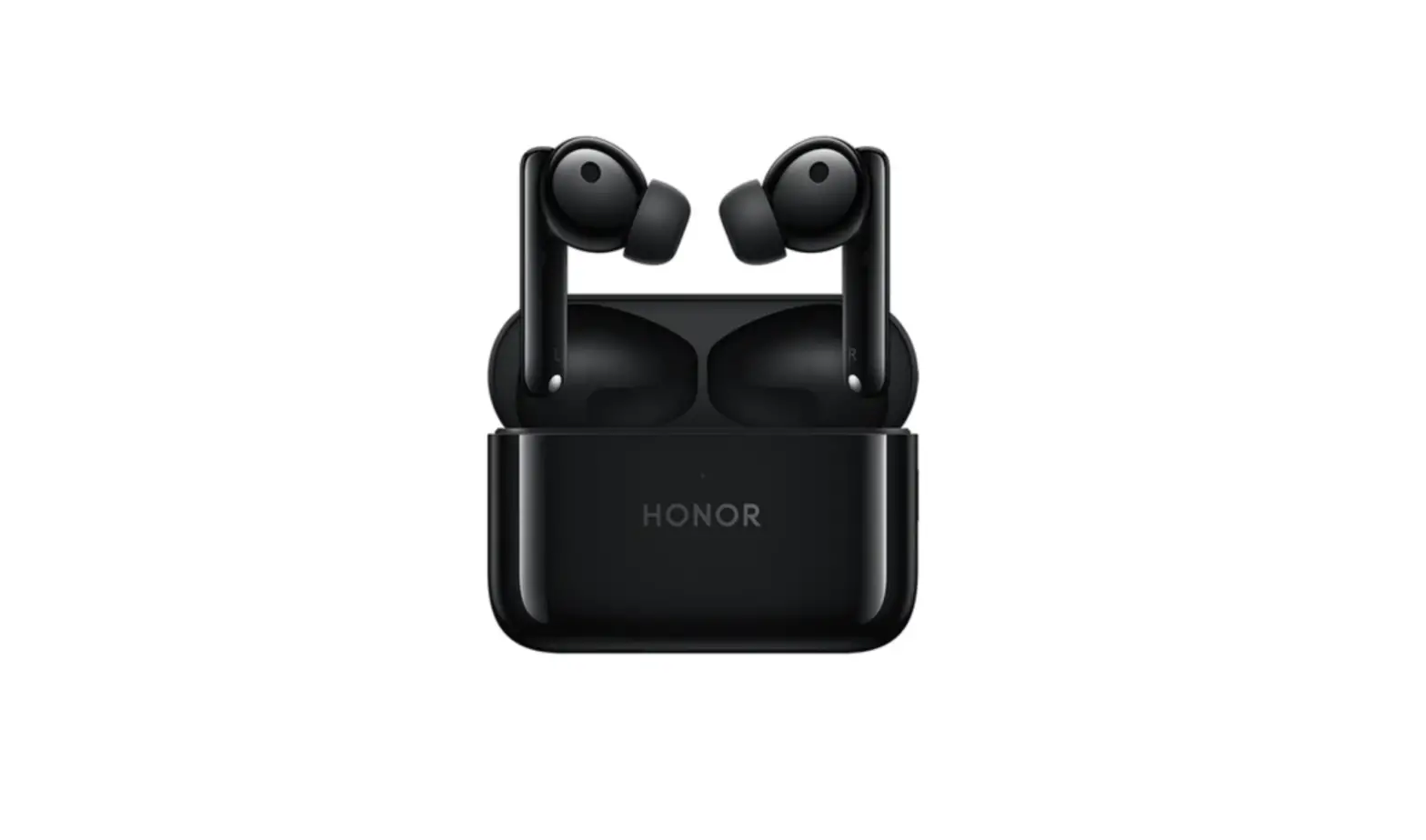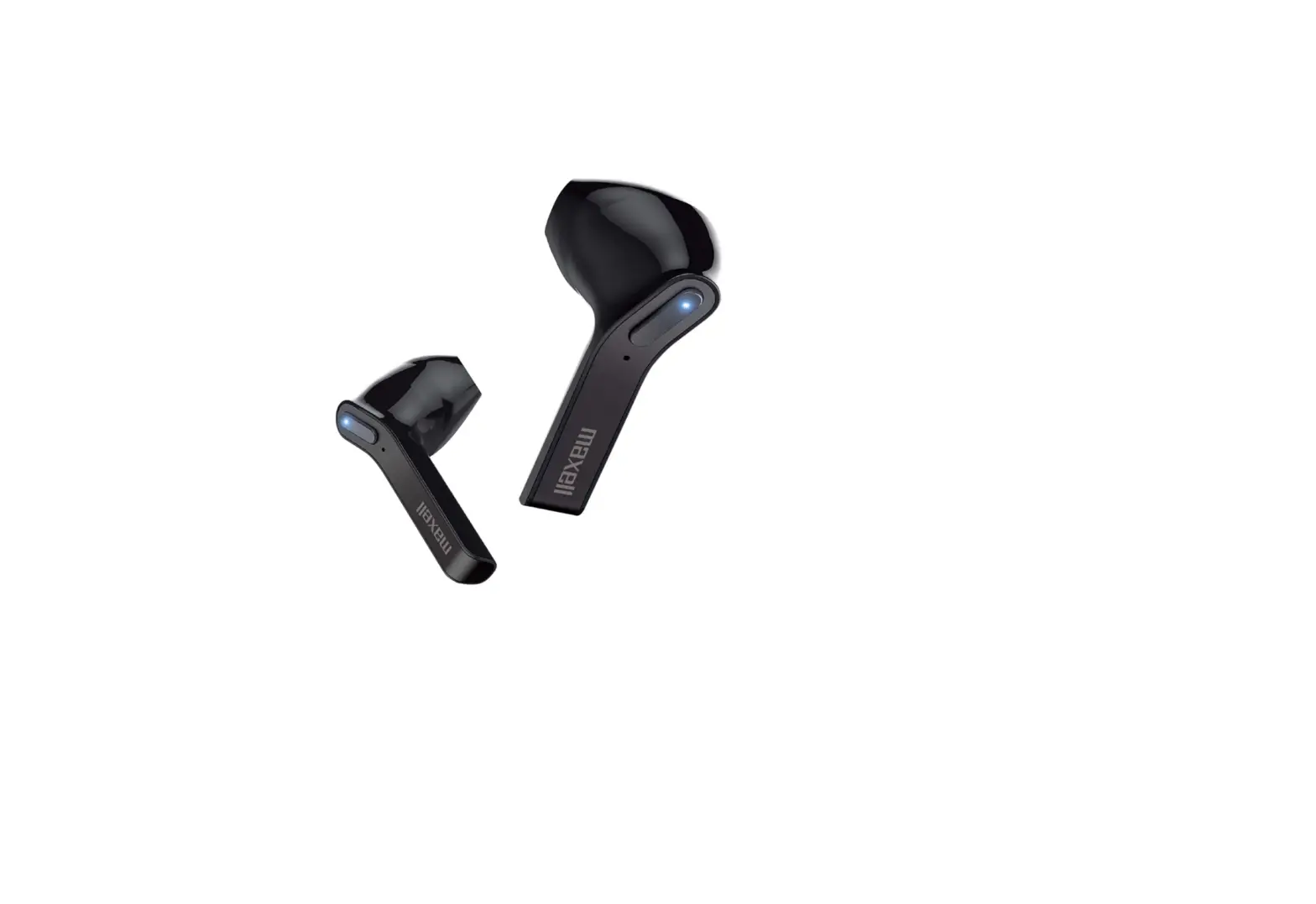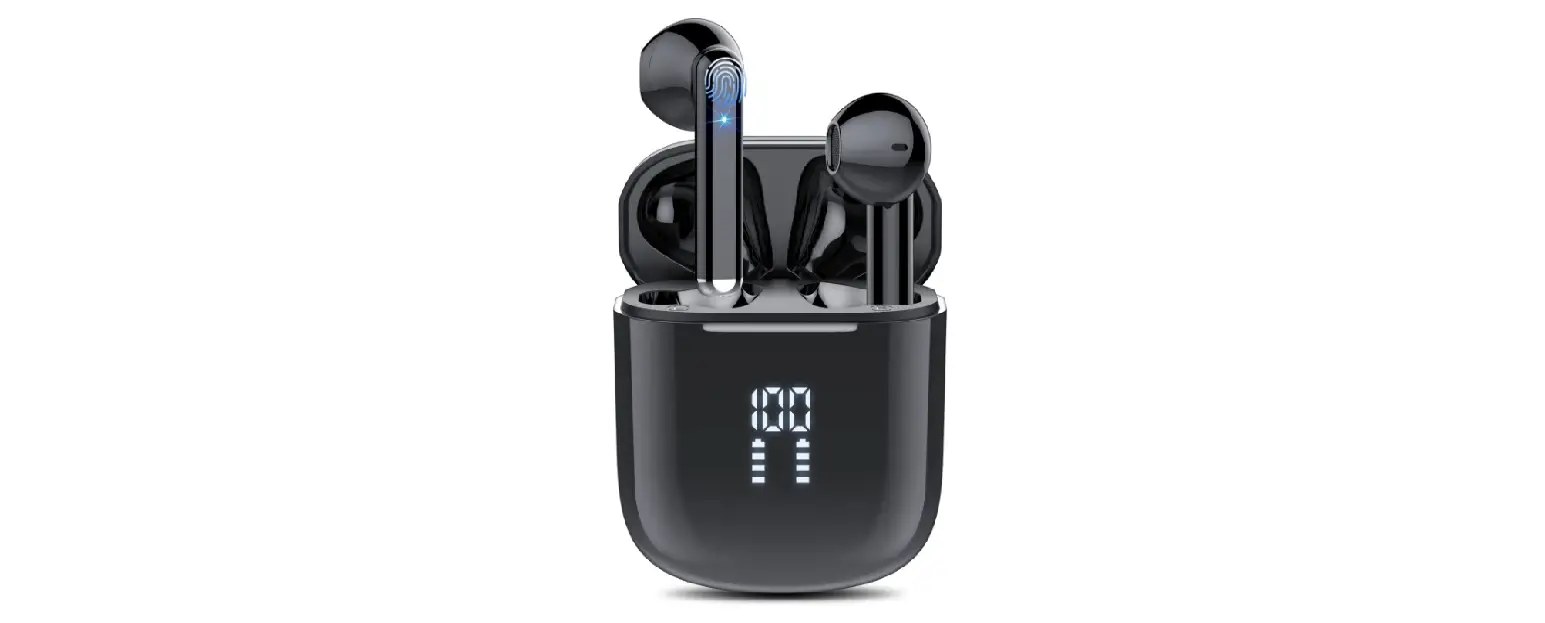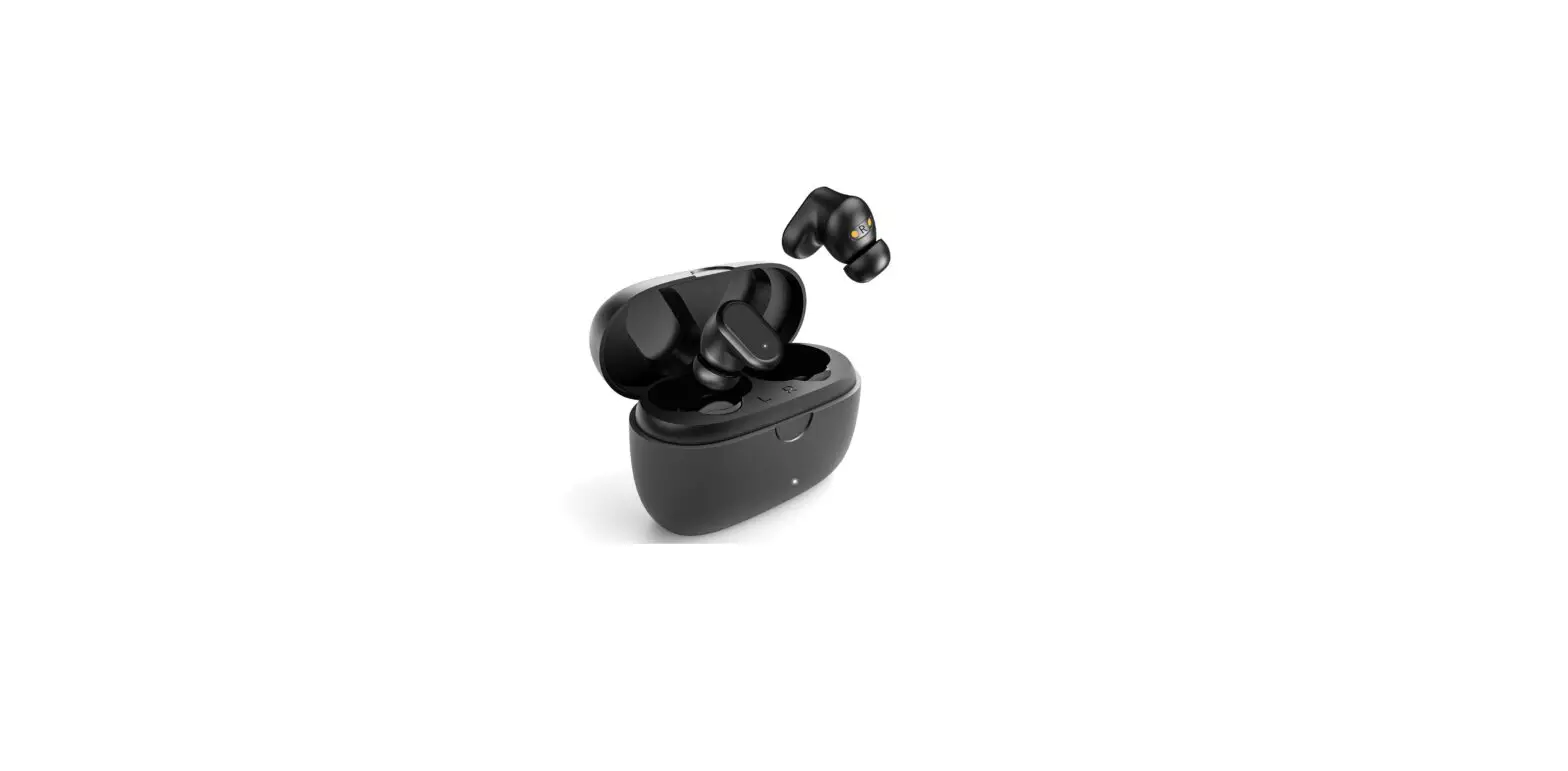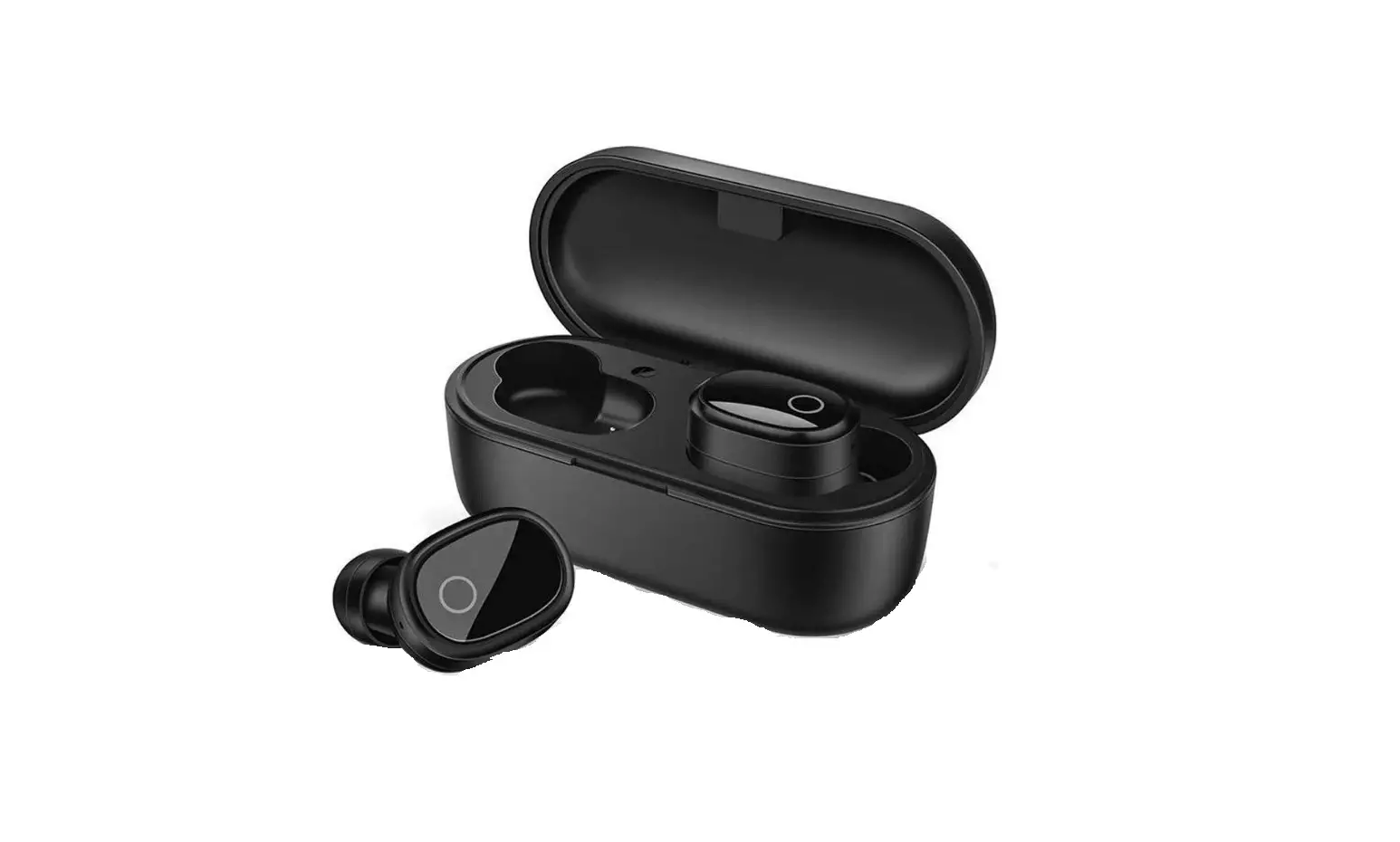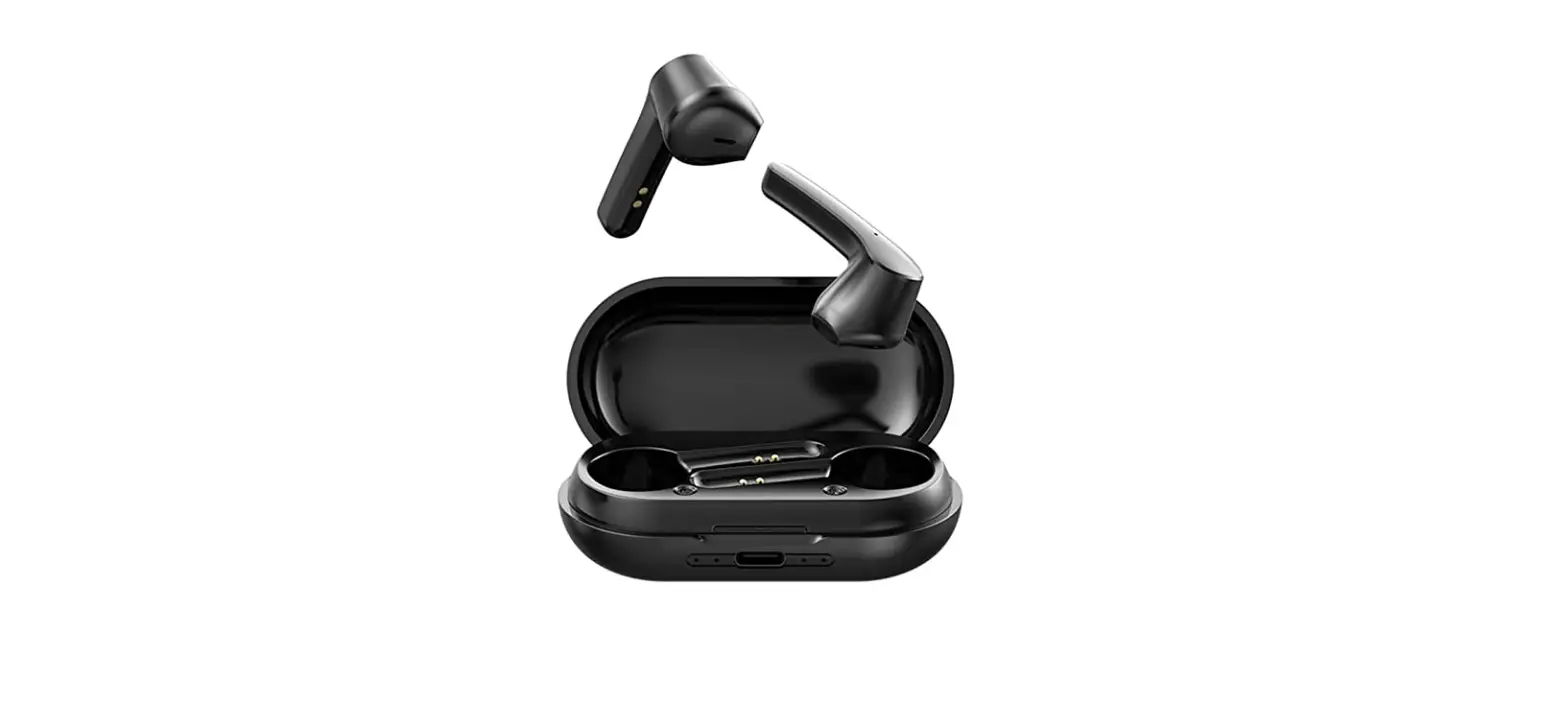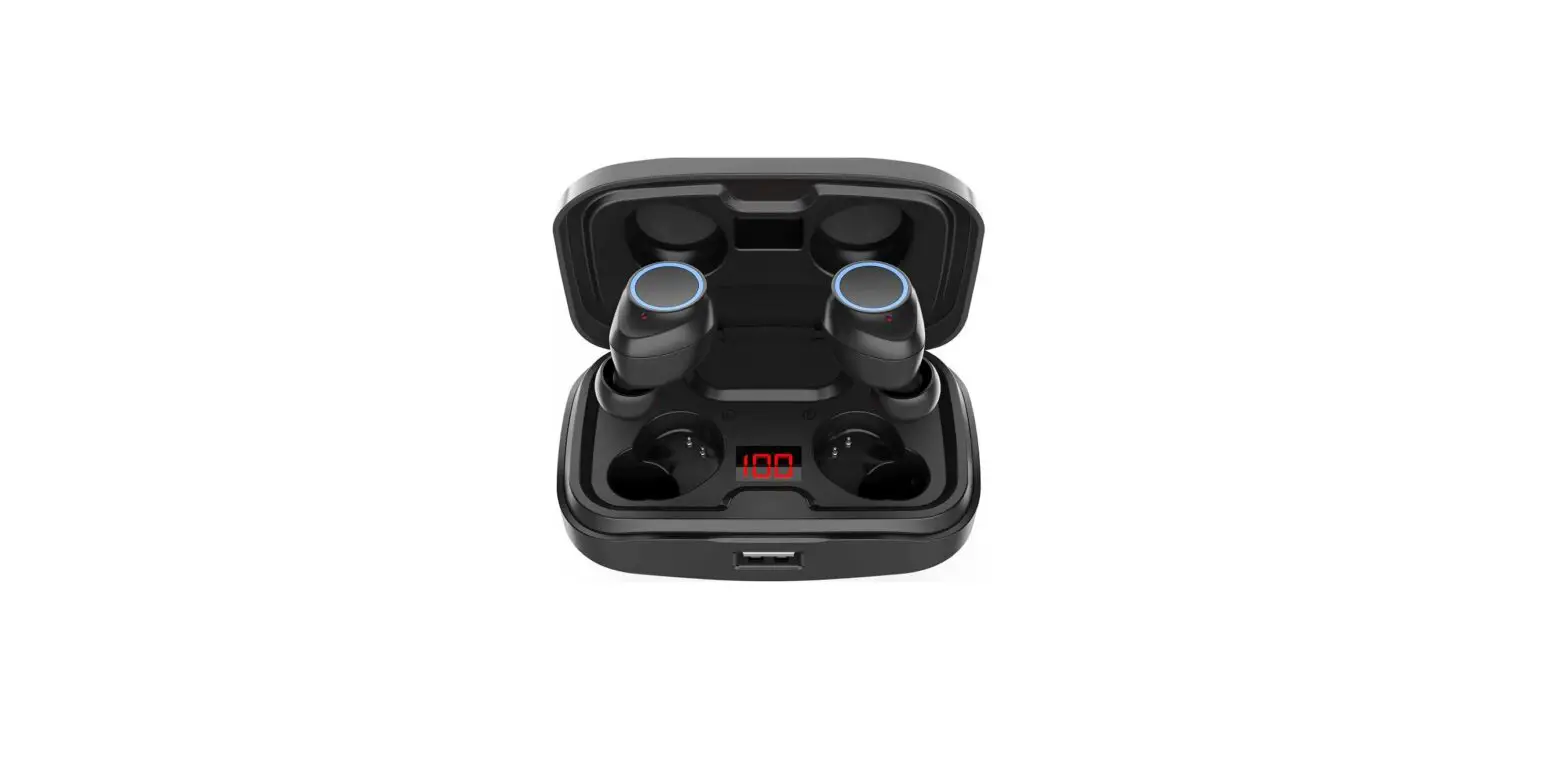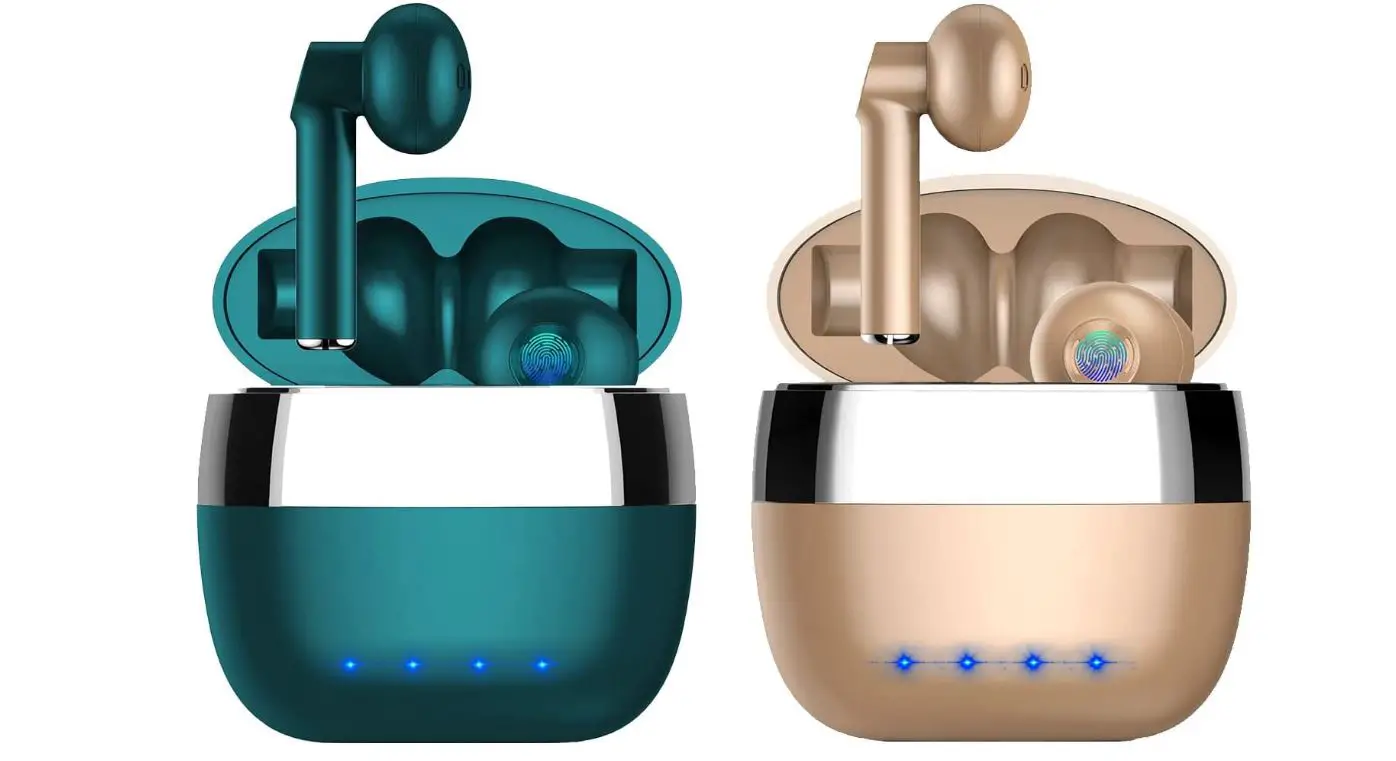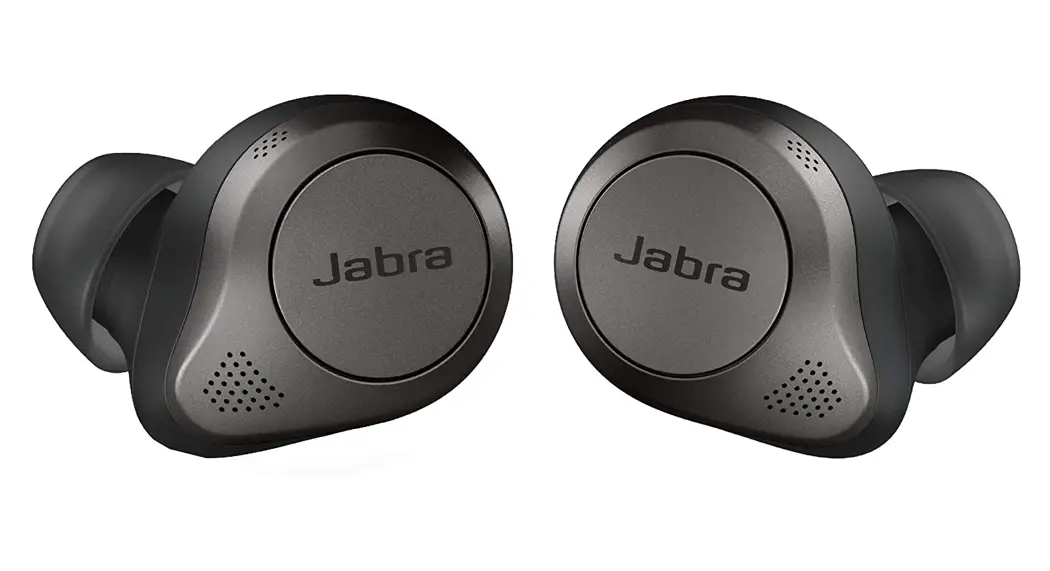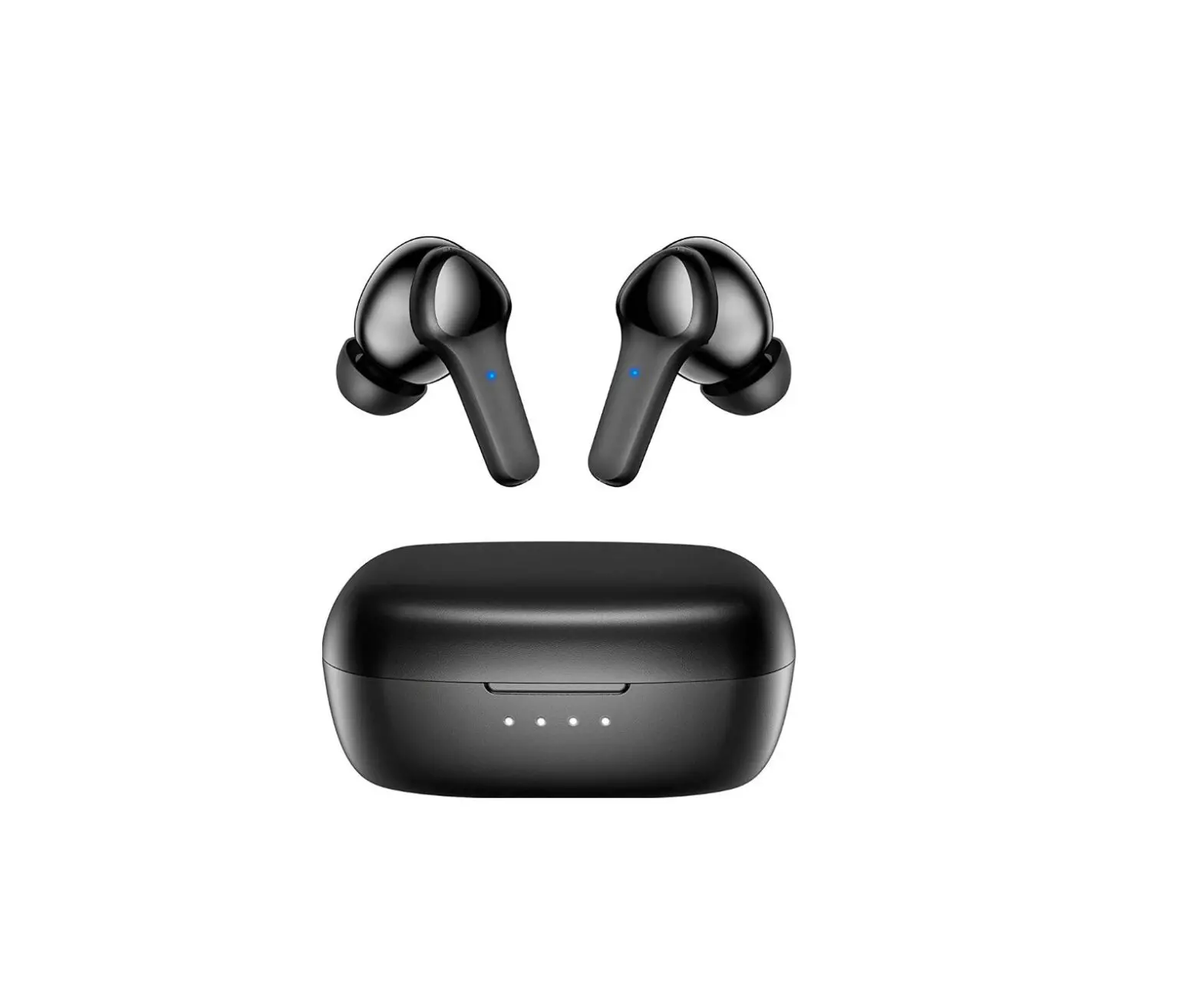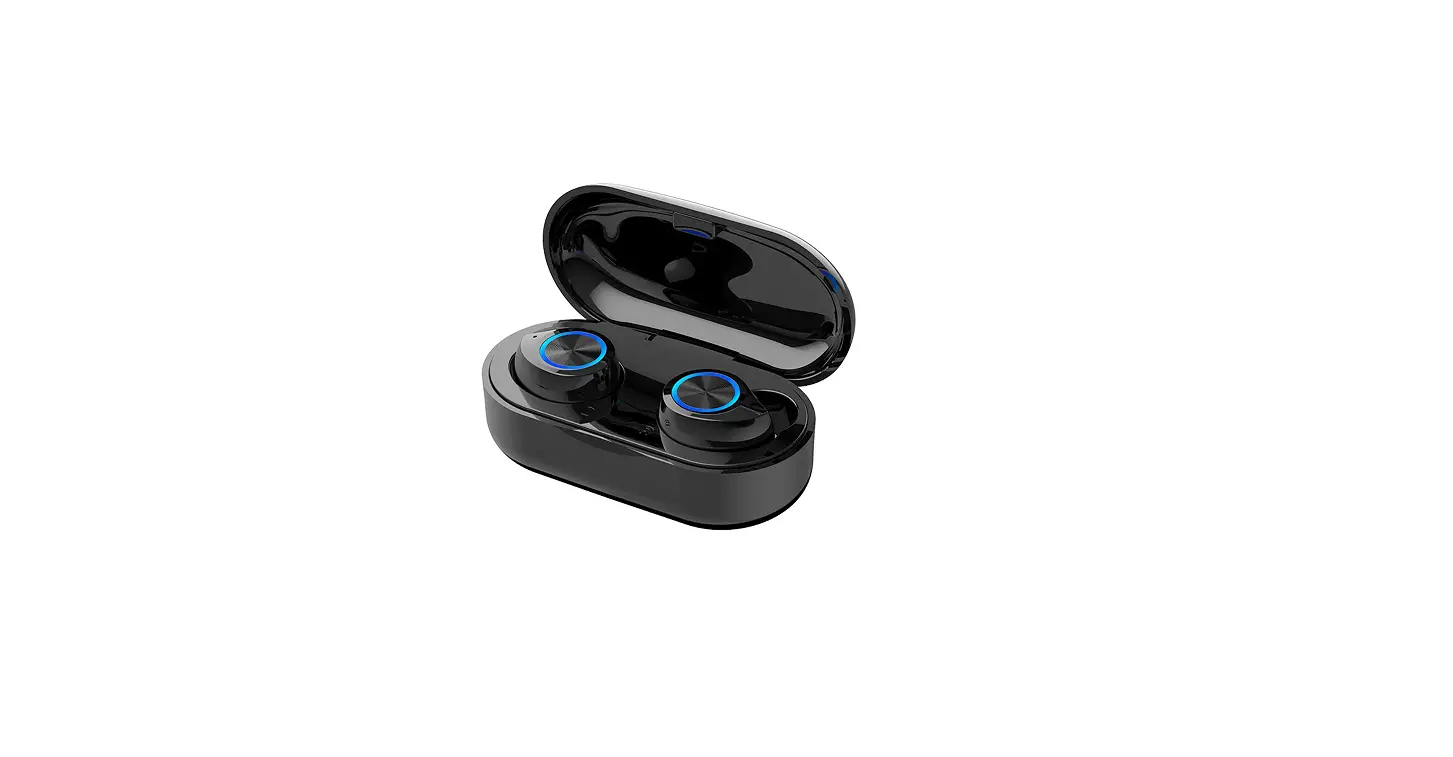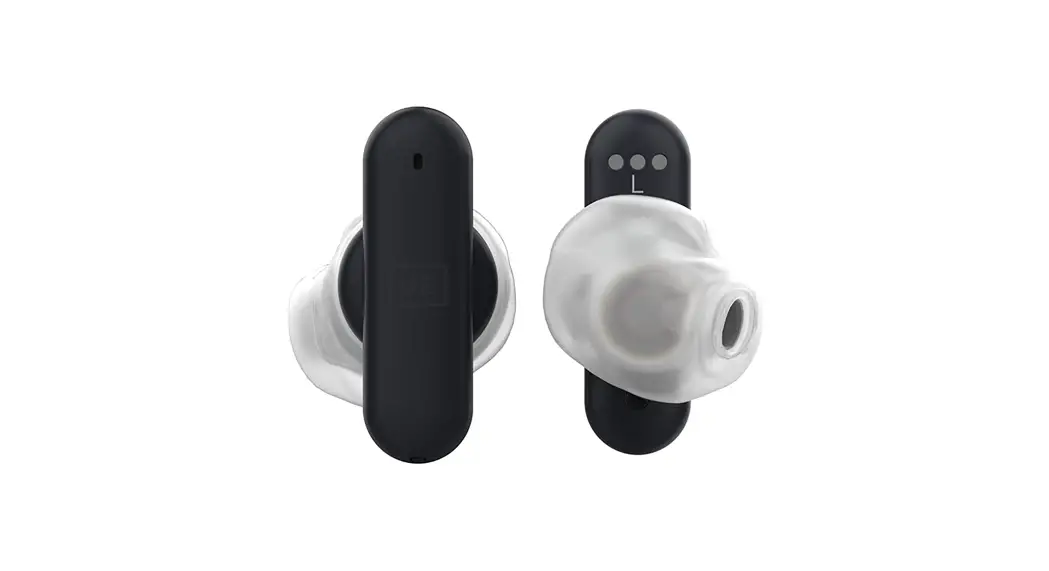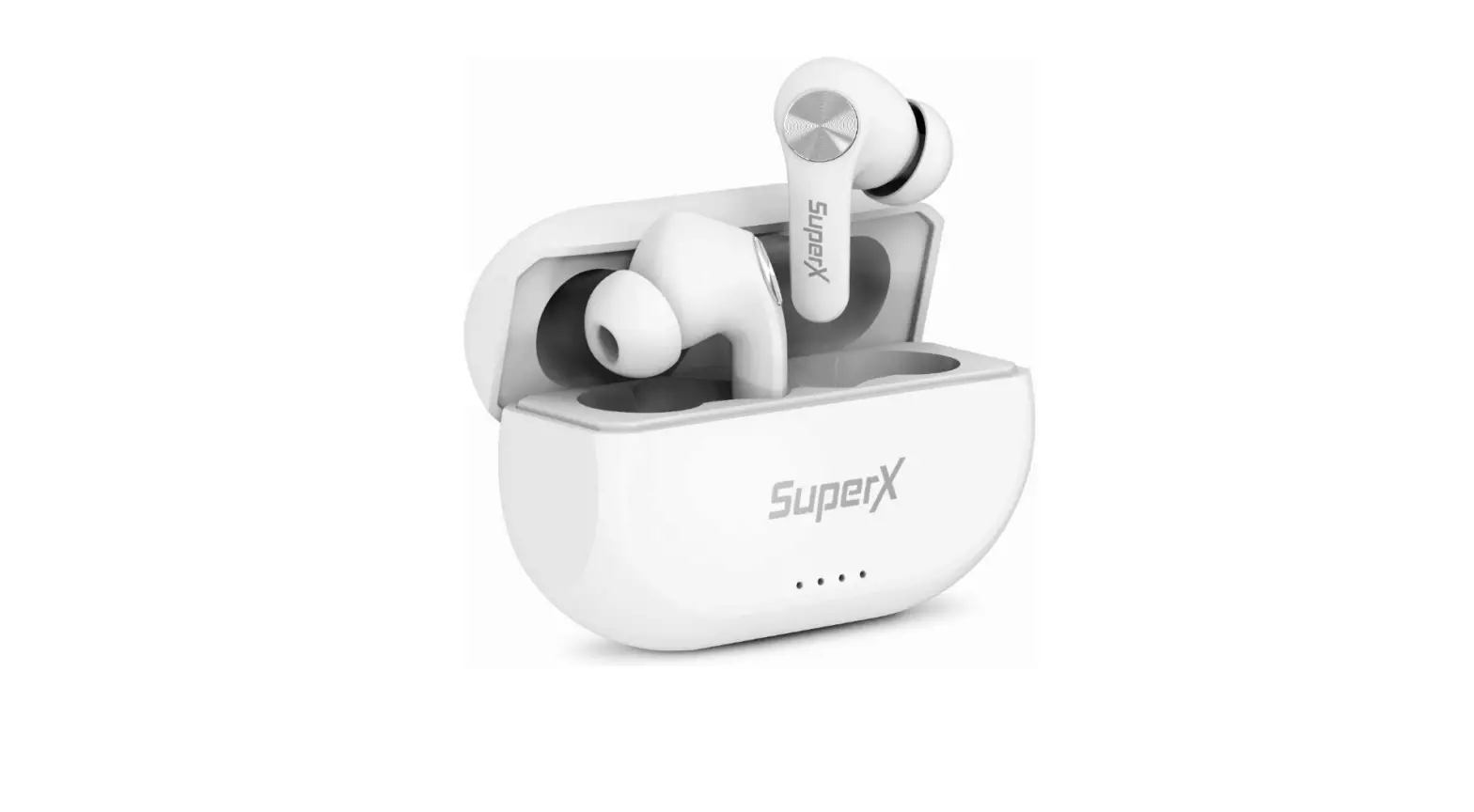

SuperX ZT000035 Bluetooth 5.0 Wireless Earbuds
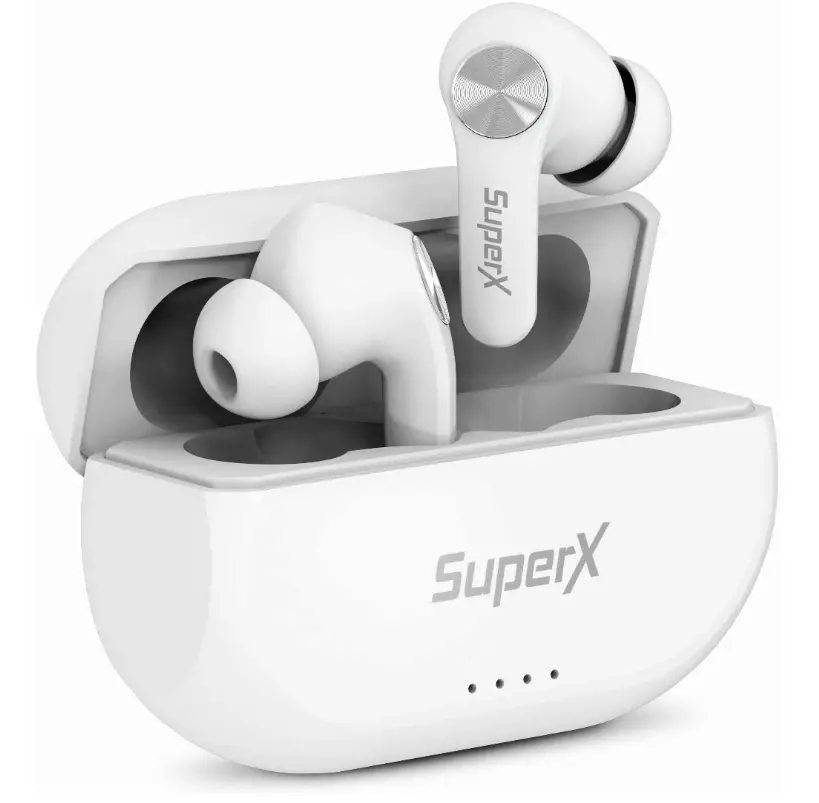
Specifications
- PRODUCT DIMENSIONS: 6 x 1.8 x 1 inches
- ITEM WEIGHT: 89 ounces
- BATTERIES: 1 Lithium Ion batteries
- FORM FACTOR: In Ear
- CONNECTIVITY TECHNOLOGY: Wireless
- BRAND: SuperX
Introduction
SuperX is Wireless headphones are those that connect to a device without the use of a wire or connection, such as a smartphone, stereo speaker, television, gaming console, computer, or another electronic device.
What’s In the Box?
- Earbud Right
- Earbud Left
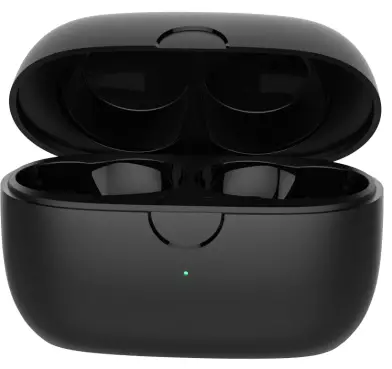
- Charging Case with One button reset
- USB-C charging cable
- User Manual
VERY GOOD SOUND
Everything supported by Bluetooth 5.0 technology will sound crystal clear, including music, calls, movies, and more.
EASY PAIRING
The stress-free, quick, and easy pairing process enables consumers to utilise earbuds more quickly out of the box.
TIGHT FIT
Your unique appearance sets you apart from the competition. Most ear types can be accommodated with a pleasant design.
How do I connect or pair?
Android and iOS mobile devices
- Step 1 is to remove the charging case’s lid. After that, the earphones will automatically turn on after hearing a “Power on” voice prompt. Additionally, for around 3 to 4 seconds, press and hold the multifunction touch button on each earpiece.
The earphones will be prepared to pair with any device when they emit a “Pairing” voice cue. - Step 2:Turn on Bluetooth on the target device in step two.
- Step 3: Access the Bluetooth settings for the device.
- Step 4 :Select “SuperX” in step four. Enter “0000” if a password is necessary.
- Step 5: The pairing will be completed after that.
How to Wear
- Step 1: First, remove the charging case from the two earbuds.
- Step 2: Find the left and right earbuds in step 2.
- Step 3: Decide which ear tips will fit your ears the best.
- Step 4: Place the headphones within the ear canals.
- Step 5: Rotate for maximum comfort and fit, and check that the microphone is aimed at your mouth.
Frequently Asked Questions
The case has a battery that will need to be occasionally charged. The earbuds will charge whenever they’re in the case, regardless of the lid position.
You might have to do a factory reset that’s what I did. Put earbuds in case leave open hold button down in the back of the case for 10 seconds. Then pair again both ear buds should start working now.
If you’re LG TV have options to pair Bluetooth devices I would say they should work.
You might have to do a factory reset that’s what I did. Put earbuds in case leave open hold button down in the back of the case for 10 seconds. Then pair again both ear buds should start working now.
Protective case that charges them. I don’t know the availability of a belt loop; the case is small enough to fit in your pocket.
No
It has a USB-C jack. You plug a charger into it like you do a phone.
I don’t have hearing loss but I do have compromised hearing “tinnitus” that’s very pronounced. Everything w these works well for me – I’m also a musician so I find them very useful and clear.
Yes, all I have done is use the volume on my iPhone which does have a limiter if I need it. But I have never had to do that and it gets pretty loud.
About 10 meters… I’ve left my phone in my kitchen at one end of my house and went all the way back to the other end of the house and never lost connection I have a 2000 sq/ft house. I haven’t tried going any further than that outside though… I am pretty impressed with these little earbuds.
Usually what the manufacturer states within the description is pretty close to accurate. Ive not ran them down completely so I can’t say with accuracy but where they are usb-c after a few solid hours should be close to what it take. See what the description says if it states a time that’s what I’d go with for sure.
Sure Bluetooth doesn’t need wifi.