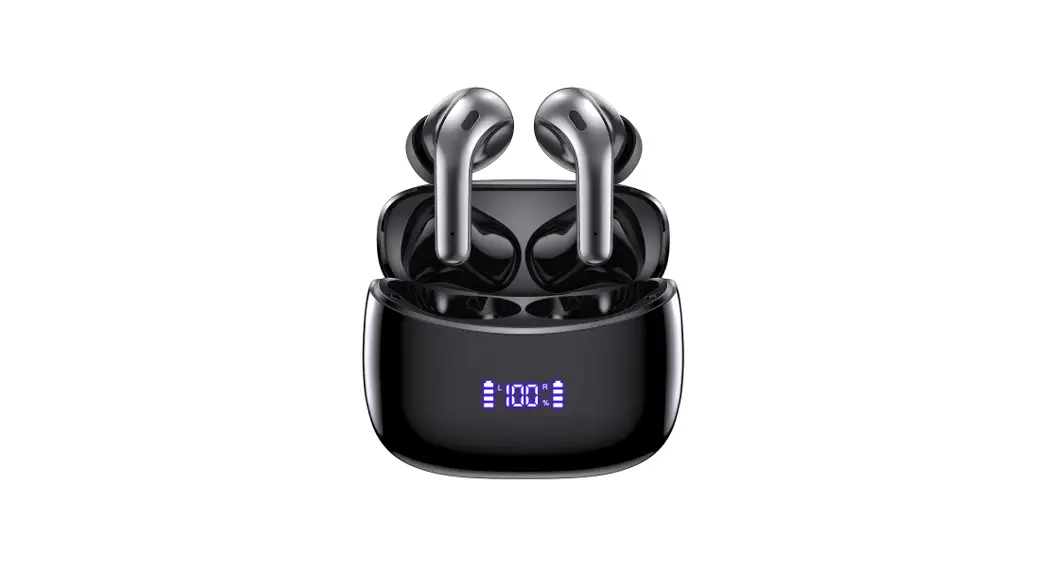
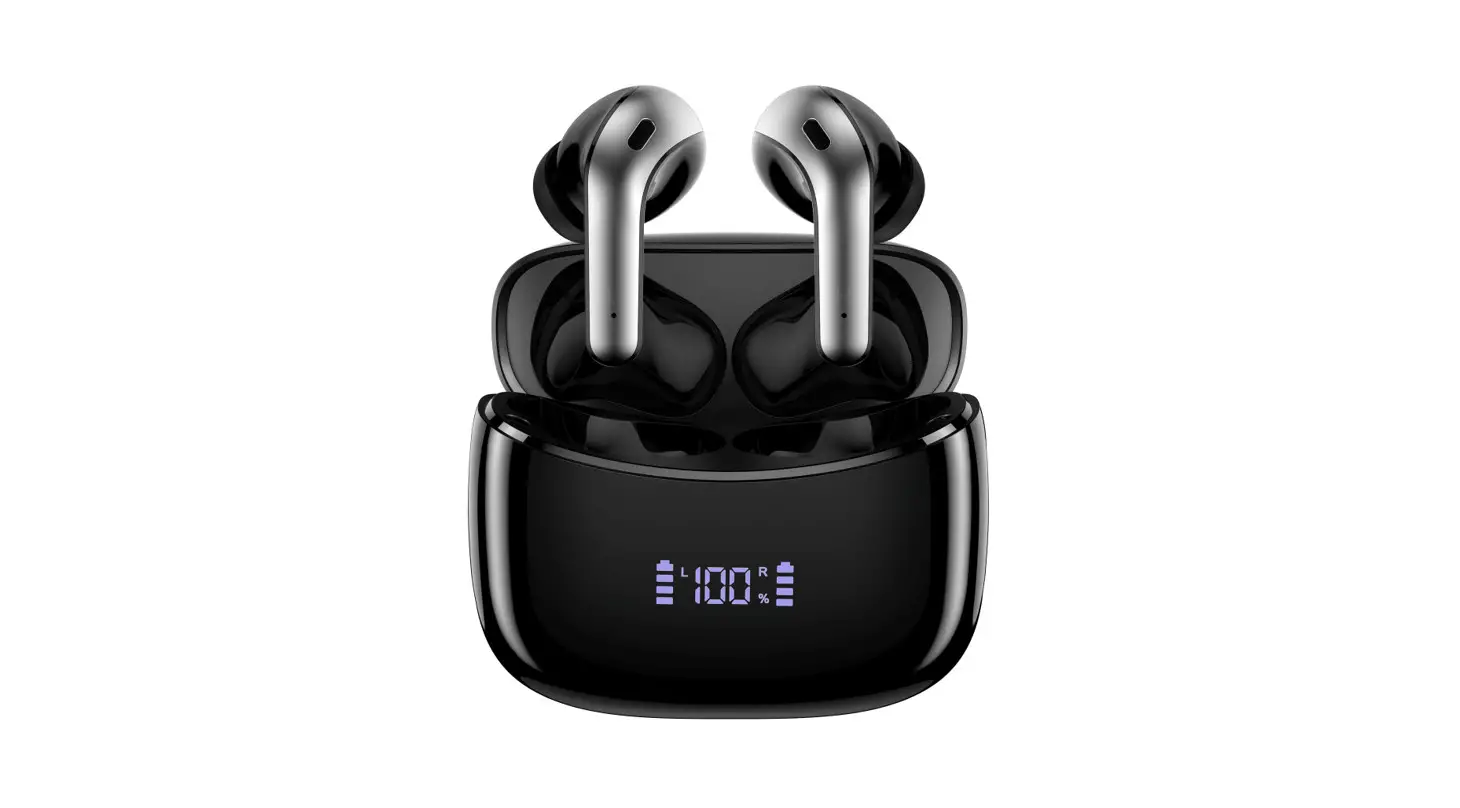
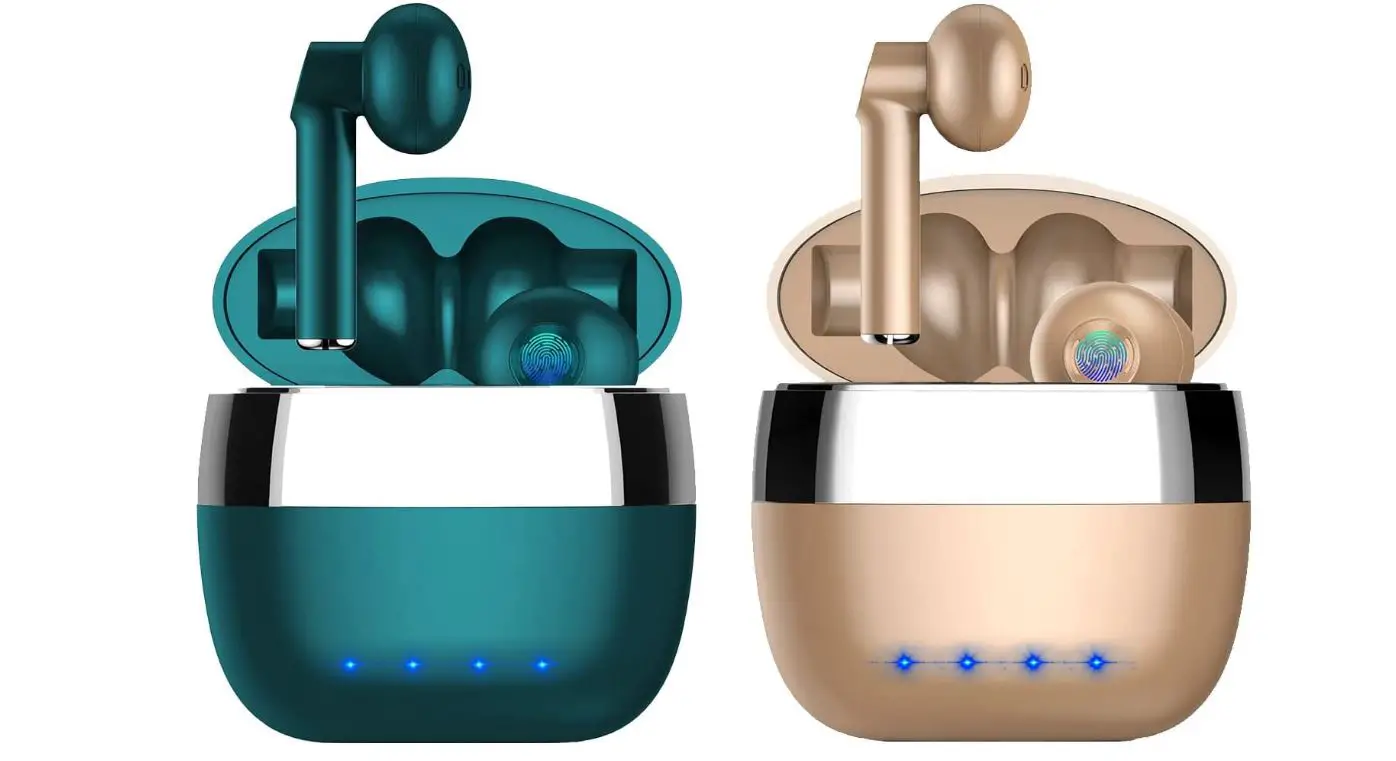
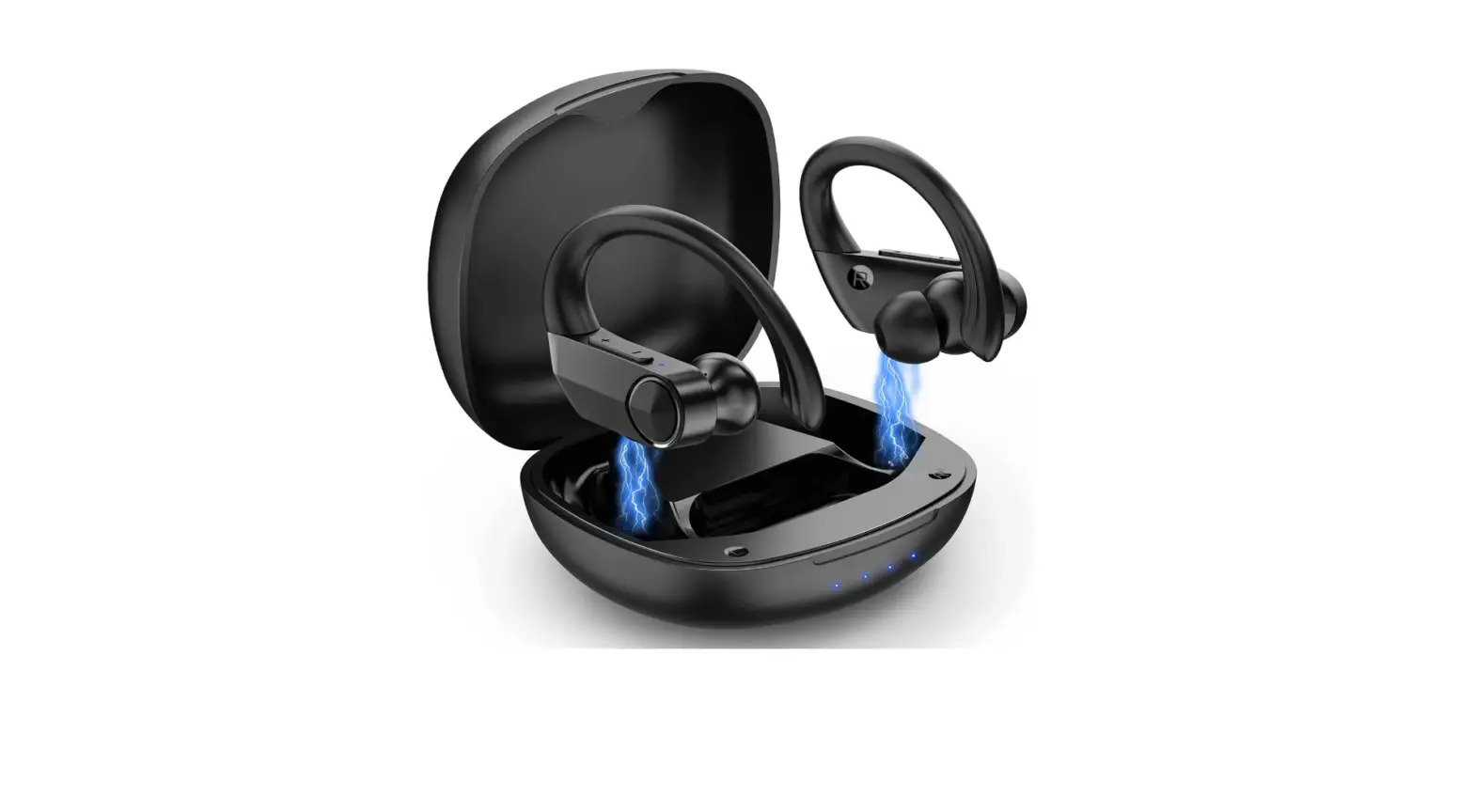
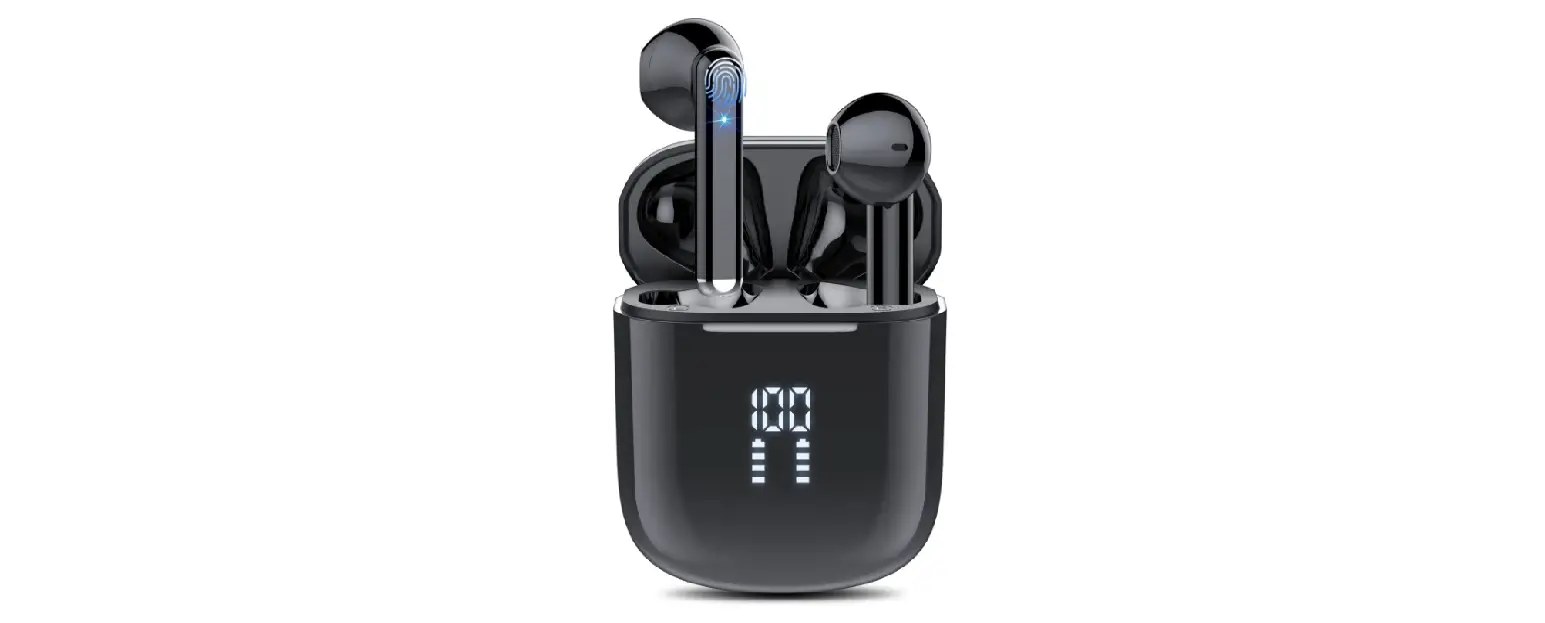
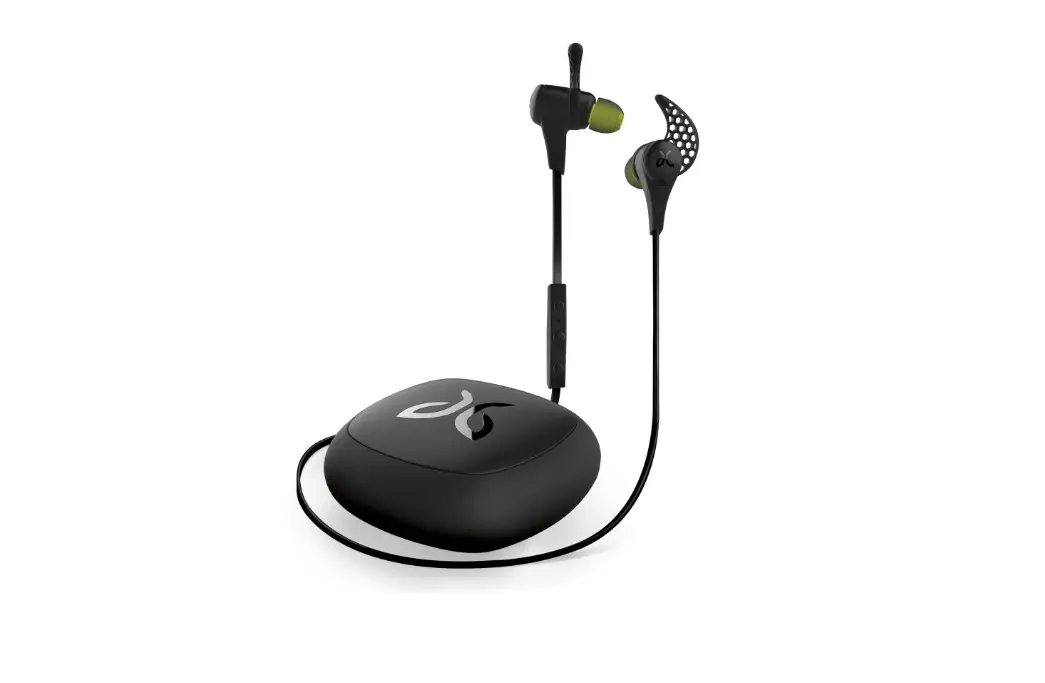
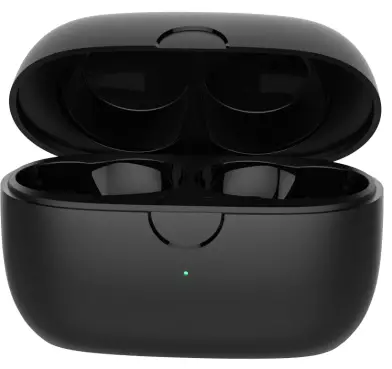
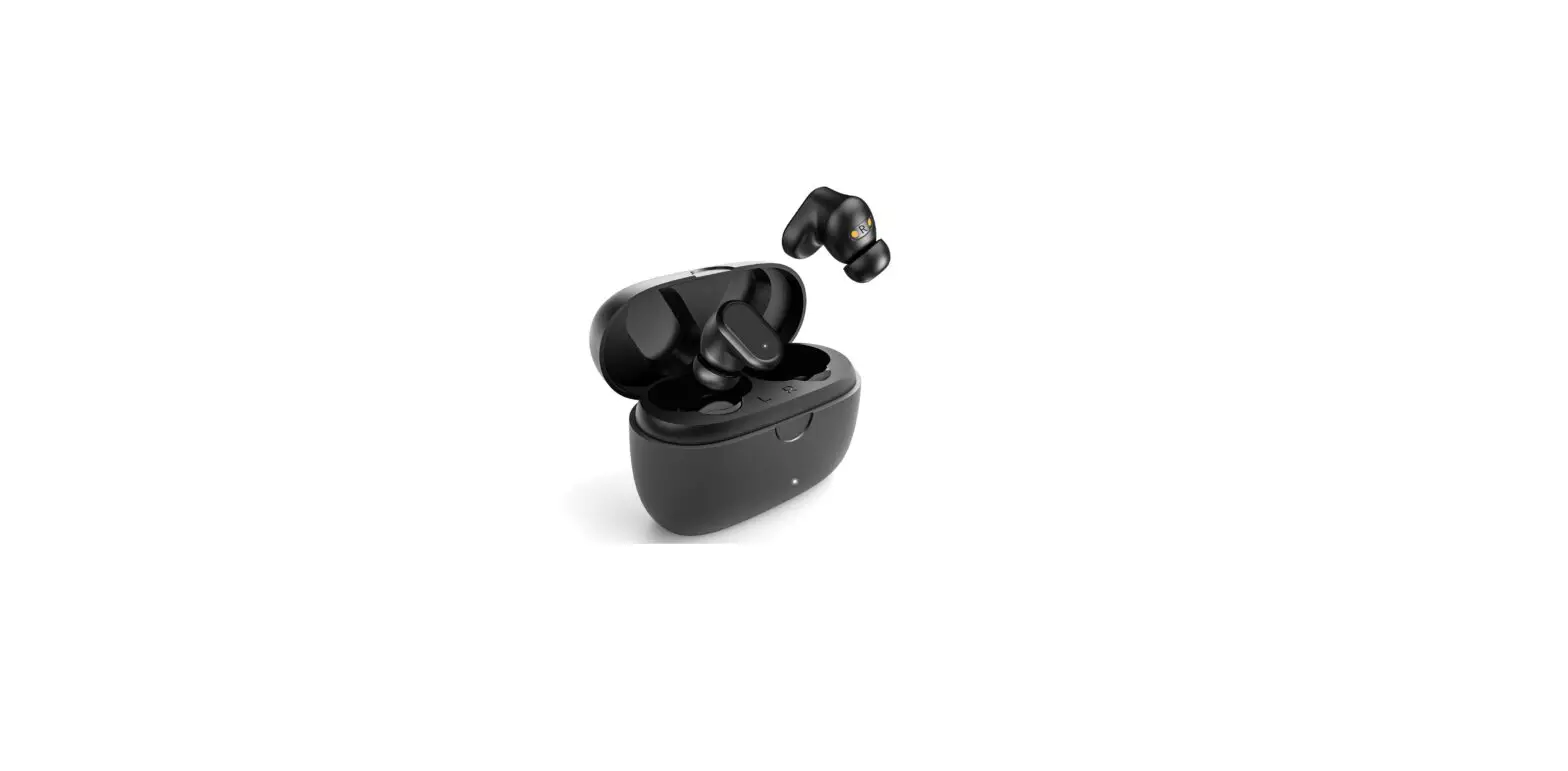
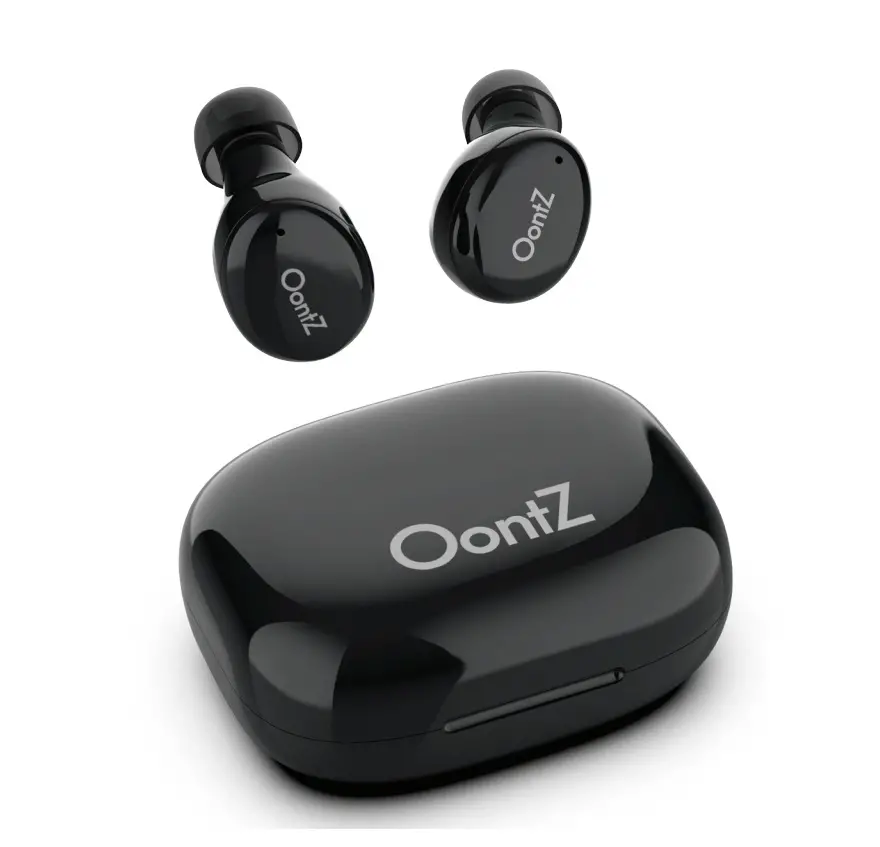
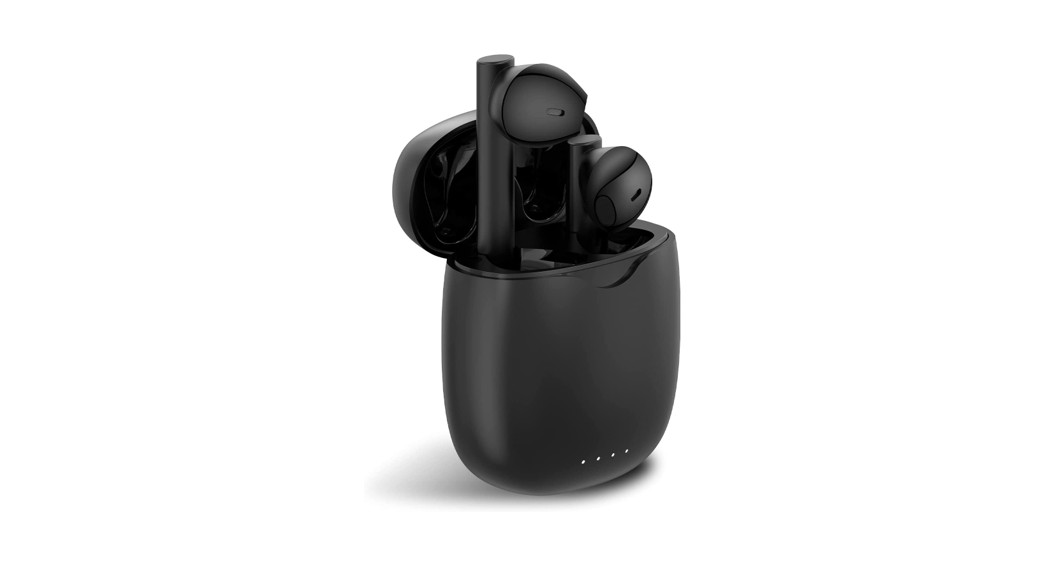
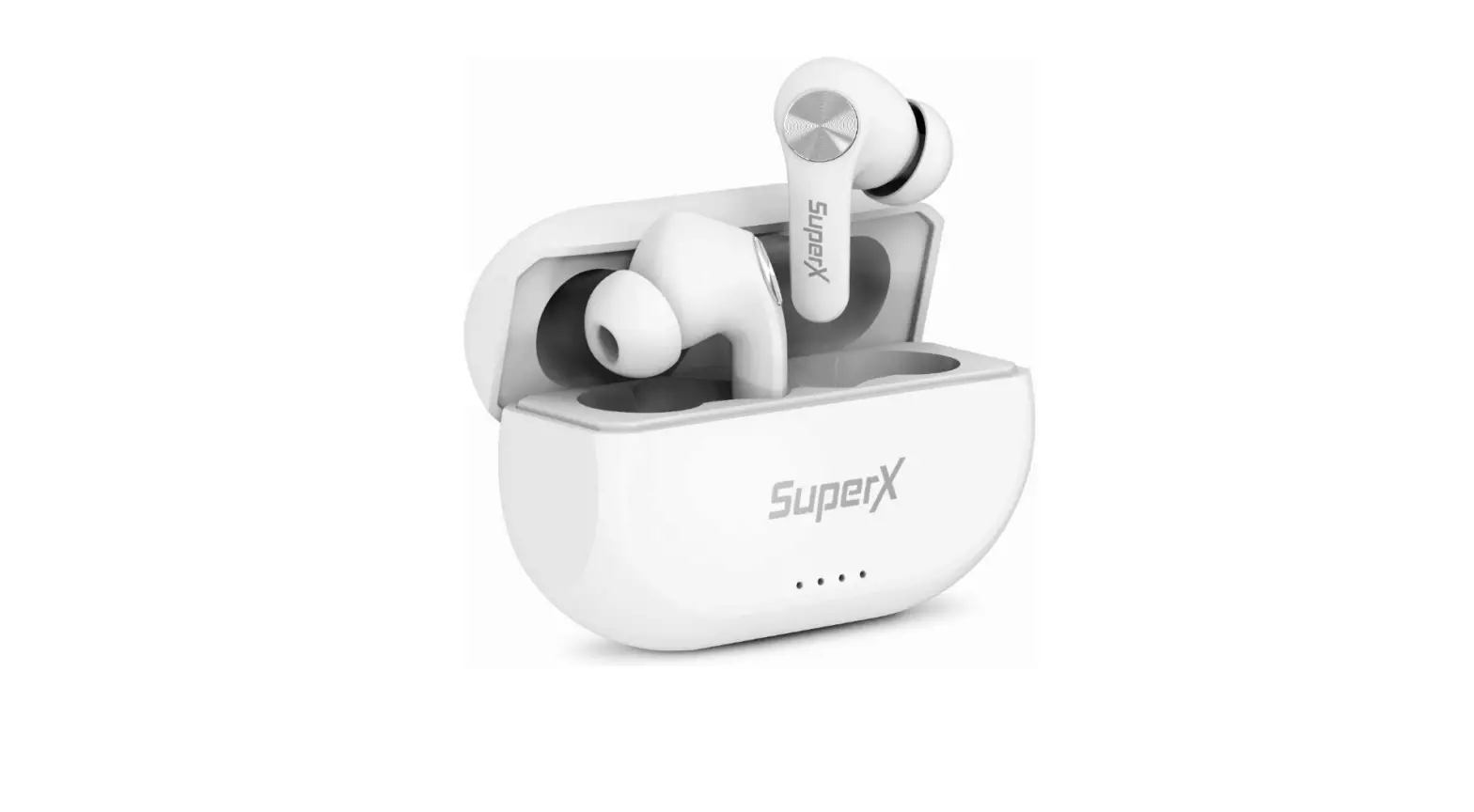
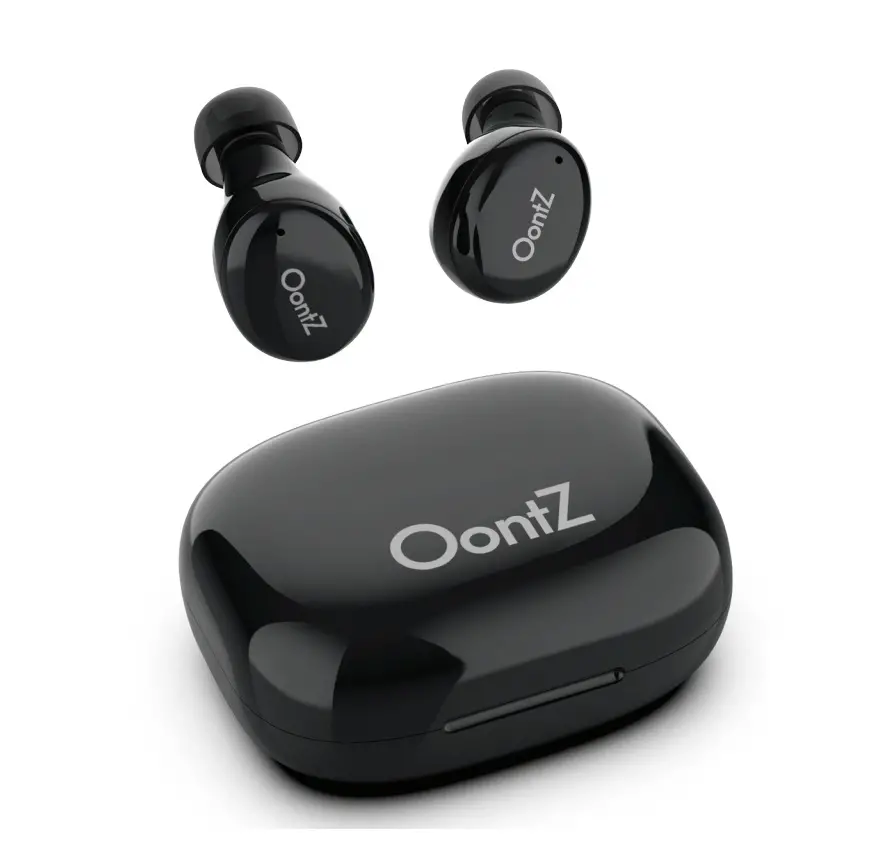
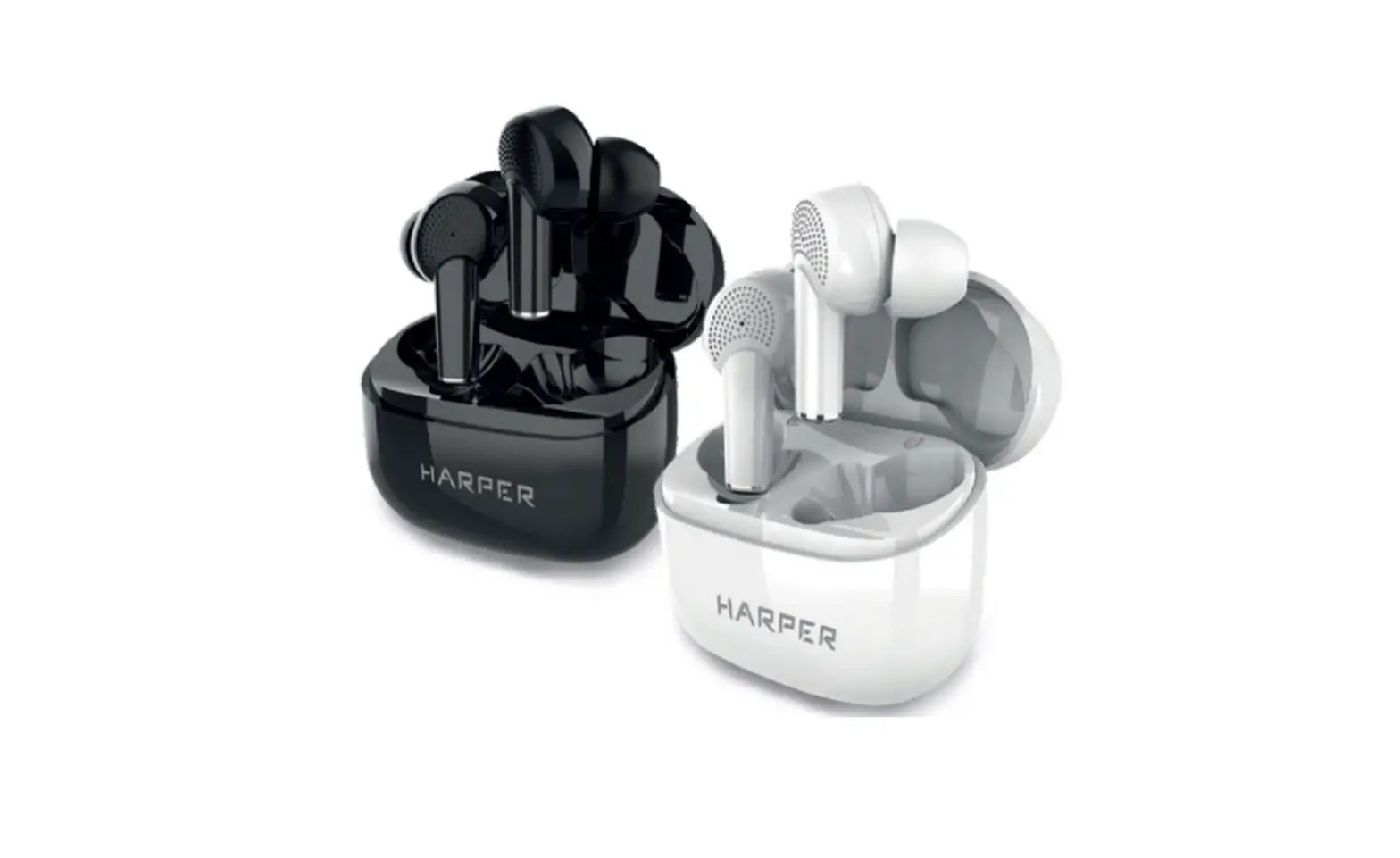
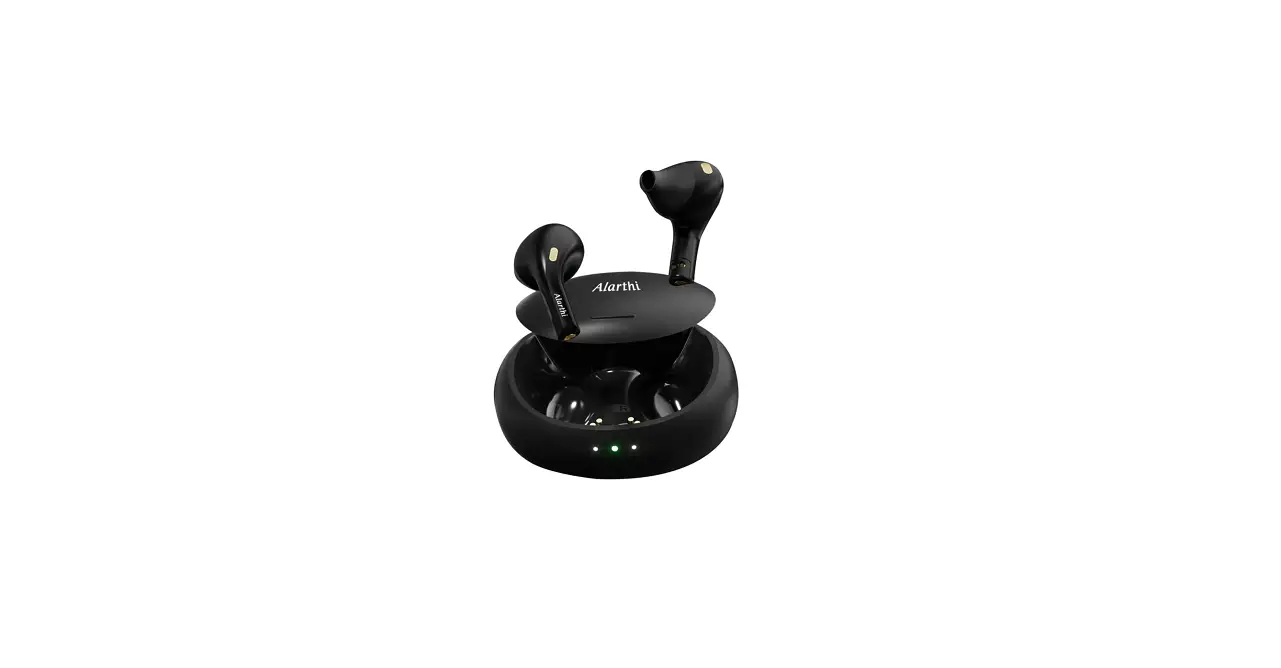
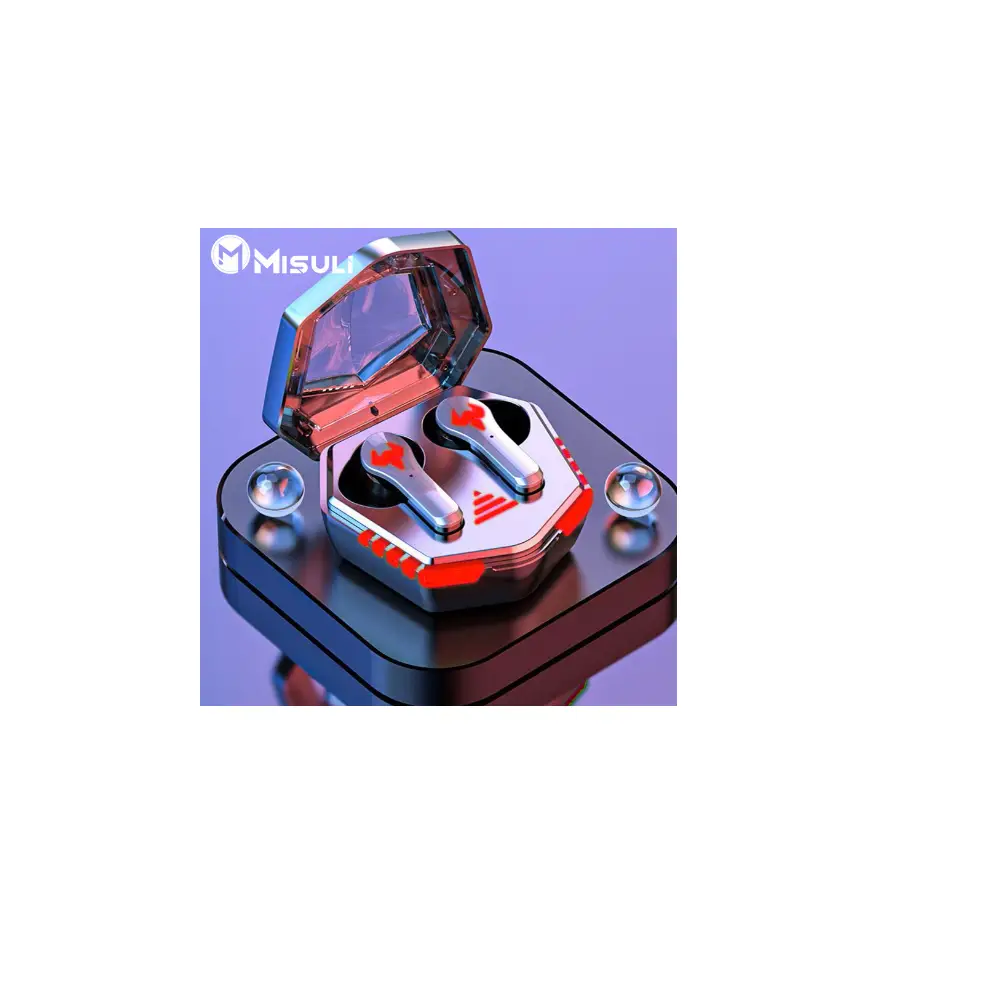
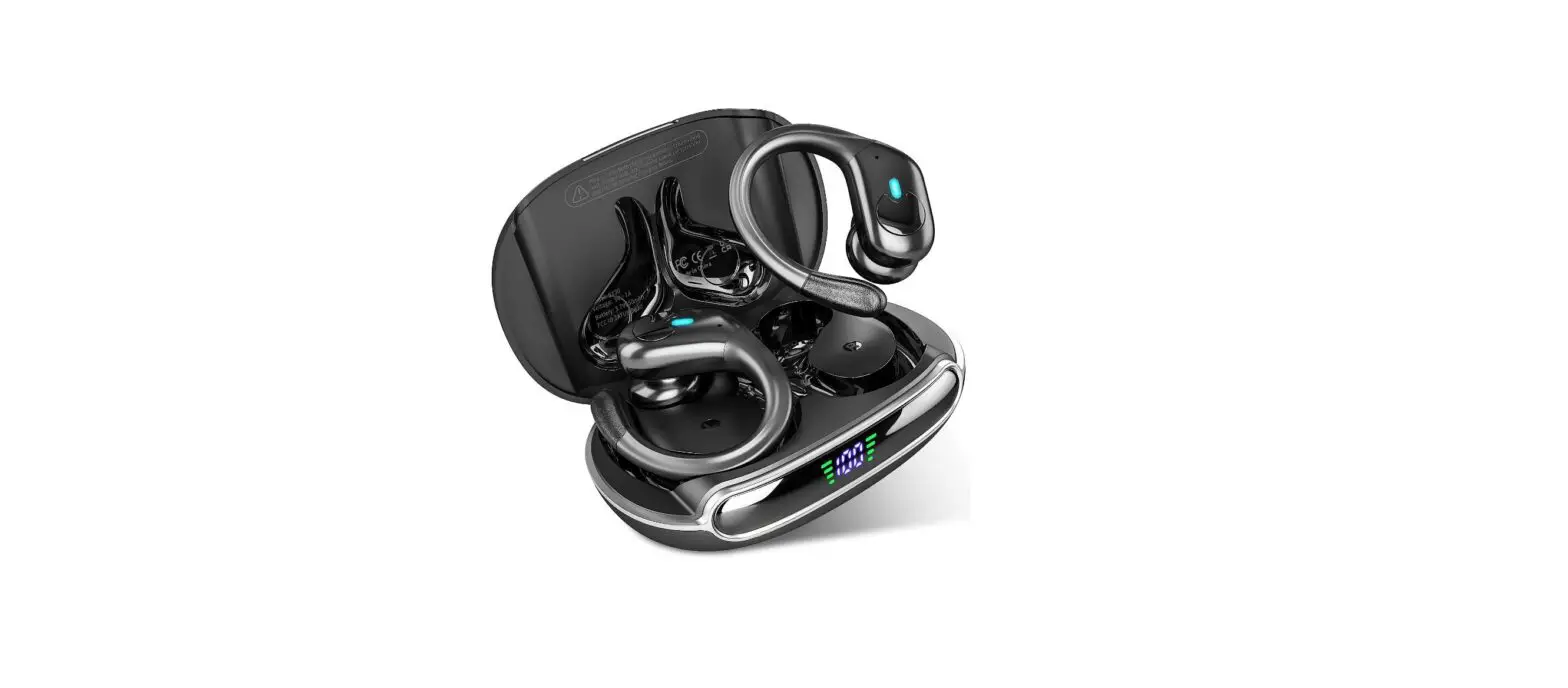
X15 Wireless Earbuds Bluetooth Headphones
Product Information
The X15 is a set of wireless earbuds designed for convenient and
high-quality audio listening. With its sleek and compact design,
the X15 offers a comfortable fit and easy portability. The earbuds
provide a seamless wireless connection to your device, allowing you
to enjoy your favorite music, podcasts, and calls without the
hassle of tangled wires.
Contact Information
If you encounter any issues or have any questions regarding the
X15 earbuds, please don’t hesitate to contact us. We are available
to assist you within 24 hours.
- Email: [email protected]
- Website: www.zingbird.store
- Phone: (781) 734-7815
Please note that the following method is only applicable if your
earbuds are not yet paired with your device.
Product Usage Instructions
- Ensure that your X15 earbuds are fully charged.
- Place the earbuds in the charging case and close the lid.
- Open the Bluetooth settings on your device.
- Locate the X15 earbuds in the list of available devices and
select them to pair. - Once successfully paired, you can now enjoy wireless audio from
your device through the X15 earbuds.
To initiate a quick triple tap on either earbud:
- Gently tap three times on either the left or right earbud.
To initiate a quick triple tap on the earbud:
- Gently tap three times on the earbud.
These triple tap gestures can be used to perform various
functions, depending on the supported features of your device and
the connected app. Please refer to the device or app documentation
for more information on the specific actions associated with triple
taps.
X15
User Manual
Email: [email protected] Web: www.zingbird.store Phone: (781) 734-7815
(If you have any issues, please feel free to contact us, and we will reply within 24hrs.)
www.zingbird.store
(Note: This method just for earbuds are not yet paired with your device.)
Quick triple tap on either earbud
Quick triple tap on earbud
our We