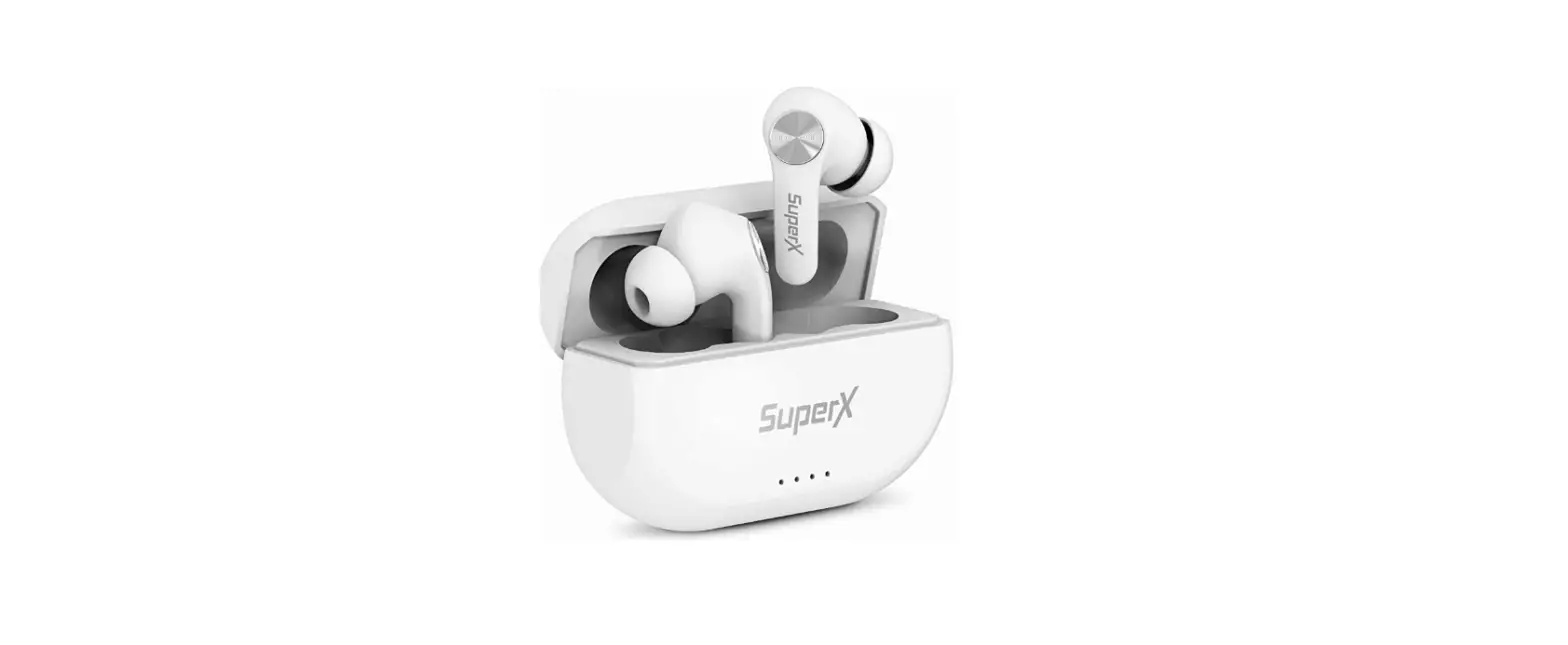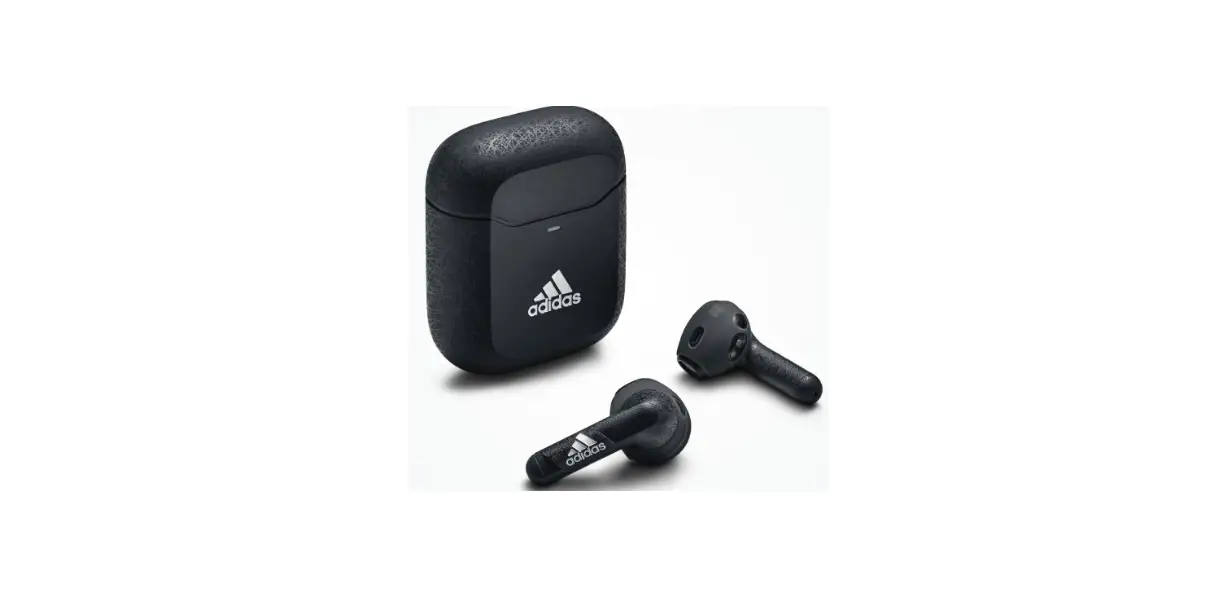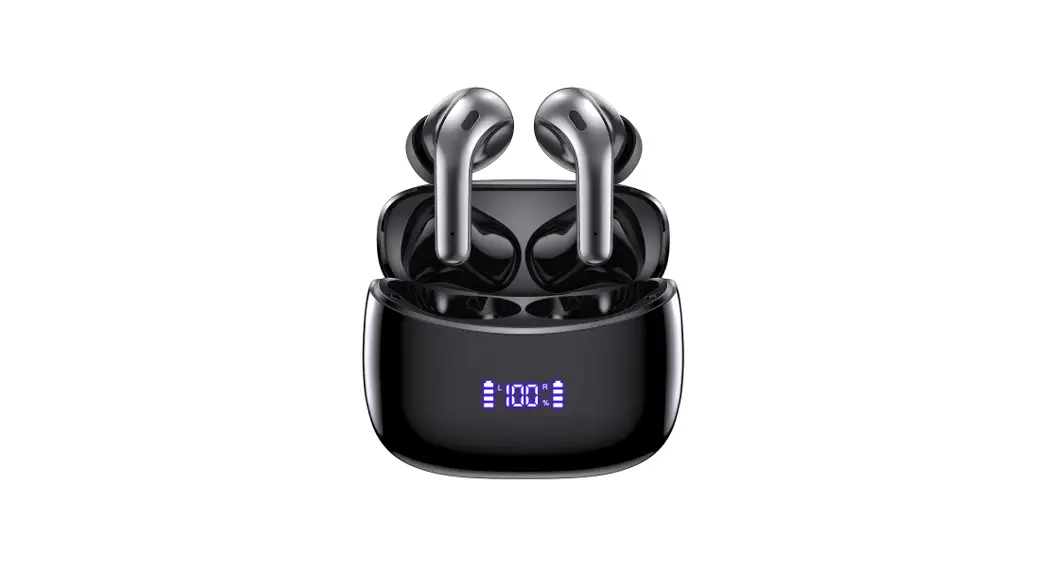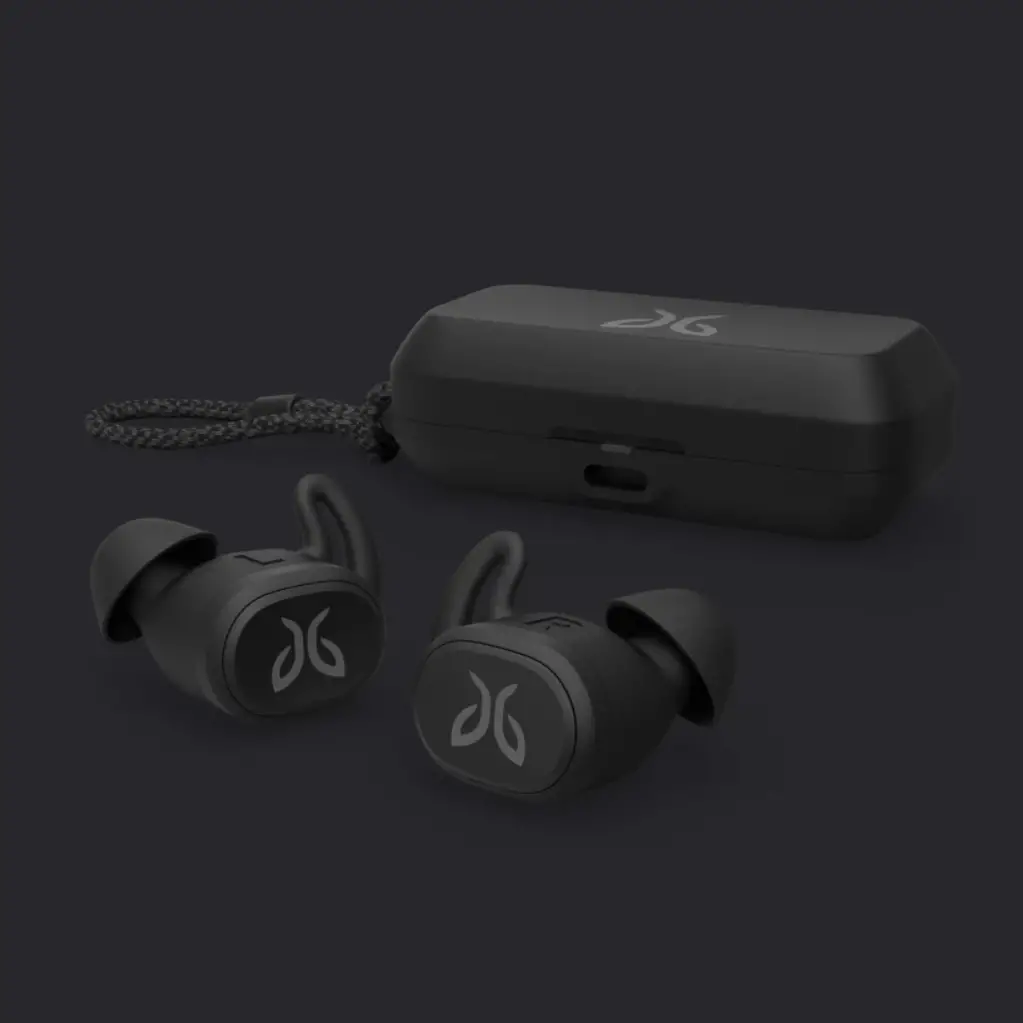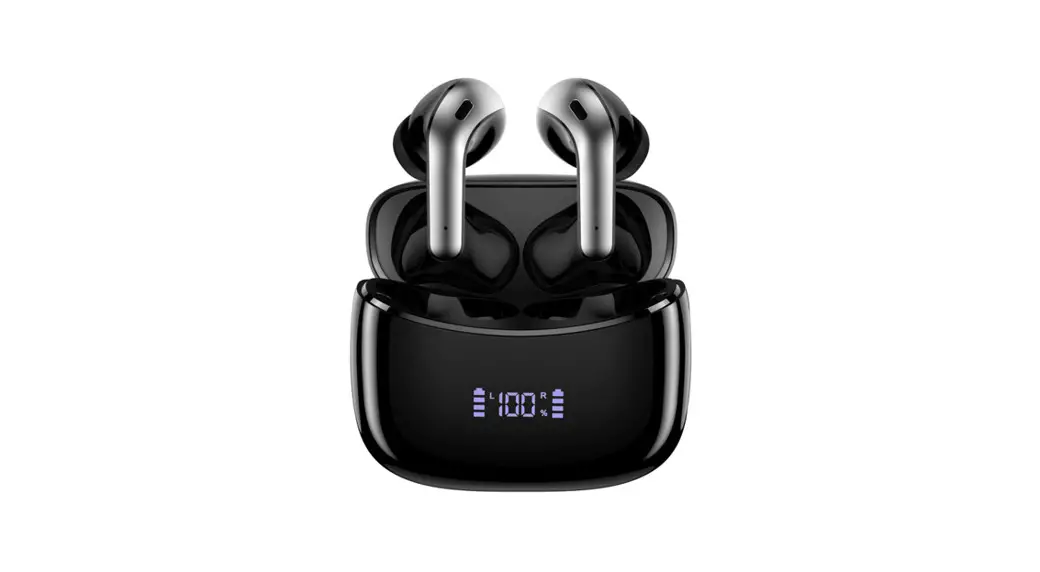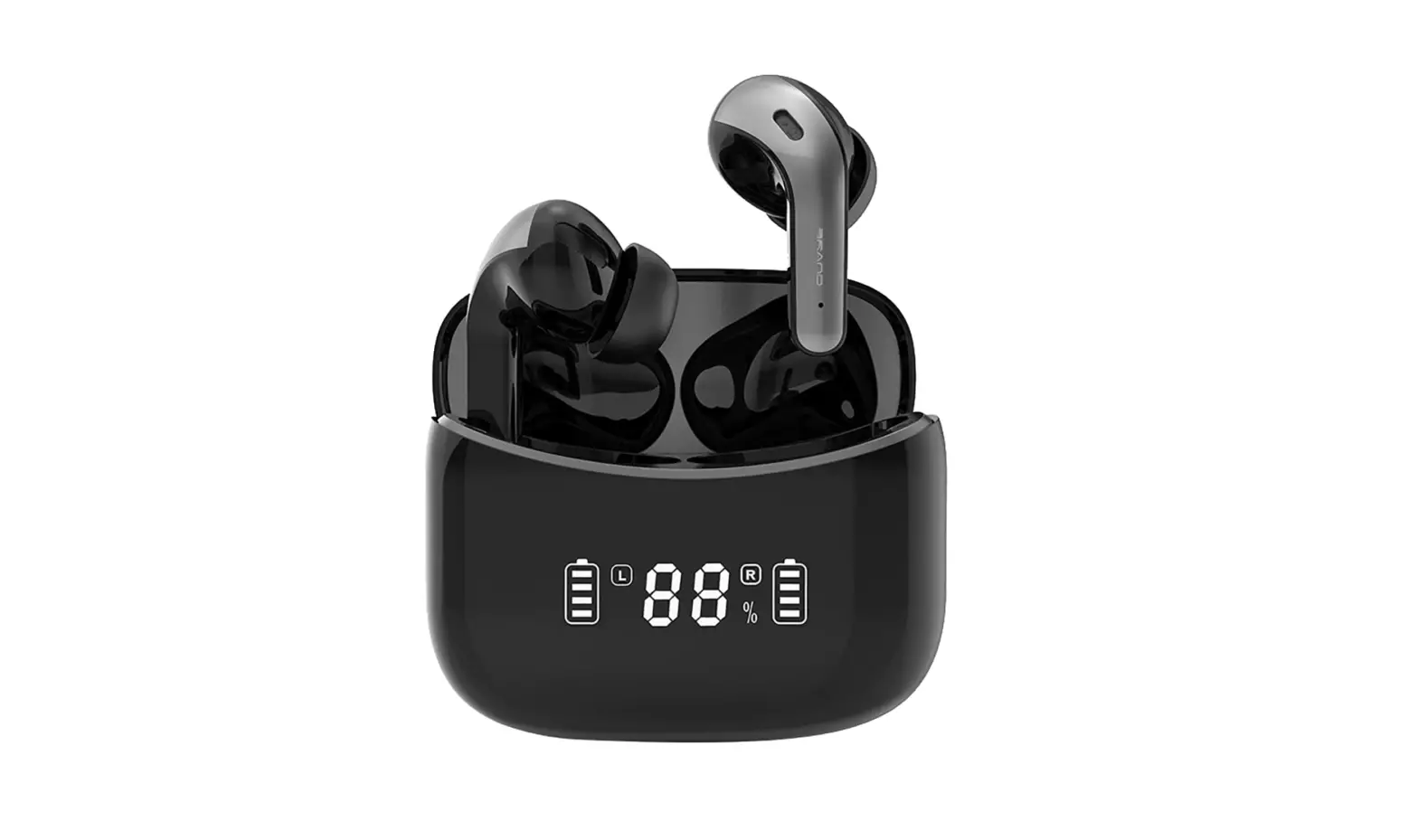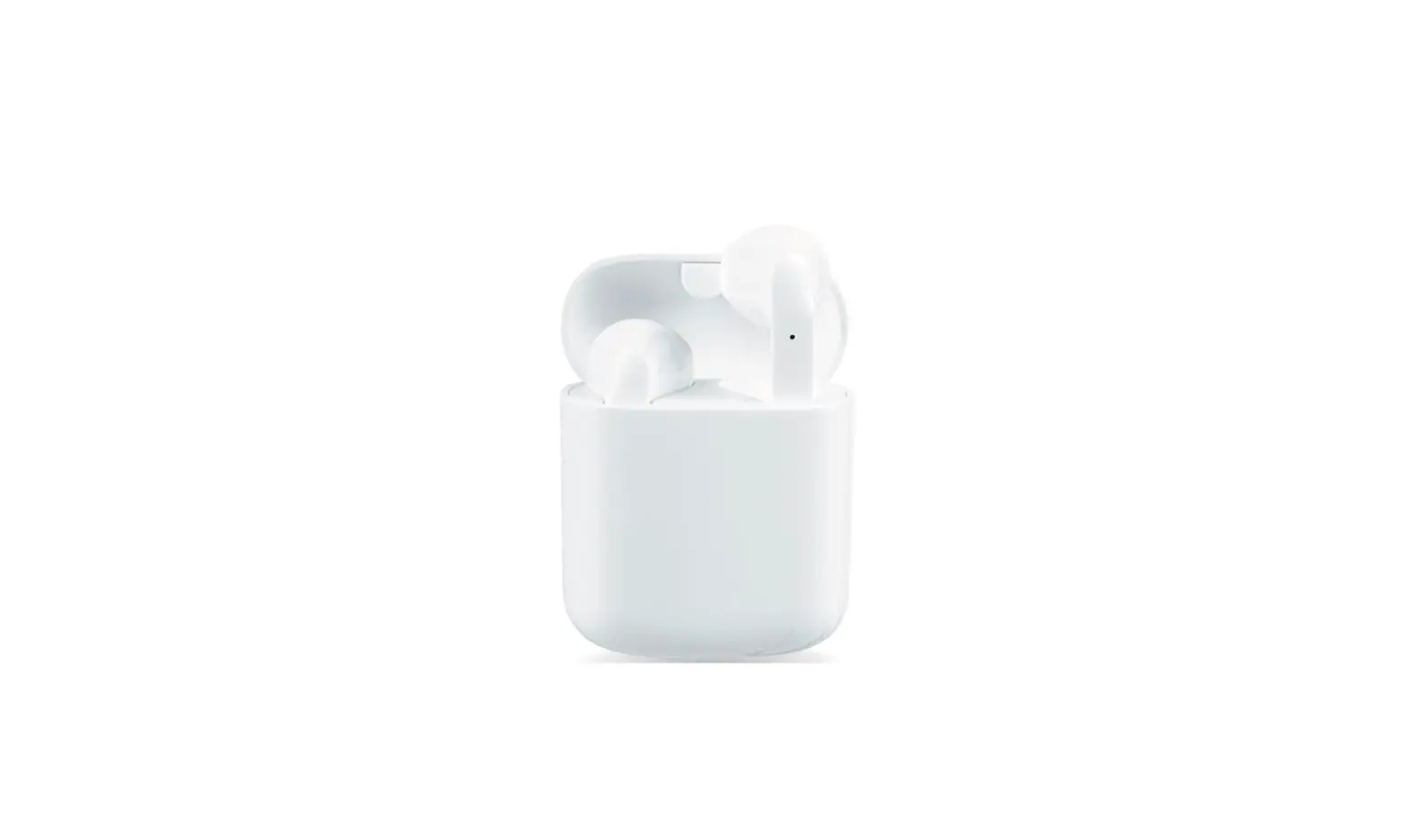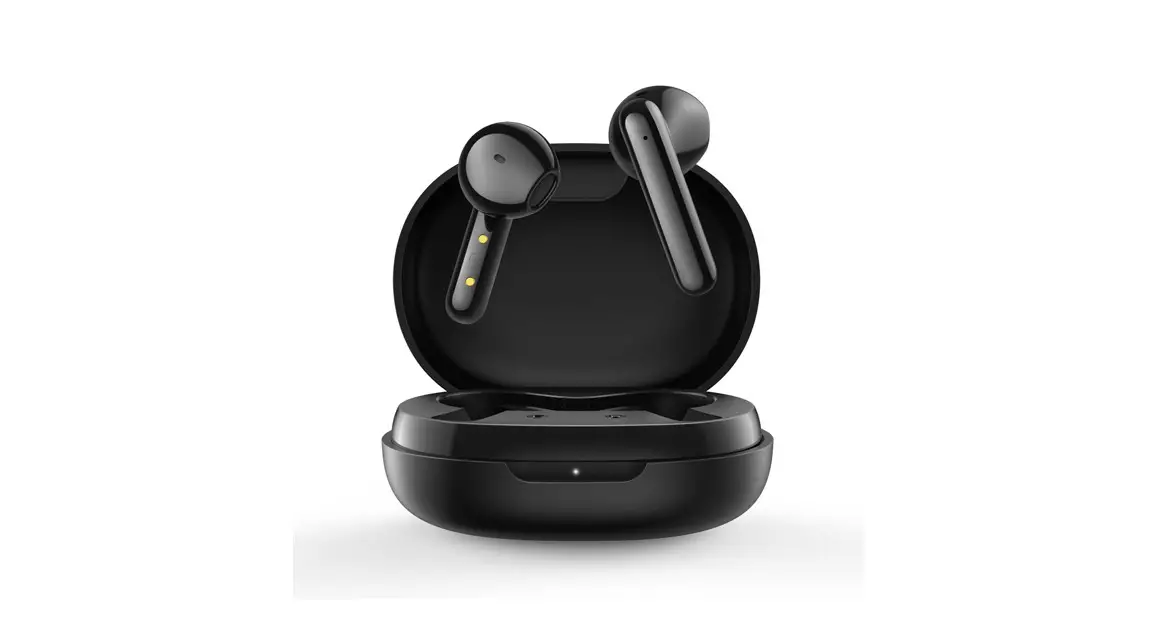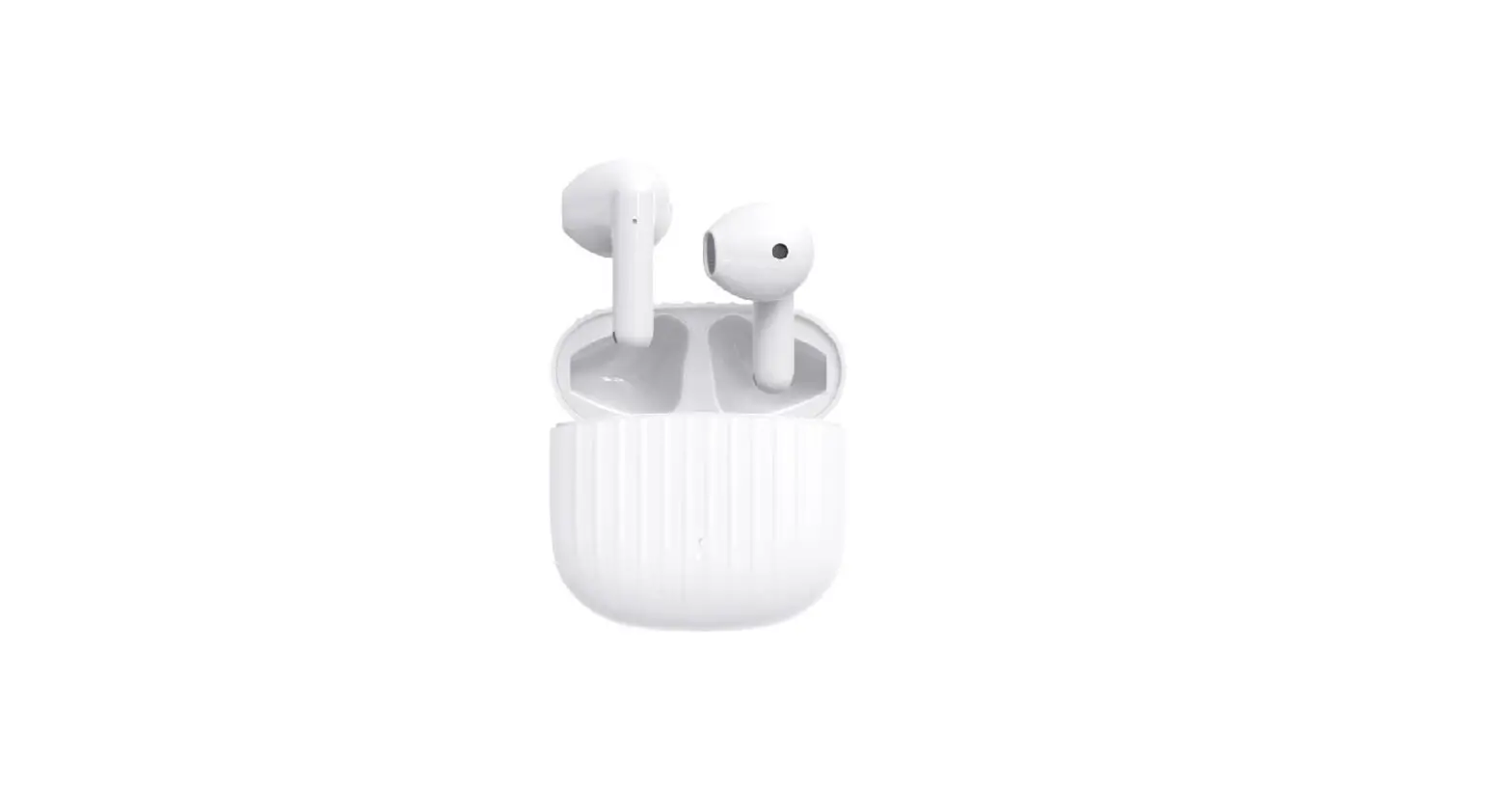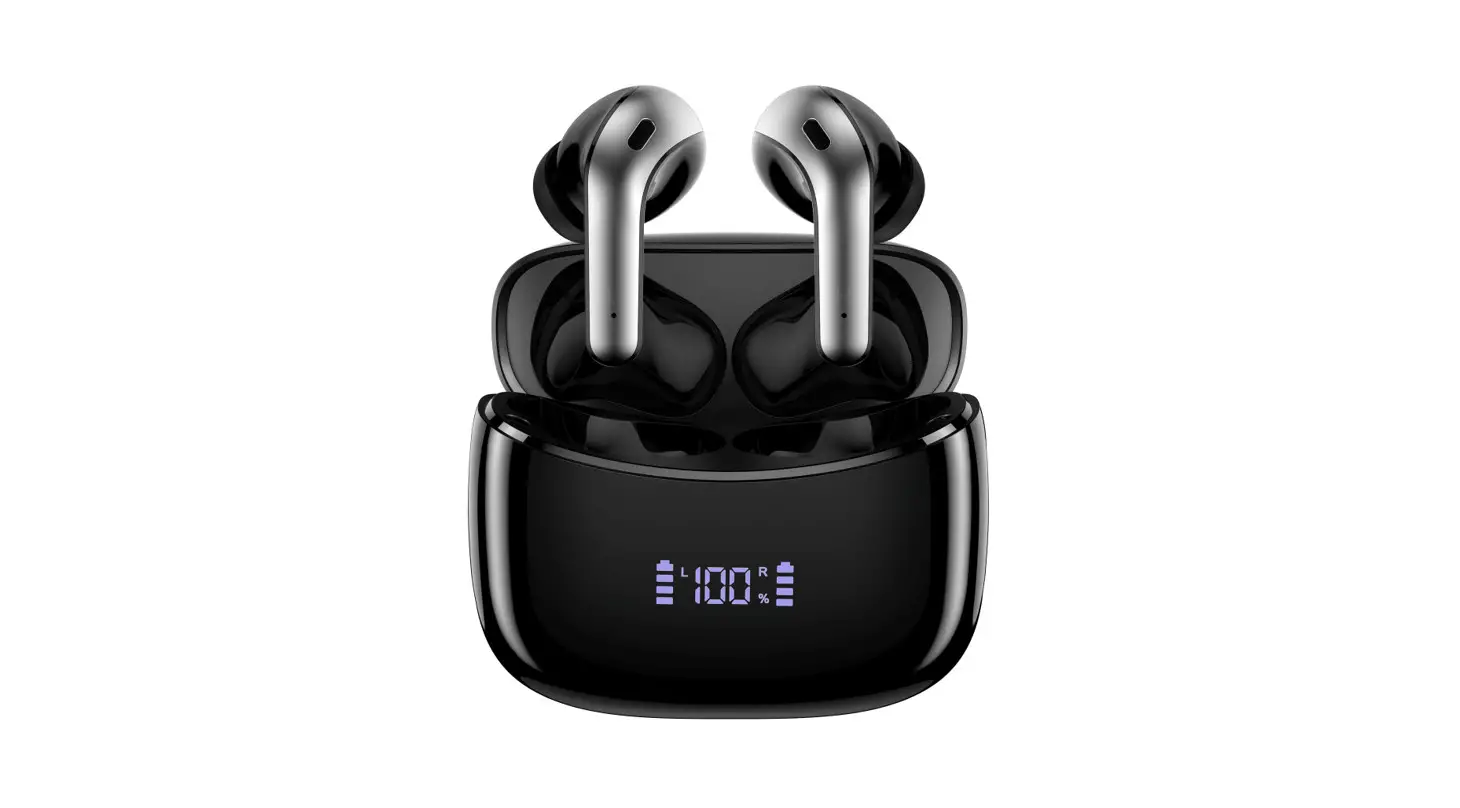
X15
User Manual
TRUE WIRELESS EARBUDS
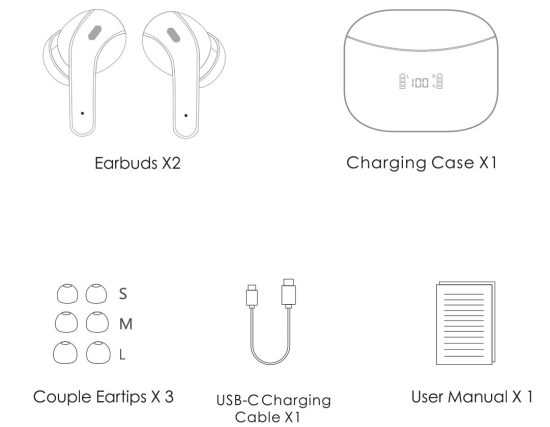
Packing List
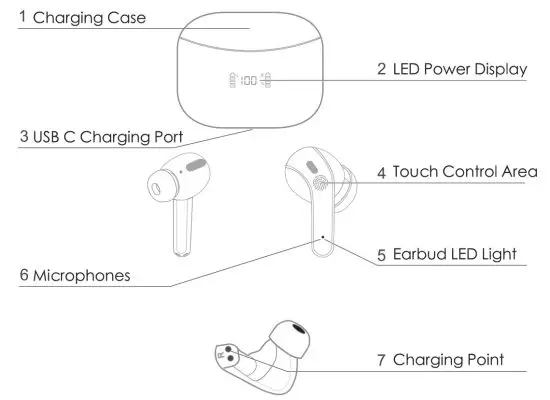
Product Overview
Wear
Stepl: Choose the comfortable eartips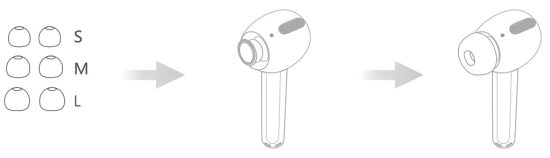 Step2: Wear it in ear and adjust to a comfortable position (Please put the right and left headphones on the correct ear)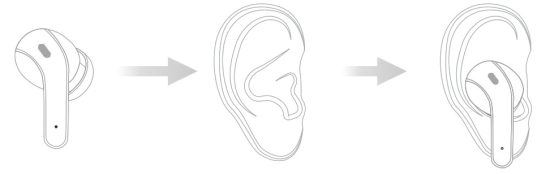
Power On
Auto Power On: Open the charging case. earbuds will power on automatically.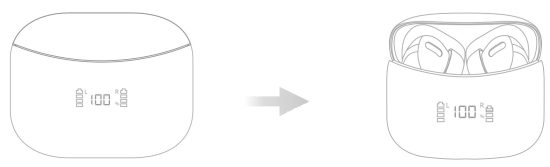 Manual Power On: Long tap on touch control area for 2s, earbuds will power on and earbud light will flash blue.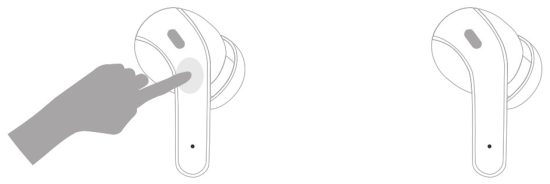
Power Off
Method 1 Put both earbuds into the charging case, and dose the case earbuds will power off automatically.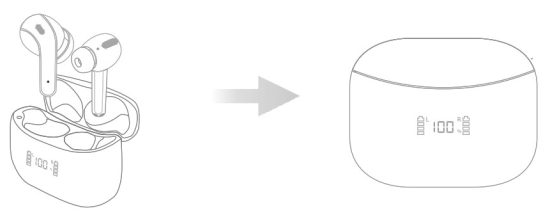 Method 2 (Note: This method just for eorbuds ore not yet paired with your device.) Long tap on either earbud for 5s, light on earbud will flash red, then earbud power off.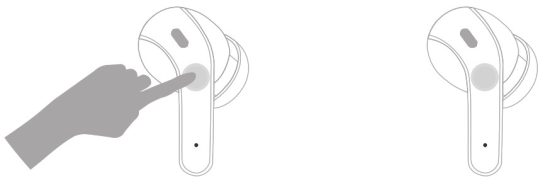
Pairing
Stereo Mode
- Open the charging case, earbuds will power on automatically, and then they will connect with each other, and waiting to pair with your phone.
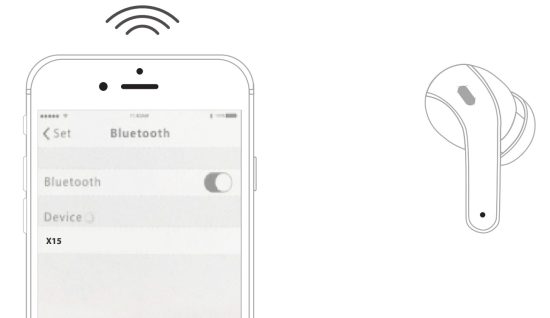
- Turn on the bluetooth of your phone and search “X15”, choose “X15”, earbuds will connect with your phone.

Single Earbud Mode
- Take one earbud(Left/Right) out from the charging case and close the case.
- Turn on bluetooth of your phone and choose”X15″, earbud can pair with your phone.

Phone Calls Control
Answer/End Calls: Double top on either earbud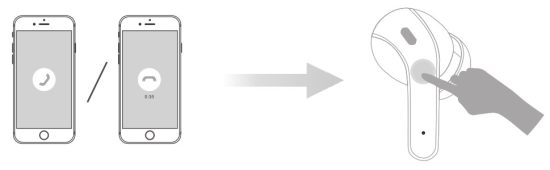 Reject Calls: Long tap on either earbud for 2s
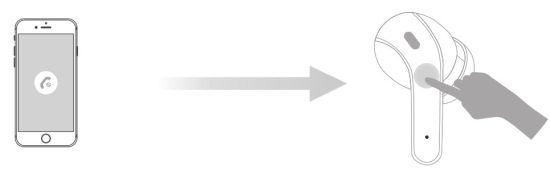 Note: the earbuds can be use individually or simultaneously.
Music
Pause / Play: Tap once on either earbud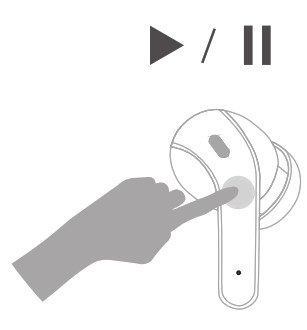
Volume and Voice Assistant:
Volume +: Triple tap on right earbud
Volume – : Triple top on left earbud
Voice Assistant: Long top on either earbud for 2s, and then released.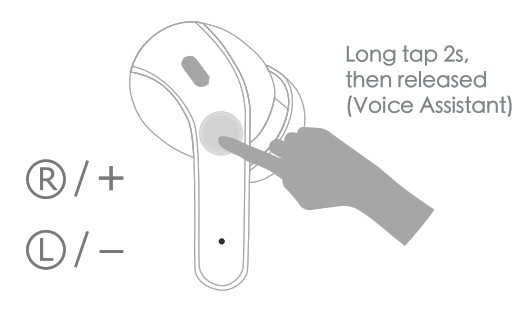
Next / Previous Track: Previous Track: Double tap on left earbud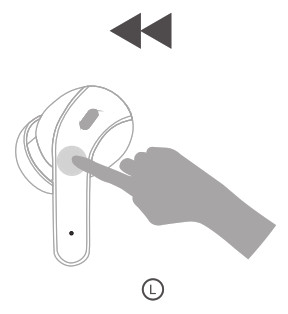
Next Track: Double tap on right earbud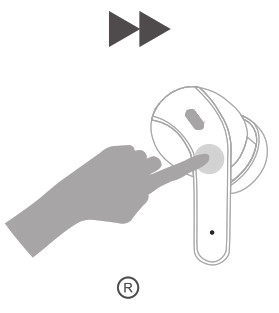
Charging
Earbuds Charging
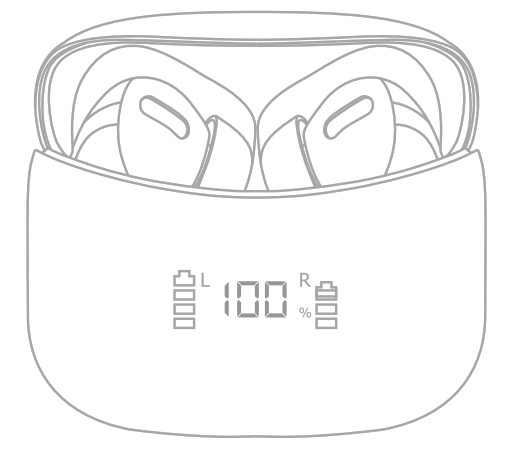
Put both earbuds into charging case and close case, earbuds are being charged and led power display on case will move.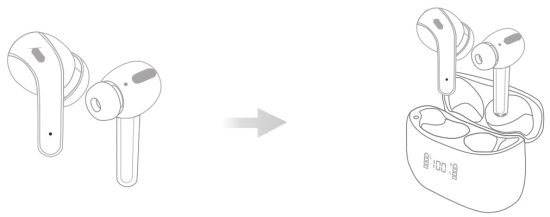
Charging for the case.
Method 1: Use USB C charging cable(Provided) to conncet an adapter (not provided) your charging case.
Method 2: Put the charging case on wireless charger(not provided). Please keep Led power display facing up, case can be charged automatically.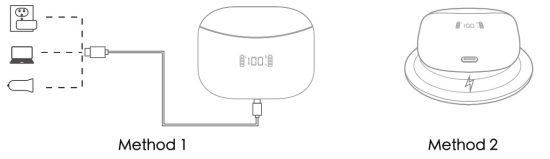 Note: tor methodUnease place the charging case on the vaebss char( until the LED power CROoy tioshechwtech indicate$ code is being cheeped.
Safety Instruction
- Using earphone at high to moderate volumes for extended periods of time will result in permanent hearing damage. It is advised you keep volume levels moderate to low at times for your safety.
- Do not use while driving a car, cycling, operating machinery, or performing other activities that require hearing surrounding sounds.
- Do not use earphone in thunderstorm weather, the earphone may not work properly in the condition, and increase the risk of bring hit by lightning.
- Earphone may not work properly under high temperature or high humidity conditions. Do not use any corrosive cleaner/oil to clean the earphone.
- If the earphone comes in contact with liquids, quickly wipe away.
- 1f submersed in water, do not turn the earphone on until completely dried. (Tips: liquid submersion voids the warranty.)
- Keep the earphone and packaging out of reach of children.
- Please use the original charging cable provided by the earphone manufacturer for charging and choose the.
FAQ
Q: Why these earbuds can not pair with my mobile phones?
A: 1. Please make sure the earbuds are full charged and power on.
2. Please make sure the bluetooth of your phone is turn on.
3. If above 2 points hove no problem, please put earbuds into the cose again and close the case, hold on for 1min, then open the charging case and reconnect earbuds with your phone.
Q: Why does the music cut in or cut out?
A: First, please do not let the distance between these earbuds and your phone more than 33 feet (without obstacle). lf the distance less than 33 feet, Please note 2 tips as below:
- Please make sure there is no obstacle between the earbuds and your device.
- Please make sure there is no Microwave oven/Wifi transmitter around you, which are more likely to produce electromagnetic interference and result in signal interruption.
Q: Why does the earbuds can not be chagrged and not disconnected with my phone even earbuds are put into case and I have closed the case?
A: Please make sure the charging case are not in low battery, if the charging case are in low battery, earbuds can not be charged and not disconnected even though they are in case. So, please use the type-c cable to charge the case fullly.
Q: How to contact ourcustomer service?
A: We offers one year replacement warranty, if there is any issue with your X15, please don’t hesitate to contact us, we will reply within 24 hours and resolve it 100%.