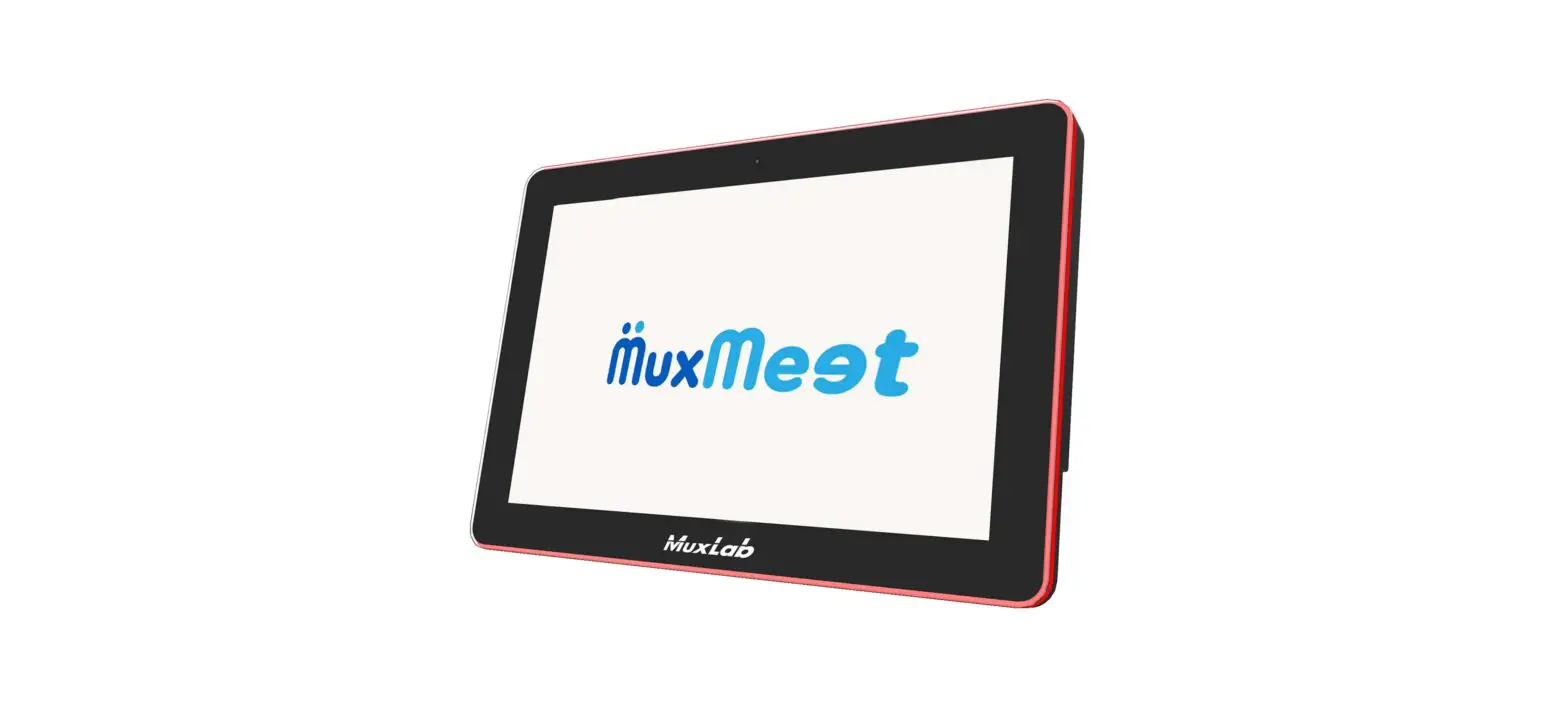

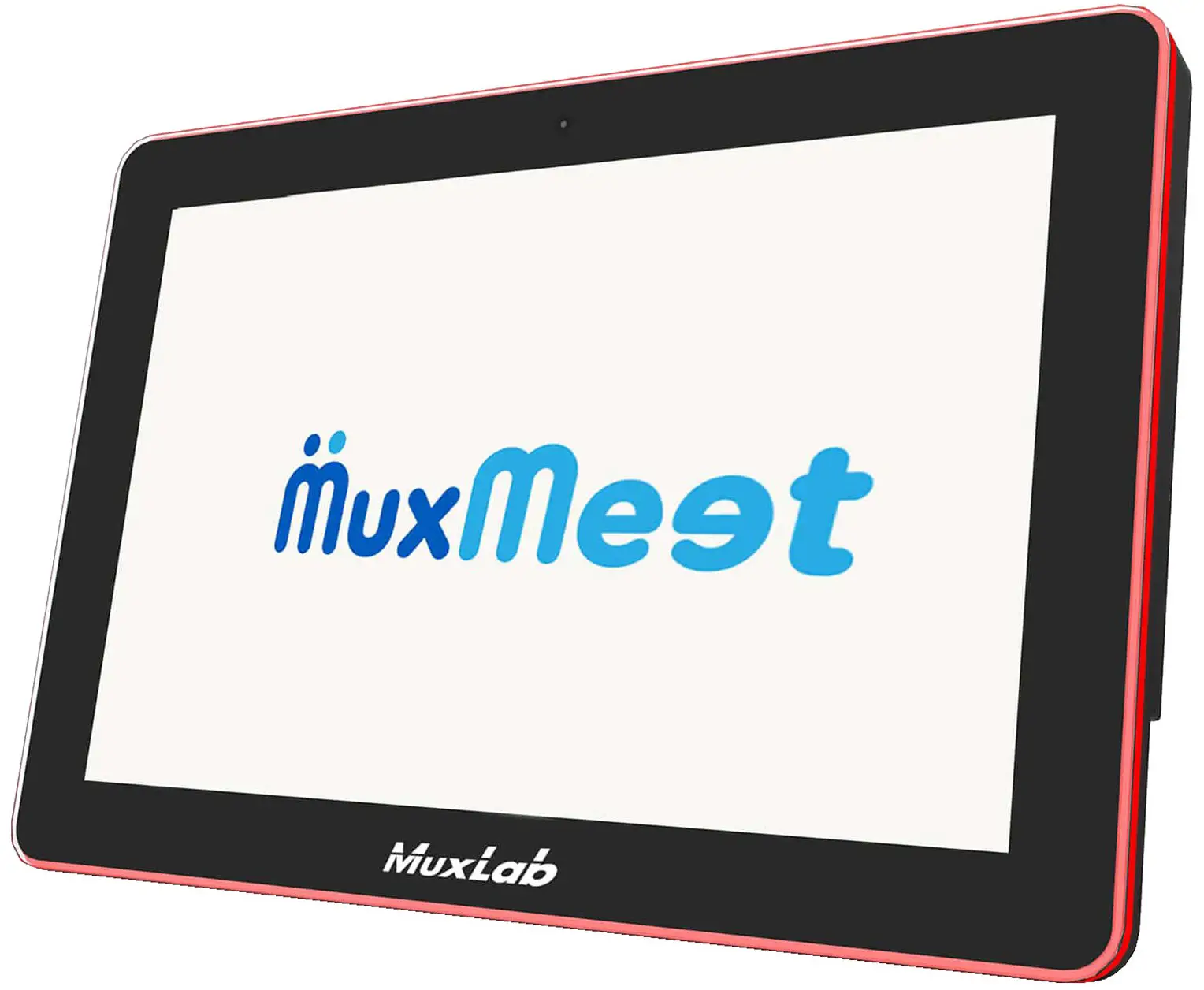
MuxLab 500821 10.1 Inch MuxMeet Tablet-1
Safety Precautions
To ensure the best performance from the product, please read all instructions carefully before using the device. Save this manual for future reference.
- Follow basic safety precautions to reduce the risk of fire, electrical shock, and injury.
- Do not dismantle the housing or modify the module. It may result in electrical shock or burns.
- Do not open or remove the housing of the device as you may be exposed to dangerous voltage or other hazards.
- To prevent fire or shock hazards, do not expose the unit to rain, or moisture and do not install this product near water. Keep the product away from liquids.
- Spillage into the housing may result in fire, electrical shock, or equipment damage. If an object or liquid falls or spills on the housing, unplug the module immediately.
- Do not use liquid or aerosol cleaners to clean this unit. Always unplug the power to the device before cleaning.
- Using supplies or parts not meeting the product specifications may cause damage, deterioration or malfunction.
- Refer all servicing to qualified service personnel.
- Install the device in a place with adequate ventilation to avoid damage caused by overheating.
- Unplug the power when left unused for a long period of time.
- Information on disposal of devices: do not burn or mix with general household waste, please treat them as normal electrical waste.
Copyright Notice
All contents in this manual are copyrighted, and cannot be cloned, copied, or translated without the express permission of MuxLab Inc. Product specifications and information in this document are for reference only, and the content may be updated from time to time without prior notice.
Introduction
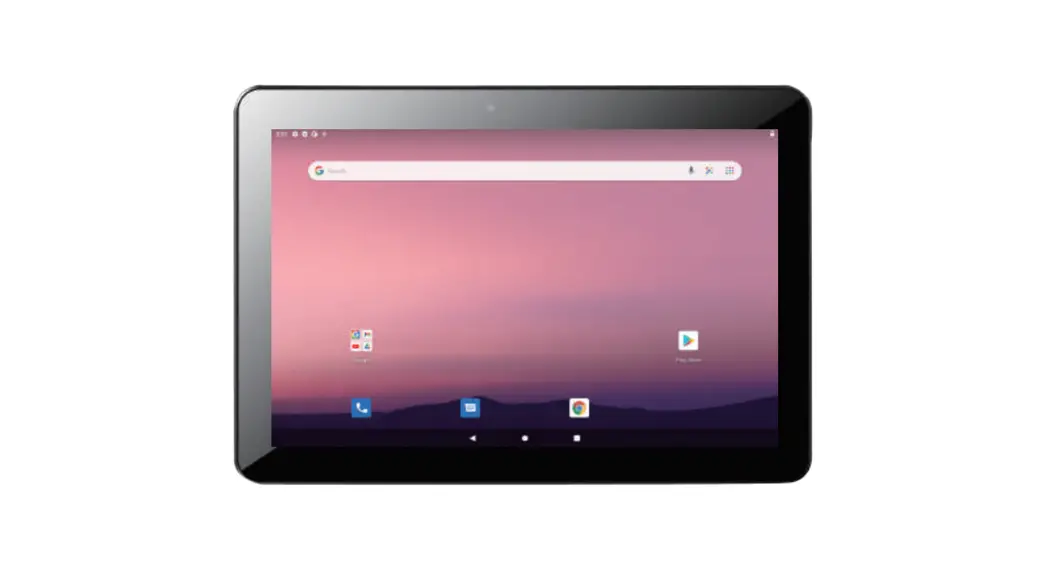
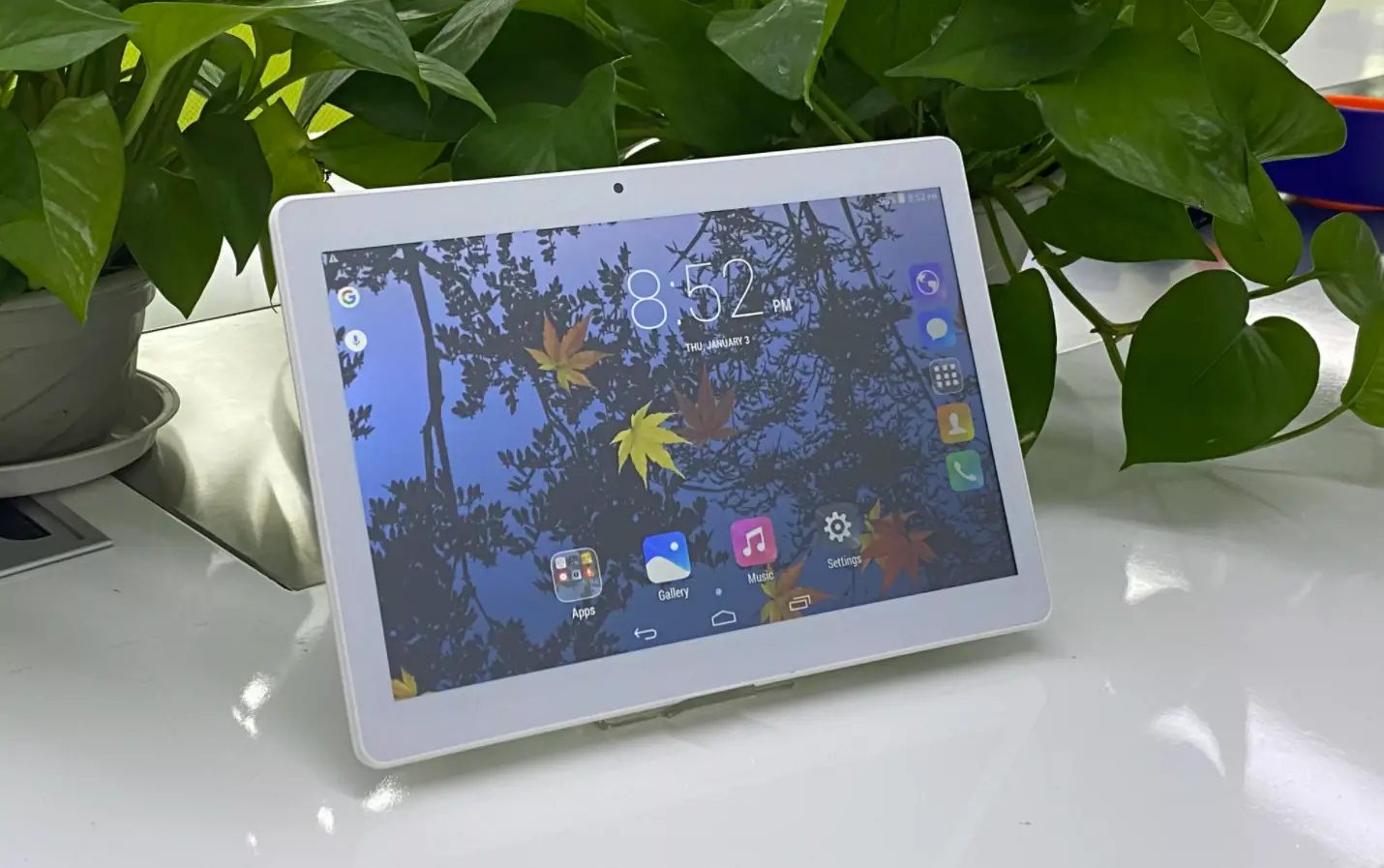
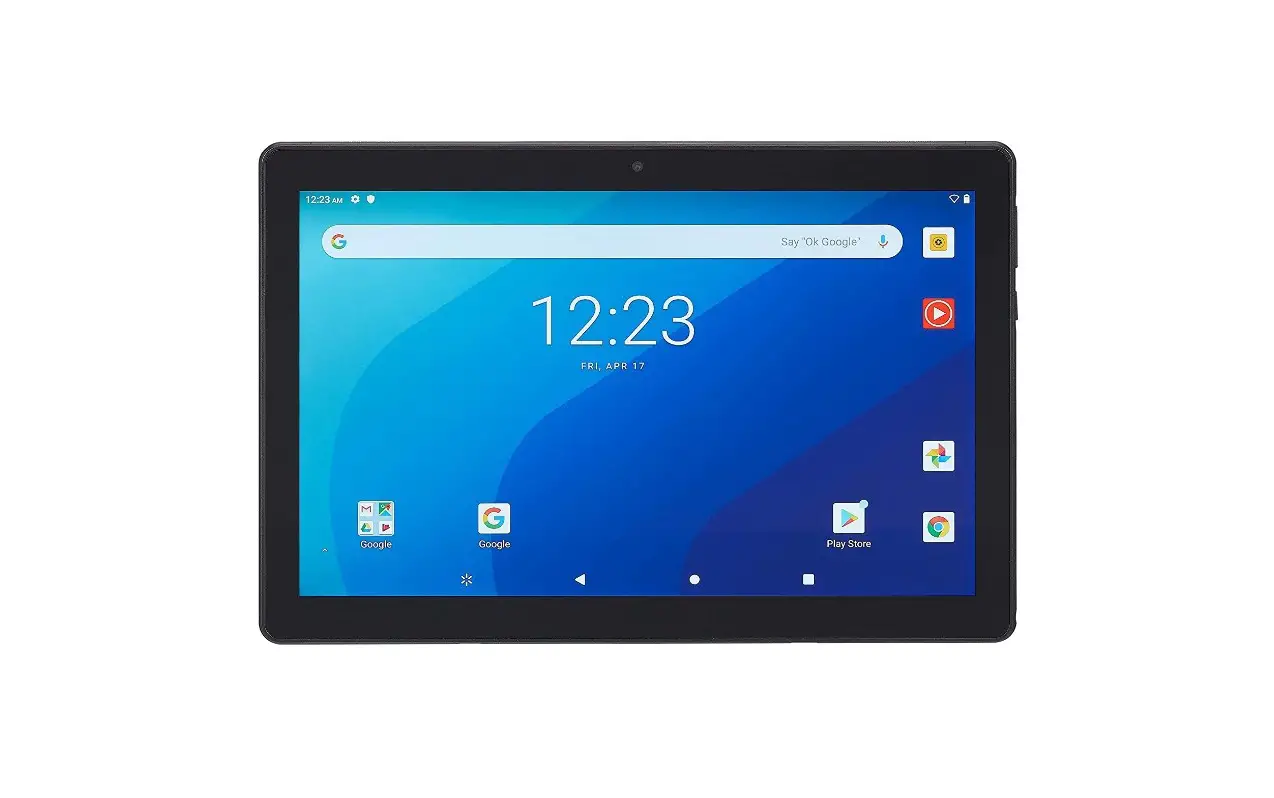
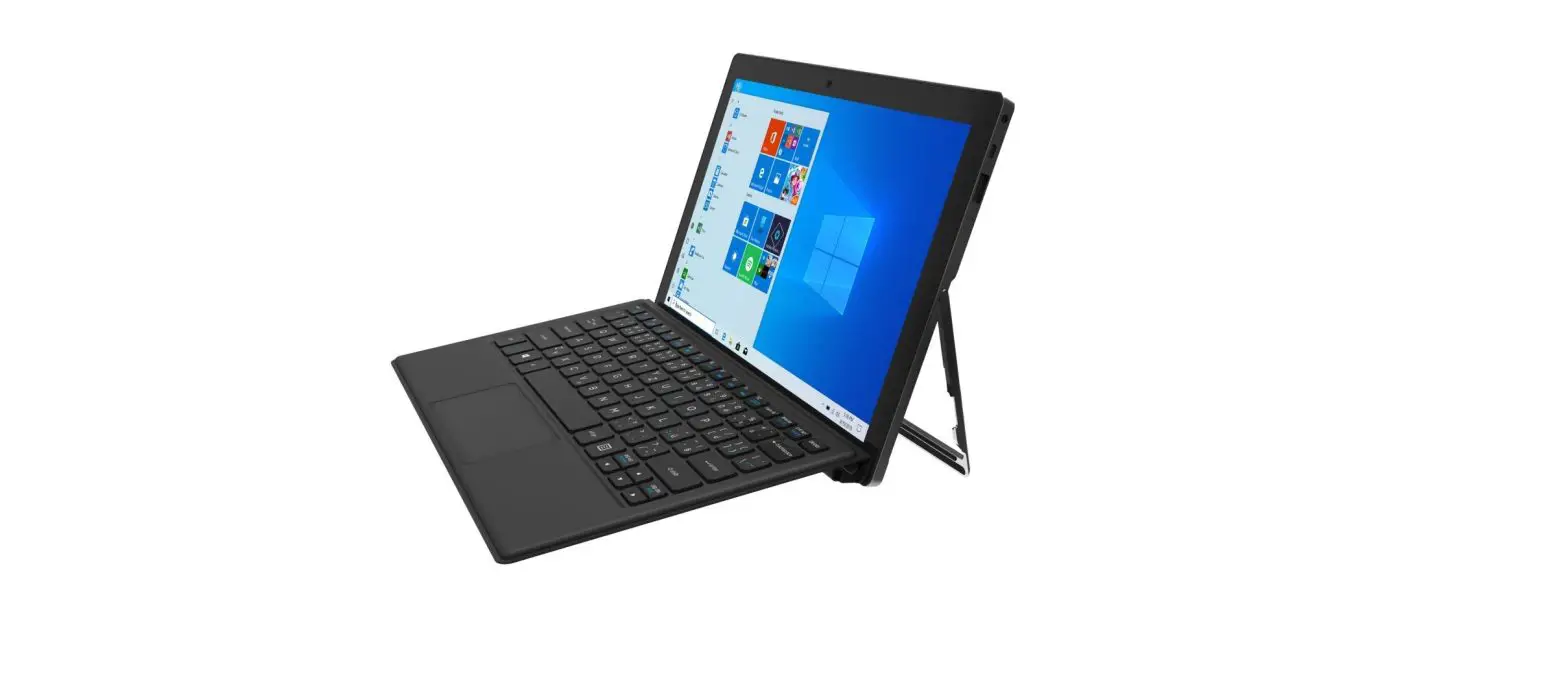
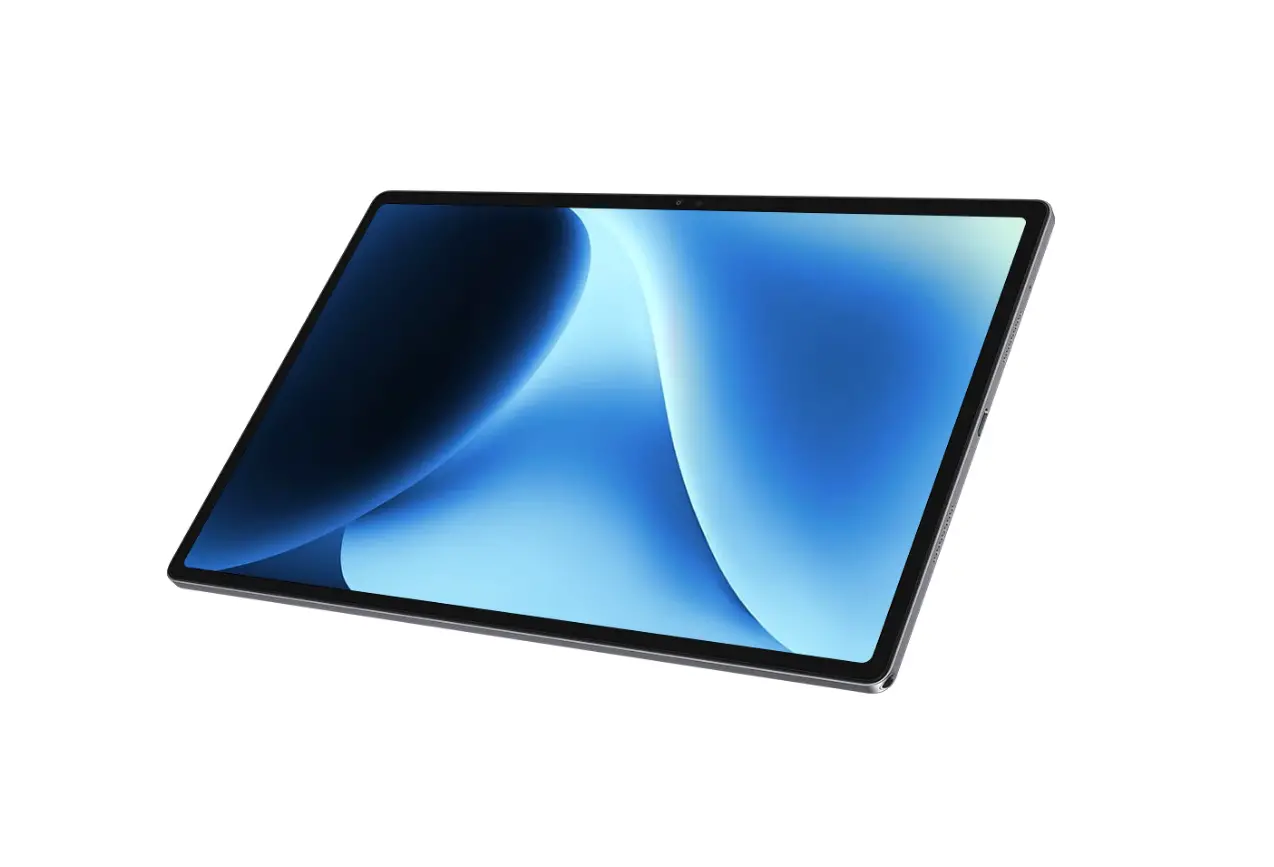
MuxMeet Tablet-1 (model: 500821) is the ideal tablet for controlling video conferencing platforms and scheduling conference rooms. It features a powerful quad-core processor, 16GB storage capacity, 2GB of RAM, a 1280 x 800 high-resolution 10.1-inch touchscreen display, and a modern and ergonomic exterior design that will complement any contemporary environment.
MuxMeet Tablet-1 allows a connection to either Wi-Fi or through an Ethernet cable (PoE), allowing the latter to receive power and communicate through a single cable. Take advantage of a variety of mounting options to install the MuxMeet tablet-1 anywhere in the room by mounting it on a wall using the including bracket or tabletop using the 500824 Adjustable Tablet Stand (Adjustable Tablet Stand sold separately). MuxMeet Tablet-1 helps the user to implement video conferencing applications in an easy and seamless way thanks to the design and features that provide a secure and reliable experience. MuxMeet Tablet-1 ensures that every room is ready for the next meeting.
Features
- 10.1” LCD panel resolution 1280*800
- RK3399 Dual-core A72 + quad-core A53 processor
- 2GB of Ram memory
- 16GB of internal storage memory
- Android 10.0 Operating System
- 10 Point capacitive touchscreen
- 5M Pixel Camera
- WiFi 802.11 a/b/g/n
- Ethernet interface (PoE function standard IEEE802.3 at, PoE+, class 4, 25.5W)
- SD card, Max support to 64GB
- USB 3.0 host
- 3.5mm earphone + microphone
- LED light bar with RGB and mixed color
- 2.2W speaker
- VESA: 75x75mm
- Adapter: 12V / 1.5A
Package Contents
- One (1) MuxMeet Tablet-1
- One (1) Power Supply
- One (1) Wall bracket (with screw)
- One (1) User manual (available via download)
Notes: Confirm that the product and accessories are all included. If not, please contact the supplier from which you purchased the unit.
Appearance and Interface
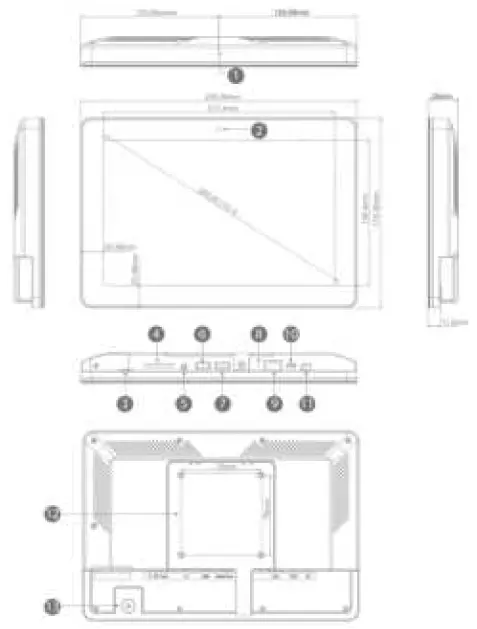
| Item | Function | Item | Function |
| 1 | Mic | 8 | Recovery |
| 2 | Camera | 9 | RJ45 with PoE |
| 3 | 4G LTE (Optional function) | 10 | Micro USB OTG |
| 4 | SD Card | 11 | DC in power supply port |
| 5 | 3.5mm audio jack | 12 | VESA 75x75mm |
| 6 | USB 3.0 host | 13 | Power button |
| 7 | USB for serial (RS232 Level) |
Specifications
| System | |
| CPU | RK3399,Dual-core A72 + quad-core A53 Processor |
| RAM | 2GB |
| Internal Memory | 16GB |
| Operation System | Android 10.0 |
| Touch Screen | 10-Point capacitive touch |
| Display | |
| Panel | 10.1″LCD |
| Resolution | 1280×800 |
| Display mode | Normally black |
| Viewing angle | 85/85/85/85 (L/R/U/D) |
| Contrast ratio | 800 |
| Aspect Ratio | 16:10 |
| Network | |
| WiFi | 802.11b/g/n |
| Ethernet | 100M/1000M ethernet |
| Bluetooth | Bluetooth 4.0 |
| Interface | |
| Card Slot | SD Card |
| USB | USB 3.0 host |
| Micro USB | Micro USB OTG |
| USB | USB for serial (RS 232 format) |
| RJ45 | Ethernet interface (POE function optional IEEE802.3at, POE+, class 4, 25.5W) |
| Power jack | DC power input |
| Earphone | 3.5mm earphone |
| Media Play | |
| Video format | MPEG-1, MPEG-2, MPEG-4, H.265, H.264, VC-1, VP8, VP9, etc., supporting up to 4K |
| Audio format | MP3, WMA, AAC, etc. |
| Photo | jpeg |
| Other | |
| VESA | 75×75 mm |
| SIM Card | 4G LTE (Optional function ) |
| Camera | Front camera 5.0M Pixel |
| Microphone | Yes |
| Speaker | 2.2W |
| LED light bar | LED light bar with RGB and mixed color |
| Language | Multi-language |
| Accessories | |
| Adapter | 12V/1.5A |
| User manual | Available via download |
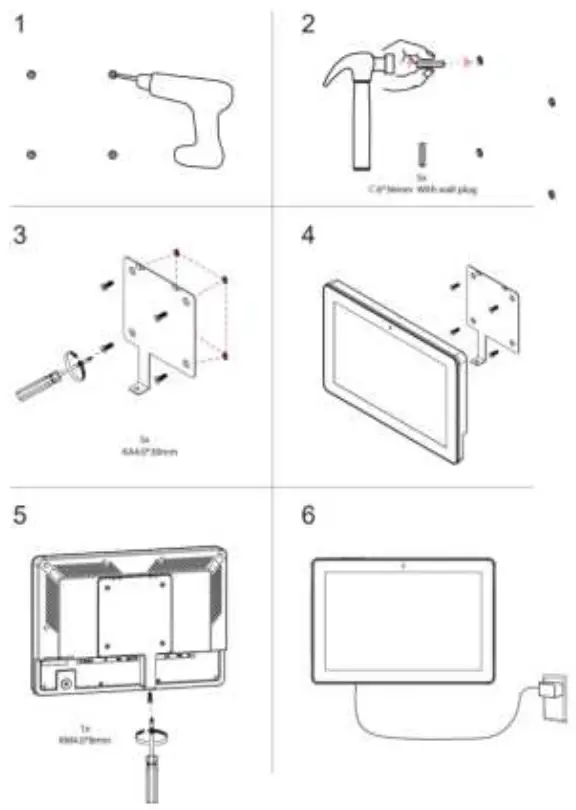
Installation instructions for wall mounting
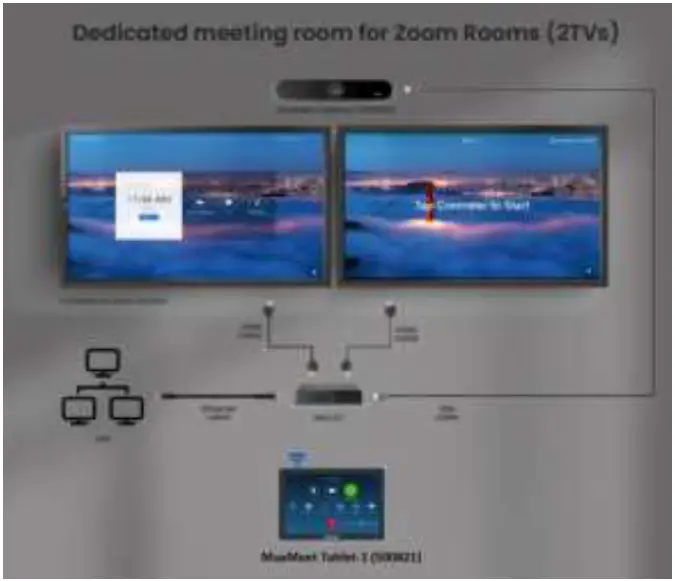
Typical Application
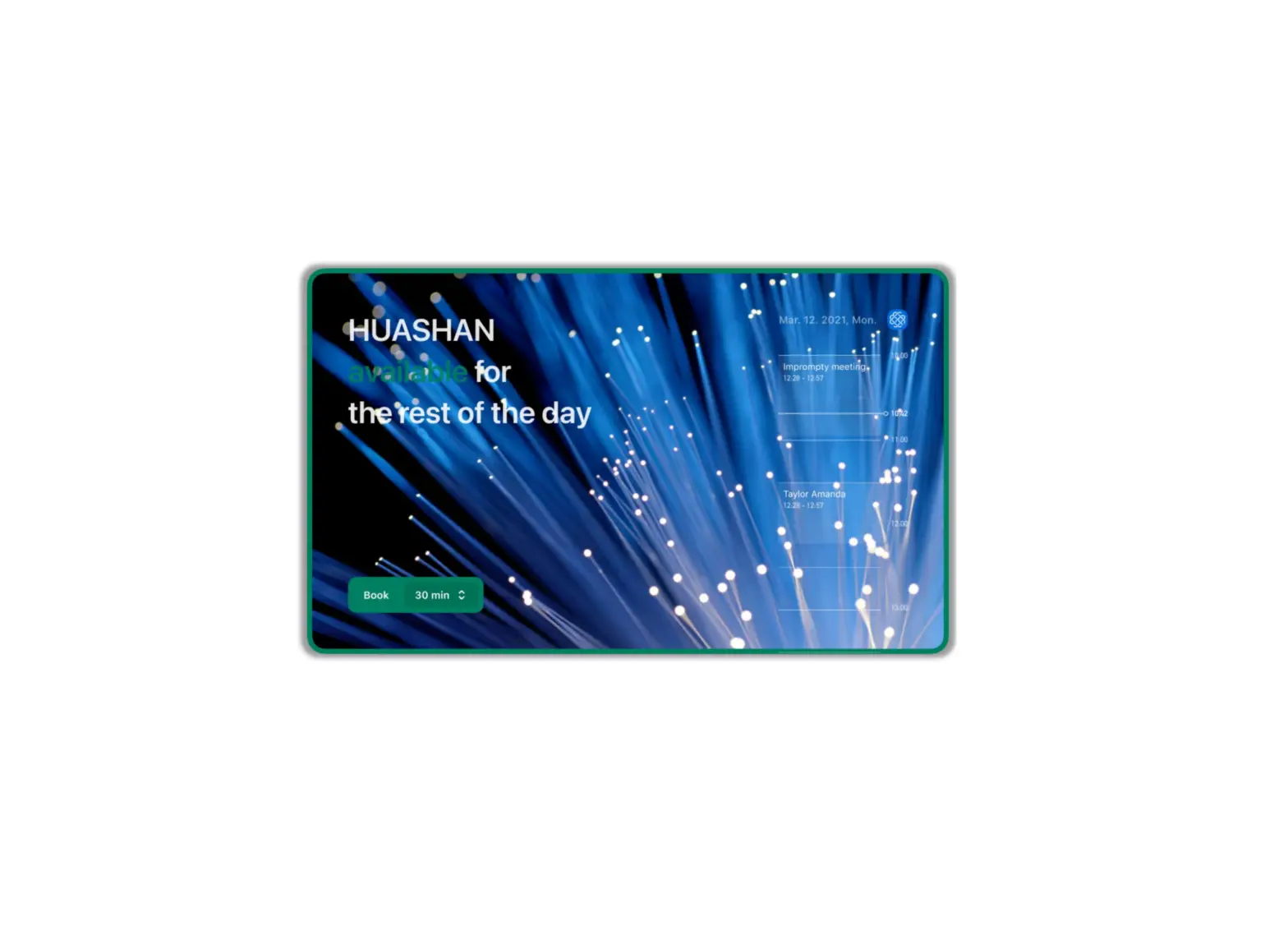
Applications include video conferencing control, meeting rooms reservation, and more.
Typical Application Diagram
Maintenance
Tablet Maintenance
- If MuxMeet Tablet-1 will not be used for a prolonged period, please disconnect the power.
- Use a soft cloth or cotton paper to remove dust from the MuxMeet Tablet-1 housing.
- When cleaning the tablet screen, please use a dry soft cloth made for this purpose. If the amount of dirt is more serious, then use a neutral cleaner as well.
Troubleshooting
The following table describes some of the symptoms and possible solutions regarding the MuxMeet Tablet-1.
| symptom | Probable cause | Possible solution |
| No Image | · No power or wrong power supply | Check power connections and power supply |
| Flickering Image | · Interference | Do not use around facilities that can transmit high-power radio waves |
If you still cannot diagnose the problem, please call MuxLab Customer Technical Support at 877-689-5228 (toll-free in North America) or (+1) 514-905-0588 (International).
MuxLab Inc.
2321 Rue Cohen
Montreal, Quebec
Canada H4R 2N7
Tel.: +1 (514) 905-0588 Fax: +1 (514) 905-0589 Toll-Free (North America): 877 689-5228 URL: www.muxlab.com
E-mail: [email protected].
 Home - Muxlab