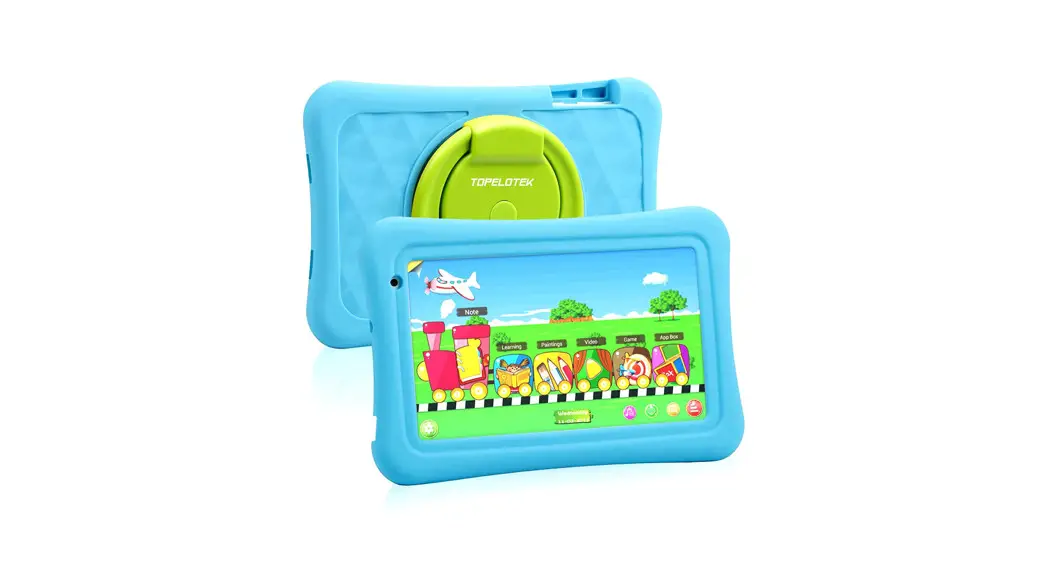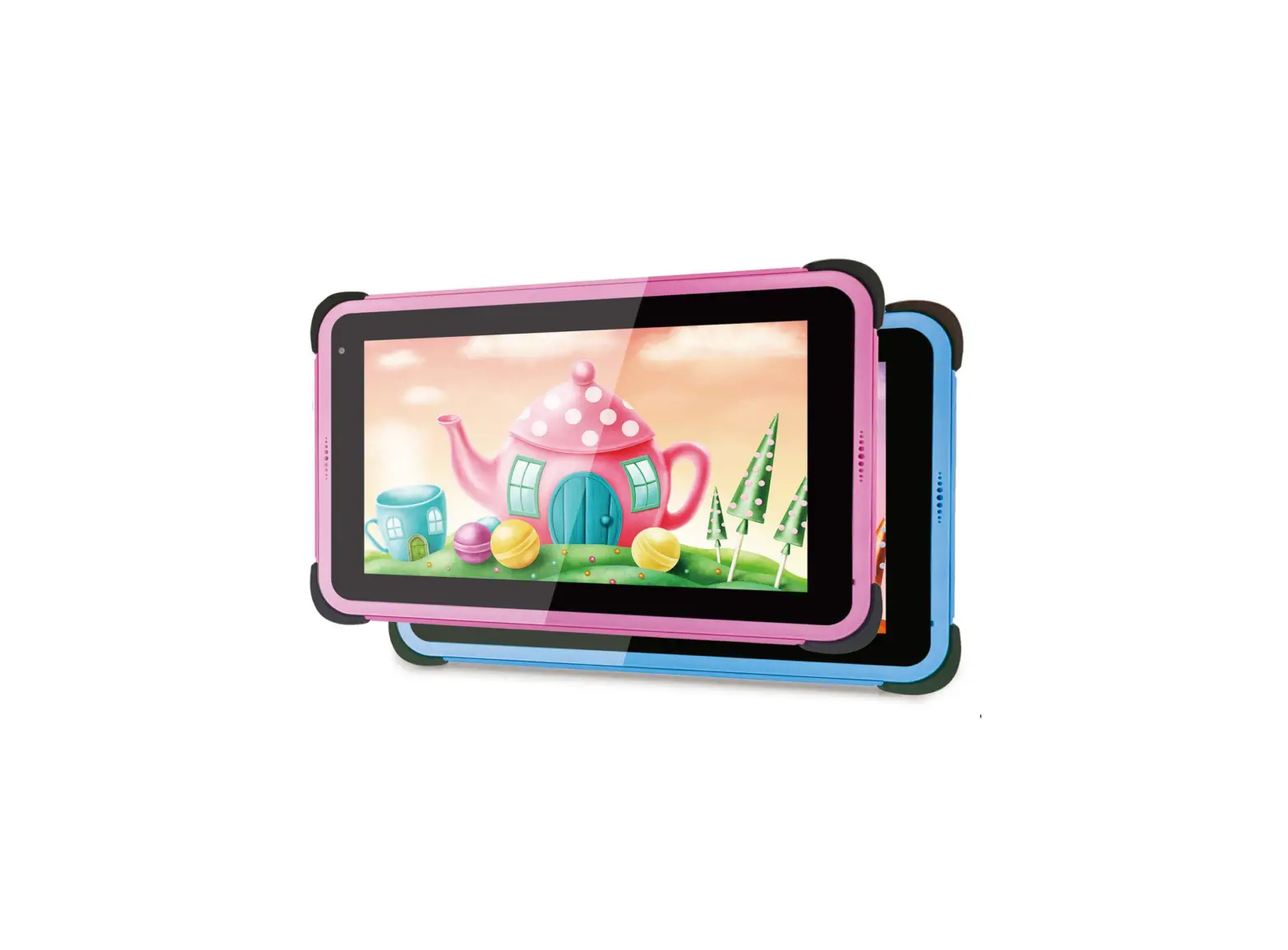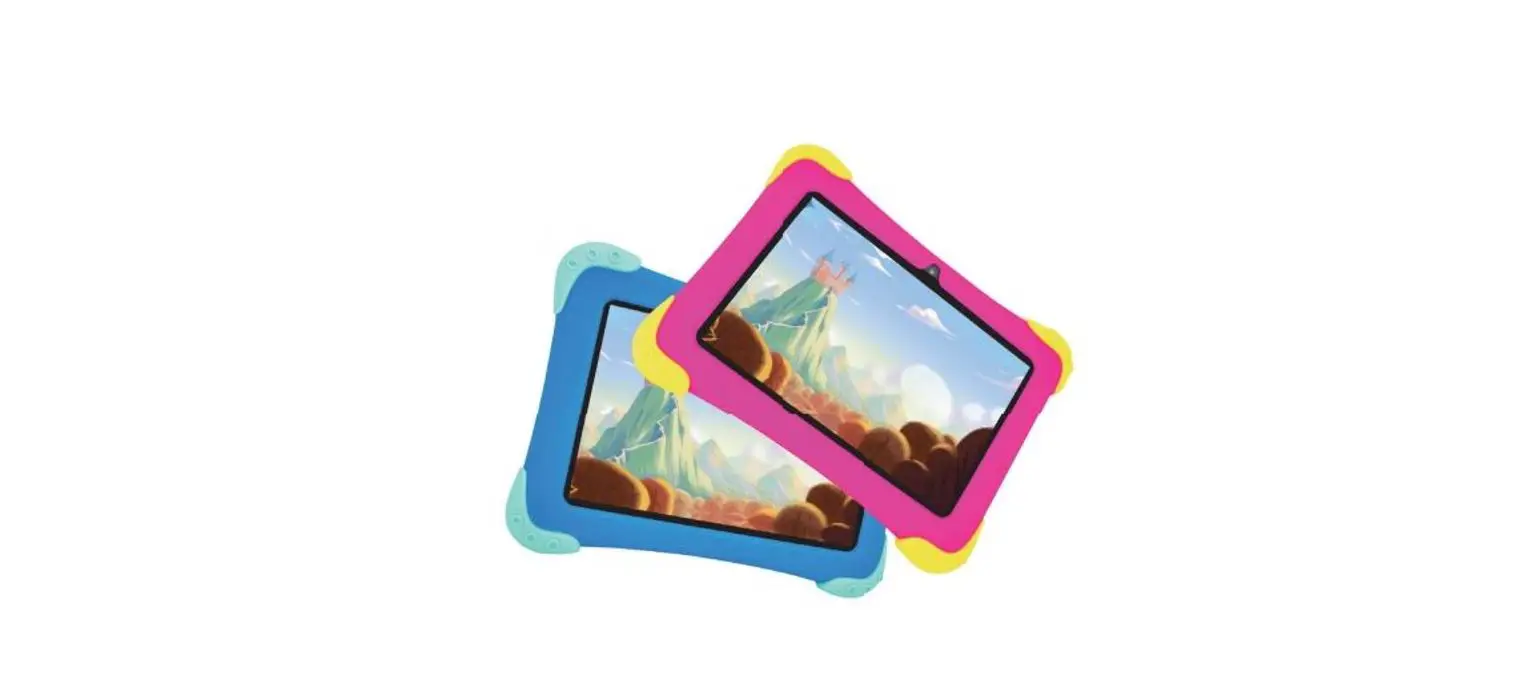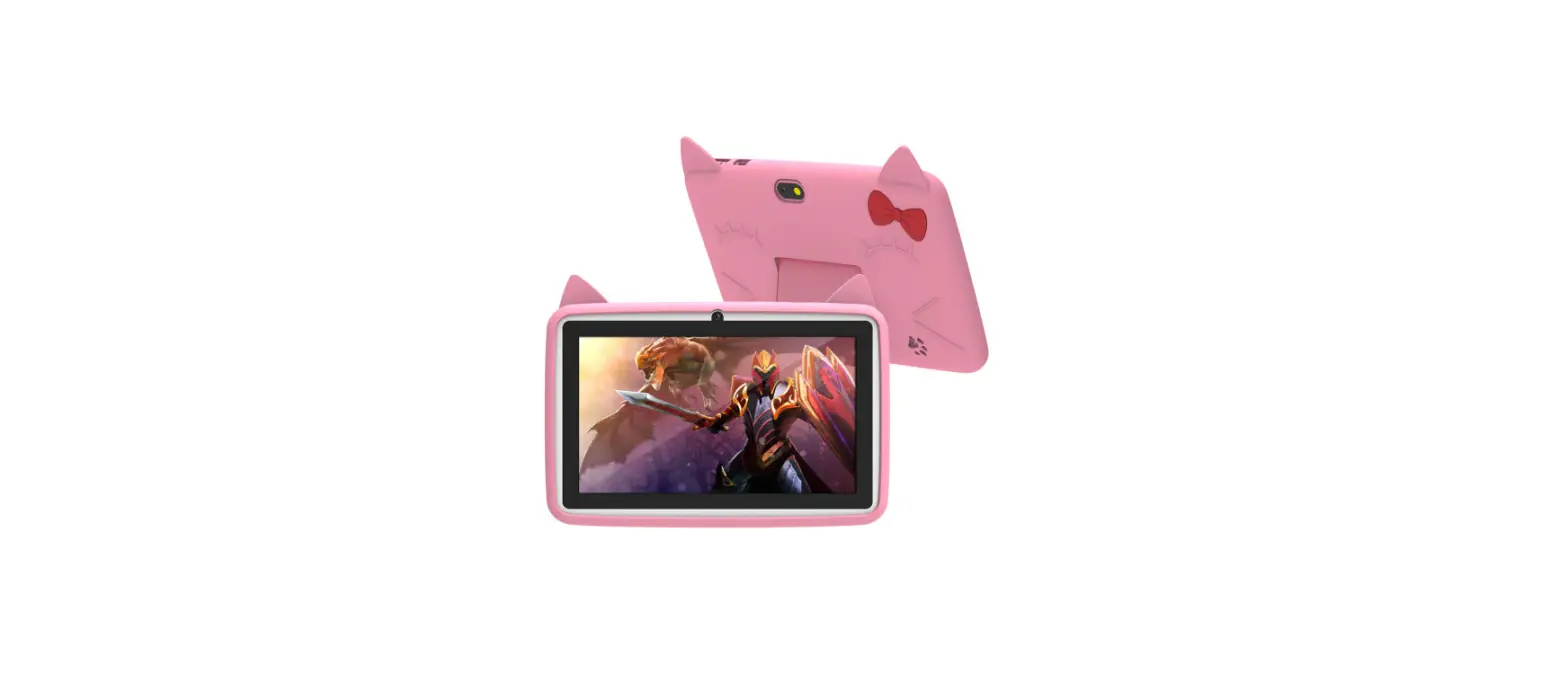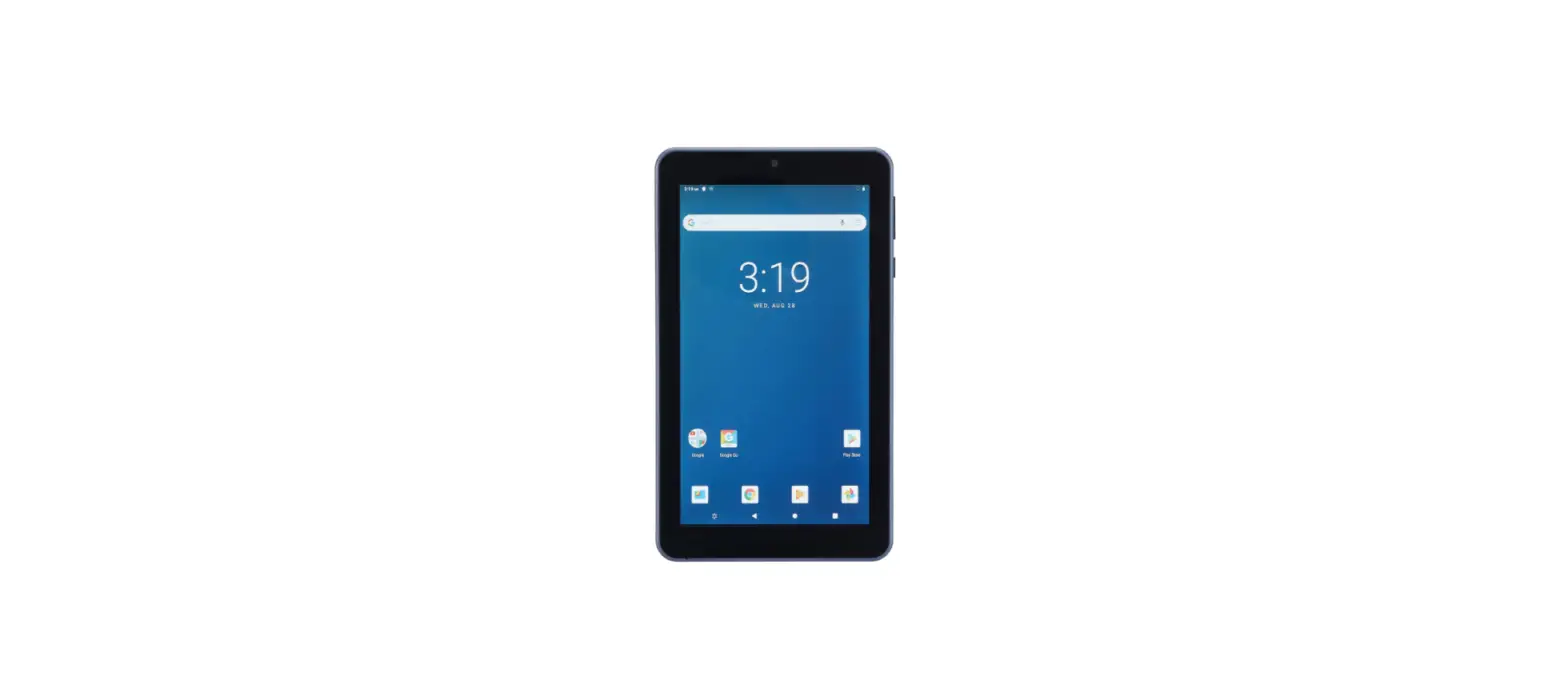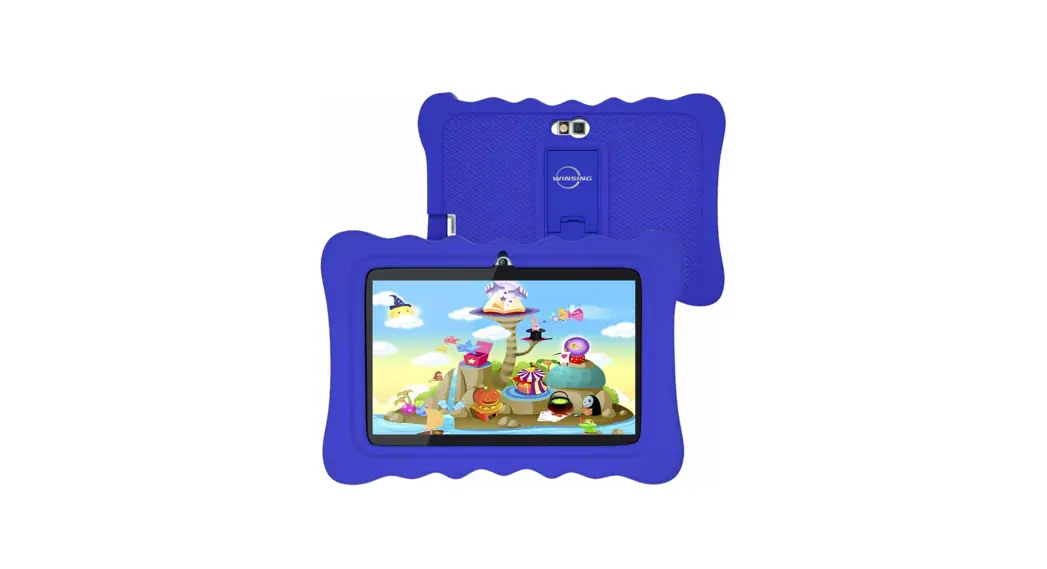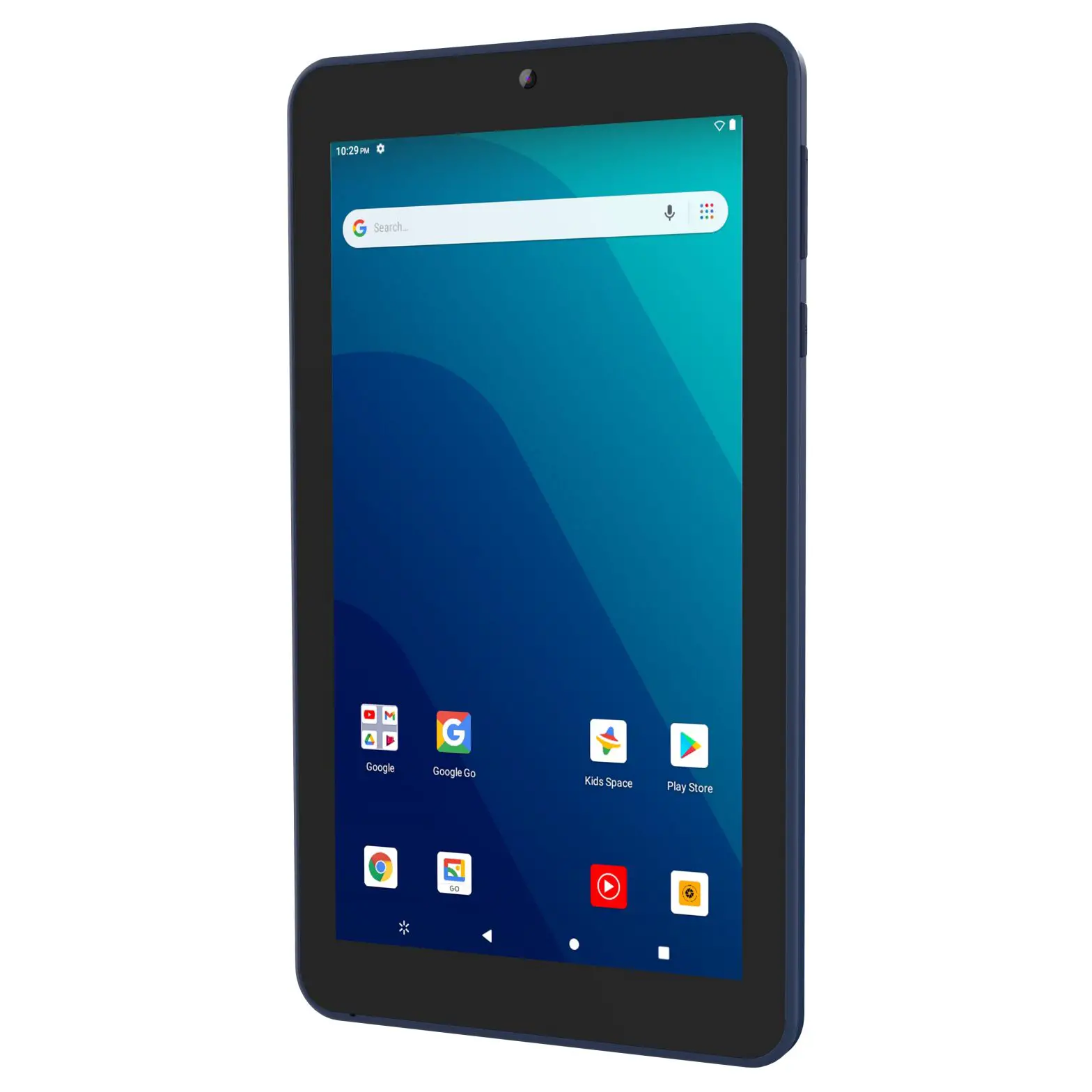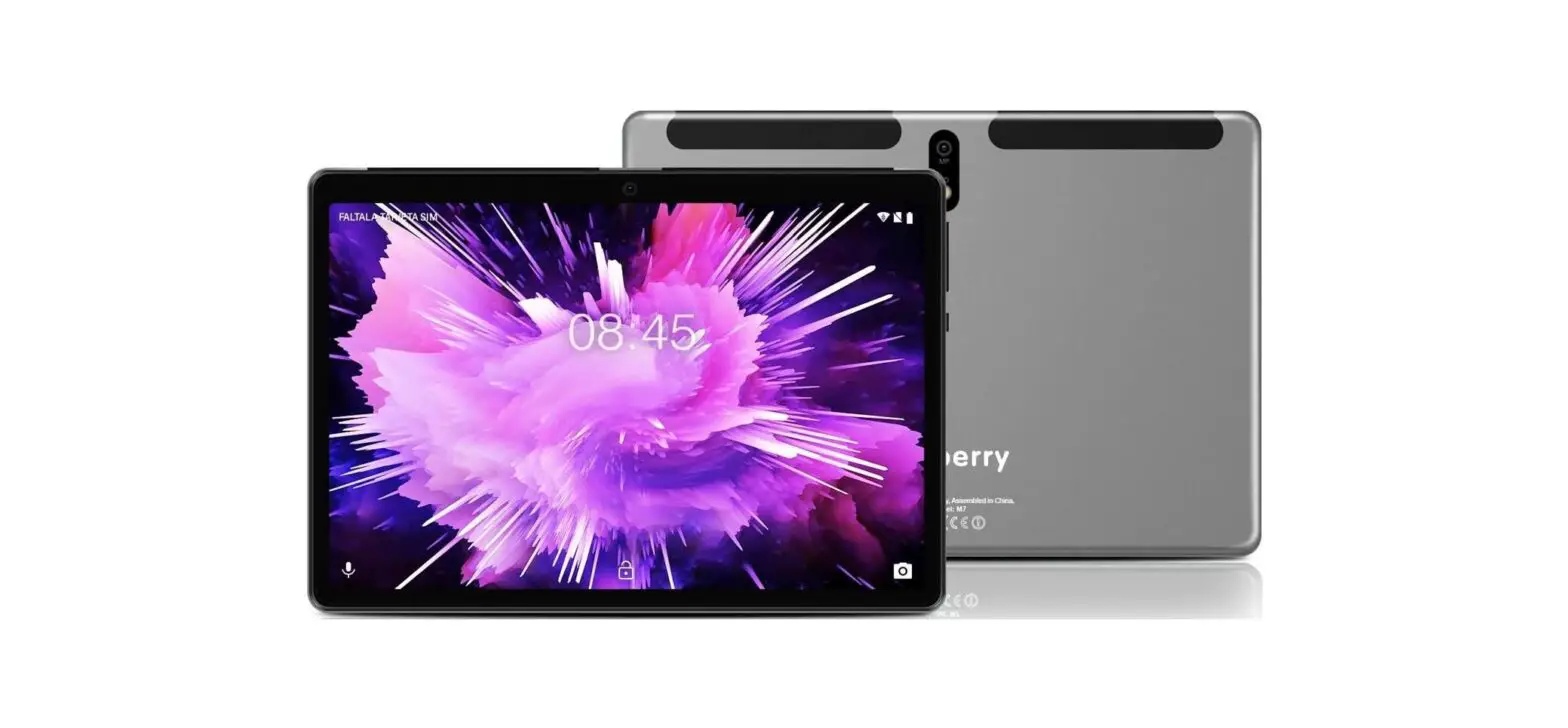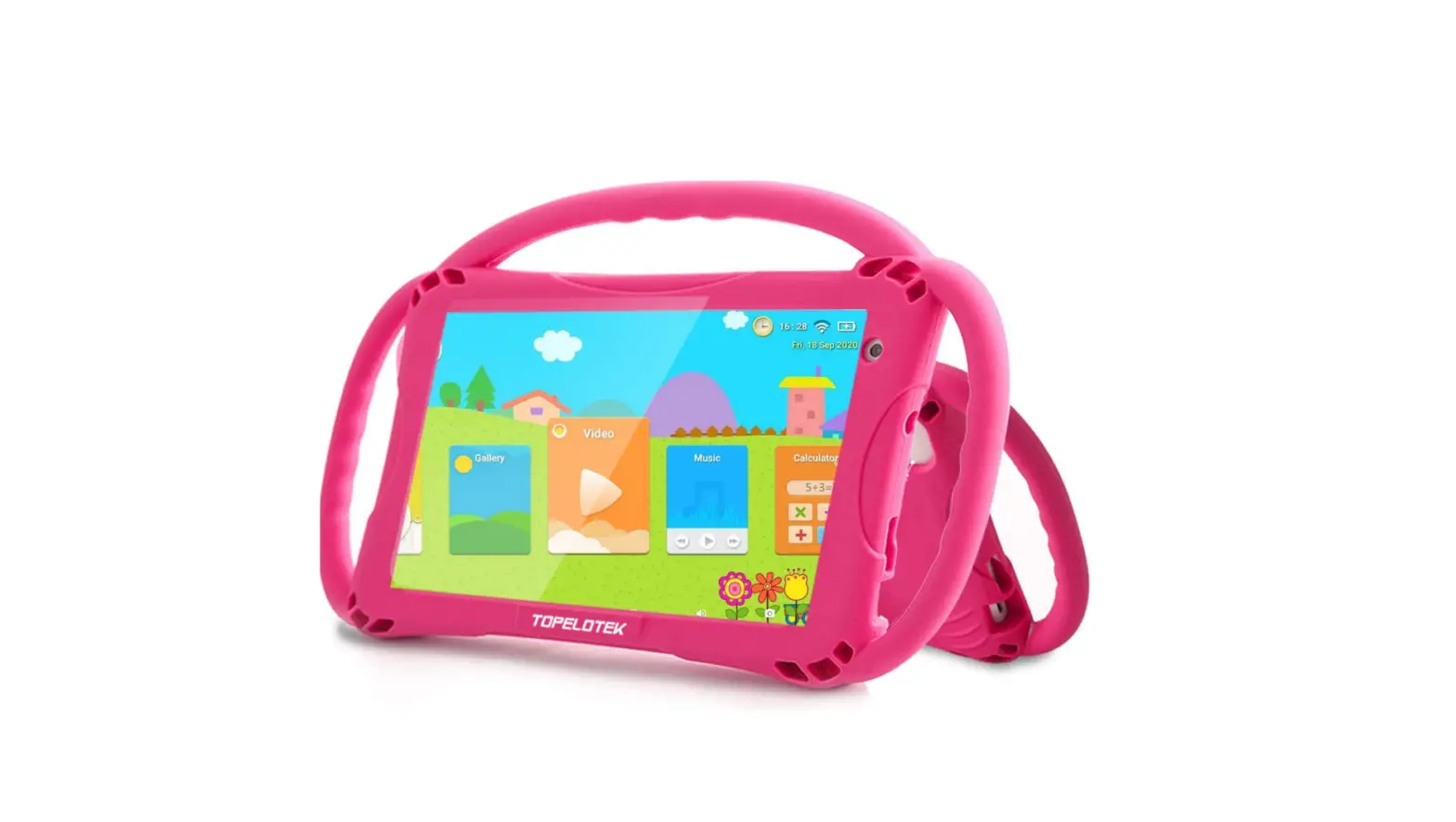

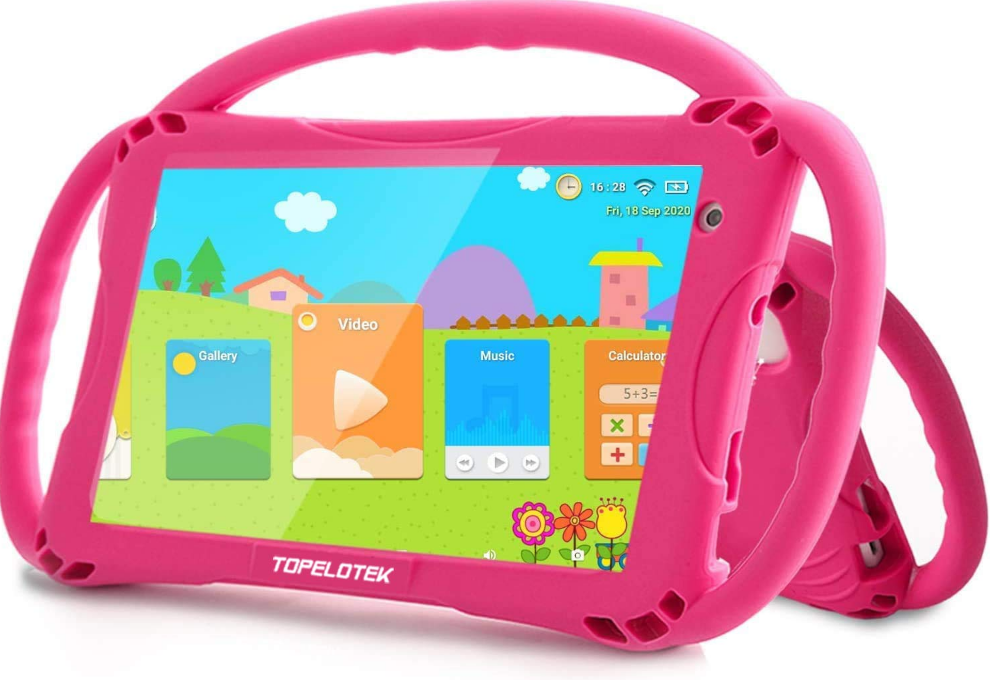
TOPELOTEK MID KIDS707A Tablet
Factory Reset
Restart or restore the factory settings when you encountered some problems such as crashes during operation.
Factory reset:
- iWawa Syterm–Parental control–Setup– Android settings
Backup & reset-Fatory data reset-RESET TABLET-ERASE EVERYTHING - Repeat the above settings when you want to run Android OS.
4.1 After restoring the factory settings, iWawa system requires some setup in order to re-enable. After restored the factory settings successfully, the interface wil be displayed as follows:
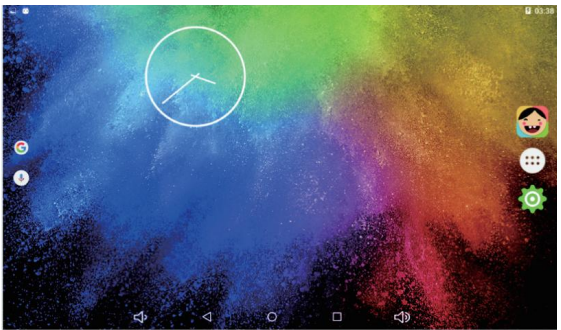
Click iWawa APP right side of the desktop) to start setting accordingly.
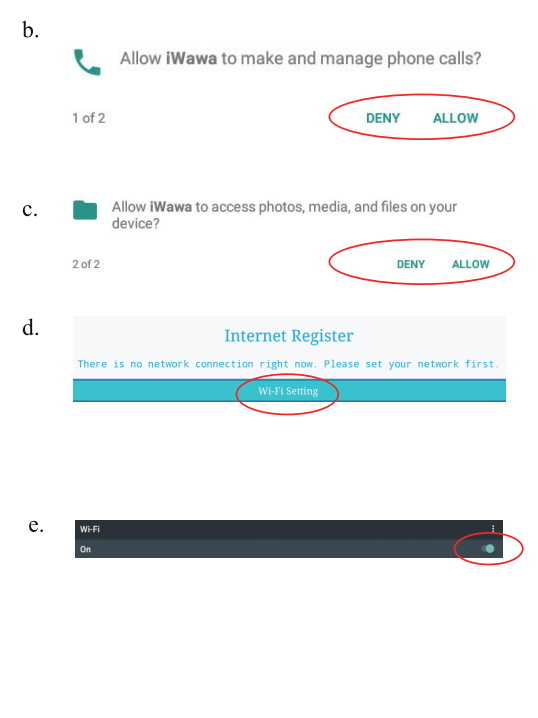
Exit to desktop after finished W-FI Settings, and click iWawa to go on your settings.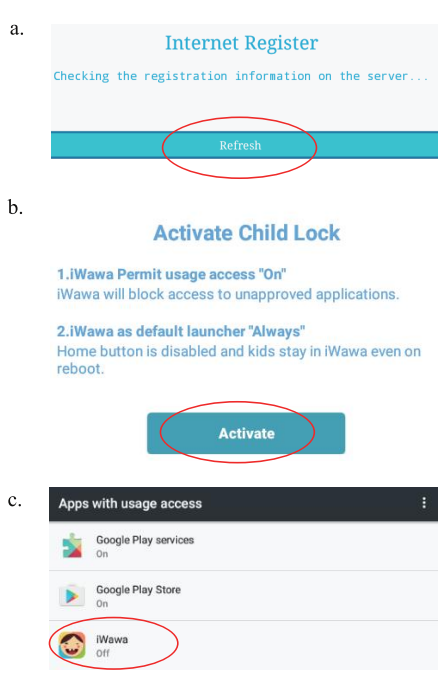
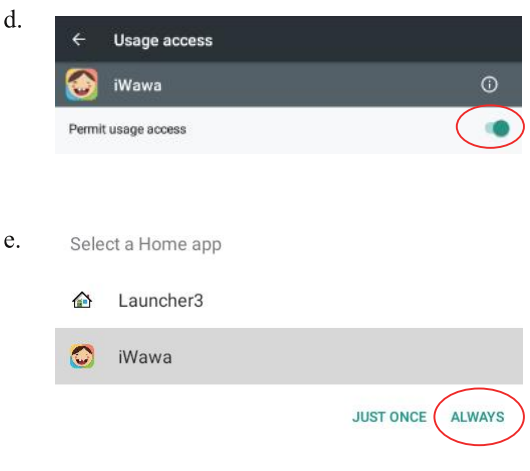
After completing all the above settings, the tablet will always run iWawa system if the user does not exit to Android OS.
WARNING
The battery cannot be replaced.
Manufacturer: SHENZHEN YNC ELECTRONIC CO., LTD
Address: Room501, Building 9, Long jun Industrial zone, Longping community, Dalang street, Longhua district,
Shenzhen city
Model: KIDS707A
Importer: AUOKE INC.
Address:10611 HARWIN DR., SUITE 406 HOUSTON TX 77036
UNITED STATES
Description of product
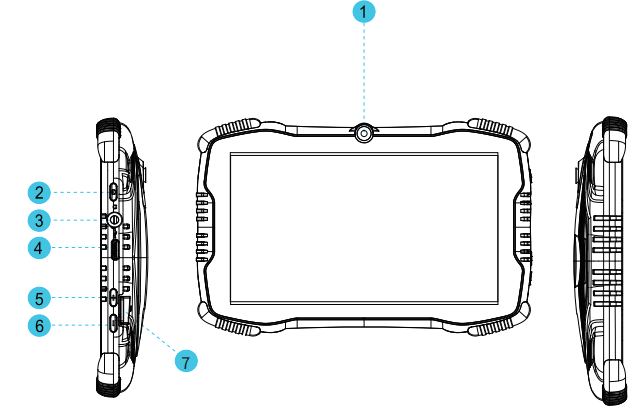
- Front Camera
- Power Button
- 3.5mm Earphone Jacket
- Type-C Port
- VOL+
- VOL-
- TF Card Slot
- Flash Light
- Rear camera

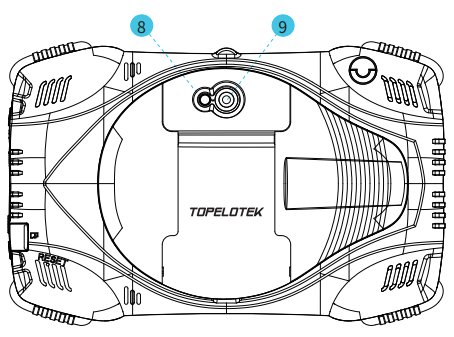
Parental Control Settings
Press the Power button for 2-3 seconds to turn on the tablet, then you will enter into below interface.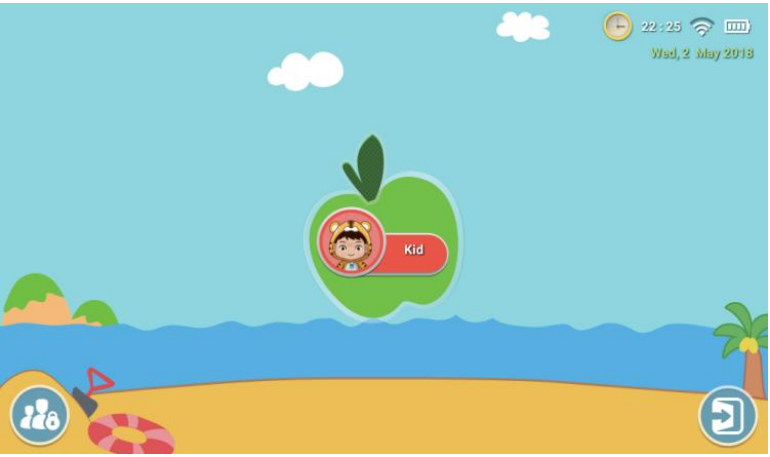
nter into Parental Control
The kids educational application named iWawa. Please set up kids educational applications as following:
Click  you will see this: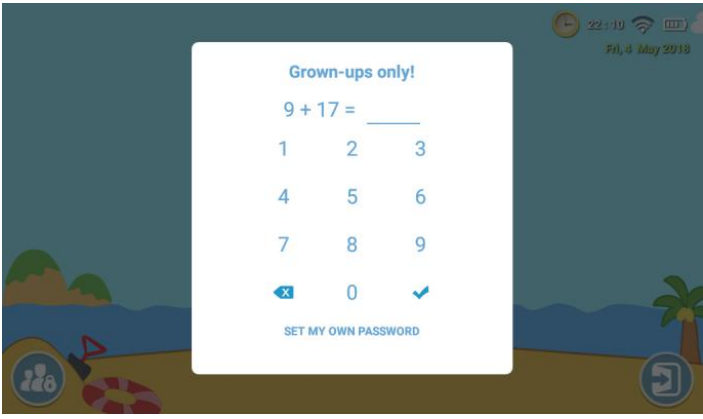
After you input the correct result, please click (You need to calculate the formula again when you every time enter into the parental control interface. You can also set up a password, then enter the password directly. Please remember your password after set up the password.) to start setting.
Brief Introduction of Parental Applications: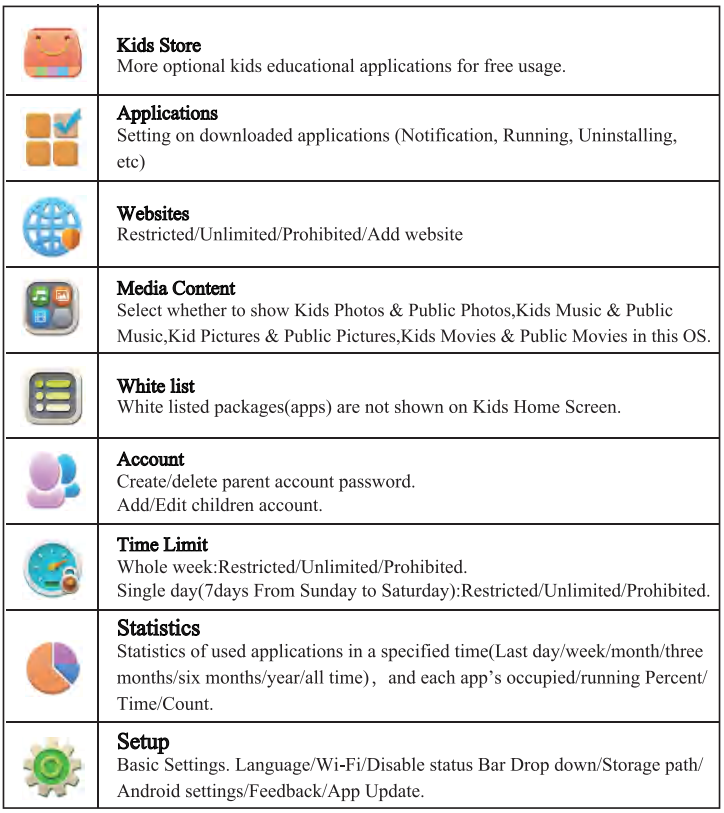

Introduction of Kids Applications
Eater Into Kids Applications Interface
After finished Parental Control settings, click  enter into interface as below: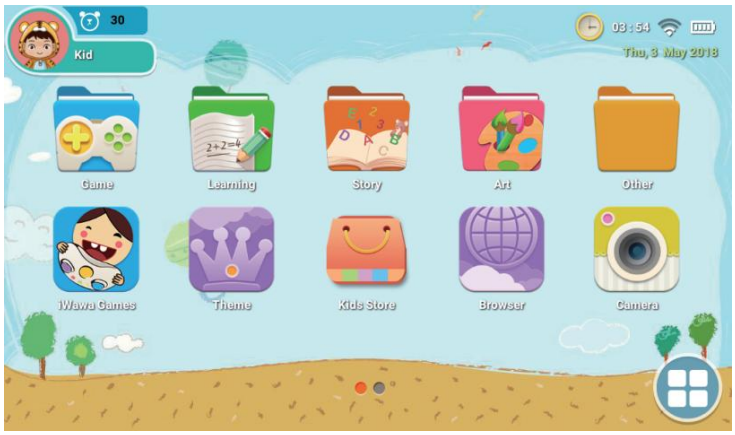
This OS contains a lot of applications such as Games, Learning,Story,Art, Browser,Camera, Gallery, Video,Music, Calculator,Draw, Theme, and you are able to download more applications in Kids Store.
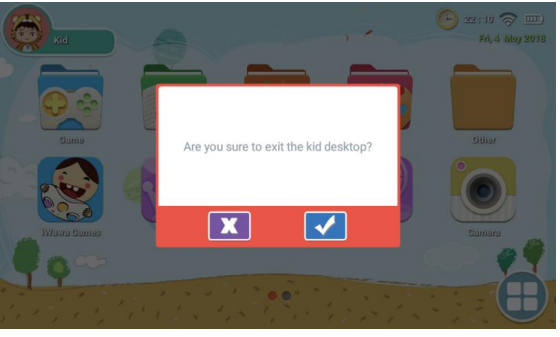
Click (upper left corner)  Kid to exit the kid desktop.
FCC STATEMENT
This device complies with Part 15 of the FCC Rules. Operation is subject to the following two conditions:
(1) This device may not cause harmful interference, and
2) This device must accept any interference received, including interference that may cause undesired operation.
Warning: Changes or modifications not expressly approved by the party responsible for compliance could void the user’s authority to operate the equipment.
NOTE: This equipment has been tested and found to comply with the limits for a Class B digital device, pursuant to Part 15 of the FCC Rules. These limits are designed to provide reasonable protection against harmful interference in a residential installation. This equipment generates uses and can radiate radio frequency energy and, if not installed and used in accordance with the instructions, may cause harmful interference to radio communications. However, there is no guarantee that interference will not occur in a particular installation. If this equipment does cause harmful interference to radio or television reception, which can be determined by turning the equipment off and on, the user is encouraged to try to correct the interference by one or more of the following measures:
Reorient or relocate the receiving antenna. Increase the separation between the equipment and receiver.
Connect the equipment into an outlet on a circuit different from that to which the receiver is connected.
Consult the dealer or an experienced radio/TV technician for help.
FCC Radiation Exposure Statement:
The device has been evaluated to meet general RF exposure requirement. Ihe device can be used in portable exposure condition without restriction.