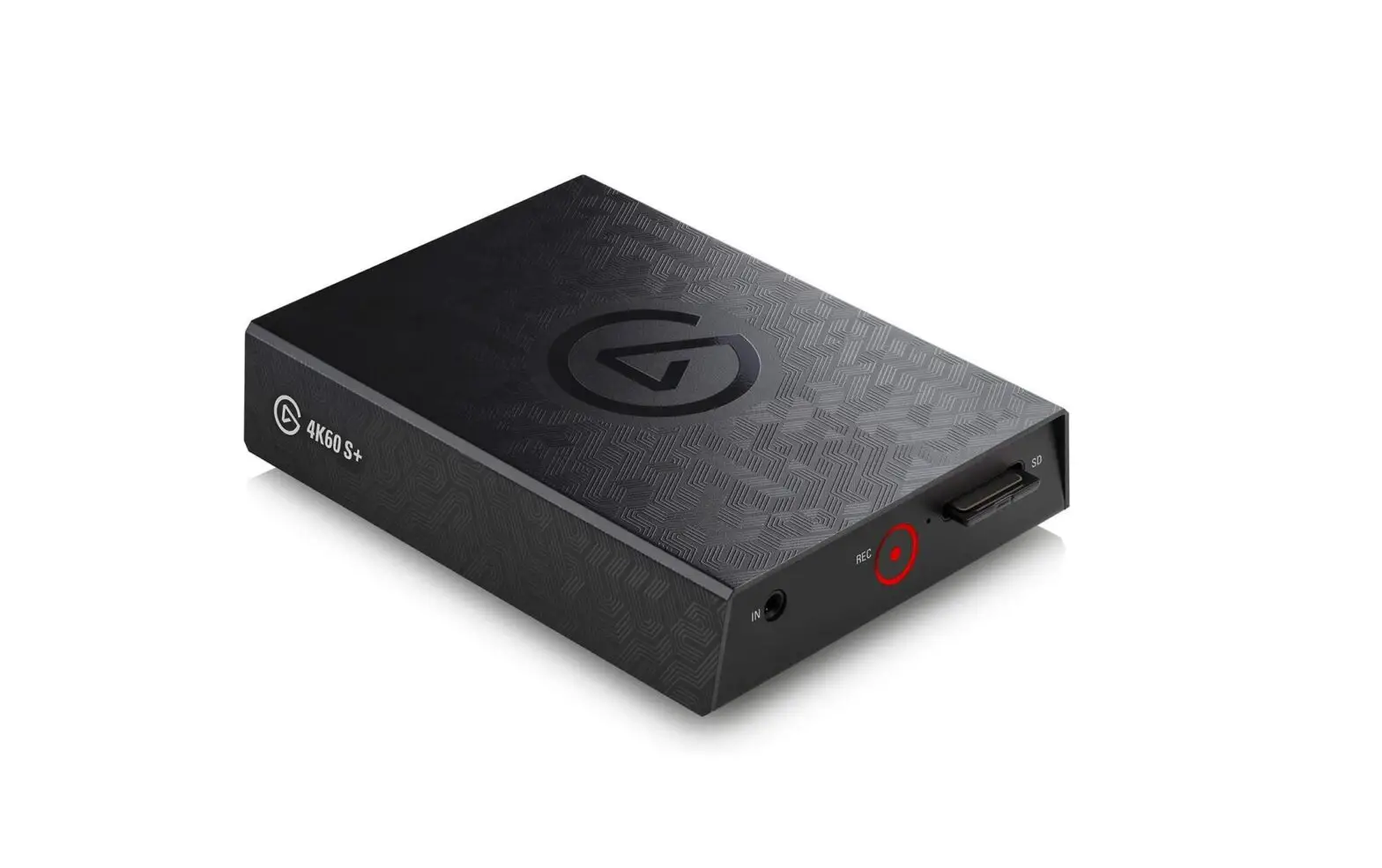
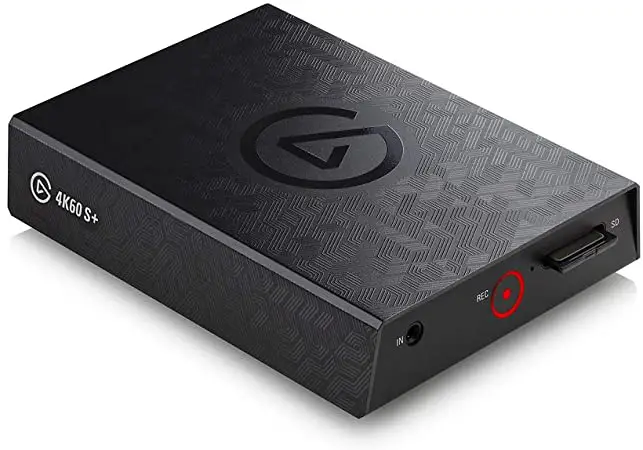
elgato Game Capture 4K60 S+
PC Recording
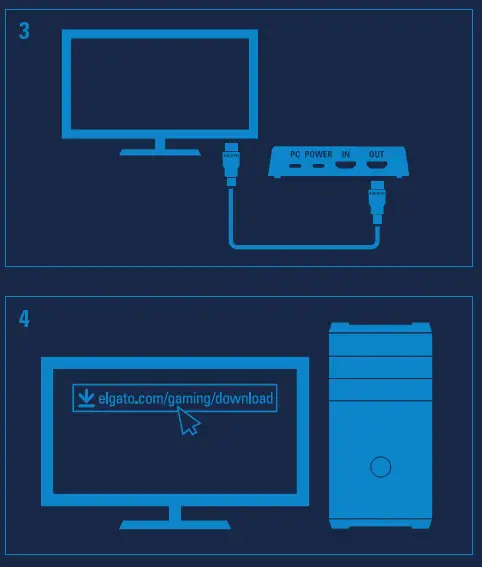
elgato.com/gaming/download
Download Elgato 4K Capture Utility to get started.
LED Status
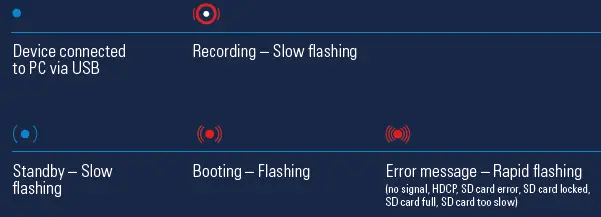
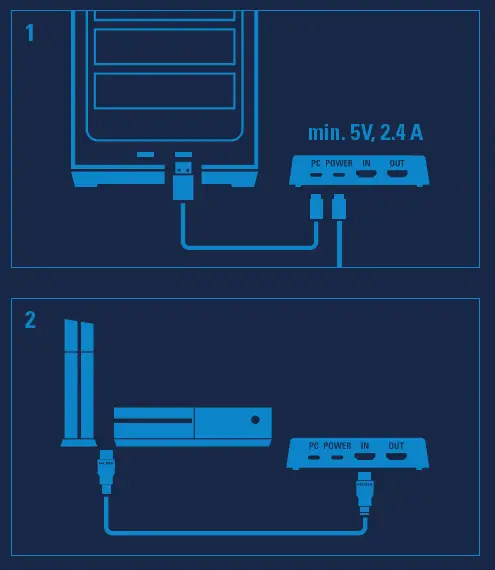
When using 4K60 S+ for PC recording, POWER and USB must be connected. Only use the power supply shipped with your product.
SD Card Recording
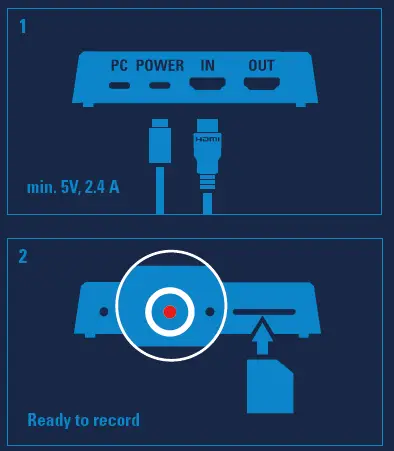
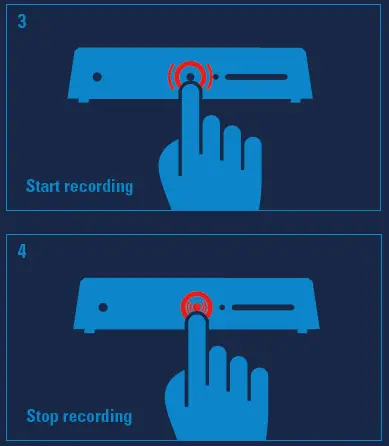
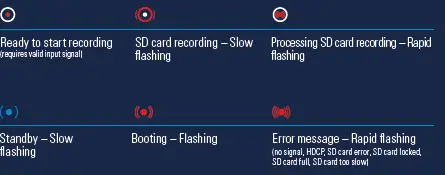
LED Status
When using 4K60 S+ for SD card recording, only POWER must be connected. Do not connect USB to your PC. Only use the power supply shipped with your product. Minimum SD card speed: UHS Class 3 / V30
Formatting: FAT32 or exFAT
To avoid file corruption, do not remove the SD card immediately after recording has stopped (while recording is being processed). Wait until the red LED stops flashing rapidly.
 Downloads | elgato.com