FADPR2 Conversion kit for Fadpr to Fadrpt
Product Information:
The Conversion Kit for FADPR to FADRPT is designed for use by
competent personnel only. It includes various parts and
instructions necessary for converting the appliance. Please ensure
that the appliance is isolated from the electrical supply before
starting any work. It is recommended to read and understand the
instructions before disassembling any parts or disconnecting
electrical connections. Before reconnecting the electrical supply,
it is advisable to perform a PAT test or full electrical safety
test on the appliance.
The kit is compatible with the following models:
- FADPR2 Dial controller
- FADPR2 Click wheel controller
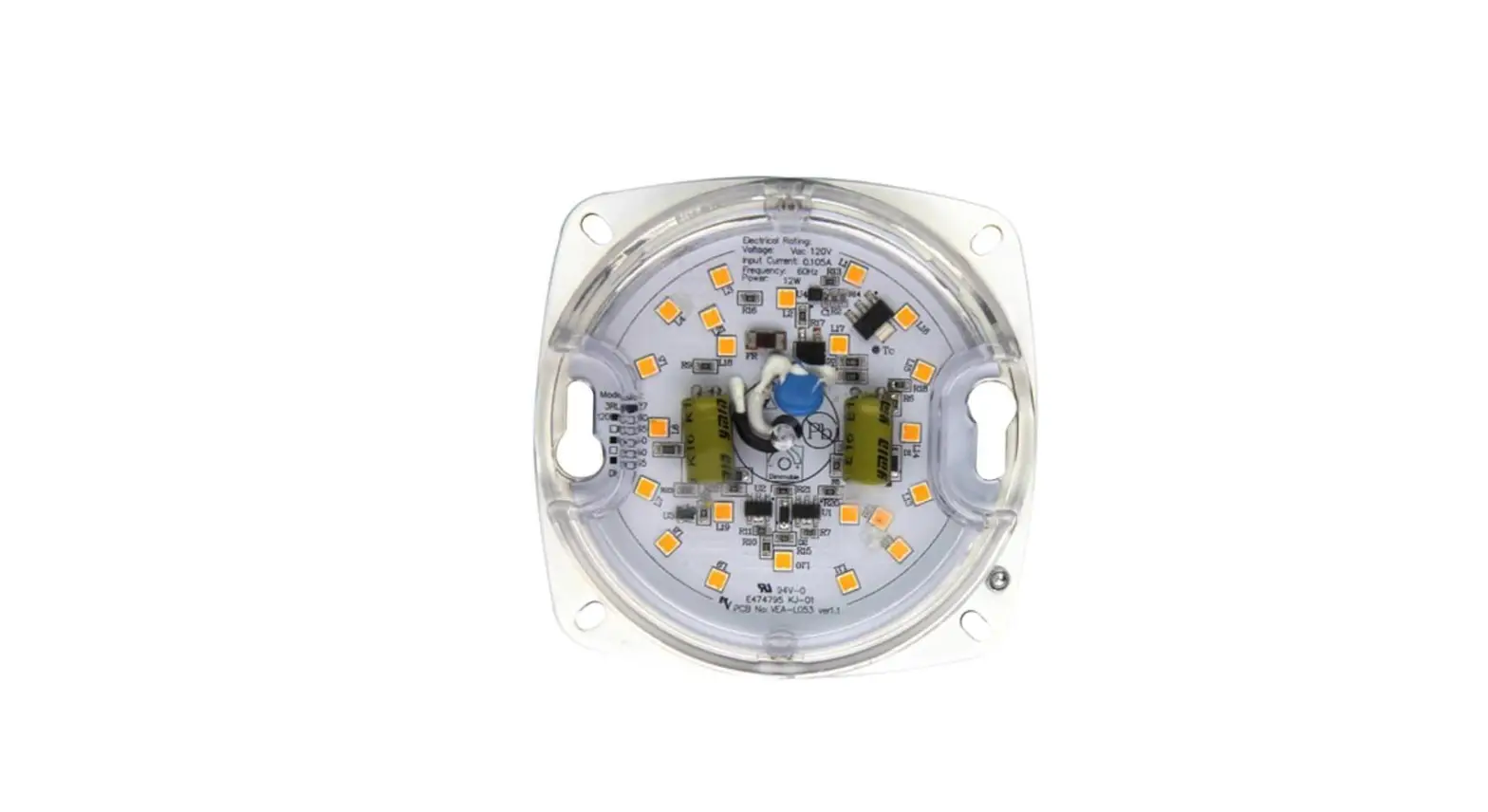
Parts included in the kit:
- Front cover assembly – Part number: 01-548787-01
- Electrical box – Part number: 01-548176-01
- User manual (must be left on site)
- Air probe – Part number: 00-556283
- Evaporator probe – Part number: 00-556286
- Mains Cable (UK Plug) – Part number: 00-556243
- Mains Cable (European Plug) – Part number: 00-556244
Product Usage Instructions:
1. Ensure that the appliance is disconnected from the electrical
supply.
2. Read and understand the instructions provided in the user
manual.
3. Check the contents of the kit to ensure all required parts
are present.
4. Refer to the wiring diagram on page 3 of the user manual for
proper installation.
5. Follow the step-by-step instructions provided in the user
manual for disassembling the necessary parts and disconnecting
electrical connections.
6. Perform a PAT test or full electrical safety test on the
appliance before proceeding.
7. Install the front cover assembly (Part number: 01-548787-01)
and the electrical box (Part number: 01-548176-01) according to the
instructions provided.
8. Connect the air probe (Part number: 00-556283) and the
evaporator probe (Part number: 00-556286) as directed.
9. Choose the appropriate mains cable (UK Plug – Part number:
00-556243 or European Plug – Part number: 00-556244) and connect it
to the electrical supply.
10. Once all connections are made, perform a final check to
ensure everything is properly installed.
11. Reconnect the electrical supply and recommission the
appliance.
Note: For any further information, contact Foster Refrigerator
at +44 (0) 1553 698485 or email [email protected]. For
service and spares, contact +44 (0) 1553 780333 for service or
email [email protected], and contact +44 (0) 1553 780300 for
parts or email [email protected].
Conversion kit for FADPR TO FADRPT
Important:
These parts and instructions are intended for use by competent personnel only.
– Ensure that the appliance is isolated from the electrical supply prior to any work commencing.
– The instructions should be read and understood prior to disassembly of any parts or the disconnection of any electrical connections.
– It is recommended that a PAT test/full electrical safety test is carried out on the appliance prior to final connection of the electrical supply and recommissioning.
The kit is applicable to the models:
– FADPR2 Dial controller – FADPR2 Click wheel controller
Parts list – Please check the contents of the kit before commencing work.
– Front cover assembly Part number 01-548787-01
– Electrical box Part number 01-548176-01
– User manual (must be left on site)
– Air probe Part number 00-556283
– Evaporator probe Part number 00-556286
– Mains Cable (UK Plug) Part number 00-556243
– Mains Cable (European Plug) Part number 00-556244
1
Document ID code: 00-570526 v2
To be used in conjunction with the wiring diagram on page 3.
1 Ensure that the appliance is isolated from the electrical supply. 2 Identify and mark each incoming cable to the existing control box. 3 Following identification, remove each cable from the control box. 4 Remove the existing safety thermostat from the appliance. 5 Remove the existing air and evaporator probes from the appliance. 6 Remove the existing front panel. 7 Remove the existing control box. 8 Fit the new control box to the appliance ensuring that it is securely fixed. 9 Using the identifications of the incoming cables established in step 2 connect each cable in accordance with the wiring diagram
on page 3. 10 Fit the new front panel. 11 Connect the display cable to the control box in accordance with the wiring diagram on page 3. 12 Carry out a visual check of all connections made to ensure they comply with the wiring diagram on page 3. 13 Ensure that all connections are secure. 14 Connect the appropriate mains cable for your region to the connector on the side of the control box. 15 Carry out a full electrical/PAT test on the appliance prior to turning on the power supply to the appliance. 16 Refer to the operating instructions to set time and date. 17 The remainder of the controller is pre-configured and no other adjustment is necessary.
2
Document ID code: 00-570526 v2
3
Document ID code: 00-570526 v2
Foster Refrigerator
Oldmedow Road, King’s Lynn, Norfolk PE30 4JU
By Appointment to Her Majesty Queen Elizabeth II Suppliers of Commercial Refrigeration Foster Refrigerator, King’s Lynn
For more information: +44 (0) 1553 698485 [email protected] fosterrefrigerator.com
For service and spares: For service +44 (0) 1553 780333 [email protected] For parts +44 (0) 1553 780300 [email protected]
Document ID code: 00-570526 v2
 Foster Refrigerator - Commercial Refrigeration Manufacturer
 Gamko Are The Experts in Professional Drinks Cooling