
QUICK GUIDE
AFB 1000
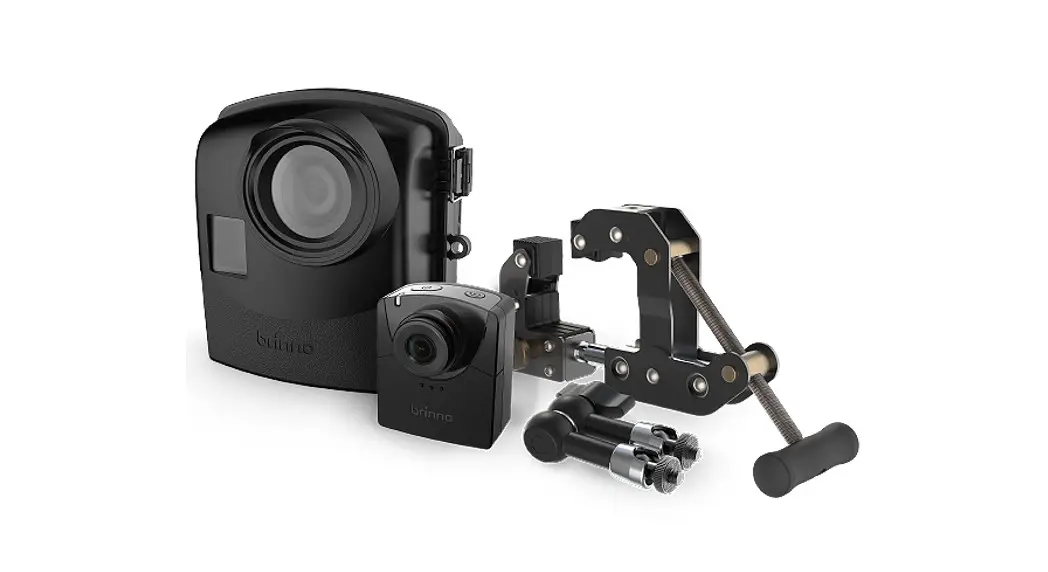
Camera Extender Kit (for BCC2000)
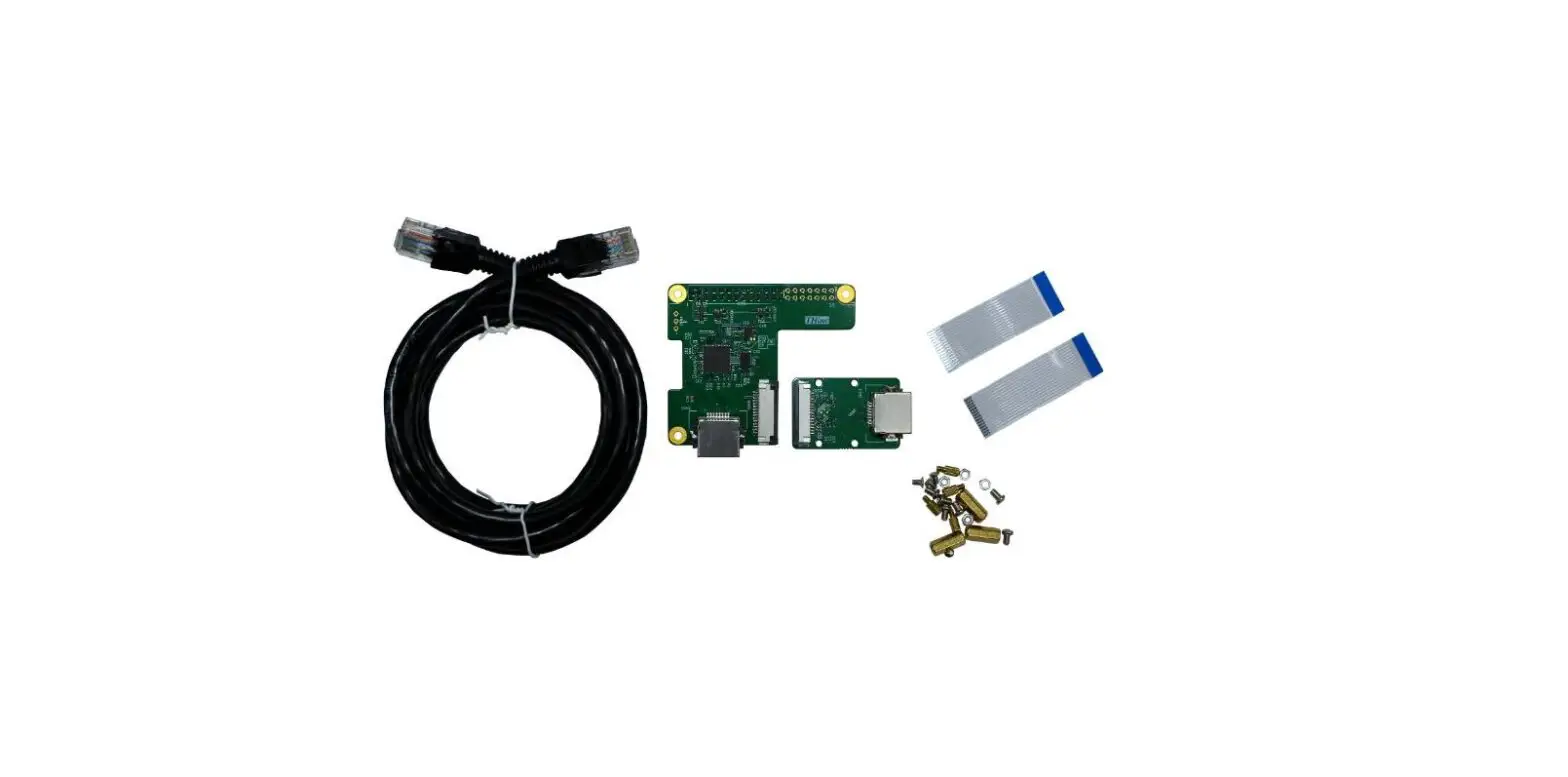
WHAT’S IN THE BOX
- Multi-task Dongle ACB1000 x 1
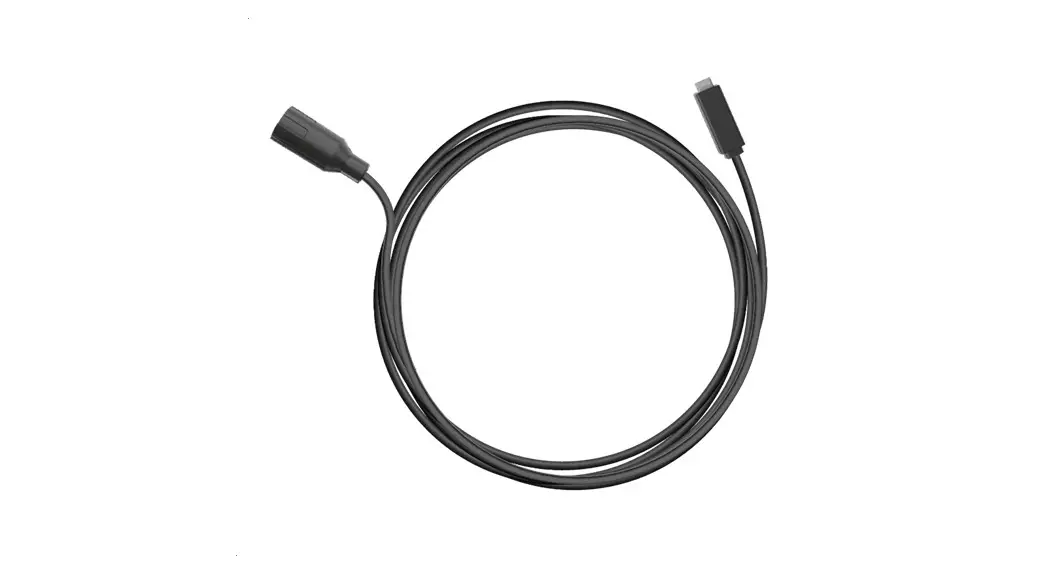
- 32ft (10m) Ruggedized USB-C Cable x 1
- Mounting Adapter x 1
- Cable Clip x1
Cable Ties x 10 (to secure cable path)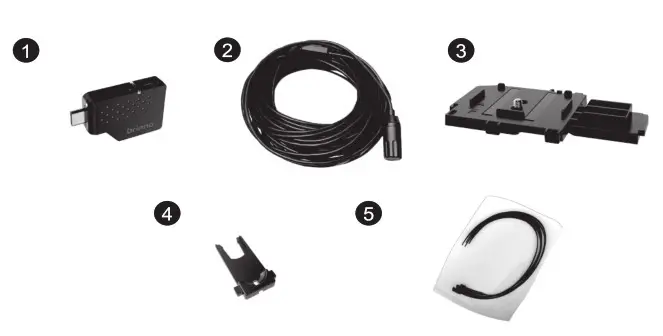
INSTALLATION
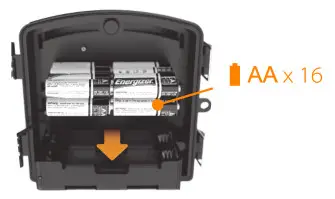
- Insert 16 AA batteries into the Power Housing Battery Slot (ATH2000).

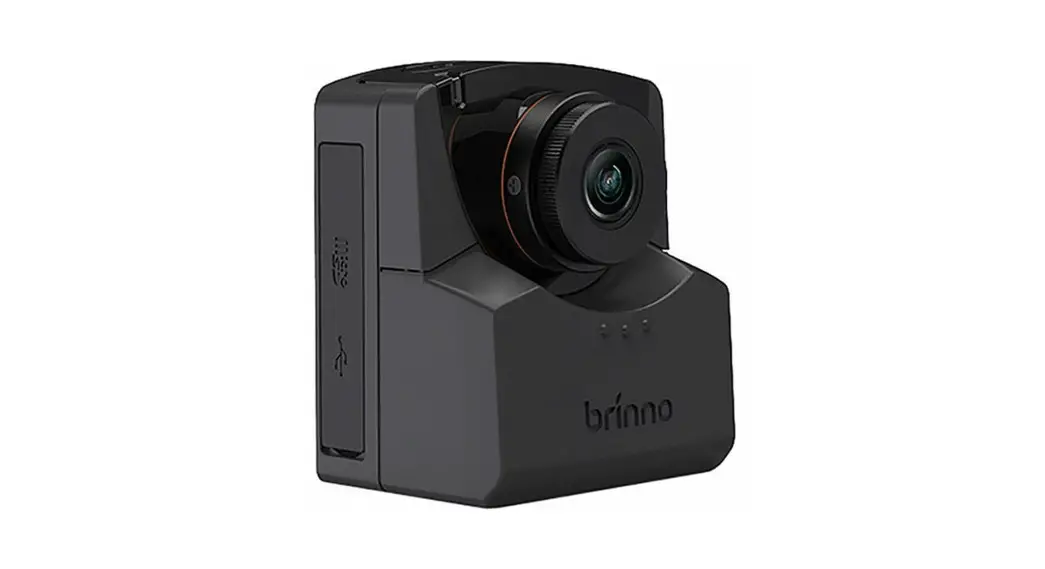
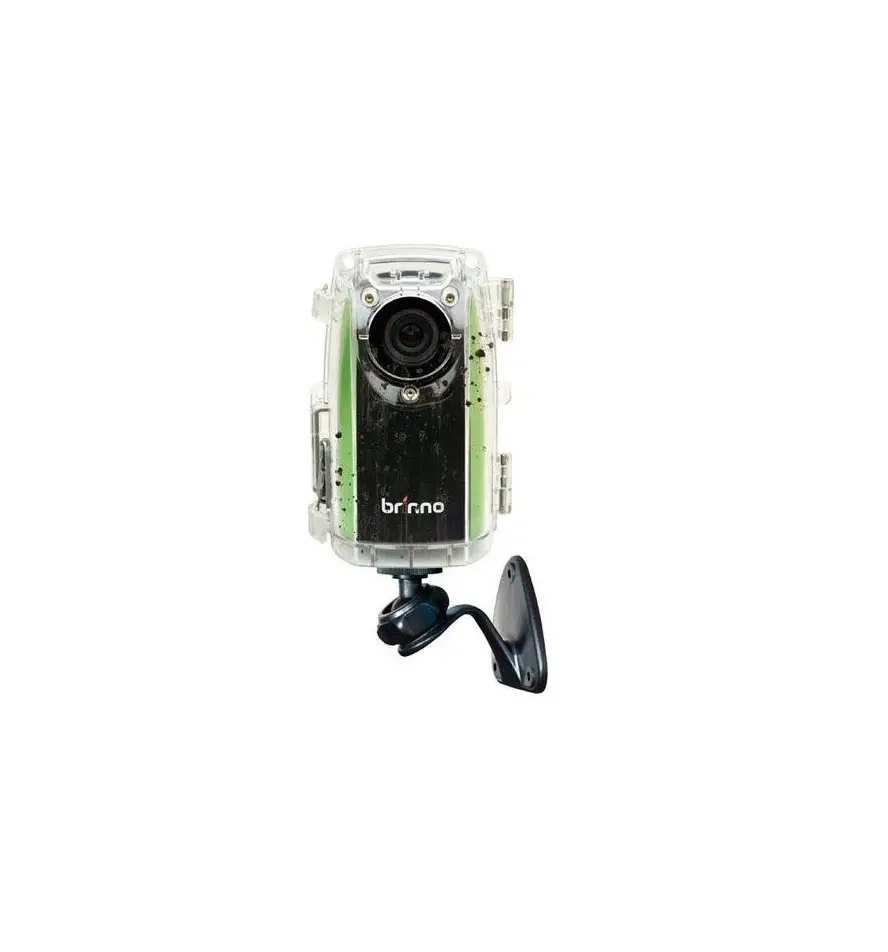
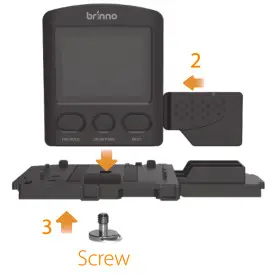
- Plug the Multi-task Dongle (ACB1000) into your camera (TLC2000).
- Screw your camera onto the Mounting Adapter.

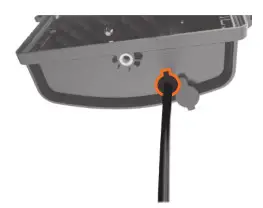
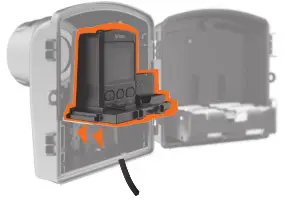
- Pass the USB cable through the bottom of your Power Housing (ATH2000).

- Use the circled cable direction to ensure the best performance.
- Use the Cable Clip on the inside bottom of your Power Housing to secure the cable and ensure that a waterproofing seal is maintained.

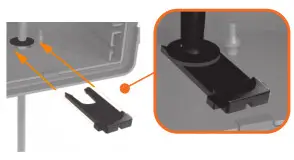
- Slide the Mounting Adapter into drawer number 3 of the ™ Power Housing. It is magnetic and will stick into place.
 Connect the Cable
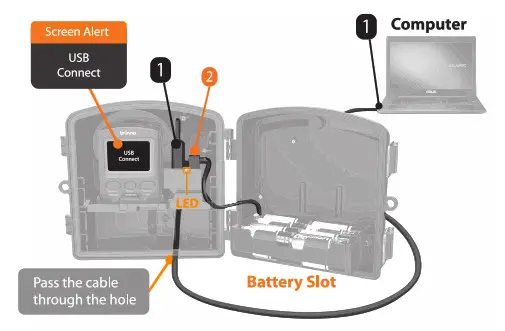
 - Plug the Cable
1into the Multi-task Dongle using the left side port. Use the other end of the Cable to plug into your laptop. - Plug the Battery Slot Mirco USB connector
2into the right side port. - Check that “USB Connect” is shown on your camera LCD screen to confirm that the cable is installed correctly.
Optional: Restart camera – the dongle LED will turn GREEN meaning you are ready to start filming. - Installation finished. Close and lock your Power Housing.
 Tip
Tip
Use Cable Ties as needed to secure the cable into place.
 Connect the Cable
 Tip
Tip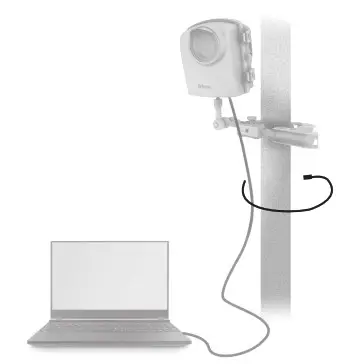
Download files
Simultaneous Record & Download
No need to stop recording. Uses default file explorer to download files – no app required.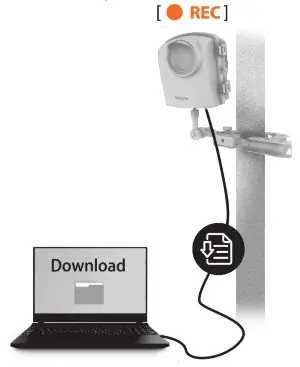 Note: Download function only available for completed AVI files. For example, if you are filming in daily mode you will only be able to download files from previous days.
Brinno Command Center
Windows Only
Compatibility: Windows 7, 8, 8.1, & 10 with 64-bit OS
Up to date compatibility info at brinno.com
Use the link or QR code below to download the Brinno Command Center.
Through the Command Center platform, you can:
- Start/Stop recording
- Preview camera frame
- Change settings
- Check battery & SD card status
 www.brinno.com/support/support-center/AFB1000
Official Site: www.brinno.com
301-MU0000-21