VE-RMK1U Video Extender Rack Mount Kit
Product Information
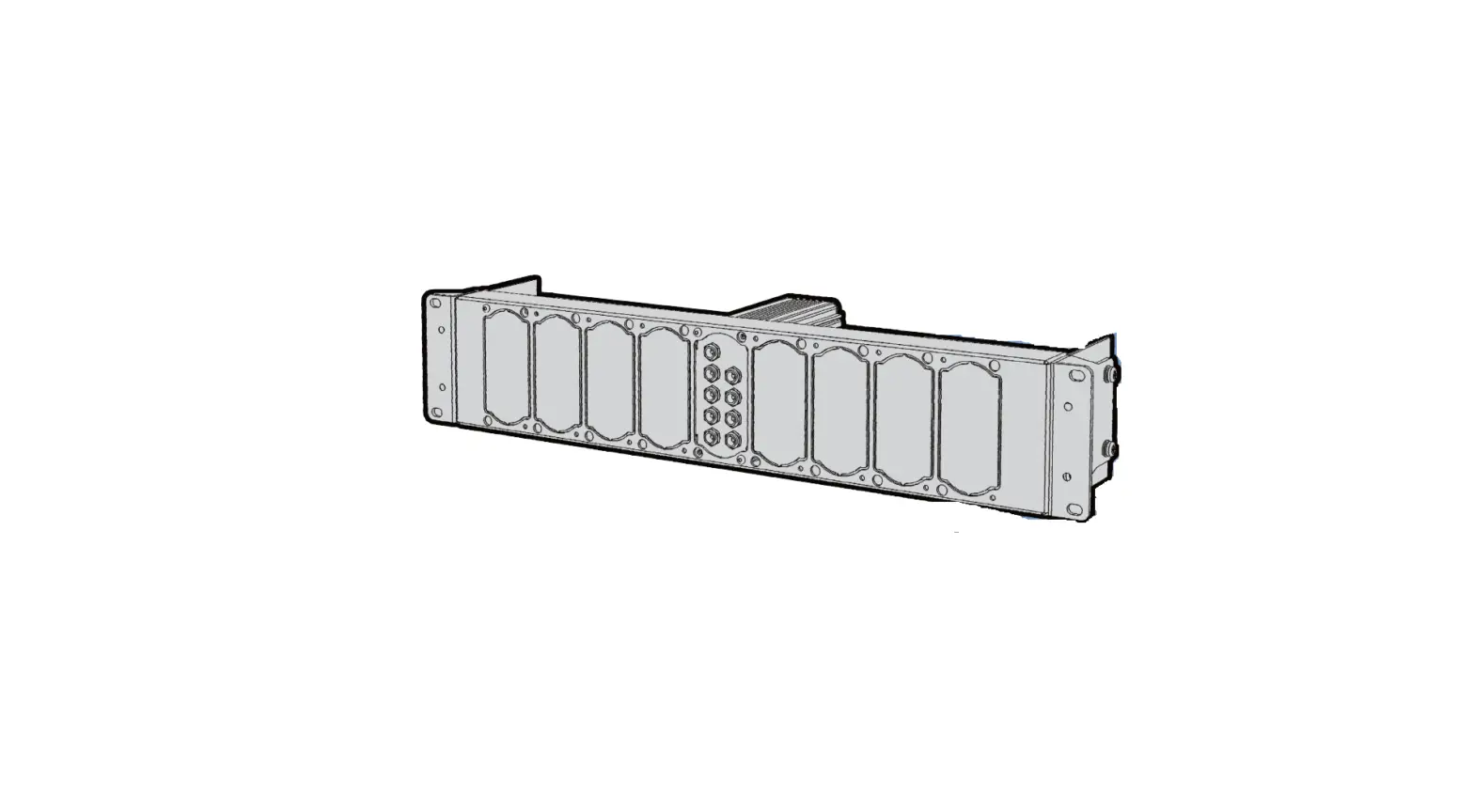
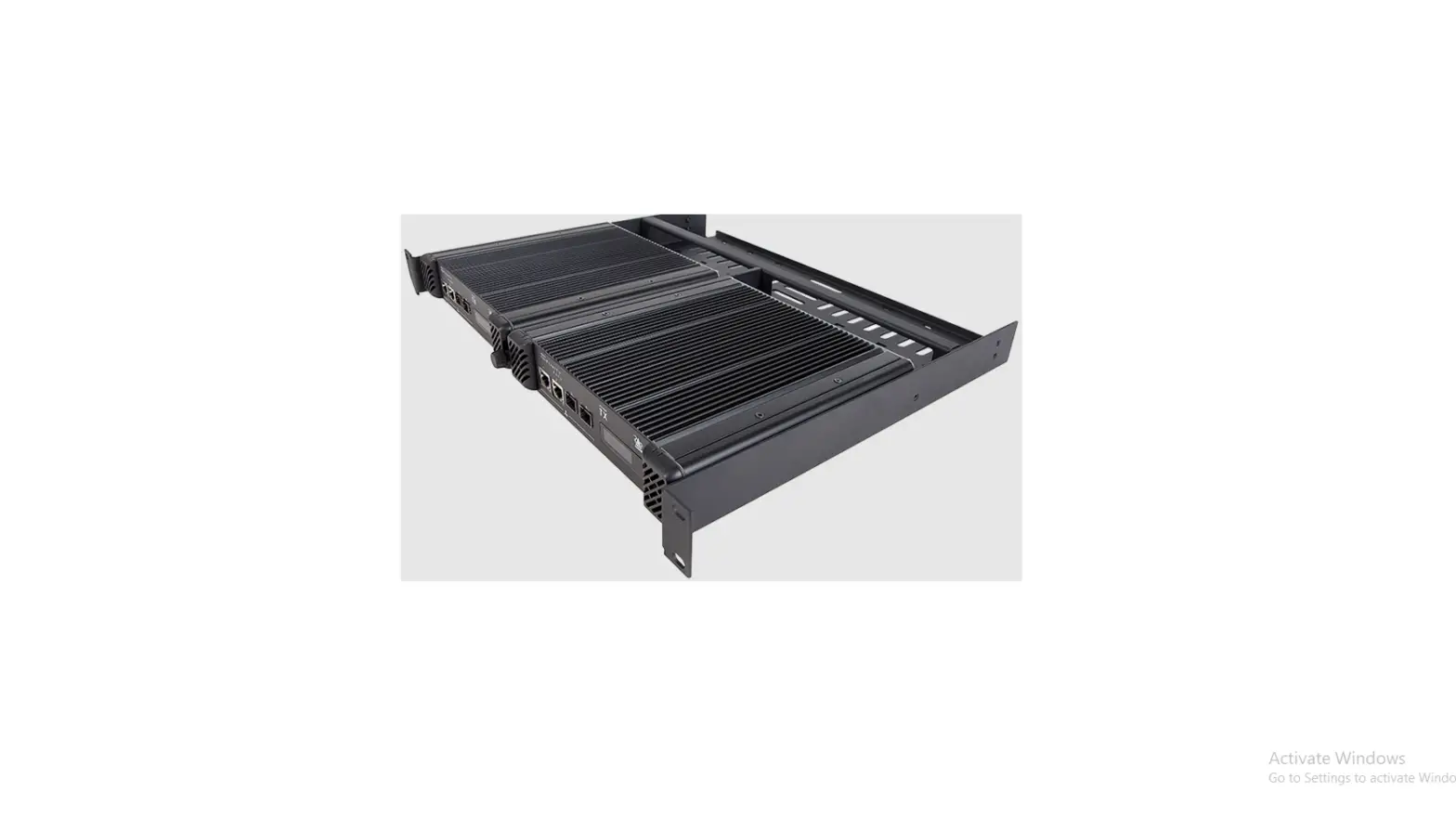
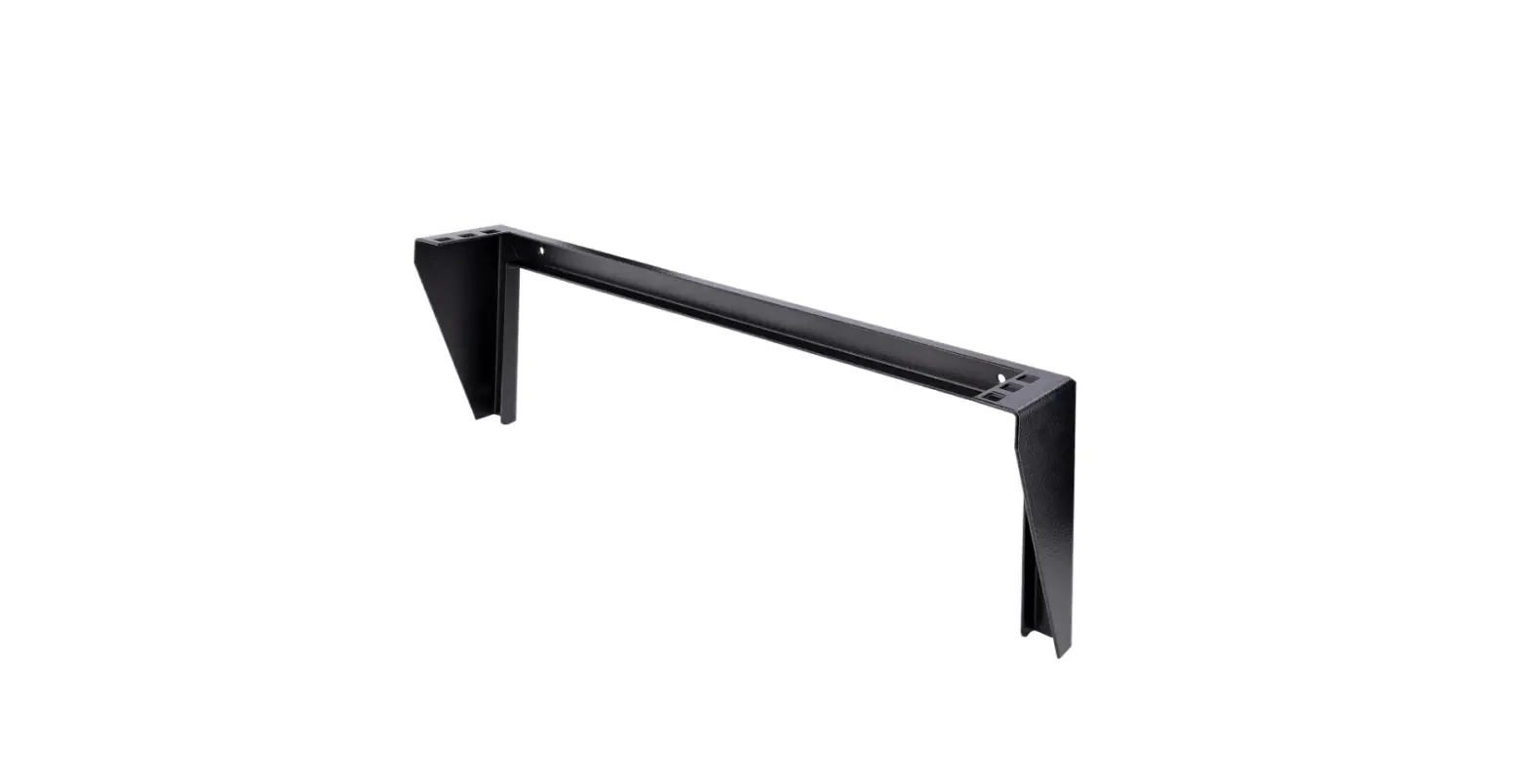
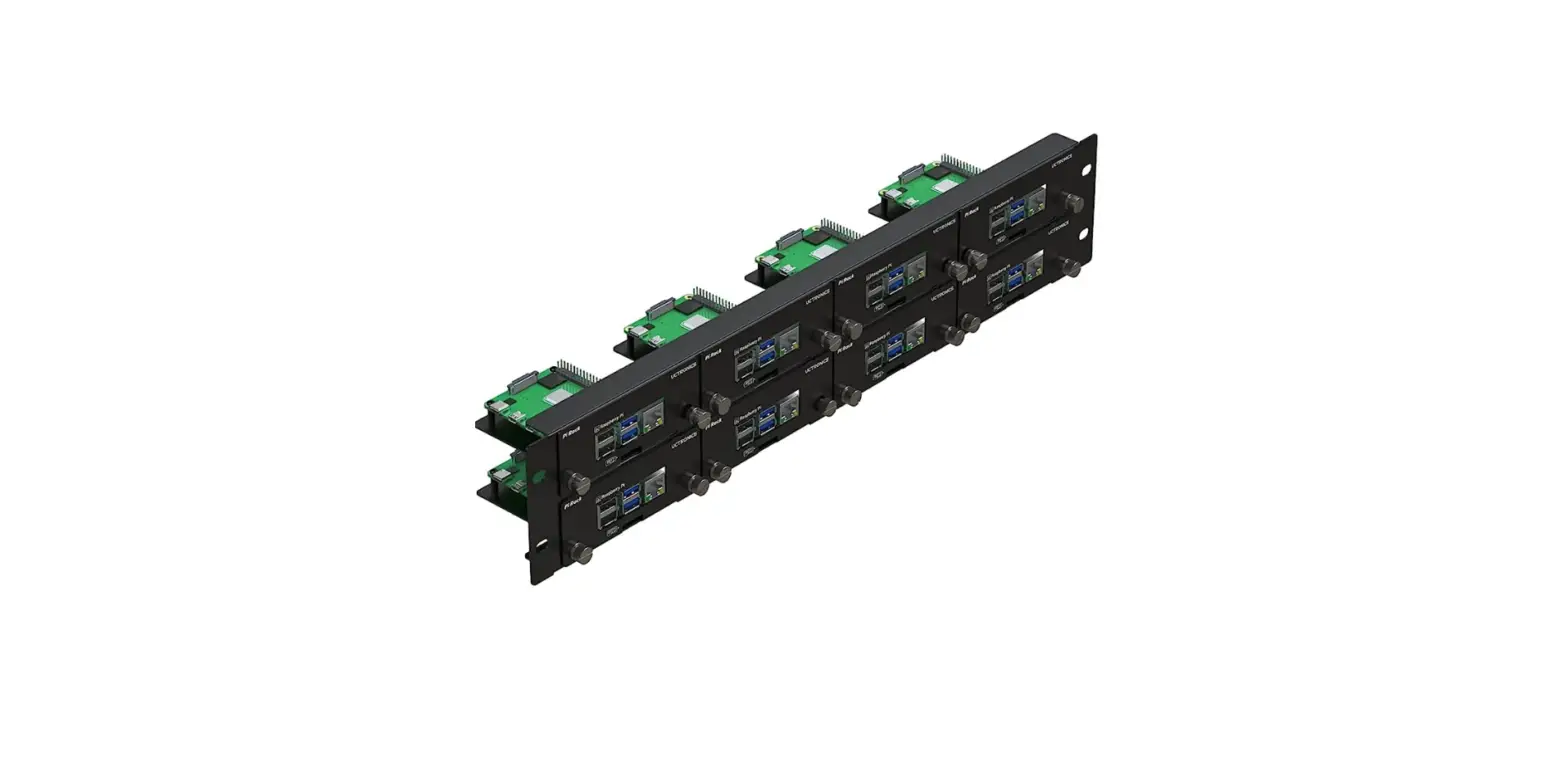
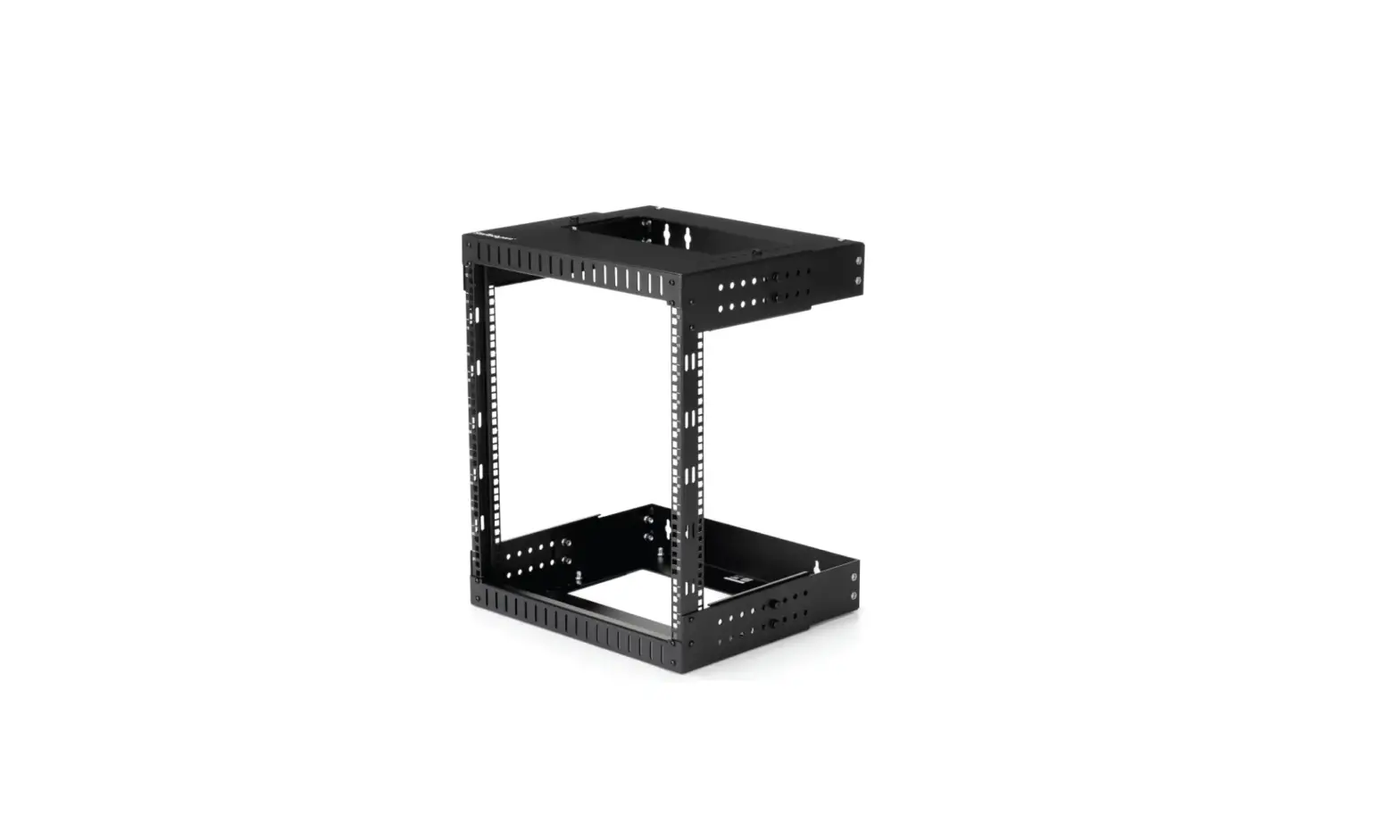
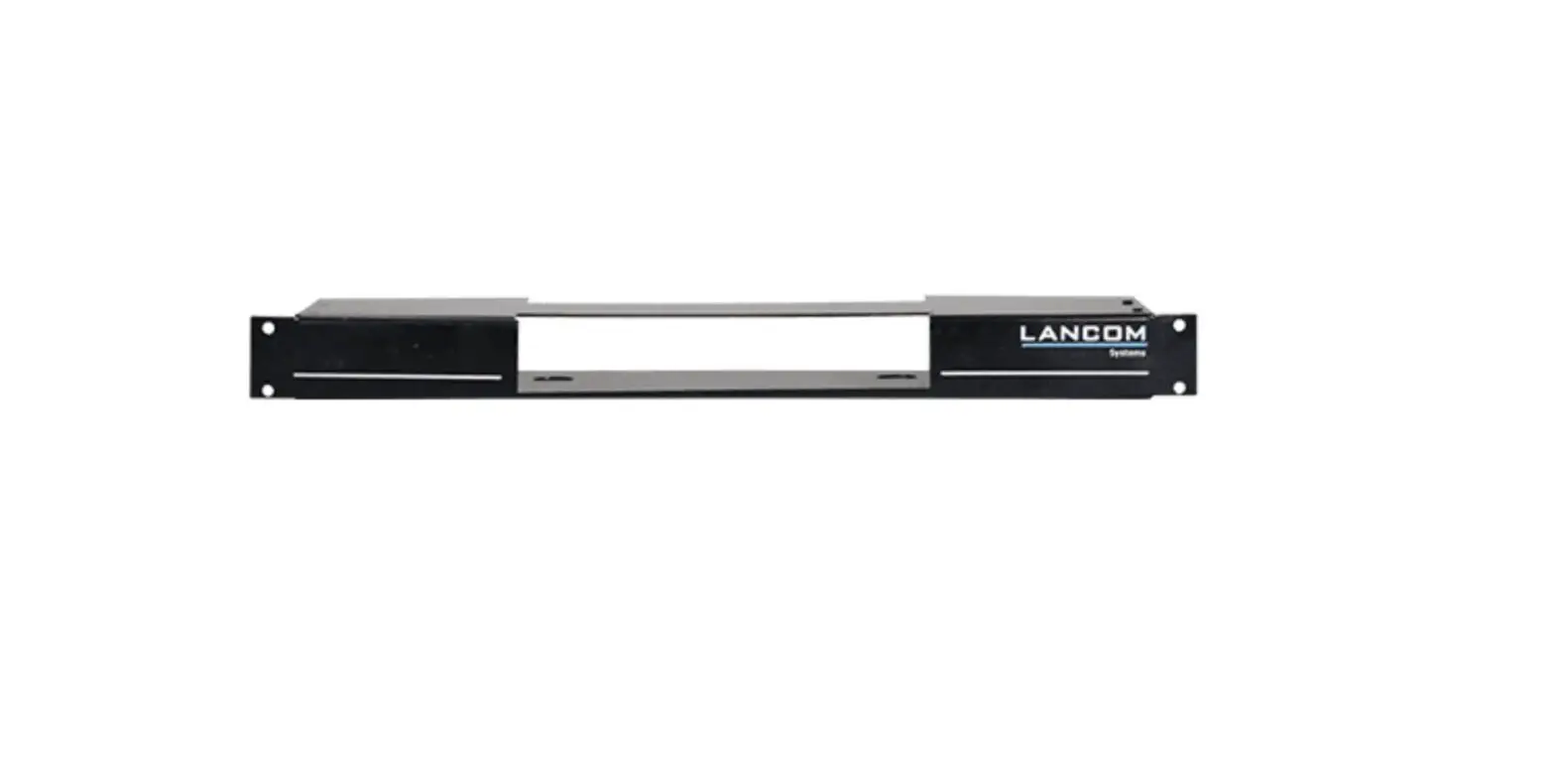
The Video Extender Rack Mount Kit VE-RMK1U is a mounting kit
designed to mount ATEN devices that are not built-in with rack ears
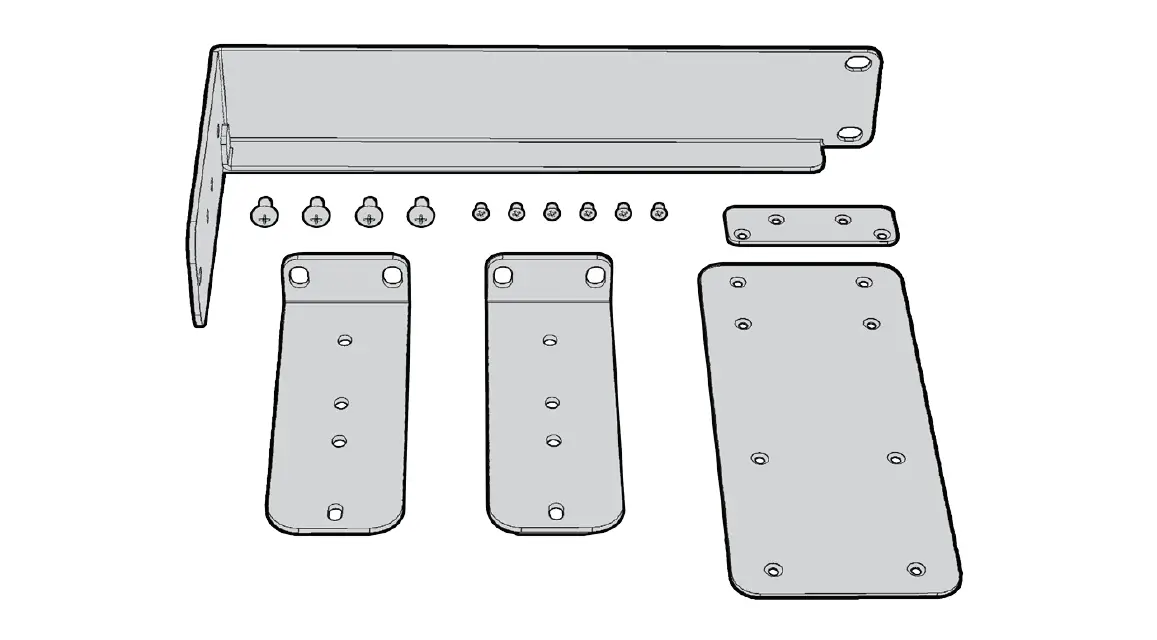
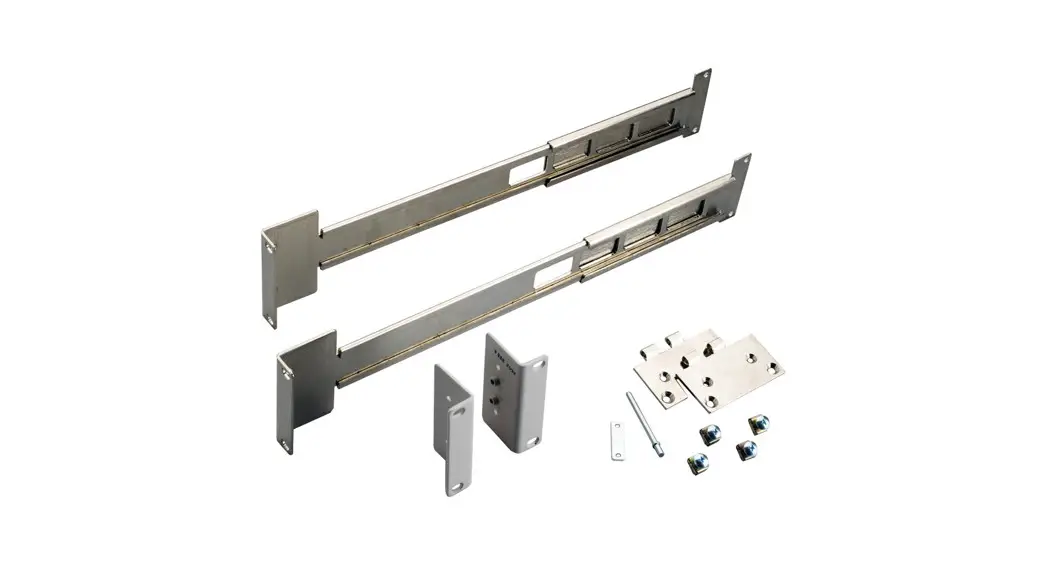
into a standard 19-inch rack. The kit includes a VE-RMK1U Frame, 4
1U mounting plates, 5 plastic captive screws, 6 hexagon head
screws, and 12 countersunk head screws.
Package Contents
Before installation, ensure all components are in working order.
The package includes:
- 1 VE-RMK1U Frame
- 4 1U mounting plates
- 5 plastic captive screws
- 6 hexagon head screws
- 12 countersunk head screws
Product Usage Instructions
To install the Video Extender Rack Mount Kit VE-RMK1U, follow
these steps:
- Identify the ATEN device’s screw holes on the mounting plate
using the table provided in the user manual. - Attach the 1U mounting plates to the VE-RMK1U Frame using the
hexagon head screws and countersunk head screws. - Attach the ATEN device to the 1U mounting plates using the
plastic captive screws. - Slide the VE-RMK1U Frame into the 19-inch rack and secure it in
place.
Note: Please read the user manual thoroughly and follow the
installation and operation procedures carefully to prevent any
damage to the unit or any connected devices. Also, verify that the
voltage setting is correct before use to prevent any damage
incurred during operation.
Video Extender Rack Mount Kit VE-RMK1U Installation Guide
VE-RMK1U
Video Extender Rack Mount Kit Installaon Guide
www.aten.com
VE-RMK1U Installation Guide
Package Contents
Check to make sure that all of the components are in working order. If you encounter any problem, please contact your dealer. 1 VE-RMK1U Frame 4 1U mounting plates 5 plastic captive screws 6 hexagon head screws 12 countersunk head screws
Note: Read this manual thoroughly and follow the installation and operation
procedures carefully to prevent any damage to the unit or any connected devices. This product may be updated, with features and functions added, improved or removed since the release of this manual. For an up-to-date user manual, visit http://www.aten.com/global/en/
Product Information
For information about all ATEN products and how they can help you connect without limits, visit ATEN on the Web or contact an ATEN Authorized Reseller. Visit ATEN on the Web for a list of locations and telephone numbers:
International North America
http://www.aten.com http://www.aten-usa.com
ii
VE-RMK1U Installation Guide
User Information
Online Registration Be sure to register your product at our online support center:
International
http://eservice.aten.com
Telephone Support For telephone support, call this number:
International China Japan Korea North America
886-2-8692-6959 86-400-810-0-810 81-3-5615-5811 82-2-467-6789 1-888-999-ATEN ext 4988 1-949-428-1111
User Notice All information, documentation, and specifications contained in this manual are subject to change without prior notification by the manufacturer. The manufacturer makes no representations or warranties, either expressed or implied, with respect to the contents hereof and specifically disclaims any warranties as to merchantability or fitness for any particular purpose. Any of the manufacturer’s software described in this manual is sold or licensed as is. Should the programs prove defective following their purchase, the buyer (and not the manufacturer, its distributor, or its dealer), assumes the entire cost of all necessary servicing, repair and any incidental or consequential damages resulting from any defect in the software.
The manufacturer of this system is not responsible for any radio and/or TV interference caused by unauthorized modifications to this device. It is the responsibility of the user to correct such interference.
The manufacturer is not responsible for any damage incurred in the operation of this system if the correct operational voltage setting was not selected prior to operation. PLEASE VERIFY THAT THE VOLTAGE SETTING IS CORRECT BEFORE USE.
iii
VE-RMK1U Installation Guide
Contents
Package Contents . . . . . . . . . . . . . . . . . . . . . . . . . . . . . . . . . . . . . . . . . . . ii Product Information. . . . . . . . . . . . . . . . . . . . . . . . . . . . . . . . . . . . . . . . . . . ii User Information . . . . . . . . . . . . . . . . . . . . . . . . . . . . . . . . . . . . . . . . . . . . .iii Contents . . . . . . . . . . . . . . . . . . . . . . . . . . . . . . . . . . . . . . . . . . . . . . . . . . iv Installation . . . . . . . . . . . . . . . . . . . . . . . . . . . . . . . . . . . . . . . . . . . . . . . . . 1 Technical Support . . . . . . . . . . . . . . . . . . . . . . . . . . . . . . . . . . . . . . . . . . 14 Limited Warranty . . . . . . . . . . . . . . . . . . . . . . . . . . . . . . . . . . . . . . . . . . . 15
iv
Installation
1. Different ATEN devices use different sets of screw holes on the mounting plate to install. Use the table below to find out: Whether if your ATEN device is built-in with rack ears The alignment line that your ATEN device uses
Models
Category
Not Equipped with Rack Ears
Equipped with Rack Ears
CE
CE100
–
VE
VE560, VE600A, VE602, VE601, VE801,
VE800A, VE803, VE810 VE811, VE901
SN
–
SN3001, SN3002, SN3001P, SN3002P
VE
VE150A, VE170,
–
VE172R, VB802
CE
CE250A, CE611,
–
CE700A
CS
CS72D, CS72E
–
KE
KE6900ST
–
VE
VE812, VE814, VE882, VE1812, VE2812T,
VE892
VE2812R,
VE2812AT, VE802,
VE814A, VE8900,
VE8950
VC
–
VC1280
VS
VS182A, VS182B,
–
VS192, VS194
UC
UC2322, UC2324,
–
UC4852, UC4854
Mounting Plate
Alignment Line
Max. No. of Units
Line A
4 units
N/A (refer to SN30xx
user manual)
Line B
Line C
3 units
1
VE-RMK1U User Manual
Models
Category
Not Equipped with Rack Ears
Equipped with Rack Ears
CE
KA CN RCM CS KE VC VE VS VE
CE350, CE370, CE600, CE602, CE604, CE610A, CE620, CE624, CE750, CE750A, CE770, CE800B, CE820, CE920, CE924 KA8270, KA8280, KA8278, KA8288 CN8000, CN8000A RCM101A CS724KM, CS74D, CS74E KE8900S, KE9900ST VC880, VC486 VE300, VE500, VE813A, VE66DTH VS184B, VS481A, VS481B, VS481C –
–
VE816R, VE883, VE3912T, VE8952, VE1843
Mounting Plate
Alignment Line
Max. No. of Units
Line C
2 units
Line Edge
2 units
2
VE-RMK1U User Manual
2. To install a device that is equipped with rack ears, go to the next step. To install a device that is not equipped with rack ears, go to step 4 (page 6).
3. Follow the steps below to rack mount a device that has rack ears. a) Align the device to its alignment line in as illustrated, and latch one of the rack ears onto the protruded dot on the mounting plate.
Mounting Plate
Protruded dot A Example: VE801
b) Secure the device to the mounting plate using the hexagon head screw supplied.
3
VE-RMK1U User Manual
c) Position the VE-RMK1U frame on the front of your rack, align the holes in the frame with the holes in the rack, and then secure the frame to the rack with self-supplied screws.
d) Align your device and mounting plate assembly to one of the slots on the VE-RMK1U Frame.
3 units 4 units
2 units 4 units
3 units 4 units
2 units 3 units 4 units
VE-RMK1U Frame
4
VE-RMK1U User Manual
e) Secure the mounting plate to the frame with a plastic captive screw provided in the package.
Plastic Captive Screw
Note: The maximum number of units that a VE-RMK1U Frame supports
may vary across models. Refer to the table in step 1 for details. If you have any VE8900/8950 devices installed on the mounting plate,
make sure to leave at least 2 mm of space above the devices to avoid scratching the buttons on the top panel, or leave 1U of space if you wish to access these buttons.
5
VE-RMK1U User Manual
4. Follow the steps below to rack mount a device that does not have rack ears. Example 1: For devices that align to line A or B a) Align the device to line A or B in the illustrated orientation.
A b) Secure the device to the mounting plate from the backside using the
countersunk head screws supplied.
Example: VE800A
6
VE-RMK1U User Manual
c) Position the VE-RMK1U frame on the front of your rack, align the holes in the frame with the holes in the rack, and then secure the frame to the rack with self-supplied screws.
d) Align your device and mounting plate assembly to one of the slots on the VE-RMK1U Frame.
3 units 4 units
2 units 4 units
3 units 4 units
2 units 3 units 4 units
VE-RMK1U Frame
7
VE-RMK1U User Manual
e) Secure the mounting plate to the frame with a plastic captive screw provided in the package. For a device that aligns to line A, you can install up to 4 units:
Plastic Captive Screw
For a device that aligns to line B, you can install up to 3 units:
8
VE-RMK1U User Manual
Example 2: Installing a device that uses line C a) Align the device to its alignment line in the illustrated orientation.
Mounting Plate
Example: CE610A
Front View
CE610A Mounting Plate
Top View
Mounting Plate
CE610A
C
b) Secure the device to the mounting plate from the backside using the countersunk head screws supplied.
Countersunk Head Screws
9
VE-RMK1U User Manual
c) Position the VE-RMK1U frame on the front of your rack, align the holes in the frame with the holes in the rack, and then secure the frame to the rack with self-supplied screws.
d) Align your device and mounting plate assembly to one of the slots on the VE-RMK1U Frame.
3 units 4 units
2 units 4 units
3 units 4 units
2 units 3 units 4 units
VE-RMK1U Frame
10
VE-RMK1U User Manual
e) Secure the mounting plate to the frame with a plastic captive screw provided in the package.
Plastic Captive Screw
Note: The maximum number of units that a VE-RMK1U Frame supports may vary across models. Refer to the table in step 1 for details.
Example 3: Installing a device that uses line edge a) Align the device to its alignment line in the illustrated orientation.
Mounting Plate
Protruded dot Example: VE8952
Protruded dot
11
VE-RMK1U User Manual
b) Secure the device to the mounting plate using the hexagon head screw supplied.
c) Position the VE-RMK1U frame on the front of your rack, align the holes in the frame with the holes in the rack, and then secure the frame to the rack with self-supplied screws.
d) Align your device and mounting plate assembly to one of the slots on the VE-RMK1U Frame.
3 units 4 units
2 units 4 units
3 units 4 units
2 units 3 units 4 units
VE-RMK1U Frame 12
VE-RMK1U User Manual
e) Secure the mounting plate to the frame with a plastic captive screw provided in the package.
Note: The maximum number of units that a VE-RMK1U Frame supports may vary across models. Refer to the table in step 1 for details.
13
VE-RMK1U User Manual
Technical Support
International For online technical support including troubleshooting, documentation,
and software updates: http://support.aten.com
For telephone support, call this number:
International China Japan Korea North America
886-2-8692-6959 86-400-810-0-810 81-3-5615-5811 82-2-467-6789 1-888-999-ATEN ext 4988 1-949-428-1111
North America
Email Support
Online Technical Troubleshooting
Support
Documentation
Software Updates
Telephone Support
[email protected] http://www.aten-usa.com/support
1-888-999-ATEN ext 4988
When you contact us, please have the following information ready beforehand: Product model number, serial number, and date of purchase Your computer configuration, including operating system, revision level,
expansion cards, and software Any error messages displayed at the time the error occurred The sequence of operations that led up to the error Any other information you feel may be of help
14
VE-RMK1U User Manual
Limited Warranty
ATEN warrants its hardware in the country of purchase against flaws in materials and workmanship for a Warranty Period of two [2] years (warranty period may vary in certain regions/countries) commencing on the date of original purchase. This warranty period includes the LCD panel of ATEN LCD KVM switches. Select products are warranted for an additional year (see A+ Warranty for further details). Cables and accessories are not covered by the Standard Warranty. What is covered by the Limited Hardware Warranty ATEN will provide a repair service, without charge, during the Warranty Period. If a product is detective, ATEN will, at its discretion, have the option to (1) repair said product with new or repaired components, or (2) replace the entire product with an identical product or with a similar product which fulfills the same function as the defective product. Replaced products assume the warranty of the original product for the remaining period or a period of 90 days, whichever is longer. When the products or components are replaced, the replacing articles shall become customer property and the replaced articles shall become the property of ATEN. To learn more about our warranty policies, please visit our website: http://www.aten.com/global/en/legal/policies/warranty-policy/
© Copyright 2022 ATEN® International Co., Ltd. Released: 2022-02-16
ATEN and the ATEN logo are registered trademarks of ATEN International Co., Ltd. All rights reserved. All other brand names and trademarks are the registered property of their respective owners.
15
References
 eService System
 USA Location information - USA.com
-
ATEN - Simply Better Connections | ATEN U.S.A.
-
ATEN - Simply Better Connections | ATEN Corporate Headquarters
-
ATEN Product Warranty | ATEN Corporate Headquarters
-
A+ Warranty | ATEN Corporate Headquarters
-
LCD KVM Switches / Consoles | ATEN Corporate Headquarters
 eService System
 USA Location information - USA.com
 ATEN - Simply Better Connections | ATEN U.S.A.