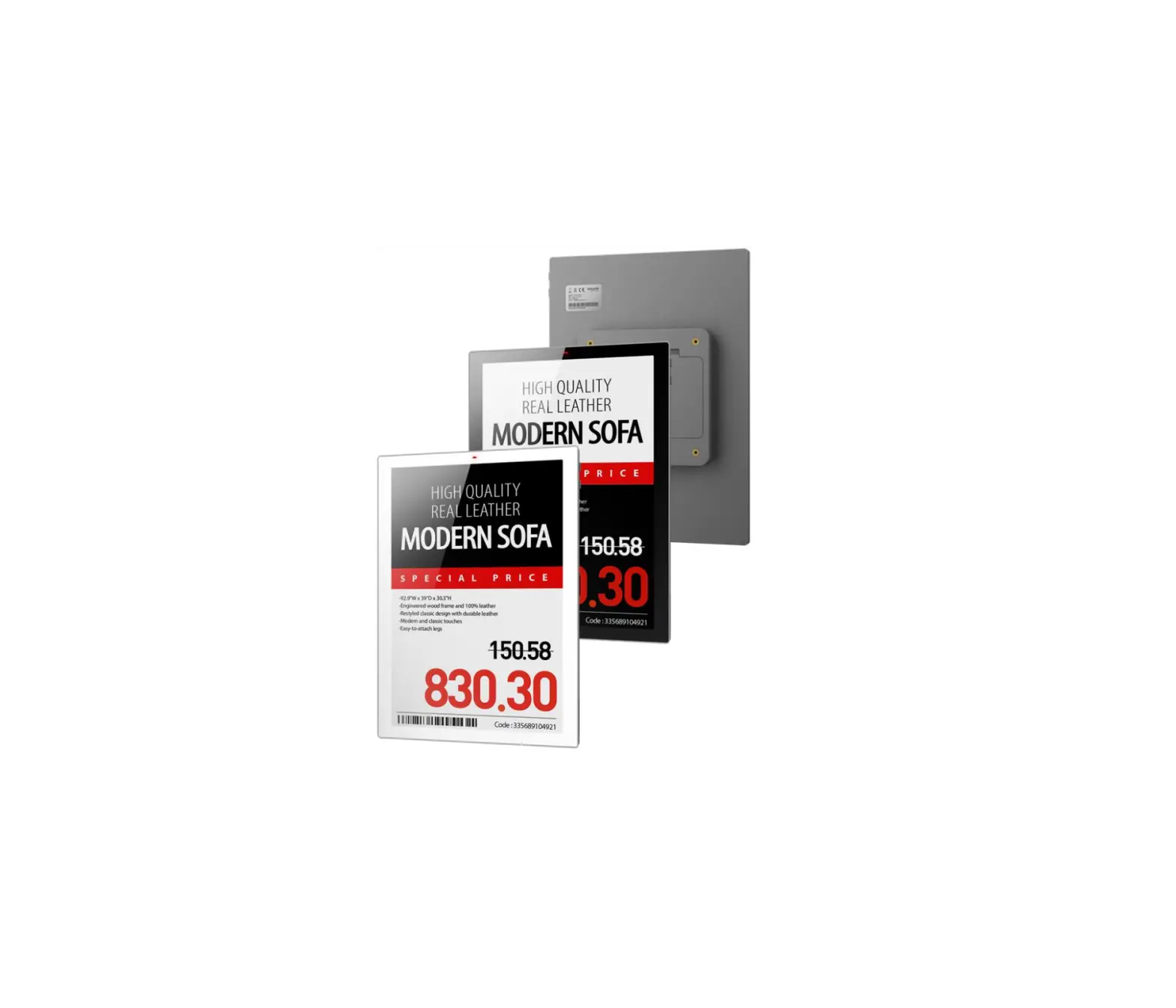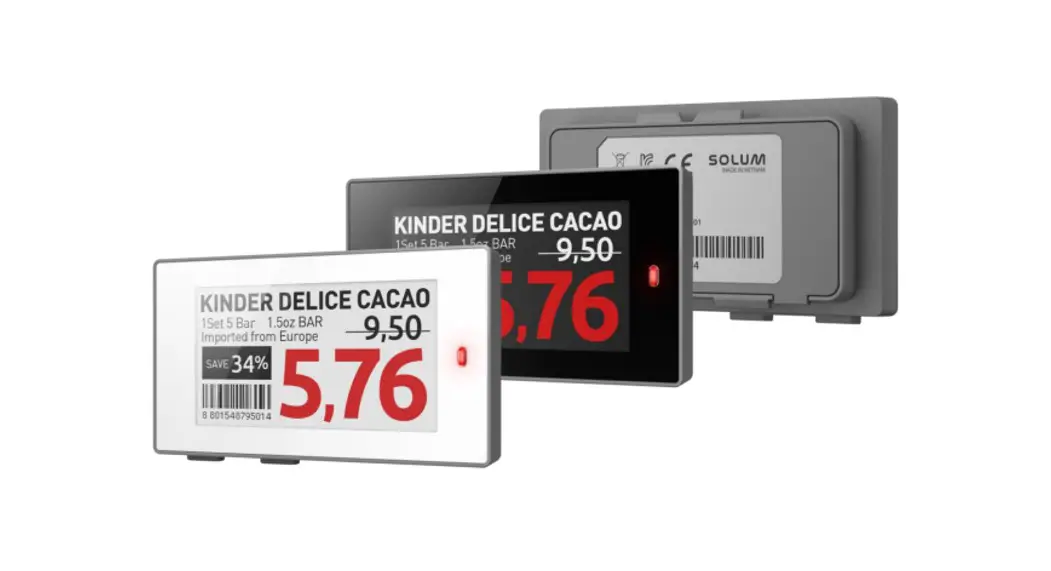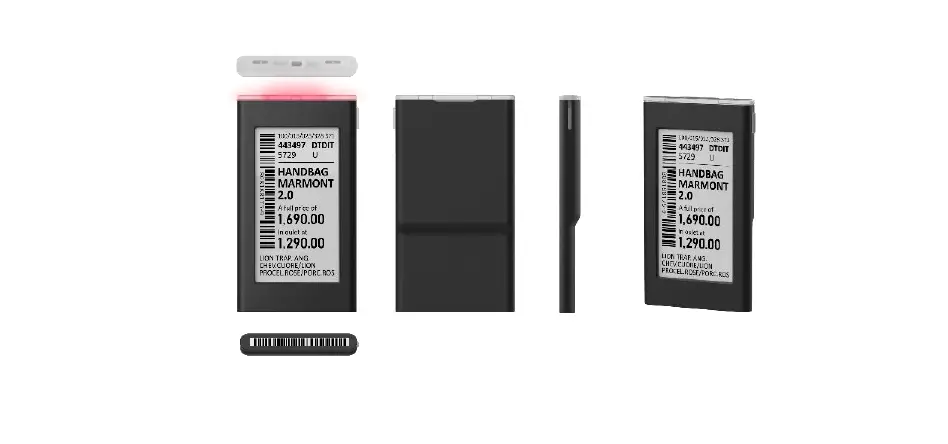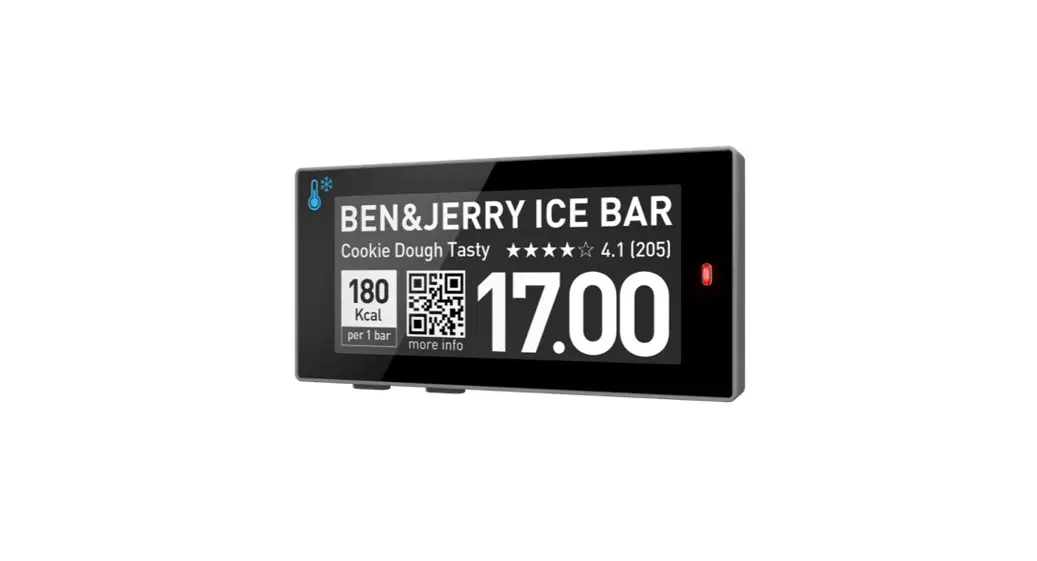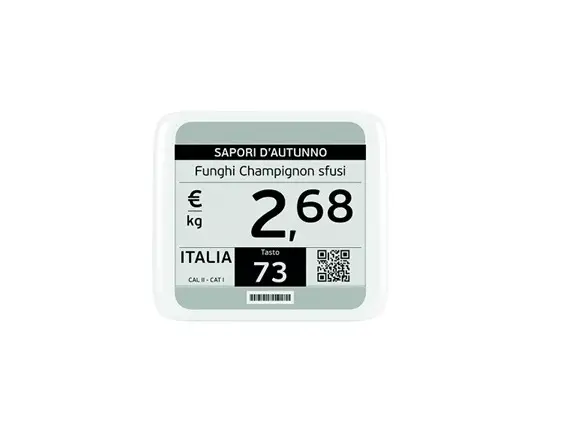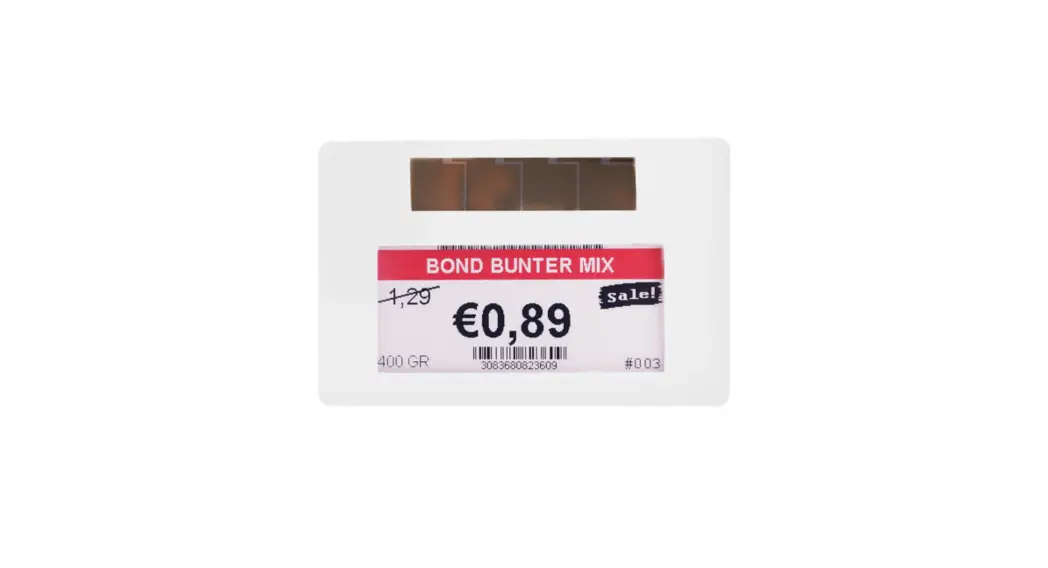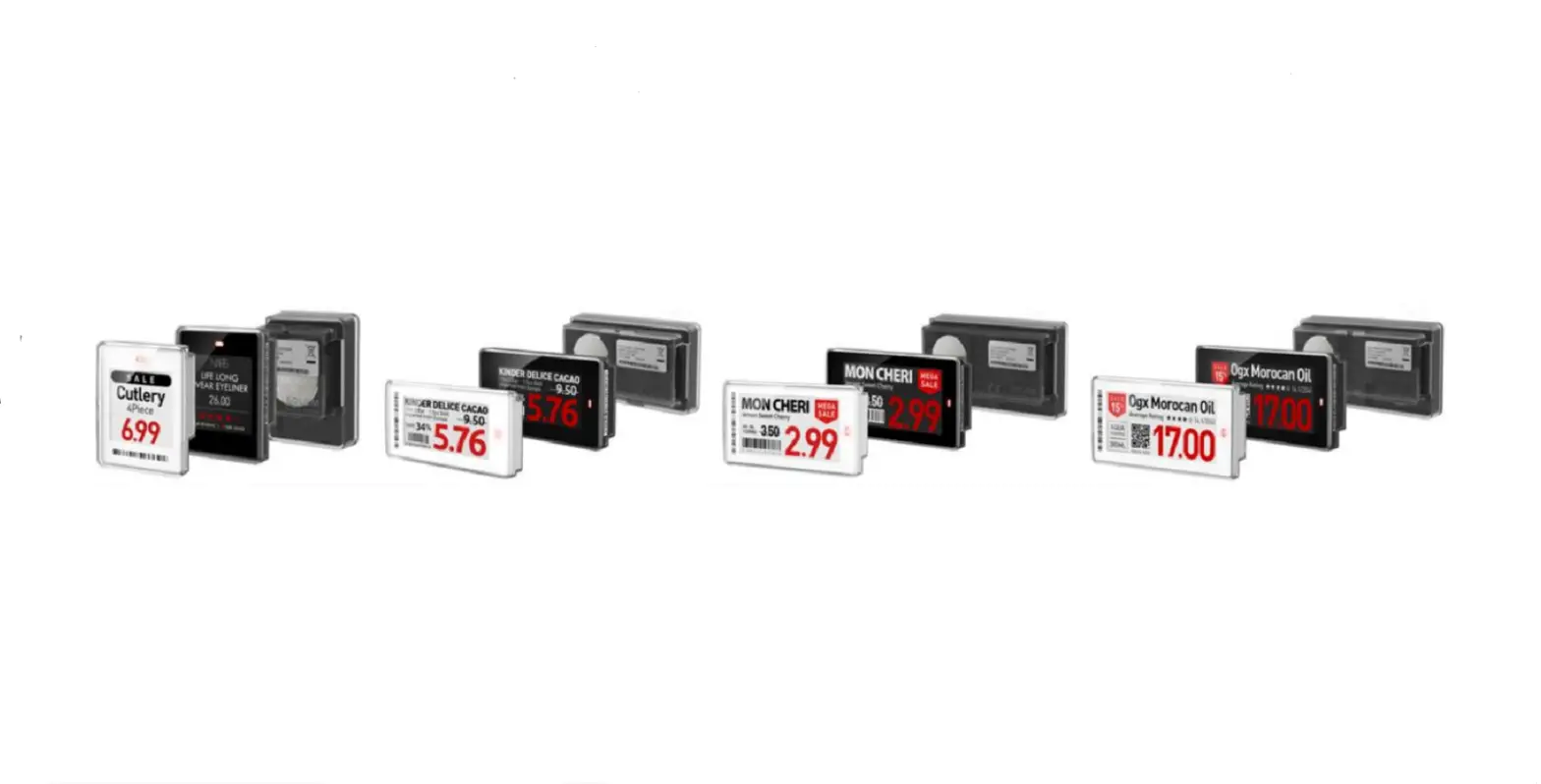

SOLUM NEWTON Electronic Shelf Labels

Product Information
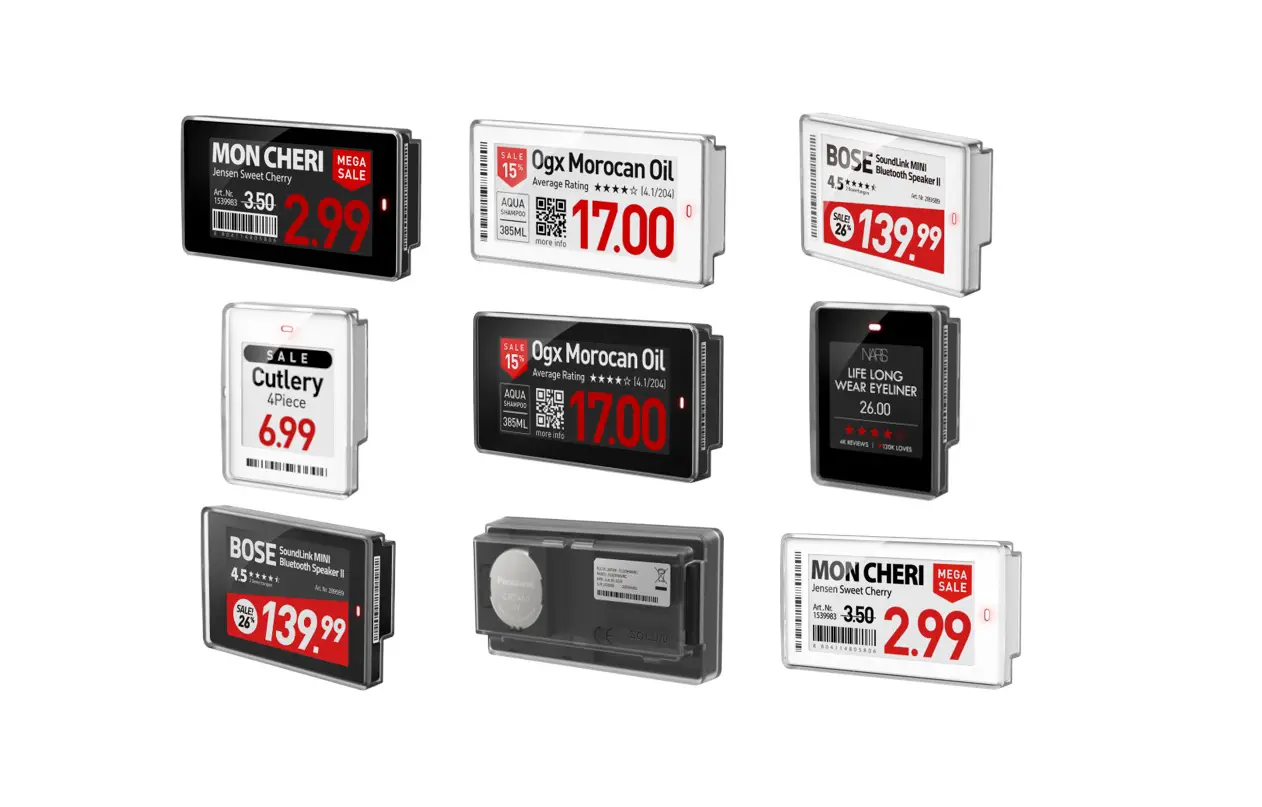
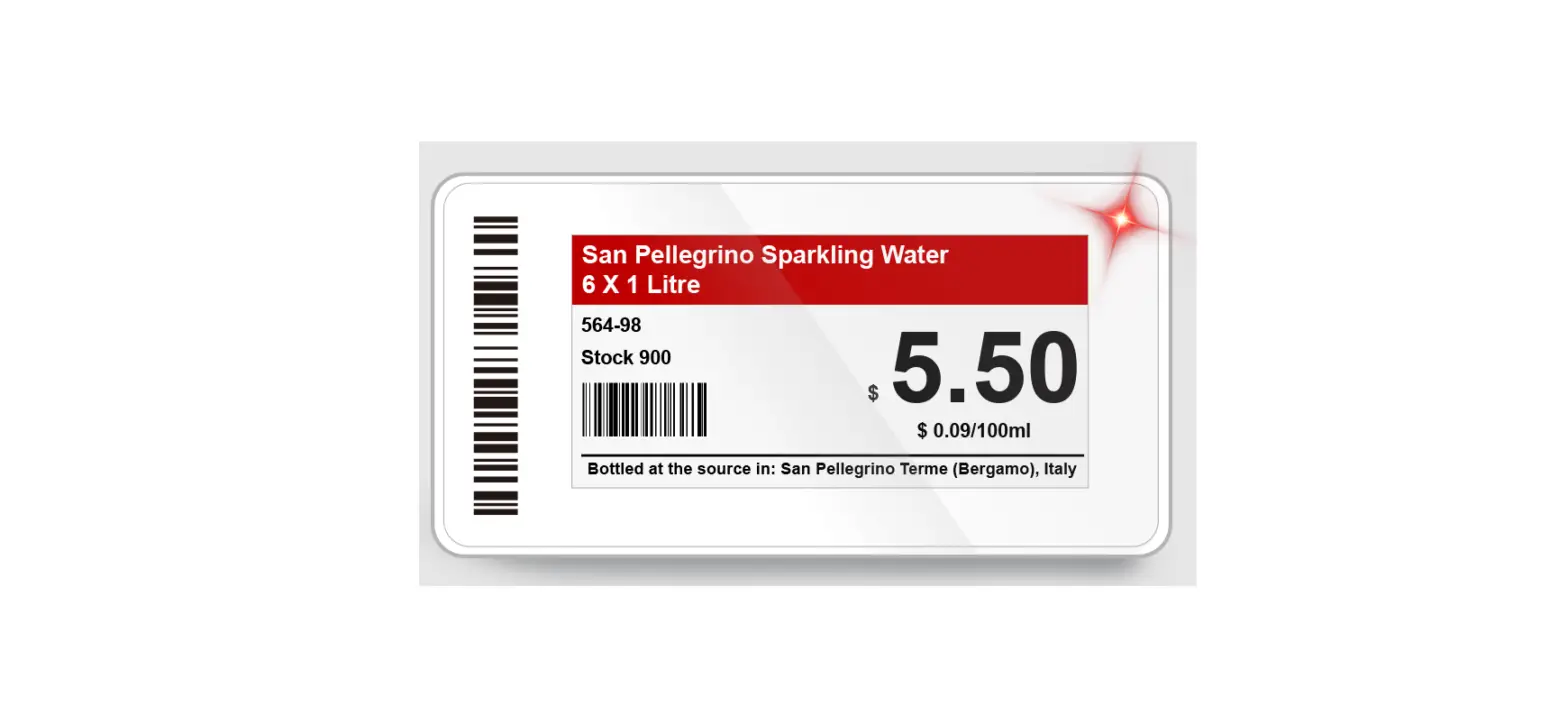
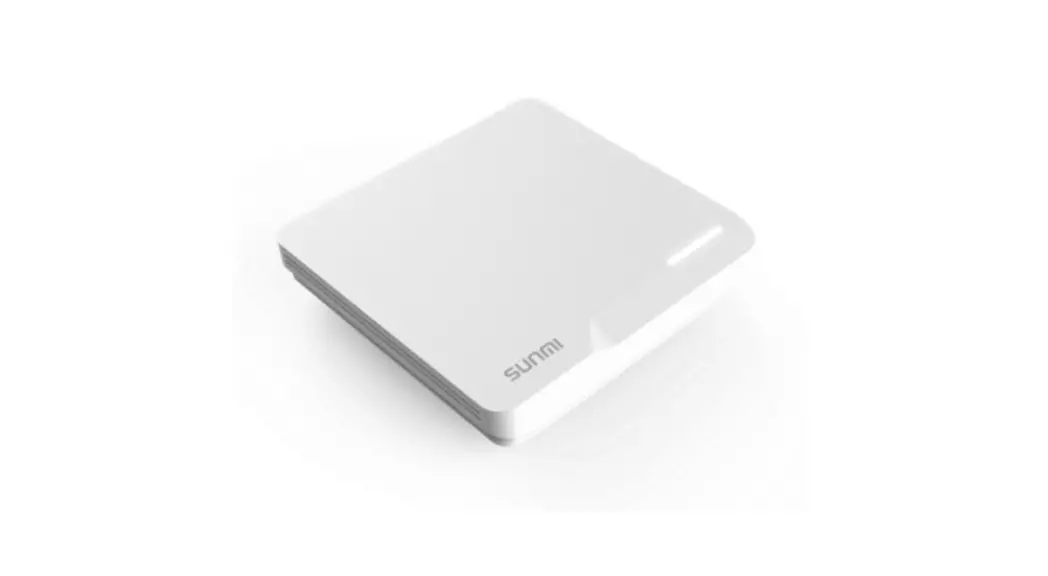
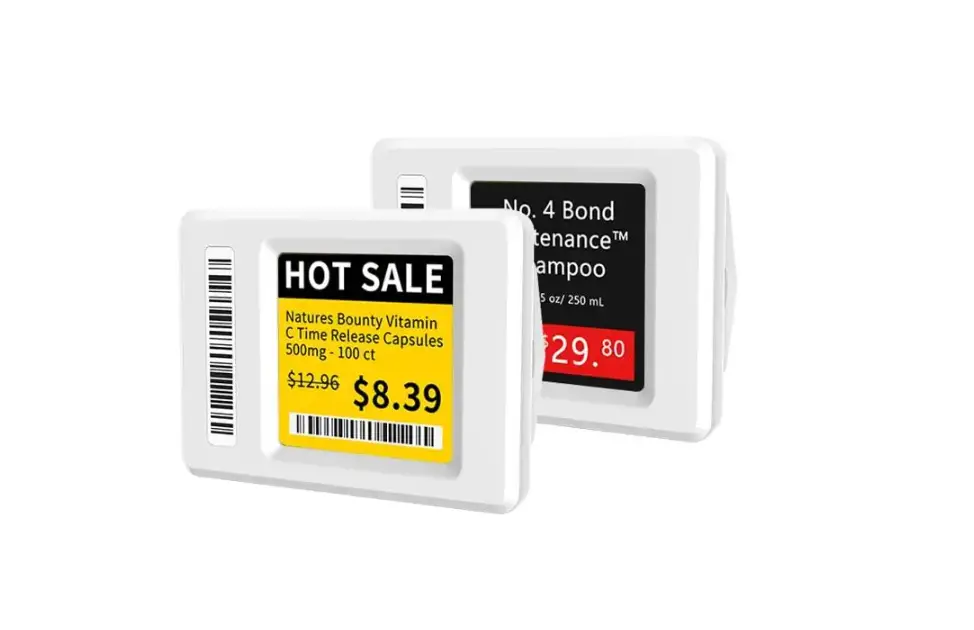
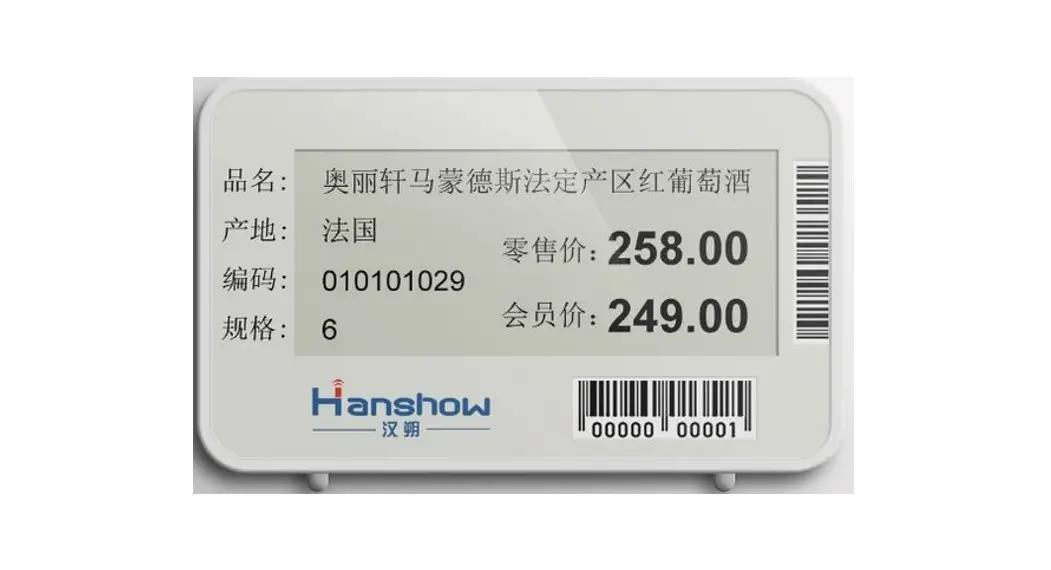
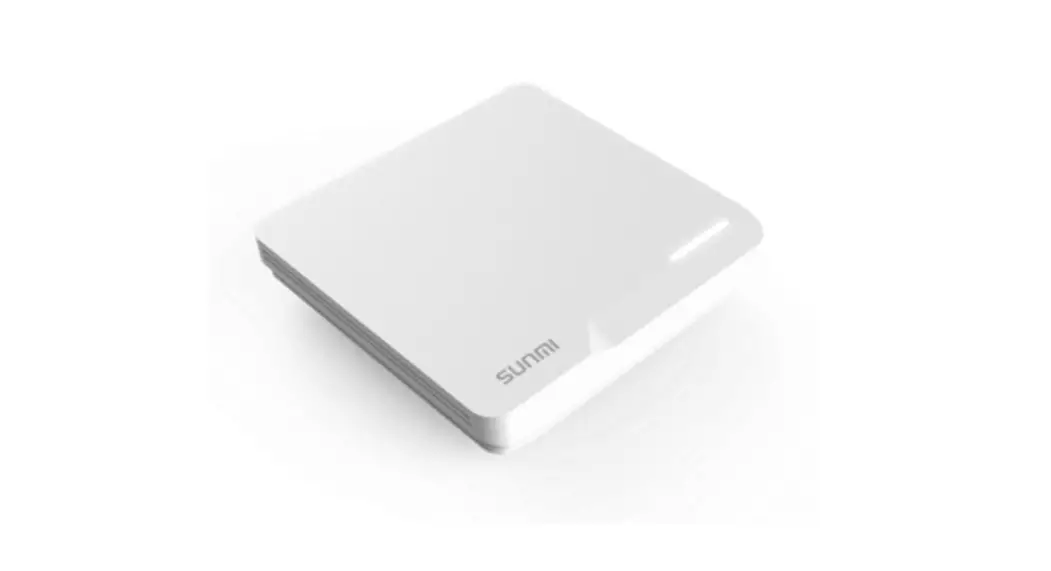
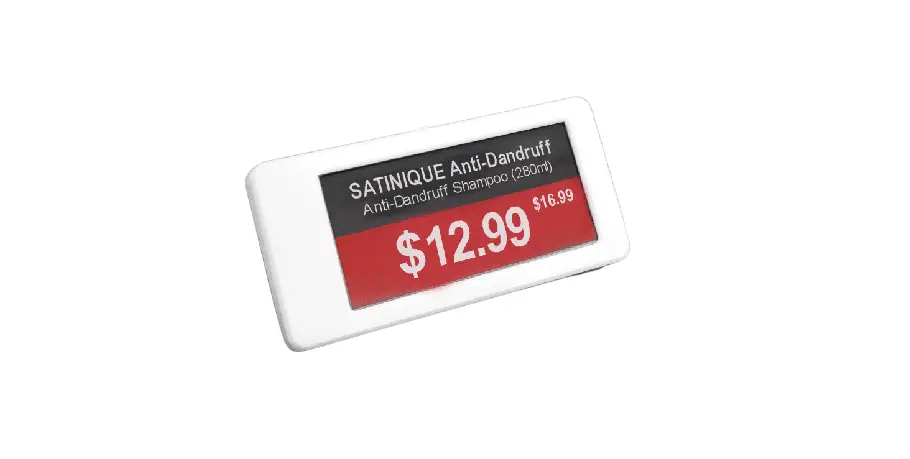
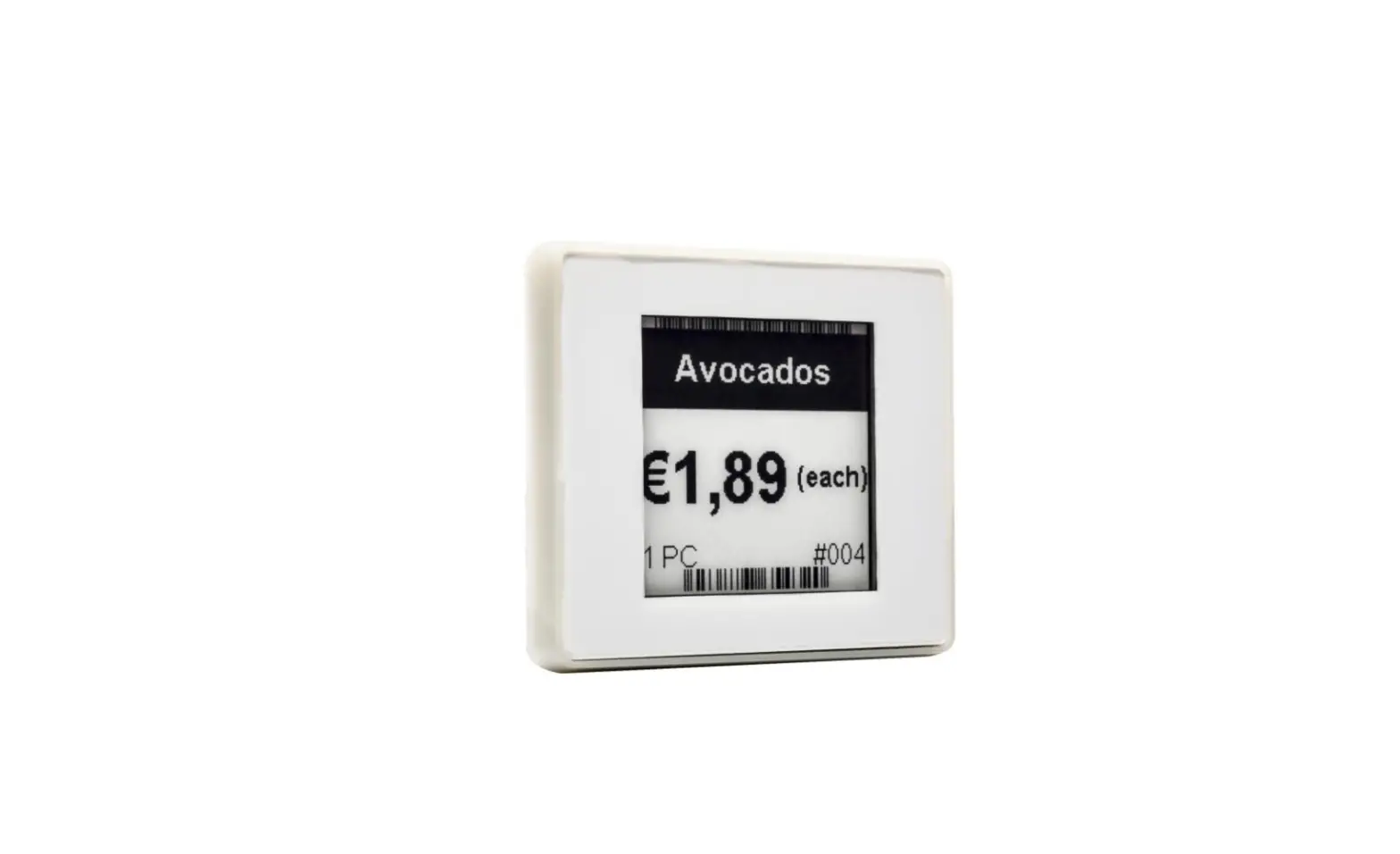
- The SOLUM NEWTON Electronic Shelf Labels (ESLs) are components to a total SOLUM’s ESL System. The system consists of the ESLs, Gateway(s), Server, and optional accessories (such as the Newton Remote Controller) and is used to electronically display key information such as price and product information that are traditionally printed or written on paper in environments like supermarkets, warehouses, and factories.
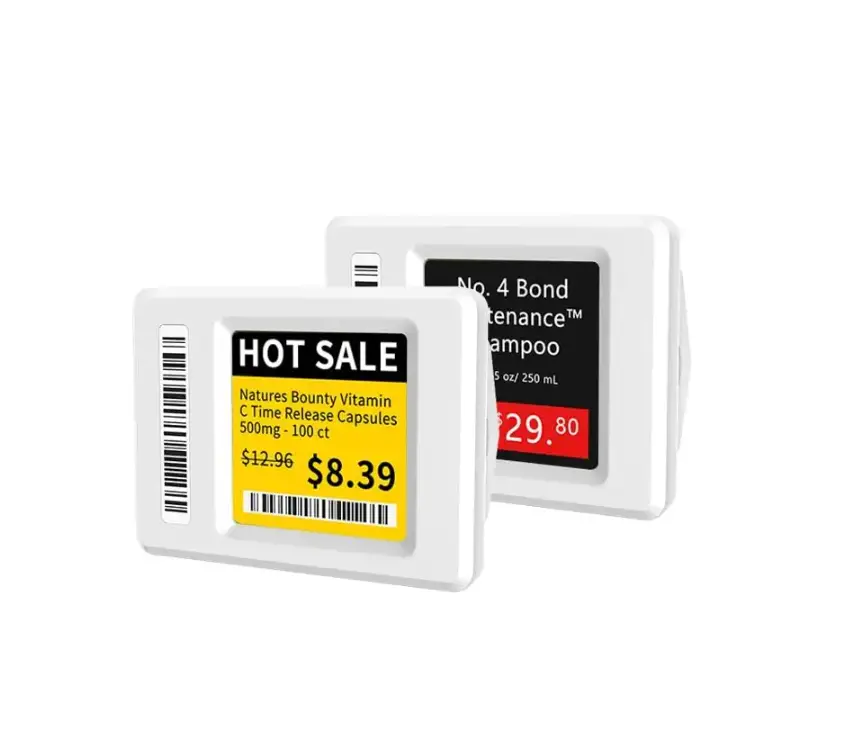
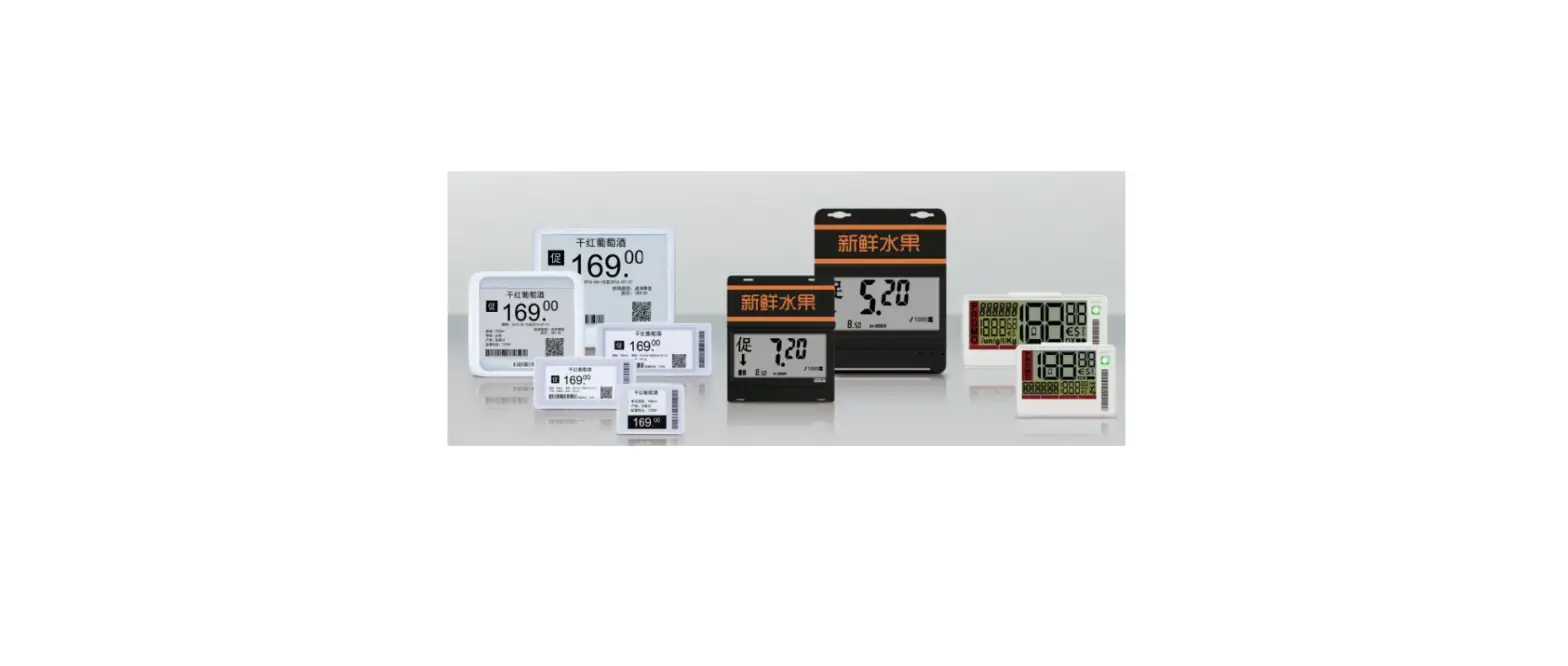
- SOLUM’s Newton ESLs are the industry-leading solutions that provide the longest battery life (up to 13 years), fastest update speed, built-in LEDs, built-in buttons, IP67 rating for rough environments, multiple pages per ESL, and more to take the operation beyond just displaying information on the ESLs. Newton ESLs come in various sizes and colors to meet all customer use cases. They are battery-powered for ease of deployment and wirelessly receive updates from SOLUM Gateway for.
Specification
This section details the specifications of each ESL by size. ESLs are identified by the diagonal measurement of the display in inches.
| Item | Description | Label Dimensions | Display Dimensions | Display Resolution | Label Weight | Viewing Angle | Display Colors | Battery | Wireless Communication | NFC | Model Name |
|---|---|---|---|---|---|---|---|---|---|---|---|
| 1.6 | ESL | 1.44 x 1.77 x 0.51 inches (36.7 x 45.0 x 13.1 mm) | 1.06 x 1.06 inches (27.0 x 27.0 mm) | 200 x 200 pixels (184 dpi) | 20.8g / 0.7oz | — | BW (black, white) | CR2450 Lithium Battery 1pcs | 2.4 GHz Unlicensed ISM band BLE physical layer with SOLUM proprietary protocol FeliCa NFC Forum Type 3 (13.56MHz) | Read Distance: 0.7 in /20 mm | Display Color Label (BW) |
| 2.2 | ESL | 2.64 x 1.47 x 0.51 inches (67.1 x 37.4 x 13.1 mm) | 1.89 x 1.02 inches (48.1 x 26.0 mm) | 296 x 160 pixels (156 dpi) | 33.2g / 1.1oz | — | BWR (black, white, red) | CR2450 Lithium Battery 1pcs | 2.4 GHz Unlicensed ISM band BLE physical layer with SOLUM proprietary protocol FeliCa NFC Forum Type 3 (13.56MHz) | Read Distance: 0.7 in /20 mm | Display Color Label (BW) |
| 2.6 | ESL | 3.12 x 1.66 x 0.51 inches (79.3 x 42.4 x 13.1 mm) | 2.36 x 1.20 inches (60.1 x 30.7 mm) | 360 x 184 pixels (152 dpi) | 36.6g / 1.4oz | — | BWY (black, white, yellow) | CR2450 Lithium Battery 1pcs | 2.4 GHz Unlicensed ISM band BLE physical layer with SOLUM proprietary protocol FeliCa NFC Forum Type 3 (13.56MHz) | Read Distance: 0.7 in /20 mm | Display Color Label (BW) |
| 2.9 | ESL | 3.38 x 1.62 x 0.51 inches (86.0 x 41.3 x 13.1 mm) | 2.66 x 1.16 inches (67.6 x 29.6 mm) | 384 x 168 pixels (144 dpi) | 43.4g / 1.6oz | — | BWY (black, white, yellow) | CR2450 Lithium Battery 1pcs | 2.4 GHz Unlicensed ISM band BLE physical layer with SOLUM proprietary protocol FeliCa NFC Forum Type 3 (13.56MHz) | Read Distance: 0.7 in /20 mm | Display Color Label (BW) |
*color options are not available for all sizes. See Section 3.XX for a full list of options.
Product Usage Instructions
- The SOLUM NEWTON Electronic Shelf Labels (ESLs) are used in supermarkets, warehouses, and factories to electronically display key information such as price and product information that are traditionally printed or written on paper.
- Before deploying the ESLs, it is necessary to set up the SOLUM’s ESL System consisting of the ESLs, Gateway(s), Server, and optional accessories such as the Newton Remote Controller. The system wirelessly updates the ESLs, and the battery-powered ESLs can be deployed with ease.
- It is important to note that freezer ESLs should only be used in freezer environments as they are designed to operate at lower temperatures than nominal ESLs.
- The built-in buttons and LEDs allow for easier navigation and interaction with the ESLs. The long battery life of up to 13 years ensures that the ESLs require minimal maintenance.
- To update the information displayed on the ESLs, wirelessly update the ESLs via the SOLUM Gateway. For NFC-enabled ESLs, bring the NFC enabled device within the read distance specified in the NFC specification section to update the information displayed.
General Description
- SOLUM NEWTON Electronic Shelf Labels (ESLs) are components to a total SOLUM’s ESL System.
- The SOLUM’s ESL System consists of the ESLs, Gateway(s), Server, and optional accessories (such as the Newton Remote Controller) and is used to electronically displays key information such as price and product information, that are traditionally printed or written on paper in environments like supermarkets, warehouses, and factories.
- SOLUM’s Newton ESLs are the industry leading solutions that provide the longest battery life (up to 13 years), fastest update speed, built in LEDs, built in buttons, IP67 rating for rough environments, multiple pages per ESL, and more to take the operation beyond just displaying information on the ESLs.
- Newton ESLs come in various sizes and colors to meet all customer use cases. They are battery powered for ease of deployment and wirelessly receive updates from SOLUM Gateway for.
Specification
This section details specification of each ESL by size. ESLs are identified by the diagonal measurement of the display in inches. For example, a 2.2” ESL is referring to an ESL with the diagonal display dimension of 2.2”.
Product Specification
| Item | Description |
|
Label Dimensions |
1.6”: 1.44 x 1.77 x 0.51 inches (36.7 x 45.0 x 13.1 mm) 2.2”: 2.64 x 1.47 x 0.51 inches (67.1 x 37.4 x 13.1 mm) 2.6”: 3.12 x 1.66 x 0.51 inches (79.3 x 42.4 x 13.1 mm) 2.9”: 3.38 x 1.62 x 0.51 inches (86.0 x 41.3 x 13.1 mm) |
| Display Dimensions | 1.6”: 1.06 x 1.06 inches (27.0 x 27.0 mm) 2.2”: 1.89 x 1.02 inches (48.1 x 26.0 mm) 2.6”: 2.36 x 1.20 inches (60.1 x 30.7 mm) 2.9”: 2.66 x 1.16 inches (67.6 x 29.6 mm) |
| Display Resolution | 1.6”: 200 x 200 pixels (184 dpi) 2.2”: 296 x 160 pixels (156 dpi) 2.6”: 360 x 184 pixels (152 dpi) 2.9”: 384 x 168 pixels (144 dpi) |
| Item | Description |
| Label Weight | 1.6”: 20.8g / 0.7oz 2.2”: 33.2g / 1.1oz 2.6”: 36.6g / 1.4oz 2.9”: 43.4g / 1.6oz |
| Viewing Angle | Nearly 180° |
|
Display Colors | BW (black, white) BWR (black, white, red) BWY (black, white, yellow) ** color options are not available for all sizes. See Section 3.XX for full list of options. |
|
Battery | Type and quantity of batteries defer based on ESL
CR2450 Lithium Battery 1pcs: 1.6”, 2.2”, 2.6”, 2.9” |
| Wireless Communication | 2.4 GHz Unlicensed ISM band BLE physical layer with SOLUM proprietary protocol FeliCa NFC Forum Type 3 (13.56MHz) |
| Communication Distance | 98 feet (30m) radius Line of Sight |
| Security | 128-bit AES Encryption |
| Compliance | FCC, CE, RoHS |
|
Operating Temperature | Nominal ESLs BWR: 32F ~ 104F (0C ~ 40C) @45~70% RH BWY: 32F ~ 86F (0C ~ 30C) @45~70% RH Freezer ESLs BW: -13F ~ 31F (-25C ~ 0C) *freezer ESL must be used in freezer enviroments |
| Storage Temperature | 32F ~ 104F (0C ~ 40C) @45~70% RH |
Radio (RF) Specification
| Item | Parameter | Specification | Unit | Condition | ||
| Min | Typ | Max | ||||
|
Tx | Tx Power | -3 | 0 | 4 | dBm | |
| [Carrier Frequency Offset and Drift] | -75 | 0 | 75 | kHz | ||
| Tx Current | – | 8 | mA | total current at max Tx Power | ||
| Rx | Receiver Sensitivity | -85 | – | – | dBm | PER < 5% |
NFC Specification
| Item | Parameter | Specification | Unit | Condition | ||
| Min | Typ | Max | ||||
|
NFC |
Read Distance | – | 0.7 | – | in | |
| – | 20 | – | mm | |||
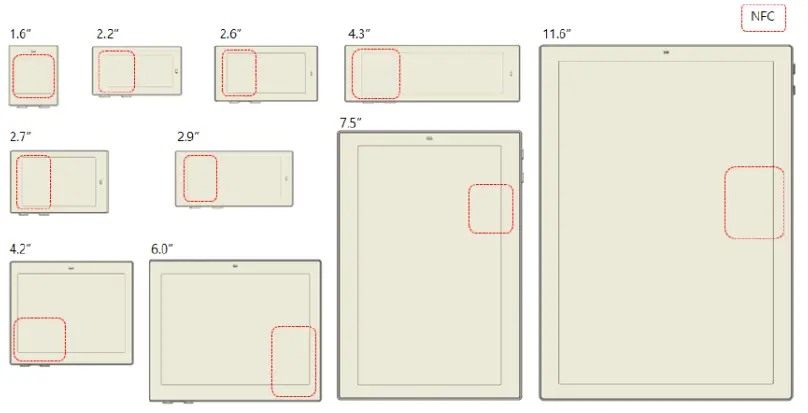
NFC antenna location shown for each ESL size.
Model Name
| Display Color Label (BW) | Display Color Label (BWR) | Display Color Label (BWY) | |
| 1.6” | EL016F4WRC | EL016F4WYC | |
| EL016F4BRC | EL016F4BYC | ||
| 2.2” | EL022F4WRC | EL022F4WYC | |
| EL022F4BRC | EL022F4BYC | ||
| 2.6” | EL026F4WRC | ||
| EL026F4BRC | |||
| 2.9” | EL029F4WRC | EL029F4WYC | |
| EL029F4BRC | EL029F4BYC |
Product Handling Precautions
- Provisions should be made to protect against any damage to the product caused by improper handling. The purchaser assumes any responsibility for damage to the product caused by improper handling.
- Product should be stored in 32F ~ 104F (0C ~ 40C) @45~70% RH environment and should be installed within 90 days of receipt.
Usage Environment
- Take extra caution when using this RF device in the vicinity of other electronic devices and appliances. Most electronic devices and appliances use electromagnetic waves. Electromagnetic waves emitted by this RF device can affect other electronic devices and appliances.
- If using the device in an explosion hazard area, follow all safety regulations, instructions, and signals.
Storage and Use
- Moisture and liquids can damage internal parts and circuit boards if allowed to enter into the device itself.
- Do not place or store the product on a sloped surface. The product may slide and fall off the surface and become damaged.
- Use the product in temperatures ranges of 0℃~40℃/32~104℉(BWR), 0℃~30℃/32~86℉ (BWY), or -25℃~0℃/-13~32℉ (Freezer). Parts and circuits may be damaged if operated or stored in extreme temperature.
- The display panel needs extra care during handling.
- Do not apply any impacts on the e-Paper display as it is fragile.
- Continuous exposure to excessive moisture (over 70% RH) or UV shortens display lifetime.
- Ghosting image may appear in temperature conditions of less than 15℃/59℉ for normal tags and -25℃/ -13℉ for freezer tags. (If ΔL* >2, we call it ghosting phenomenon)
- Avoid areas with strong magnetism or subject to magnetism. Contact between the device and a magnetic object can lead to malfunctions.
- Do not place the product near heat-producing kitchen appliances like a stove or a microwave or in the vicinity of highly pressurized containers.
- External impact to the product, such as from being dropped, can damage the product.
- Twisting and bending the product can damage the exterior casing and the internal components.
- If this product operates abnormally while removing battery or replacing battery, it needs to be discharged by contacting the battery terminals (+) and (-) in the product.
- This product uses the 2.4GHz frequency band for the wireless communication network. Radio communications can be limited or affected by other applications that share the same frequency band, such as WiFi, Bluetooth, Zigbee, etc.
- A prior investigation into the radio environment is strongly required for efficient and smooth installation.
- Frequent communications, updates and screen renewals may reduce battery life time.
- Low temperature environments may reduce battery life.
- FIFO (First In First Out)
Product Cleaning
For Spray Cleaning:
- Steps
- Lightly spray all surfaces and wait a few seconds.
- Gently wipe clean using a cloth or tissue.
- Let the labels dry.
- Notes:
- Use mild, non-alcoholic detergents or glass cleaner.
- Recommend non-abrasive cloths: Microfiber, Cotton T-shirt, Cotton handkerchief, Cotton tea towel
For Wet Tissue Cleaning:
- Steps
- Stand or lay down the labels.
- Wipe using wet tissues.
- Let the labels dry


Battery Replacement
Audience
- Authorized personnel with the following knowledge are allowed to replace the battery: Battery / Electronic assemblies (e.g. circuit board) / Compliance with the instruction
- Note: Warranty is voided if battery is replaced by unauthorized personnel. (When batteries require replacement, please contact the authorized personnel)
Instructions
- Risk of short circuit if battery is incorrectly installed/stored.
- Check that hands are dry before and at all times during the replacement process.
- Keep batteries away from children and infants.
- Do not heat, charge, bend, drop, short-circuit and/or disassemble battery.
- Do not mix together used and new batteries or different battery types.
- Note: Battery rarely has minor stain or leak.
Steps
- Open the battery cover.
- Take out the batteries.
- Put in the new batteries.
- Check the batteries direction.
- Put back in the battery cover.
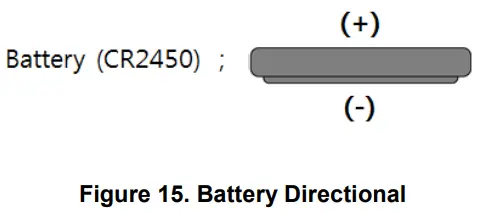
Battery Directional
- Top: (+) Positive
- Bottom: (-) Negative

Battery Handling Guide
Avoiding hazards in lithium battery handling
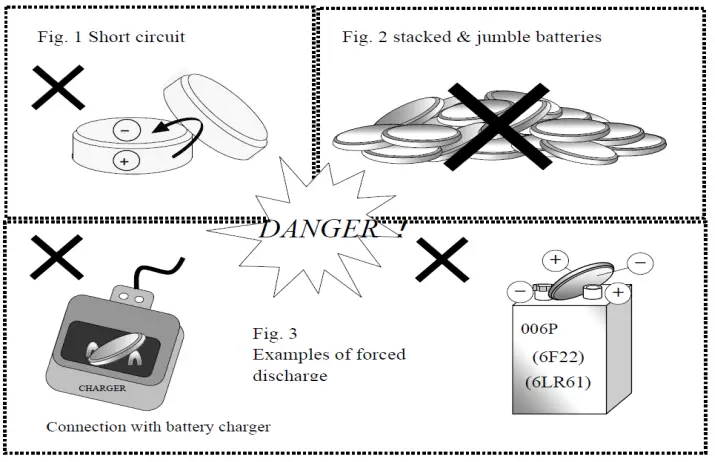
- Do not short circuit (Fig. 1)
- Direct connection of plus (+) and minus (-) poles may result in leakage, heat generation, explosion and/or fire.
- Do not store and/or carry batteries with metallic items, such as a necklace.
- Do not stack and/or jumble batteries (Fig. 2)
- Stacked and/or jumbled batteries may cause a short circuit and/or forced discharge from contact with other batteries.
- This may result in leakage, heat generation, explosion and/or fire.
- Do not make forced discharge batteries (Fig. 3)
- On a forced discharge by an external power source, the battery voltage goes to negative and this causes gas generation in inside of the battery.
- This may result in leakage, heat generation, explosion and/or fire.

- Do not dispose of batteries in fire
Disposal of batteries in fire is extremely dangerous with a risk of explosion and violent flaring. - Do not heat batteries
Heating batteries above 100℃/212°F may damage the resin in crimping, separator and other parts, potentially causing an electrolyte leak, internal short circuit, fire and/or explosion. - Do not solder directly onto batteries
Direct soldering onto batteries may damage the resin in crimping, separator and other parts, potentially causing an electrolyte leak, internal short circuit, fire and/or explosion. - Do not recharge batteries
Recharging of batteries may result in internal gas generation, causing electrolyte leak, battery swelling, fire and explosion. - Do not disassemble batteries
- Disassembly of batteries may generate gas that may irritate your throat.
- Lithium may also react with moisture to generate heat and fire.
- Do not deform batteries
Applying extreme pressure to batteries may cause deformation of the crimping and internal short circuit, causing electrolyte leak, battery swelling, fire and explosion. - Do not mix different type batteries
- For some applications, mixing different types of batteries or new and old batteries, can cause an overdischarge due to differences in voltage and discharge capacities.
- This may lead to the risk of swelling and/or explosion.
- Do not insert batteries with opposite polarity
- For some applications, battery insertion with opposite polarity (reverse insertion of plus and minus) may result in leakage, heat generation, explosion and/or fire.
- Please ensure the above precautions are strictly observed by related divisions including production, warehouse, product technology, sales, quality, customer stores, S/I companies, part-time workers, and external service companies.
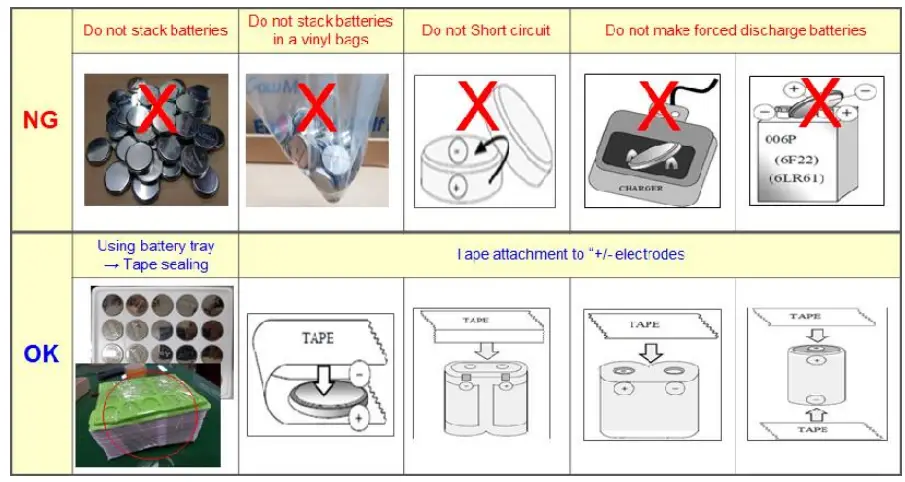
Proper Storing and Disposing of Lithium Batteries
- To minimize risk of fire and explosion of batteries, be sure to follow the instructions below.

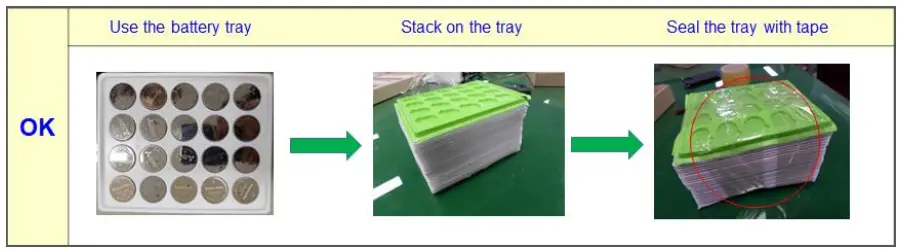
- Proper use of battery tray is outlined below.
With batteries properly placed into each tray slot stack the trays in the same orientation use an empty tray on the top stack tape the stack together to avoid falling apart.
- Follow local regulations for proper battery disposal guideline
FCC
FCC Information to User
- This equipment has been tested and found to comply with the limits for a Class B digital device, pursuant to Part 15 of the FCC Rules. These limits are designed to provide reasonable protection against harmful interference in a residential installation. This equipment generates, uses and can radiate radio frequency energy and, if not installed and used in accordance with the instructions, may
cause harmful interference to radio communications. However, there is no guarantee that interference will not occur in a particular installation. If this equipment does cause harmful interference to radio or television reception, which can be determined by turning the equipment off and on, the user is encouraged to try to correct the interference by one of the following measures:- Reorient or relocate the receiving antenna.
- Increase the separation between the equipment and receiver.
- Connect the equipment into an outlet on a circuit different from that to which the receiver is connected.
- Consult the dealer or an experienced radio/TV technician for help.
- Caution
THE GRANTEE IS NOT RESPONSIBLE FOR ANY CHANGES OR MODIFICATIONS NOT EXPRESSLY APPROVED BY THE PARTY RESPONSIBLE FOR COMPLIANCE. SUCH MODIFICATIONS COULD VOID THE USER’S AUTHORITY TO OPERATE THE EQUIPMENT.
IMPORTANT NOTE : FCC RF Radiation Exposure Statement - This equipment complies with FCC RF radiation exposure limits set forth for an uncontrolled environment.
- This equipment should be installed and operated with a minimum distance of 20 centimeters between the radiator and your body. This transmitter must not be co-located or operating in conjunction with any other antenna or transmitter.
- This device complies with part 15 of the FCC Rules. Operation is subject to the following two conditions:
- This device may not cause harmful interference
- this device must accept any interference received, including interference that may cause undesired operation of the device.
ISED
ISED Information to User
This device complies with Industry Canada’s licence-exempt RSSs. Operation is subject to the following two conditions:
- This device may not cause interference
- This device must accept any interference, including interference that may cause undesired operation of the device
CE
- We hereby declare under our sole responsibility that the electrical product above is in compliance with the essential requirements of the Radio Equipment Directive (2014/53/EU) by application of
- EN 60950-1:2006+A11:2009+A1:2010+A12:2011+A2:2013
- EN 62479:2010
- EN 301 489-1 V2.2.0
- EN 301 489-17 V3.2.0
- EN 300 328 V2.2.2 and the Directive (2011/65/EU) on the restriction of the use of certain hazardous substances in electrical and electronic equipment by application of EN 62321 Series.
Traceability
- EL016F4WRC
- SOLUM CO., LTD
- A-Tower 6th Floor, 357 Guseong-ro, Giheung-gu, Yongin-si, Gyeonggi-do, Republic of Korea, 16914
 Redirect Notice