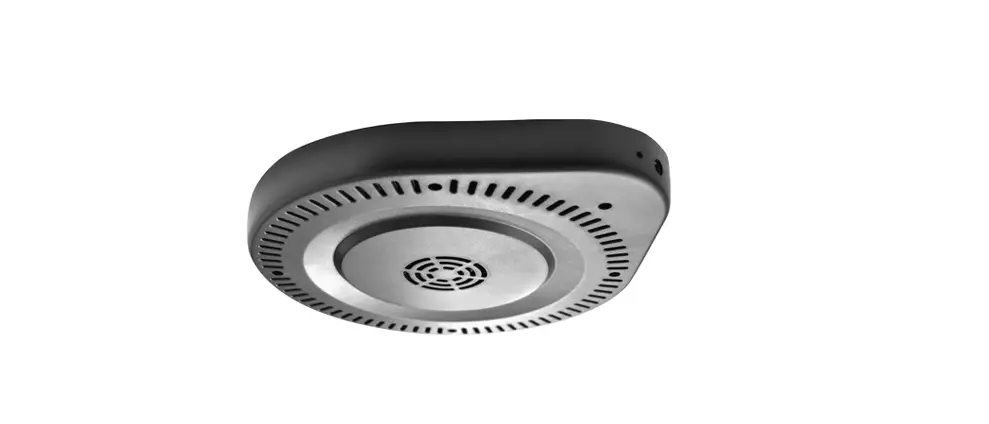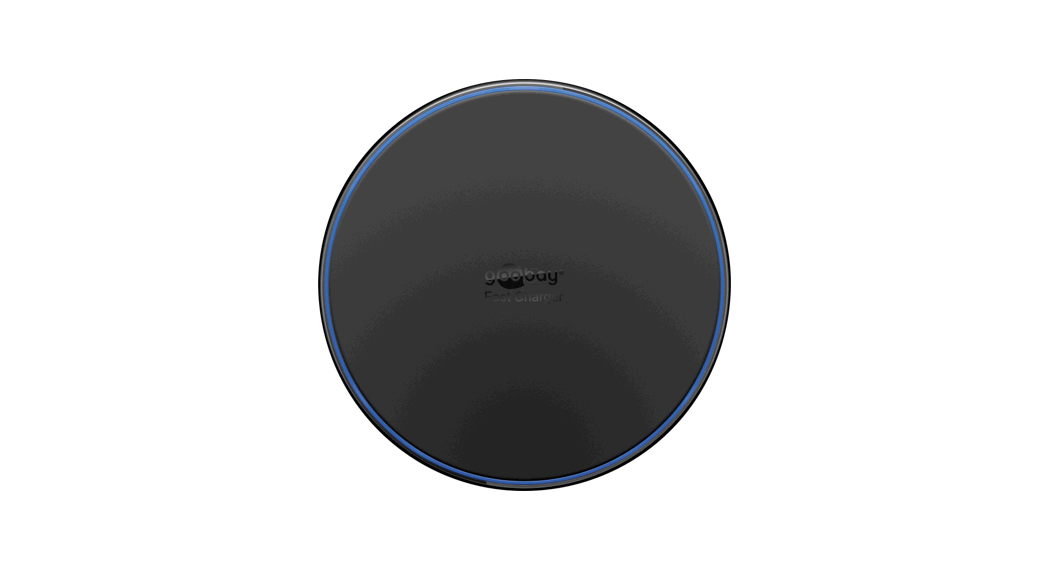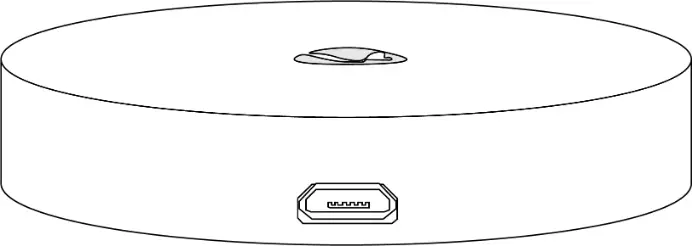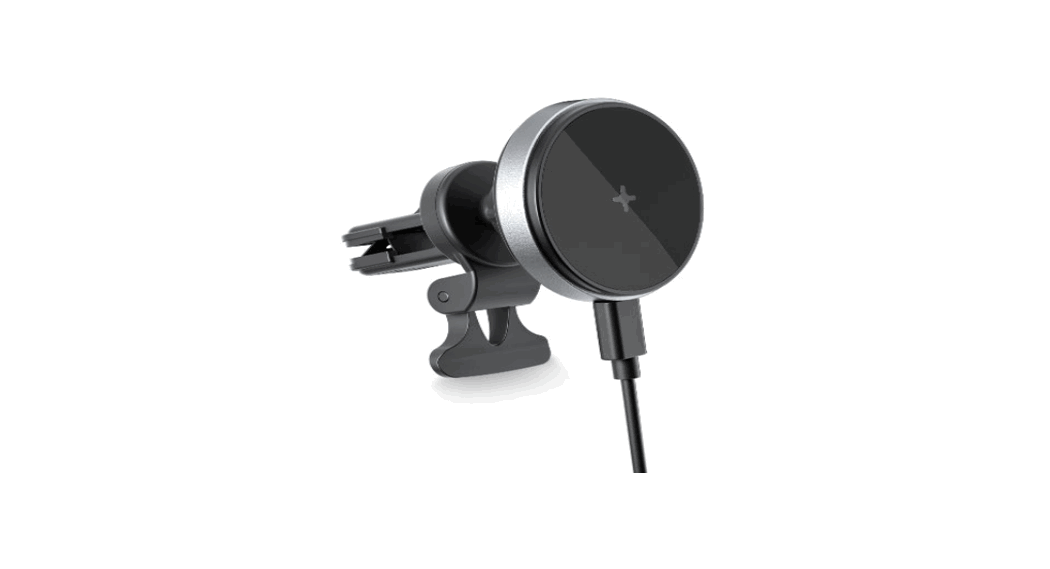
namron 1510601 Long Distance Wireless Charger User Manual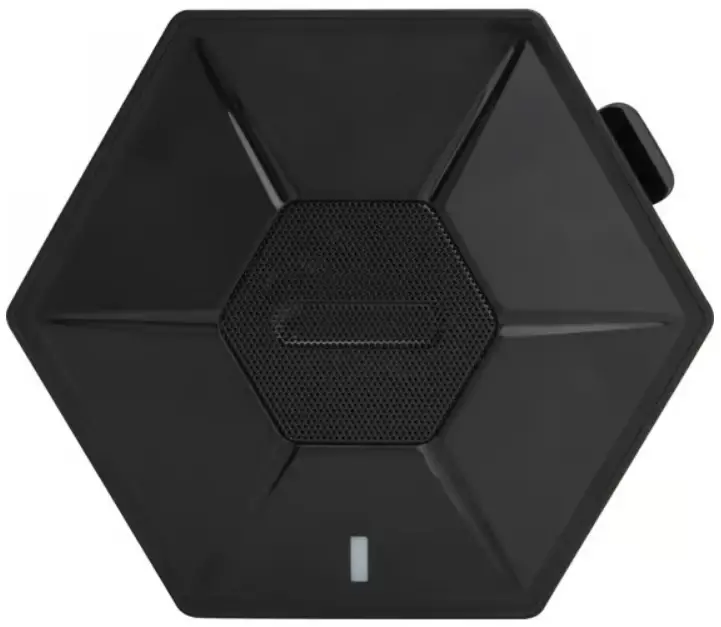
Product Introduction
The wireless charger transmitter compatibly for Qi standard device.
Charging distance can reach to 33mm maximum, which can be set below wood, marble, glass and acrylic desktop.
It supports QI wireless charger mobile phones such as iPhone, Samsung, Huawei, LG, MI, etc.
Match with the Receiving Coil for better charging experience.
Specification
| Name | Long Distance Wireless Charger |
| Input | 29V 1A |
| Wireless Output | 10W Max |
| Charging Distance | 15-33mm (coil to coil distance) |
| Charging Area | Φ40mm |
| Working Frequency | 110-205kHz |
| Dimension | 135x118x22mm |
| Protection | FOD, OTP,OVP,OCP |
| Material | ABS+PC |
| Color | Black |
Packing List
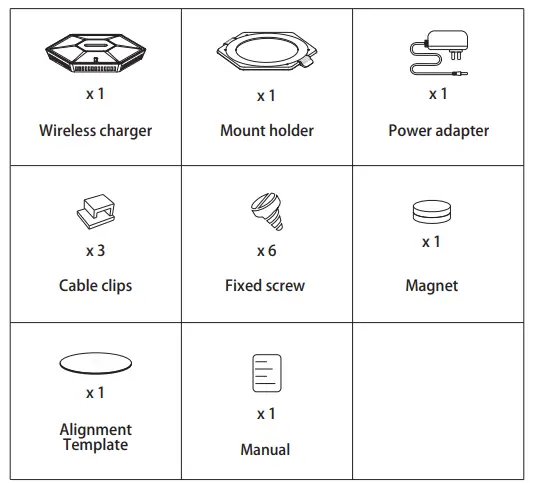
Optional
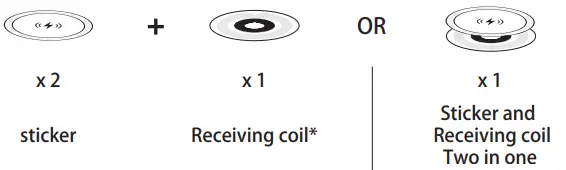
Function of the receiving coil* :
- Mark the charging position
- Improve the charging distance and efficiency
We recommend iPhone 12 series user to install the receiving coil, or the charging distance could only be 24mm.
Installation Steps
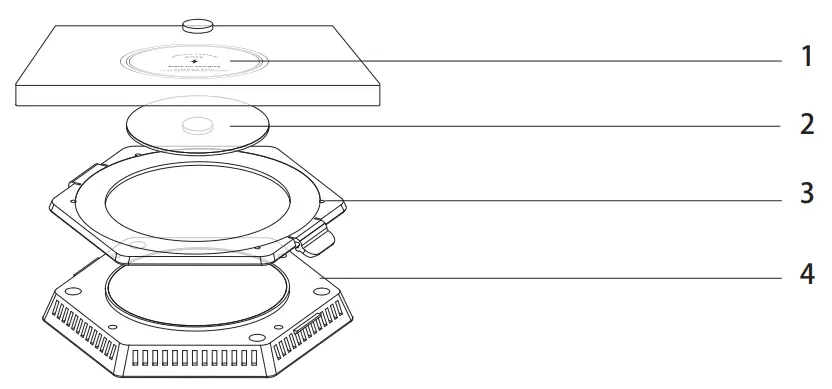
Installation Steps
- Select the position for pasting the sticker or the receiving coil. Place one magnet on the central.
- Put the alignment template beneath the table and align the magnet with the alignment magnet.
- Stick the mount. Fix the screws if needed.
- Lock the charger into the mount.
- Fix the cable clips if needed.
- Connect the plug, then charging can start.
Display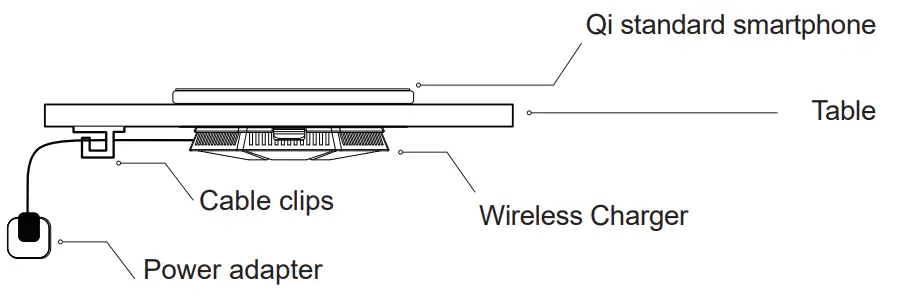
Product Light Indication
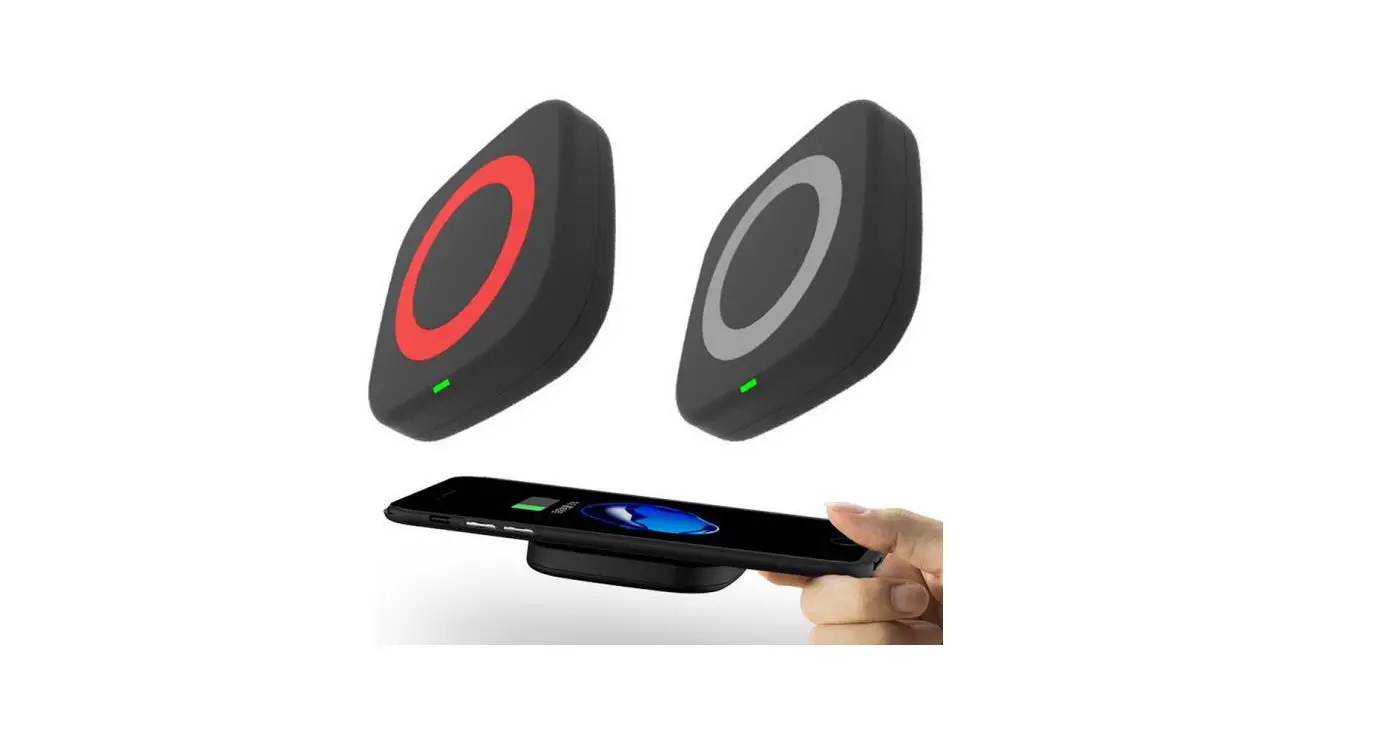
| Indicator light Color | Red | Green | Flashing Red |
| Condition | Standby | Charging | FOD |
Cautions
- Install the charger according to the instruction.
- Do not install the charger under any metal desk.
- Do not place any metal objects, credit card and ID cards on the charging area. Or it might activate the FOD function and cause the device display flashing situation.
- Keep away from humidity and heat.
- The working temperature should be 0-30°C
10-25°C is best working temperature). - Do not cover the fan when using.
- Do not try to disassemble, repair or remold the product by yourself.
- Unplug this device when unused for long periods of time.
- Do not drop, squeeze or puncture the device.
- Cut off the power before cleaning the charger.
- Keep it beyond the reach of children.
- Please use the original adapter to ensure the charging effects. Cautions Product Light Indication Indicator light Color Red Green Condition Standby Charging Flasing Red FOD
- Only supports Qi standard wireless charging mobile phones.
- Charging time depends on battery capacity, phone input specifications, current phone energy consumption, phone position on the wireless charger, charging distance, etc.
- If mobile phones cannot be charged due to other factors, please move the phone out of the charging area and try again.