 45654, 45655 Fast Wireless Charger
User Manual
Fast Wireless Charger
Specifications
| Article number | 45654 / 45655 |
| Connections | Micro USB 2.0 socket, Wireless charging interface |
| Input | 5 V  , 2 A or 9 V , 1.67 A max. (Power supply needs min. 2 A) , 2 A or 9 V , 1.67 A max. (Power supply needs min. 2 A) |
| Output | 5V , 1A or 9V , 1.2A max. (induction) |
| Max. power output | 10 W |
| Compatibility | All devices supporting the Qi standard for inductive charging |
| Frequency band | 110 -205 kHz |
| Cordless charging distance | 3-8 mm |
| Minimum distance to medical devices | 20 cm |
| Dimensions | Ø 100 x 8 mm |
| Weight | 57 g |
| Operating conditions | -10 ~ +60°C | 25-70 % RH |
| Storing conditions | -10 ~ +50°C | 10-80 % RH |
| Protection against | overload, overvoltage, overtemperature, short circuit, Foreign Object Damage (FOD) |
| USB charging cable | |
| Connections | Micro USB plug, USB-A plug |
| Cable length | 1 m |
| Weight | 23 g |
Symbols used
| For indoor use only | IEC 60417- 5957 |  |
| Direct current | IEC 60417- 5031 | |
Wireless Quick Charger
- Do not short-circuit connectors and circuits. Do not operate a device if it is not in working order. In such cases, it must be secured against unintentional further use.
- Use product, product parts and accessories only in perfect condition.
- In case of questions, defects, mechanical damage, trouble and other problems, non-recoverable by the documentation, contact your dealer or producer.
- Avoid stresses such as heat and cold, moisture and direct sunlight, microwaves, vibrations and mechanical pressure. Not meant for children. The product is not a toy!
- Secure packaging, small parts and insulation against accidental use.
Heat storage
Heat is generated during inductive charging.
- Make sure that there are no metal parts on the back of your device (e.g. metal cover, metal plate for magnetic holder).
Metal heats up strongly in the induction field and can cause damage to the product or your end device. - Do not cover the product.
Magnetism
The product contains magnetic materials.
- Consult a medical professional before you use the product to make sure it is compatible with implanted medical devices.
- Maintain a minimum distance of 20 cm from medical devices.
- Do not operate and/or store the product near credit, debit or other bank cards.
Tripping hazard
- Install the product so that no persons or property can be injured or damaged, e.g. by falling, tripping or the like.
Description and function
2.1 Product
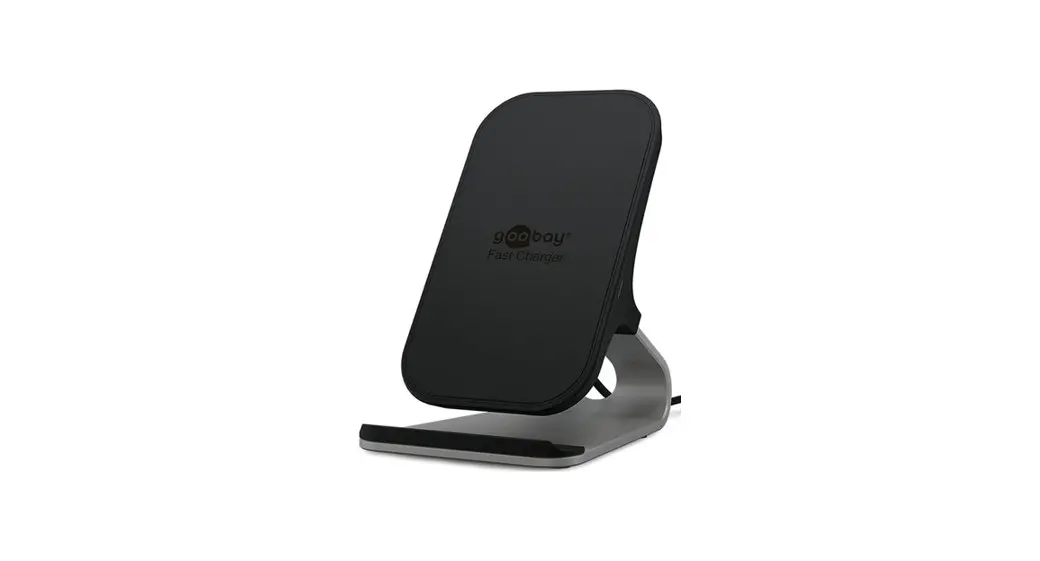
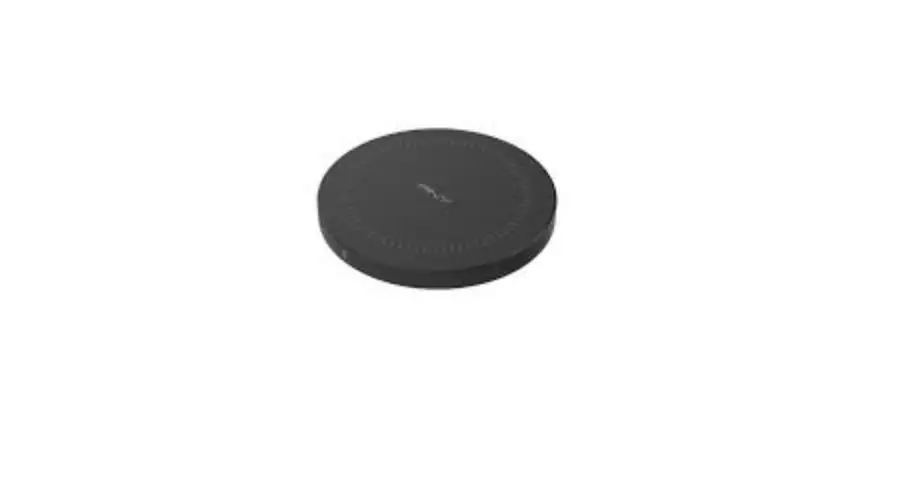
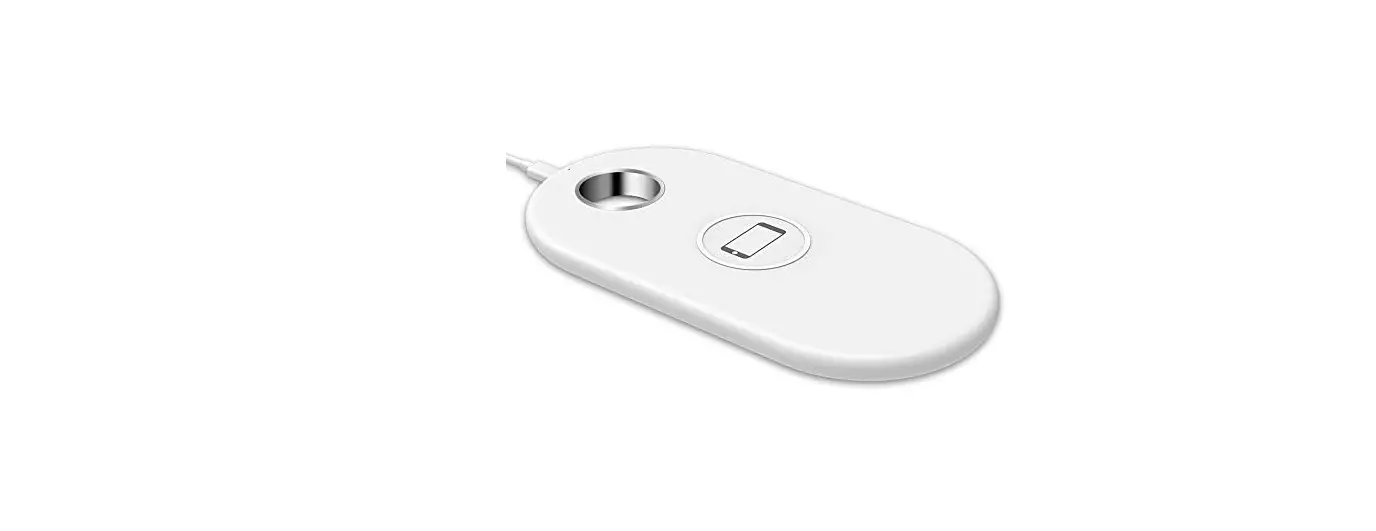
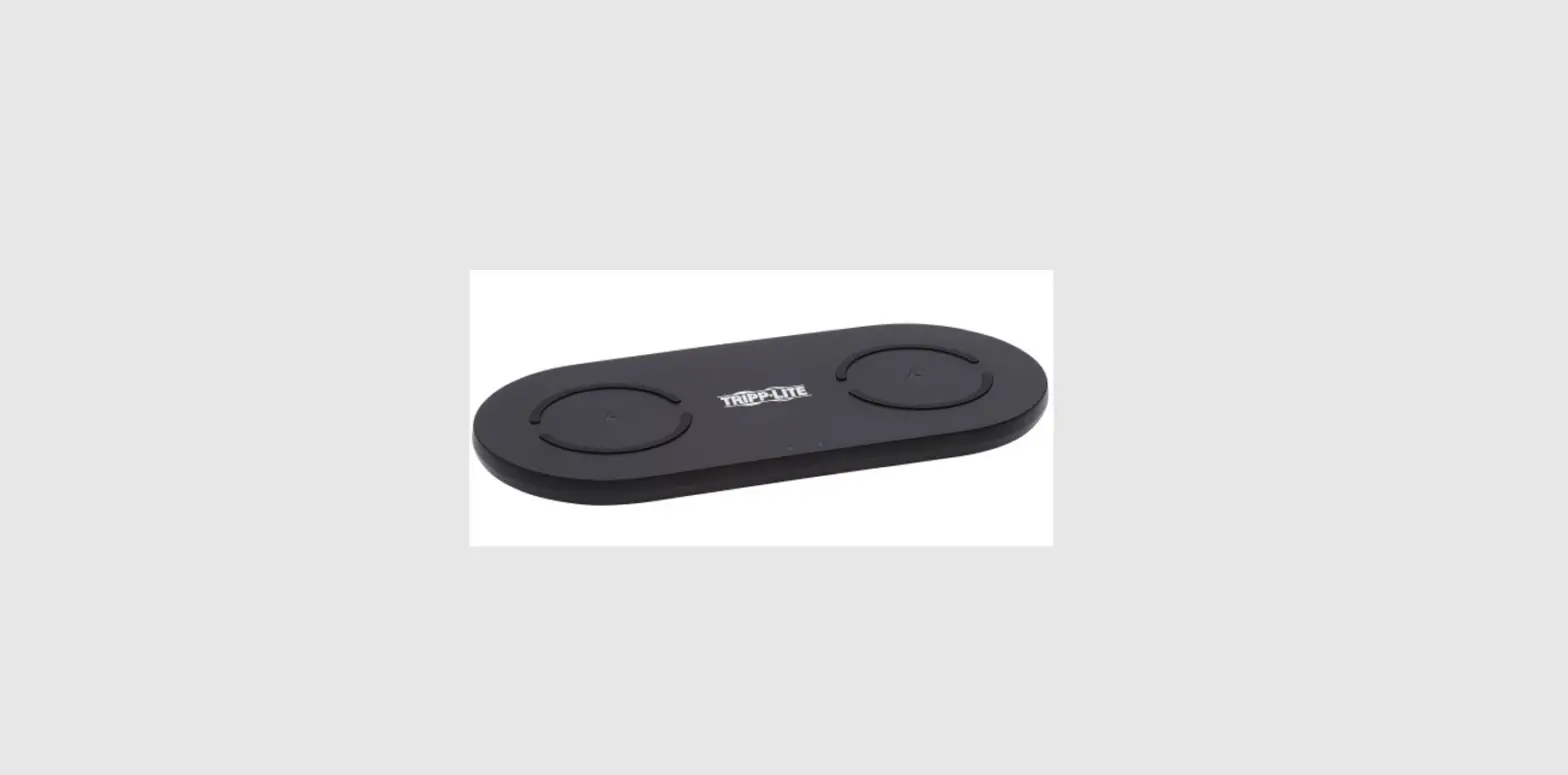
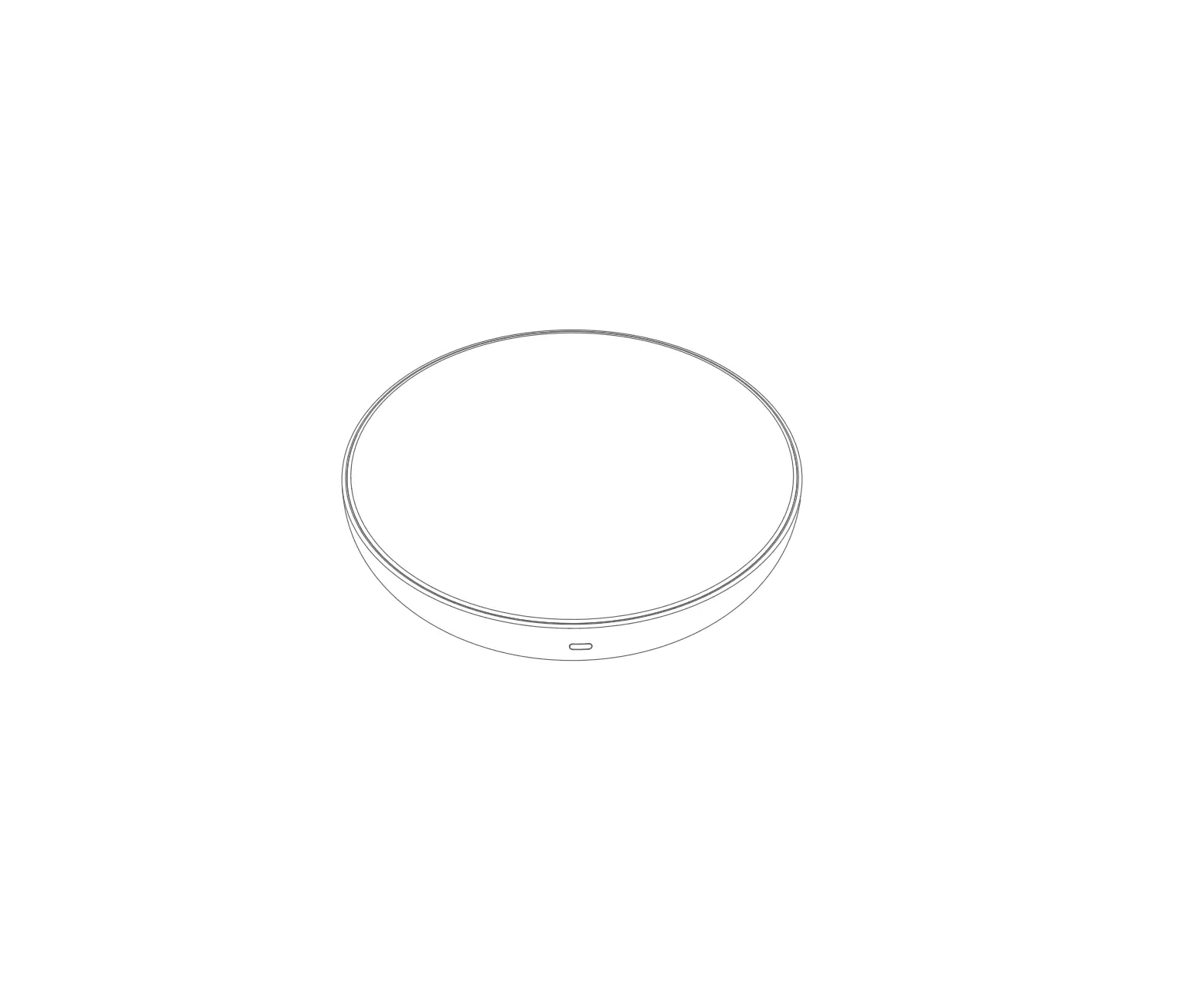
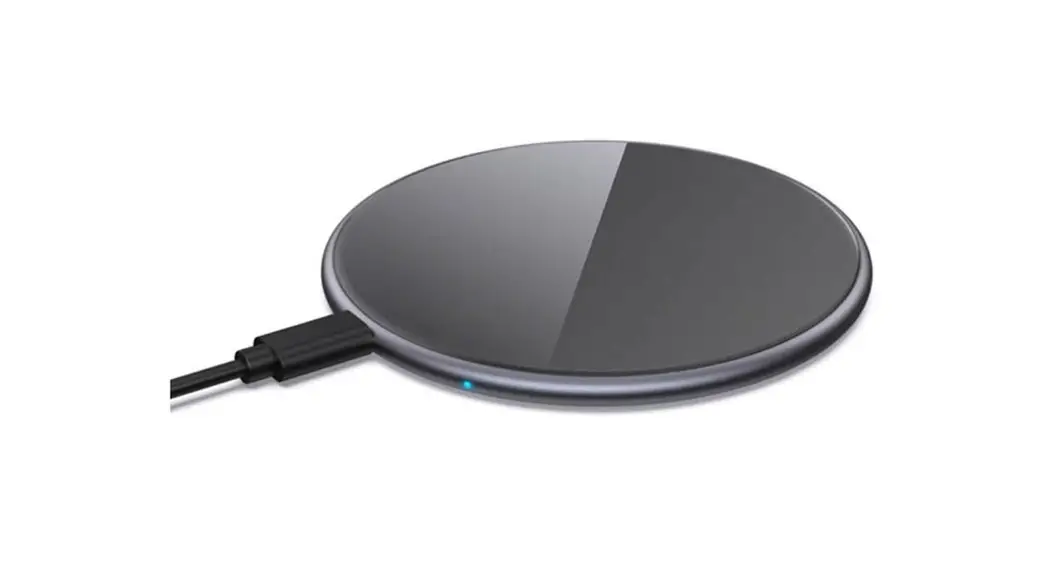
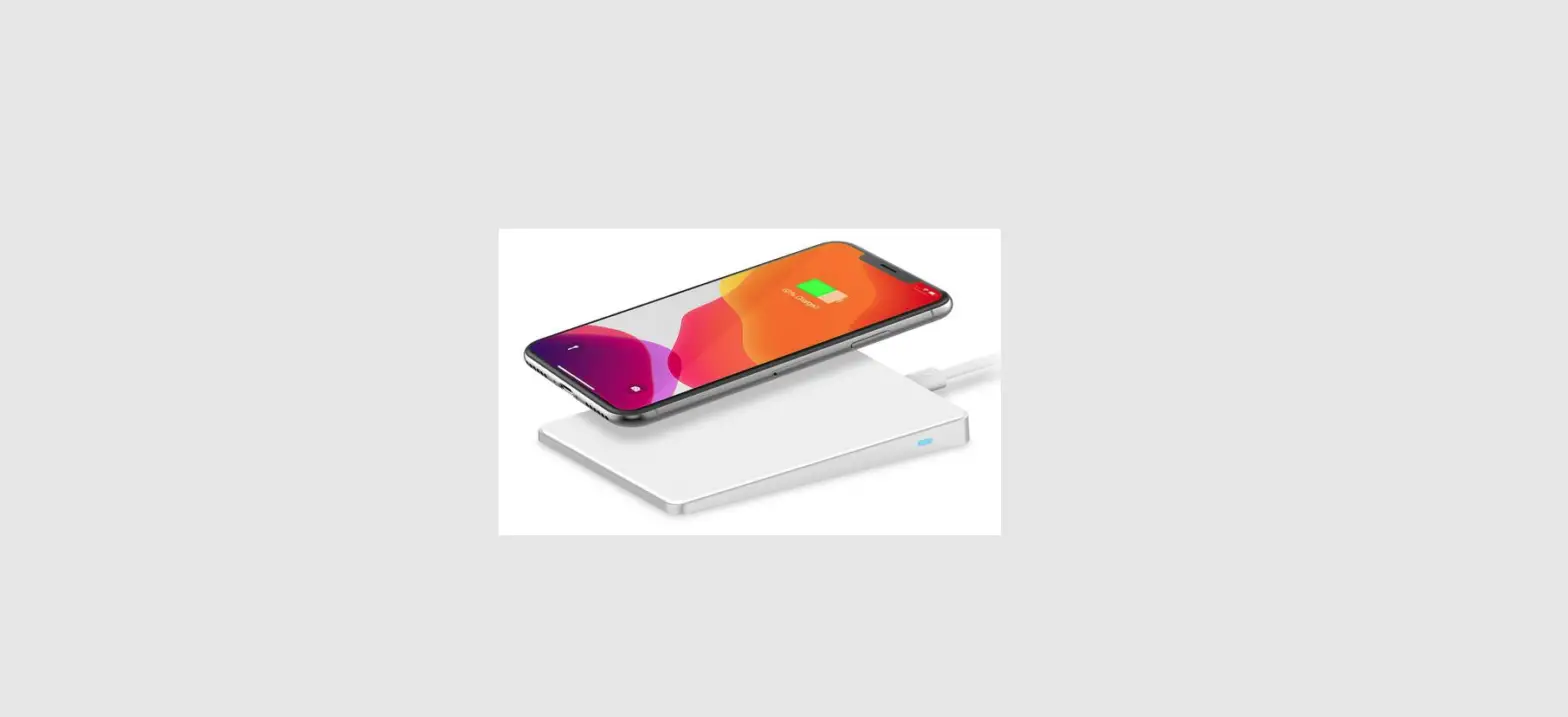
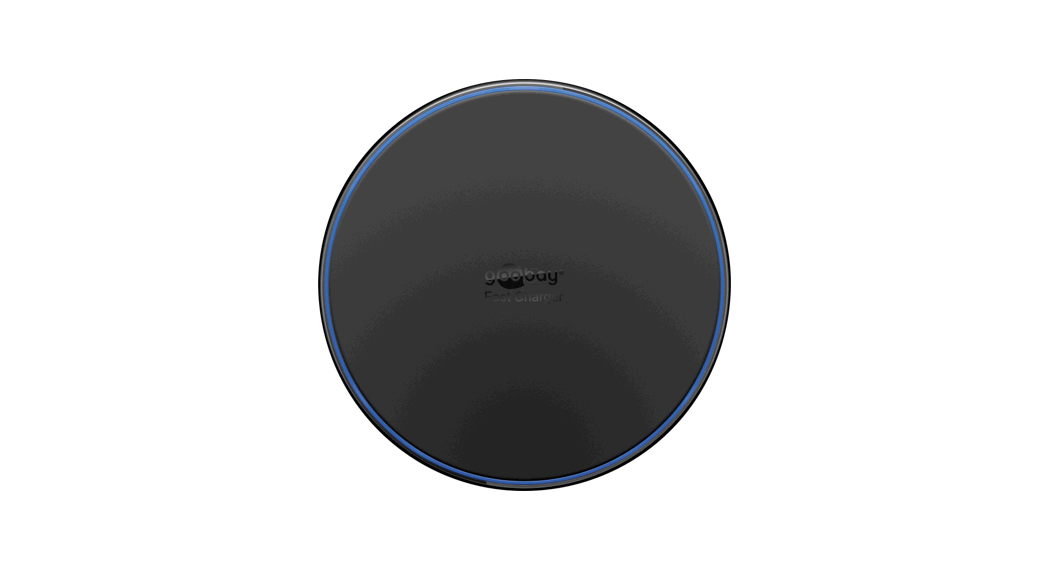
This product is a wireless charging pad for inductive charging of mobile devices that support the Qi standard (e.g. smartphones). The wireless charging pad can be connected to a PC, USB charging adapter or USB car charger via the USB charging cable. To use the Quick Charge (QC) function, a charging adapter with at least 2 A output current and QC technology is required (not included).
2.2 Scope of delivery
Wireless Quick Charger, USB charging cable, User Manual
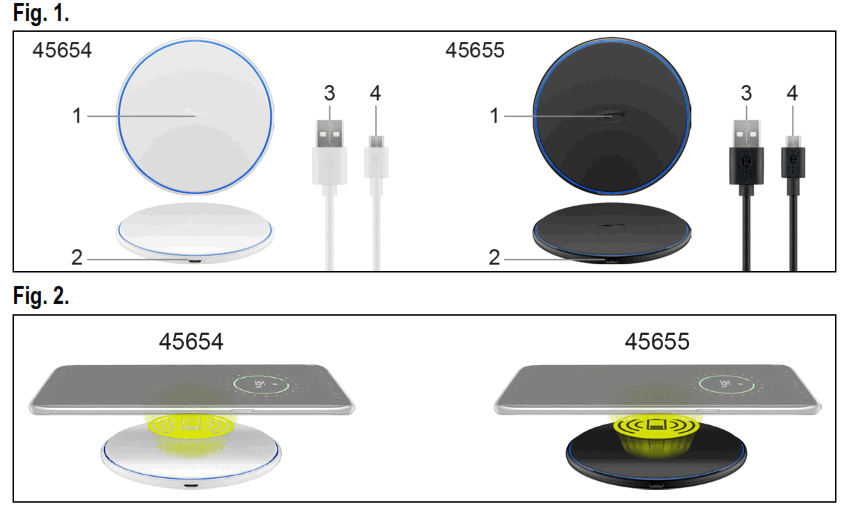
2.3 Operating Elements
See Fig. 1.
- Charging interface
- Micro USB socket
- USB-A plug
- Micro USB plug
Intended use
We do not permit using the device in other ways like described in chapter „Description and Function“ or in the „Safety Instructions“. Use the product only in dry interior ooms. Not attending to these regulations and safety instructions might cause fatal accidents, injuries, and damages to persons and property.
Preparation
- Check the scope of delivery for completeness and integrity.
- Compare the specifications of all used devices and ensure compatibility.
Connection and operation
- Place the charger on a dust-free, level, horizontal surface.
- Connect the Micro USB socket of the charger to a power source via the USB charging cable. This can be either a 230 V USB charging adapter, a 12/24 V car USB charger or the USB socket of a PC. To use the full power, a USB fast charger with at least 2 A output current and QC technology is required (not included). As soon as voltage is applied, the LED indicator flashes blue for one second. In standby mode, the blue LED indica- tor goes off.
- Place a Qi standard compatible device on the charger. If your device is placed correctly and is charging, the blue LED flashes slowly. If your device is placed incorrectly or a metallic object is detected on the charging interface, the blueLED flashes quickly.
- Remove your device from the charger when it is fully charged.
- Remove the cable connection after use.
Maintenance, Care, Storage and Transportation
The product is maintenance-free.
NOTICE!
Material damage
- Only use a dry and soft cloth for cleaning.
- Do not use detergents or chemicals.
- Store the product out the reach of children and in a dry and dust-protected ambience when not in use.
- Store cool and dry.
- Keep and use the original packaging for transport.
Disposal instructions
 According to the European WEEE directive, electrical and electronic equipment must not be disposed with consumers waste. Its components must be recycled or disposed apart from each other. Otherwise contaminative and hazardous substances can damage the health and pollute the environment.
As a consumer, you are committed by law to dispose electrical and electronic devices to the producer, the dealer, or public collecting points at the end of the devices lifetime for free. Particulars are regulated in national right. The symbol on the product, in the user manual, or at the packaging alludes to these terms. With this kind of waste separation, application, and waste disposal of used devices you achieve an important share to environmental protection. WEEE No: 82898622 EU Declaration of conformity
Hereby the Wentronic GmbH ensures that the mentioned radio system type is conformed to Directive 2014/53/EU. The full text of EU Declaration of Conformity is vailable at the following Internet address: https://www.wentronic.com/en/
REV2022-04-07 V5.1aw
Subject to change without notice.
Goobay® by Wentronic GmbH
38112 Braunschweig
 Wentronic