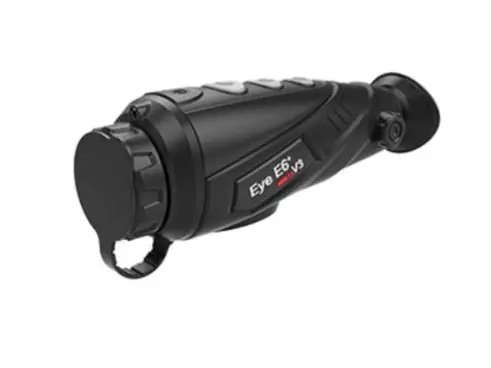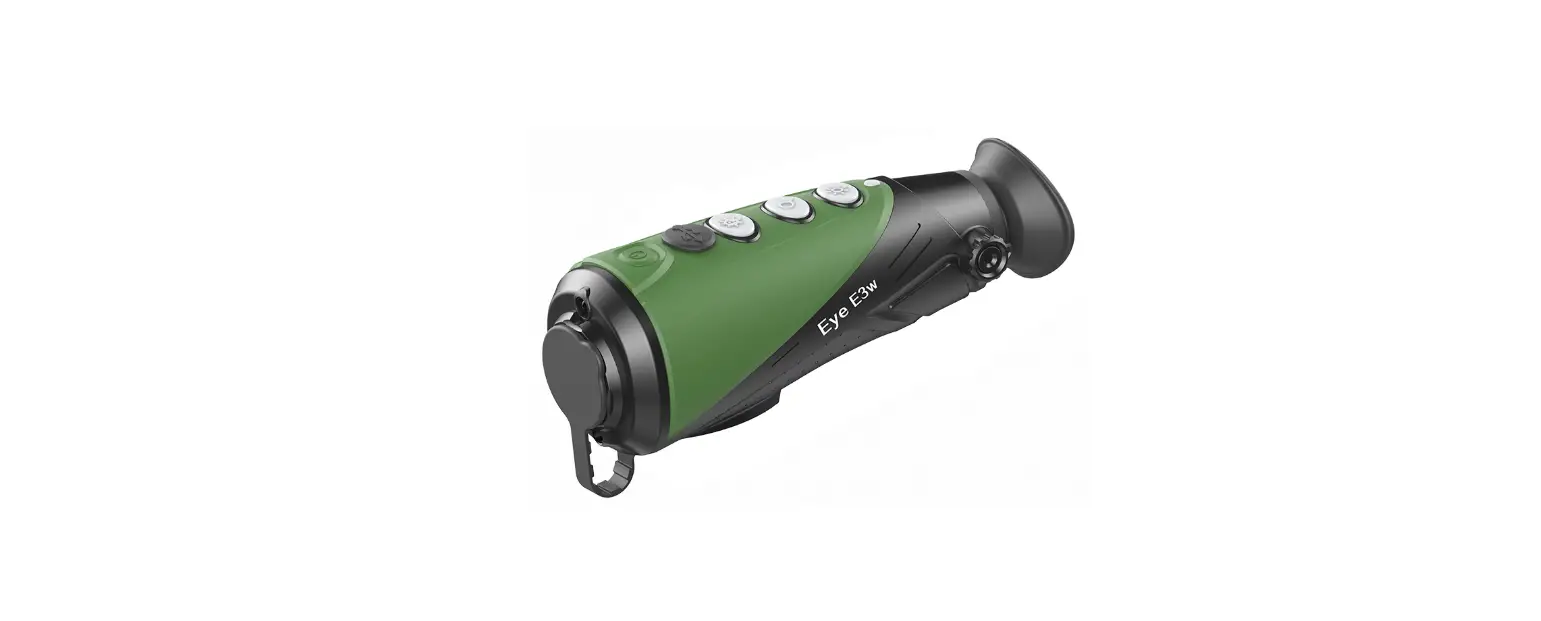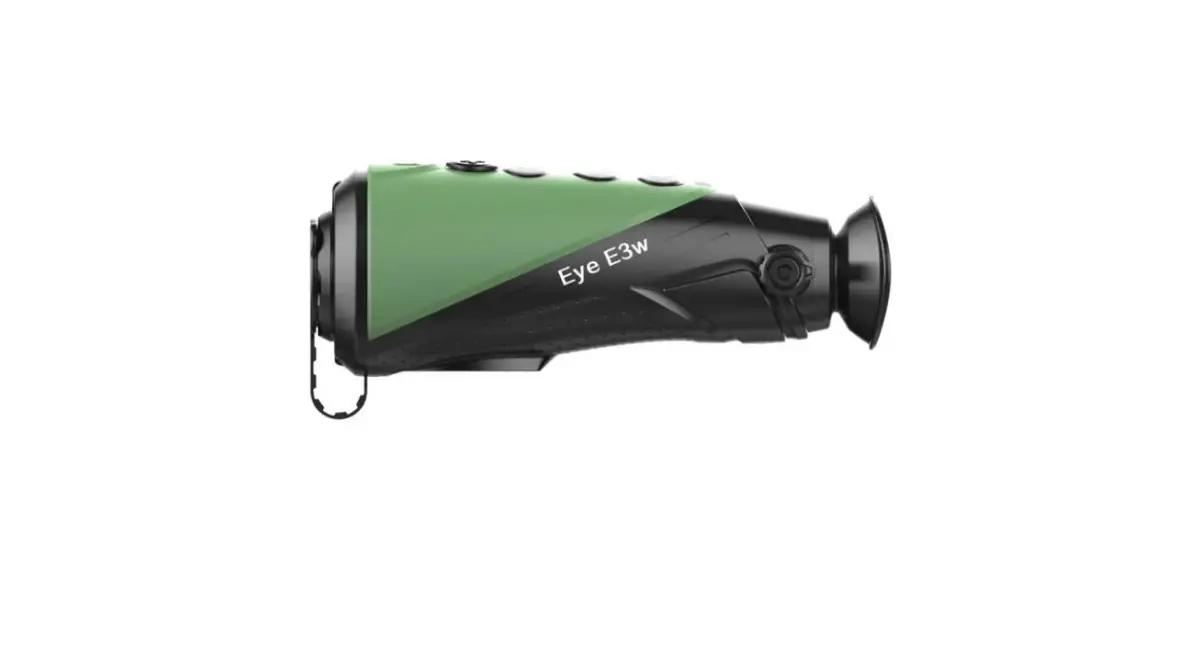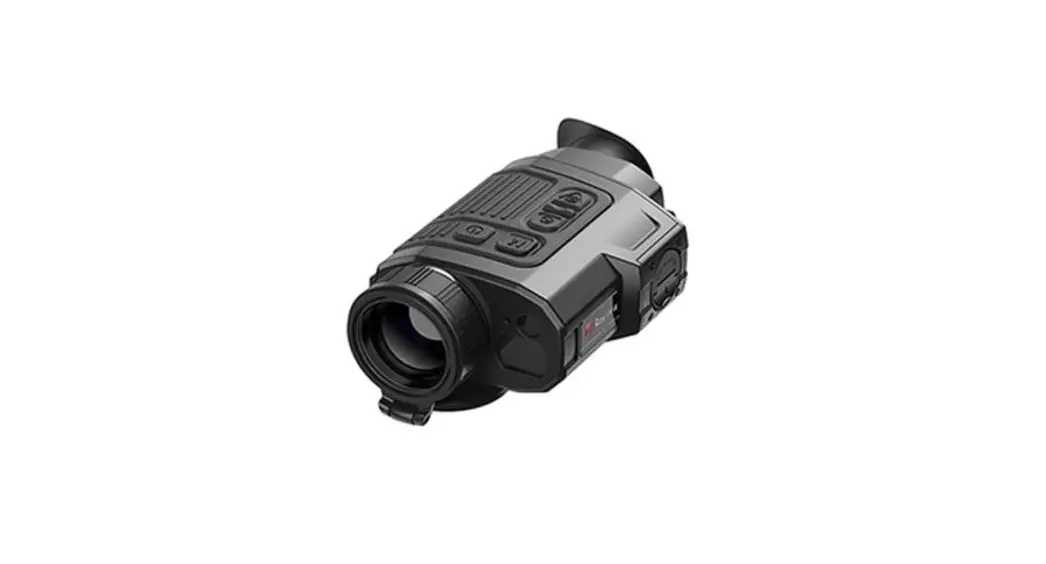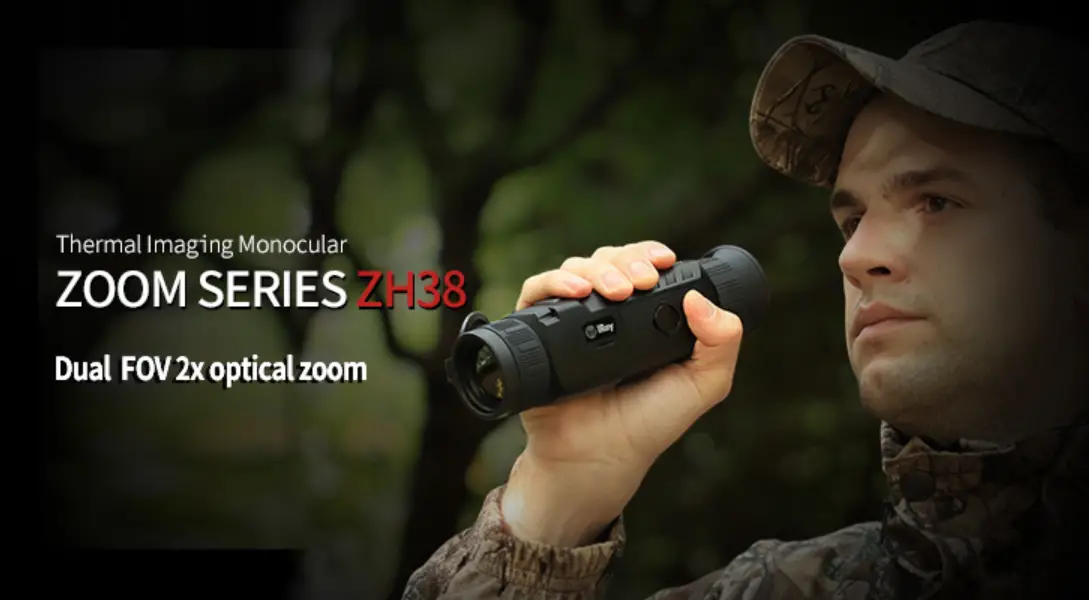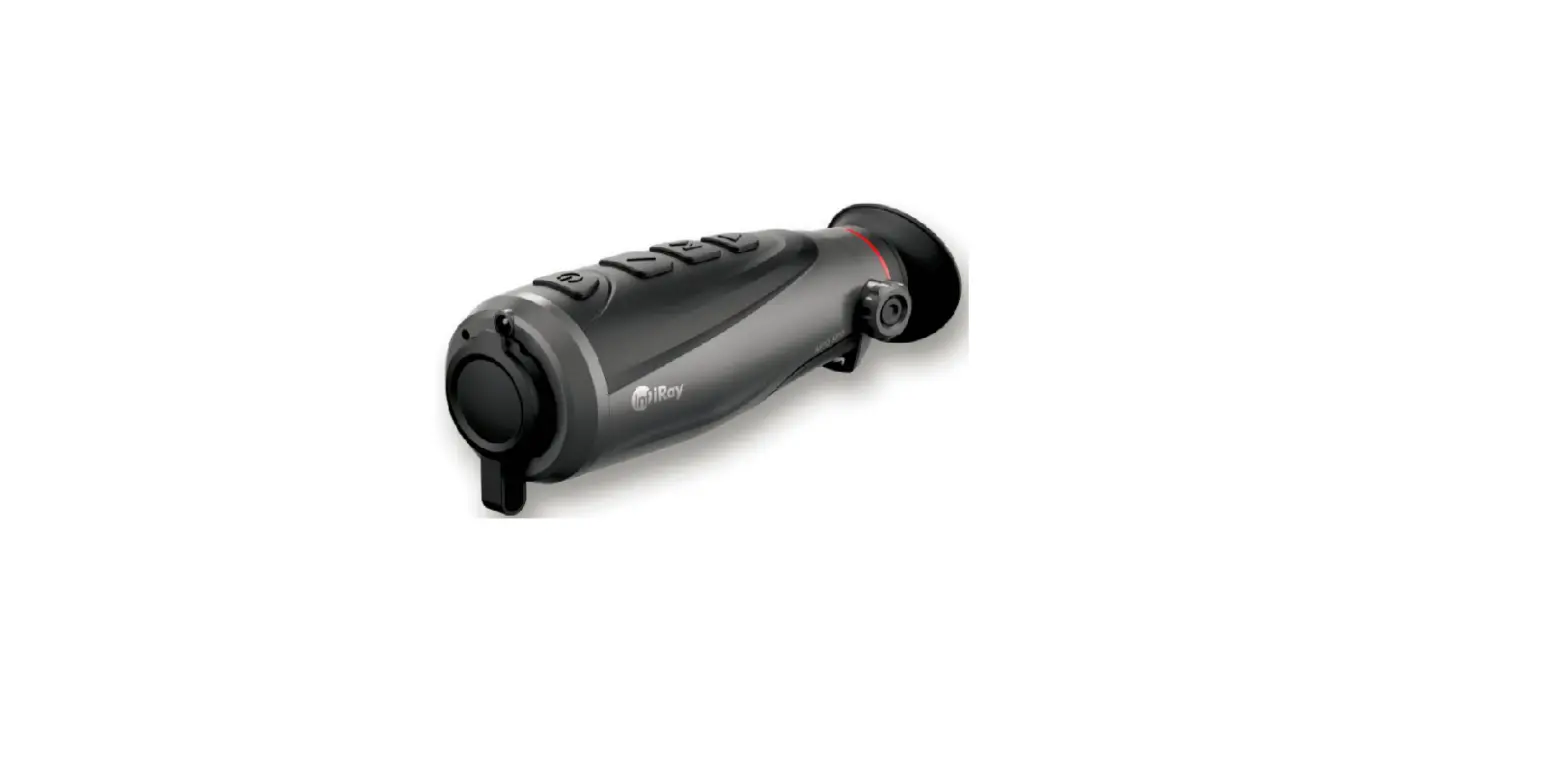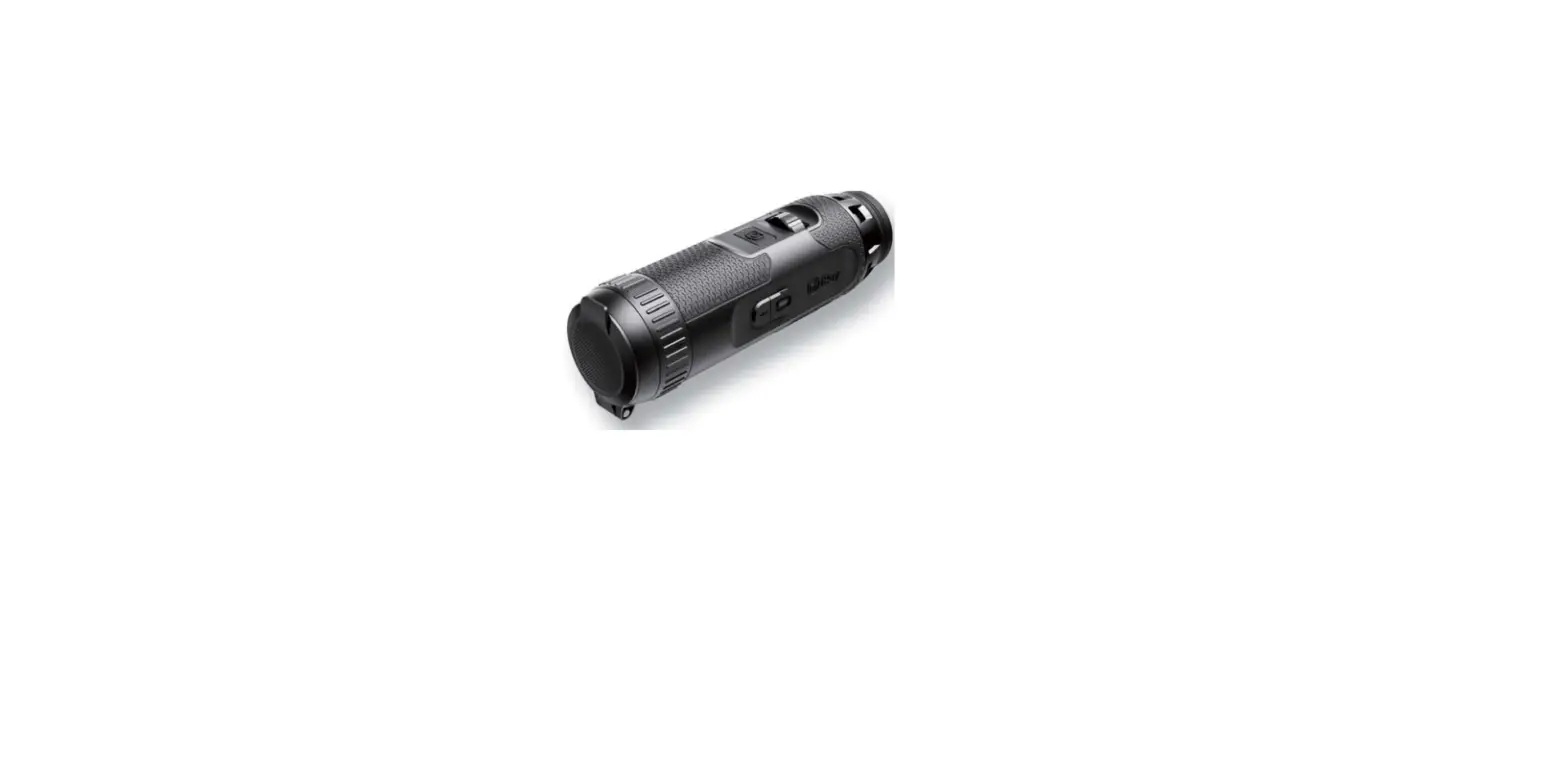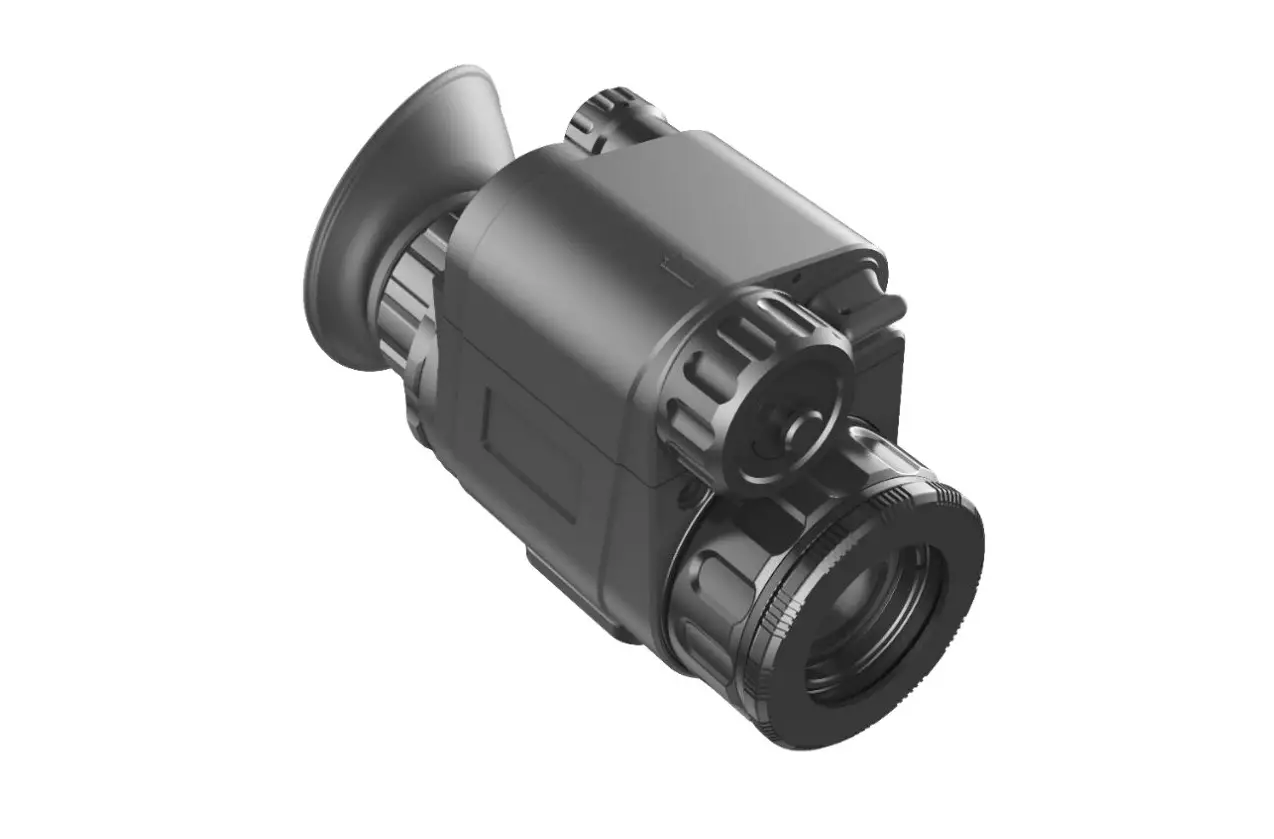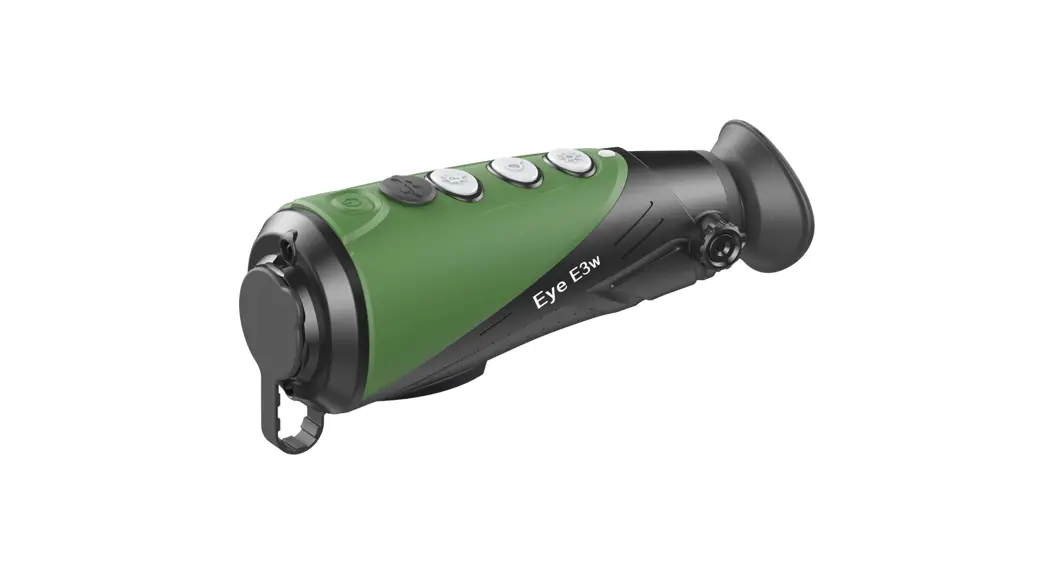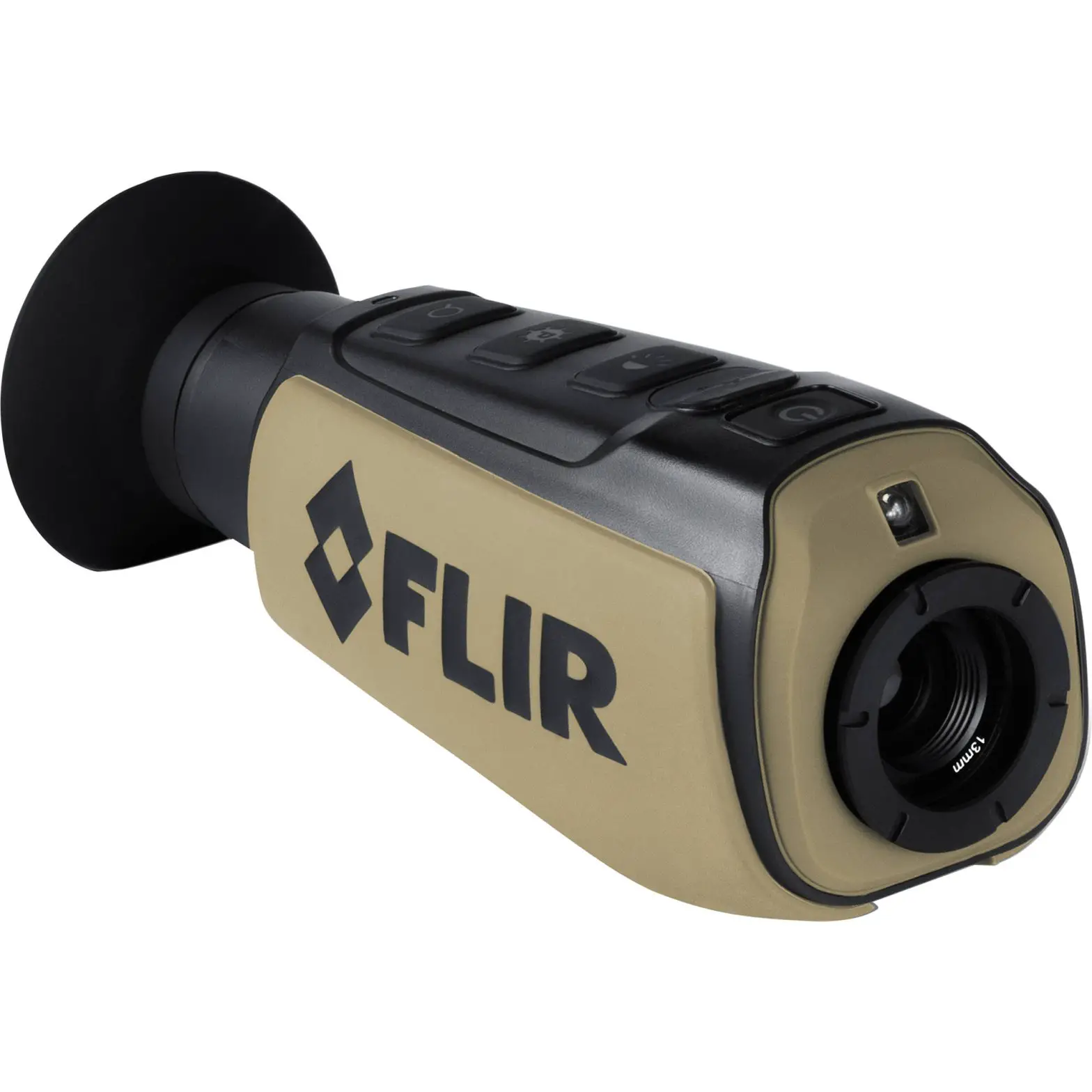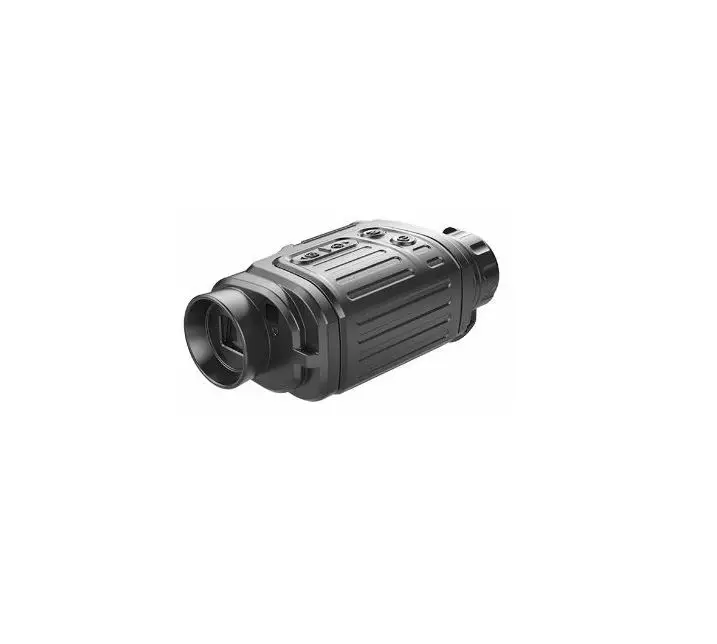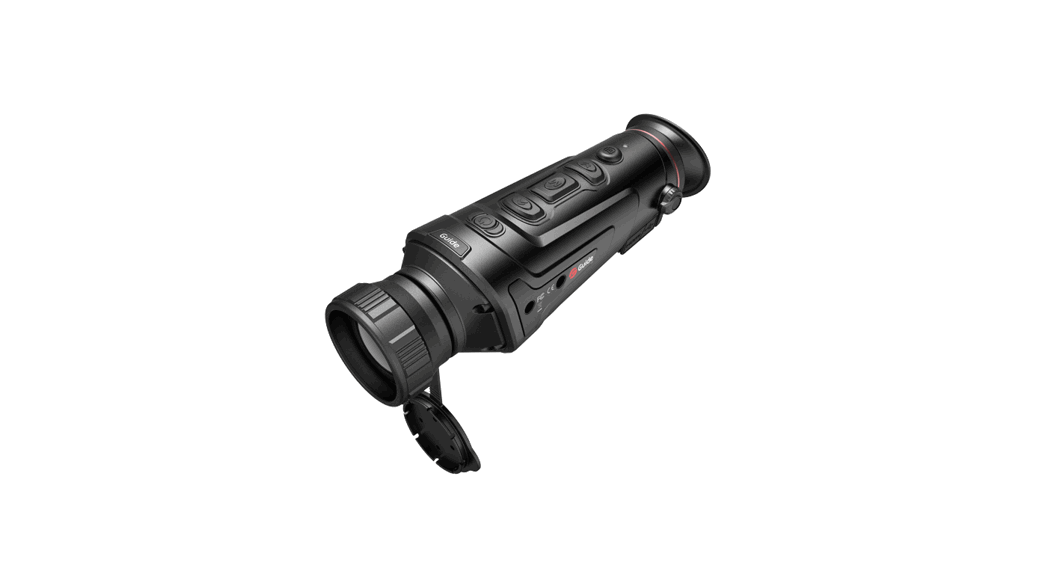

InfiRay Eye-III Thermal Imaging Monocular
Please read this guide before using the product, and keep the guide for future reference.
For detailed information about the device, please download the complete user manual from the official website (www.infirayoutdoor.com).
Package Contents
- EYE Ill Series Thermal Imaging Monocular
- Magnetic data cable
- Power adapter
- Neck strap
- Wrist strap
- Drawstring bag
- Portable bag
- Lens cloth
- Quick Start Guide
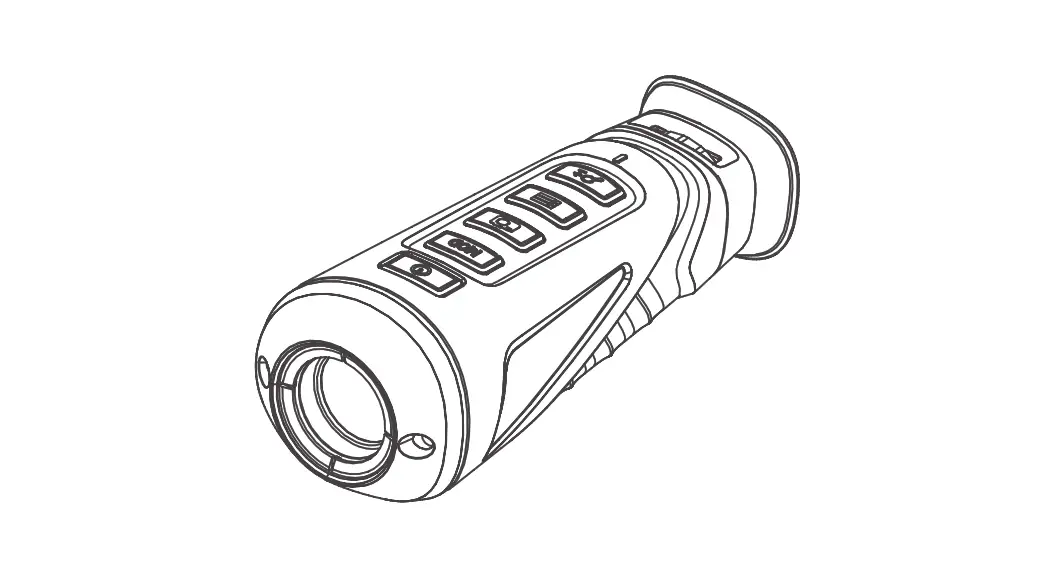
Components and Controls
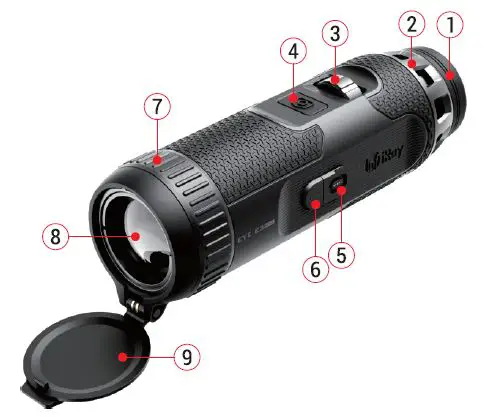
- Eyeshade
- Diopter adjustment
- Controller
- Camera button
- Magnetic charge port
- Power indicator
- Lens focus ring
- Objective lens
- Lens cover
|
Controller (3) | Home screen | Open the shortcut menu | Open the main menu |
| Standby mode | Wake up the device | ||
| Menu interface | Confirm selection | Return to the home screen | |
|
Camera button (4) | Home screen | Start / Stop a video recording | Photographing |
| Standby mode | Wake up the device | ||
| Menu interface | Return to the home screen | ||
|
Controller (3) | Home screen | Digital zoom-in | Digital zoom-out |
| Standby mode | Wake up the device | ||
| Menu interface | Navigate downwards with the menu options | Navigate upwards with the menu options | |
Getting Started
- Open the lens cap (9), and the startup LOGO will be displayed on the device screen in 1 second.
- When an infrared image is displayed in the eyepiece, the thermal imaging monocular enters the operating status.
- Rotate the diopter adjustment (2) to adjust the resolution of the icon on the display. The diopter adjustment is used to adjust the eyepiece diopter for users with different degrees of myopia.
- Photo/video recording: On the home screen, briefly press the Camera button (4) to start/stop a video recording. And long press the Camera button (4) to take a photo.
- Shortcut menu: When the home screen is displayed, press the Controller (3) to open the shortcut menu, and set the image mode (
 ),scene mode (
 ), screen brightness (
  , and image sharpness (
 ). Rotate the Controller (3) to switch between different functions on the shortcut menu, and press the Controller (3) to set parameters.
 - Main menu: When the home screen is displayed, press and hold the Controller (3) to go to the main menu page for more functions. Rotate the Controller (3) to switch between different functions on the main menu, and press the Controller (3) to select the option.

- Power off: After using the device, close the lens cap (9), and the shutdown screen will be displayed in 3s. During the shutdown countdown, rotate the Controller (3) or reopen the lens cop (9) to stop it.
- Standby: Close the lens cap (9). During the shutdown countdown, press the Camera button (4) to enable the standby mode. If there is no operation performed for 30 minutes, the product will automatically shut down.
 ),scene mode (
 ), screen brightness (
  , and image sharpness (
 ). Rotate the Controller (3) to switch between different functions on the shortcut menu, and press the Controller (3) to set parameters.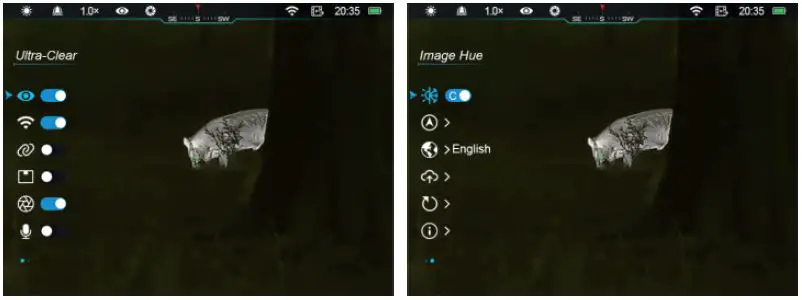
Charging
The Eye Ill series is supplied with a built-in rechargeable Li-ion battery pack, which allows operation up to 8 hours. When using the device for the first time, please fully charge it first. Eye Ill series features a magnetic charge design.
- Connect the magnetic end of the data cable (10) to the magnetic port (5) of the device.
- Connect the Type-A port of the data cable (10) to the power adapter (11).
- Insert the plug of the adapter to the 110-240V socket (12).
- When the device is charging, the power indicator (6) next to the magnetic port (5) is red. The power indicator (6) is on only in the charging status. When the power indicator (6) turns green, the device is fully charged.
- When charging, a lighting icon
 will appear inside the battery icon on the display. The lighting icon will not disappear until the data cable (10) is removed or the power is cut off.
 - During using, when the battery icon turns red
 , this means the power level is low, please charge the device in time to avoid the data loss.
 will appear inside the battery icon on the display. The lighting icon will not disappear until the data cable (10) is removed or the power is cut off.
 , this means the power level is low, please charge the device in time to avoid the data loss.
Specifications
| Microbolometer | |||
| Resolution, pixels | 384×288 I 384×288 I 640×512 | ||
| Pixel size, µm | 12 | ||
| NETO, mk | :s 25 | ||
| Frame Rate, Hz | 50 | ||
| Optical Specifications | |||
| Objective lens, mm | 25 | 35 | 35 |
| Field of view, 0 | 10.5×7.9 | 7.5×5.7 | 12.5×10 |
| Magnification, x | 3.5~ 14 | 5~ 20 | 3~ 12 |
| Digital zoom, x | 1~ 4 | ||
| Detection range, m (Target size: 1.7mx0.5m, P(n)=99%) | 1300 | 1800 | 1800 |
| Display | |||
| Type | OLEO | ||
| Resolution, pixels | 1440 x10 80 | ||
| Battery | |||
| Battery type/ Capacity/ Output voltage | Built-in Ii-ion battery/ 4.2Ah / 3.6V | ||
| Max. battery life (1=22 °C )*, h | 8 | ||
| External power supply, V | 5 | ||
| Physical Specifications | |
| IP rating | IP67 |
| Built-in memory, GB | 32 |
| Wi-Fi/ APP | Support (lnfiRay outdoor) |
| Operating temperature, oc | -20 ~ +50 |
| Weight, g | < 500 |
| Dimension, mm | Ql54 X 180 |
- The actual operation time depends on the intensity of Wi-Fi use, photographing and video recording.
- Improvements may be made to the design and software of this product to enhance its useful features.
- If there is any change to the technical specifications of the product, it will be made without prior notice to the customer.
Update and lnfiRay Outdoor
In order to continuously improve the product performance and provide better user experience, the software program, as well as parameters of the device will be constantly updated. Users can go to the official website (www.infirayoutdoor.com) to download and update.
The Eye Ill series support Inti Ray Outdoor app technology, that can transmit the image via Wi-Fi from your scope to a smartphone or tablet and update the program.
Download and install the lnfiRay Outdoor app from the official website (www.infirayoutdoor.com) and app store, or scan the QR code below to download directly .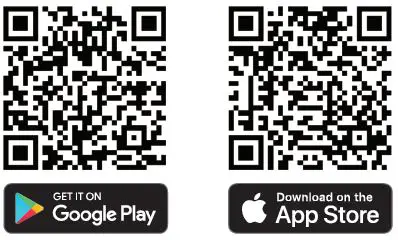
Important Safety Information
Environmental influences
- Never point the lens of the device directly at intense heat sources such as the sun or laser equipment. The objective lens and eyepiece can function as a burning glass and damage the interior components.
- Avoid touching the metal surface (cooling fins) after exposure to sunlight or cold.
Ergonomics notes
Take breaks after longer periods of use to avoid wrist pain.
Risk of swallowing
Do not place this device in the hands of small children. Incorrect handling can cause small parts to come loose which may be swallowed.
Safety instructions for use
- Handle the device with care: rough handling can damage the internal battery.
- Do not expose the device to fire or high temperatures.
- Install the batteries correctly according to the instruction on the device. Reverse connection is prohibited.
- If the device has been damaged, send the device to our after-sales service for repair.
User information on the disposal of electrical and electronic devices (private households)
2012/19/EU (WEEE directive): Products marked with this symbol cannot be disposed of as unsorted municipal waste in the European Union. For proper recycling, return this product to your local supplier upon the purchase of equivalent new equipment, or dispose of it at designated collection points. For more information see: www.recyclethis.info.
Intended use
The device is intended for displaying heat signatures during nature observation, remote hunting observations and for civil use. This device is not a toy for children.
Use the device only as described in this operating manual. The manufacturer and the dealer accept no liability for damages which arise due to non-intended or incorrect use.
Function test
- Before use, please ensure that your device has no visible damage.
- Test to see if the device displays a clear, undisturbed image.
- Check that the settings for the device are correct.
Installing/removing the battery
The Eye Ill series thermal imaging monocular is equipped with a battery pack. It can not be removed.
Legal and Regulatory Information
Wireless transmitter module frequency range:
WLAN: 2.412-2.472GHz (For EU)
Wireless transmitter module power<20dBm (only for EU)
I ray Technology Co., Ltd. thus declares that the Eye Ill series thermal imaging monocular complies with the directives 2014/53/EU and 2011/65/EU. The full text of the EU declaration of conformity as well as additional information are available at: www.infirayoutdoor.com.
This device may be operated in all member states of the EU.
Regulatory information USA
FCC ID: 2AYGT-2K-00
Labeling requirements
This device complies with part 15 of the FCC Rules. Operation is subject to the following two conditions: (1) This device may not cause harmful interference, and (2) this device must accept any interference received, including interference that may cause undesired operation.
Information to the user
Any Changes or modifications not expressly approved by the party responsible for compliance could void the user’s authority to operate the equipment.
Note: The manufacturer is not responsible for any radio or TV interference caused by unauthorized modifications to this equipment. Such modifications could void the user’s authority to operate the equipment.
FCC
Note: This equipment has been tested and found to comply with the limits for a Class B digital device, pursuant to part 15 of the FCC Rules. These limits are designed to provide reasonable protection against harmful interference in a residential installation. This equipment generates uses and can radiate radio frequency energy and, if not installed and used in accordance with the instructions, may cause harmful interference to radio communications. However, there is no guarantee that interference will not occur in a particular installation. If this equipment does cause harmful interference to radio or television reception, which can be determined by turning the equipment off and on, the user is encouraged to try to correct the interference by one or more of the following measures:
- Reorient or relocate the receiving antenna.
- Increase the separation between the equipment and receiver.
- Connect the equipment into an outlet on a circuit different from that to which the receiver is connected.
- Consult the dealer or an experienced radio/TV technician for help.
This equipment complies with FCC RF radiation exposure limits set forth for an uncontrolled environment.
Body-worn Operation
This device was tested for typical body-support operations. To comply with RF exposure requirements, a minimum separation distance of 0.5cm must be maintained between the user’s body and the handset, including the antenna. Third-party beltclips, holsters, and similar accessories used by this device should not contain any metallic components. Body accessories that do not meet these requirements may not comply with RF exposure requirements and should be avoided. Use only the supplied or an approved antenna.
IRay Technology Co., Ltd.
Add.: 11th Guiyang Street, YEDA, Yantai 264006, P.R. China
Tel: 0086-400-998-3088
Email: [email protected]
Web: www.infirayoutdoor.com