
AE Systems NES100CKT NeoS Chain Drive Kit

Chain drive kit installation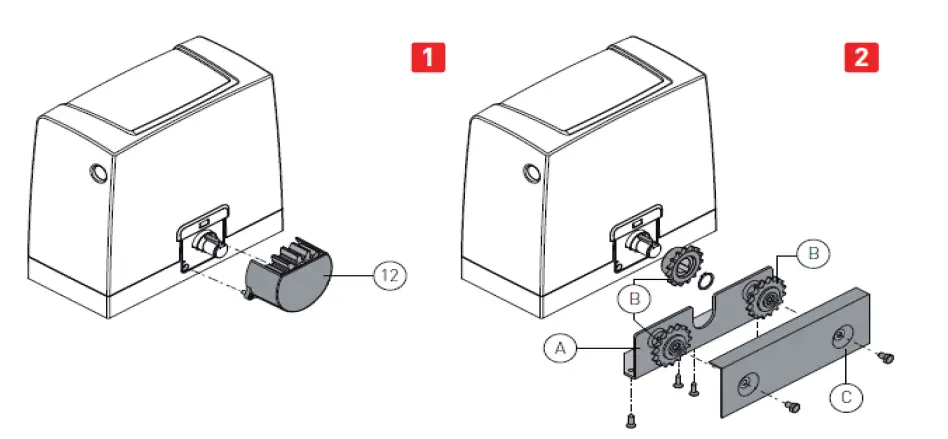
NB: Install the chain drive kit before securing the gear motor to the base plate.
Release the gear motor (see OPERATING INSTRUCTIONS).
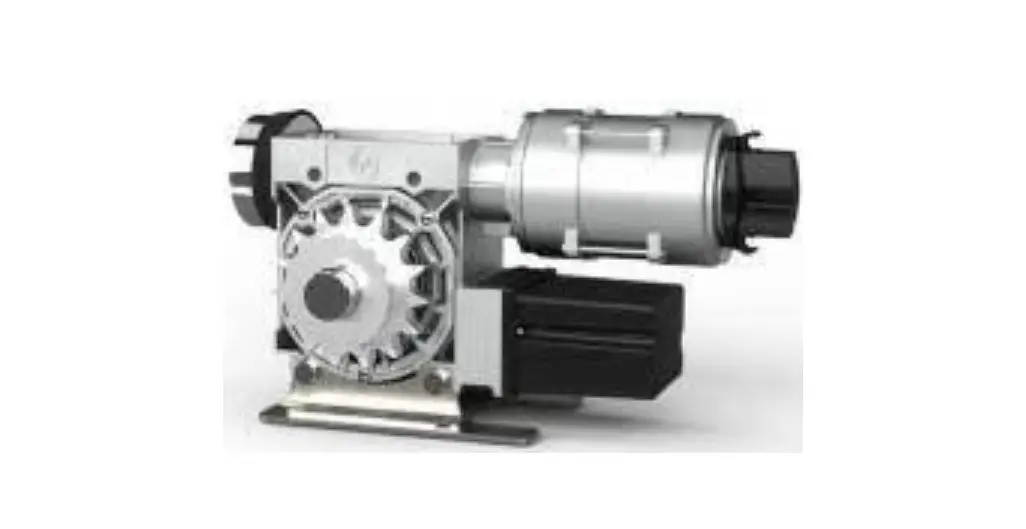
- Remove the pinion [121.
- Fix the pinion supporting plate [A] to the Gearmotor.
- Insert pinions [B] as illustrated in the diagram.
- Pass the chain between the pinions by hand.
- Fix cover plate C.
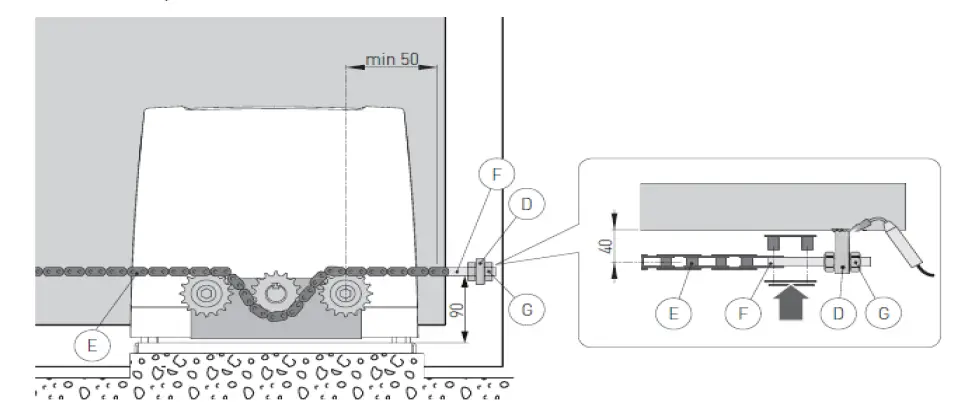
- Move the wing into the open position by hand and fix brackets IDJ on the wing as illustrated in the diagram.
- Connect chain [E]. which was previously assembled on the gear motor, to tie rod [Fl and fix it to bracket [D].
- Fix bracket [DI on the opposite side of the gate. Connect chain [E] to tie rod [FI and fix it to bracket DI cut the excess chain).
NB: Make sure that the distance between the pinion center and tie rod [F] is correct when the gate is fully open and closed.
- Secure the chain with nuts [G].
- Tighten the chain [E] with the tie rods [F].
- Slightly lubricate the chain (E] and the pinions after assembly.
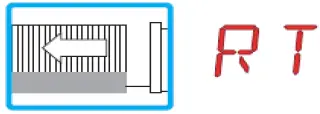
WARNING: when the chain traction kit is fitted, the gear motor drive direction is inverted.
- Right-hand opening
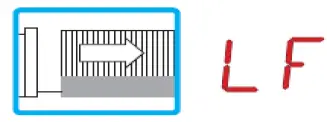
- Left-hand opening