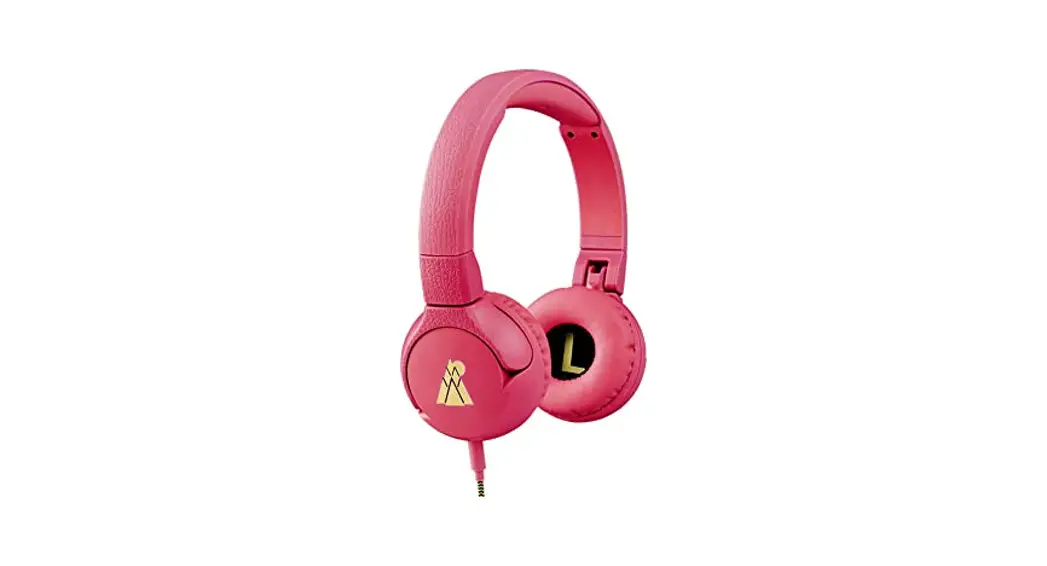
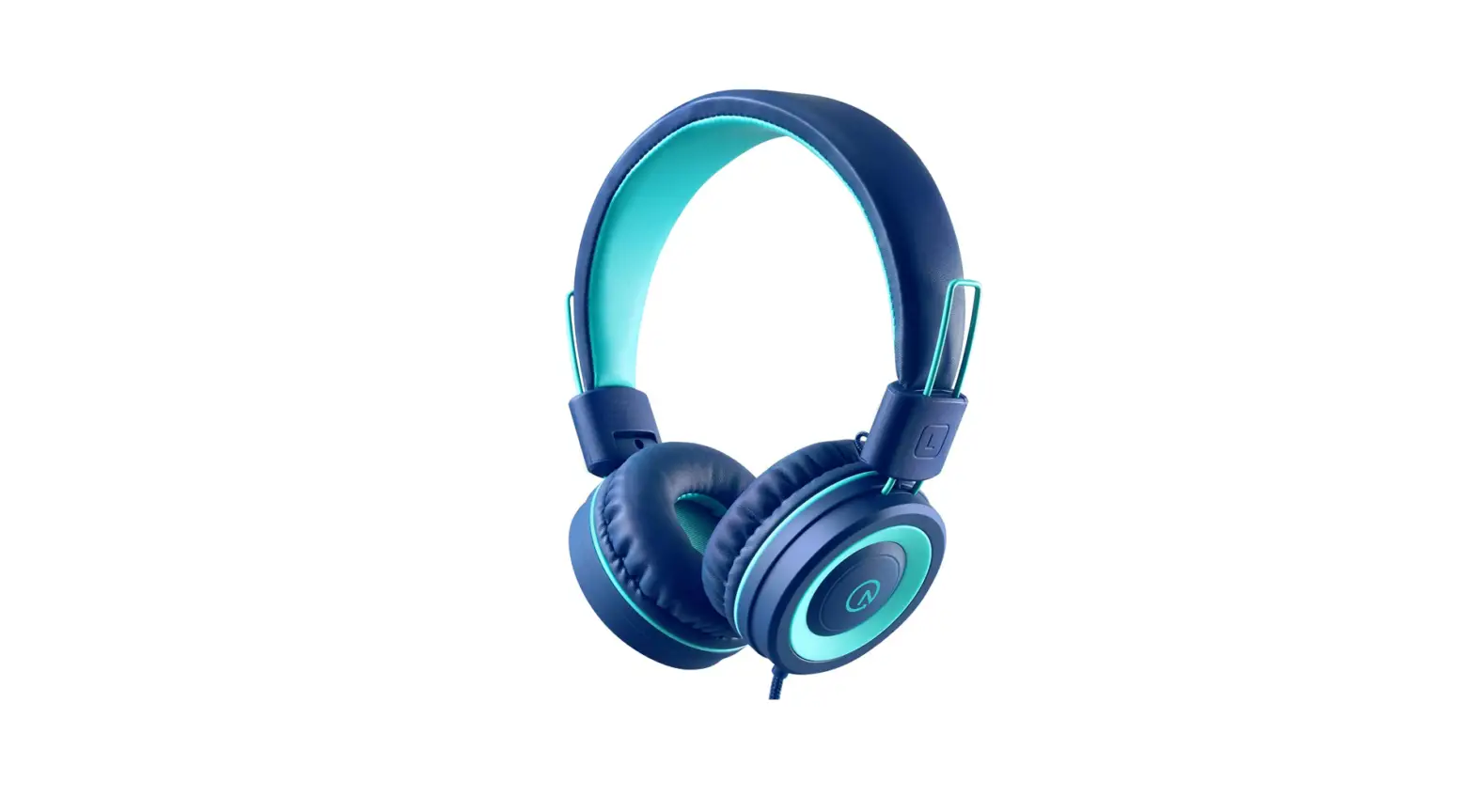
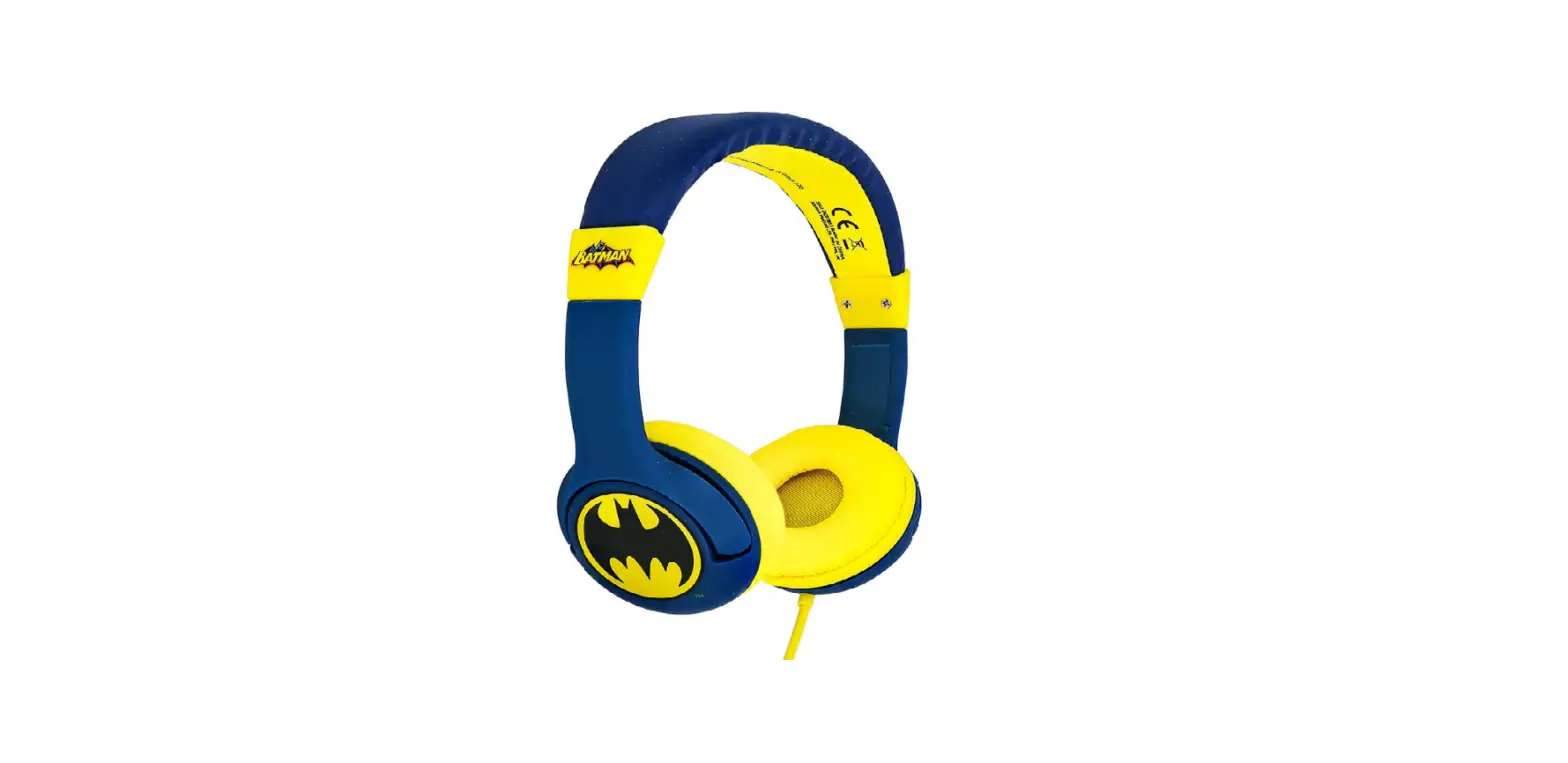
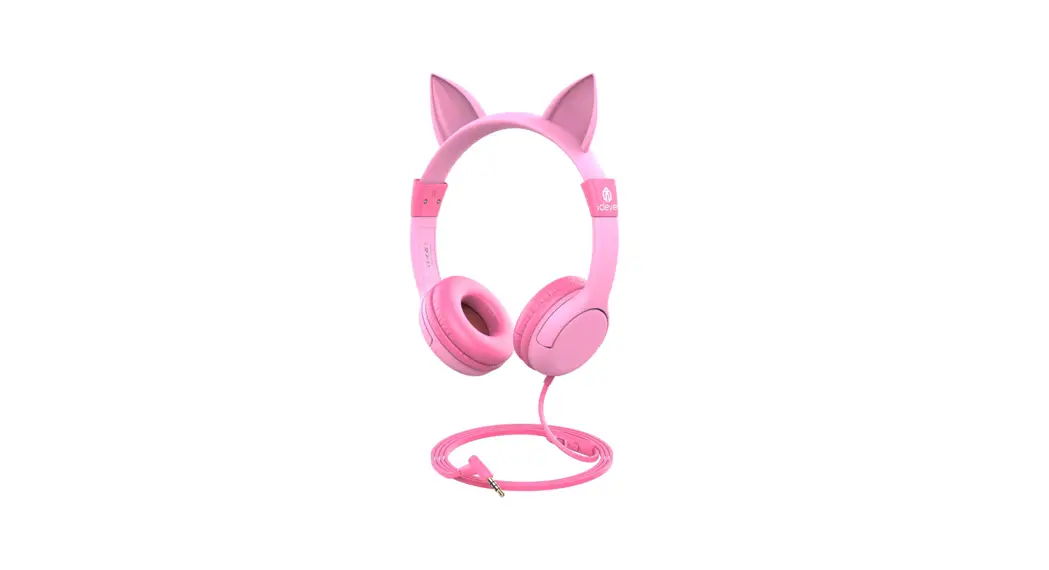
NS-CAHKIDS-P Kids Headphones
Product Information:
Product Name: Kids’ Headphones
Model Numbers: NS-CAHKIDS-P (Pink),
NS-CAHKIDS-BL (Blue)
Package Contents: Kids’ Headphones
Features: Designed for Kids, Share Port for
connecting a second set of headphones
Specifications:
- Cable Length: 47.2 in. (1200 mm)
- Weight: 8.7oz. (248.5g)
- Drivers: 40 mm drivers produce high-quality sound
- Audio Cable: 3.5 mm to 3.5 mm
Warranty: One year limited warranty. Visit
www.insigniaproducts.com for details.
Contact Insignia:
Email: [email protected]
Phone: 1-800-555-1212
Product Usage Instructions:
- Plug the included 3.5 mm audio cable into either audio jack on
your headphones. - Connect the other end of the audio cable to an audio device
such as an MP3 player or portable DVD player. - If you want to share the audio, plug a second set of headphones
that use a 3.5 mm cable into the other jack on your
headphones. - Use the controls on the audio device to control the
volume.
Cleaning Instructions:
To clean your headphones, gently wipe the ear pieces with a soft
cloth or use a mild cleaning solution. Avoid getting any liquid
inside the headphones.
Safety Instructions:
Before using your new product, please read the provided
instructions to prevent any damage. Ensure that children use the
headphones under adult supervision. Do not expose the headphones to
extreme temperatures or moisture.
QUICK SETUP GUIDE
Kids’ Headphones
NS-CAHKIDS-P / NS-CAHKIDS-BL
PACKAGE CONTENTS
· Headphones · 3.5 mm audio cable (47.2 in. /1200 mm long) · Quick Setup Guide
FEATURES
· Share port lets you connect additional headphones to share audio.
· 40 mm drivers produce high quality sound so you can hear everything at a low volume.
For Kids
USING YOUR HEADPHONES
Your headphones have two audio jacks. One jack connects your headphones to an audio device. The other jack lets you connect a second set of headphones so you can share the audio.
SHARE PORT
SHARE PORT
SHARE PORT
INPUT IN
MP3
1 Plug the included 3.5 mm audio cable into either audio jack on your headphones and into an audio device such as an MP3 player or portable DVD player.
2 If you want to share the audio, plug a second set of headphones that use a 3.5 mm cable into the other jack on your headphones.
3 Use the controls on the audio device to control the volume.
Before using your new product, please read these instructions to prevent any damage.
CLEANING YOUR HEADPHONES
· Clean your headphones with a damp cloth. · Do not use abrasive cleaners. · Do not use solvents such as gasoline, benzene, or paint
thinners. · Do not let water or other liquids drip into the openings on
the ear pieces.
SAFETY INSTRUCTIONS
When the volume level on the connected device is set to the maximum: · Limit listening to thirty minutes per day if listening to high
volume audio (such as rock music). · Refer all servicing to qualified service personnel.
Servicing is required when your headphones have been damaged in any way, for example: · If liquid has been spilled into the openings on the ear
pieces or your headphones have been exposed to rain or moisture. · The exterior of your headphones has cracked or damaged. · If the audio cable is damaged. You can replace the audio cable with any standard 3.5 mm audio cable. · Do not disassemble or try to repair your headphones. There are no user serviceable parts inside.
SPECIFICATIONS
Dimensions (W × H × D): 2.3 × 6.6 × 5.5 in.
(60 × 170 × 142 mm)
47. 2 in. (1200 mm) cable length
Weight:
8.7oz. (248.5g)
Drivers:
40 mm drivers produce high quality sound
Audio cable: 3.5 mm to 3.5 mm
Maximum
volume output: Maximum volume output: 93±3 decibels
ONE YEAR LIMITED WARRANTY
Visit www.insigniaproducts.com for details.
CONTACT INSIGNIA:
www.insigniaproducts.com 1-877-467-4289 INSIGNIA is a trademark of Best Buy and its a liated companies Distributed by Best Buy Purchasing, LLC 7601 Penn Ave South, Richfield, MN 55423 U.S.A. ©2016 Best Buy. All rights reserved Made in China
ENGLISH V1 16-1111
 Insignia Consumer Electronic Products