Quick Start Guide
Get started in 3 steps
- Select the QuickSafe cable (with the round
 plug)
plug)
- Connect the headphones to your device.
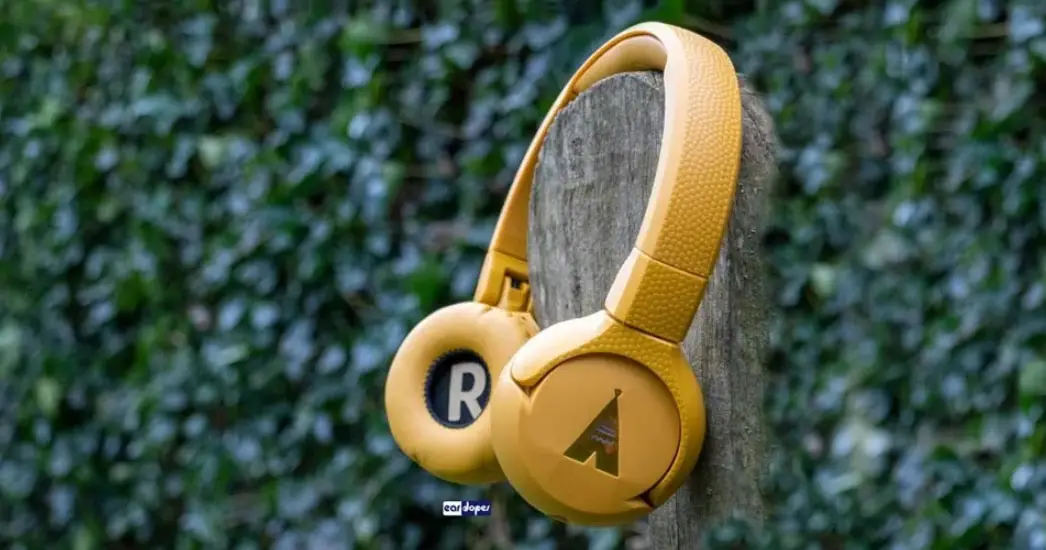
 1 Connect the round plug to the right can of your POGS headphones
2 Connect the angled plug to your device (phone, tablet, Playstation etc.) - Control your sound on the connected device.

 plug)
plug)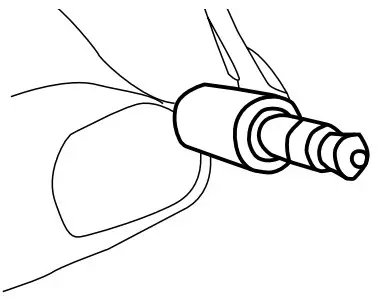
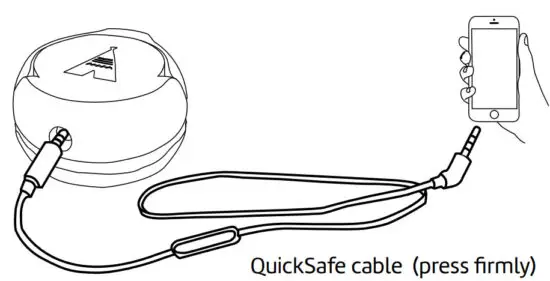 1 Connect the round plug to the right can of your POGS headphones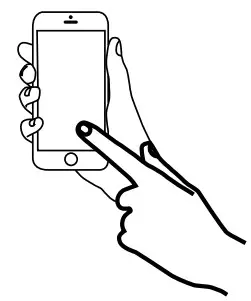
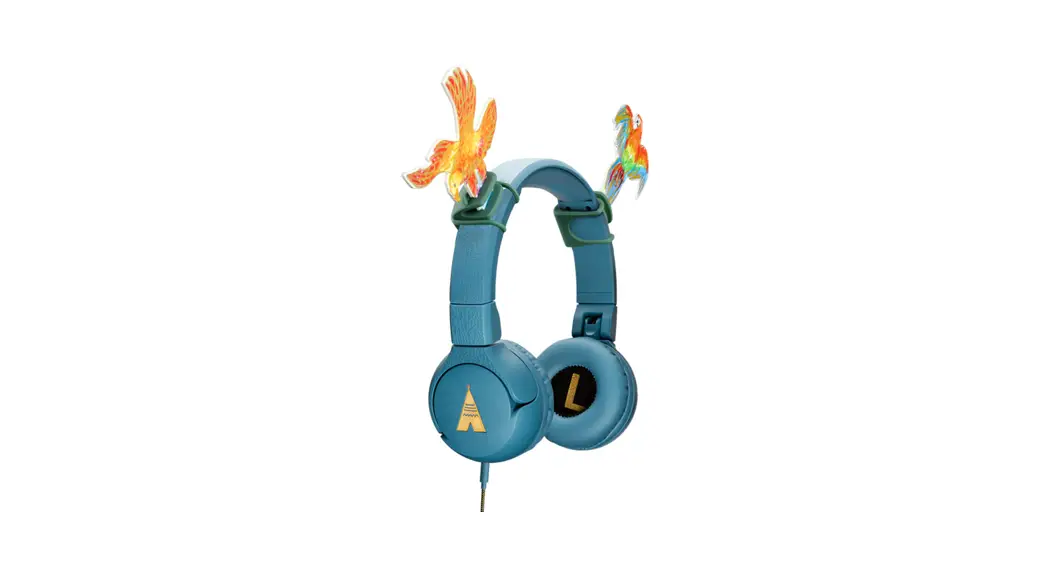
POGS Wired ‘The Elephant’
What else can I do?
A. Share music using POGLink
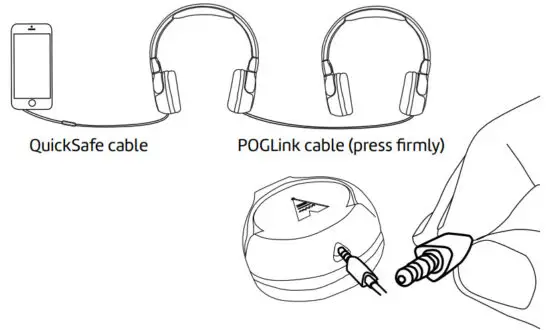
- Connect the triangular
 plug to the left can of your POGS headphones.
 - Connect the other end of the POGlink cable to other POGS headphones.
 plug to the left can of your POGS headphones.
B. Talk to friends
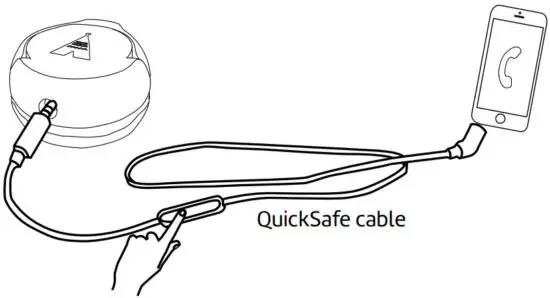
- Press the remote control button once to pick up an incoming call.
- Talk into the microphone integrated into the remote control to talk.
- Press the button again to end the call.
C. Play/Pause music with remote control
Press the remote control button on the QuickSafe cable to play/pause music