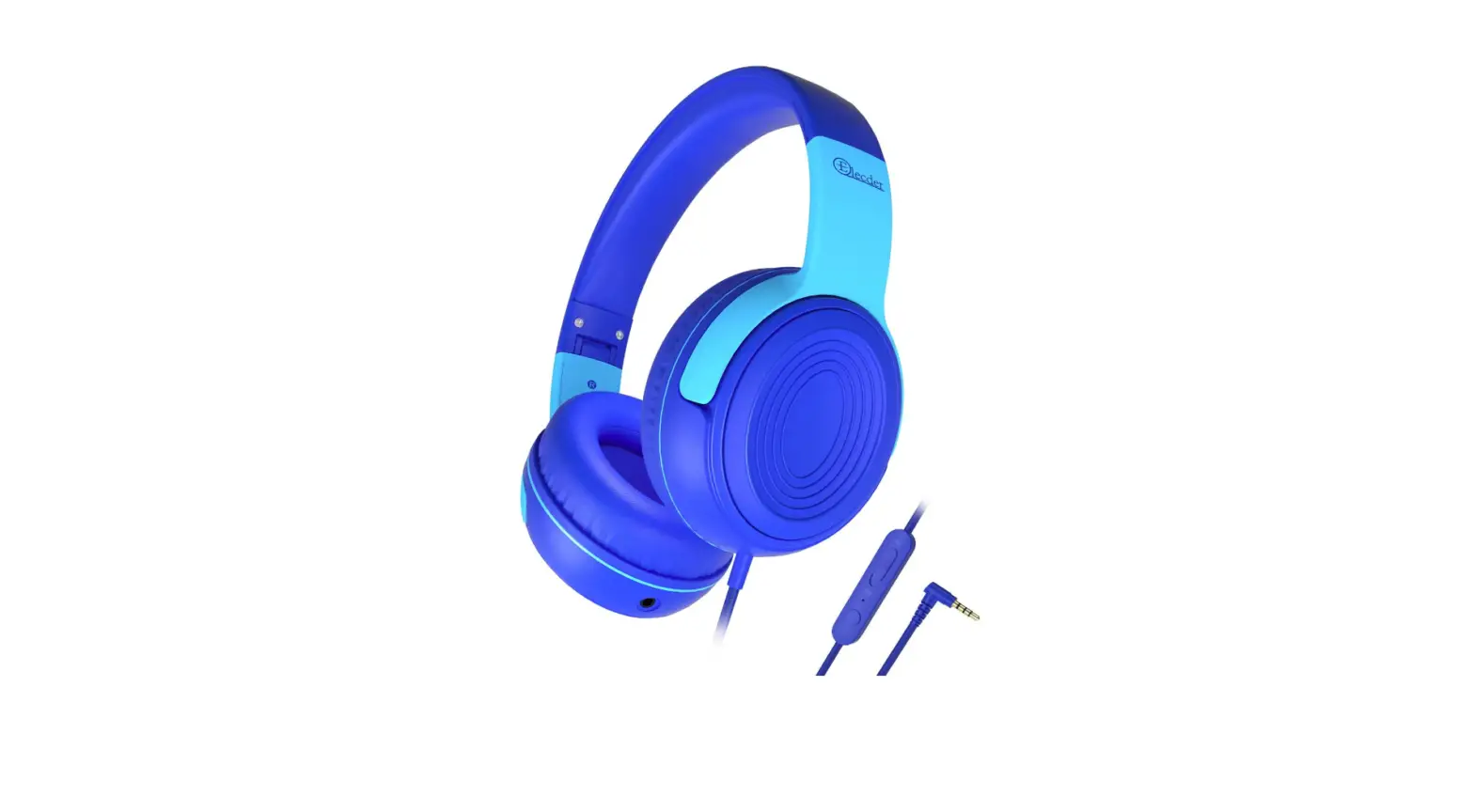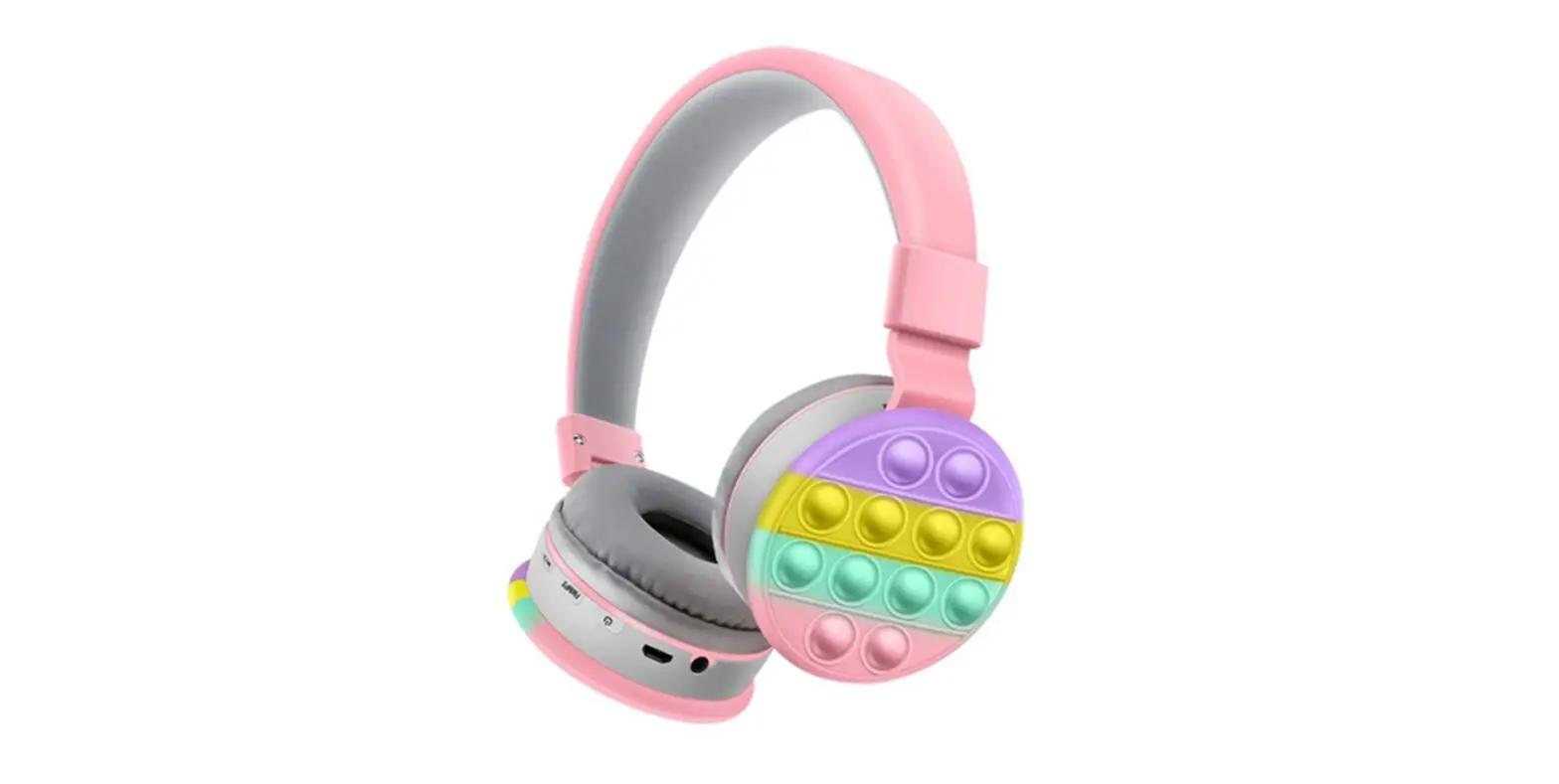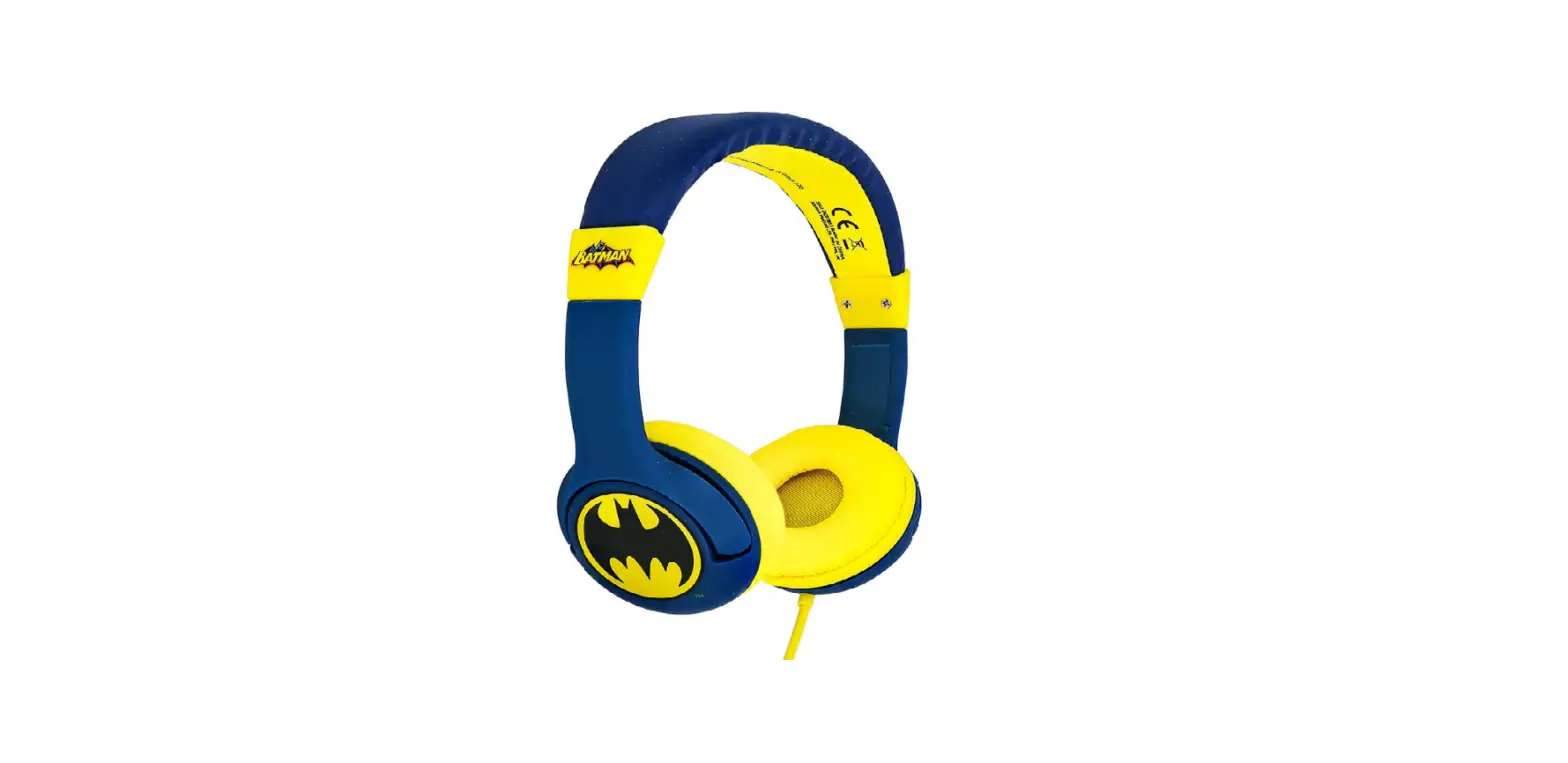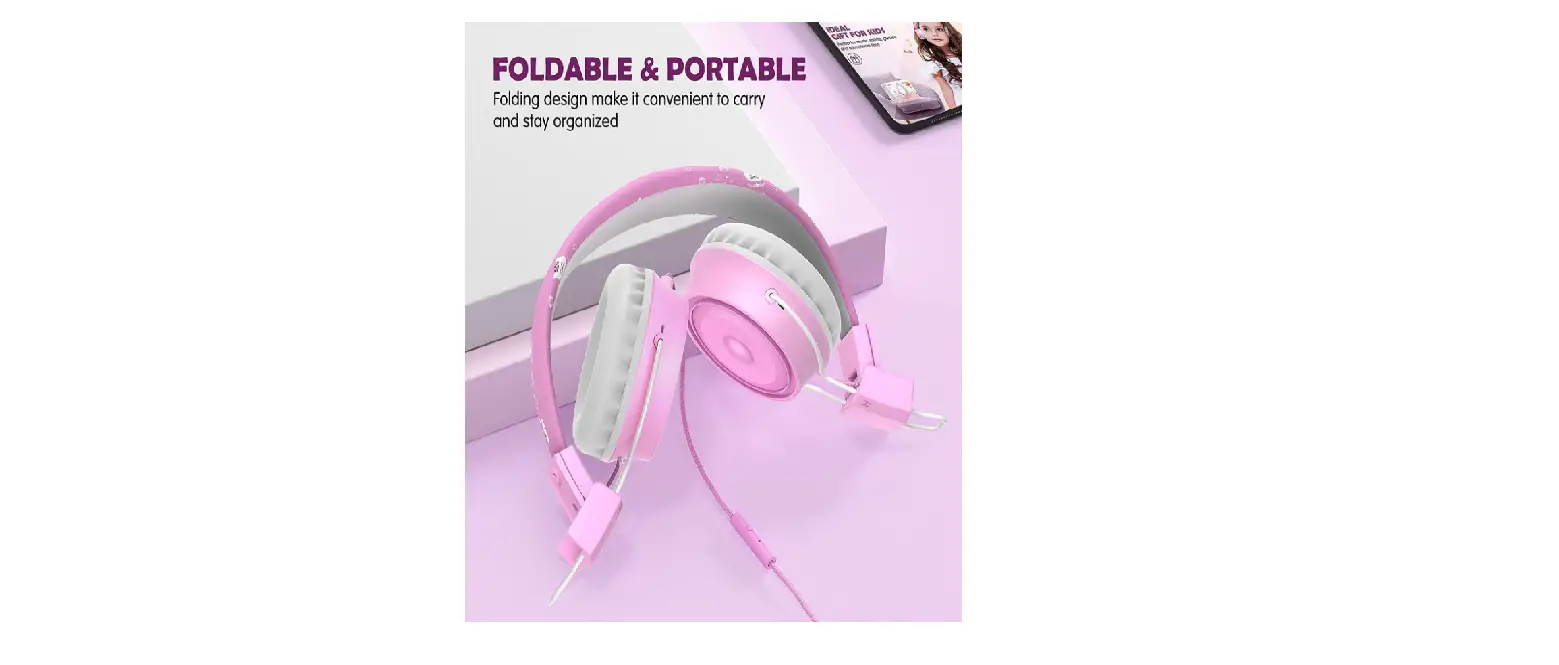
 Kids Wired Headphones
User Guide
POGS Doodas
Kids Wired Headphones
Get started in 3 steps
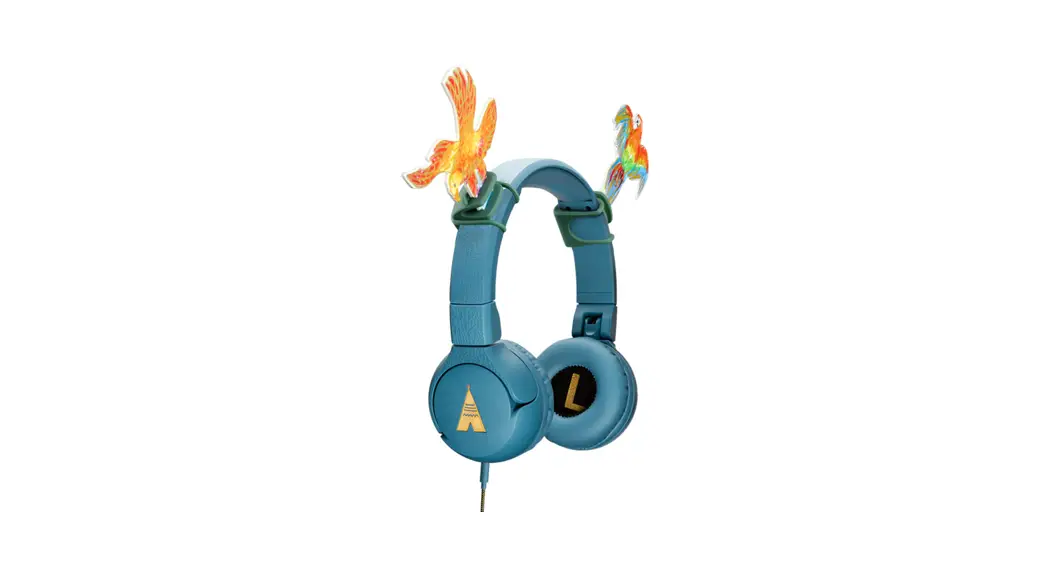
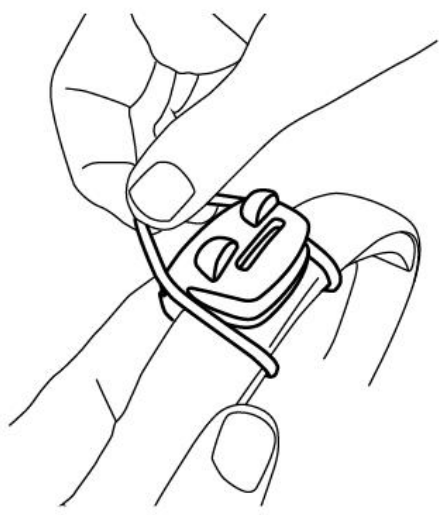
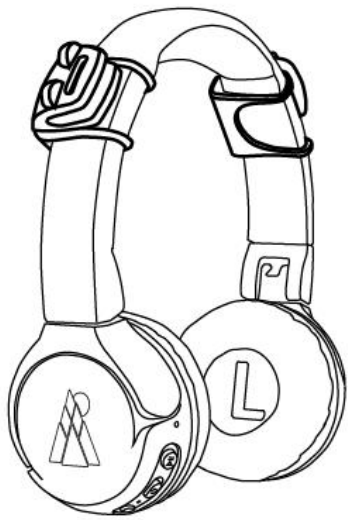
- Attach the Frogbites to the headband, one right and one left

The Frog’s head should be on top with the other part wrapping around the headband and falling in place behind the frog’s eyes 
- Take the cardboard Doodas and get creative: color and draw any way you like!
- Insert the narrow end into the open gap before the frog’s eyes
 Push the Doodas down so the little bumps are through the gap, then push the Doodas into place in the lowest slot that rests on the headband
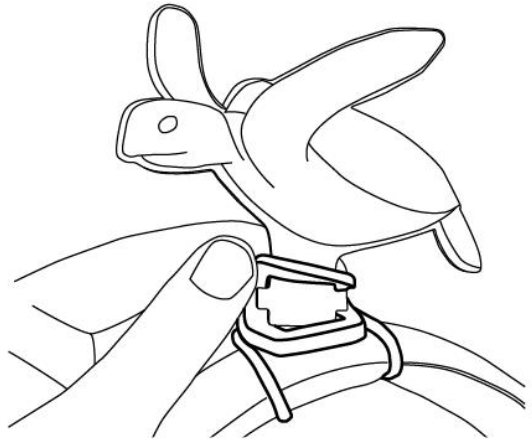 Push the Doodas down so the little bumps are through the gap, then push the Doodas into place in the lowest slot that rests on the headband
Share your creation #POGSheadphones