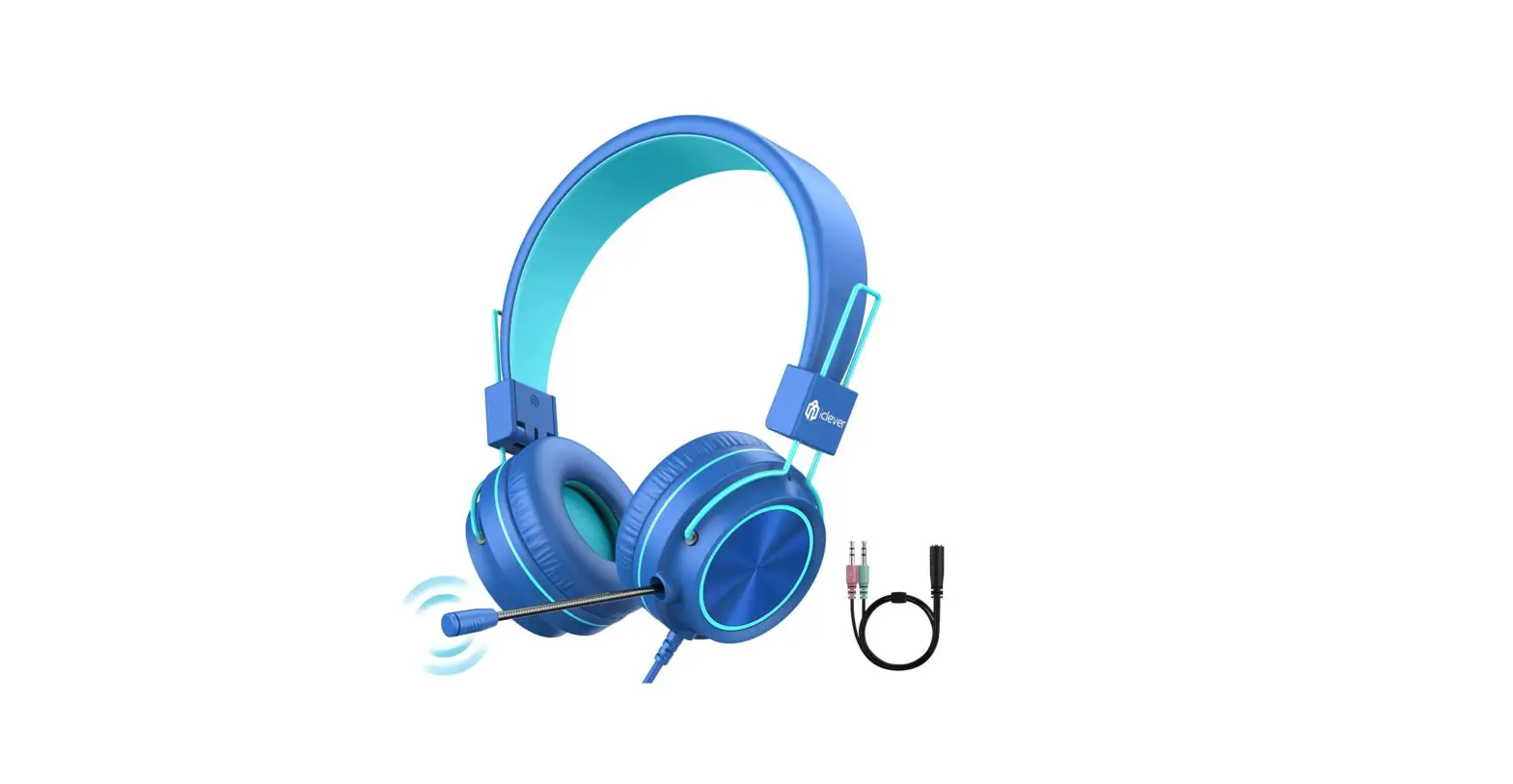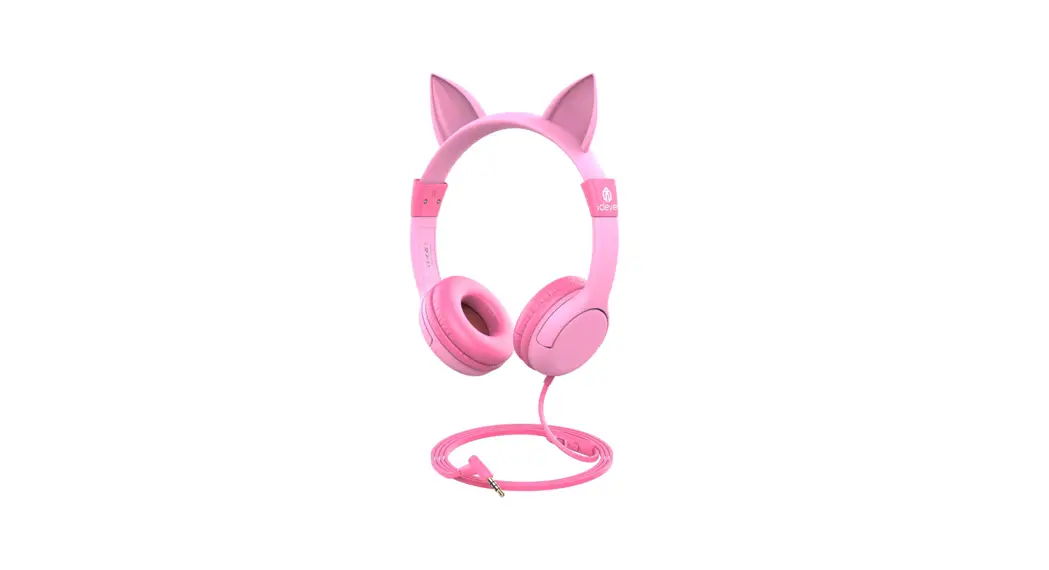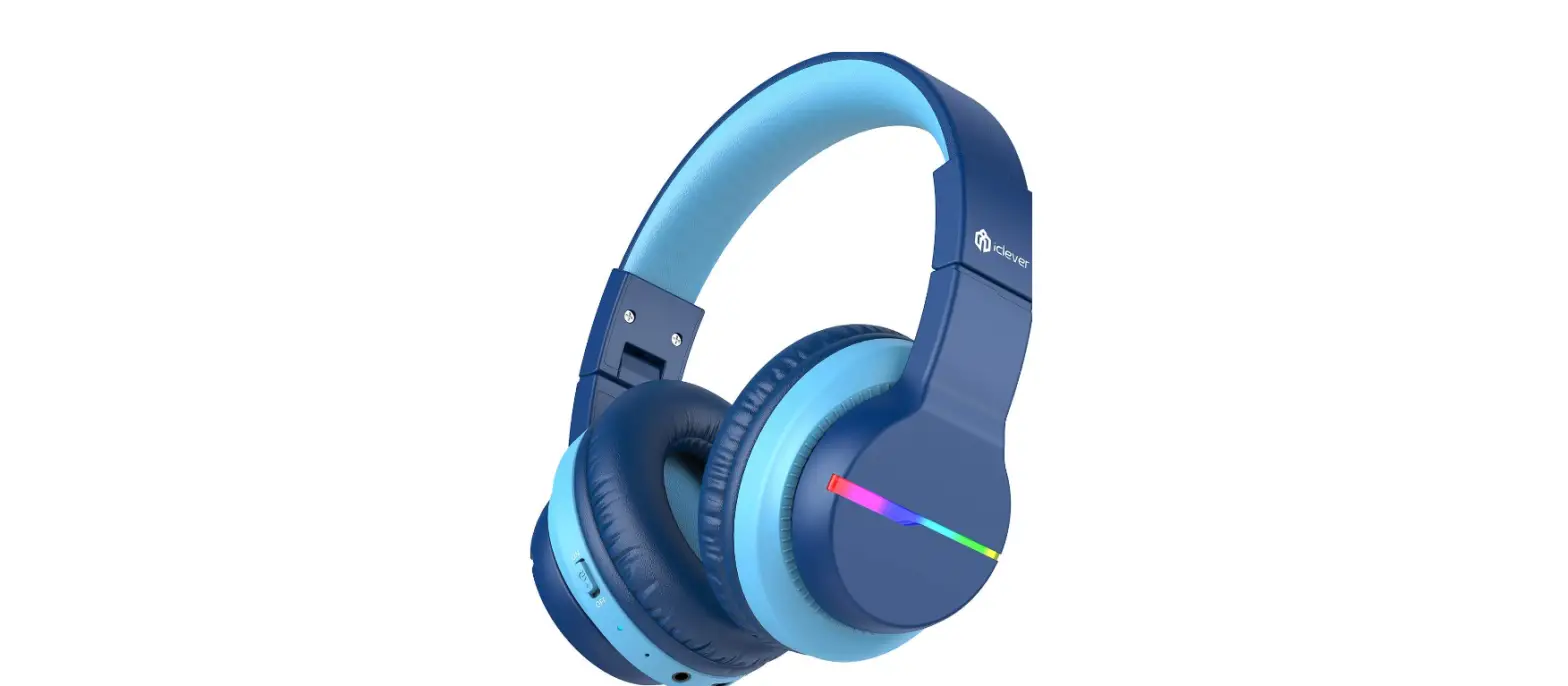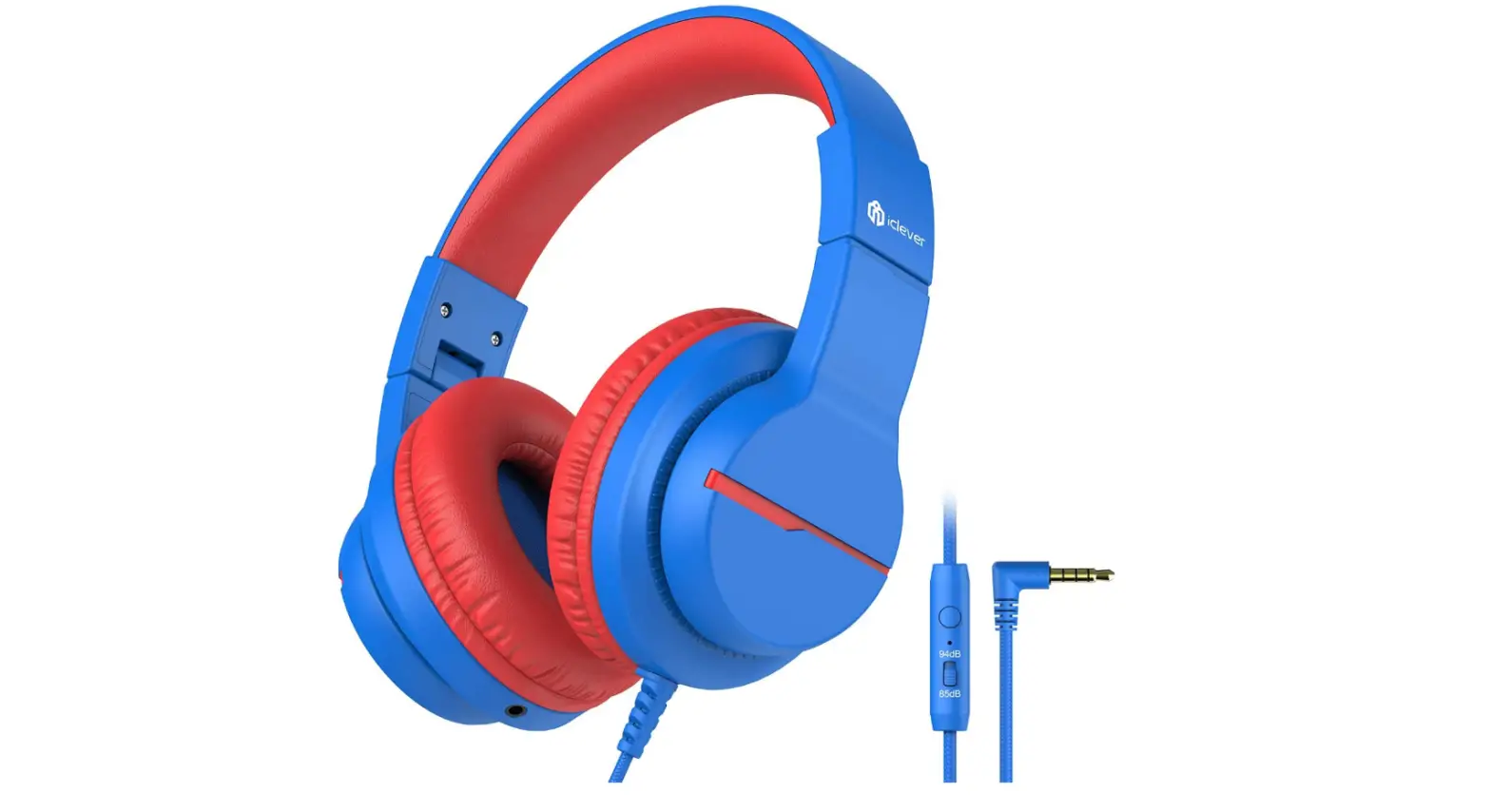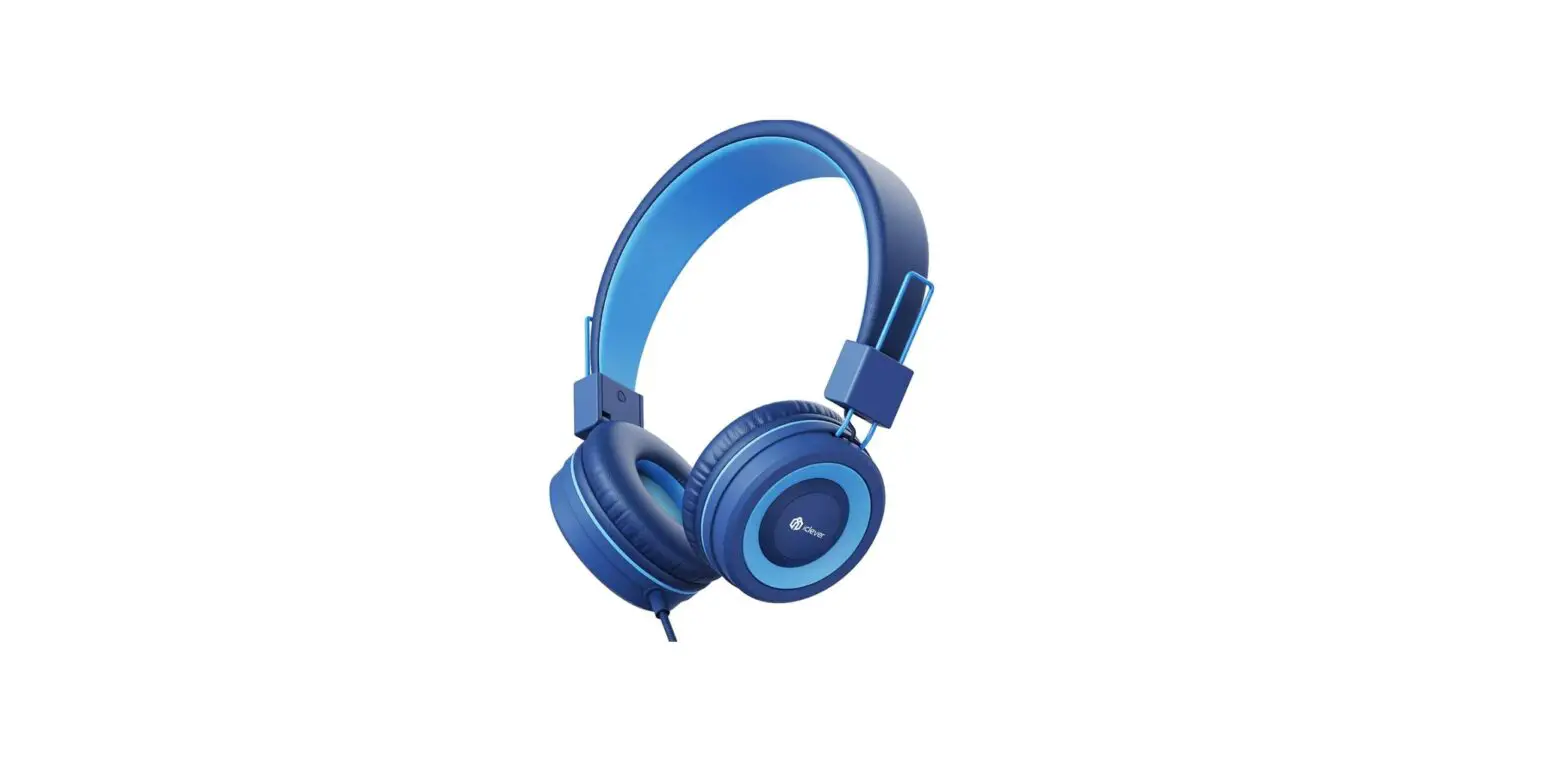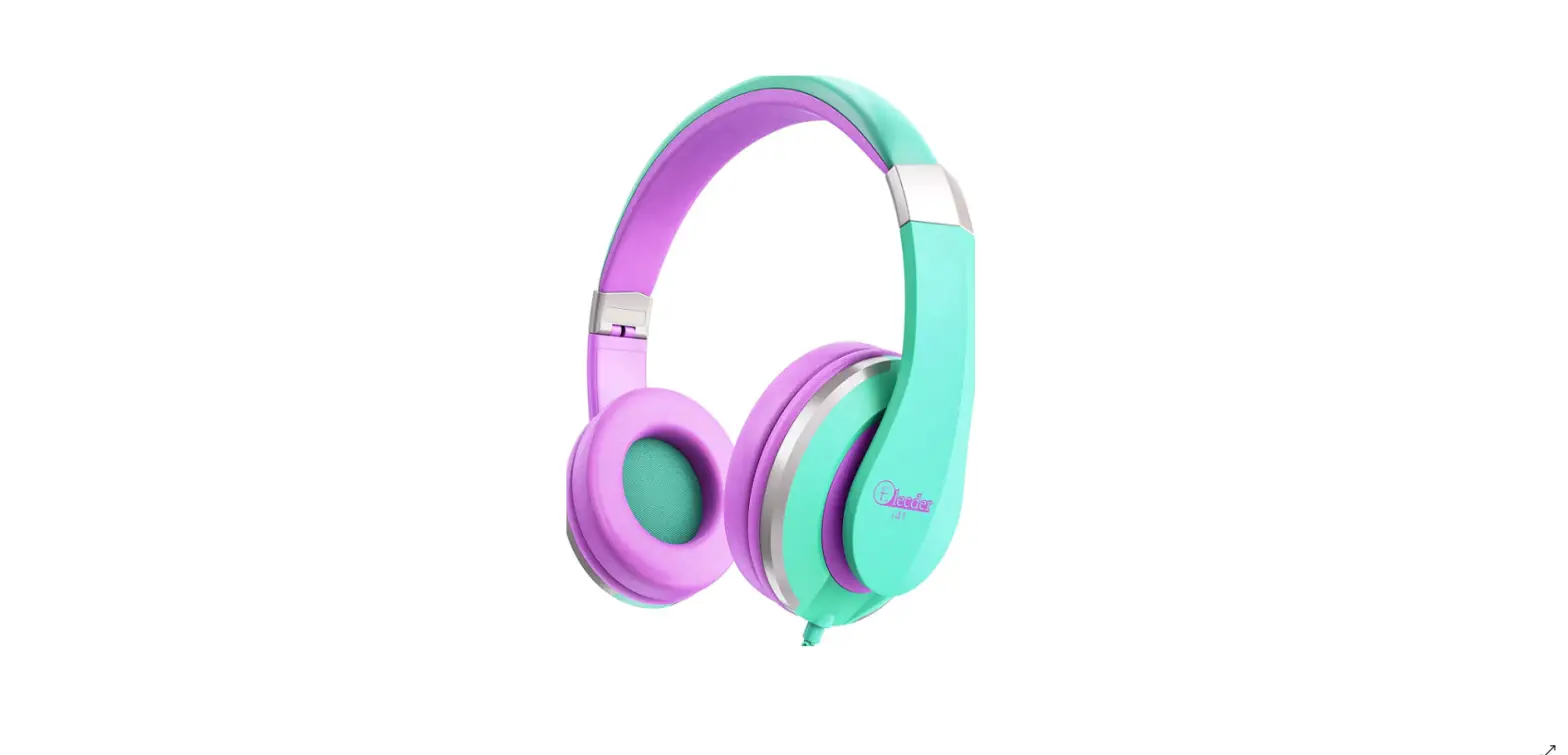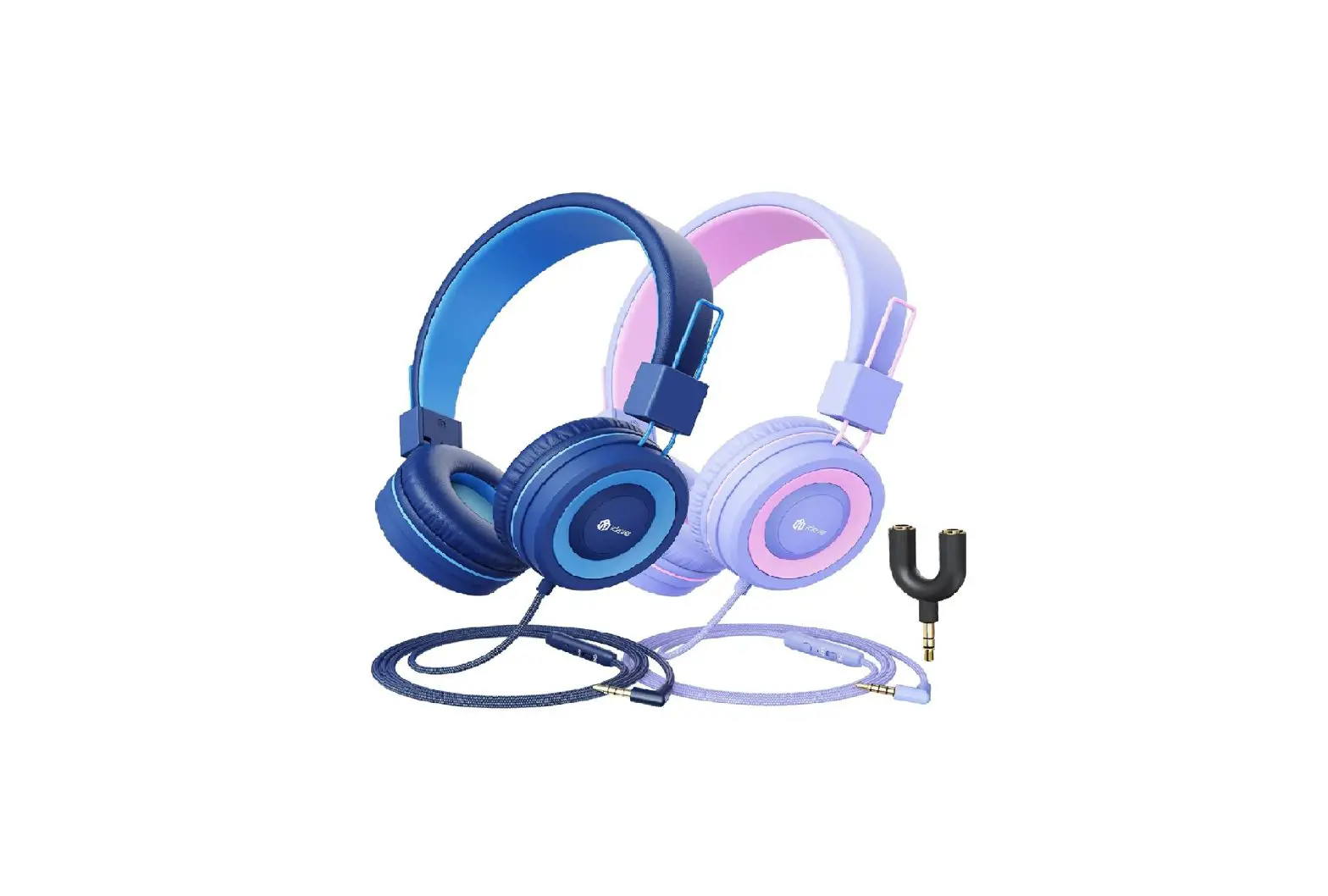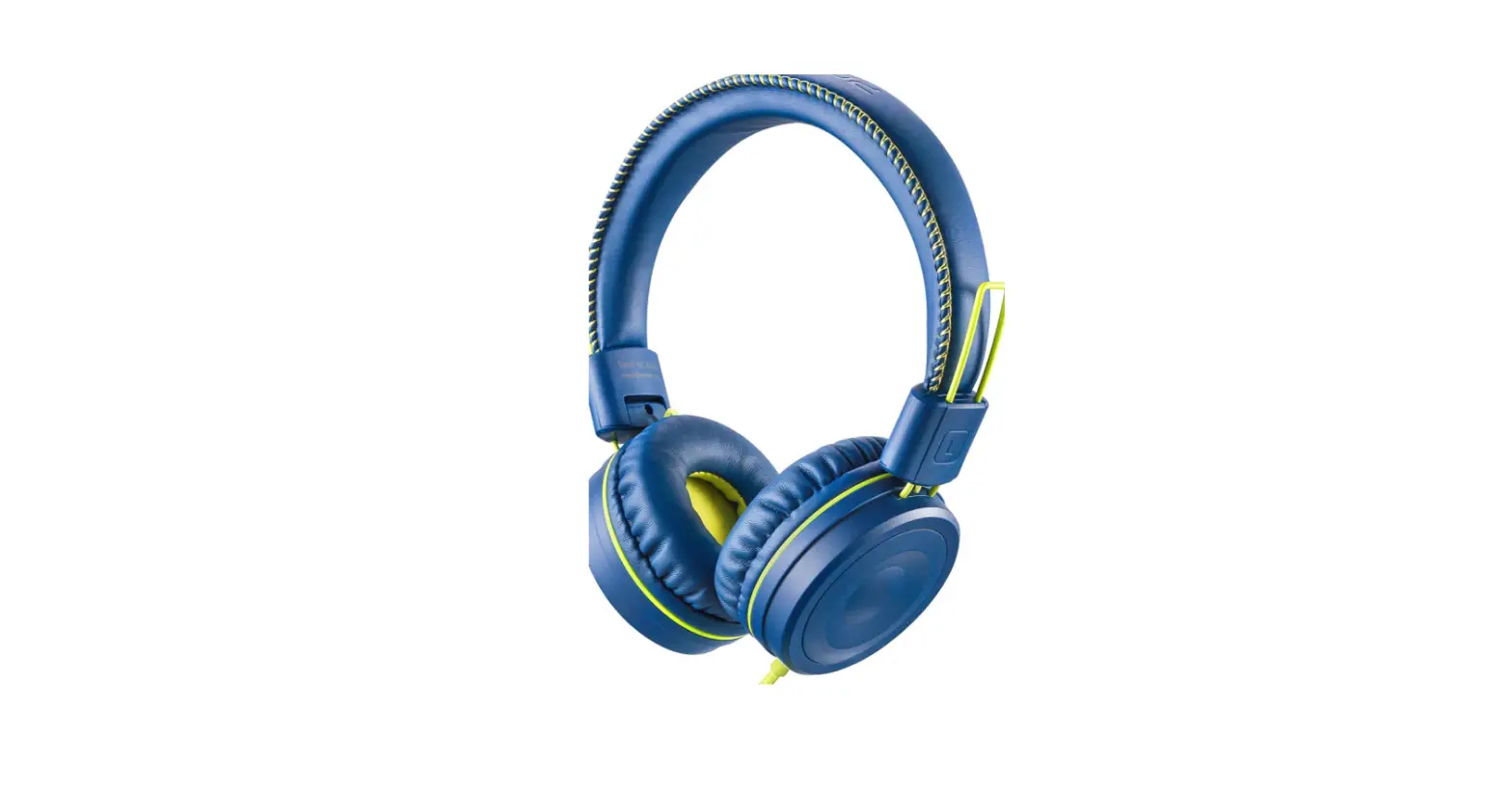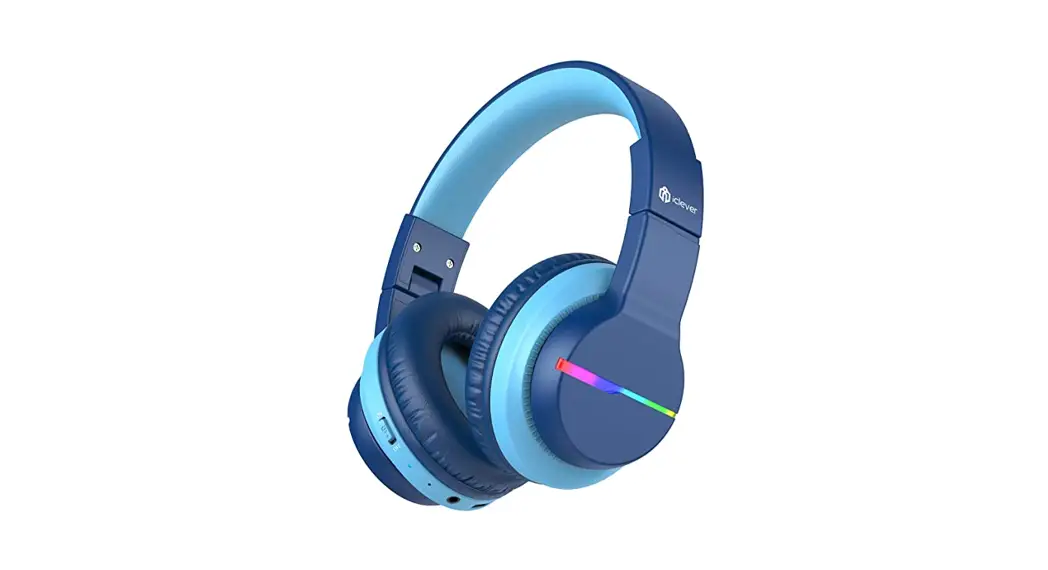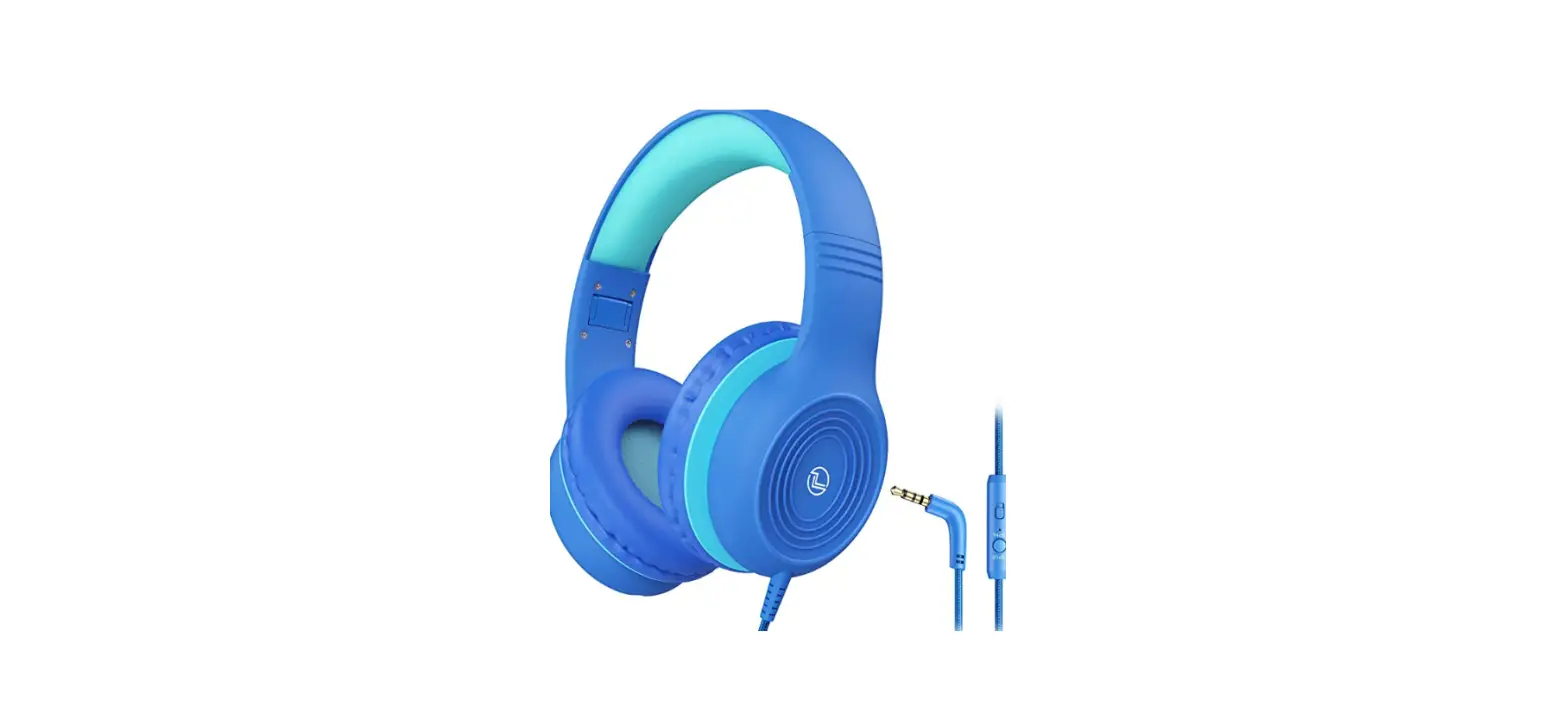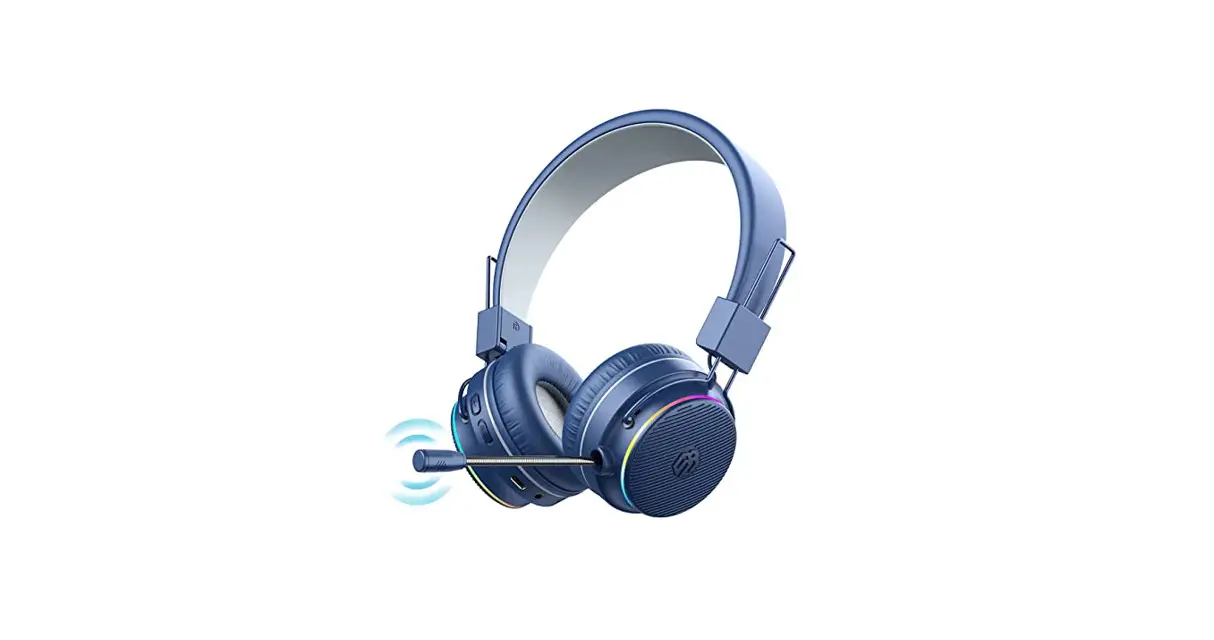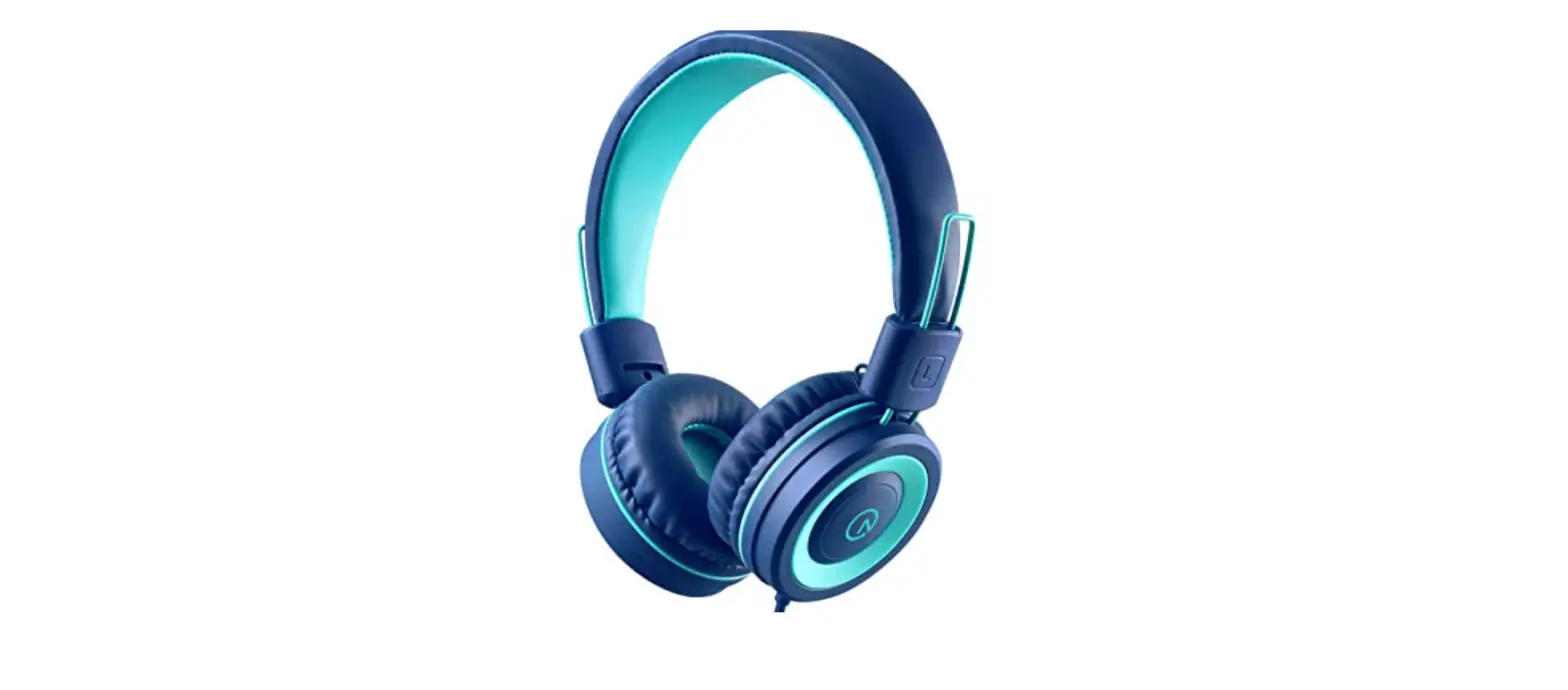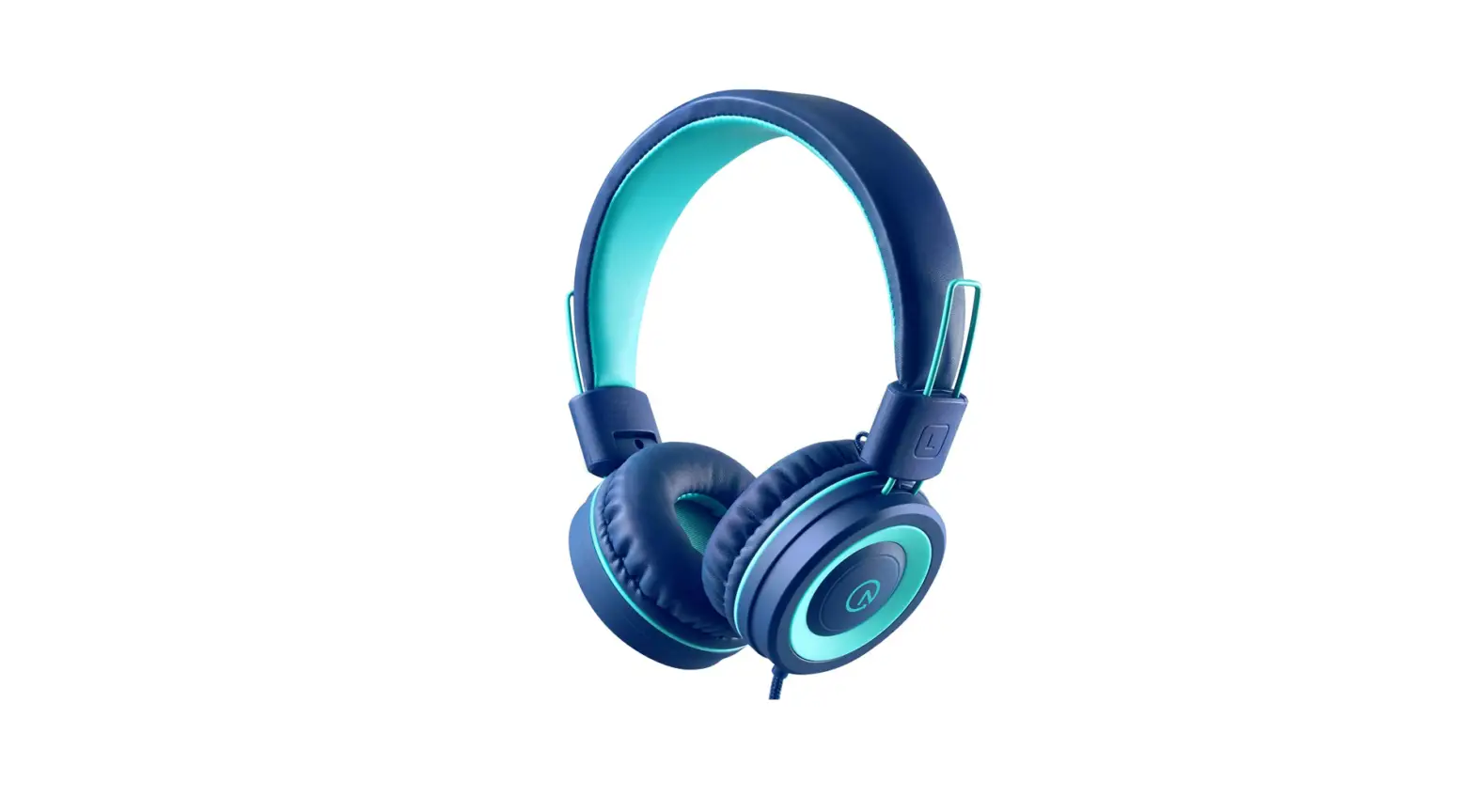

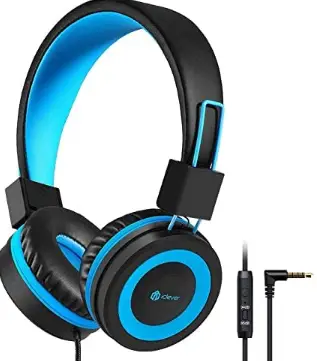
iClever HS14 Kids Headphones
Specifications
- PRODUCT DIMENSIONS: 5.51 x 2.95 x 5.9 inches,
- ITEM WEIGHT: 6.1 ounces,
- BRAND: IClever,
- CONNECTIVITY TECHNOLOGY: Wired,
- JACK: 3.5mm Aux Jack,
- FORM FACTOR: Over-Ear.
iClever HS14 is a wireless pair of headphones that are easy to pair and easy to carry. Sound-control technology in the iClever kids’ headset also limits the level of the sound to no more than 94dB to prevent hearing loss or injury. The sound is listened to on a cushioned headband and soft on-ear cushions that are well-sized for young ears, in addition to the loudness. Pillow-soft earmuffs, a thickened covered headband, and swiveling earcups not only make it more durable and pleasant, but they also allow you to immerse yourself in a high-quality feast after a long period of uninterrupted listening. The earmuffs are also constructed of a memory-protein substance. Enjoy your sonic journey with all of the meticulous designs.
Sound quality
The twin Sound Stage speakers on these stereo headphones produce a robust sound that your kids will enjoy. You can be sure they’ll have clear, pure sound, as well as plush, hypoallergenic ear cushions that will let them to listen for hours without discomfort. Children’s ears are sensitive to loud noises, and you don’t want them to destroy their hearing by cranking up the volume! As a result, for everyday use, opt for the 85dB volume limiter. Adjust the limiter to 94dB for crystal clear sound if the youngster is in a noisy area such as a car or an airline.
Microphone
The kid’s headset has a trendy MIC and the mic make these headphones ideal for online classes and voice calls. The headphones will operate with any device that has a 3.5 mm aux input.
Compatible
iClever headphones are designed for children. These are easy to carry and compatible. You can easily fold and put them in your bag. The headphones are made of fine plastic. That they wont break easily.
What’s in the box
- iClever kids Headphones
- Packing Bag
- User Manual
Controls
- You can change the intensity of the volume with the controls on the wire.
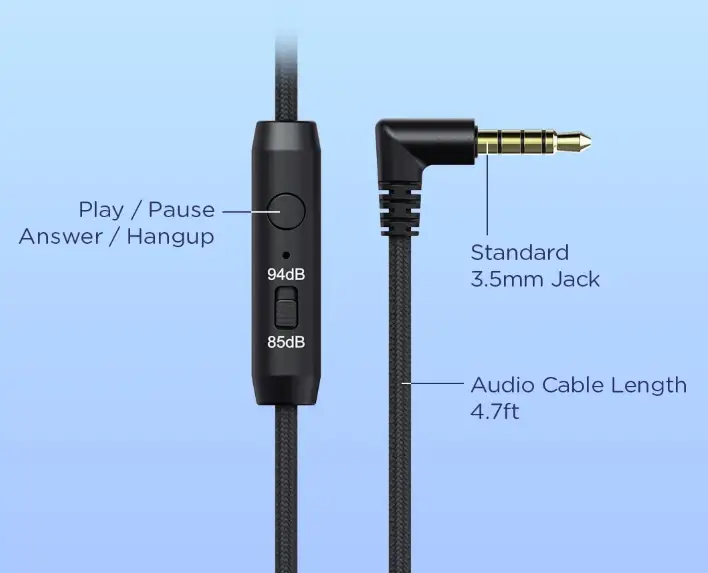
You can connect the HS14 headphones with the system.
- Insert the cable into the 3.5mm jack on the headphone’s earcup.
- Connect the wire’s other end to the system.
PROS
- Good sound quality.
- Comfortable
- Adjustable intensity of sound.
CONS
- No Bluetooth features.
Verdict:
The iClever headphones are ideal if you want the best-advanced headphones for your kids. These are sleeky and comfy headphones at a good price. The color contrast also attracts the kids
Frequently Ask Question
- Is there a microphone on the iClever headphones?
kids will enjoy Clear sound without having to search around for your smartphone. The built-in mic makes it more convenient - On iClever headphones, how do you switch on the LED lights?
Multicolor LED Lights: The fantastic wireless kid’s headphones with LEDs bring the song to life! To turn on the lights, simply press and hold the “+” button while listening to the music. The bright colors and additional pictures appeal to children. - How long does it take for IClever headphones to charge?
To begin, charging these headphones to full capacity takes less than two hours (in my tests, I clocked it at around 90 minutes). - Do tablets have Bluetooth capabilities?
Because your Android tablet is Bluetooth-enabled, it can communicate with Bluetooth devices like headphones, keyboards, printers, and robotic mice with lethal lasers. - My Bluetooth headphones aren’t connecting to my Kindle.
Make sure your Bluetooth device is switched on and in pairing mode. Swipe down from the top of the screen on your Kindle Fire to reveal Quick Settings, then tap Wireless. Toggle on Bluetooth. Tap On next to Enable Bluetooth. - Why isn’t Bluetooth able to locate devices?
To reset Wi-Fi, mobile, and Bluetooth on an Android phone, go to Settings > System > Advanced> Reset Options > Reset Wi-Fi, mobile, and Bluetooth. To unpair all of your devices on iOS and iPadOS, go to Settings > Bluetooth, tap the info icon, then Select Forget This Device for each device, then restart your phone or tablet. - Is it possible to use headphones with a Kindle?
To utilize your Kindle e-reader with an audio interface, just plug your headphones or speakers into the audio port on the Kindle Audio Adapter.