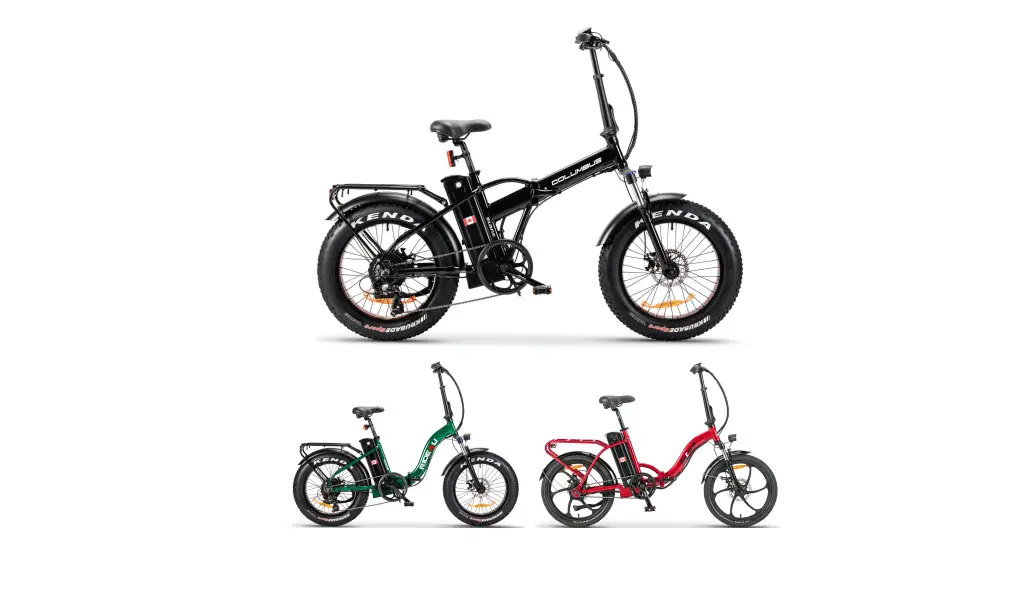
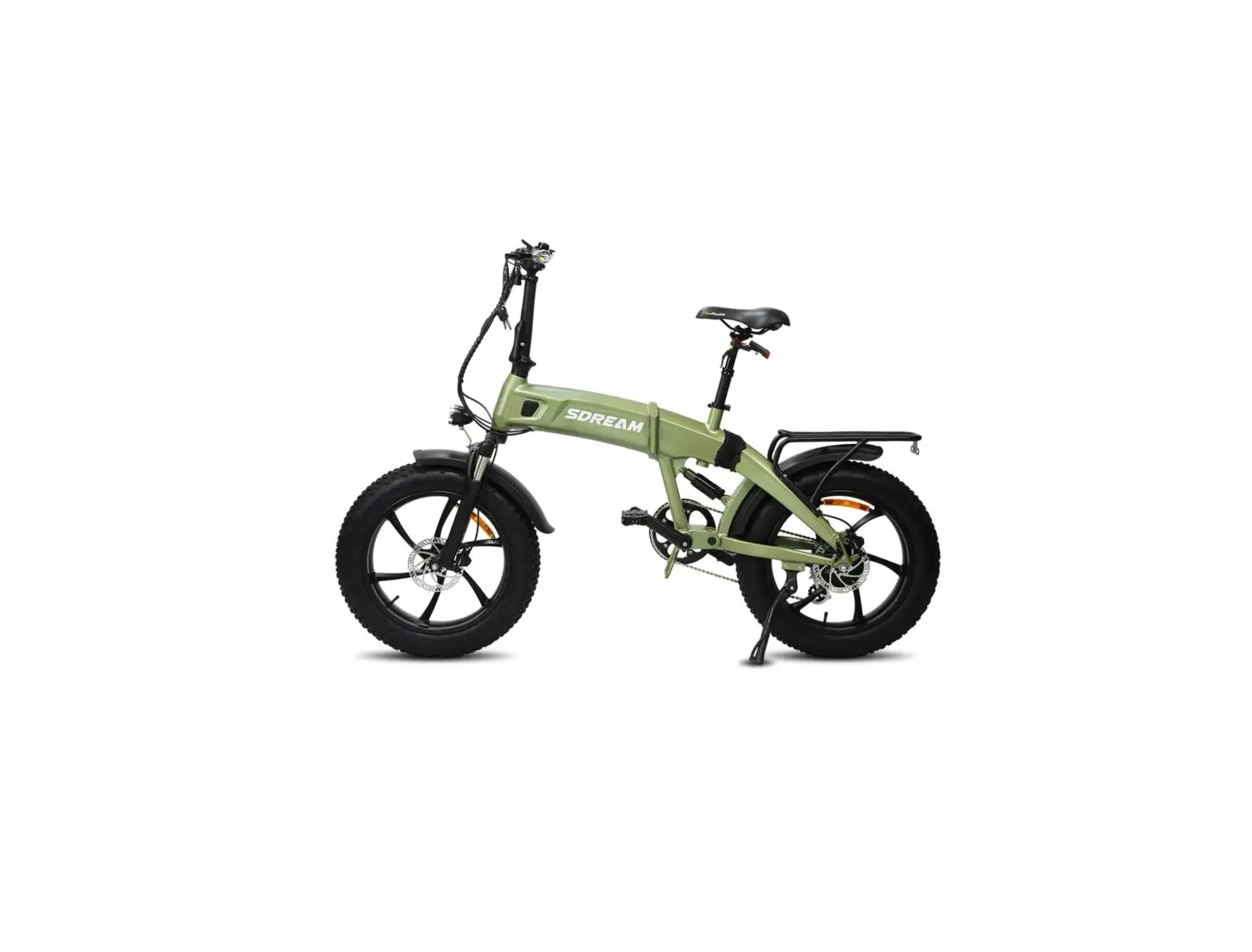
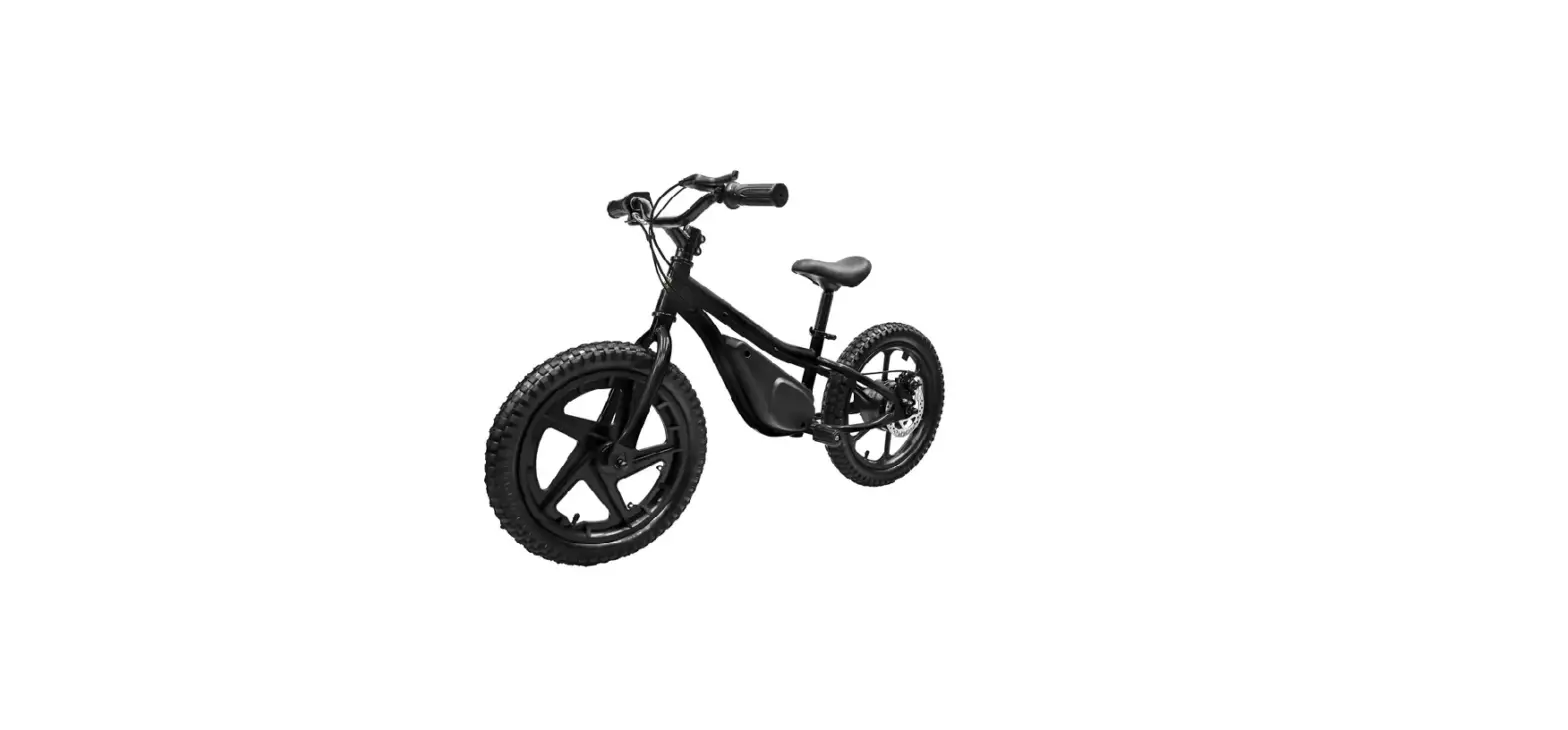
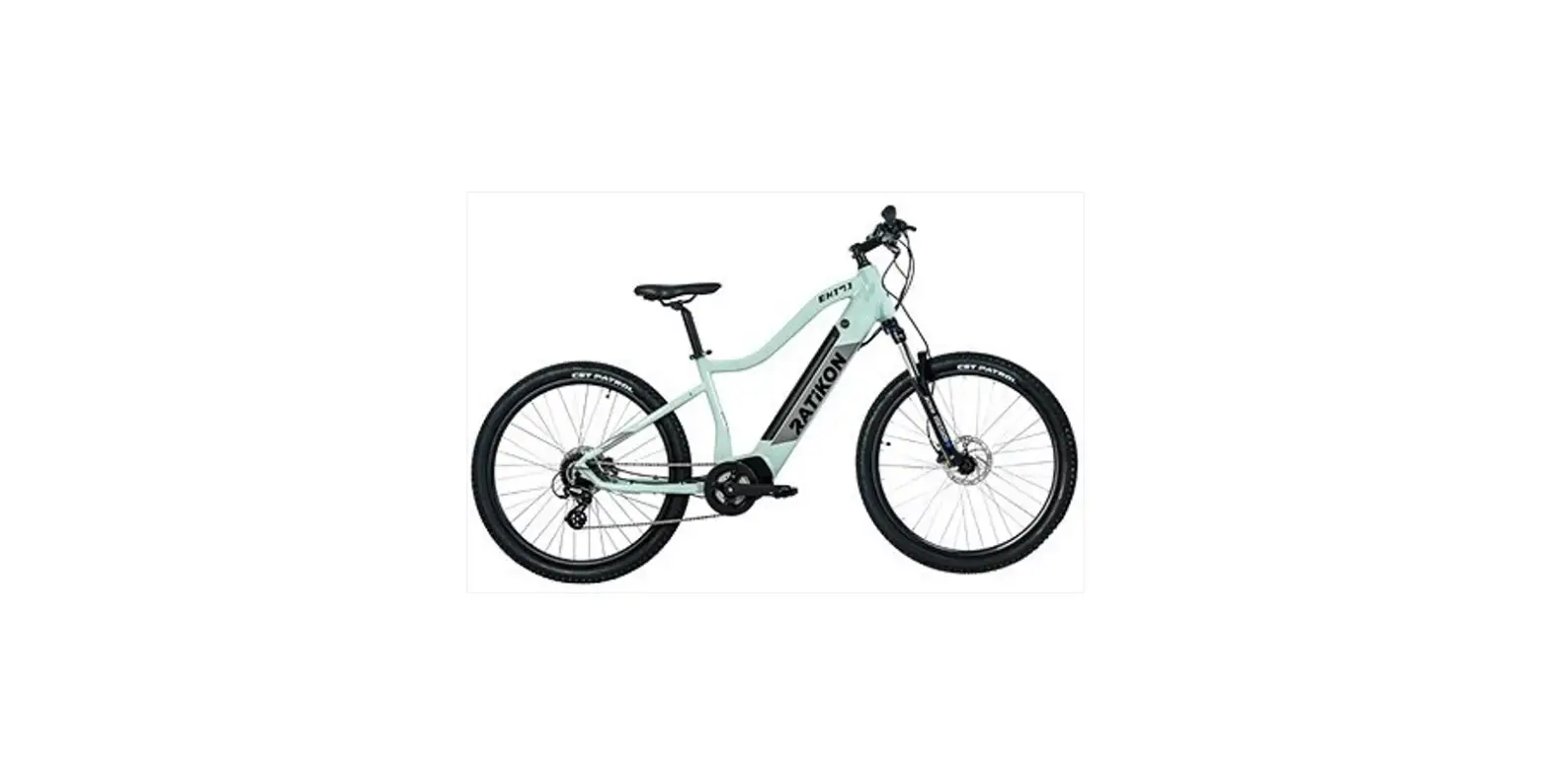
UL2849 Electric Bicycle
Product Information
The product is a bicycle designed for various riding conditions.
Please note that riding any type of bicycle involves risks, and the
rider is solely responsible for their safety. The manual does not
guarantee safe use under all conditions. Off-road riding, jumping,
or performing acrobatic tricks may cause frame damage, leading to
severe injury or death. It is essential for the rider to receive
proper education and be prepared to ride safely.
The manual includes symbols that provide important
information:
- WARNING: Indicates a potentially dangerous
situation that, if not avoided, could result in injury or
death. - CAUTION: Indicates a potentially dangerous
situation that, if not avoided, could result in damage to the
bicycle or voiding of the warranty. - SAFETY INSTRUCTION: Indicates specific safety
instructions or procedures on how to handle the product or refers
to the section of the operating instructions that requires special
attention.
Product Usage Instructions
- Getting started:
- Refer to the “Getting started” section on page 23 of the manual
for initial setup instructions.
- Refer to the “Getting started” section on page 23 of the manual
- Display operations:
- Follow the instructions provided in the “Display operations”
section on page 24 of the manual to understand how to use the
display.
- Follow the instructions provided in the “Display operations”
- Display advanced settings:
- For advanced settings of the display, refer to the “Display
advanced settings” section on page 24 of the manual.
- For advanced settings of the display, refer to the “Display
- Pedal assist level:
- Learn about adjusting the pedal assist level by referring to
the “Pedal assist level” section on page 26 of the manual.
- Learn about adjusting the pedal assist level by referring to
- Battery:
- Understand how to handle and maintain the battery by following
the instructions in the “Battery” section on page 27 of the
manual.
- Understand how to handle and maintain the battery by following
- Safe riding:
- Ensure safe riding practices by referring to the “Safe riding”
section on page 37 of the manual.
- Ensure safe riding practices by referring to the “Safe riding”
- Riding in bad weather conditions:
- For guidance on riding in bad weather conditions, consult the
“Riding in bad weather conditions” section on page 38 of the
manual.
- For guidance on riding in bad weather conditions, consult the
- Riding in low light conditions:
- Learn how to ride safely in low light conditions by reading the
“Riding in low light conditions” section on page 38 of the
manual.
- Learn how to ride safely in low light conditions by reading the
- Maintaining your Honbike:
- For maintenance instructions, refer to the “Maintaining your
Honbike” section on page 39 of the manual.
- For maintenance instructions, refer to the “Maintaining your
- Service interval:
- Understand the recommended service interval by reading the
“Service interval” section on page 40 of the manual.
- Understand the recommended service interval by reading the
- Replacing parts:
- If you need to replace parts, follow the instructions provided
in the “Replacing parts” section on page 41 of the manual.
- If you need to replace parts, follow the instructions provided
- Maintenance notes:
- Refer to the “Maintenance notes” section on page 41 of the
manual for additional maintenance tips.
- Refer to the “Maintenance notes” section on page 41 of the
If you require after-sales support or more information about the
product, you can visit the Honbike website at www.honbike.com or download the
Honbike official APP by scanning the provided QR code.
Warranty
For warranty information and registration, please refer to the
“Warranty” section on page 42 of the manual. It is important to
register your Honbike to avail of the warranty benefits.
Warranty Notes
Additional warranty notes and exclusions can be found in the
“Warranty notes” and “Exclusions” sections on pages 43-44 of the
manual. Make sure to read these sections carefully.
Special Notes
Please take note of the “Special notes” section on page 44 of
the manual for any specific instructions or information related to
the product.
IMPORTANT
This manual contains important information regarding the safe operation and maintenance of your bicycle. Read all sections before you ride your new Honbike, and carefully follow the instructions. If you have any questions or do not understand something in this manual, take responsibility for your safety and consult Honbike. Keep your owner’s manual and any other documents that came with your Honbike for future reference. All content in this update and the manual is subject to change or withdrawal without notice. Visit www.honbike.com to view and download the latest version. Honbike makes every effort to ensure the accuracy of its documentation and assumes no responsibility or liability if any errors or inaccuracies appear within. This manual is not intended as a comprehensive use, service, repair or maintenance guide.
WARNING
Riding any type of bicycle involves risks which can’t be predicted or avoided and that are the sole responsibility of the rider. This manual makes no representations about the safe use of bicycles under all conditions. Off road riding, jumping or acrobatic tricks can cause frame damage which may result in death or serious injury of the rider. It is the sole responsibility of the rider to become properly educated and prepared to ride safely.
Pay particular attention to the following symbols:
WARNING
Indicates a potentially dangerous situation that, if not avoided, could result in injury or death.
CAUTION
Indicates a potentially dangerous situation that, if not avoided, could result in damage to the bicycle or the voiding of your warranty.
SAFETY INSTRUCTION
Indicates specific safety instructions or procedures on how to handle the product, or refers to the section of the operating instructions that deserves your special attention.
You can visit Honbike website or Honbike official APP to get more information about the product and after-sales support. Please search www.honbike.com or scan the QR code to download APP.
EN
TABLE OF CONTENTS
General information ………………………………………………………………………………………. 1 What’s in the box ……………………………………………………………………………………………….. 1 Accessories & Tools …………………………………………………………………………………………..2 Frame number …………………………………………………………………………………………………… 4 Key features ………………………………………………………………………………………………………..5
Get your Honbike ready ……………………………………………………………………………….. 6 Unboxing ……………………………………………………………………………………………………………… 6 Mount the rear wheel & rear fender ……………………………………………………………. 8 Lifting the stem ………………………………………………………………………………………………..10 Install folding pedal ………………………………………………………………………………………….11 How to fold/unfold the pedal……………………………………………………………………..12 Assemble the saddle kit …………………………………………………………………………………13 Saddle height adjustment…………………………………………………………………………..14 How to use the folding stand ………………………………………………………………………..15 Install the battery …………………………………………………………………………………………….16 Fold your Honbike ……………………………………………………………………………………………. 17 Unfolding …………………………………………………………………………………………………………..20
Recommended torque values ……………………………………………………………….. 22 Getting started …………………………………………………………………………………………….. 23
Display operations …………………………………………………………………………………………24 Display advanced settings ………………………………………………………………………..24
Pedal assist level ……………………………………………………………………………………………26 Battery ………………………………………………………………………………………………………………. 27
Charging the battery…………………………………………………………………………………… 27 Removing the battery………………………………………………………………………………….28 Battery & Charger safety information …………………………………………………….29 Proper frame sizing ………………………………………………………………………………………..30 Intended use …………………………………………………………………………………………………… 31 Road conditions suitable for this model …………………………………………………….31 Maximum permitted overall weight ………………………………………………………….32 How to increase riding mileage …………………………………………………………………..32 Before the first ride …………………………………………………………………………………….. 33 Before every ride …………………………………………………………………………………………. 35 Safety ………………………………………………………………………………………………………………. 36 The basics …………………………………………………………………………………………………………36
Safe riding …………………………………………………………………………………………………………37 Riding in bad weather conditions ……………………………………………………………….38 Riding in low light conditions ……………………………………………………………………….38
Maintaining your Honbike ………………………………………………………………………… 39 Service interval ……………………………………………………………………………………………….. 40 Replacing parts ……………………………………………………………………………………………….41 Maintenance notes ………………………………………………………………………………………….41
Warranty …………………………………………………………………………………………………………. 42 Register your Honbike …………………………………………………………………………………… 42
Warranty notes ………………………………………………………………………………………………… 43 Exclusions ………………………………………………………………………………………………………..44 Special notes ……………………………………………………………………………………………………44
Disclaimer ………………………………………………………………………………………………………. 45
Declaration of conformity ……………………………………………………………………………. 45
FCC Compliance Statement for USA ………………………………………………………… 45
Prop 65 Warning ……………………………………………………………………………………………… 46
Liability Disclaimer ………………………………………………………………………………………… 46
Legal…………………………………………………………………………………………………………………… 47
EN
What’s in the box
Folding bicycle * 1
Rear wheel * 1
Saddle & Seat Post set *1
Rear fender * 1
Battery *1
Frame strap *1
1
Accessories & Tools
Rear wheel bolt cover * 1
Folding pedal * 2
Charger & cable *1
M5
M6
Battery key *4 9pcs
5pcs
#2.5 #4 #6
Hex Key
Rear and Front Reflectors
Owner’s Manual -EN
Manuel du propriétaire -FR
Benutzerhandbuch -DE
EN15194 UL2849
Owner`s Manual
QUICK START GUIDE
Quick Start Guide
After unpacking, please take all items out of the package and make sure that everything listed above is included. If anything is missing or damaged, please contact Honbike immediately for assistance.
2
5
11
3
4
6
EN
14
12
21
22
19
10
16 17
13
2
87
15
18 19
20
1. Front Fork 2. Motor 3. Disc Brake 4. Front Light/Reflector 5. Brake Lever 6. Display 7. Stem 8. Stem Hinge 9. Head Tube 10. Frame 11. Frame Hinge
12. Seat 13. Seat Post Lock 14. Seat Tube 15. Battery 16. Folding Stand 17. Crank 18. Folding Pedal 19. Drive Shaft 20. Kickstand 21. Rear Fender 22. Rear Light/Reflector
3
Hinge Clamp Button
Frame Hinge Safety Lock
Battery Key Charging Port Folding Stand Release
Frame number
Battery
Location: Head Tube Example: 24872XXXXXXXXXX
4
EN
Key features
Honbike Patented Drive Shaft
Fully enclosed drivetrain Easy Maintenance
Handlebar Integrated display
LCD screen Built-in bluetooth Riding status display
250W front hub motor
Light weight High efficient High reduction ratio 14:1
Removable battery
Light weight Support ON/OFF bicycle charging
Brake Front & Rear disc brake
Foldable design
Quick folds in 15s Compact size, Easy storage
5
Unboxing
Visit www.honbike.com to view corresponding videos to install and use HF01 correctly. Honbike packaging is delicately designed for safe transportation of the electric bicycle. We recommend that you keep Honbike original packaging at least one month in case you need to send your Honbike HF01 for service or maintenance.
Please assemble the bicycle on a smooth indoor surface or carpet to avoid scratching it.
1. Open the carton carefully and try not to damage it.
2. Take out the accessory box, battery and saddle kit separately and put them aside for later use.
3. Take out the upper foam to assist bicycle assembly.
6
EN
4 4. Take out the rear fender.
5. Lift the bicycle with one hand
while taking the rear wheel out
5
with the other hand, be careful to
avoid scratching the paint.
——————————–
click
6. Take the bicycle out of the carton, unfold the bicycle frame clockwise and place it on the foam.
7. Use your palm or thumb to push the frame hinge to the bicycle body until hearing a “click”, indicating the frame hinge is locked.
keep fingers out of the frame hinge.
8. Lay the bicycle onto the foam.
7
Mount the rear wheel & rear fender
H4
1
3
4
2
M6*5
13-15Nm
2
5
1 3
1. Place the unpainted side of the center of the rear wheel onto the bicycle.
2. Loosely tighten the five M6 bolts to the rear wheel using Hex key #4, then firmly tighten each bolt alternating in a diagonal order until all bolts are firmly tightened.
Failure to tighten the bolts in diagonal order can lead to an untrue wheel.
3. Snap on the rear wheel bolt cover.
4
M5*1 4-6Nm
4. Install the bolt on the front side of the rear fender to the drive shaft.
8
EN
5. Run the rear light cable through the cable guide by moving the brake cable aside and threading it through.
You can also use the Hex key #2.5 to unscrew the bolt on the cable guide first and then run the rear light cable through.
6. Align the rear light cable arrows and connect the ends together, tuck the cable into the bottom of the battery case as far as possible.
5
6
7. Stand the whole bicycle up and lower the kickstand.
M5*2 4-6Nm
8. Install the two bolts of the rear fender stay using Hex key #4.
9
Lifting the stem
Remove the straps and the foam packaging on stem, crank and frame.
1. Flip the stem upward to the vertical position while paying attention to the brake cables. Pull the hinge clamp downward to the lowest point and continue to push the stem to the vertical position.
2. Lift the hinge clamp up.
click 3. Firmly press the hinge clamp until hearing a “click”, indicating that the hinge clamp is locked in place.
Keep fingers out of the hinge clamp.
10
EN
Install folding pedal
H6
Right: Take the right pedal with the label R. Screw it clockwise onto the crank by hand. Use hex key #6 to tighten it clockwise.
Left: Take the left pedal with the label L. Screw it anticlockwise onto the crank by hand. Use hex key #6 to tighten it anticlockwise.
Apply some anti-rust oil or grease on the pedal threads if necessary.
11
How to fold the pedal
1. Place both thumbs on the crank with all other fingers on the end of the pedal. 2.Press the pedal toward the frame and then fold the pedal upward.
Fold the right pedal before you fold the bicycle.
How to unfold the pedal
Push down on the folded part of the pedal with your palm until hearing a “click”, indicating that the pedal has been unfolded in place. click
12
EN
Assemble the saddle kit
H4
1. Put the saddle & seat post kit onto the frame.
M5*4
2. Align the four holes on the seat post with the four holes on the frame.
6~8 Nm
3. Tighten the four bolts clockwise. Install the lower bolts on both sides first, and then install the upper two bolts.
If you find paint wear at the bolt holes of the seat tube, it is because every Honbike HF01 is fully inspected for saddle kit assembly before shipping, and this is not a quality issue.
13
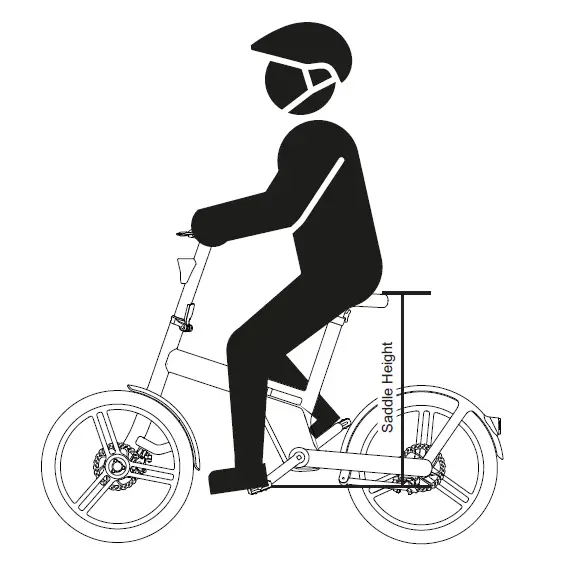
Saddle height adjustment
1. Turn the seat post lock clockwise.
2. Lift the saddle upward to appropriate height.
3. Tighten the seat post lock counterclockwise until it is locked perpendicular to the ground.
2
1
MIN.INSERTION
10 9 8 7 6 5 4 3 2 1
MIN.INSERTION
When you see the “Minimum Insertion” warning mark, the saddle has been raised to its highest position.
14
EN
How to use the folding stand
· Lower the folding stand Pull the folding stand release inside the folding stand up to the end, then push the folding stand down until it stops.
· Lift the folding stand Pull the folding stand release inside the folding stand to the end, and gently lift the folding stand.
If you push the folding stand without pulling the folding stand release to the end at first, the folding stand may break.
15
Install the battery
Pull down the folding stand before installing the battery and lift the folding stand up after the battery is well installed.
1. Insert the bulge of the battery into the battery compartment of the bicycle.
click
2. After the lower part of the battery is
in place, push the battery toward the
battery compartment until hearing a
“click”, indicating that the battery is
well installed.
Double check the battery is installed in place, otherwise the battery may drop out while riding.
16
EN
Fold your Honbike
1. Stand on the left side of the bicycle. Lean the bicycle on the kickstand.
2. Pull the folding stand release inside the folding stand up to the end, then push the folding stand down until it stops.
If the folding stand does not reach the correct position, the bicycle may not stand securely after it is folded. In such case, please check the folding stand is pushed into the correct position.
4
3. Rotate the right pedal counterclockwise to between 2 and 5 o’clock.
4. Place both thumbs on the crank
with all other fingers on the end of
3
the pedal. Press the pedal toward
the frame and then fold the pedal
upward.
17
1
2
5. Press the button on the hinge clamp with your left thumb, and open the hinge clamp downward to the lowest point with both hands (increasing the force appropriately).
6. Fold the stem down and use your right hand to adjust the position of the brake cables to avoid interference when folding.
R L
7. Use your left thumb to push the safety lock of the frame hinge toward the front of the bicycle, push it to the far-left side and keep it still, and push the frame hinge toward your body with your right hand.
The bicycle may not be able to fold when the frame hinge is not fully opened.
18
EN
R
L
8. Hold the head tube with your left hand, and hold the seat tube with your right hand, lift the front wheel slightly and fold the frame clockwise.
19
——————————–
Unfolding
1. Stand on the left side of the bicycle and unfold the bicycle counterclockwise.
click 2. Use your palm to push the frame hinge to the bicycle frame until hearing a “click”, indicating that the frame hinge is locked.
3. Push down on the folded part of the pedal with your palm until hearing a “click”.
20
EN
4. Pull the folding stand release inside the folding stand to the end and gently lift the folding stand.
5. Flip the stem upward to the vertical position while paying attention to the brake cables to avoid interference when unfolding. Pull the hinge clamp downward to the lowest point and continue to push the stem to the vertical position.
click
6. Lift the hinge clamp up and firmly press it until hearing a “click”, indicating that the hinge clamp is locked in place.
21
Recommended torque values
1
7
8
4
9
2
3
5
6
1
Rear fender bolts
4-6Nm
2
Rear wheel bolts
13-15Nm
3
Rear fender bolt
4-6Nm
4
Saddle kit bolts
6-8Nm
5
Crank arm bolt
40-45Nm
6
Front fork bolt
23-28Nm
7
Handlebar & stem bolts 6-8Nm
8
Head tube bolts
13-15Nm
9
Head tube bolt
13-15Nm
Hex key #4 Hex key #4 Hex key #4 Hex key #4 Hex key #8 Torx key T30 Hex key #3 Hex key #5 Hex key #4
Ensure correct setup, tightening, and torquing to recommended torque values is performed on your bicycle before first using it and check the setup, tightening, and condition of components and hardware regularly.
22
Getting started
1
3 2
5 4
6
7
8
9
EN
10 11 12
1. Battery power 2. Speed 3. Switch between km/h and mph 4. Walk mode 5. Pedal assist level 6. Mileage/Trip distance
7. Light 8. Bluetooth 9. Error indicator 10. Power button 11. Plus button/ Light button 12. Minus button/ Walk mode
The remaining battery capacity is an estimated value according to the current riding, the actual capacity is closely related to the user’s riding habits, road conditions, and power-assist level selection.
23
Display operations
Power on/off Power assist
Trip distance
Turn on/off the light Walk mode
Press and hold the Power button until the display is on/off Short press Plus button to increase the power assist level Short press Minus button to decrease the power assist level The display shows single trip distance by default. Short press the Power button to check total distance. Press and hold the Plus button until the lights are on/off Press and hold the Minus button
The power will automatically shut off after 5 minutes if not being used.
Only activate “walk mode”feature when pushing the bicycle.
Display advanced settings
When the display is turned on, press and hold the Plus and Minus buttons at the same time to enter the advanced settings interface. Press and hold the Minus button for 2 seconds to quit the setup mode. After entering the setup mode, the interface will show P1 and the number 1 will blink. Press Plus or Minus buttons to switch between different parameter settings.
P1 – Metric/English system switching; P4 – Adjust backlight brightness; P5 Auto power-off timer; P6 Single trip distance reset.
In the advanced settings interface, if no operation is performed for more than 30 seconds, the system will automatically exit the setup mode and the current parameters will be automatically saved.
24
EN
MPH & KM/H (P1) When the interface displays P1, short press the Power button first, then press the Plus or Minus button to switch between mile and km. After the setting is completed, short press the Power button to save the setting.
Backlight brightness (P4) When the interface displays P4, short press the Power button first, then press the Plus or Minus button to set the backlight brightness. 1 stands for the lowest brightness, and 5 stands for the highest brightness. After selecting the value, short press the Power button to save the setting.
Auto power-off timer (P5) When the interface displays P5, short press the Power button first, then press the Plus or Minus button to adjust the automatic shutdown time in minutes. 0 means that automatic power off function will be disabled. After completing the setting, short press the Power button to save the setting.
Reset single trip distance (P6) When the interface shows P6, short press the Power button, then press the Plus button to switch between “y” and “n”. When the interface shows “y”, short press the Power button to reset the single trip distance. After completing the setting, short press the Power button to save the setting.
25
 Ebikes, Superb City Electric Bikes for Sale – HONBIKE