OBDeleven Car Diagnostics Pro App
Product Information
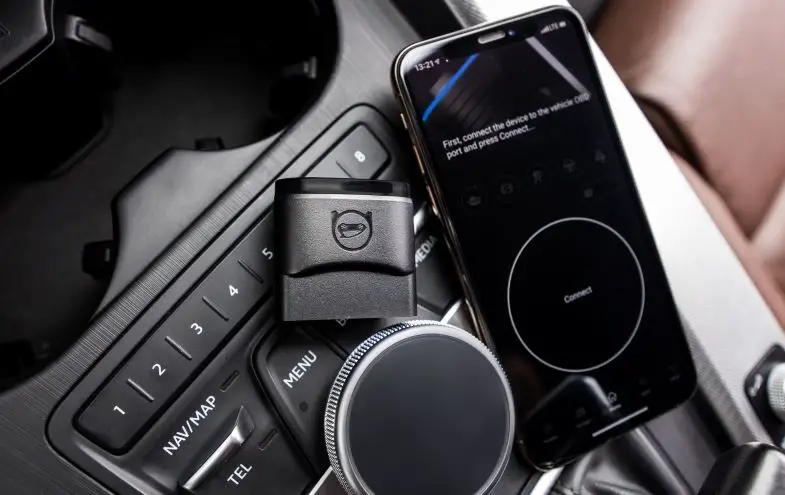
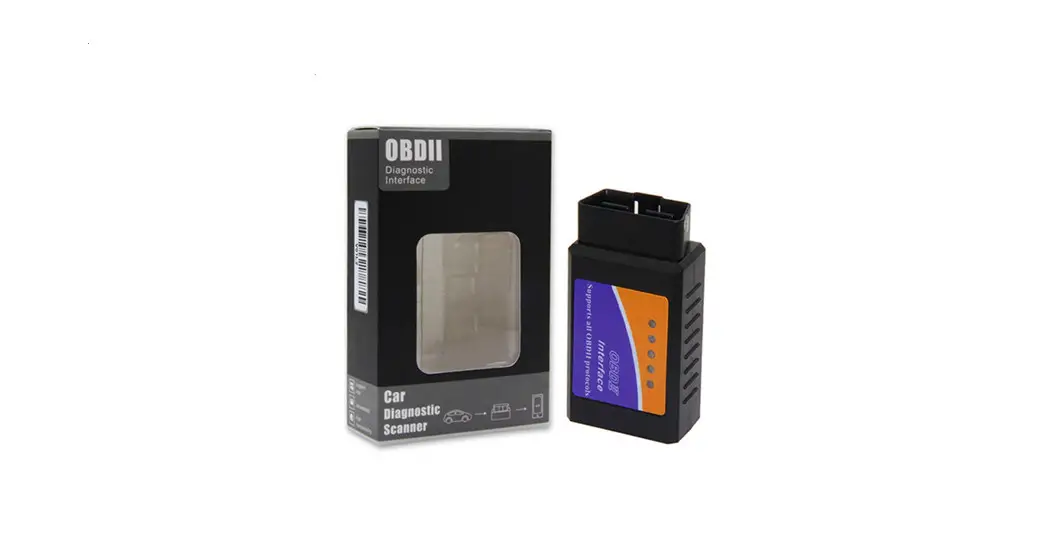
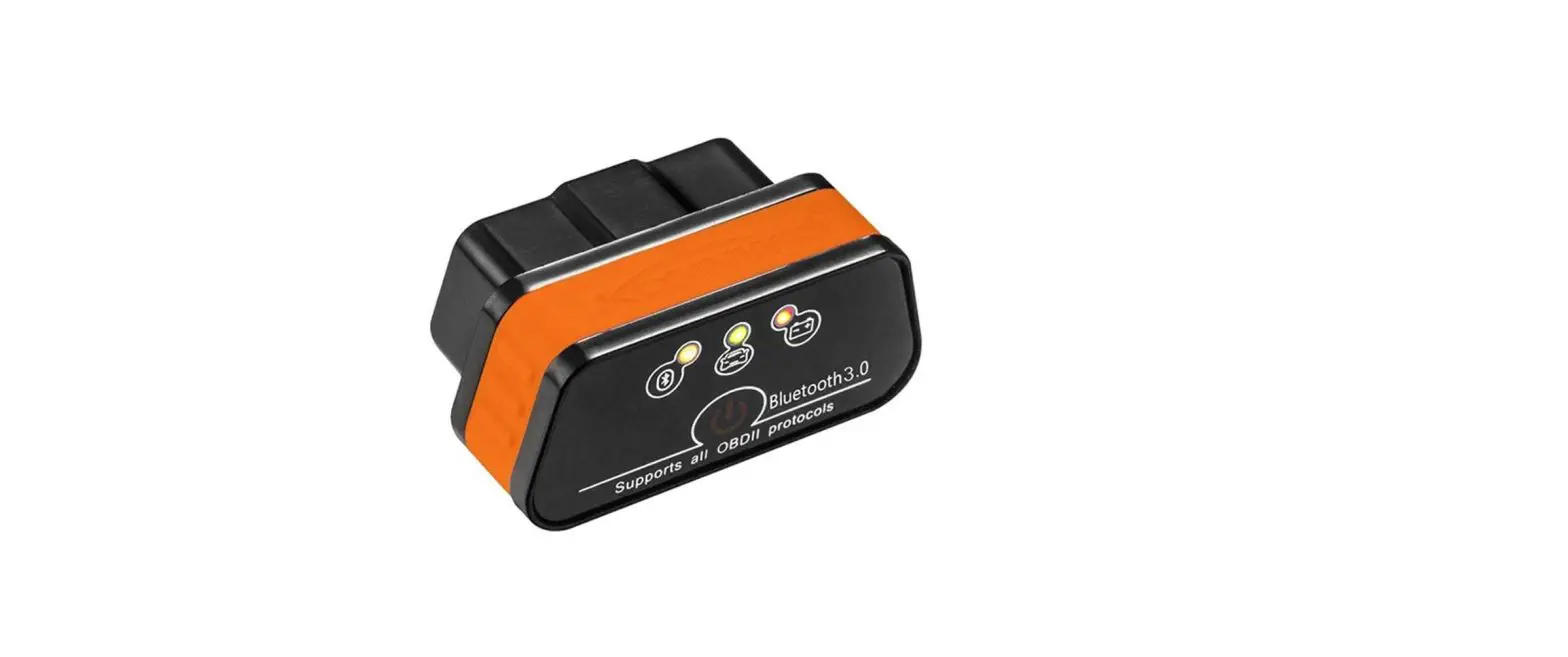
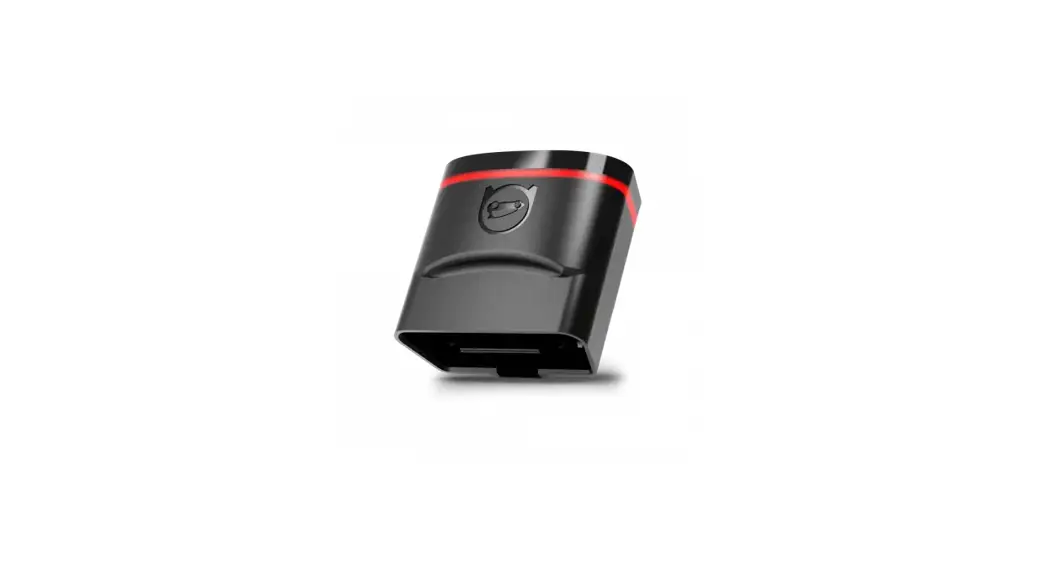
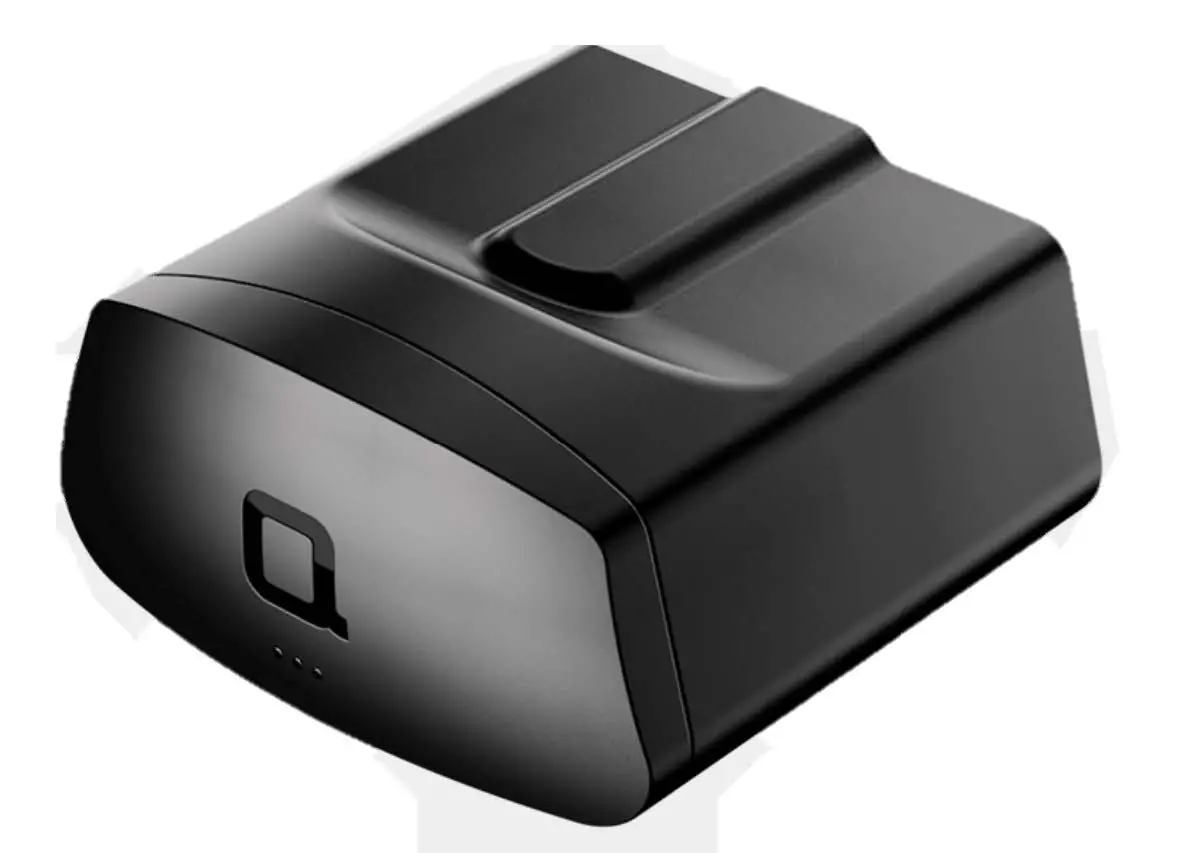
The OBDeleven Bluetooth Scan Tool for Android is a unique device
that allows you to run full system diagnostics programming and
monitoring on your vehicle. It connects to the vehicle using the
OBD-II diagnostic socket found underneath the steering wheel. The
accompanying OBDeleven application can be downloaded from the
Google Play Store and supports devices running Android 4.1 or
later. An active internet connection is required for the
application to function properly.
Specifications:
- Voltage: 9 – 16 V
- Current: 45mA
- Connection: Bluetooth (up to 10 meters)
This device complies with part 15 of the FCC Rules. It is
designed not to cause harmful interference and must accept any
interference received, including interference that may cause
undesired operation. Any changes or modifications not expressly
approved by the responsible party could void the user’s authority
to operate the equipment. The device also complies with FCC
radiation exposure limits and should be installed and operated with
a minimum distance of 20cm between the radiator and the user’s
body.
For more help and information, please refer to our wiki page:
LINK
Created by Voltas IT LLC
Product Usage Instructions
- Create an account by connecting with Facebook, Twitter, or
signing up with your email by pressing on the icons at the top of
the screen. - Plug the device into the car’s OBD2 connector. The OBD2
connector is usually found on the driver’s side, under the steering
wheel. - Turn on the ignition or start the engine.
- Tap on the “Connect” button.
- For faster connection, pair the device via Bluetooth settings
using the pairing code: 1234. - Create a device password to secure your car from unauthorized
access. - If you have a PRO version activation code, enter it by going to
Settings and activating the PRO theme. - You are now ready to use OBDeleven and perform diagnostics,
programming, and monitoring on your vehicle.
EN
Quick start guide
Download & install OBDeleven application
Application can be downloaded from Google Play store LINK
OBDeleven Bluetooth Scan Tool for Android This is a unique Bluetooth device which allows you to run full system diagnostics programming and monitoring on your vehicle. It connects to the vehicle using the OBD-II diagnostic socket found underneath the steering wheel. The app that accompanies this scan tool is available on the Google Play Store and supports devices running Android 4. 1 or later and an active internet connection is
required. Voltage: 9 – 16 V
Current: 45mA Connection: Bluetooth (up to 10 meters)
This device complies with part 15 of the FCC Rules. Operation is subject to the following two conditions: (1) This devi ce may not cause harmful interference, and (2) this device must accept any interference received, including interference t hat may cause undesired operation.
FCC warning: Any Changes or modifications not expressly approved by the party responsible for compliance could void the user’s autho rity to operate the equipment.
Note: This equipment has been tested and found to comply with the limits for a Class B digital device, pursuant to part 15 of the FCC Rules. These limits are designed to provide reasonable protection against harmful interference in a residential installation. This equipment generates uses and can radiate radio frequency energy and, if not installed and used in accor dance with the instructions, may cause harmful interference to radio communications. However, there is no guarantee that interference will not occur in a particular installation. If this equipment does cause harmful interference to radio or televisi on reception, which can be determined by turning the equipment off and on, the user is encouraged to try to correct the int erference by one or more of the following measures: -Reorient or relocate the receiving antenna. -Increase the separation between the equipment and receiver. -Connect the equipment into an outlet on a circuit different from that to which the receiver is connected. -Consult the dealer or an experienced radio/TV technician for help.
This equipment complies with FCC radiation exposure limits set forth for an uncontrolled environment. This equipmen t should be installed and operated with minimum distance 20cm between the radiator & your body.
Create account
Connect with Facebook, Twitter or sign up with email by pressing on icons in top of the screen.
Plug device into car OBD2 connector
OBD2 connector is usually found on the driver’s side, under the steering wheel.
Turn ignition on or start engine
Tap connect
For faster connection pair device via Bluetooth settings. Pairing code: 1234
Create device password
Secure your car from unauthorized access by creating device password.
Activate PRO version
If you have PRO version activation code enter it by going to Settings and activating PRO theme.
You are ready to use OBDeleven
More help can be found in our wiki page: LINK
Created by Voltas IT LLC