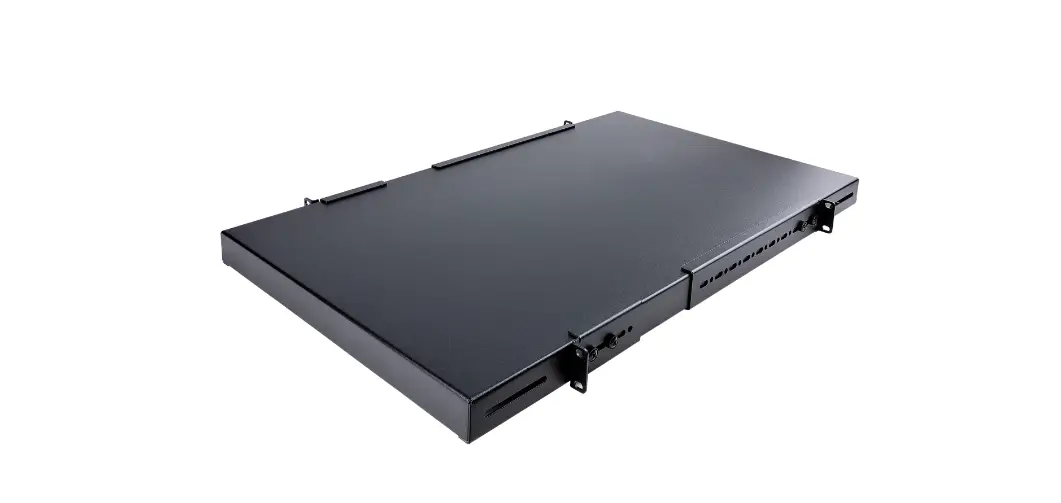
HyperShelf Series High Density PC Mounting for Hyperscale Data Centers
HyperShelf Series
Installation Instructions
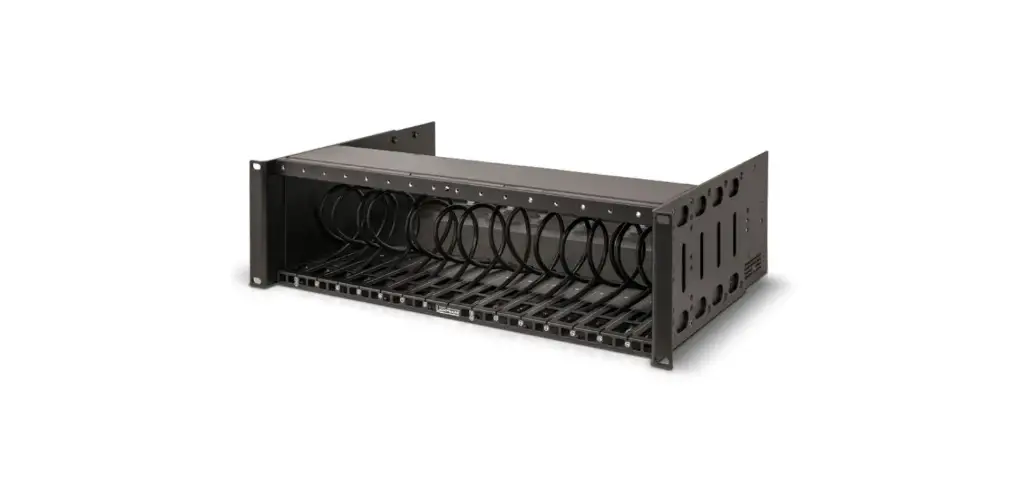
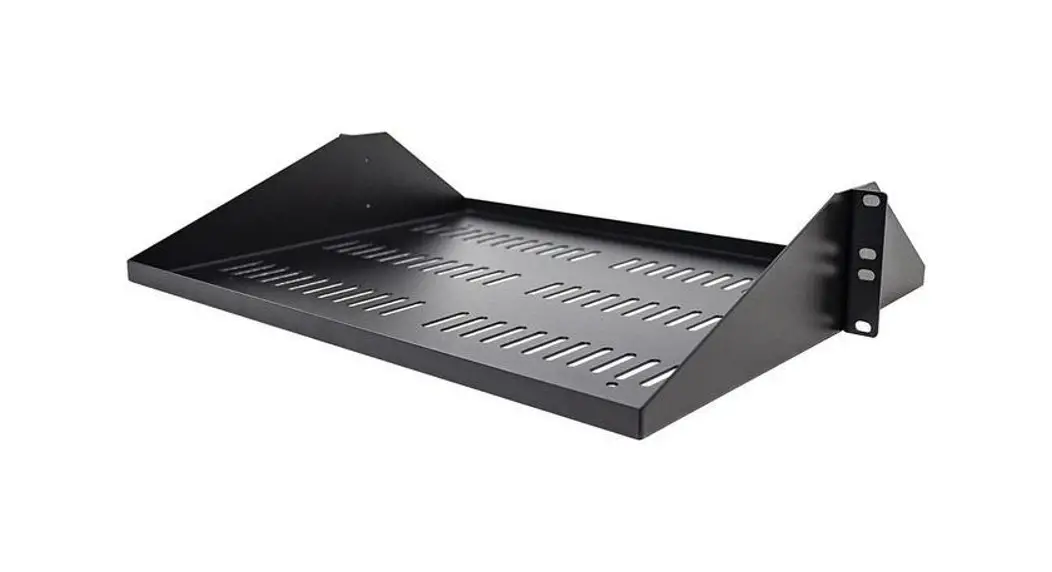
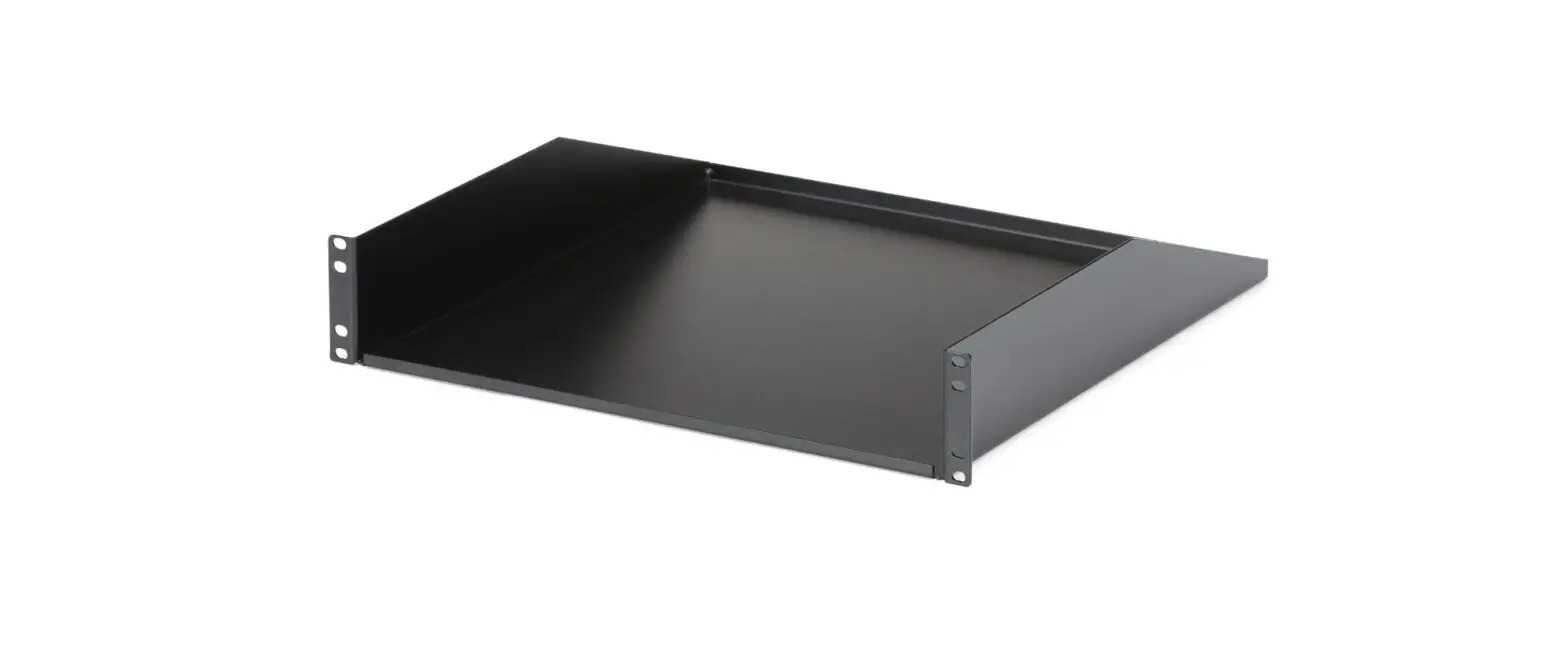
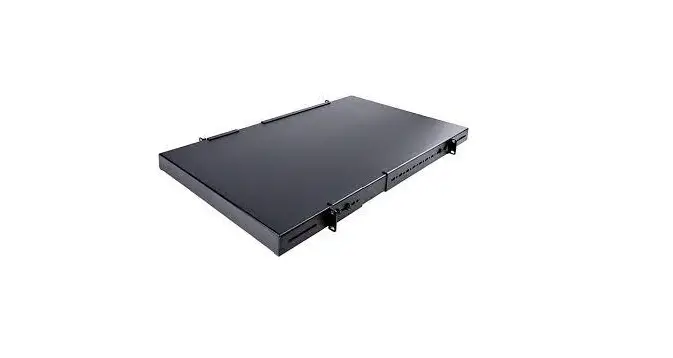
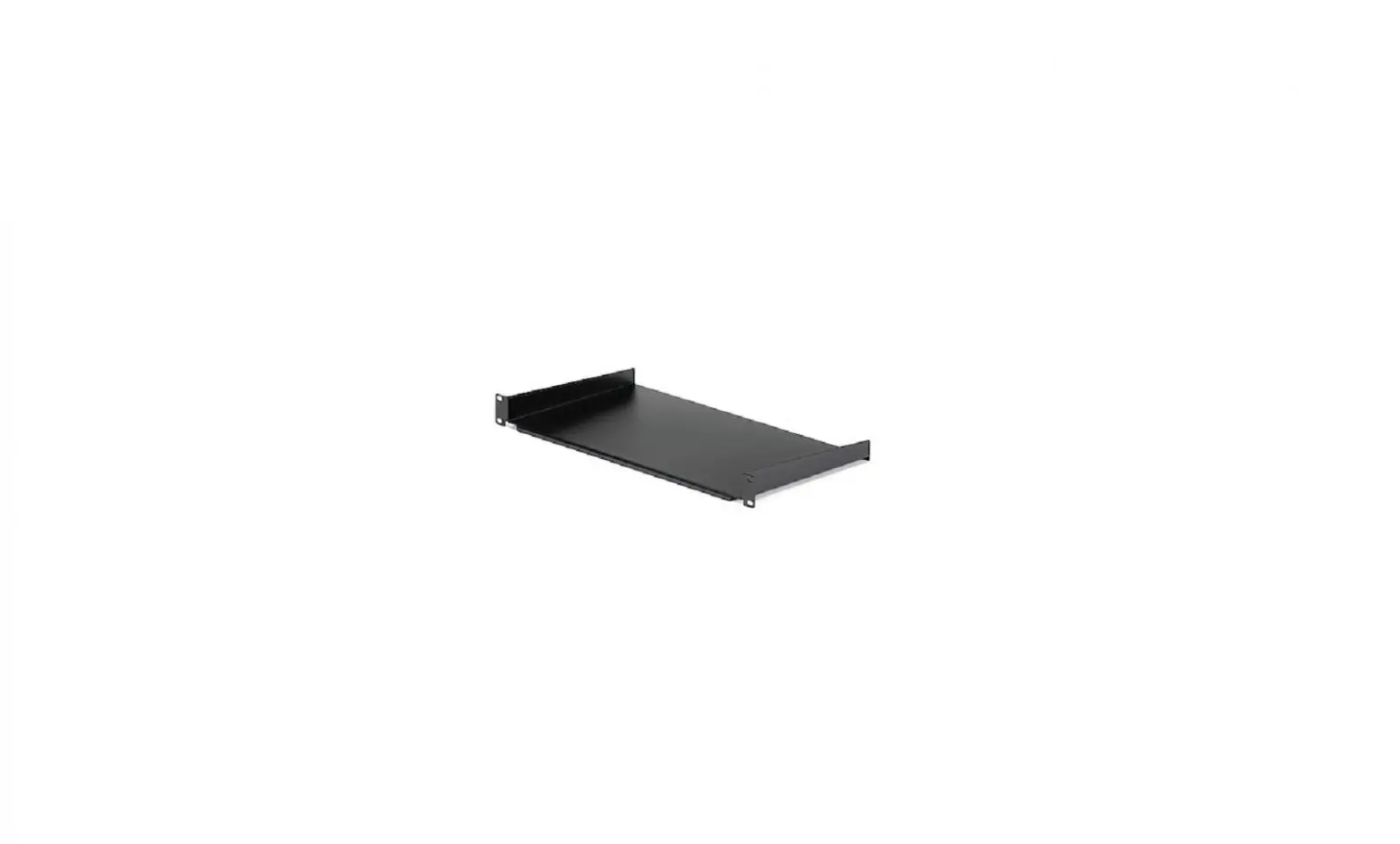
The HyperShelf Series is a rack-mounted shelf designed to hold
devices and cabling. The kit includes one HyperShelf and one Cable
Management Bar. The installation requires (6) 8-32 x .500 Truss
Head Screws, which are included in the kit.
Kit Contents
- (1) HyperShelf
- (1) Cable Management Bar
Mounting Hardware
- (6) 8-32 x .500 Truss Head Screw
Installation Instructions
Step 1: Remove the Outer Rails
To remove the outer rails, slide them back and pull the inner
white clip. Do not apply excessive force while removing the rails
to ensure they will smoothly slide out.

Step 2a: Attach the Outer Rails
To attach the outer rails, hook the top of the Outer Rail
Bracket into the top hole of the U space. Secure the rails by
installing (1) Truss Head Screw per side into the Outer Rail
Brackets. Install the first set of rails loosely and the second set
of rails tightly.


Step 2b: Secure the Rear Outer Rails
Secure the rear of the outer rails by installing the (1) Truss
Head Screw into the left Outer Rail Bracket, and install the (2)
Truss Head Screws through the Cable Management Bracket and into the
right Outer Rail Bracket.


Step 3: Install the HyperShelf
Slide the HyperShelf into the Outer Rails. Pull the blue tab on
the inner rail to slide all the way in. Screw in the Thumb Screws
to secure in place. Tighten loose rails to ensure that the
HyperShelf slides into both rails at the same time. Two people are
recommended for installation.


Disclaimer
Load HyperShelf with devices and cabling only once shelf is
properly installed in rack. Devices should only be loaded once
shelf is fully installed.
Step 4: Install the Cable Management Arm
Attach the Cable Management Arm to the HyperShelf by putting the
Cotter Pins through the Cable Management Brackets attached to the
shelf and to the Outer Rail. For detailed information on installing
the Cable Management Arm, follow the instructions included in the
Cable Management Arm box.


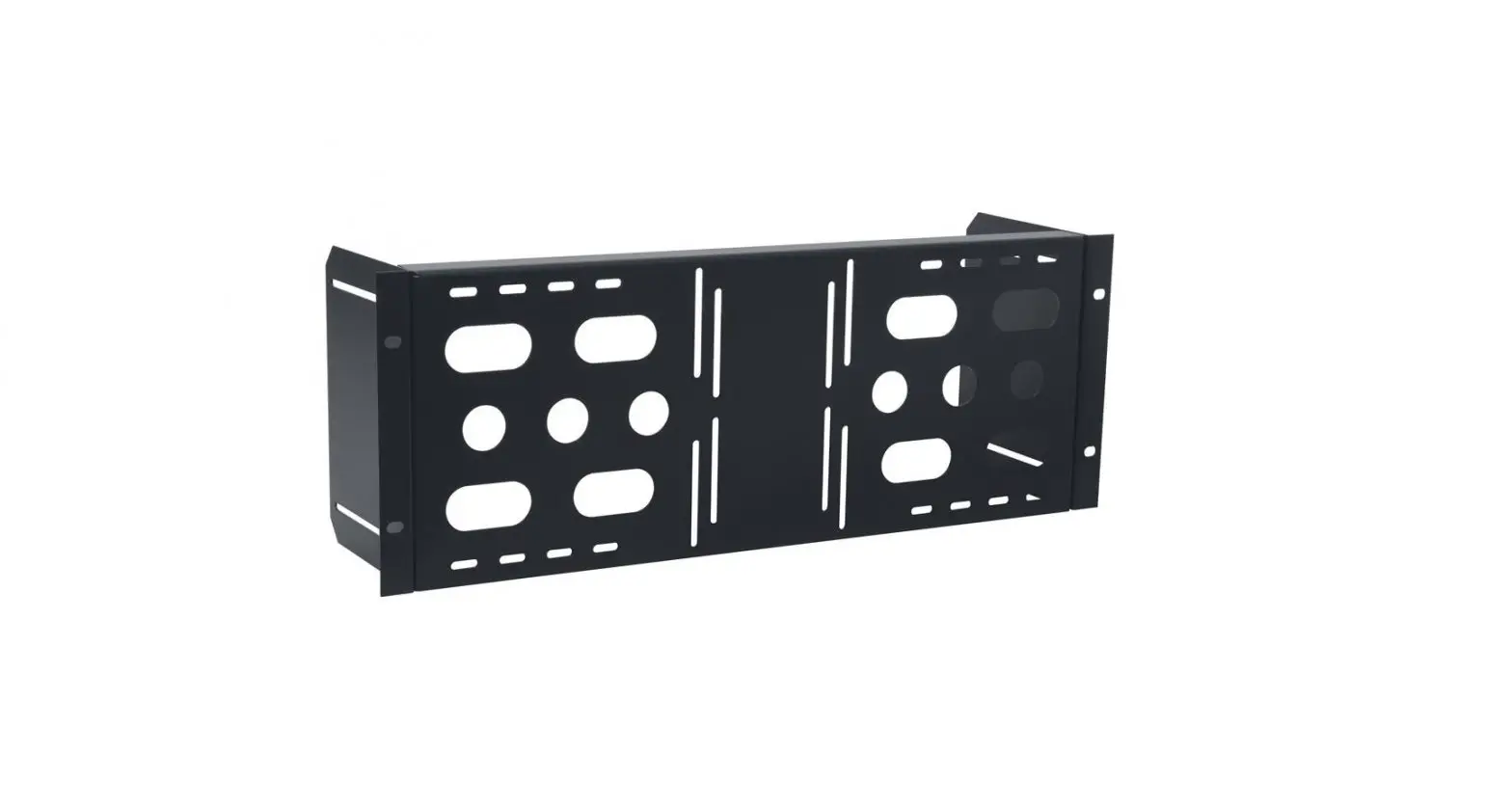
Side Panel Removal Instructions
Remove the Side Panels (Captive Screw)
To remove the side panels, unscrew the captive flat head screw
with a flat head screwdriver, then pull up on the side panel to
disengage the rear hooks.

Remove the Side Panels (Thumb Screw)
For side panels with thumb screws, unscrew the thumb screws with
a screwdriver, then pull up on the side panel to disengage the rear
hooks.

Warranty Statement
Innovation First, Inc. warrants our products against defects in
material and workmanship for a period of one (1) year from the date
of purchase. Innovation First, Inc. liability shall be limited to
repairing or replacing, at our option, any defective product.
HyperShelf Series
Installation Instructions
Kit Contents
Kit Contents: (1) HyperShelf (1) Cable Management Bar
Mounting Hardware: (6) 8-32 x .500 Truss Head Screw
Installation Instructions
Step 1
Remove the Outer Rails: Remove the outer rails by sliding them back, and pulling the inner white clip. To ensure that the rails will smoothly slide out, do not apply excessive force.
Inner White Clip
Step 2a
Attach the Outer Rails: Attach the outer rails to the rack by hooking the top of the Outer Rail Bracket into the top hole of the “U” space. Secure the rails by installing (1) Truss Head Screw per side into the Outer Rail Brackets. Install the first set of rails loosely and the second set of rails tightly.
(1) Truss Head Screw
Page 2
Outer Rail Bracket
Step 2b
Secure the Rear Outer Rails: Secure the rear of the outer rails by installing the (1) Truss Head Screw into the left Outer Rail Bracket, and install the (2) Truss Head Screws through the Cable Management Bracket and into the right Outer Rail Bracket.
Left Outer Rail Bracket
Rear of Rack
Front of Rack Right Outer Rail Bracket
Truss Head Screws
Cable Management Bracket
Step 3
Install the HyperShelf: Slide the shelf into the Outer Rails. Pull the blue tab on the inner rail to slide all the way in. Screw in the Thumb Screws to secure in place. Tighten loose rails to ensure that the HyperShelf slides into both rails at the same time. Two people are recommended for installation.
Blue Tab
Disclaimer: Load HyperShelf with devices and cabling only once shelf is properly installed in rack. Devices should only be loaded once shelf is fully installed.
Page 3
Step 4
Install the Cable Management Arm: Attach the Cable Management Arm to the
HyperShelf by putting the Cotter Pins through the Cable Management Brackets
attached to the shelf and to the Outer Rail. For detailed information on installing the
Cable Management Arm, follow the instructions included in the Cable Management
Arm box.
Cable Management Arm
Cotter Pins
Side Panel Removal Instructions
Remove the Side Panels (Captive Screw): To remove the side panels, unscrew the captive flat head screw with a flat head screwdriver, then pull up on the side panel to disengage the rear hooks.
Captive Flat Head Screw
Side Panel Removal Instructions
Remove the Side Panels (Thumb Screw): For side panels with thumb screws, unscrew the thumb screws with a screwdriver, then pull up on the side panel to disengage the rear hooks.
Thumb Screw
Warranty Statement Innovation First, Inc. warrants our products against defects in material and workmanship for a period of one (1) year from the date of purchase. Innovation First, Inc. liability shall be limited to repairing or replacing, at our option, any defective product.