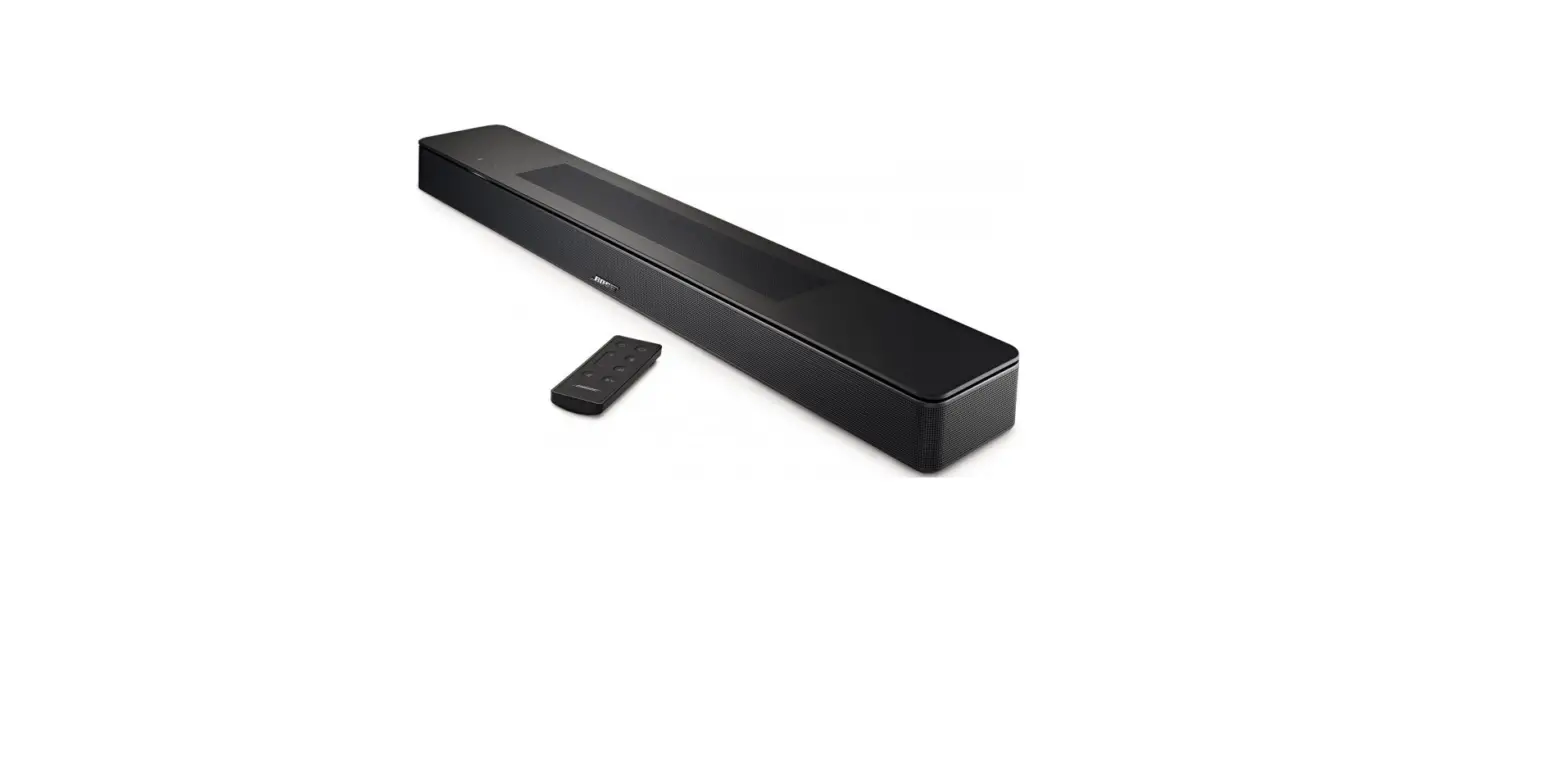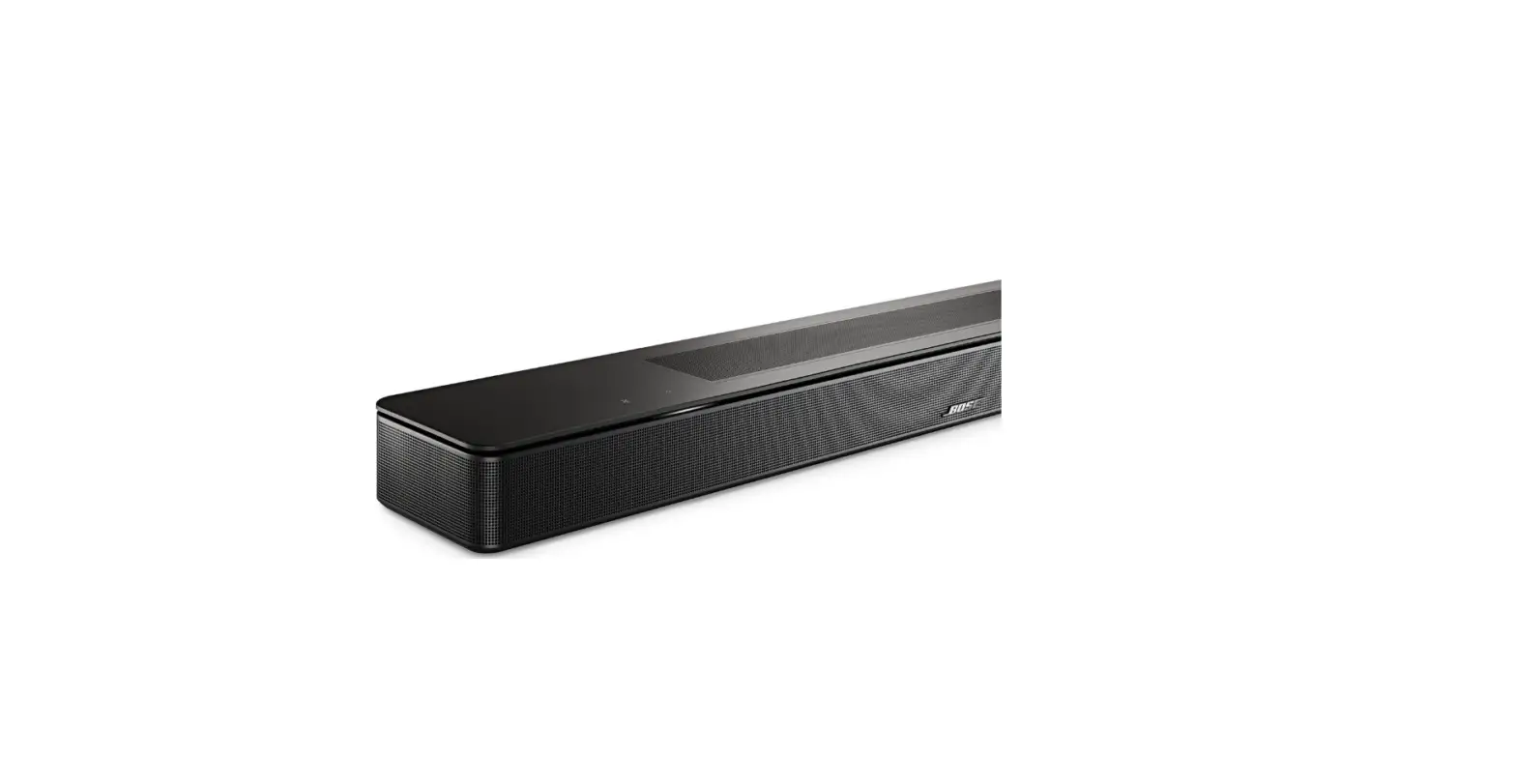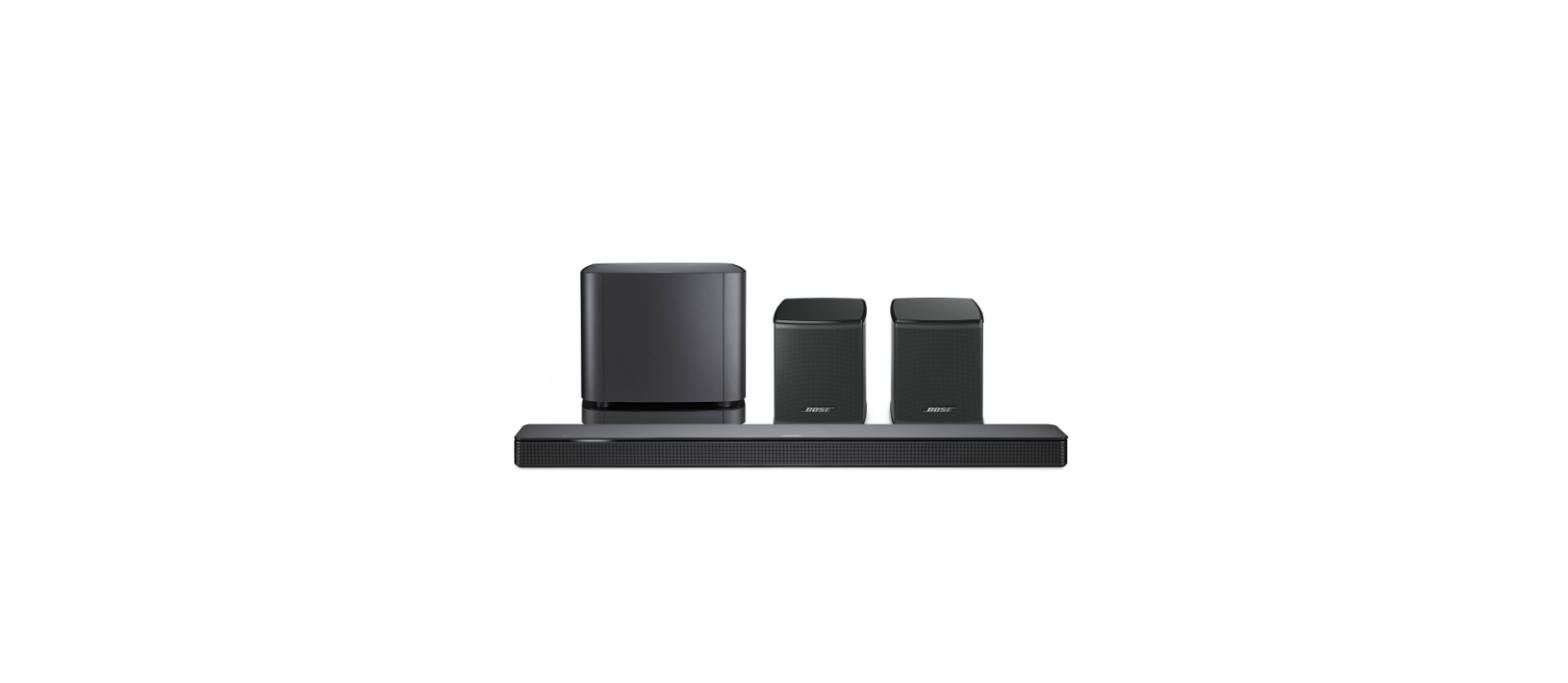

Bose Soundbar 500 connect TV
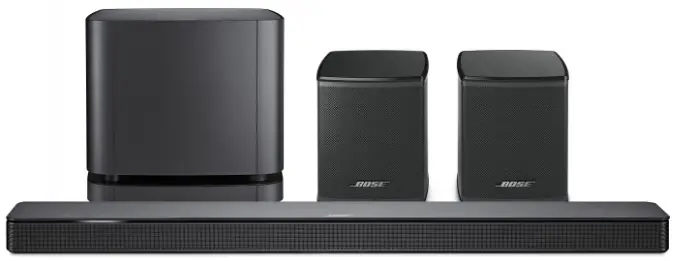
FAQ
- How does the Bose Soundbar 500 connect to my TV?
The simplest way to connect the Bose Soundbar 500 is via the supplied HDMI cable to your TV. If your TV has an HDMI-ARC or HDMI-eARC connection, you should use that connection. If your TV does not have an HDMI connection, then you should connect the Bose Soundbar 500 to the TV using an optical cable. - Can the Bose Soundbar 500 be mounted on the wall?
Yes. The optional new Bose Soundbar Wall Bracket lets you mount the soundbar flush to the wall. - How do I run the ADAPTiQ audio calibration system with the Bose Soundbar 500?
ADAPTiQ is part of the overall setup process and is driven through the Bose Music app. You will be prompted to run ADAPTiQ after you download the Bose Music app and start the setup process. If you skip running ADAPTiQ during the initial setup process—or change your room significantly after initially running ADAPTiQ—you can go back into the app and do it again. Initiate ADAPTiQ and follow the prompts in the app. - How do I connect a Bluetooth device with the Bose Soundbar 500?
Press and hold the Bluetooth source button on the remote for several seconds. Ensure your mobile device is in pairing mode and select the Bose Soundbar 500 from the list. You also can pair your mobile device to the soundbar using the Bose Music app. - Does the Bose Soundbar 500 have NFC technology for Bluetooth pairing?
No. - What type of remote is included with the Bose Soundbar 500?
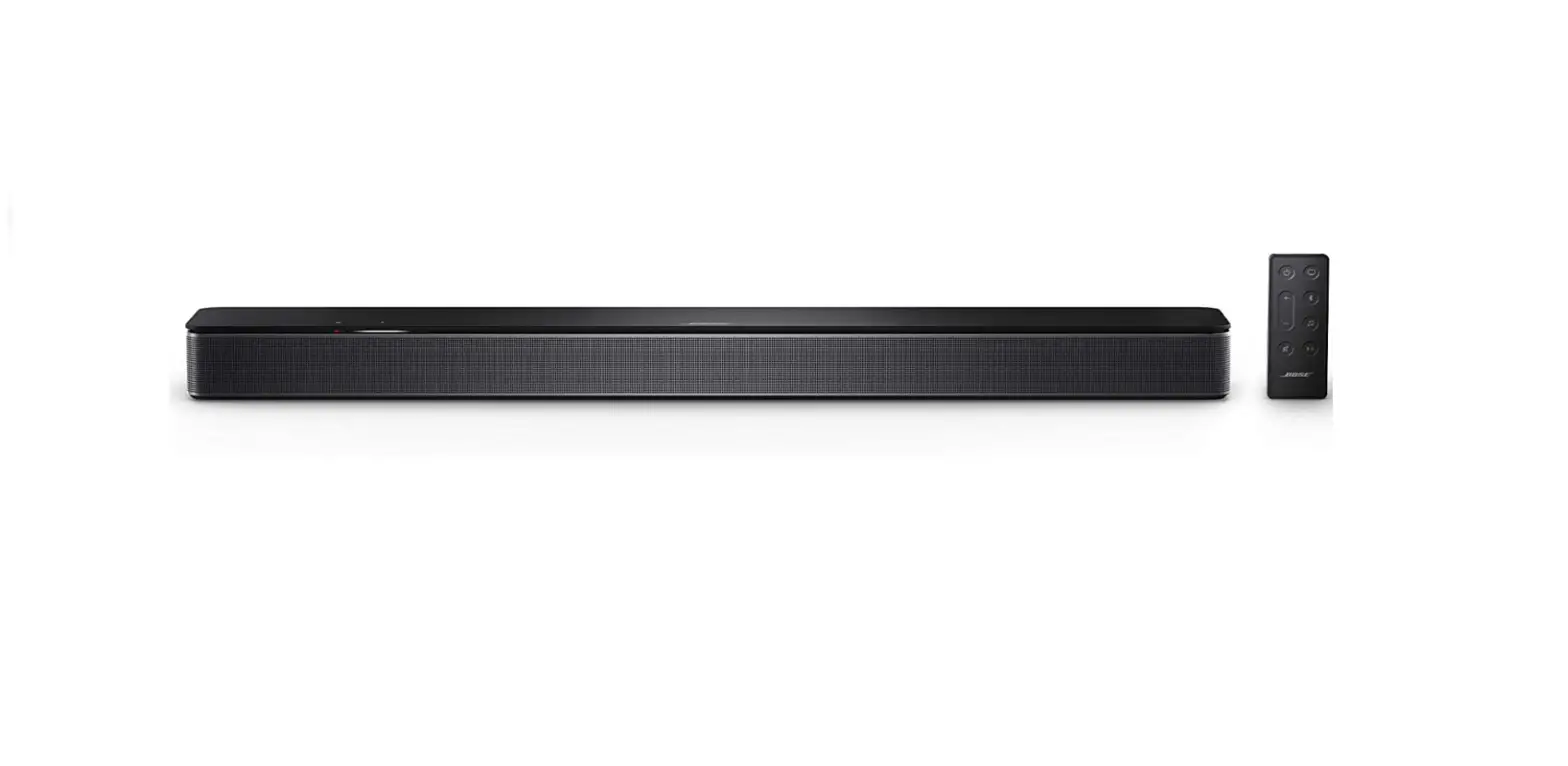
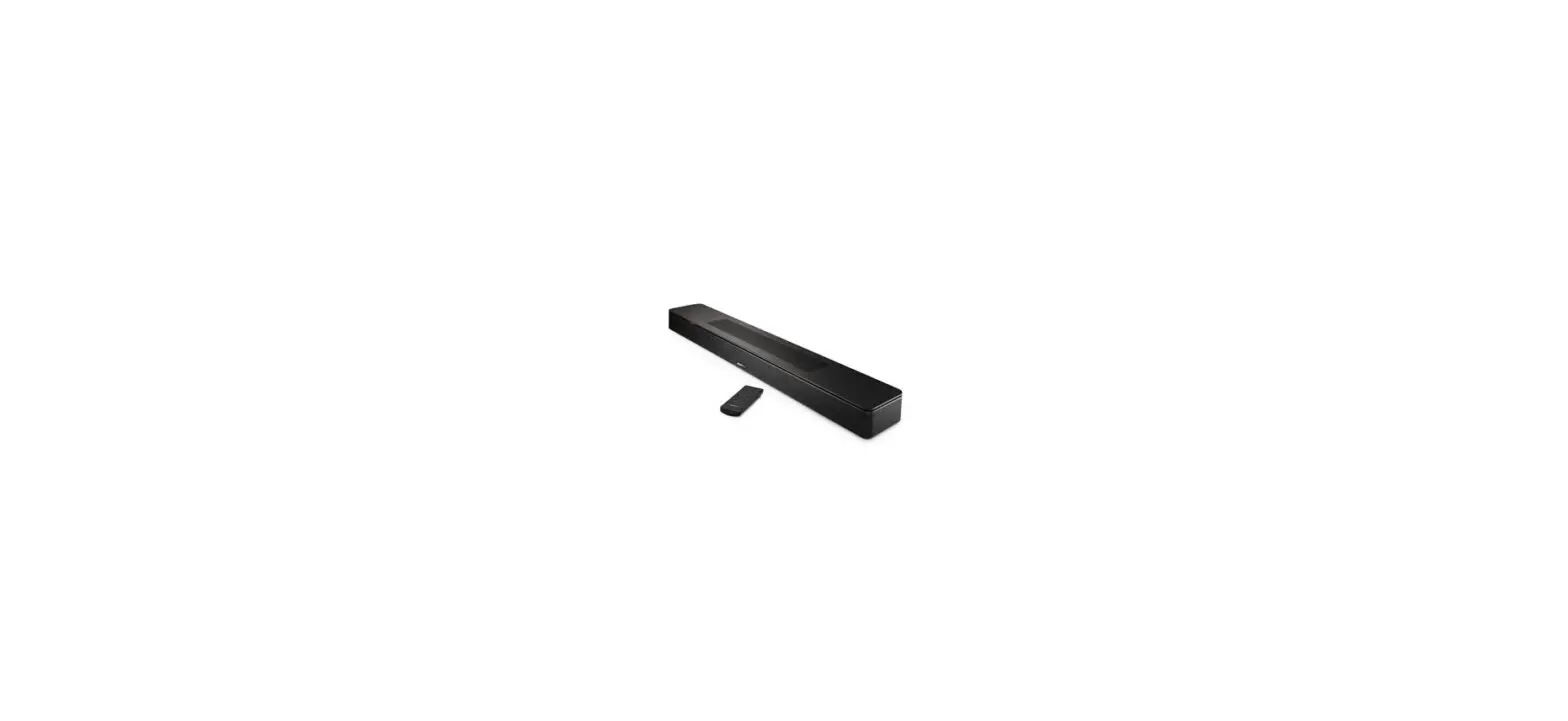
The Bose Soundbar 500 comes with a basic IR remote control. A line of sight is required between the remote and the soundbar. - How do I control other devices with the Bose Soundbar remote control?
There are two ways to control other devices: HDMI-CEC and IR. The soundbars may be able to control connected devices (TV, Blu-ray Disc player, games console) over HDMI-CEC. This allows you to turn on other devices and operate them with the soundbar remote without any programming. It also enables one-touch access to entertainment, enabling you to turn on multiple devices and select an input with a single touch of a button. However, not all devices respond to these commands. In particular, cable and satellite boxes may not respond to HDMI commands. The customer still can control devices that do not respond to HDMI commands by programming the Bose Soundbar Universal Remote, which is an optional accessory for the Bose Soundbar 500. - Does the Bose Soundbar 500 have HDMI-eARC capability?
Yes. - What placement guidelines should be considered to ensure optimal audio performance from the Bose Soundbar 500?
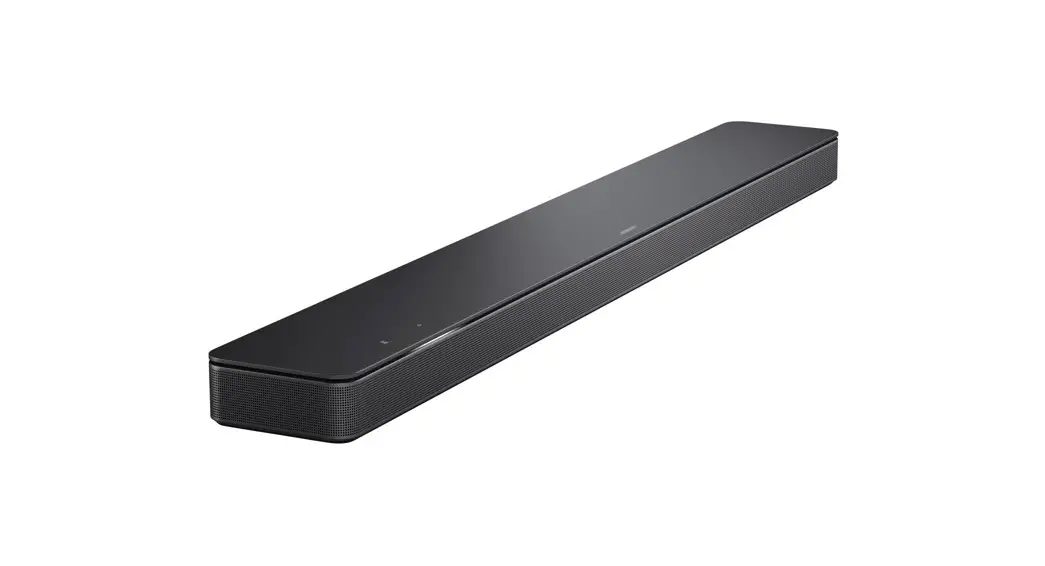
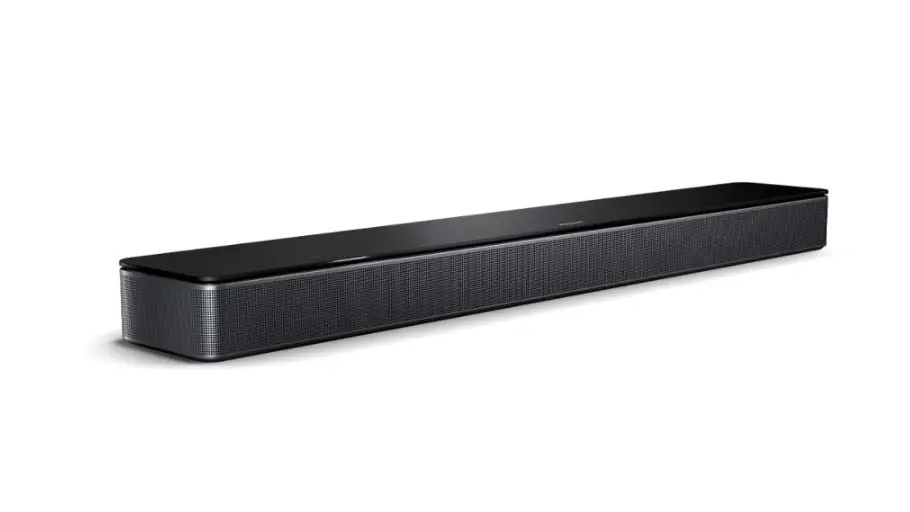
The Bose Soundbar 500 uses the reflective surfaces of the room to deliver a spacious home cinema experience. To ensure optimal audio performance, the soundbar should be placed equidistant from each side wall and directly in the front center of the TV. No objects should be placed in front of the soundbar, and it should not be placed recessed inside a cabinet, as this will result in a limited soundstage. Also, nothing should be placed directly on either side of the Bose Soundbar 500, because there are side-firing transducers located on either side. - Can source devices, such as a cable box, iPod, gaming system etc., be connected directly to the Bose Soundbar 500?
No. All sources must be connected to the TV and then a single connection (via the HDMI or optical cable) must be made from the TV to the soundbar. - Can I use my streaming music presets from the Bose Music app with the Bose Soundbar 500?
Yes. The Bose Soundbar 500 uses preset via the Bose Music app and the remote control. - Can you mix and match the wireless bass modules and soundbars?
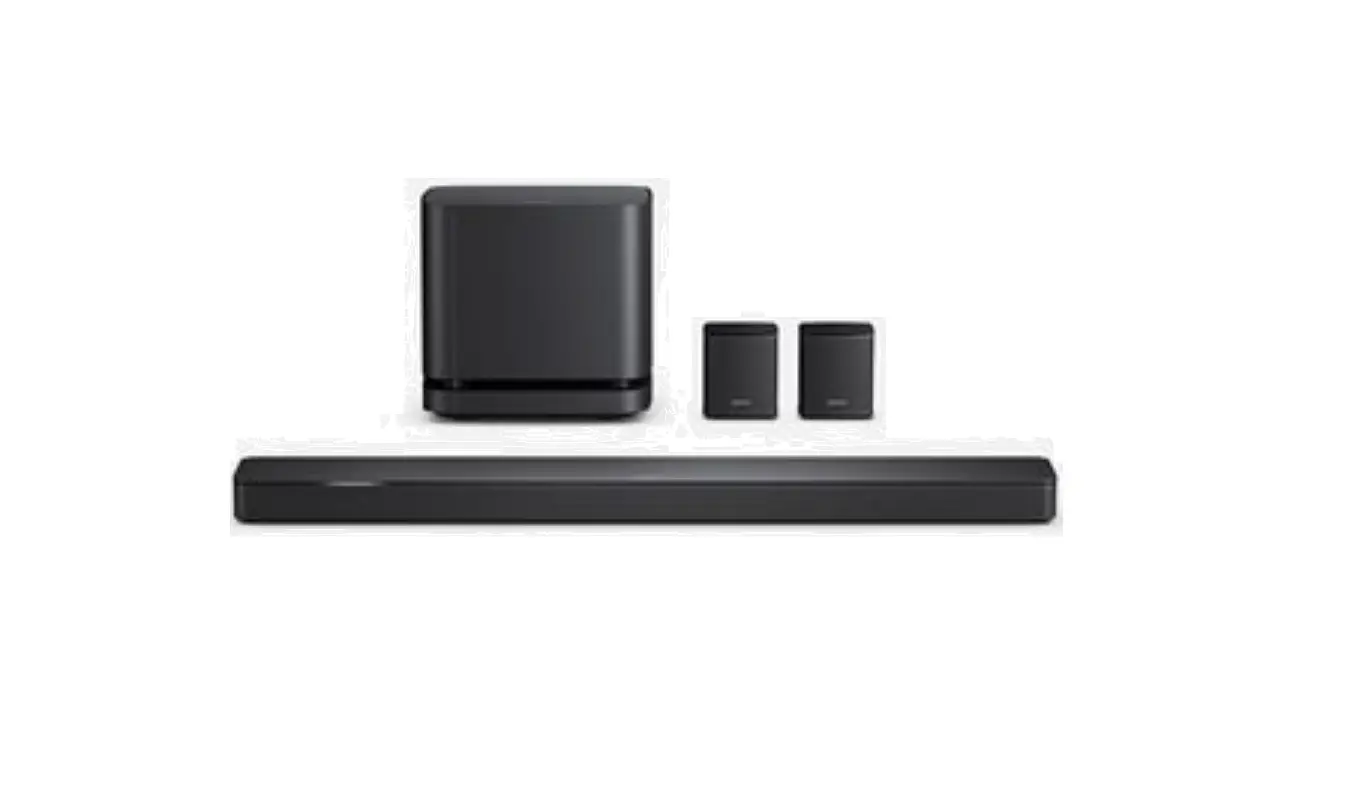
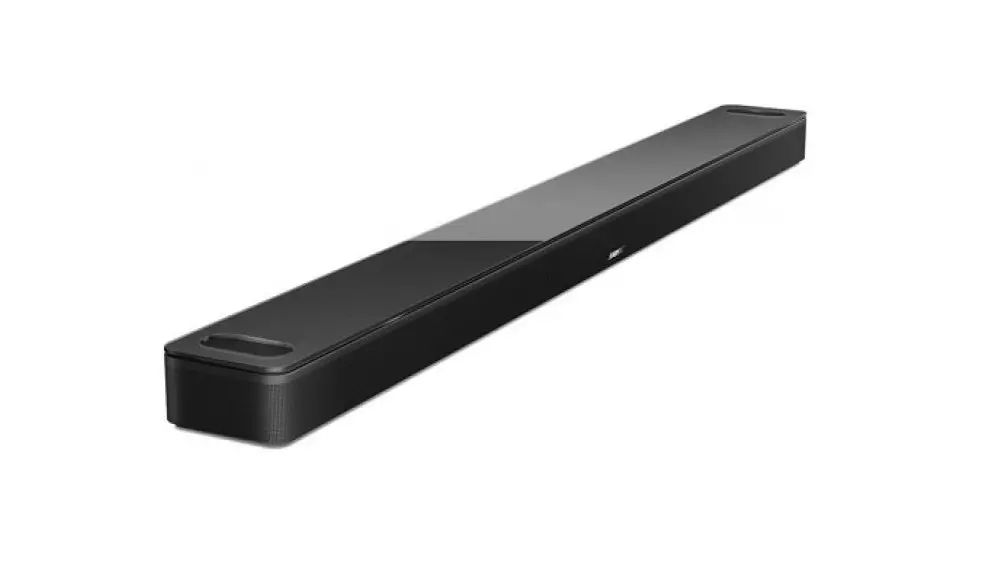
Yes. The Bose Soundbar 500, Bose Soundbar 700, Bose Bass Module 500 and Bose Bass Module 700 all use the same wireless protocols and can be mixed and matched (e.g. a Bose Soundbar 700 can be wirelessly paired with a Bose Bass Module 500 or a Bose Soundbar 500 with a Bose Bass Module 700). However, the design language and materials of the Bose Soundbar 500 and Bose Soundbar 700 product lines were designed to complement products in the same class (e.g. Bose Soundbar 500 products together and Bose Soundbar 700 products together). So the glass on the Bose Soundbar 700 products looks more complementary together than if you mixed one Bose Soundbar 500 product with a Bose Soundbar 700 product.