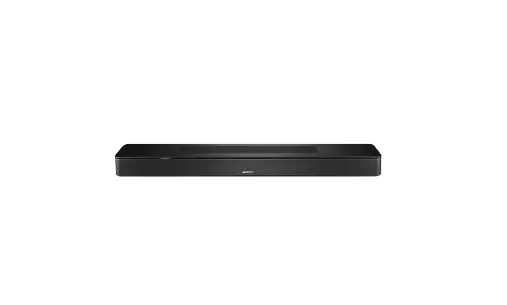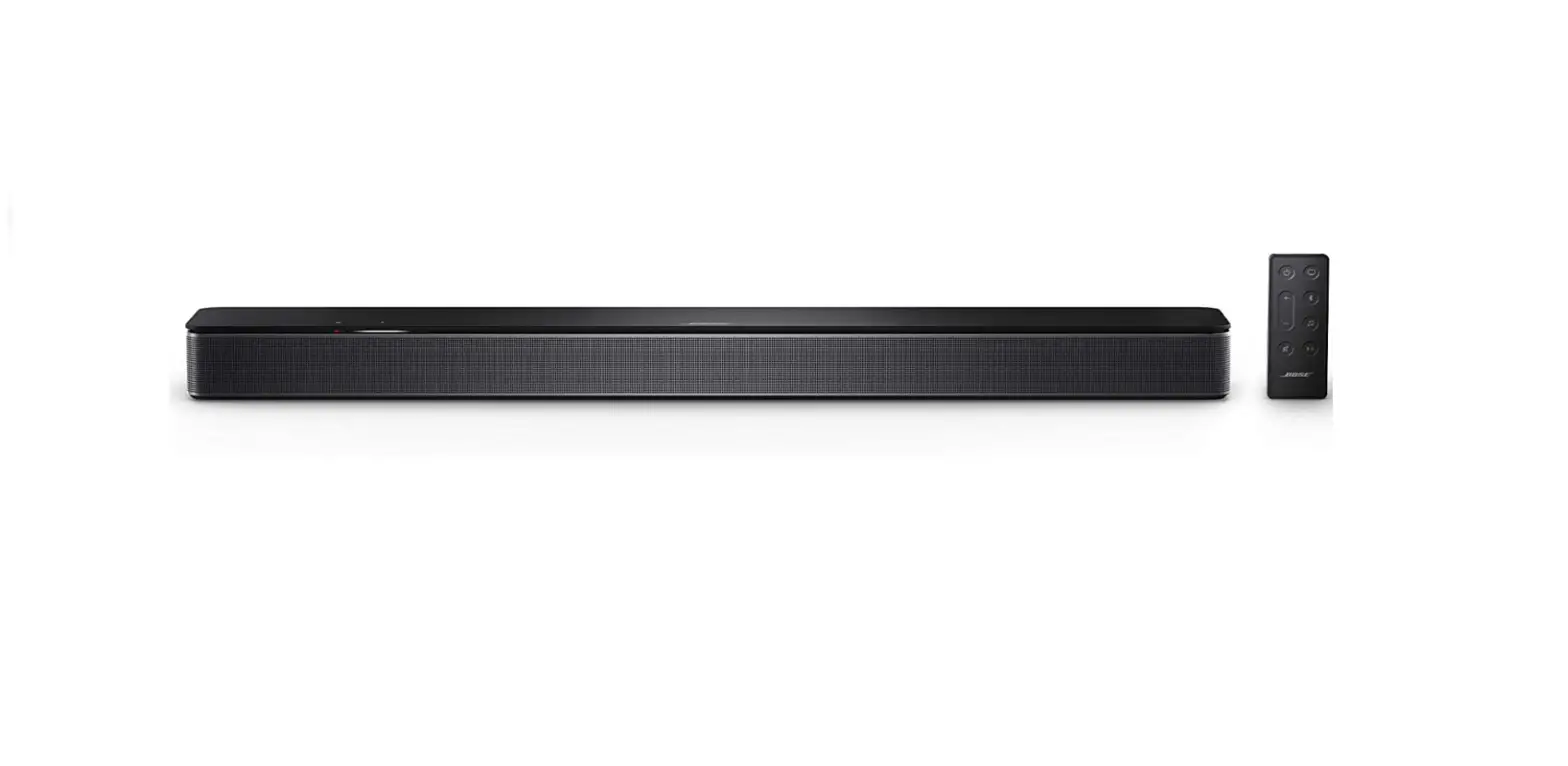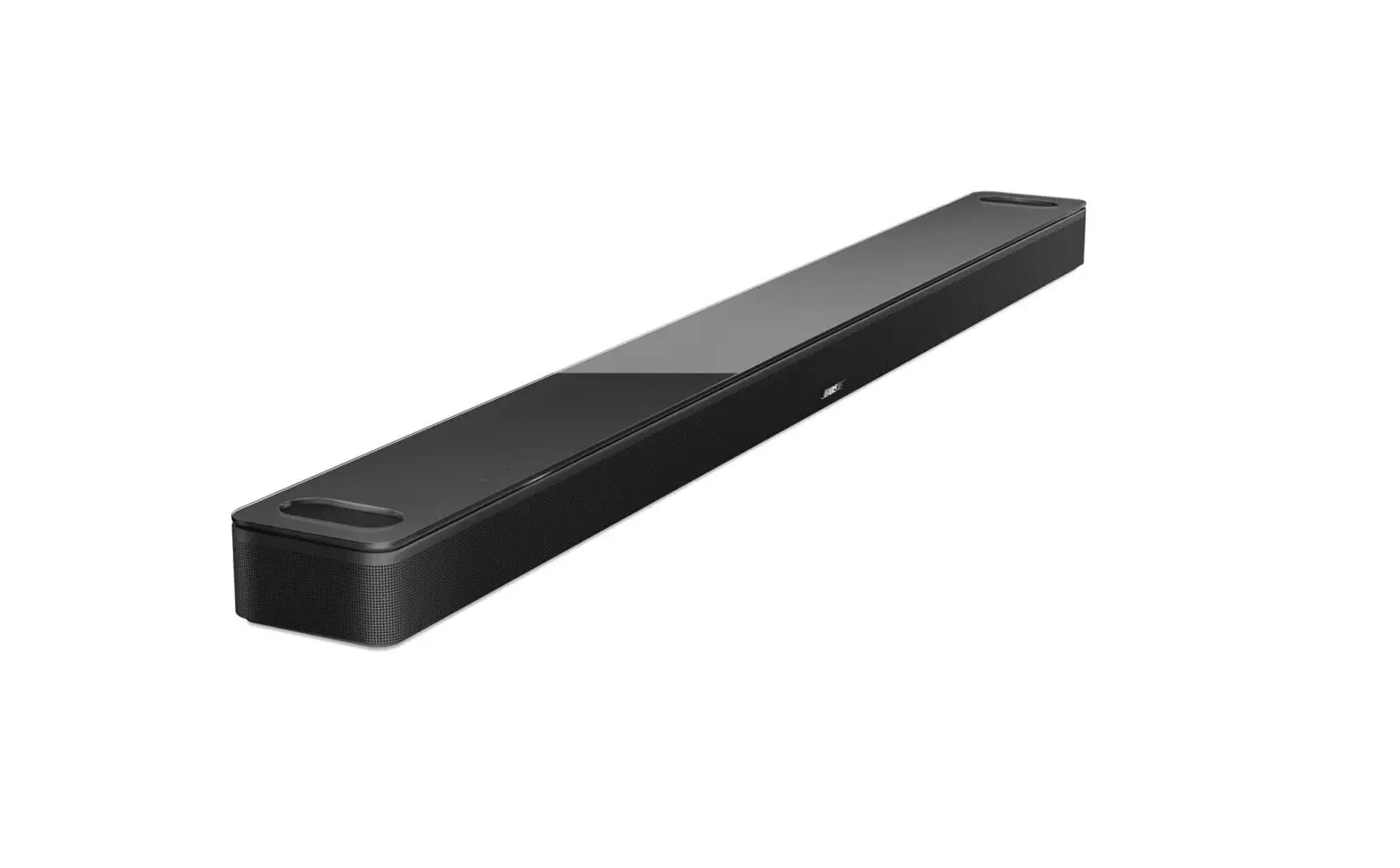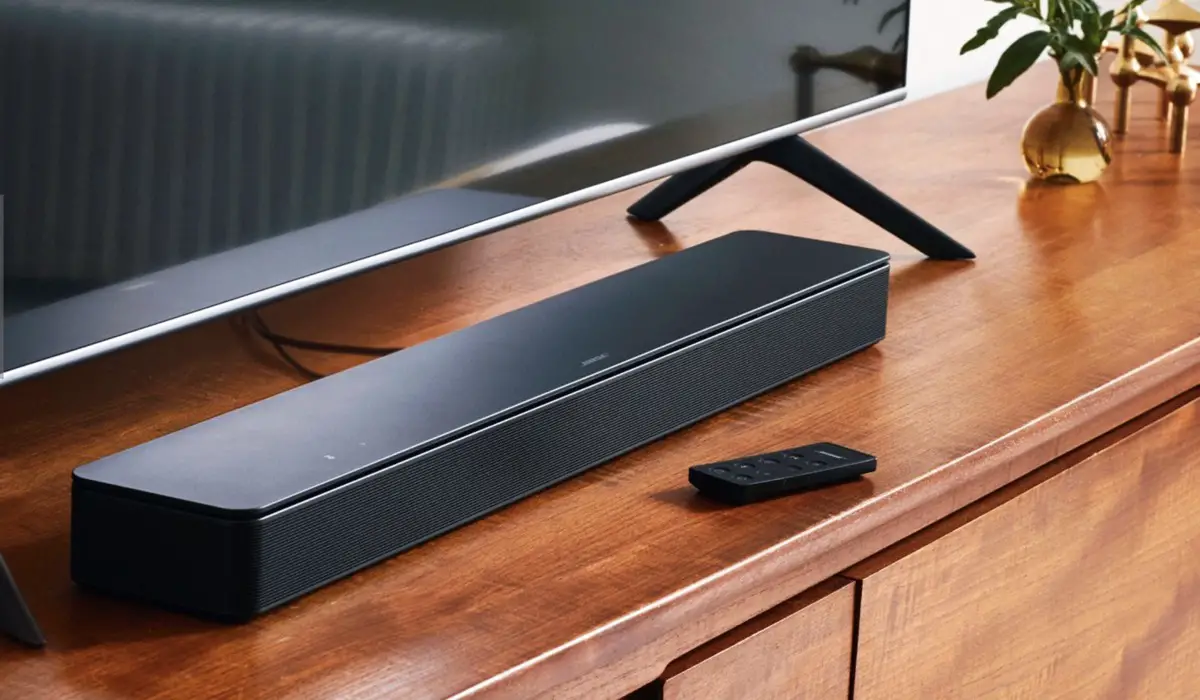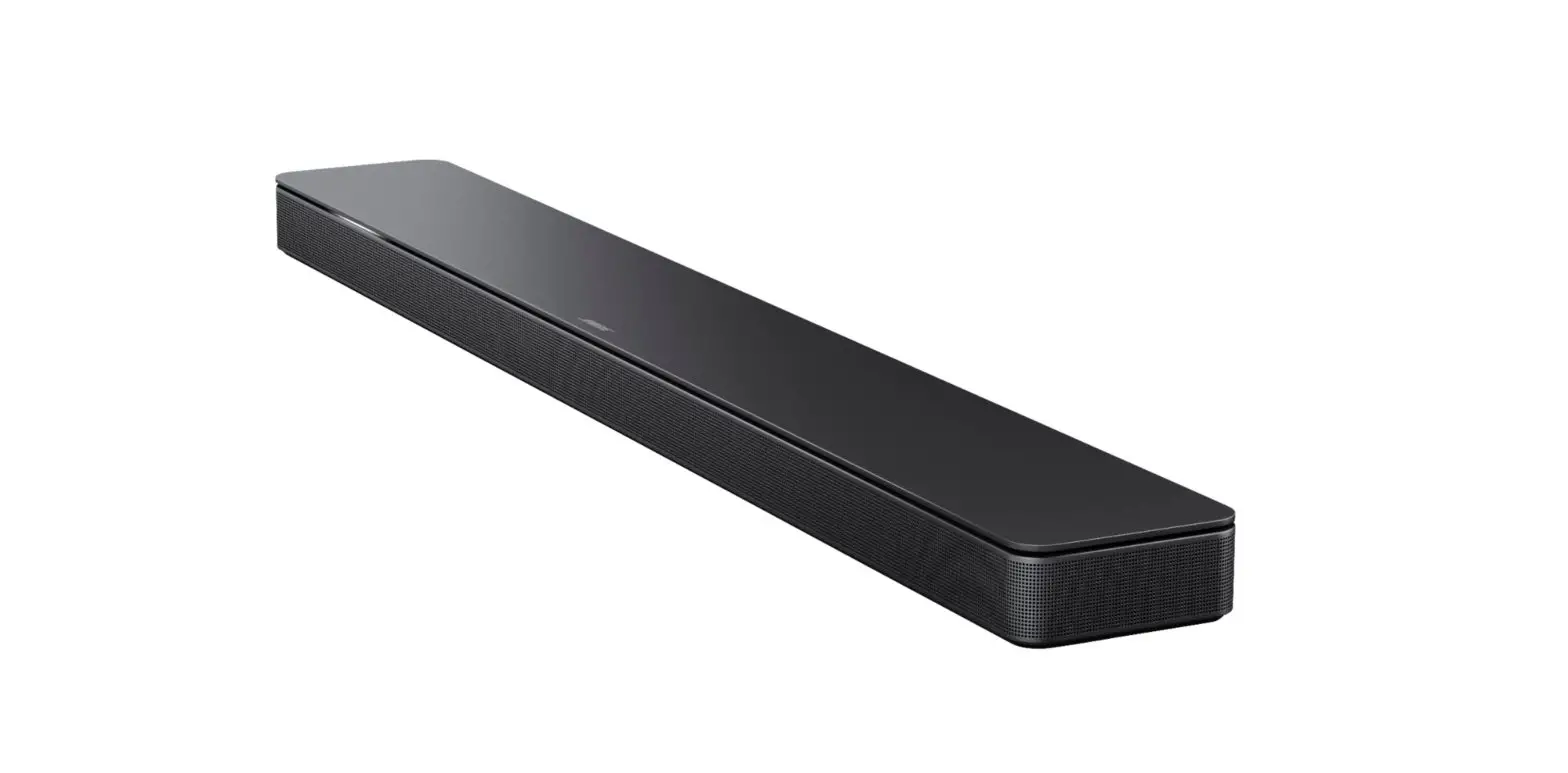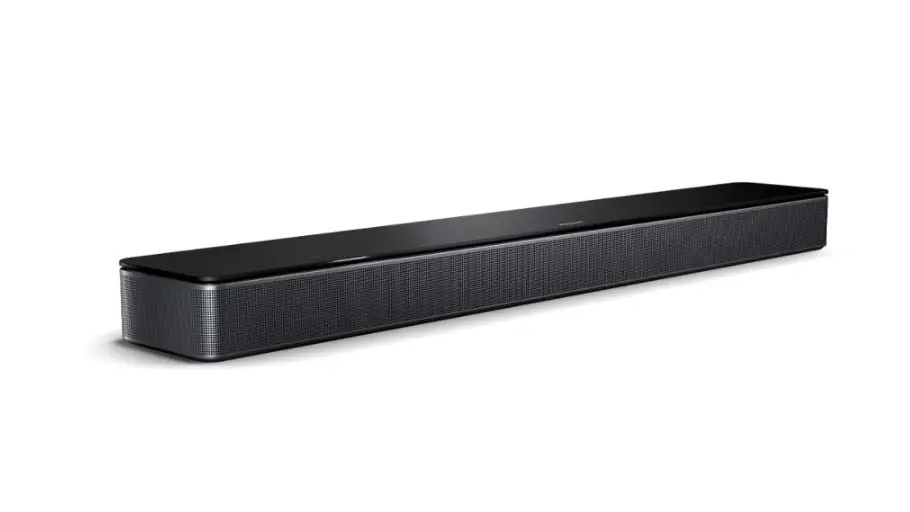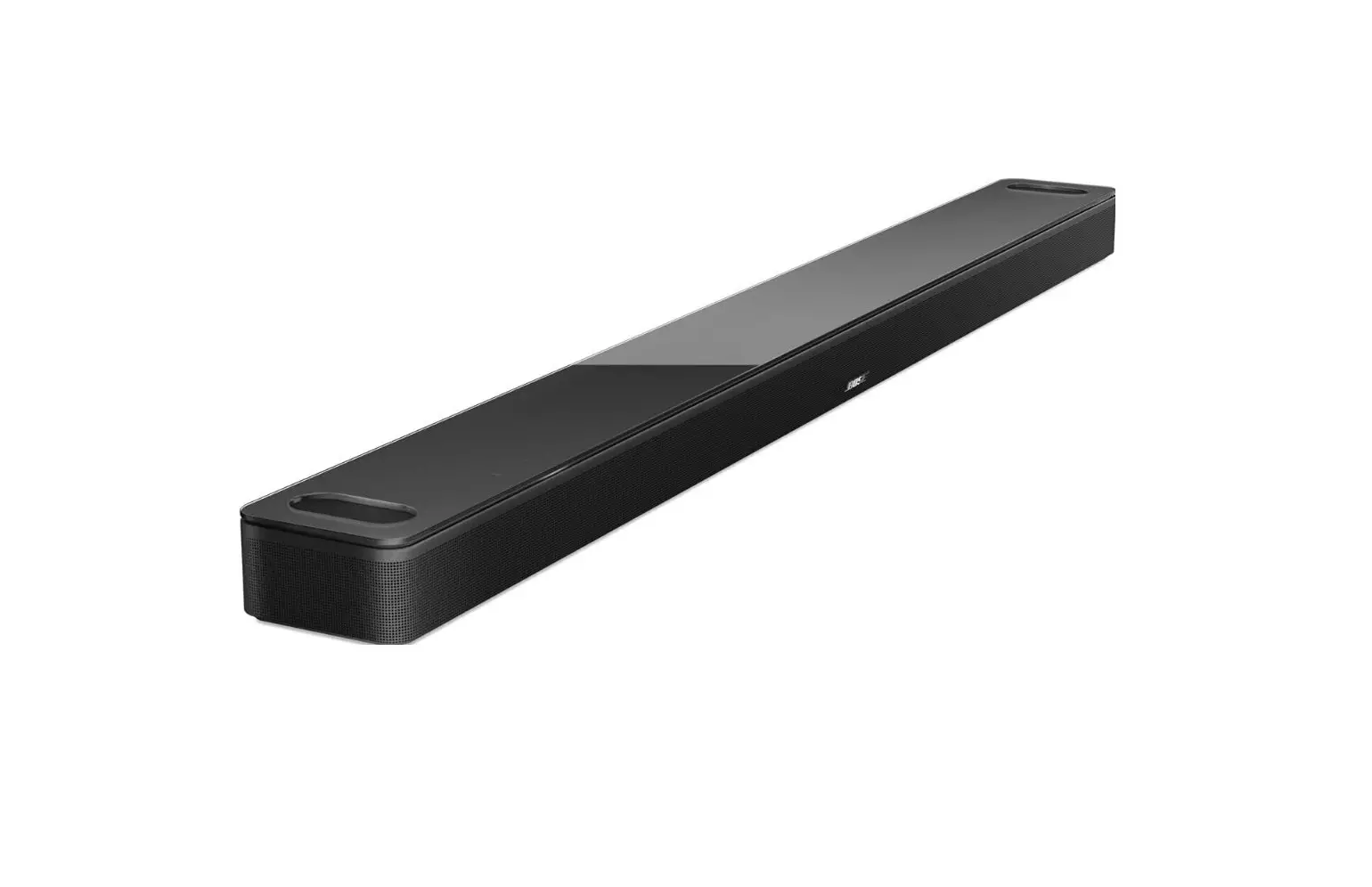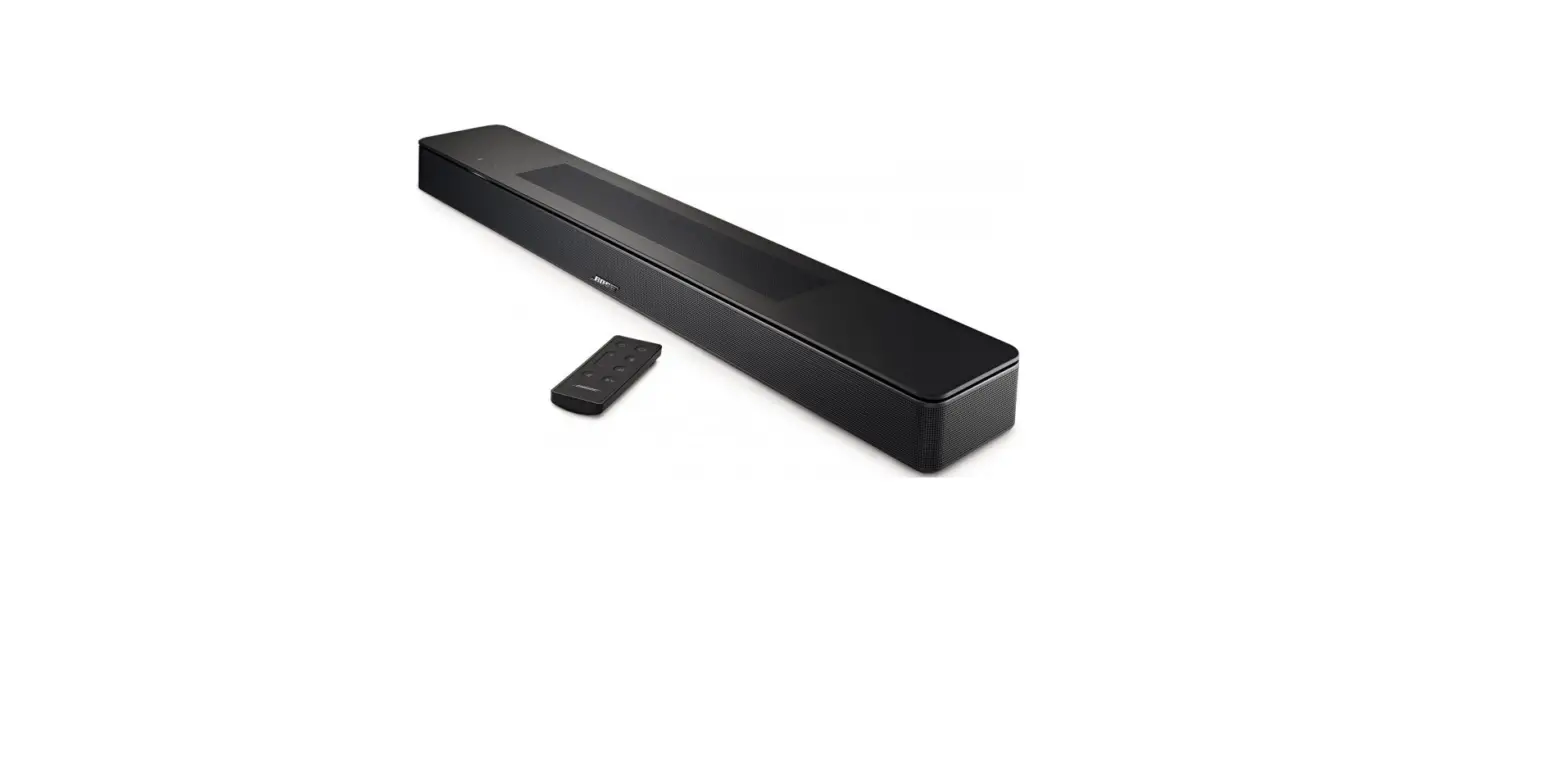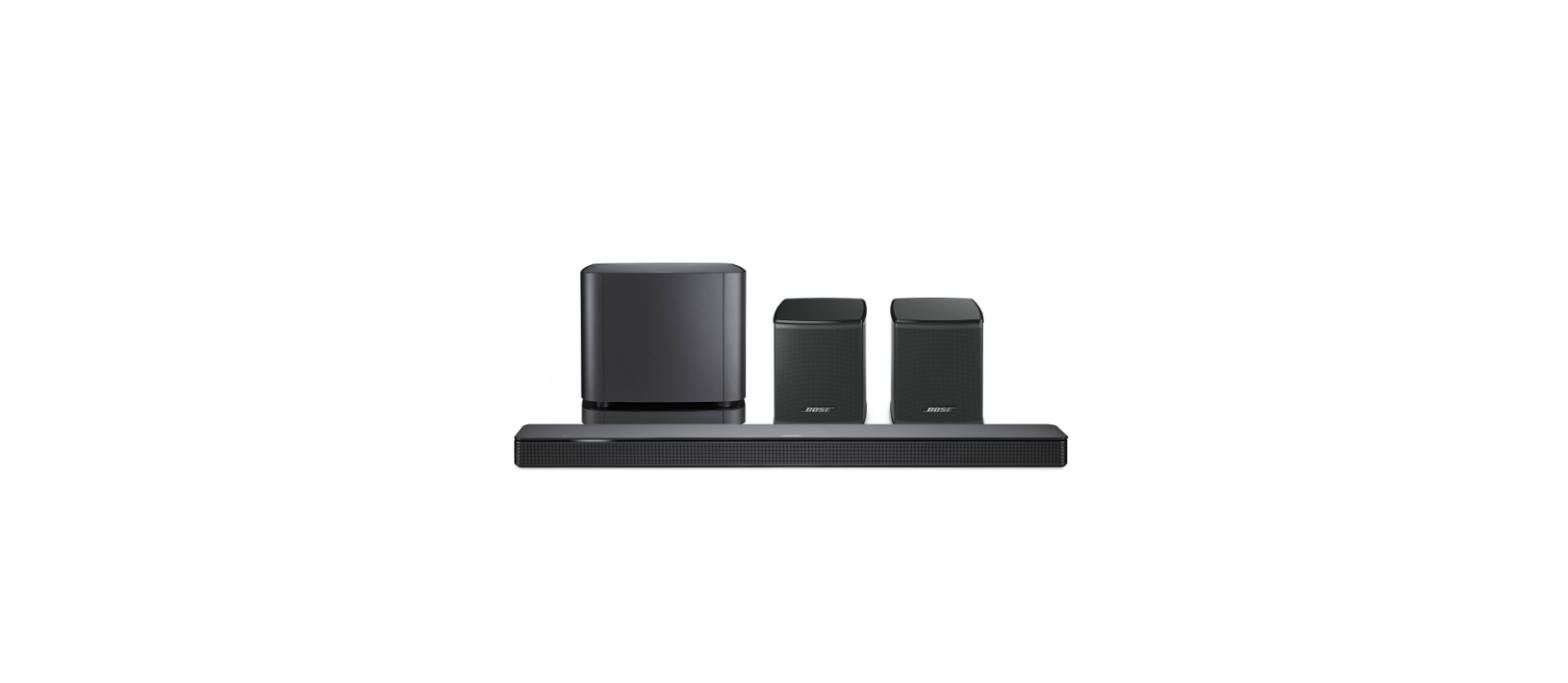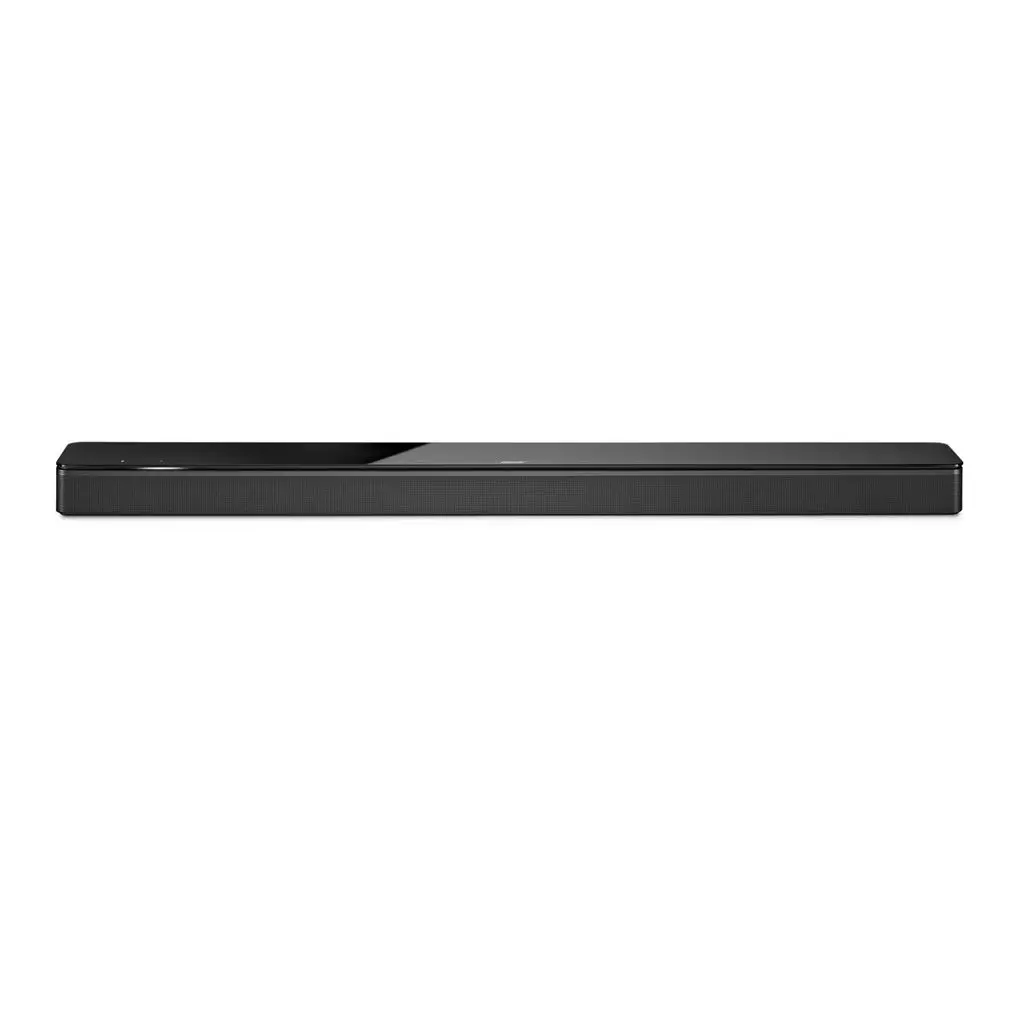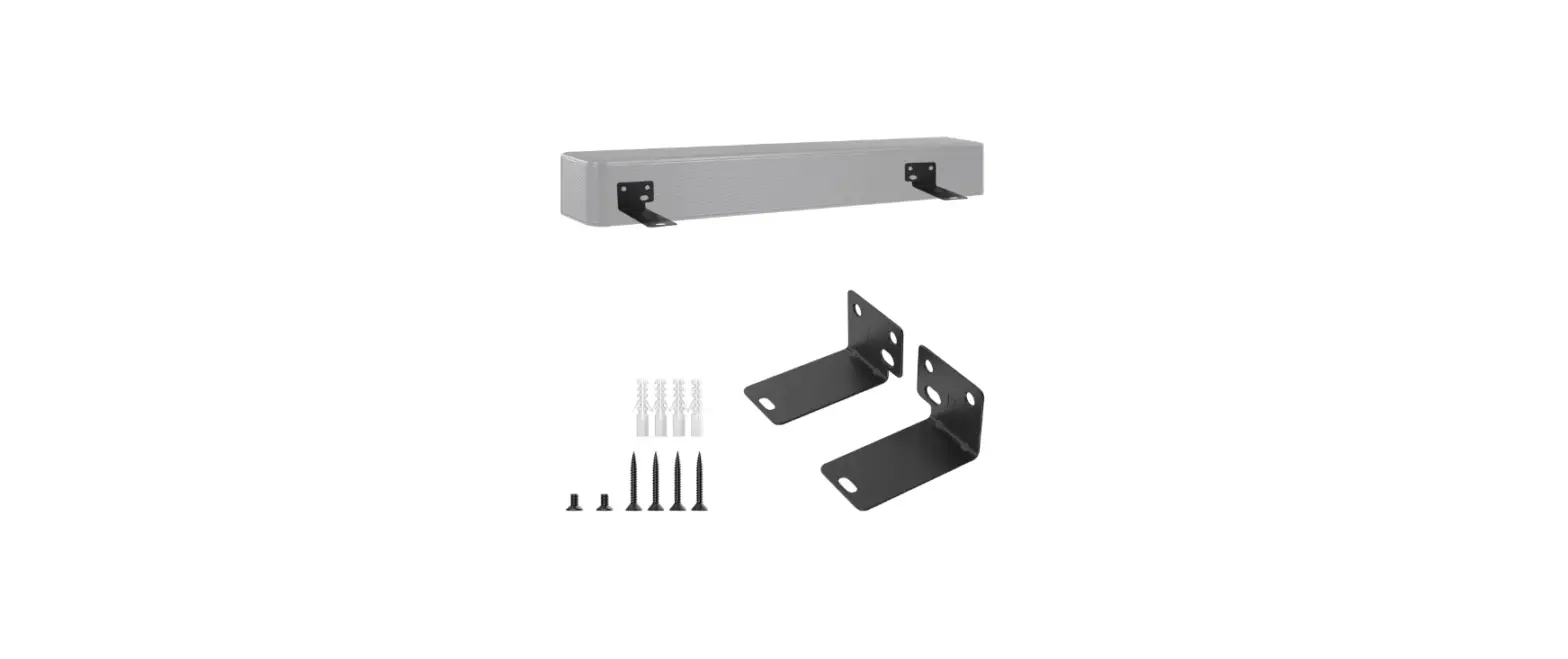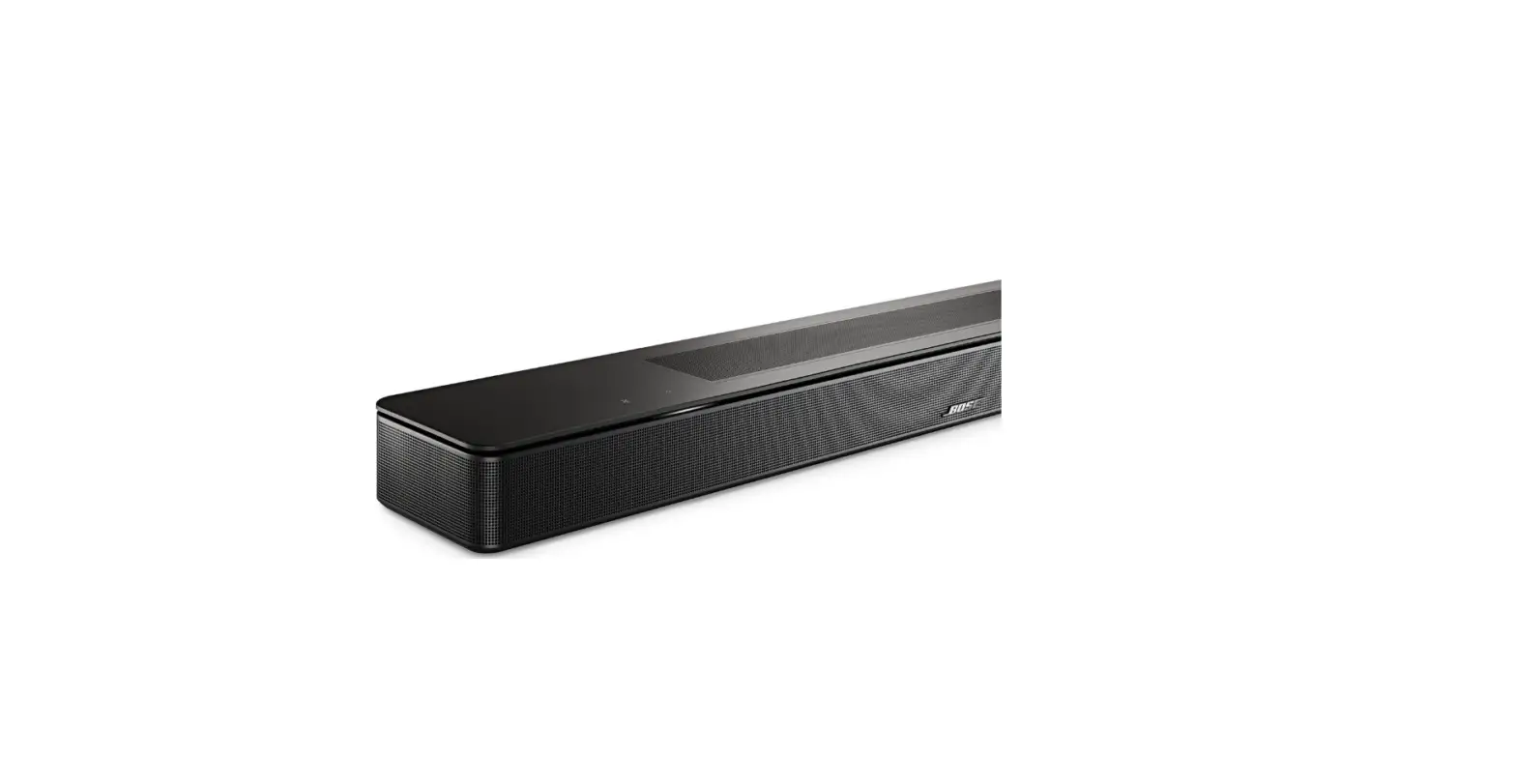

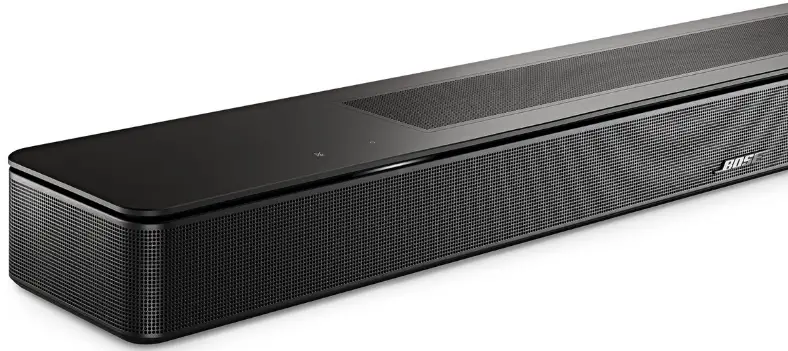
BOSE Smart Soundbar 600 Powerful Soundbar
INSTALLATION
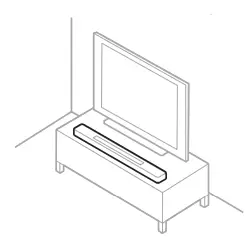
- Place your soundbar
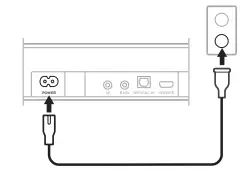
Keep at least 1 – 3 ft (0.3 – 0.9 m) away from other wireless equipment. - Connect to power

Your soundbar powers on, and the light bar glows solid amber. - Download the Bose Music app to set up your soundbar

On your phone, use the camera to scan the QR code or go to app.Bose.com/SB600-550 - Follow the app instructions to complete the setup

You can also use the app to: Add music services. Customize the sound experience. Get new features.


NOTE: For more information, refer to the owner’s guide at support.Bose.com/SB600 or support.Bose.com/SB550
CAUTION
support.Bose.com/SB600
support.Bose.com/SB550
 Bose Smart Soundbar 600
 Bose Product Support