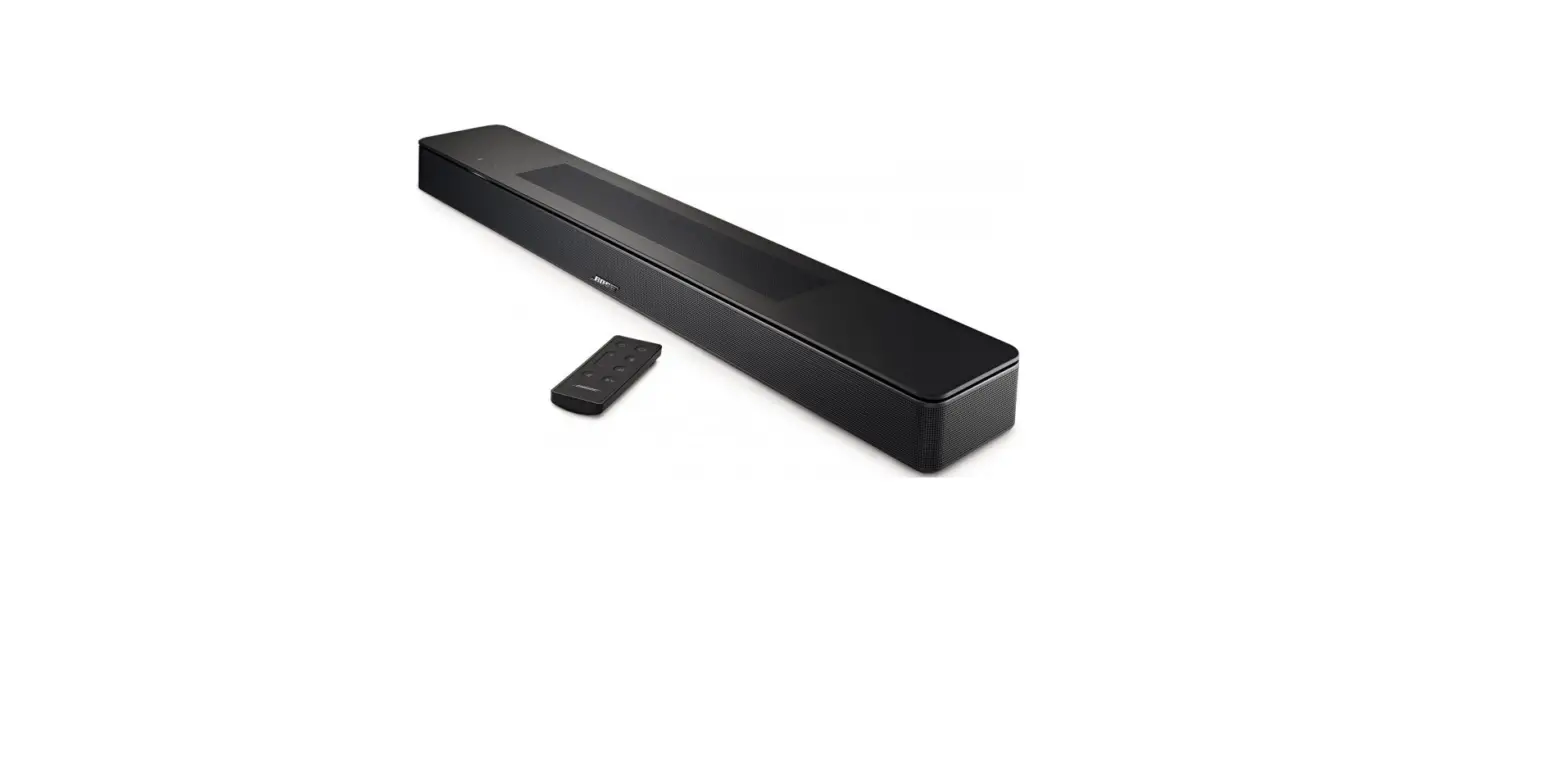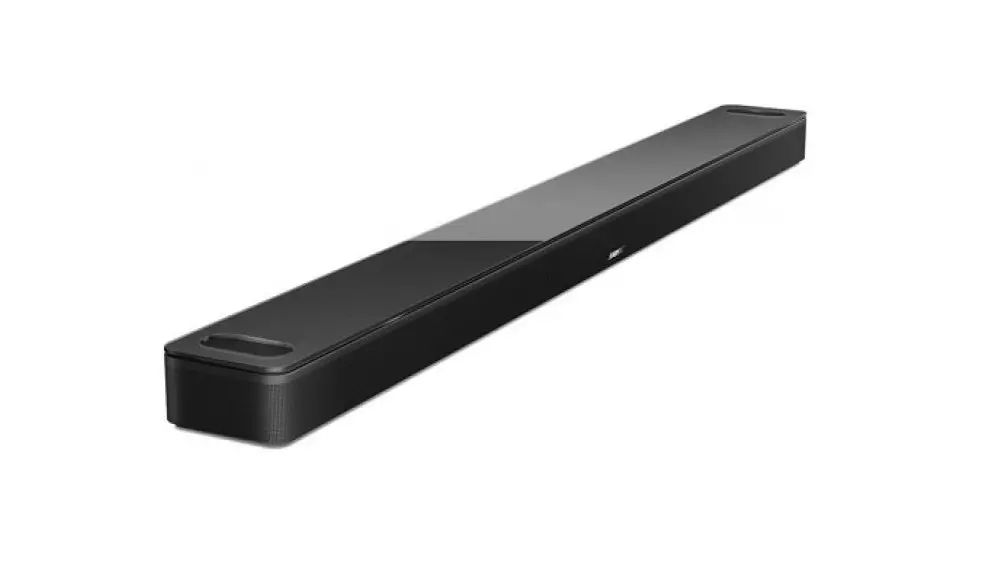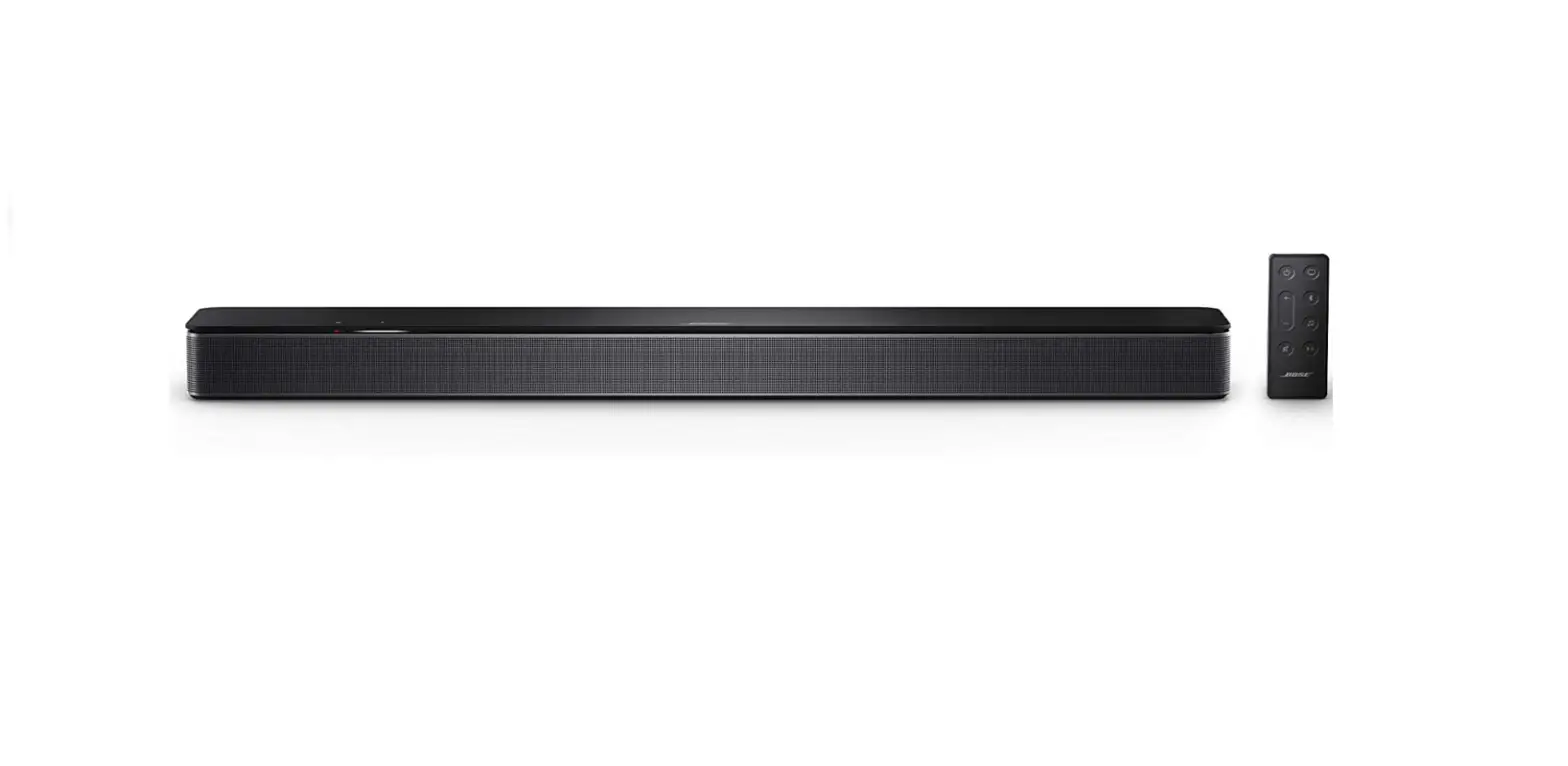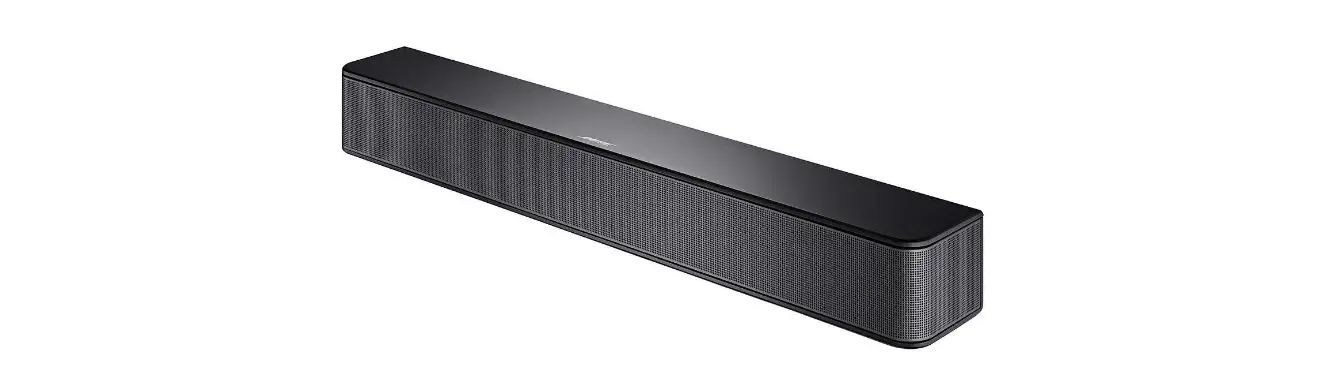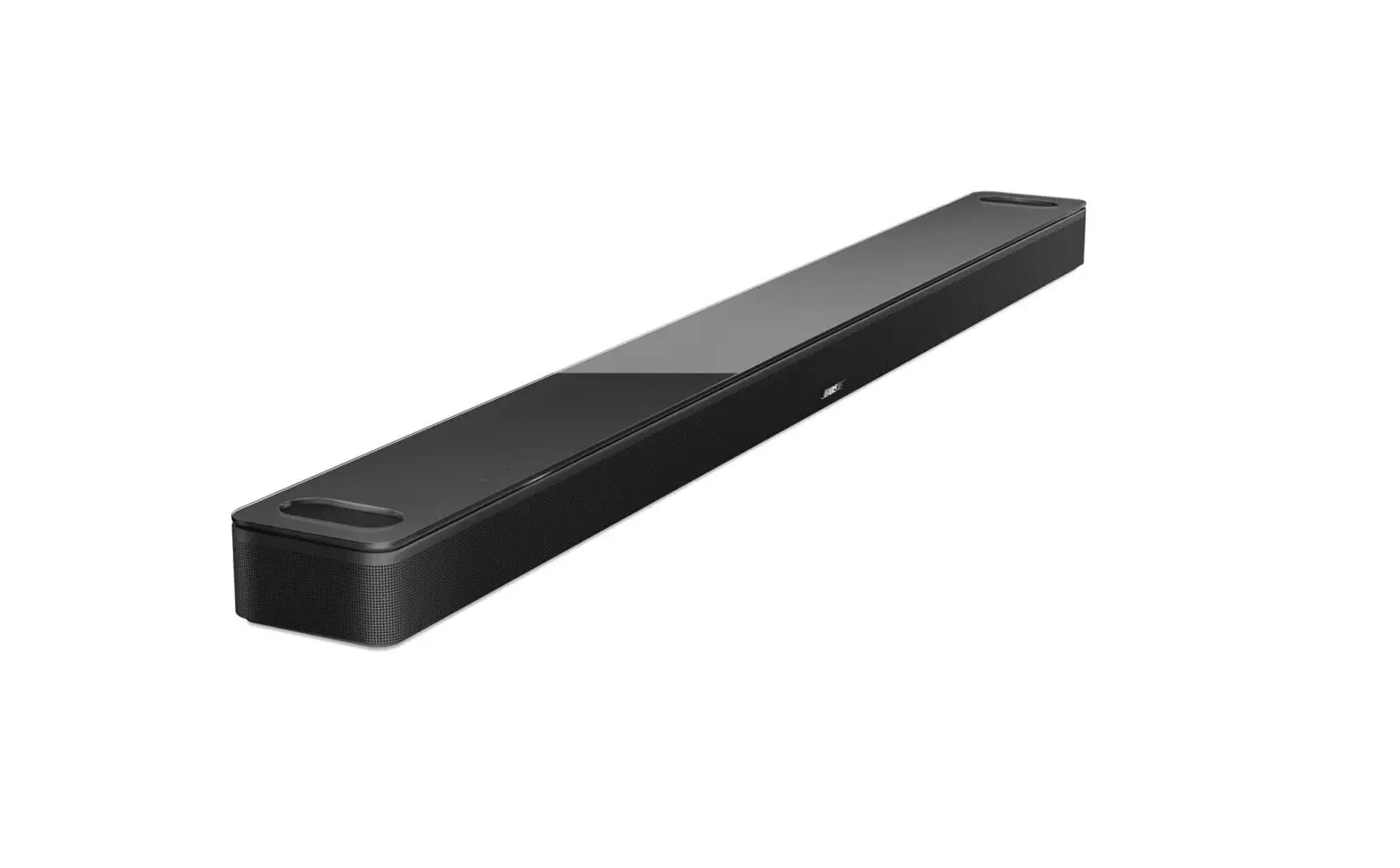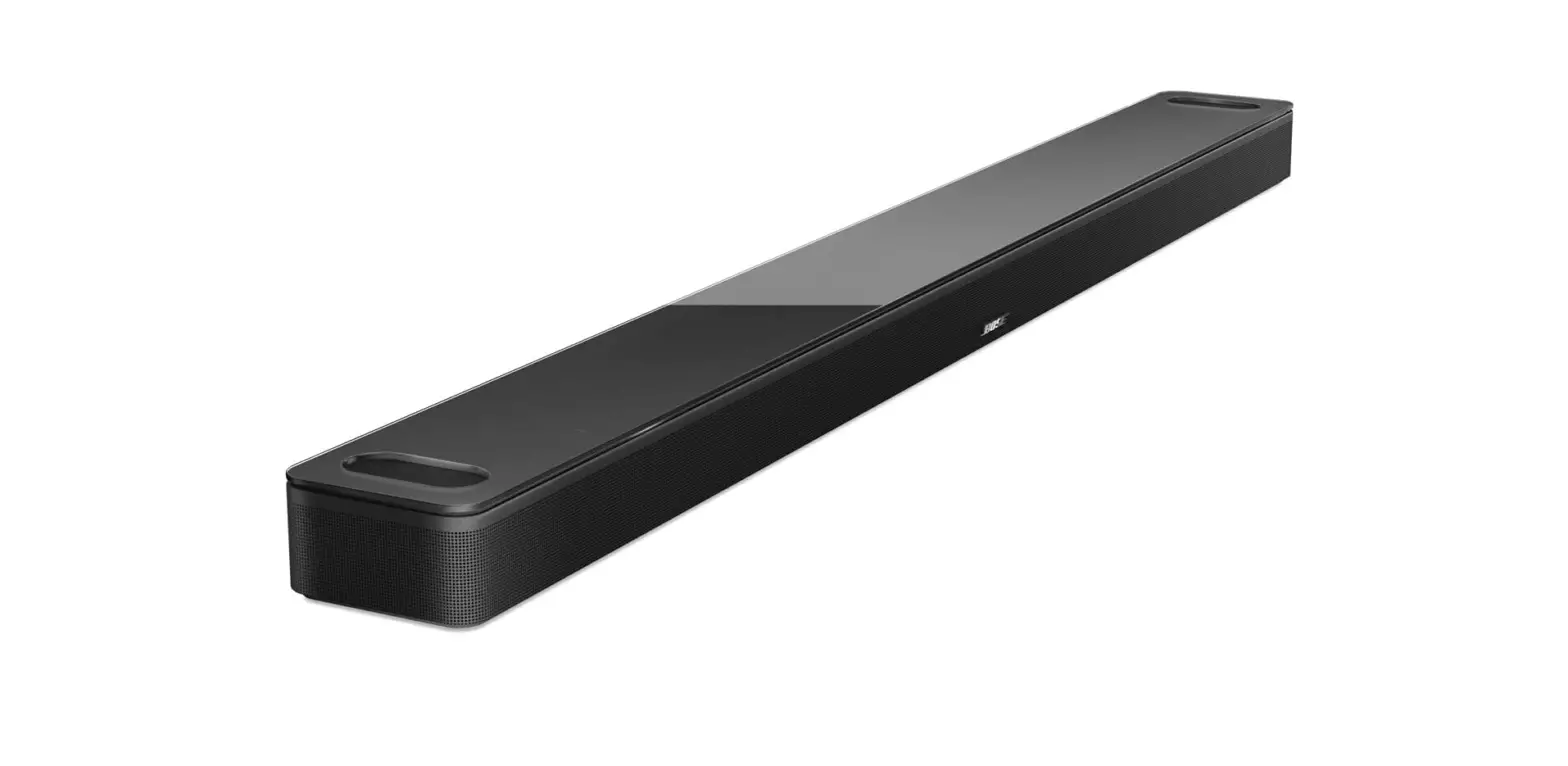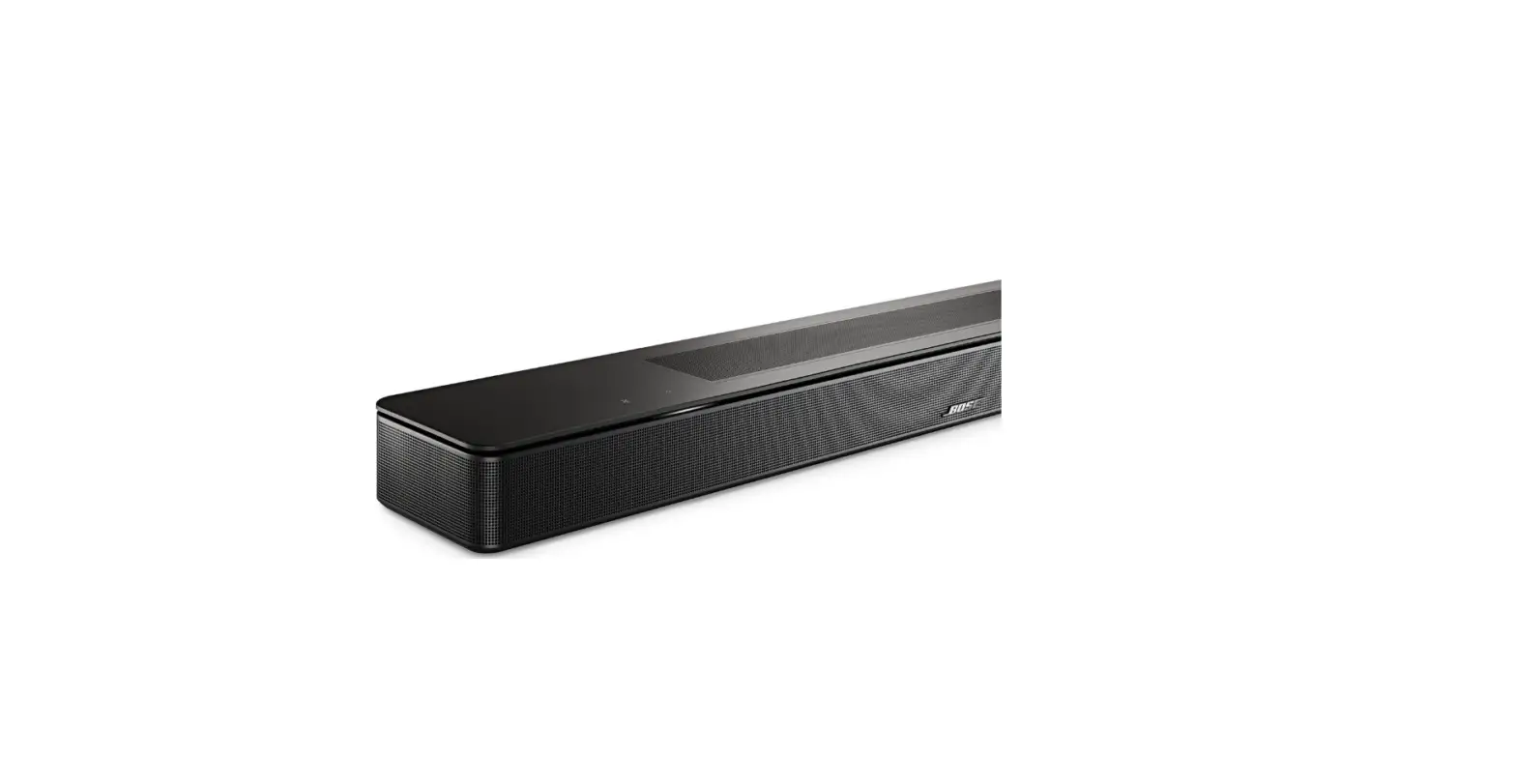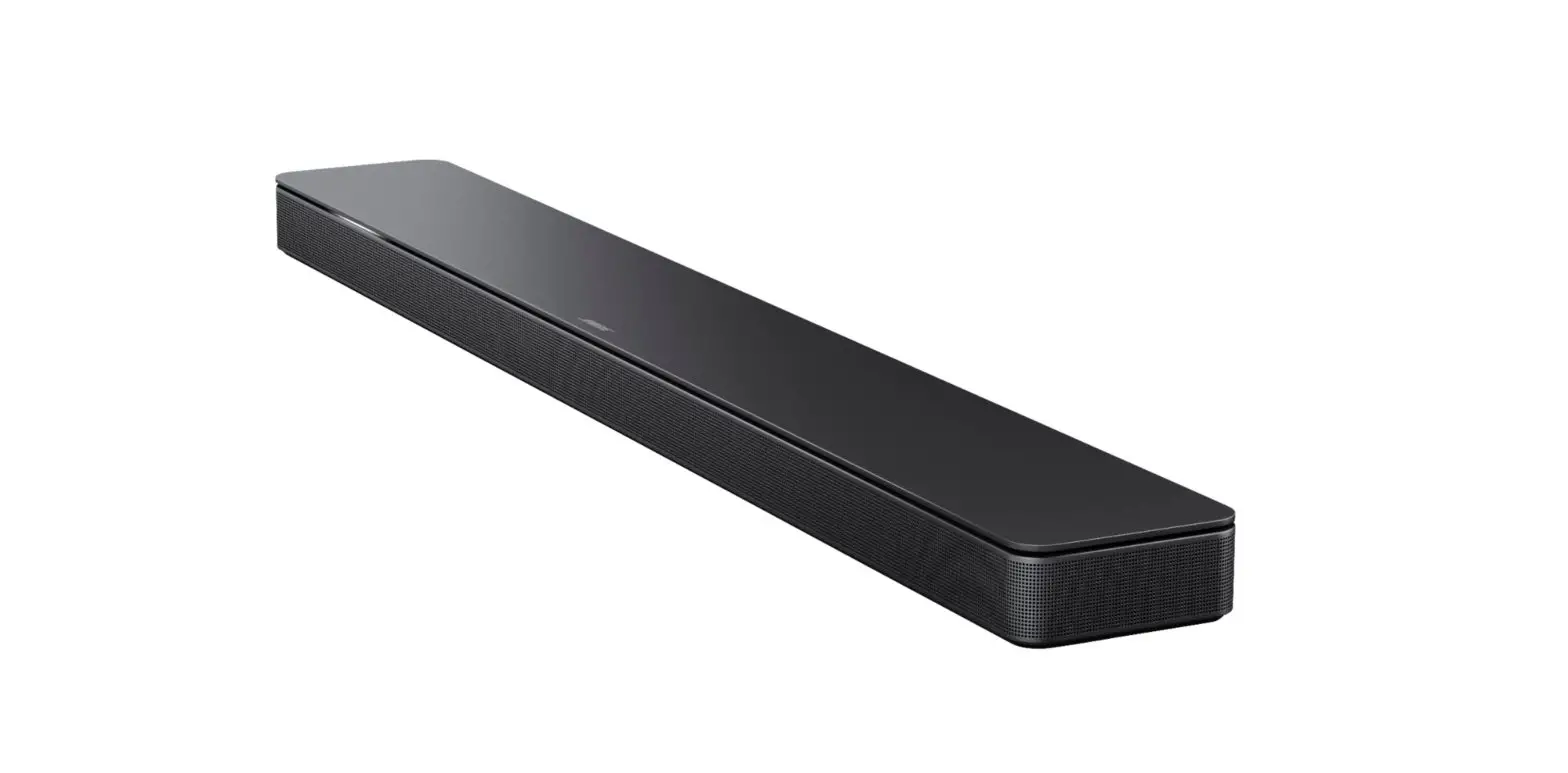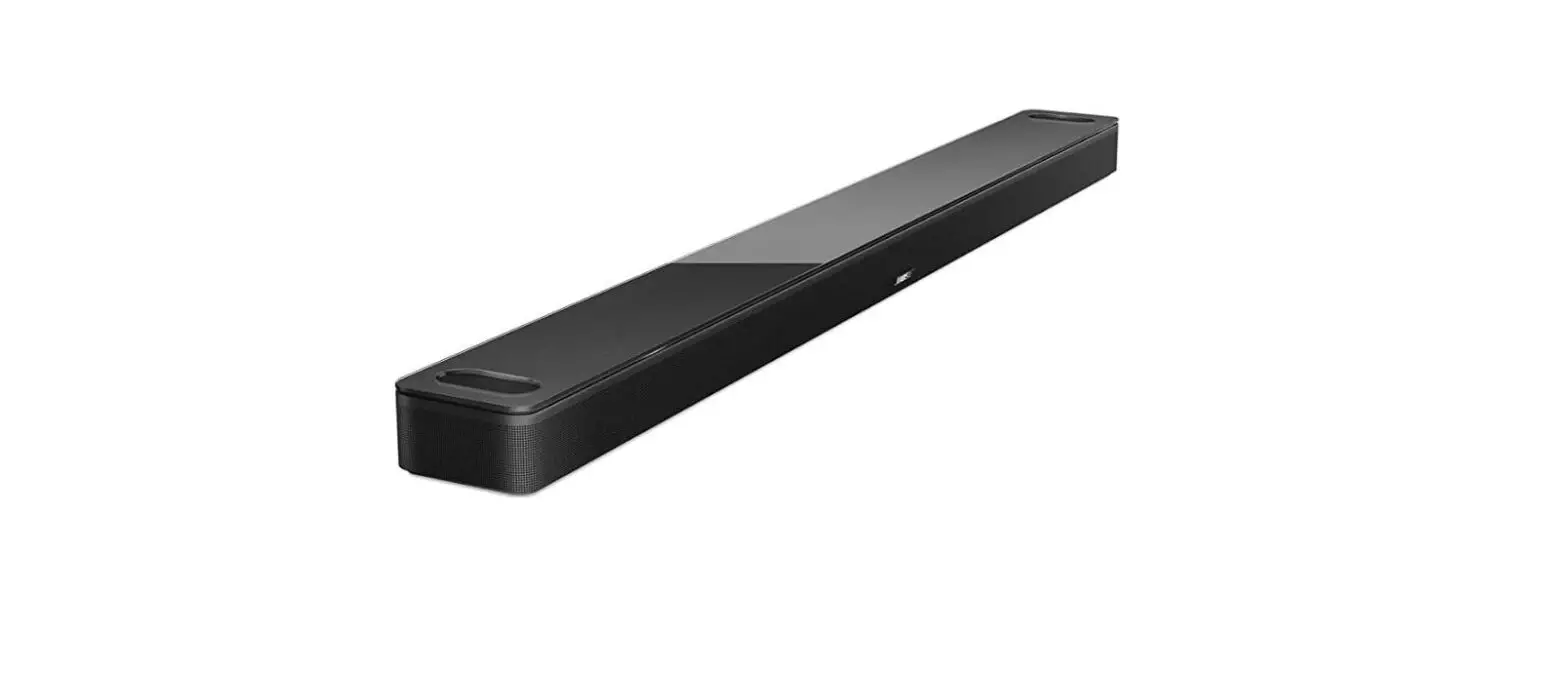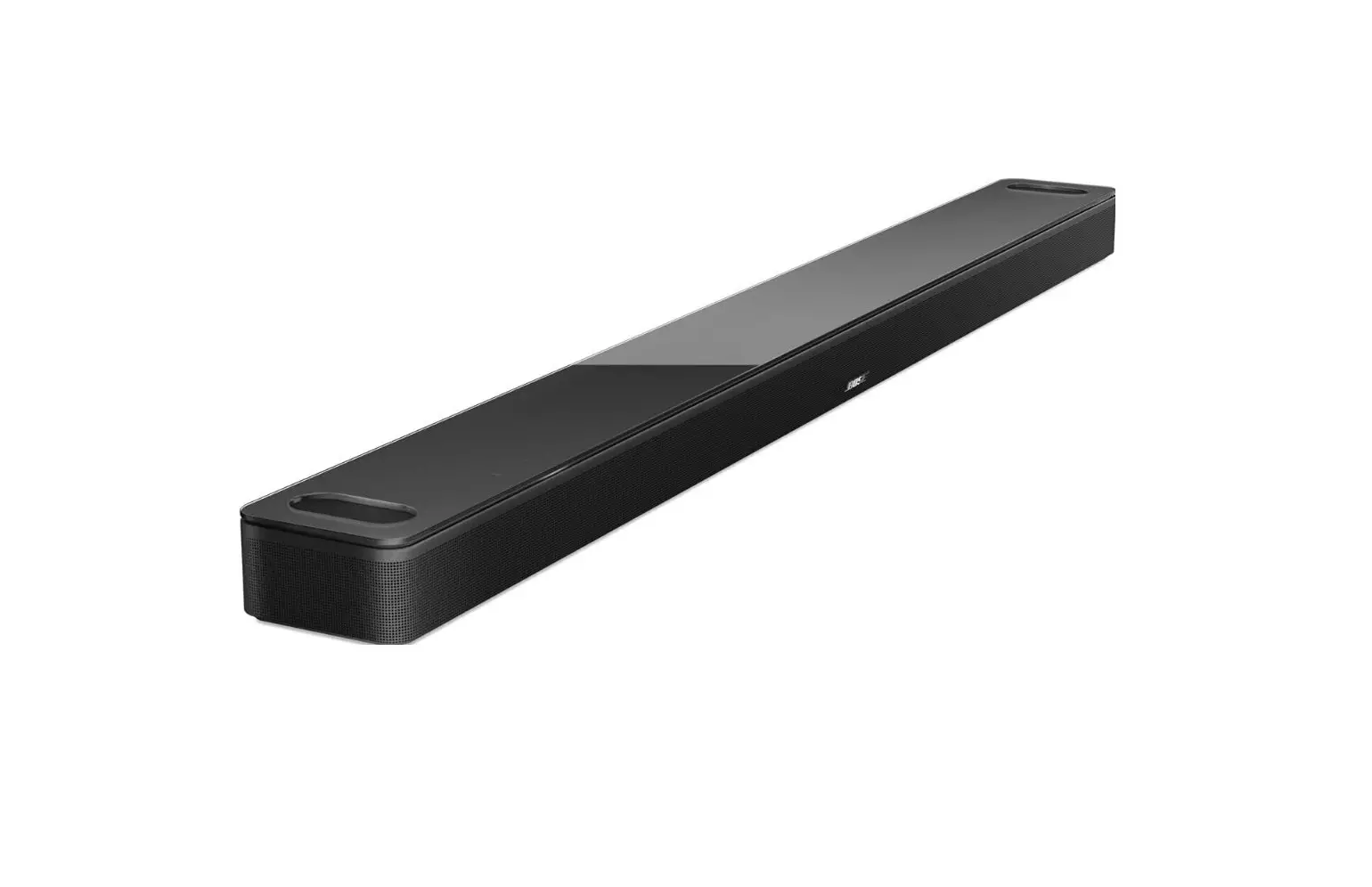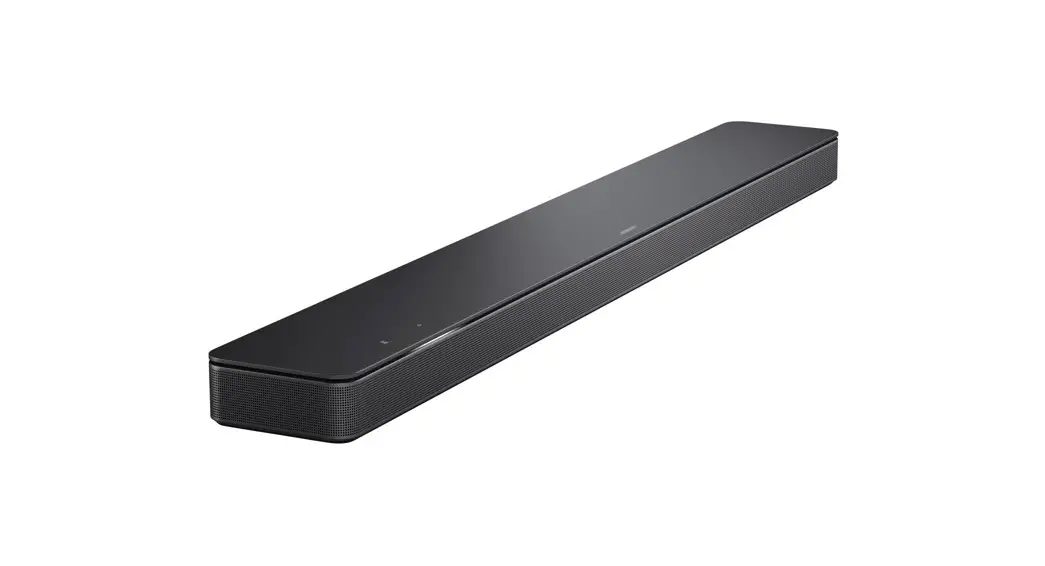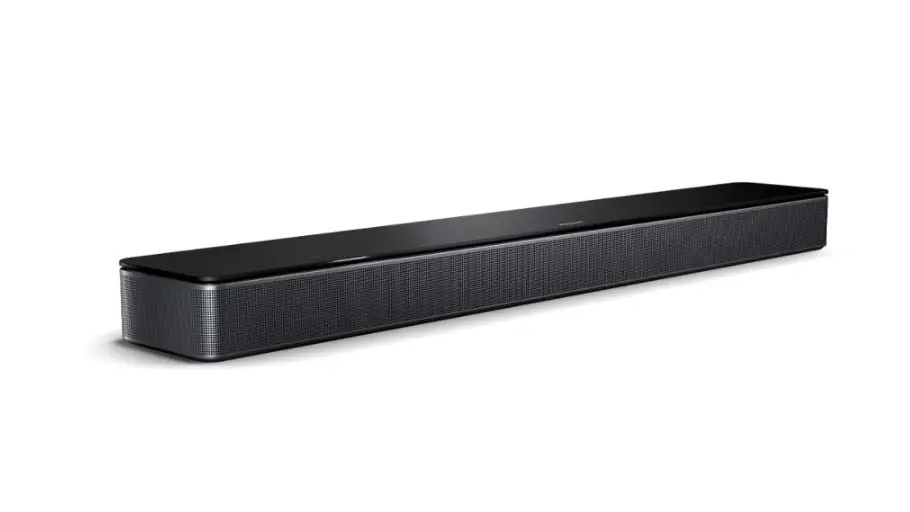
BOSE Smart Soundbar User Guide
SMART SOUNDBAR 300
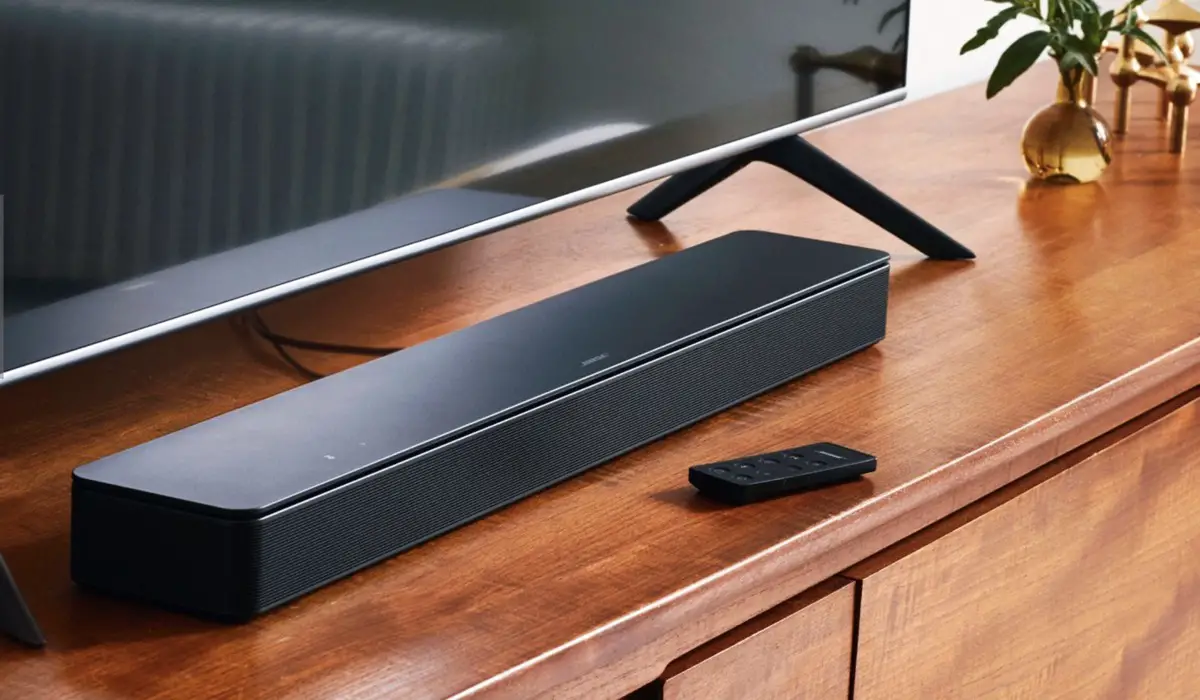
Place your soundbar
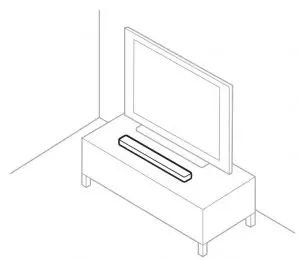
Keep at least 1 – 3 ft (0.3 – 0.9 m) away from other wireless equipment.
Connect to power
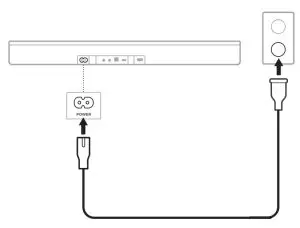
Connect one end of the power cord to the POWER port on the back of your soundbar and plug the other end into an AC (mains) outlet.
Your soundbar powers on, and the light bar glows amber.
Set up your soundbar



Download the Bose Music app and follow the app instructions to:
Connect your soundbar to your TV.
Add a voice assistant.
Get new features.
Reference
Control audio playback
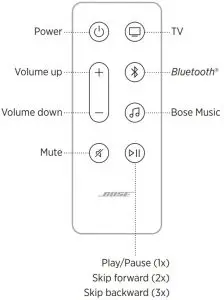
Press the Play/Pause button F to play, pause, skip forward, or skip backward.
Enable auto-wake
Enable your soundbar to power on automatically when it detects sound coming from your TV.
Press and hold the Power button I for 5 seconds until you hear a tone and the light bar pulses white twice.
Adjust audio for wall mounting
If your soundbar is mounted on the wall, adjust the audio for better sound quality.
Press and hold the Mute button A for 5 seconds until you hear a tone and the light bar pulses white twice.
NOTE: For more information about these features, visit the online owner’s guide: worldwide.Bose.com/Support/SB300
 Bose Smart Soundbar 300 | Bose Product Support