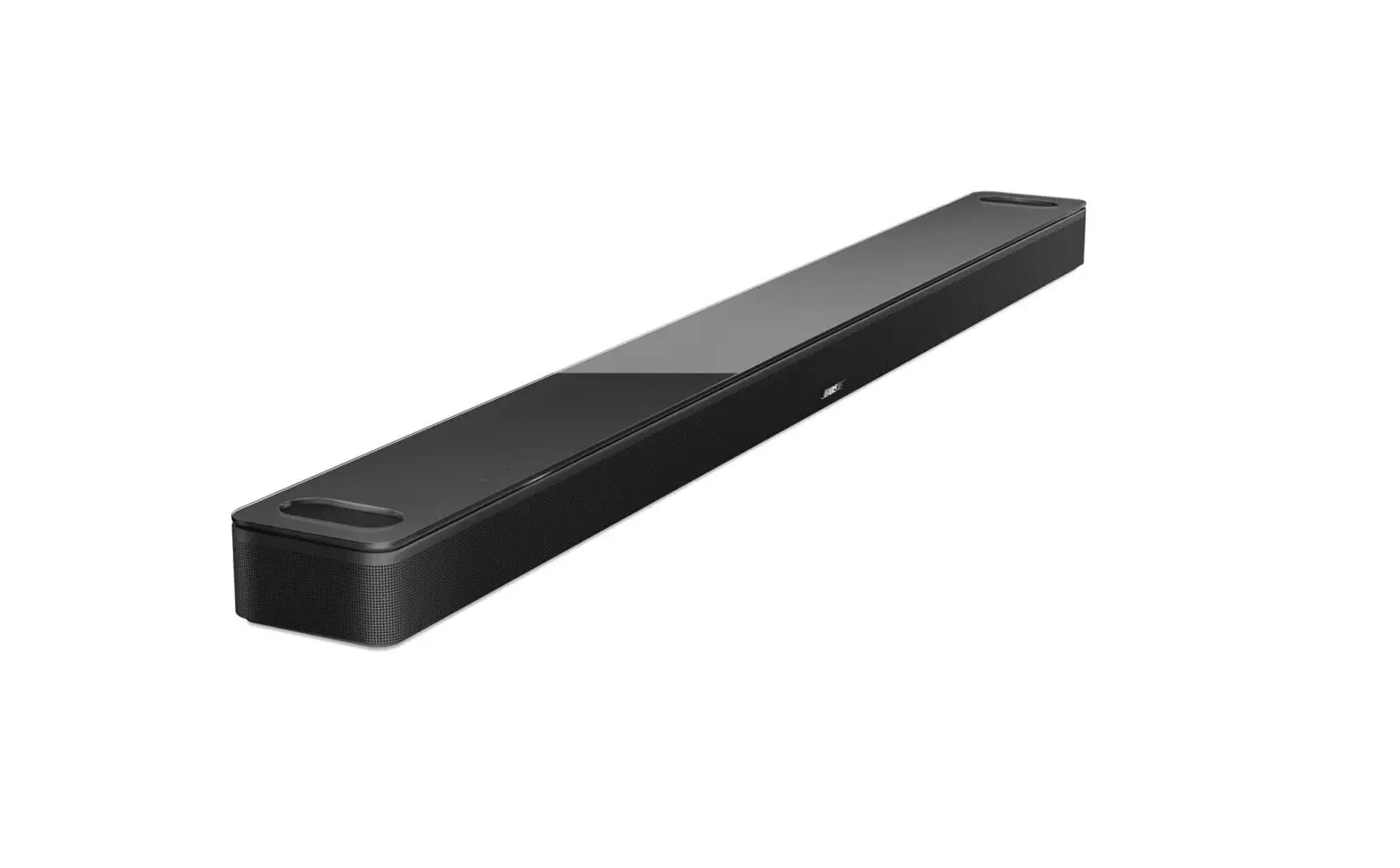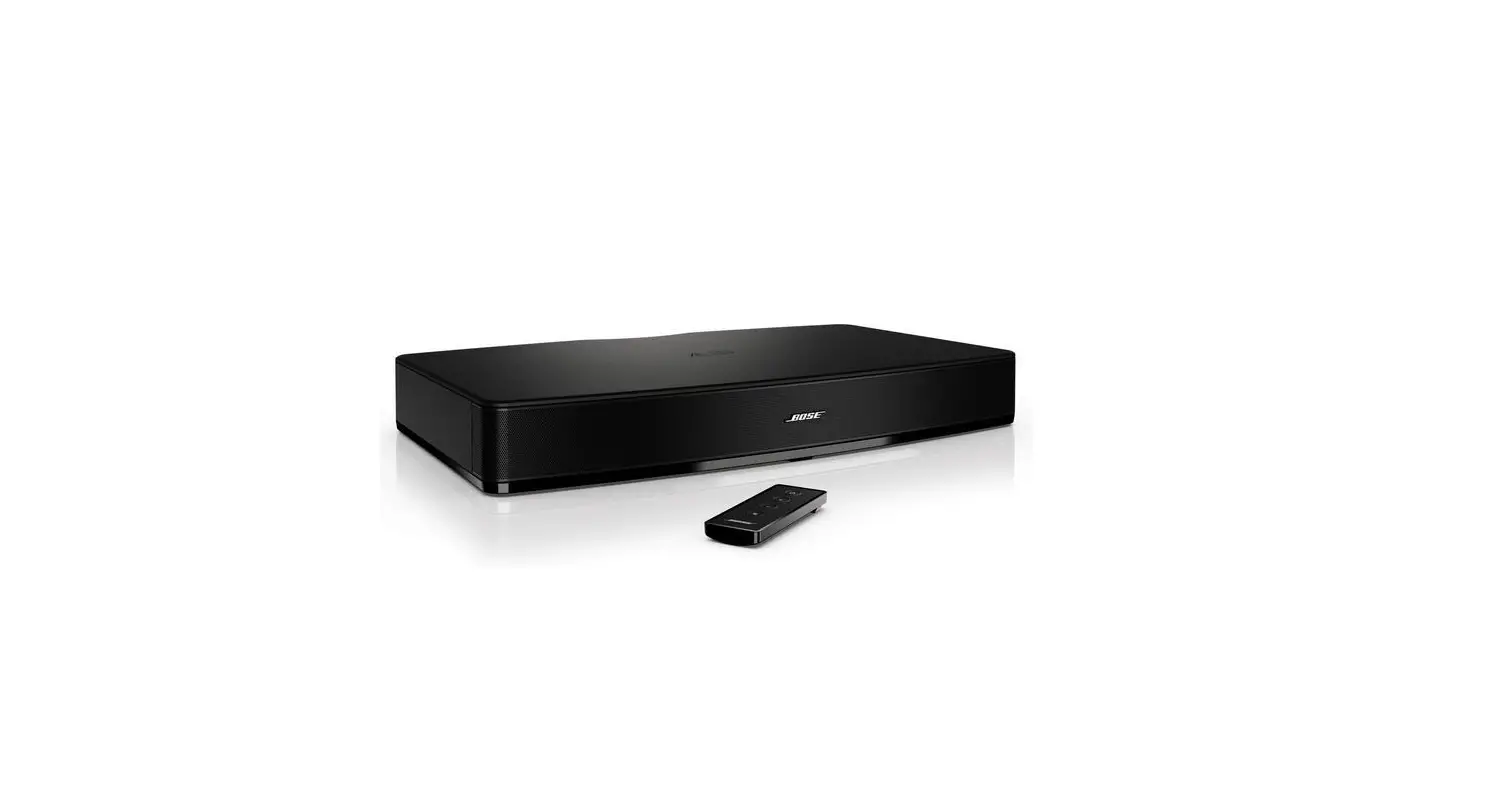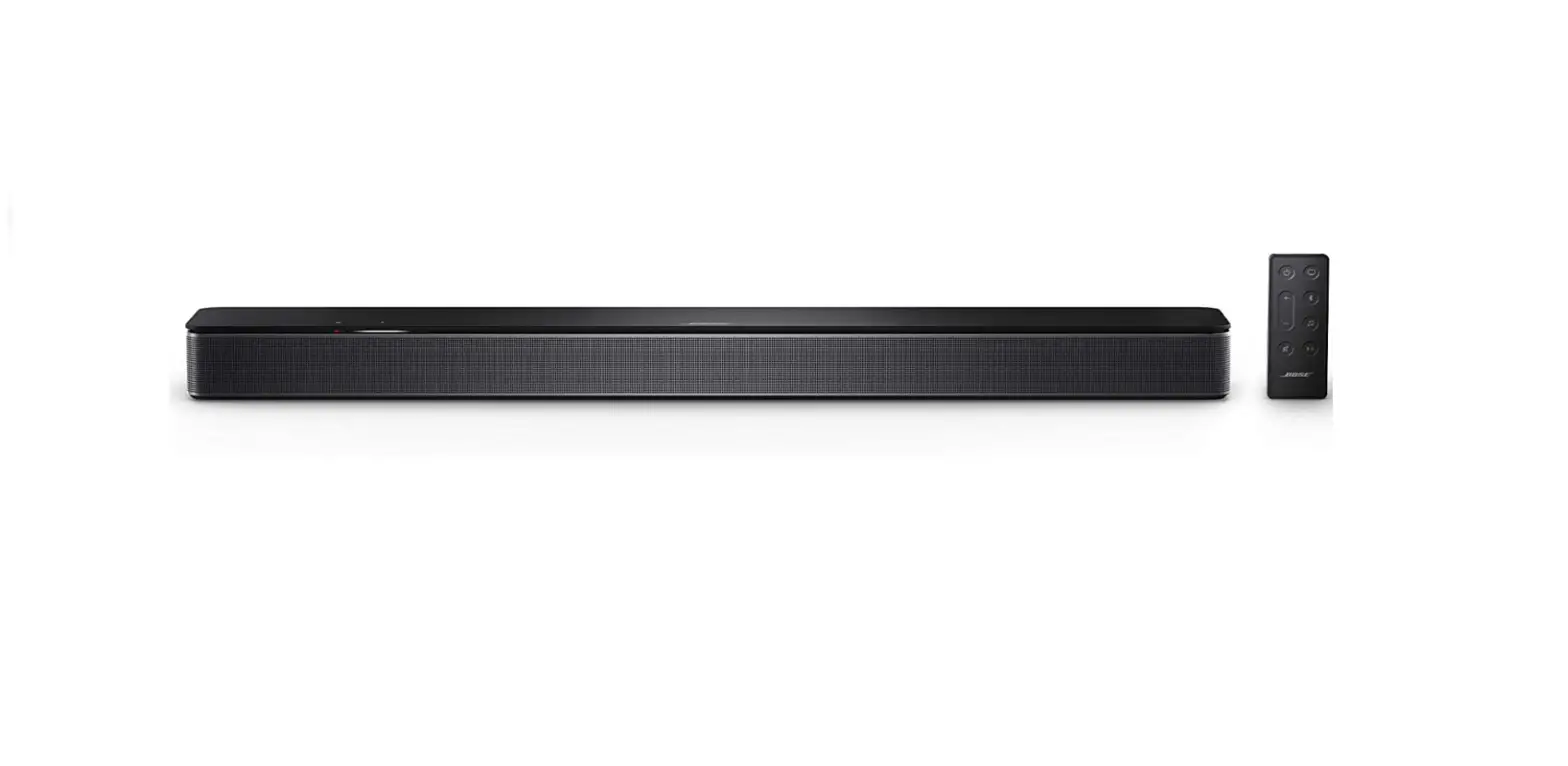

Bose 838309 TV Speaker
FREQUENTLY ASKED QUESTIONS
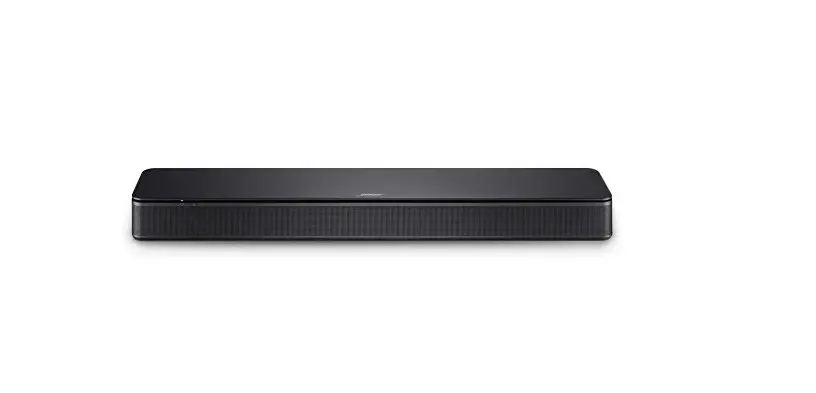
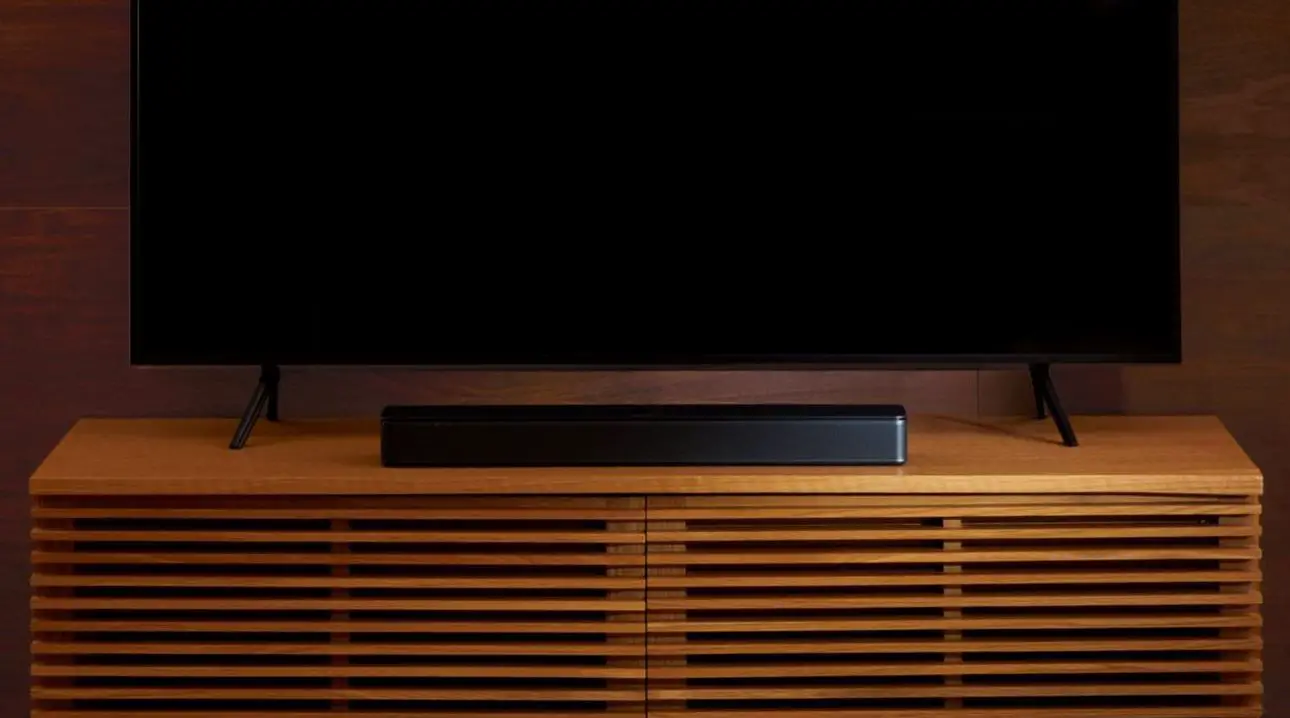
| What are the main benefits of owning a Bose TV Speaker? | The Bose TV Speaker noticeably improves television sound in a simple and unobtrusive soundbar form factor. It will appeal to customers who are not interested in the complexity of a home theater or surround sound experience and simply want to hear their TV better. |
| Why is the sound from the Bose TV Speaker better than my TV speakers? | The Bose TV Speaker uses new Bose transducers and proprietary DSP (Digital Signal Processing) technology to bring out audio details that cannot be reproduced by most built-in TV speakers. The result is that you simply hear your TV better. |
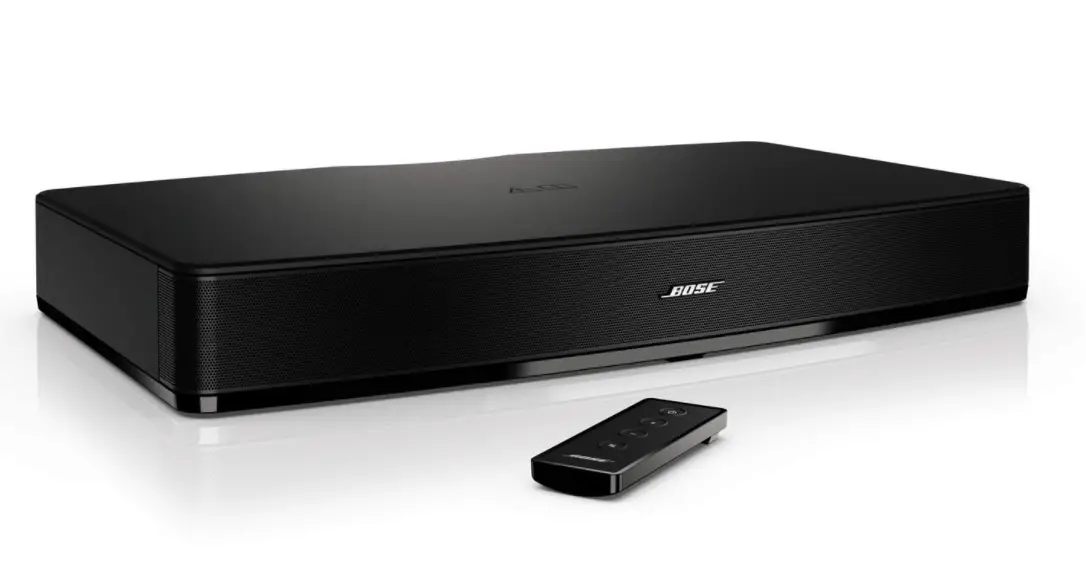
| What is the difference between the Bose TV Speaker and the Solo 5 TV sound system? | The new Bose TV Speaker improves upon the best-selling Solo 5 system. It has improved overall acoustic performance (notably in overall loudness and dialogue mode) and adds HDMI-CEC connectivity to be compatible with today’s A/V equipment. And since HDMI-CEC enables you to continue to use the same remote control you currently use to control your TV, the Bose TV Speaker comes with a smaller/simpler remote control. Additionally, the Bose TV Speaker has a sleeker, lower-profile design (prevents it from blocking the bottom edge of the TV) and a built-in power supply (so no need for a “floor wart” or “wall wart”). |
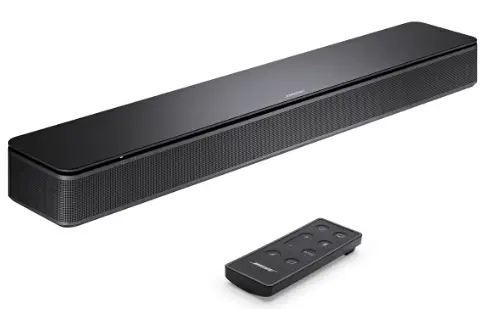
| What is included with the Bose TV Speaker? | The Bose TV Speaker is a fully integrated system, with all transducers and electronics included, integrated into a simple soundbar for the television. It also comes with a simple remote control and the cables required for simple setup – power cord and optical audio cable. |
| Does the Bose TV Speaker offer Bluetooth® audio input? | Yes. Customers can enjoy their music and podcasts streamed wirelessly from a Bluetooth-enabled portable device that supports streaming. The Bose TV Speaker has Bluetooth version 4.2. |
| Does the Bose TV Speaker offer any dialogue enhancement? | Yes. The Bose TV Speaker improves upon the dialogue mode of the best- selling Solo 5 system, so now your dialogue is even clearer for your content (TV and/or podcasts). Dialogue mode offers enhanced dialogue performance for those who may struggle to hear it. Additionally, the Bose TV Speaker allows dialogue mode to be set as “persistent,” so you no longer have to enable it every time you turn on the product. |
| Can the bass level of the Bose TV Speaker be adjusted? | Yes. There is a bass level adjustment located on the remote control. |
| Can the Bose TV Speaker be wall mounted? | Yes. The Bose TV Speaker can be wall mounted with the Bose Soundbar Wall Bracket (sold separately). This is the same current bracket that is used for the Bose Soundbar 500 & 700. |
| What TVs are compatible with the Bose TV Speaker? | The Bose TV Speaker is designed for use with any TV with an optical audio output (this is basically almost all HDTV and many older “analog” TVs). And most HDTVs produced since about 2010 are also HDMI-CEC enabled, so customers with such a TV can benefit from using an HDMI connection to the TV and continue to use the same remote control they are currently using. |
| What inputs do the Bose TV Speaker support? | The Bose TV Speaker has HDMI-ARC, optical, and analog (3.5mm) audio inputs. The customer will only connect to one of these, depending on what type of output the TV has. It is not possible to “switch” between these different inputs, so only one connection is required. |
| Can source devices, such as a cable set-top box, phone/tablet, gaming system, etc., be connected directly to the Bose TV Speaker? | Any device with an HDMI-ARC, optical, or analog audio output can be connected to the Bose TV Speaker. However, we strongly recommend that customers only connect the TV Speaker to the TV’s output, so sound and picture will always be in sync. |
| How do I select the Bluetooth input? | The Bluetooth input is selected by pressing the Bluetooth button on the remote control.
Or if you prefer to not use the remote or the remote is not easily accessible, you can use the “force connect” feature to select the Bluetooth source. This feature is available after you pair your Bluetooth device to the Bose TV Speaker the first time. You can simply “force connect” that device to the Bose TV Speaker by going to your device’s Bluetooth settings menu and selecting the Bose TV Speaker. This will automatically switch to the Bluetooth source. It will also turn on the Bose TV Speaker if the speaker is off and put it into the Bluetooth source. |
| How do I select the HDMI, analog, or optical input? | There is no user-selectable control for TV audio selection. |
| What is the USB port on the back of the product for? | The USB port is for service and system software updates only. |
| Does the Bose TV Speaker have a headphone output? | No. Customers who want to listen to their TV with headphones should use the TV’s headphone output. Many TVs have a headphone output. |
| Is the Bose TV Speaker voice- enabled? | No. |
| Does the Bose TV Speaker have ADAPTiQ? | No. |
| Does the Bose TV Speaker have NFC technology for Bluetooth pairing? | No. |
| Do I have to use the Bose TV Speaker IR remote control? | Not necessarily. If your TV is HDMI-CEC enabled, you can connect the Bose TV Speaker to your TV using an HDMI cable (not included). Then you can continue to use the remote control you are already familiar with to control your TV. HDMI-CEC will allow the Bose TV Speaker to automatically turn on when you turn on your TV and your existing remote control will control the Bose TV Speaker volume.
If you connect the Bose TV Speaker to your TV using the supplied optical cable, you can use the Bose-supplied remote or program a third-party universal IR remote control to control the Bose TV Speaker. Bose IR codes are published in many of these universal remotes.
Also, regardless of how you connect the Bose TV Speaker to your TV, you do not necessarily need the remote to select the Bluetooth source. After you pair your Bluetooth device to the Bose TV Speaker the first time, you can simply “force connect” that device to the Bose TV Speaker by going to your device settings menu and selecting the Bose TV Speaker. This will automatically switch to the Bluetooth source. It will also turn on the Bose TV Speaker if the speaker is off and put it into the Bluetooth source. |
| How does the Bose TV Speaker connect to my TV? | The simplest way to connect the Bose TV Speaker is via the supplied optical cable to your TV. If your TV has an HDMI-ARC connection, you can use that connection instead (HDMI cable not included). |
| Can I connect a bass module to the Bose TV Speaker? | Yes. You can connect the optional Bose Bass Module 500 and 700 to the Bose TV Speaker via a wired connection. This requires a 3.5 mm cable required, sold separately as Bose Bass Module Connection Cable. |
| Can I connect a non-Bose bass module to the Bose TV Speaker? | No. Only the Bose Bass Module 500 and 700 are compatible with the Bose TV Speaker. |
| Can I connect satellite surround speakers to the Bose TV Speaker? | No. |
| How do I turn the Bose TV Speaker off? | Simply press the power button on the remote. |
| Does the Bose TV Speaker come with an app? | No. |
| What colors are available for the Bose TV Speaker? | The Bose TV Speaker is available in one color: Black. |
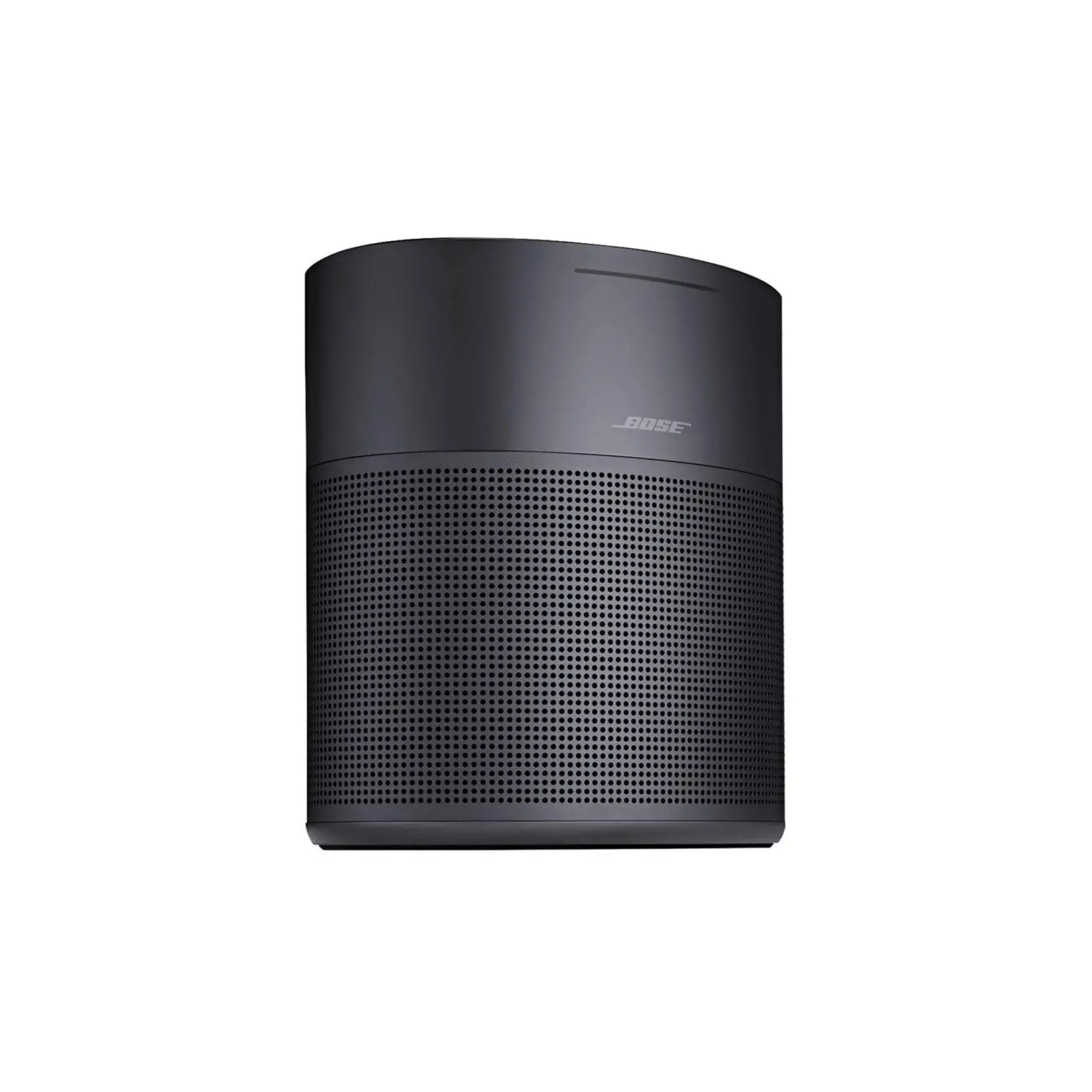
| Can the Bose TV Speaker work in multi-room groups with other Bose products like speakers or headphones? | Yes. The Bose TV Speaker can play music in synchronized connection with any Bose smart speaker or soundbar: Bose Home Speaker 500, Home Speaker 300, Bose Portable Home Speaker, Bose Soundbar 700 or Bose Soundbar 500, using Bose SympleSync. This functionality is being controlled by the smart speaker or soundbar in the Bose Music app. You cannot connect a pair of headphones to the Bose TV Speaker for synchronized audio/video grouping. |