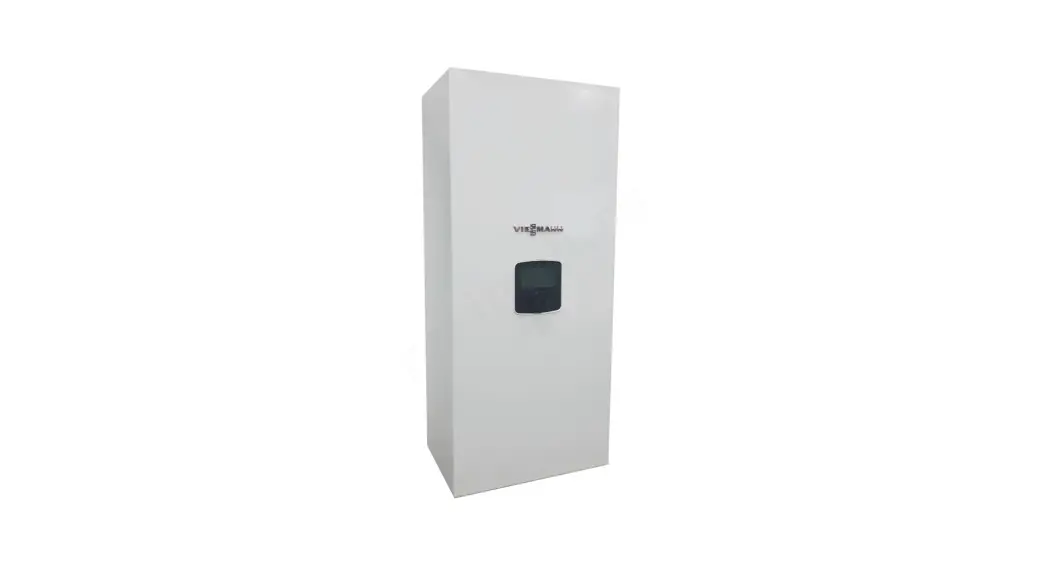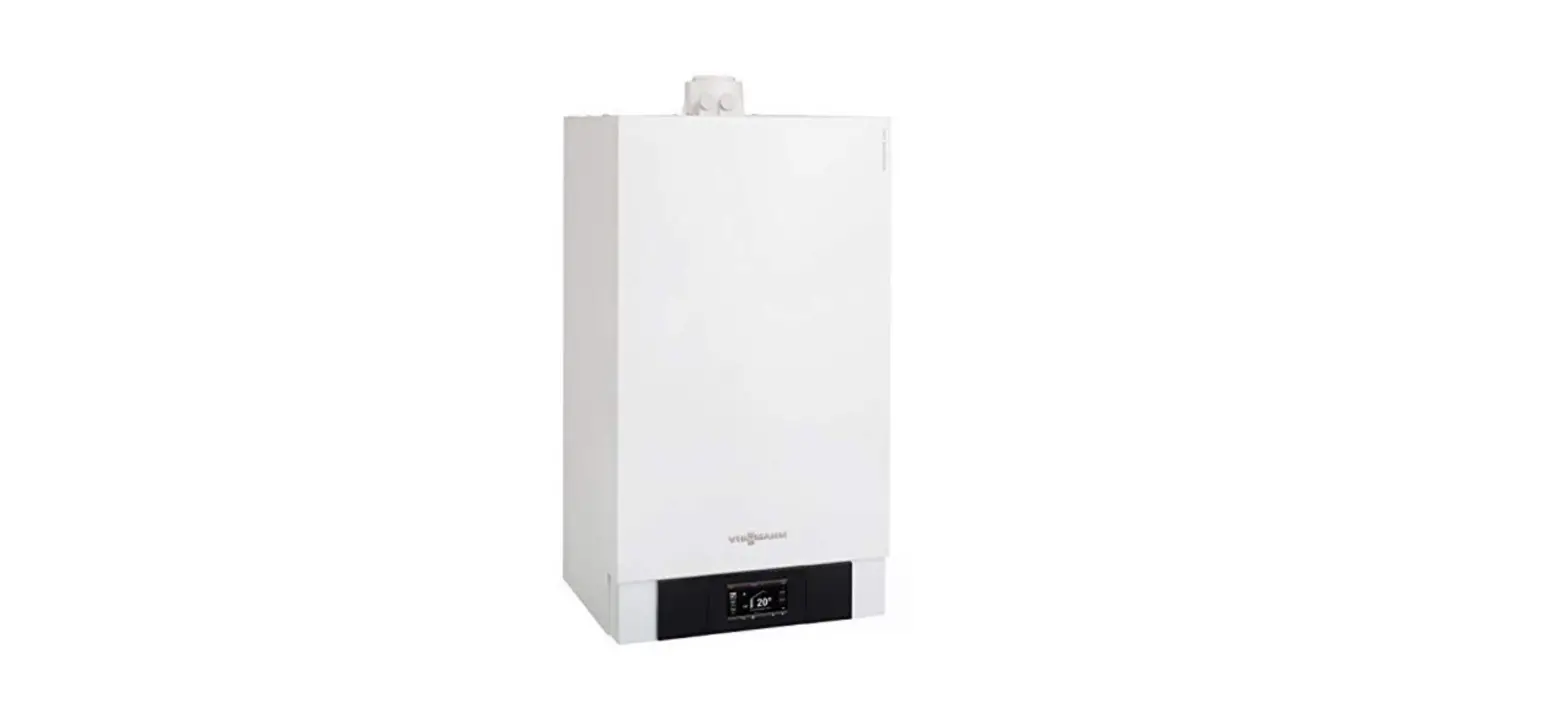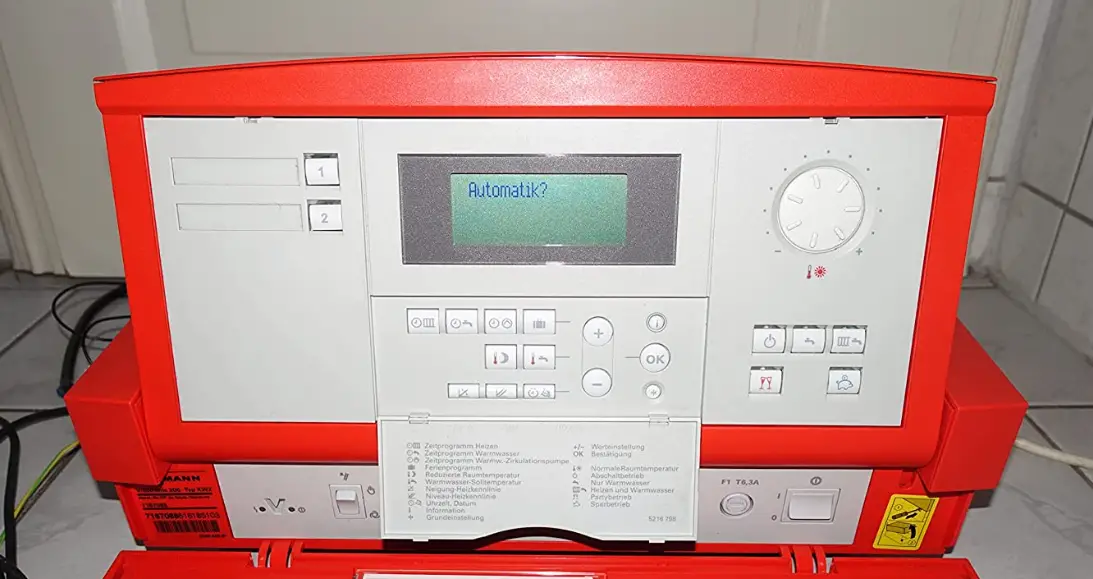

VIESSMANN Vitotronic 200 Boiler Control Control
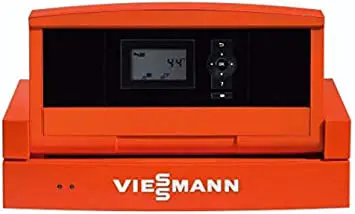
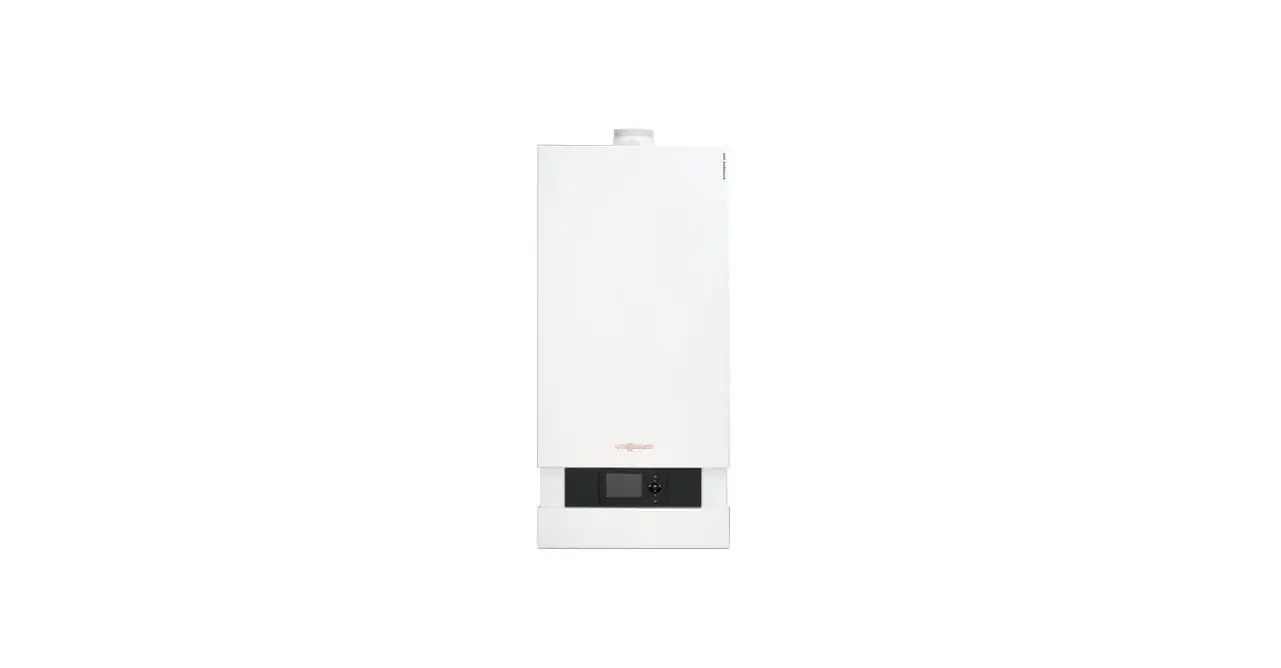
Vitodens 200, Programming unit with Vitotronic 200, H01 on-board control
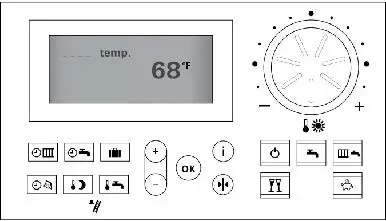
 Vitodens 200, Vitotronic 200, H01 Control Lay-out
- Time program for central heating
- Time program for DHW heating
- Holiday program
- Information
- Standby mode
- DHW only
- Central Heating and DHW
- Normal room temperature adjust
- Energy saving mode ON/OFF
- Party mode ON/OFF
- Factory default factory setting
- Confirmation button
- Adjustment buttons
- DHW temperature
- Emissions test function (heating contractors only) P Reduced room temperature
- Time/Date
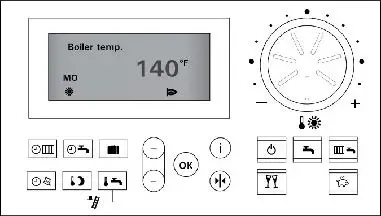 NOTE: The control will display the boiler temperature when not in the programming or fault mode.
Display Symbols
These symbols are not displayed continuously, but appear according to system type and operating status.
- Risk of frost
- Central heating with normal room temperature Central heating with reduced room temperature Frost protection heating circuit pump ON Normal heating circuit pump ON
- Reduced heating circuit pump ON
- Mixing valve open
- Mixing valve closed
- Manual override operation
- Automatic operation
- DHW heating enabled
- DHW pump ON, DHW heating enabled DHW heating via solar heating system Burner ON
- Time adjustment display
- Emissions test ON
- Fault indicator
- Heating circuit number
- Scanning hours run, scanning number of burner starts and consumption
NOTE: To adjust the display contrast, press and hold and use the buttons for the desired setting.
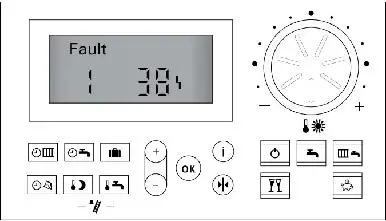
Fault Messages on Initial Start-up
On initial start-up the word Storung (fault) may appear on the display. If no fault appears, go to ‘Setting the Time and Date’, otherwise follow the steps below:
- Press the information button
 .
. - Read and record the fault code and number.
- Press .ok Quittieren? Ja (acknowledge? yes) is displayed.
- To acknowledge the fault, press ok .
NOTE: Faults can be corrected after all the programming and coding is completed.
 .
. Setting the Time and Date
On initial start-up the word Uhrzeit (time) will come up flashing. To set the time and date follow the steps below:
- Press the
 buttons to set to the current time (24:00 format).
 - To confirm the time, press ok . The date will come up flashing.
- Press thebuttons to set to the current date (DD/MM/YY format).
- To confirm the date, press ok .
 buttons to set to the current time (24:00 format).
NOTE: If the system is equipped with remote control units (Vitocontrol 300), the time and date may be set at each remote location. To change the time and date at any time and at any location, press the button and follow the same procedure as shown above. 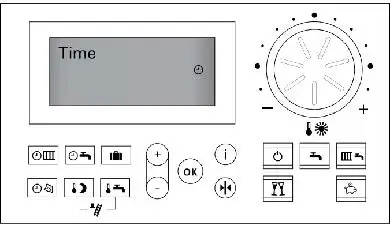 Changing Language
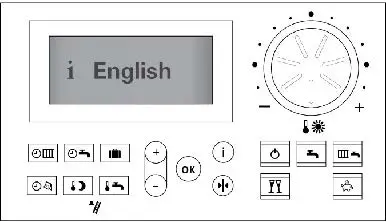
The control language defaults to German, to set the control language to English follow the steps below:
- Press the information button .
- Heizkreis Wahlen (select heating circuit) may be displayed, if requested select the heating circuit and pressagain.
- Press buttons and scroll through the menu until English is displayed on the screen.
- Press the ok button to accept.
NOTE: If the system is equipped with remote control units (Vitocontrol 300), the language must be set at each remote location. Following the same procedure as shown and change to the desired language.
Changing the Temperature Display from oC to oF 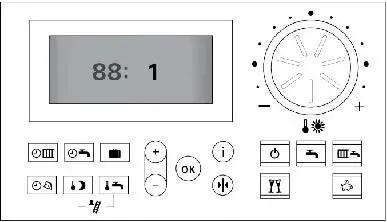 To change the temperature display from oC to oF call up coding level 2.
- Press
 and
and  buttons simultaneously and hold for 2 seconds and confirm with ok .
 - The display will show 00: 0 (00: is flashing).
- Press the buttons to set 00: to 88:
- Press ok, (only the 0 will be flashing).
- Press the buttons to set 0 to 1.
- Press ok , (Accepted will be displayed).
- To exit coding level 2, press and buttons simultaneously for 1 second.
NOTE: Displays are changed at remote locations.
 and
and  buttons simultaneously and hold for 2 seconds and confirm with ok .
Setting Room, Reduced Room and DHW Temperatures
If the system is equipped with remote control units, temperature settings for room, reduced room and DHW must be set at each control location.
- For normal room temperature (default 68oF) press the button, then rotate dial
 to select the desired temperature.
 - For reduced room temperature (default 37oF) press the
 button, then press the buttons to select the desired temperature.
 - Press ok , to set the temperature.
- For DHW temperature (default 122oF) press the button, then press the buttons to select the desired temperature.
- Press ok , to set the temperature.
 to select the desired temperature.
 button, then press the
  Relay Test, Temperature Sensor Check and Operating Conditions ScanRelay test
- Press and ok simultaneously for approximately 2 seconds.
- Select the relay outputs with the buttons.
- To exit the test mode, press .
Temp. sensor check and operating conditions scan - Press the button.
- Select the heating circuit if requested and press the button again.
- Scan required information with the buttons.
- To exit, press.
NOTE: For additional information and value lists for relay tests, temperature sensor checks and operating conditions, refer to the Operating, Installation and Service Instructions supplied with the system. 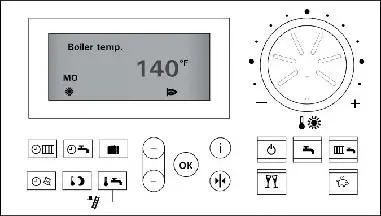
Coding Level 1 and 2
Calling up coding level 1 (Basic programming)
- Press and simultaneously for approximately 2 seconds.
- Select the required coding address with the buttons, the address will flash, confirm with , the value will flash.
- To change the value, press the buttons, once complete confirm with ok .
- Call up additional coding addresses with the buttons.
- To exit coding level 1, press and simultaneously for approximately 1 second.
Resetting the codes to the factory setting
- Press and simultaneously for approximately 2 seconds .
- Press factory default button and confirm ‘Base setting? Yes’ with ok .
Calling up coding level 2 (Detailed programming)
- Press ok and simultaneously for approximately 2 seconds and confirm with .
- Select the required coding address with the buttons, the address will flash, confirm with , the value will flash.
- To change the value, press the buttons, once complete confirm with .
- Call up additional coding addresses with the buttons.
- To exit coding level 2, press and simultaneously for approximately 1 second.
NOTE: Coding level 2 contains all of coding level 1 programming information.
NOTE: For coding level 1 and coding level 2 listings, refer to the Installation and Service Instructions supplied with the system.
Troubleshooting
Calling up acknowledged fault messages
- Press ok for approximately 2 seconds.
- Select the acknowledged fault code message with the buttons.
- Correct each fault as per the troubleshooting section of the Installation and Service Instructions.
- After each fault is removed, press the reset to acknowledge.
Retrieving fault codes from the fault history
- Press and ok simultaneously for approximately 2 seconds.
- Select the saved fault code message with the buttons.
- All fault codes can be deleted by pressing . Delete? Yes, will appear, press for yes or no.
- To finish the fault scan, press ok.
Additional Functions
- Heating Time Program
- Domestic Hot Water Time Program
- DHW Recirculation Pump Time Program
- Holiday Program
- Heating Curve Slope (located in Coding 2)
- Heating Curve Shift (located in Coding 2)
- Standby Mode
- Domestic Hot Water Only
- Party Mode
- Energy Saving Mode
- Participant Check (only on LON devices)
- Boiler Sequence (on Cascade Control)
- Cascade Control
- Starting/Stopping DHW Heating Only
- Starting/Shutting Down Heating System Only
- Starting/Stopping DHW and Heating System
- Remote Controls
NOTE: For information to access the additional functions, refer to the Operating, Installation and Service Instructions supplied with the system.