
i3 INTERNATIONAL HE01ERK HDMI CAT5e/6 Extender
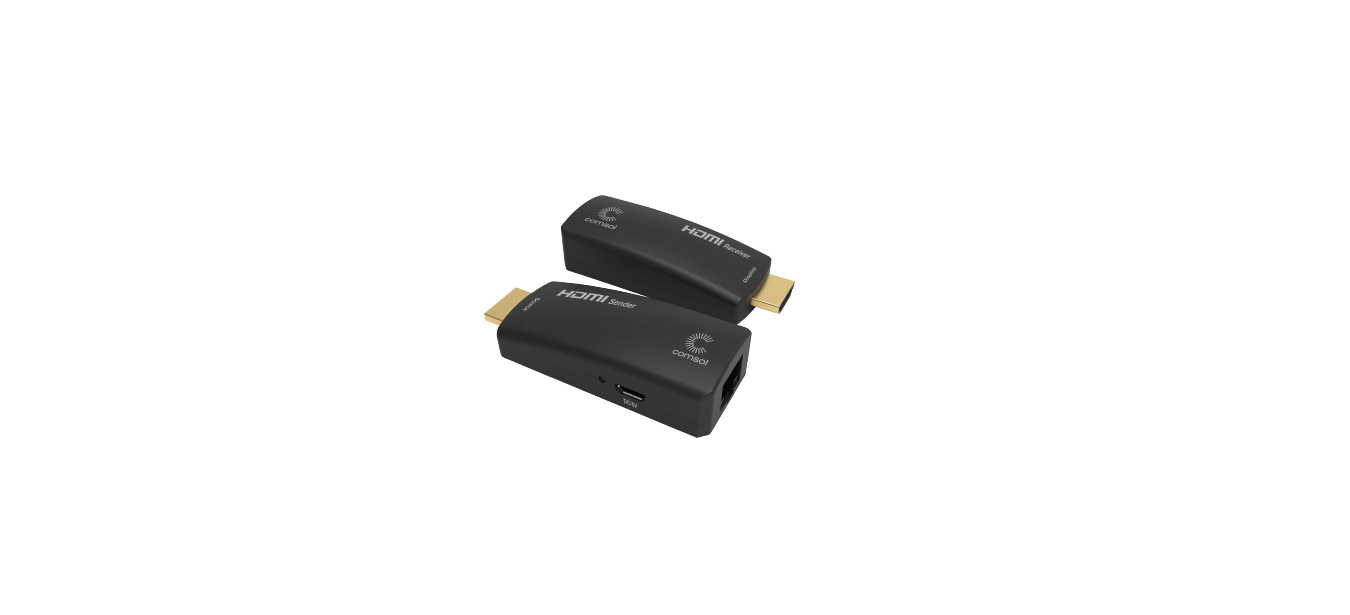
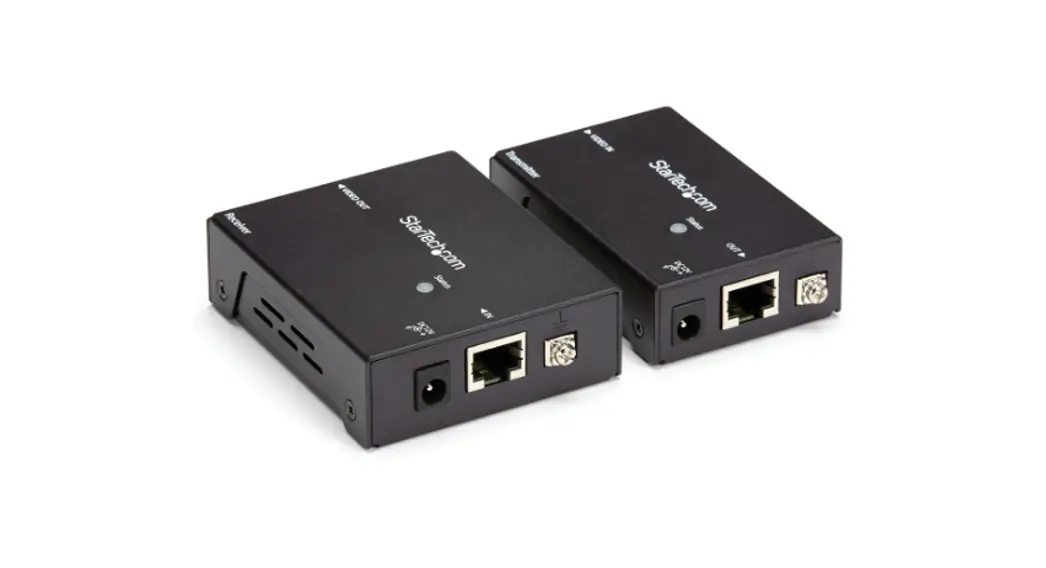
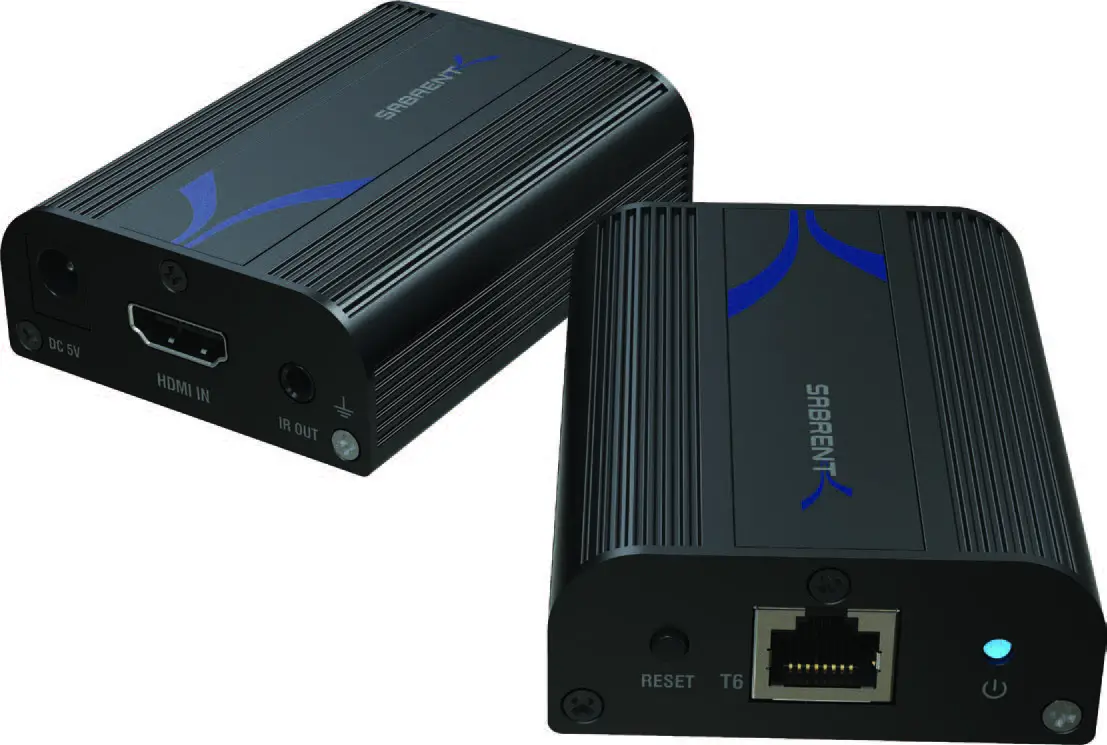
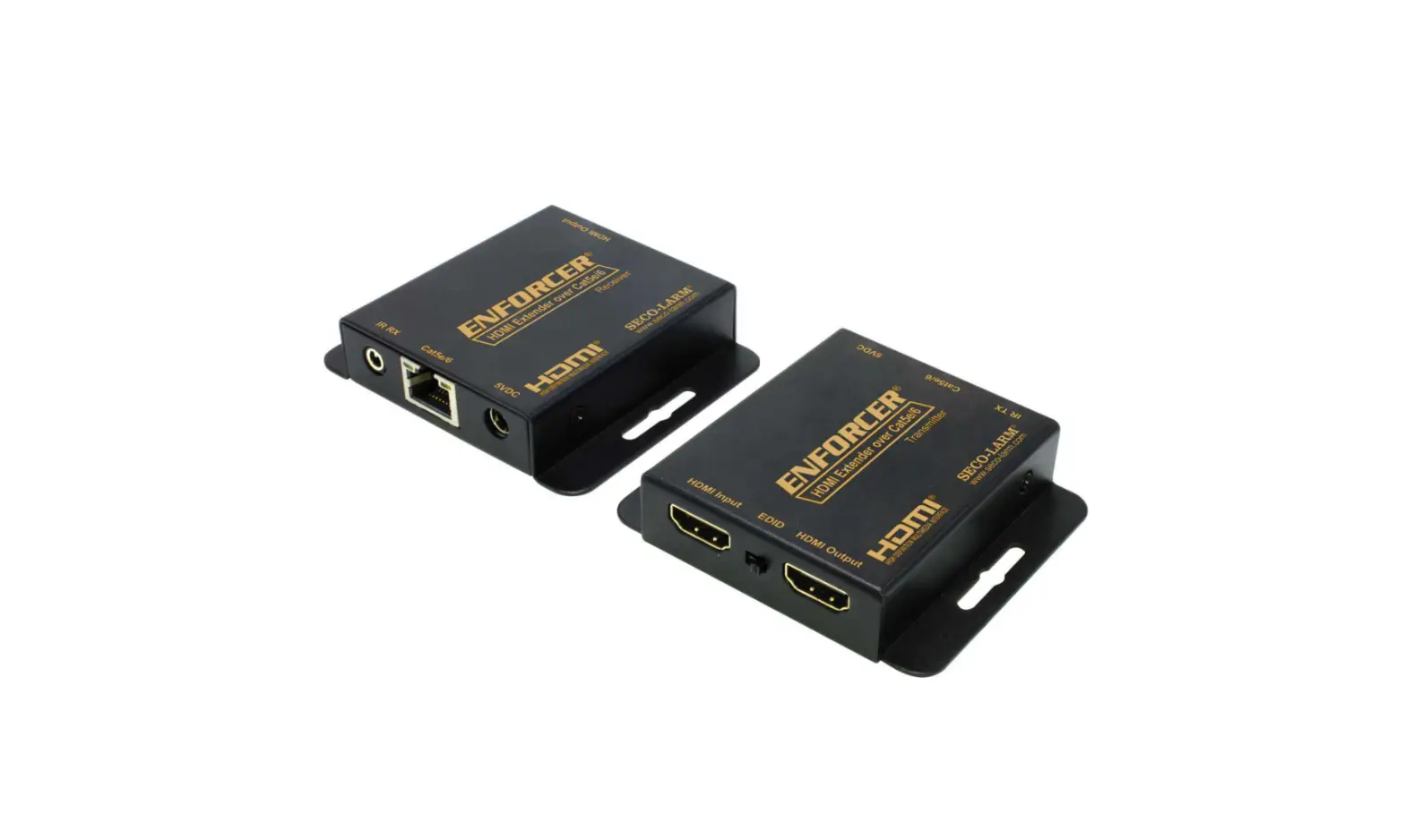
Thank you for purchasing i3 International’s HE01ERK HDMI Cat5e/6 extender (sold in pairs). Use HE01ERK to carry HDMI video signal for distances of up to 130 ft (40 m) at 1080p resolution (1920×1080) using a Cat5e/6 RJ45 Ethernet Cable.
Use with i3’s dDisplay license for convenient PVM monitor installations.
INSTALLATION

Figure 1. HE01ERK connection diagram.
FEATURES
- HDMI signal (1920×1080 / 1920×1200) extension up to 130 ft (40 m) over RJ45 Cat5e/6 cable.
- No external power required
- Built-in micro USB port for optional power supply
- Use with i3’s NVRs for convenient PVM installation
PACKAGE CONTENTS
- HE01SET (Transmitter) x1
- HE01SER (Receiver) x1
- Micro USB to DC plug cable x1
Connect 5V power adapter (not included) using the Micro USB to DC cable (provided) to HE01SET where HDMI sources does not provide enough power to HE01SER.

FCC
REGULATORY NOTICES (FCC CLASS A)
This device complies with Part 15 of the FCC Rules. Operation is subject to the following two conditions:
- this device may not cause harmful interference, and
- this device must accept any interference received, including interference that may cause undesired operation.
NOTE: This equipment has been tested and found to comply with the limits of a Class A digital device, pursuant to Part 15 of the FCC rules. These limits are designed to provide reasonable protection against harmful interference when the equipment is operated in a commercial environment. This equipment generates, uses, and can radiate radio frequency energy and, if not installed and used in accordance with the instruction manual, may cause harmful interference to radio communications. Operation of this equipment in a residential area is likely to cause harmful interference in which case the user will be required to correct the interference at his own expense.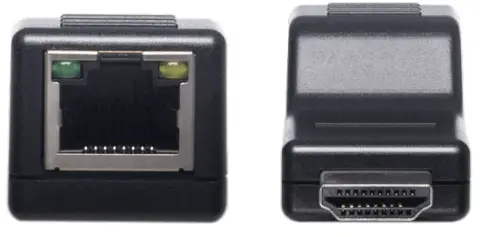
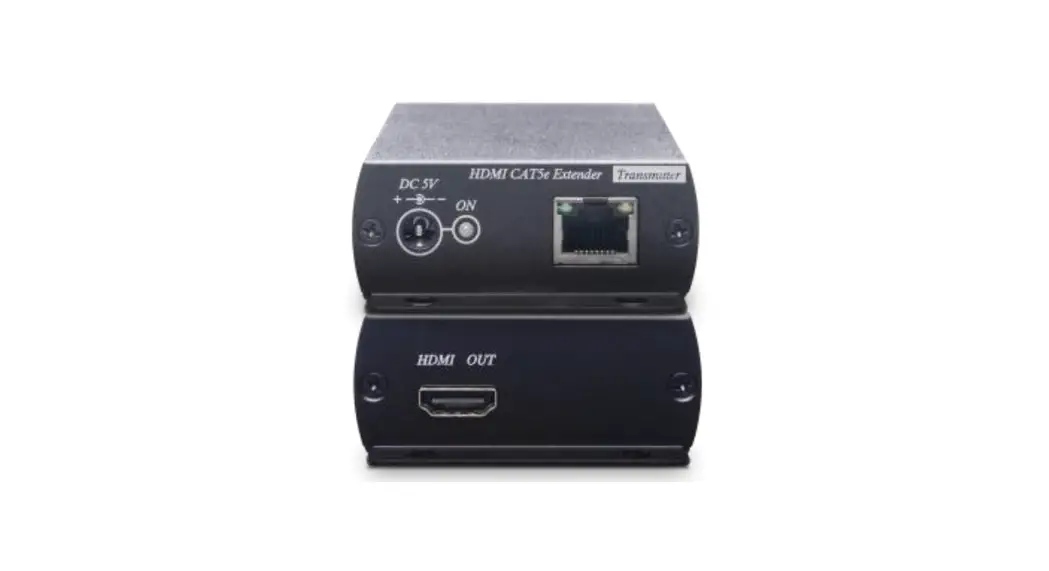
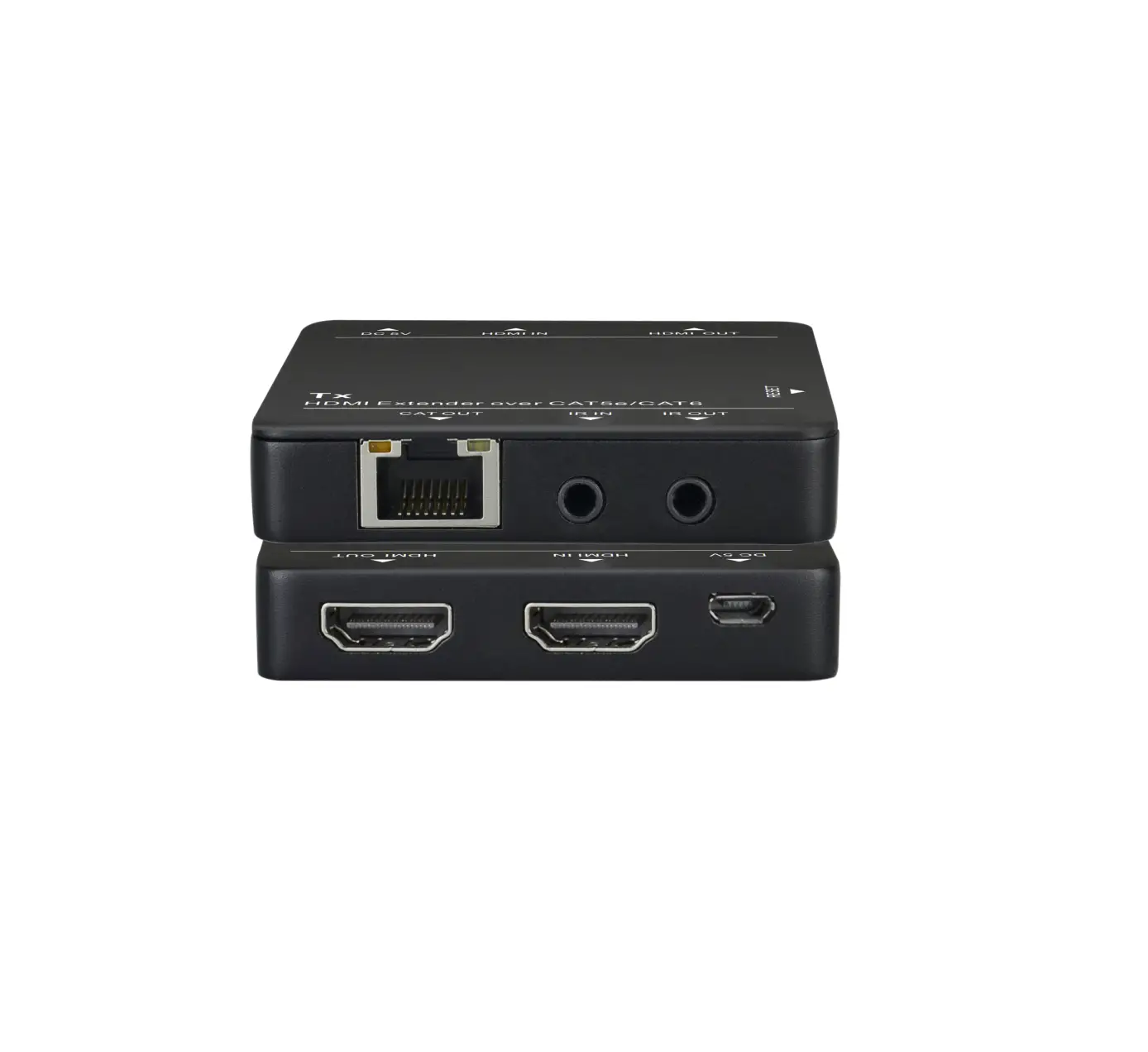
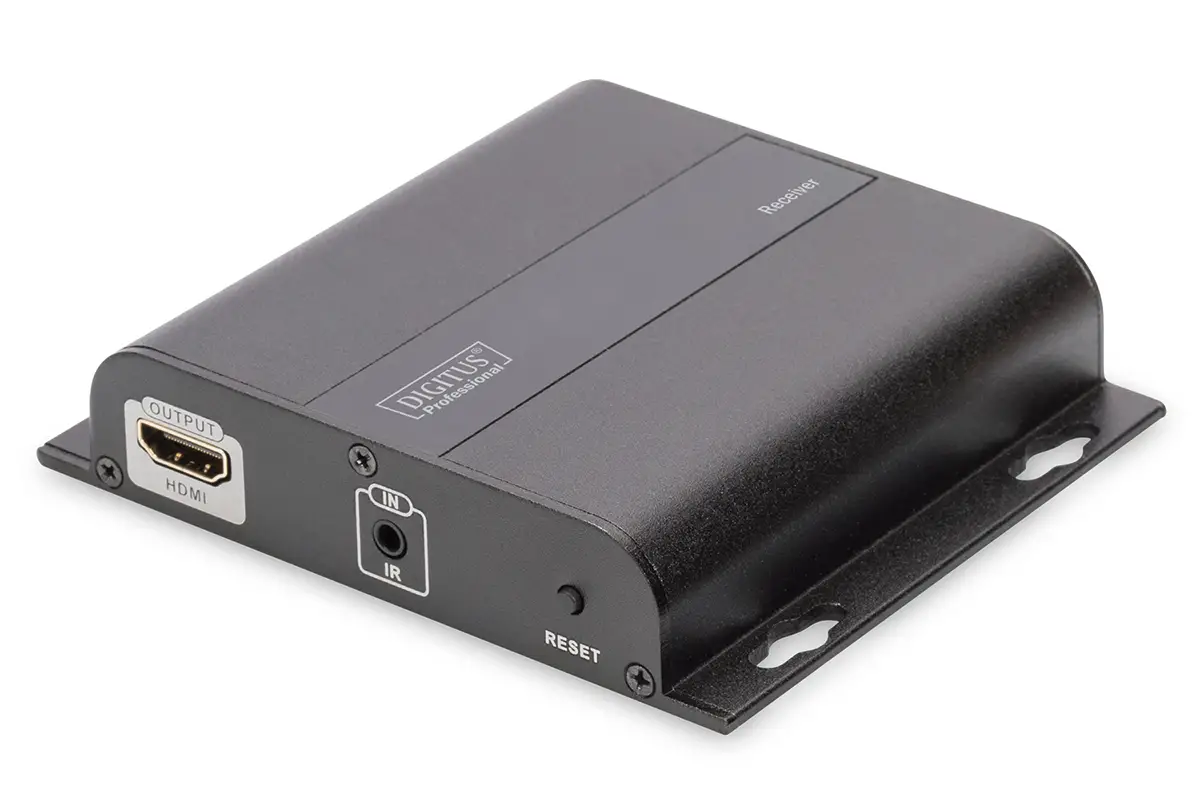
Figure 3. HE01ERK front and back panels
CONNECTORS
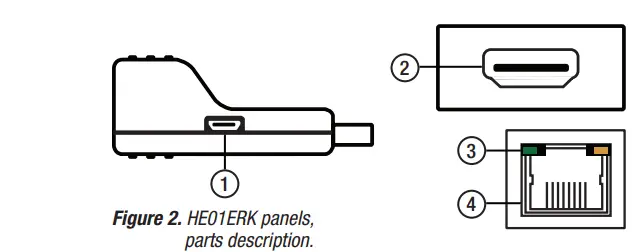
- Micro USB connector (HE01SET Transmitter only). Connect Micro USB to DC cable (provided) where HDMI source does not provide enough power to Receiver.
Note: 5V power adapter not provided. - HDMI connector. Connect HE01SET to on-board HDMI connector on an i3 NVR, connect HE01SER to the HDMI monitor.
- Power LED Indication. Indicates device power status. See Table 1.
- RJ45 Connector. Use the straight CAT5e/6 cable, to connect the HE01ERK devices. See Tables 2, 3.
IMPORTANT
- Using high quality CAT5e/6 UTP cable for all transmission ranges over 98 ft (30 m).
- Do not use STP or flat cable to avoid video loss
- Keep the cabling away from electromagnetic waves, i.e.: microwaves, radio equipment, high voltage power lines, etc.
- Maximum supported distances will vary based on the equipment.
- Do not coil the cable to avoid crosstalk interference.
- HDCP is not supported.
- This is not a networking product, do not connect with any Ethernet device.
POWER STATUS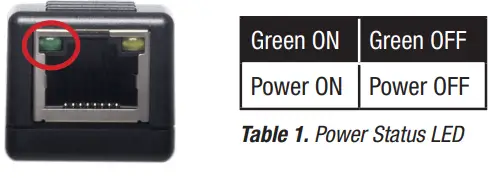 RJ45 PIN LAYOUT
| PIN | Color | TMDS |
| 1 | White Orange | TMDS DATA2 + |
| 2 | Orange | TMDS DATA2 – |
| 3 | White Green | TMDS CLOCK + / HDMI 5V |
| 4 | Blue | TMDS DATA1 + |
| 5 | White Blue | TMDS DATA1 – |
| 6 | Green | TMDS CLOCK / GND |
| 7 | White Brown | TMDS DATA0 + |
| 8 | Brown | TMDS DATA0 – |
Table 2. RJ45 CAT5e/6 Pin Layout. TIA/EIA-568-B
TRANSMISSION DISTANCE
| Resolution | Cat5e/6 Distance |
| 1920 x 1200 | 130 ft (40 m) |
| 1920 x 1080 | 130 ft (40 m) |
| 1280 x 1024 | 197 ft (60 m) |
| 1280 x 720 | 230 ft (70 m) |
| 1024 x 768 | 230 ft (70 m) |
Table 3. Cat5e/6 transmission distance based on the resolution.
SPECIFICATION
| HE01SET | HE01SER | |
| Video Bandwidth | 2.25 Gbps (HDMI 1.3) | |
|
Supported Resolutions | 1920 x 1200 @ 60Hz 1920 x 1080 @ 60Hz 1680 x 1050 @ 60Hz 1600 x 1200 @ 60Hz 1600 x 900 @ 60Hz 1440 x 900 @ 60Hz 1280 x 1024 @ 60Hz 1280 x 960 @ 60Hz 1280 x 800 @ 60Hz 1280 x 720 @ 60Hz 1024 x 768 @ 60Hz 800 x 600 @ 60Hz | |
| Input TMDS Video Signal | 1.2 Vp-p | |
| Input DDC Signal | 5 Vp-p (TTL) | |
| Transmission Distance | 130 ft (40 m) @ 1920 x 1200 | 1920 x 1080 230 ft (70 m) @ 1280 x 720 | 1024 x 768 | |
| Ports & Interfaces | ||
| HDMI Connector | HDMI Type A | |
| Link Connector | RJ45 x1 | |
| Power | ||
| Power Connector | Micro USB x1 | N/A |
| Power Supply | 5V 1Amp (Optional) | |
| Environmental specifications | ||
| Operation | 14-149 °F (-10-65 °C); | |
| Storage | -4-185 °F (-20-85 °C); | |
| Humidity | ≤ 85% | |
| Physical Characteristics | ||
| Dimensions | 2¼” x 15/16” x ¾” (57.5 x 24 x 20.2 mm) | |
| Weight | 0.044 lbs (20 g) | |
Scan this QR code or visit ftp.i3international.com for Annexxus Configuration Tool (ACT) installation and additional documentation.
Contact our Technical Support team at: 1.877.877.7241 or [email protected] if you have any questions or concerns regarding camera installation or if you require software services or support.