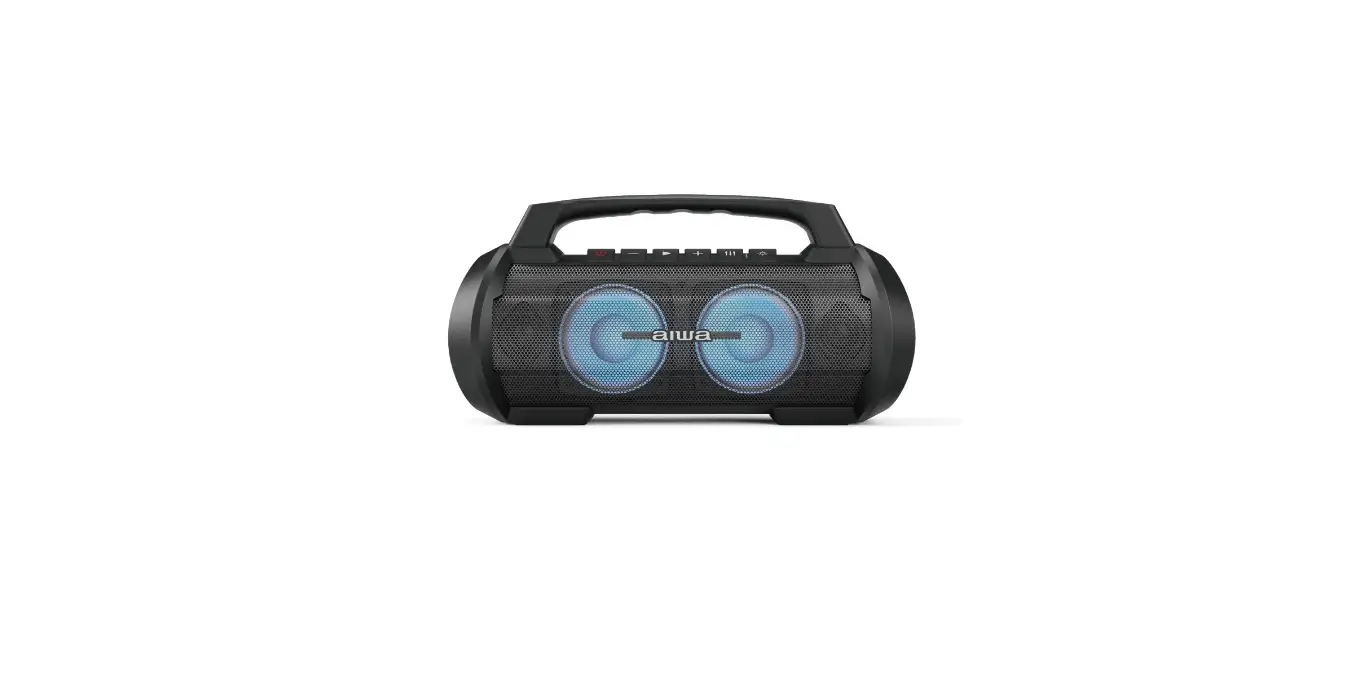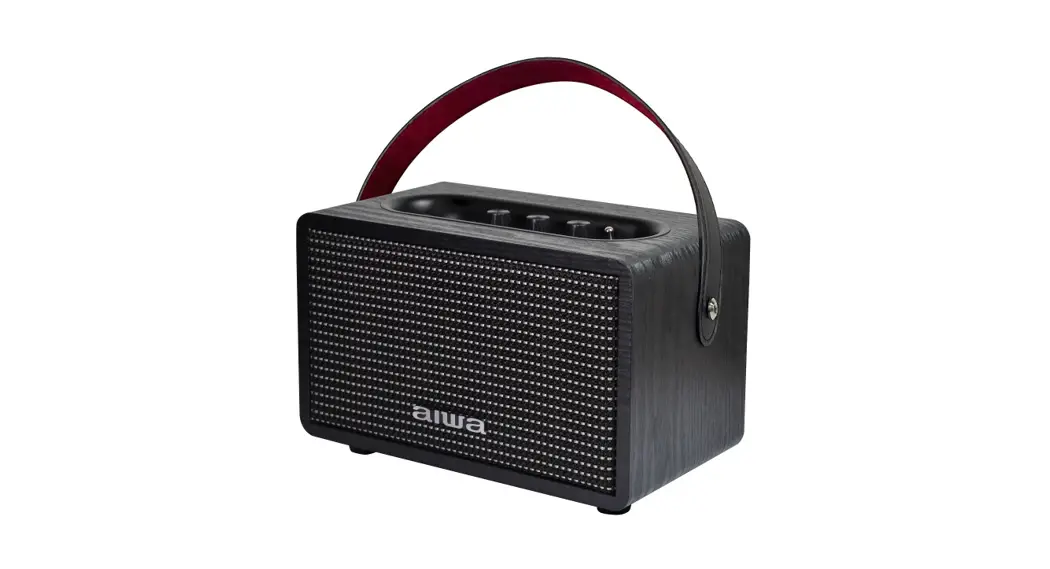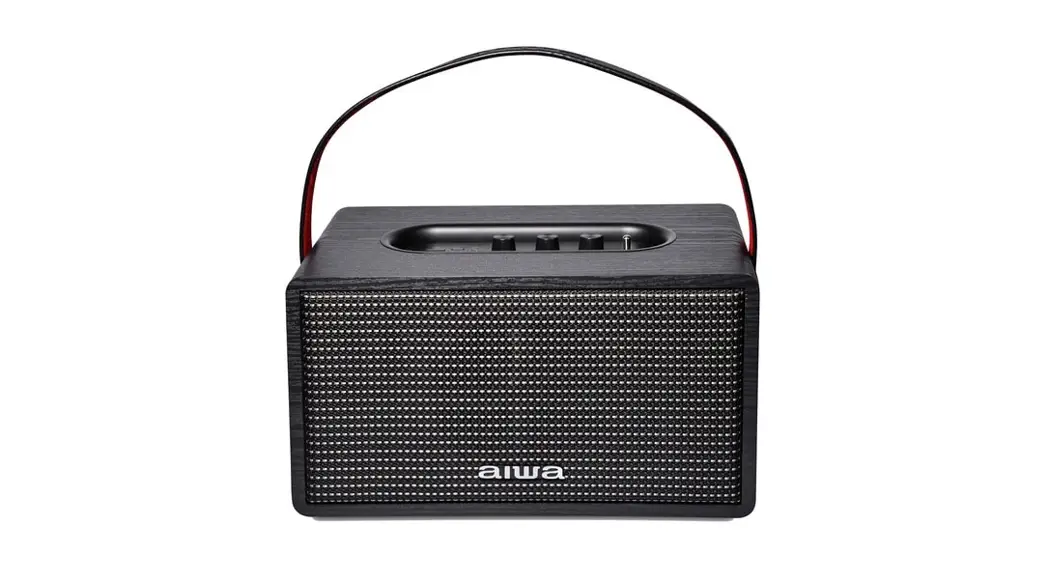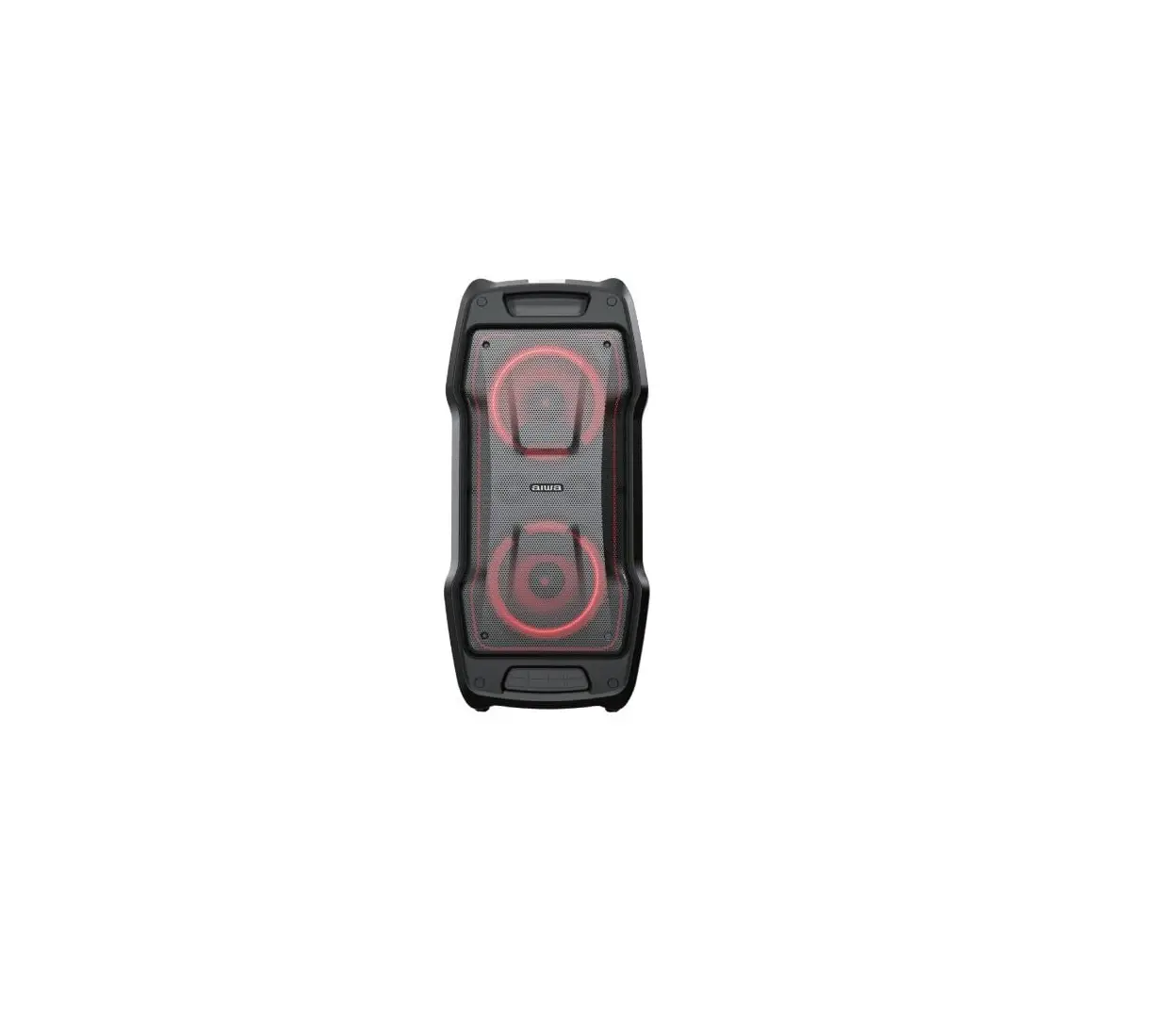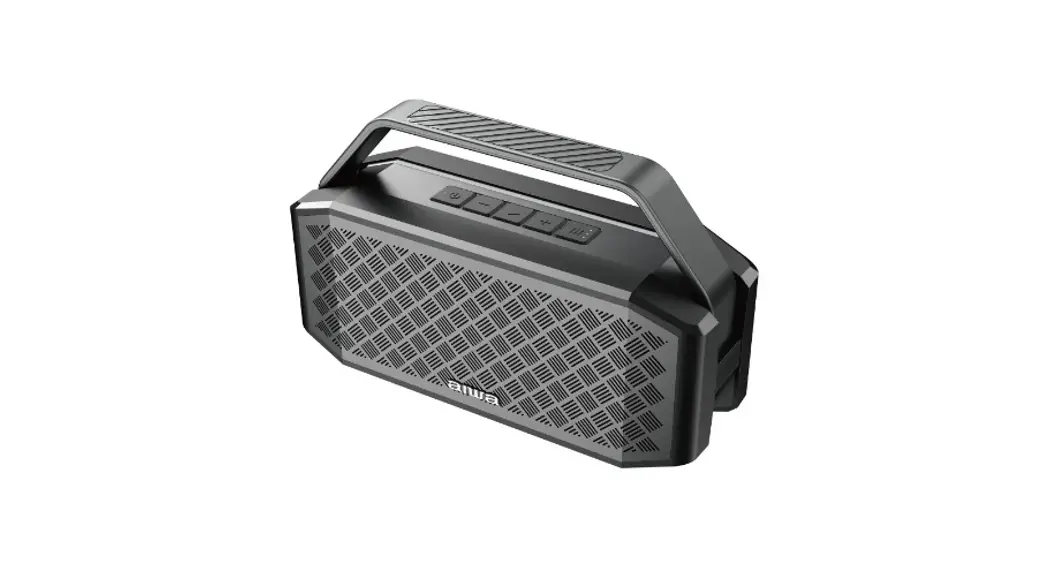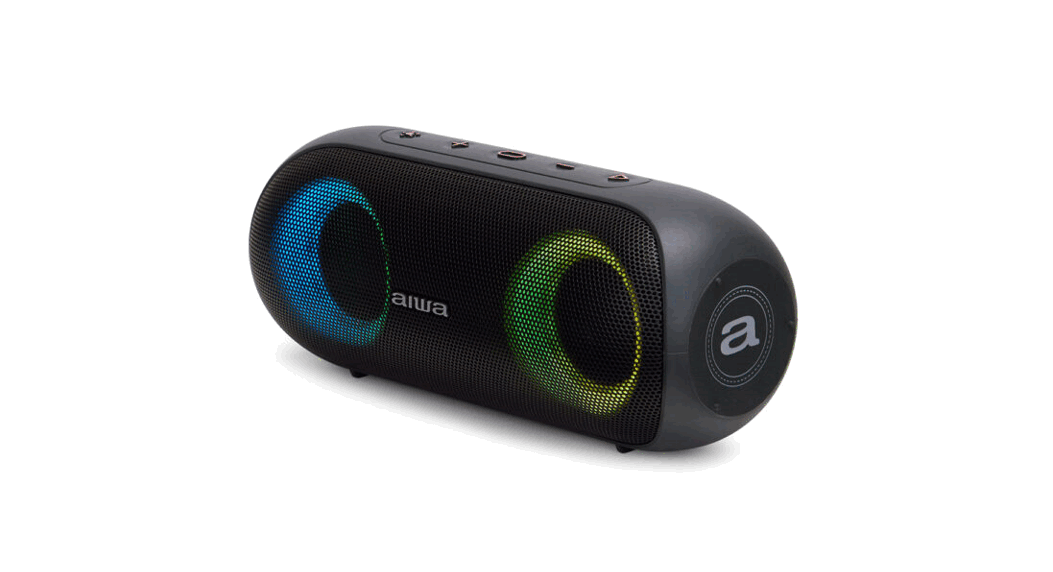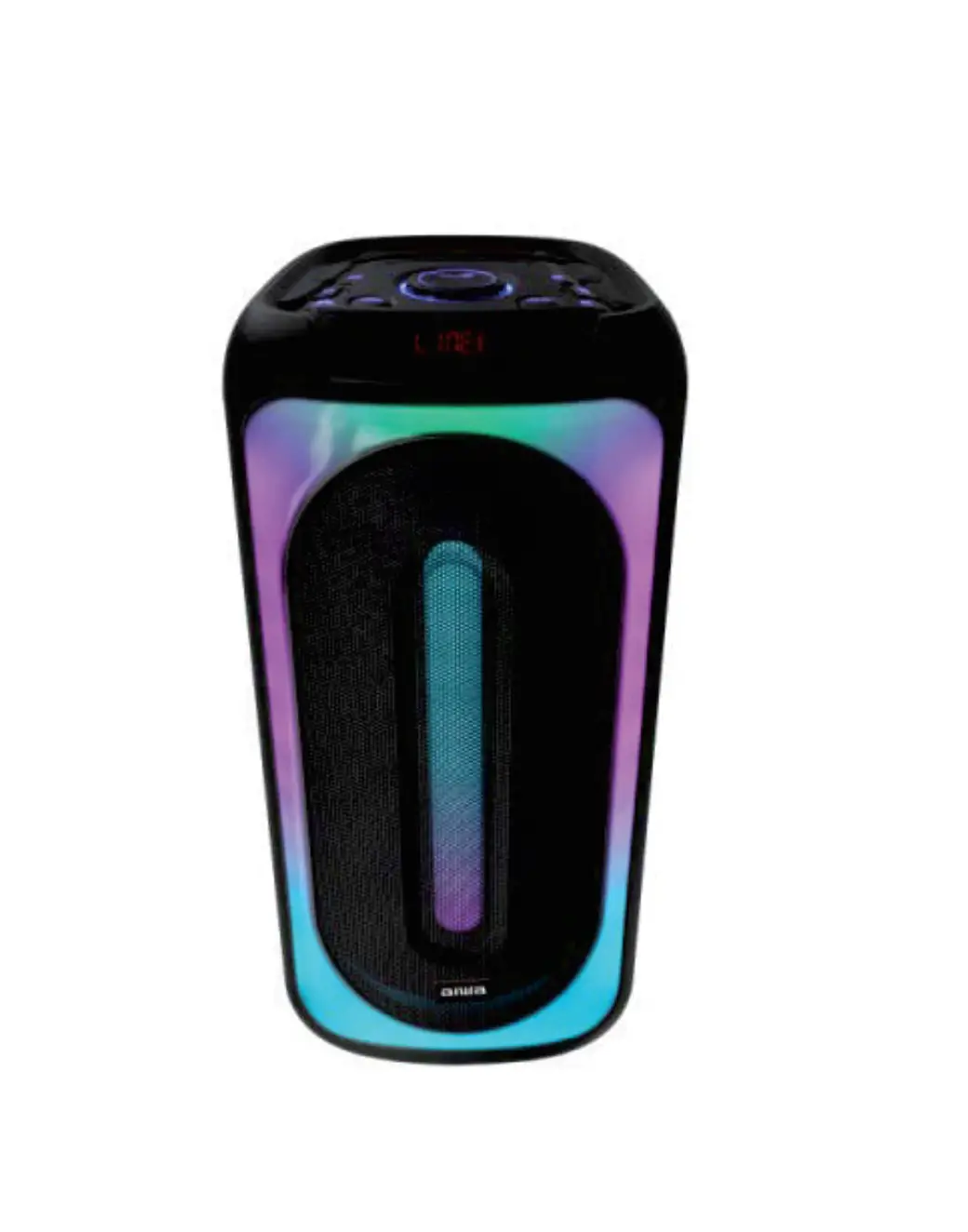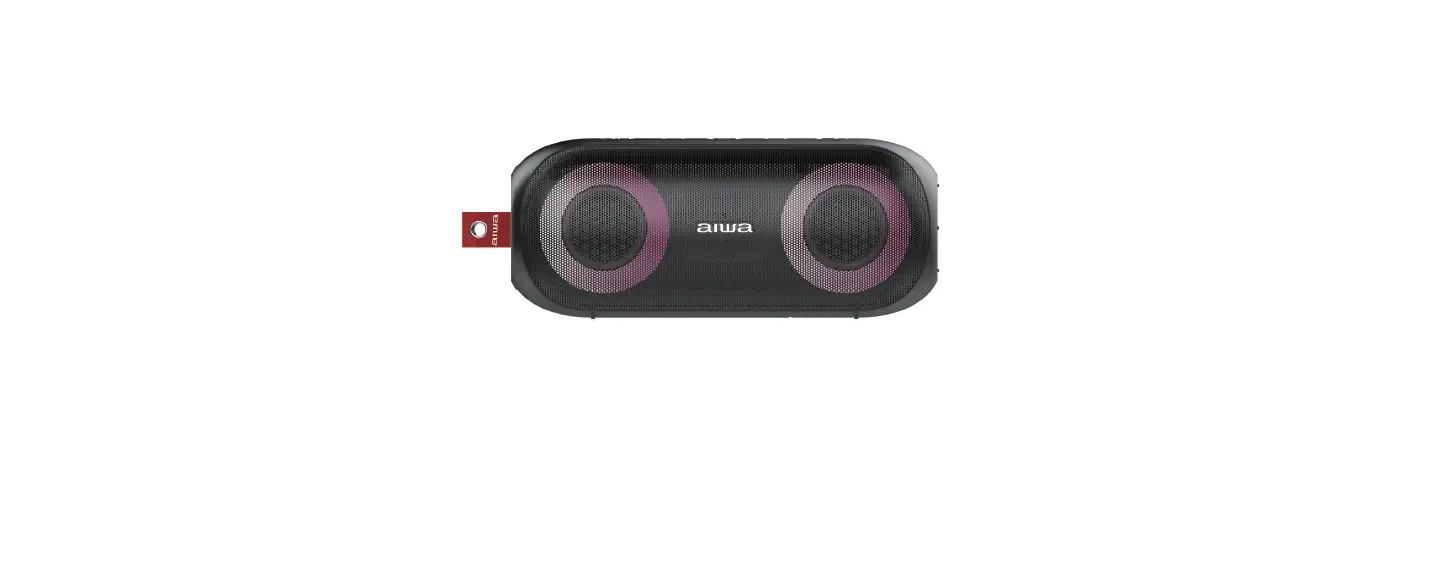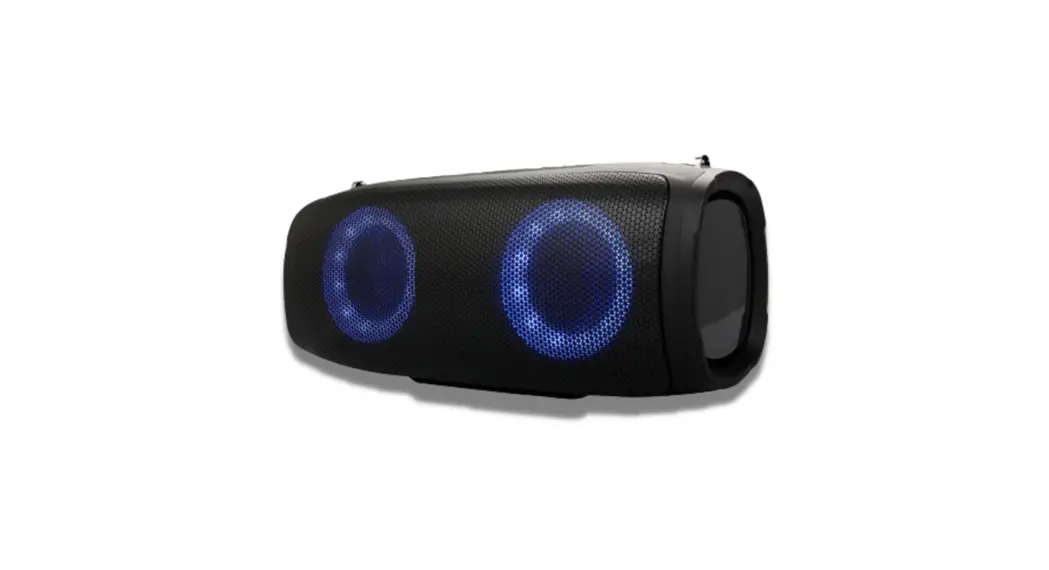

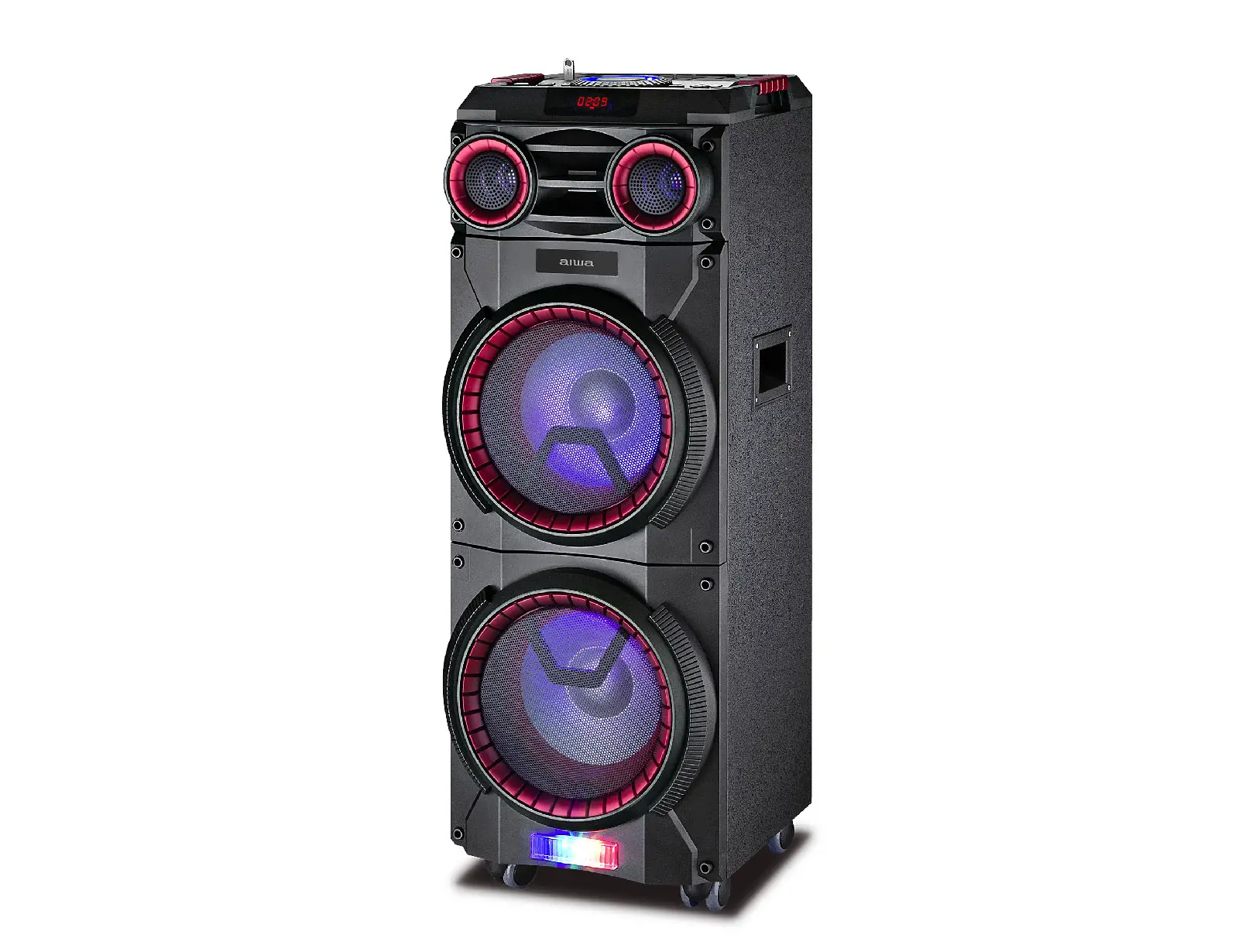
aiwa MI-X290 Flicker Portable Party Speaker Caution
 Caution
- Keep the speaker and its accessories away from the reach of kids as they might cause a choking hazard.
- Keep the speaker away from fire, water, liquids, extreme heat, and strong magnetic fields.
- Do NOT use this speaker at high volume for extended periods, as this may cause permanent hearing damage or loss.
- Do NOT drop or knock the speaker on hard surfaces.
- Do NOT use chemicals or detergents to clean the speaker.
- Do NOT scrape the surface with sharp objects.
- Do NOT make unauthorized alterations to this product.
Package Contents
- MI-X290 Flicker Portable Party Speaker x1
- USB Type-C Charging Cable x1
- 3.5mm Audio Cable x1
- User Manual x1
Product Diagram

Specifications
| Model Number | MI-X290 Flicker |
| Bluetooth Version | BT5.0 |
| Bluetooth Pairing Name | AIWA Flicker |
| Speaker Output Power | 40W |
| Product Size | 116.5mm x 116.5mm x 222mm |
| Drivers | 78mm middle range subwoofer,4ohm, 30W×1 50mm tweeter, 4ohm, 15W×2 |
| Time | Charging: About 4-5 hours Working: About 5-12 hours |
| Frequency Range | 70Hz-20KHz |
| THD | ≤10% at 1KHz 10W |
| S/N | ≥72dB |
| True Wireless Stereo | Yes |
| Music Source Input | Support Bluetooth / AUX / TF-card in / USB Disk |
Operating Instructions
| Items | Opera�on Method | LED status |
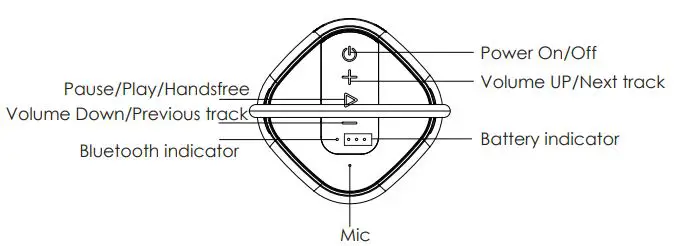
| Power On | Long press bu�on | Blue LED On |
| Power Off | Long press bu�on | Blue LED Off |
| Bluetooth Pairing | Turn on speaker, Choose Bluetooth AIWA Flicker to match | Blue LED flashes |
| Bluetooth Successful Paired | / | Blue LED solid |
| Disconnect Bluetooth | Press and hold the” +” and “-“ bu�on together for 2 seconds | Blue LED flashes |
|
TWS Pairing(two speakers connect) | Under the not pair situa�on, Long press one of the speaker’s bu�on to start TWS pairing |
Slave speaker Bluetooth LED on, master Bluetooth LED Flash. |
| TWS Successful Paired With phone | A�er two speaker connect, connect speaker by phone | Blue LED ON |
| Disconnect TWS | Press and hold the bu�on | Blue Bluetooth LED Flash |
|
Mode Changes | Short press bu�on, Switch Bluetooth/AUX/USB/TF |
Rela�ve LED color ON |
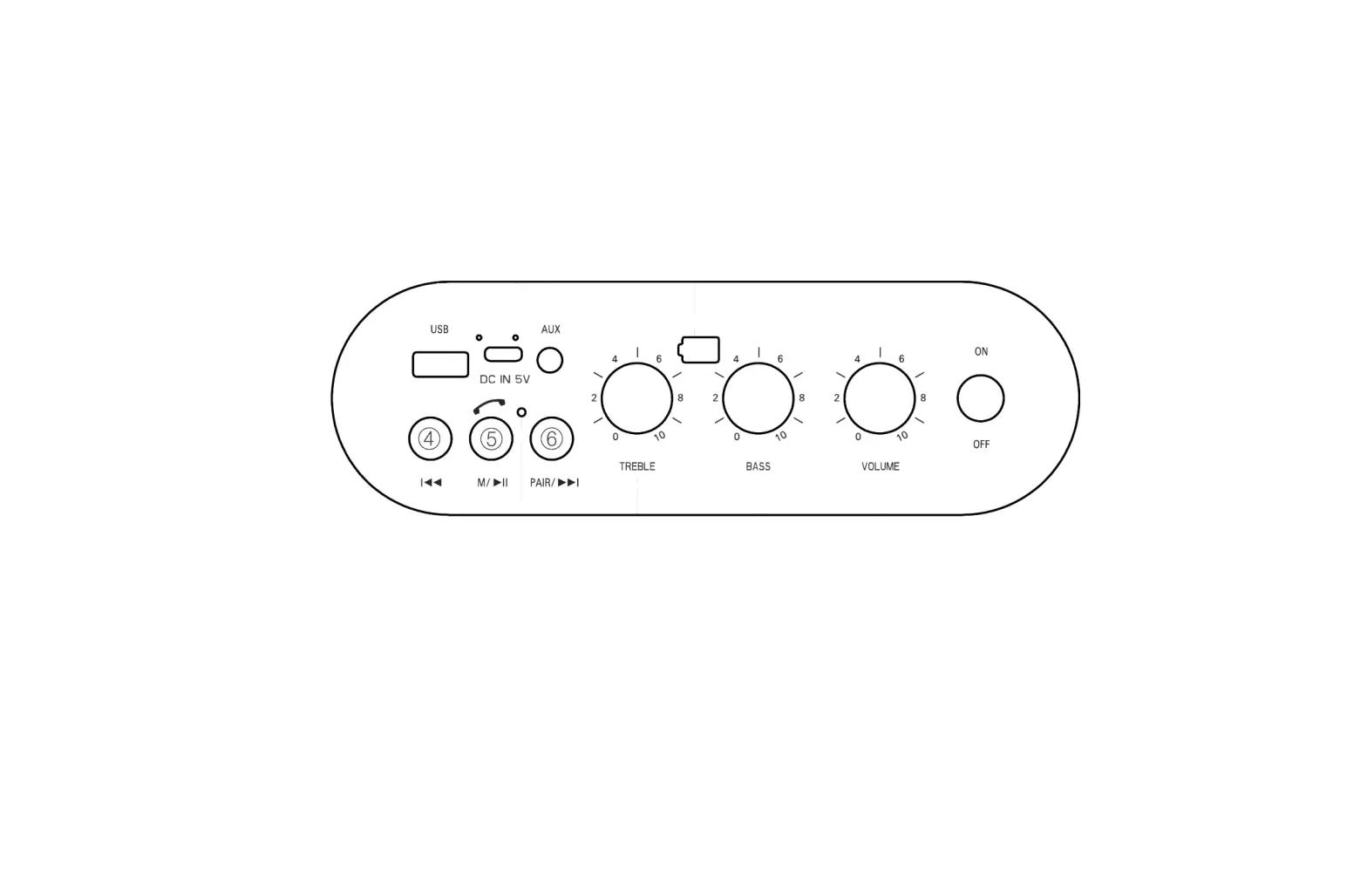
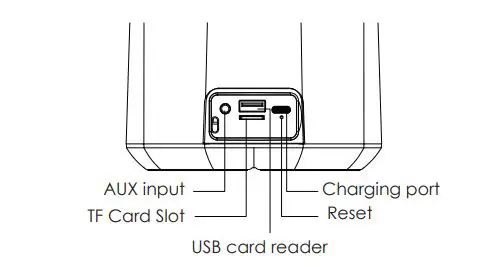
| AUX Mode | Insert AUX cable to AUX port | Green LED on |
| TF Card Mode | Insert TF Card to the TF port | Green LED on |
| USB Flash Disk | Insert U disk to U disk port | Green LED on |
| Volume + | Short press the “+ “bu�on | / |
| Volume – | Short press the” – “bu�on | / |
| Previous Song | Long press the “– “bu�on | / |
| Next Song | Long press the” + “ bu�on | / |
| Pause/Play | short press bu�on | / |
| Receive a call | Short press the when a call in | / |
| Reject a call | Long press the when a call in | / |
| Hang up | Short press the when on a call | / |
| Low ba�ery warming | When ba�ery lower than 20% | White Ba�ery LED flash |
| Low Ba�ery shutdown | When ba�ery lower than 10% | / |
| Reset | Insert needle into the reset bu�on �ll speaker power off | LED off |
| Charging | Insert DC 5V adapter | Red LED on |
| Charge Finished | / | Red LED off |
 aiwa
aiwa