
MFXKIT COOLING FANS
USER MANUAL
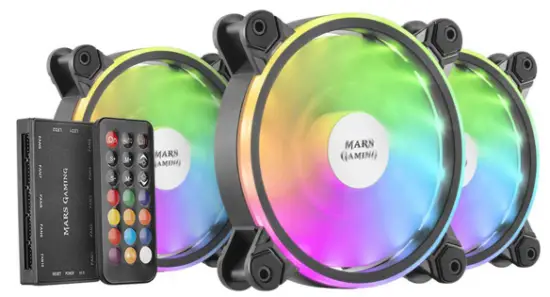
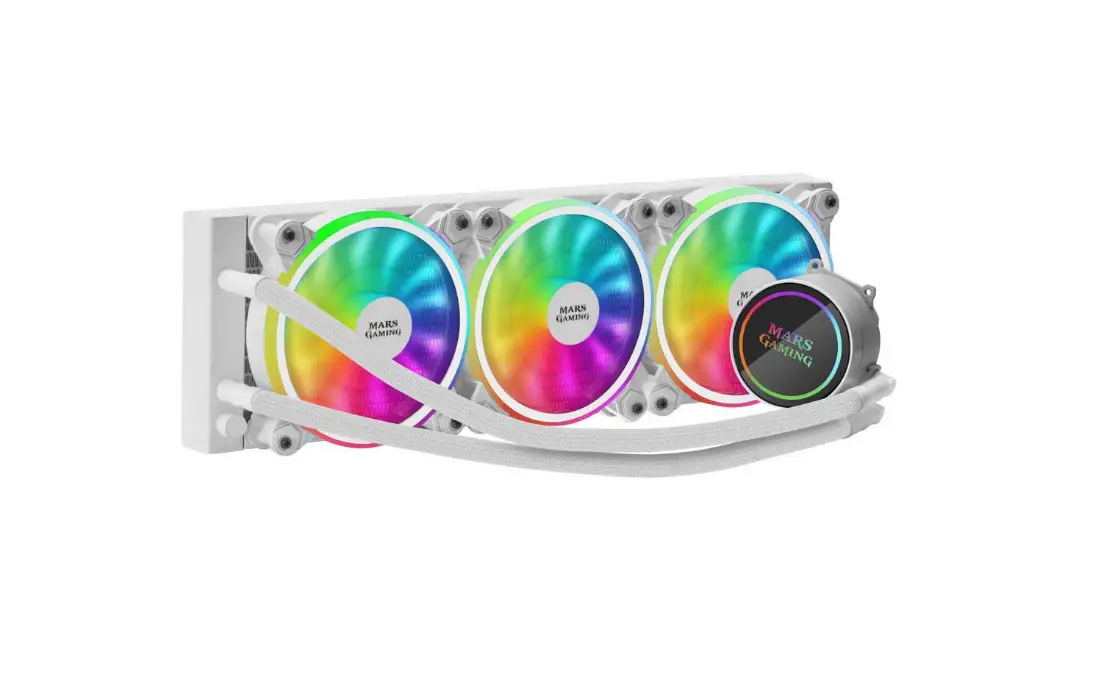
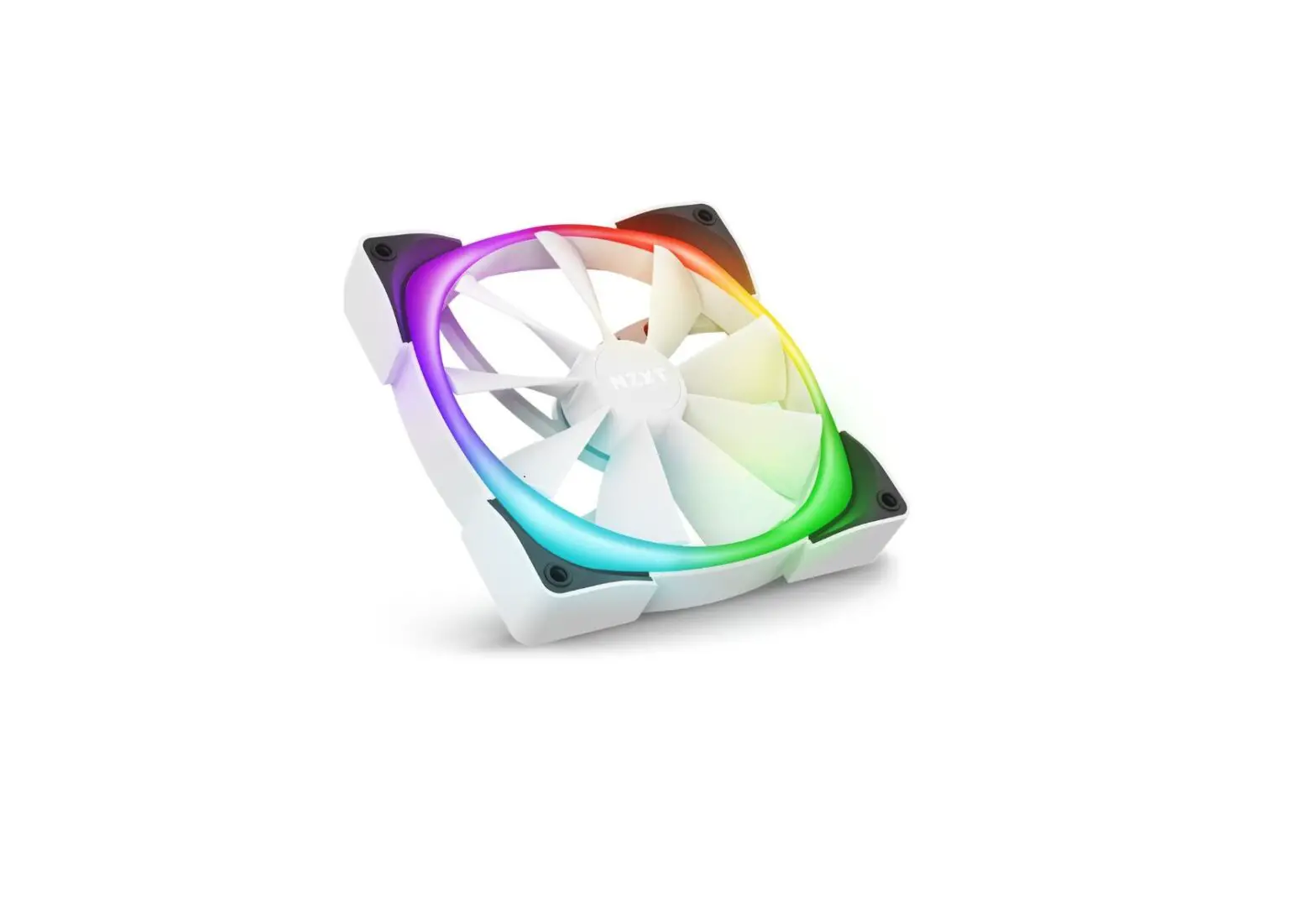
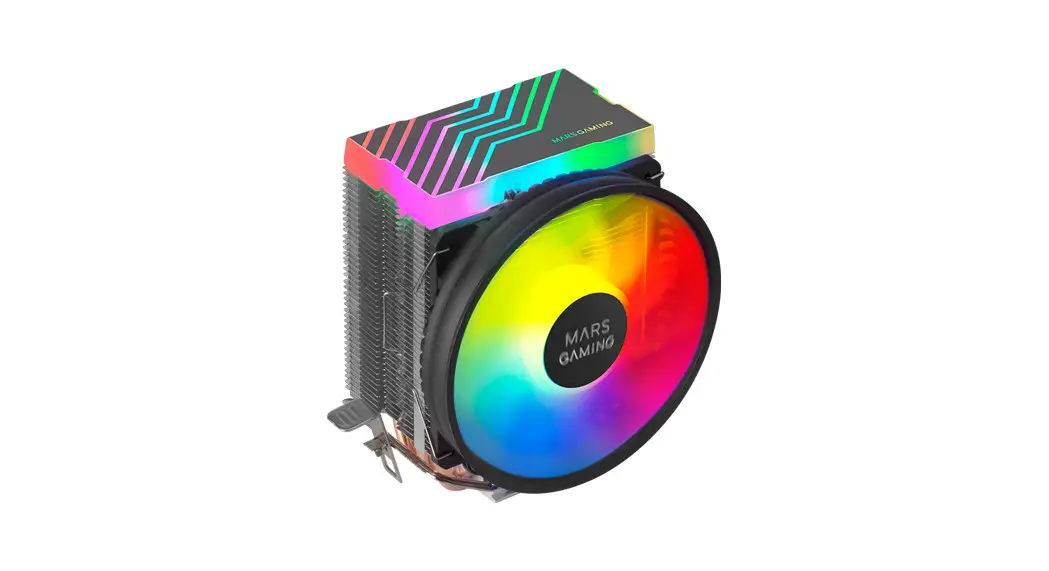
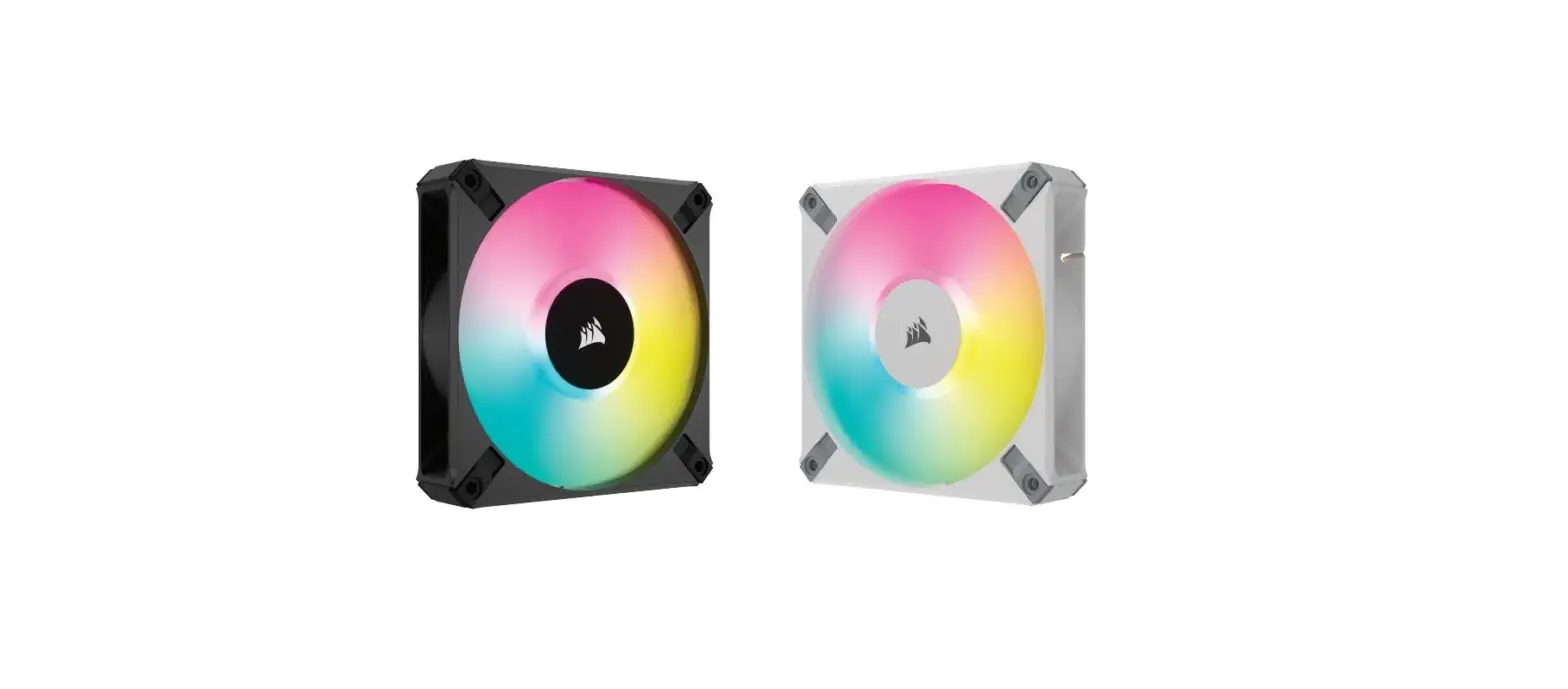
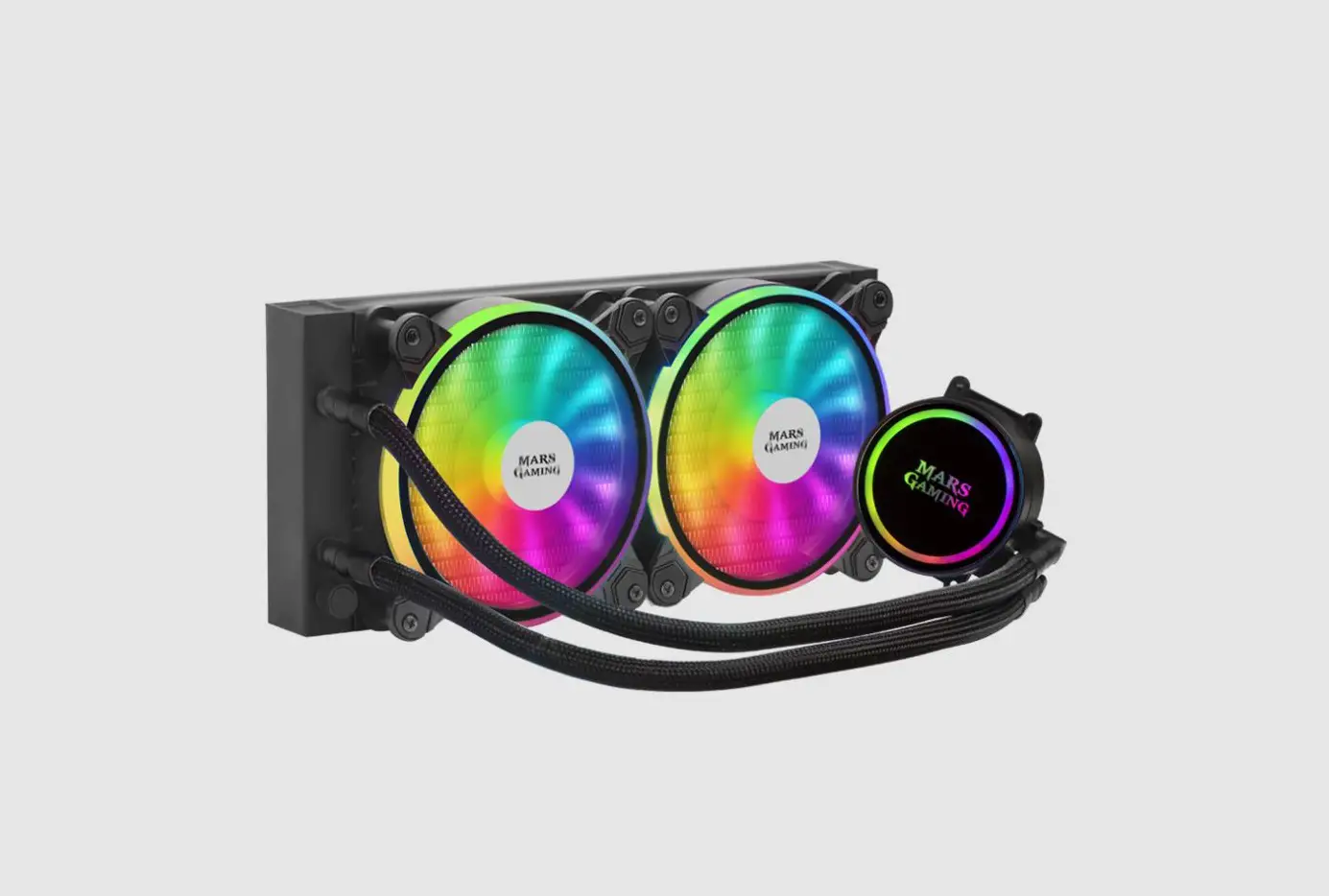
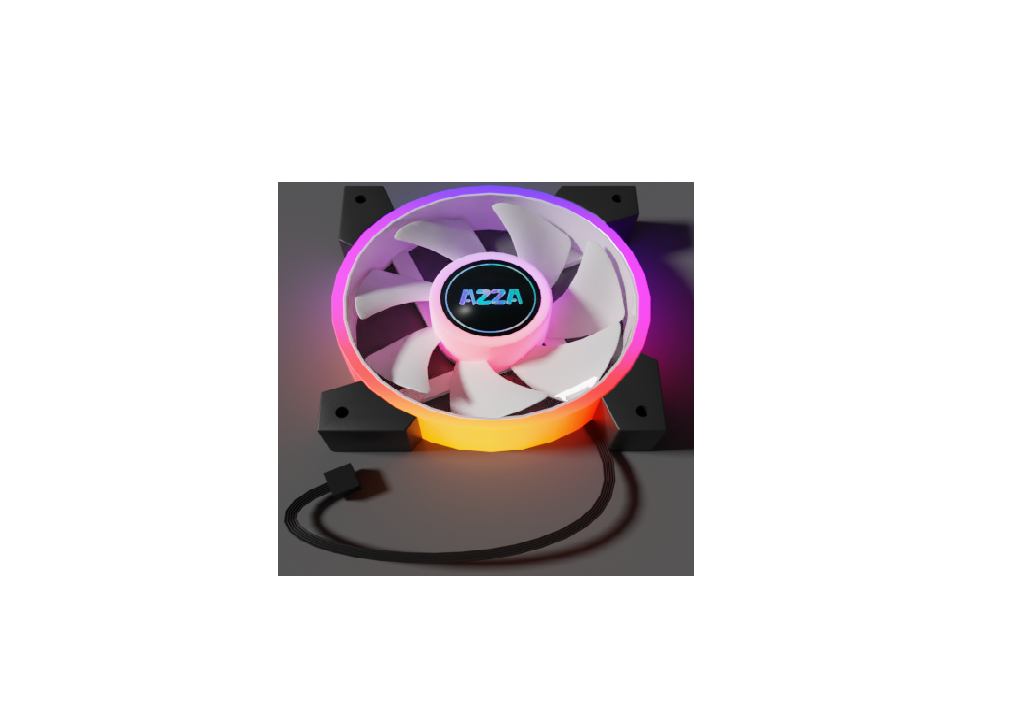
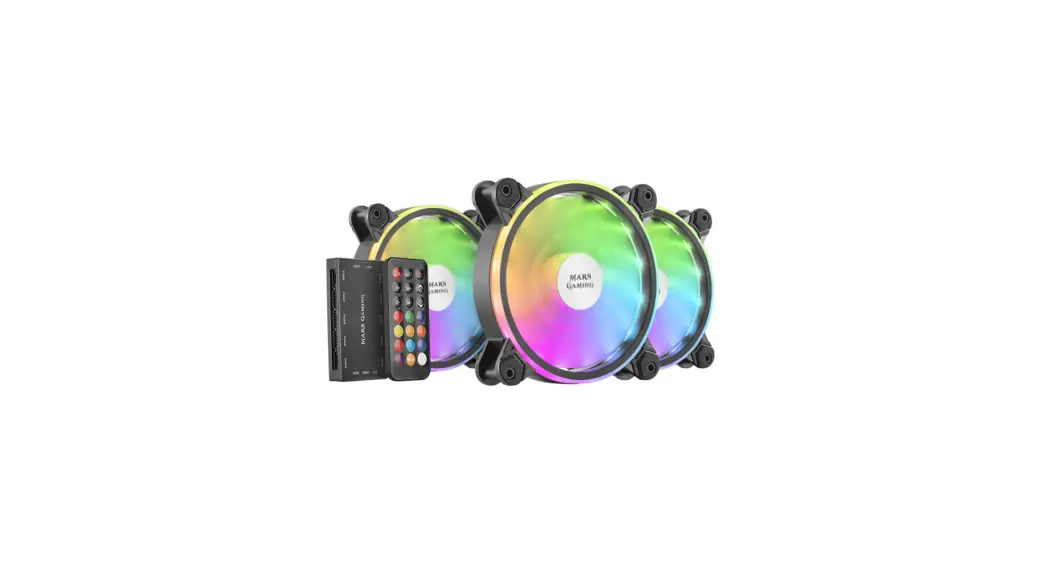
The MFXKIT provides 3 ARGB cooling fans with an 1100 RPM cooling performance and a powerful lighting system that gives up to 220 effects.
Follow this sheet to enjoy all its features.
Remote Control functions
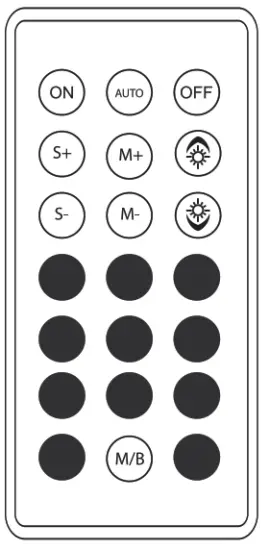
- S+/S-: Increase/Decrease the speed of the fans
- M+/M-: Next/Previous lighting mode
 : Increase/Decrease lighting brightness
 - • Predefined colors
- Switch between Remote Control mode and Motherboard Control mode
- Autor. Lighting effect automatic change
 : Increase/Decrease lighting brightness
Lighting control
– RF remote control system
Choose between 220 default lighting modes thanks to a quick and easy controller
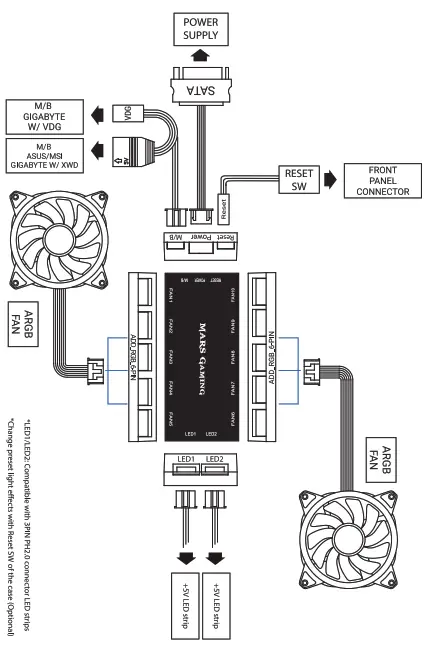
– ARGB motherboard connection system
- Hold the M/B button in the controller to switch between Remote Control mode to Motherboard Control mode.
(NOTE: The controller won’t work in this mode) - Press M/B again for 5 seconds to switch back to RC.
Note to the user. Check for ARGB compatibilities on your motherboard’s user manual. Please keep this sheet for future reference. Visit our website www.marsgaming.eu for more info about your product.