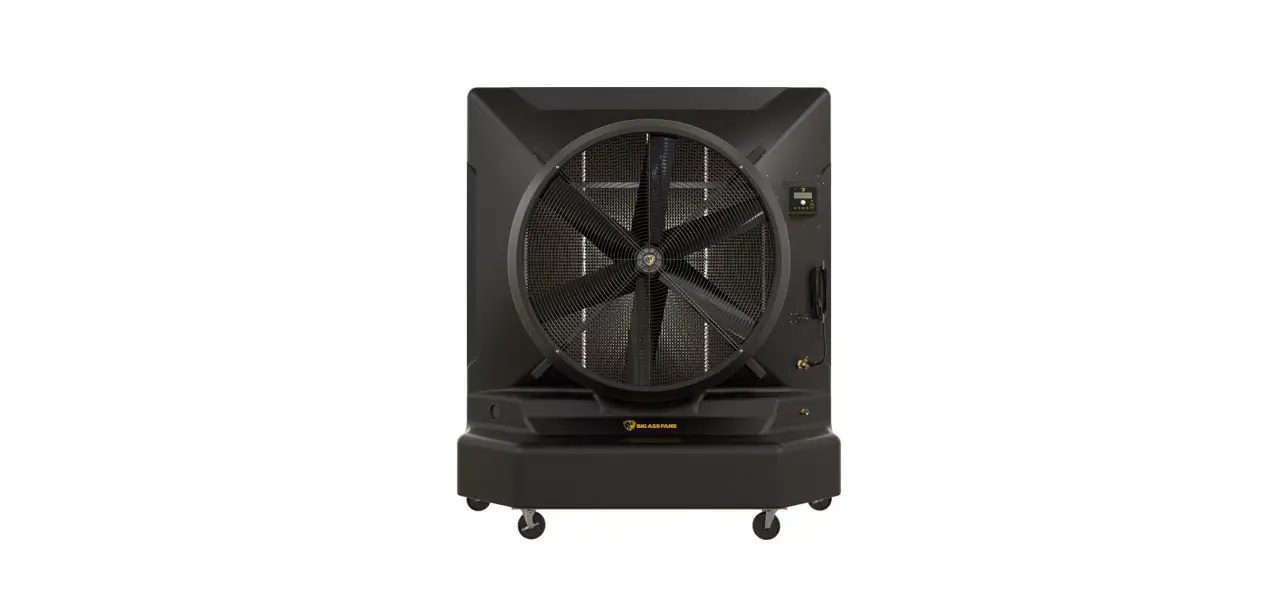
 FANS COOL-SPACE Cooling Media Replacement
Instruction Manual
TO REDUCE THE RISK OF FIRE, ELECTRIC SHOCK, OR INJURY TO PERSONS, OBSERVE THE FOLLOWING:
 WARNING: ELECTRICAL SHOCK HAZARD. Disconnect the power supply before performing any service or maintenance. Failure to do so may result in serious injury or death. CAUTION: The Big Ass Fans product warranty will not cover equipment damage or failure that is caused by improper installation or use.
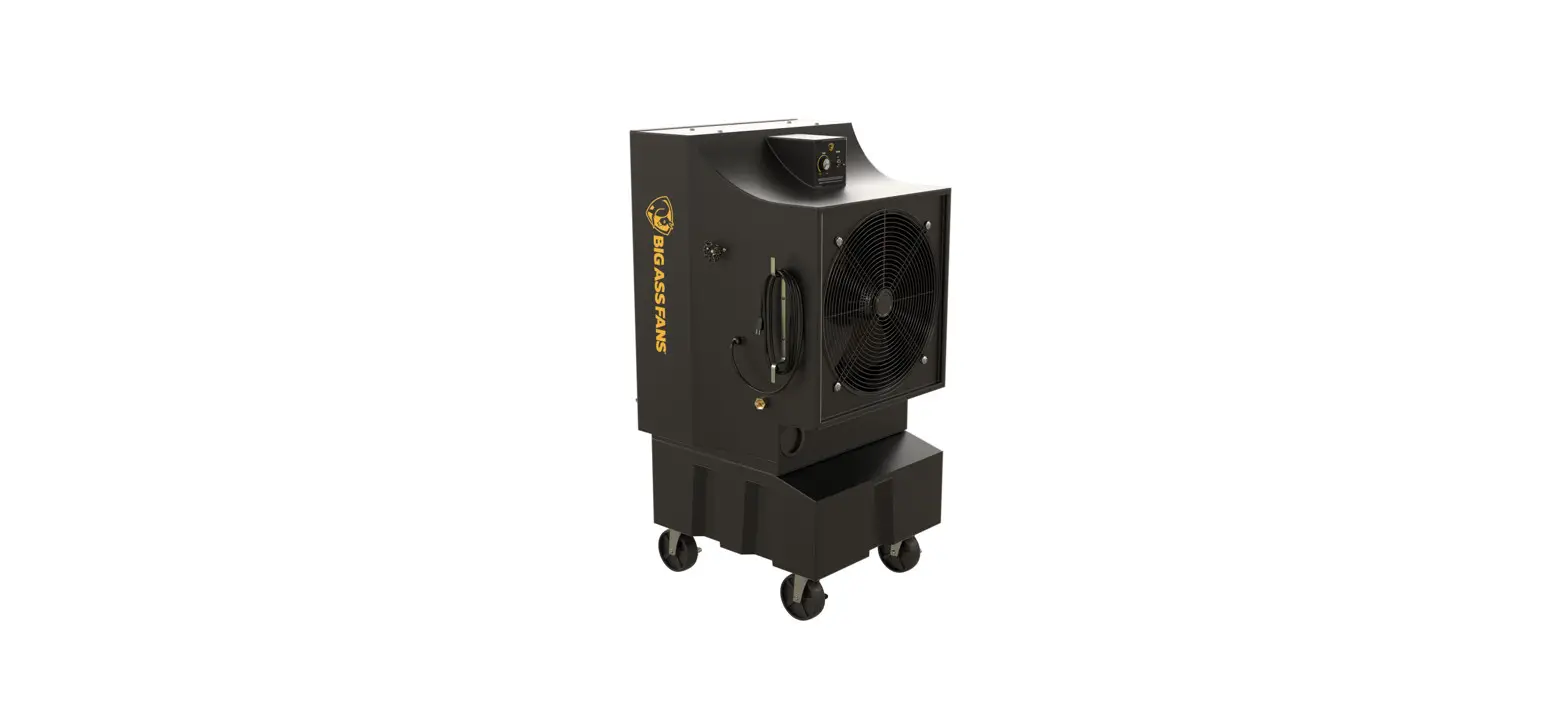
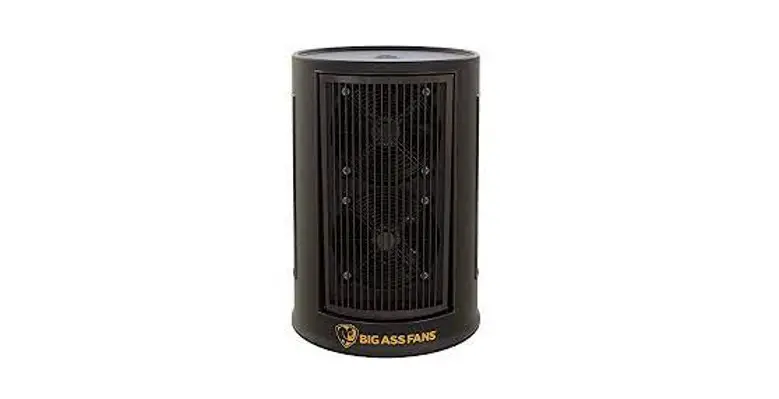
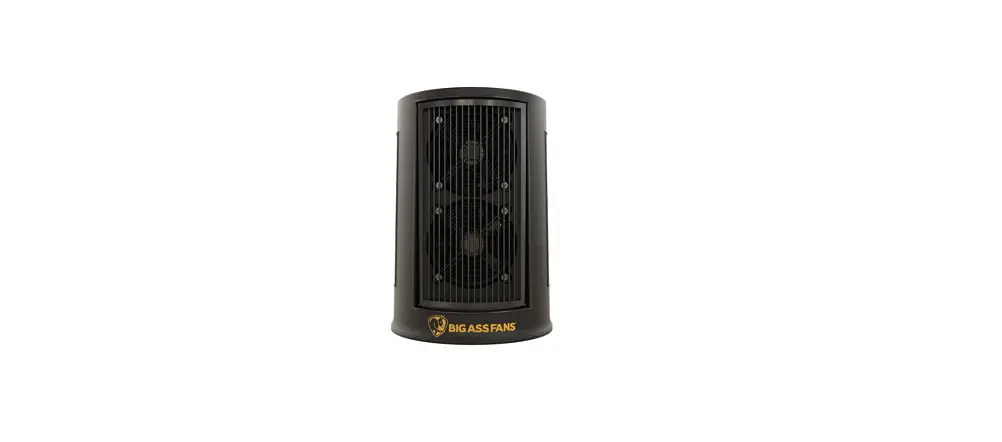
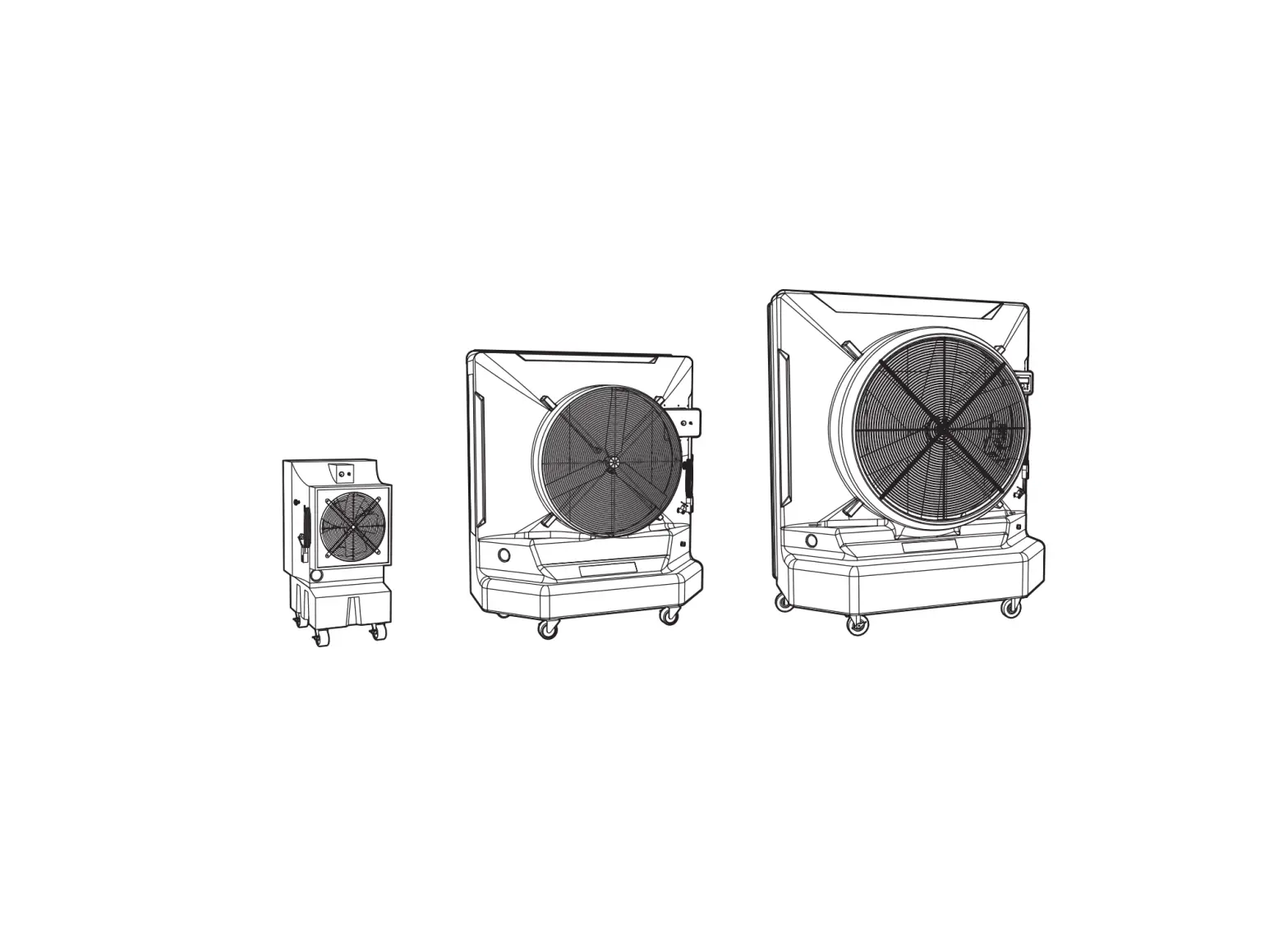
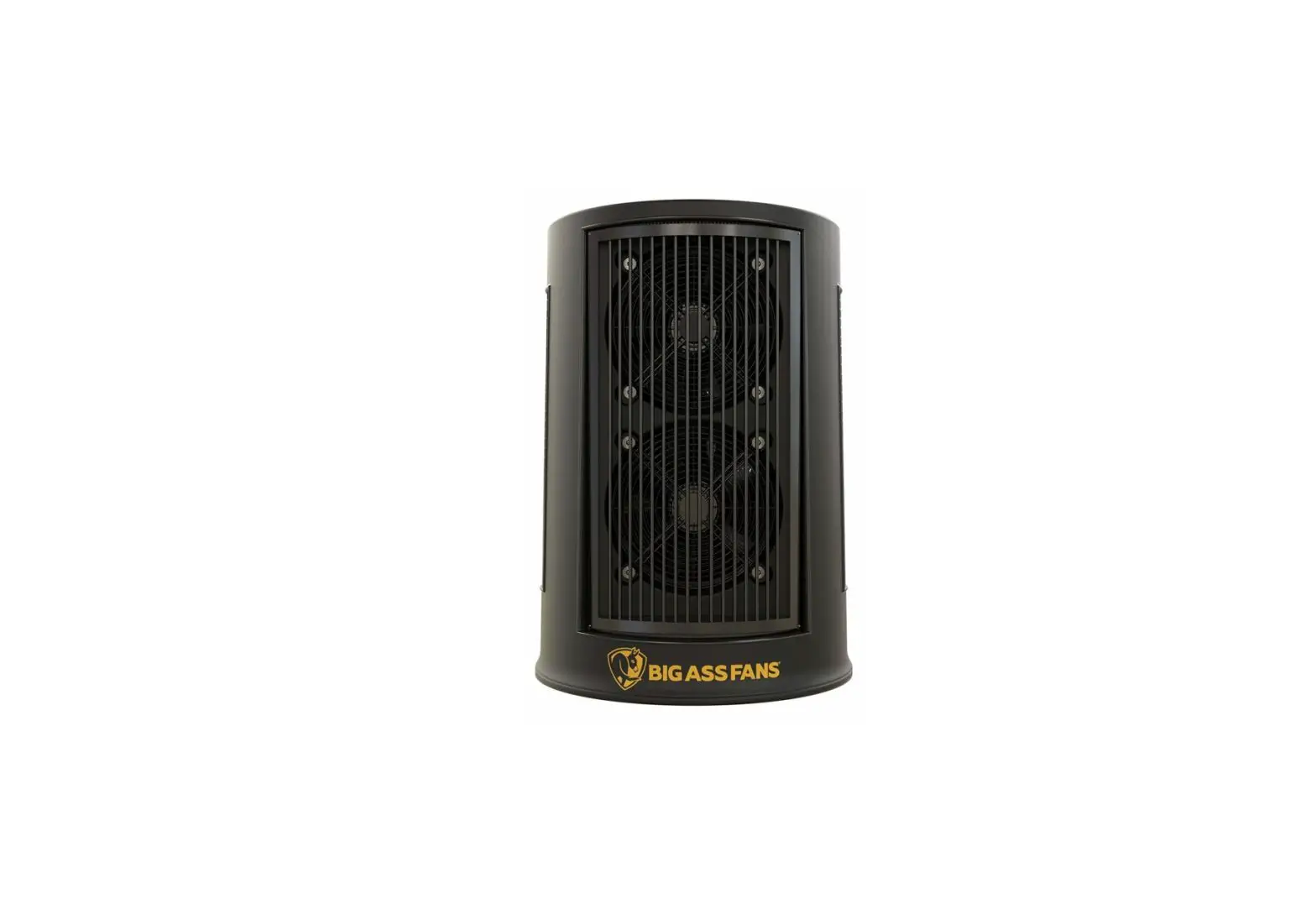
COOL – SPACE® 200
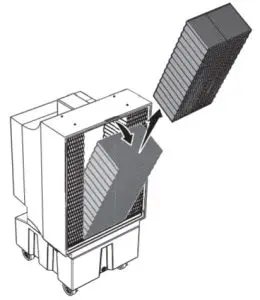
Remove screens and old pads
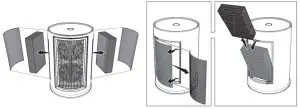
Orient and install new pads, reinstall screens
Dimensions: 12 in. x 4 in. x 21 in. (305 mm x 102 mm x 533 mm)
Quantity: 2
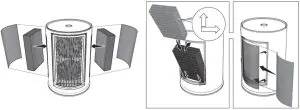
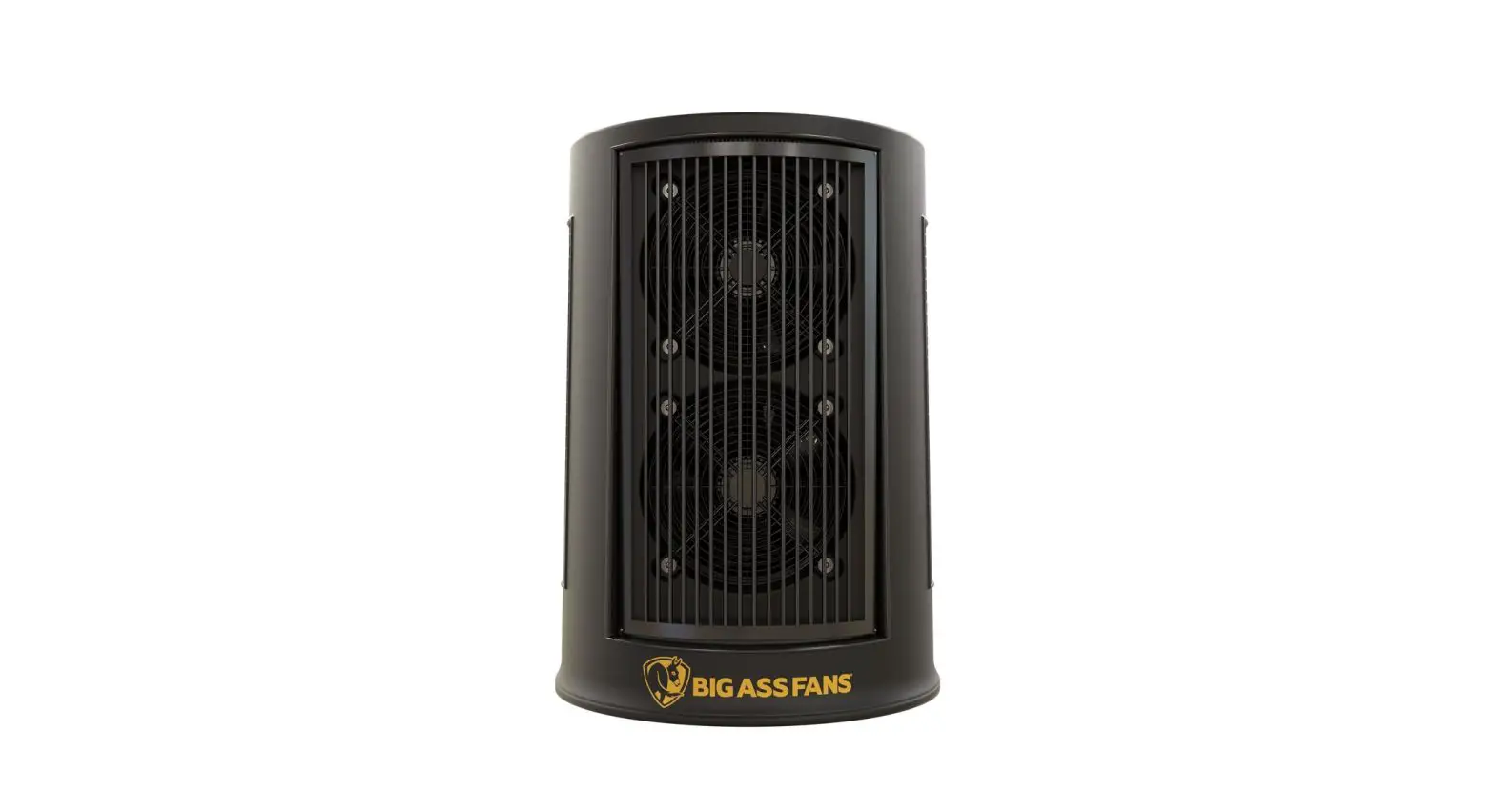
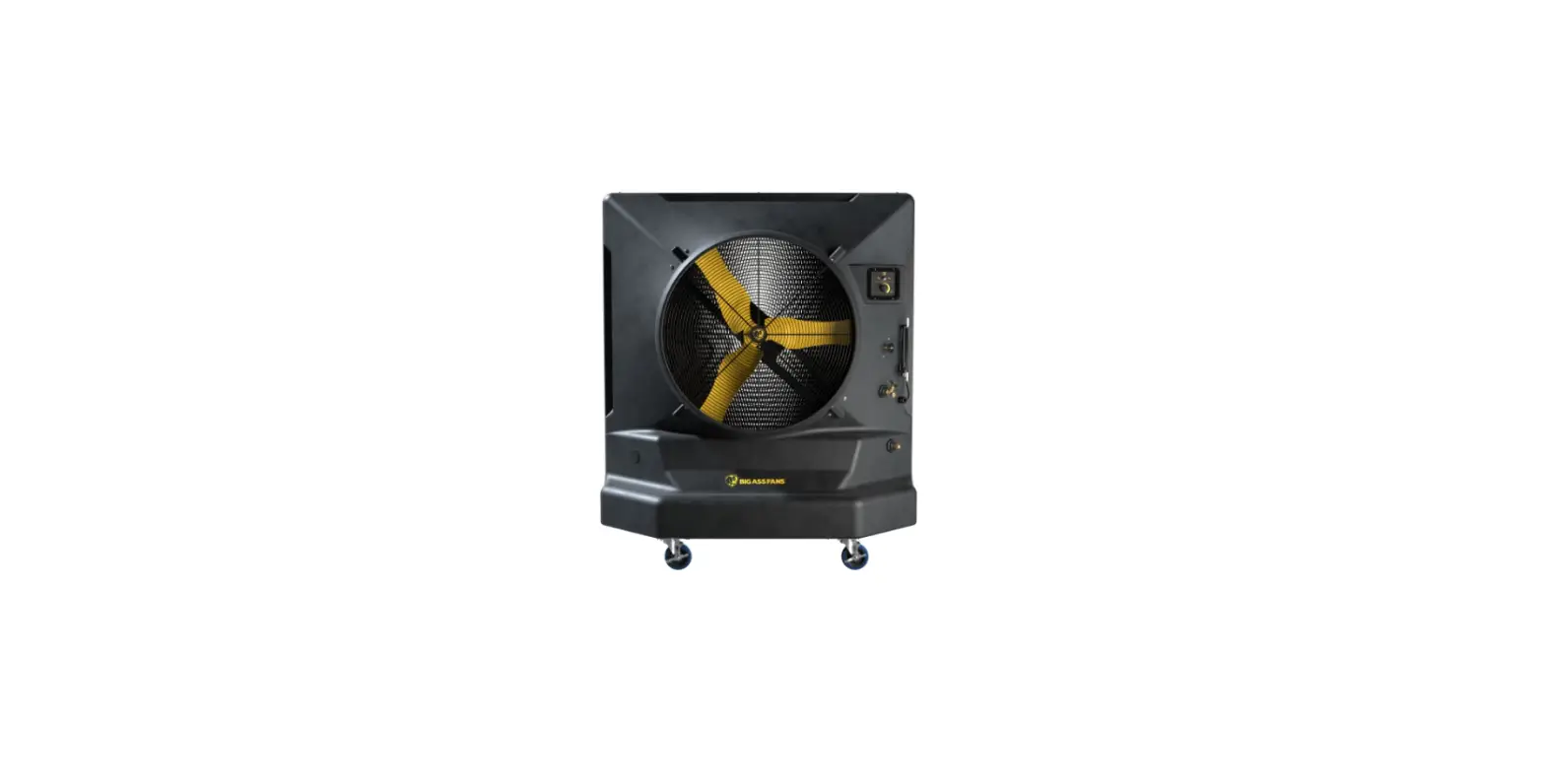
COOL – SPACE® 300
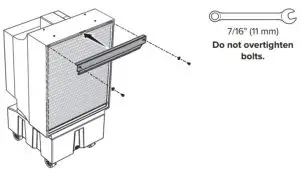
Remove retainer bar
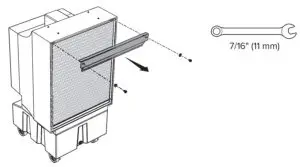
Note: Set the two bolts and two washers aside in a safe location where they will not get lost. You will use them to reinstall the retainer bar.
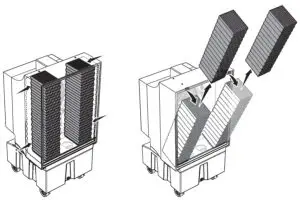
Remove center pad
Remove side pads
COOL-SPACE® 300 (CONT.)
Orient and install new side pads
Dimensions: 6 in. x 8 in. x 29 in. (152 mm x 203 mm x 737 mm)
Quantity: 2
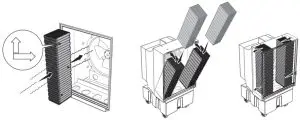
Black coating should face outward.
Orient and install a new center pad
Dimensions: 12 in. x 8 in. x 29 in. (305 mm x 203 mm x 737 mm)
Quantity: 1
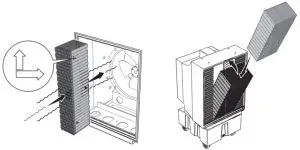
Black coating should face outward.
Reinstall retainer bar