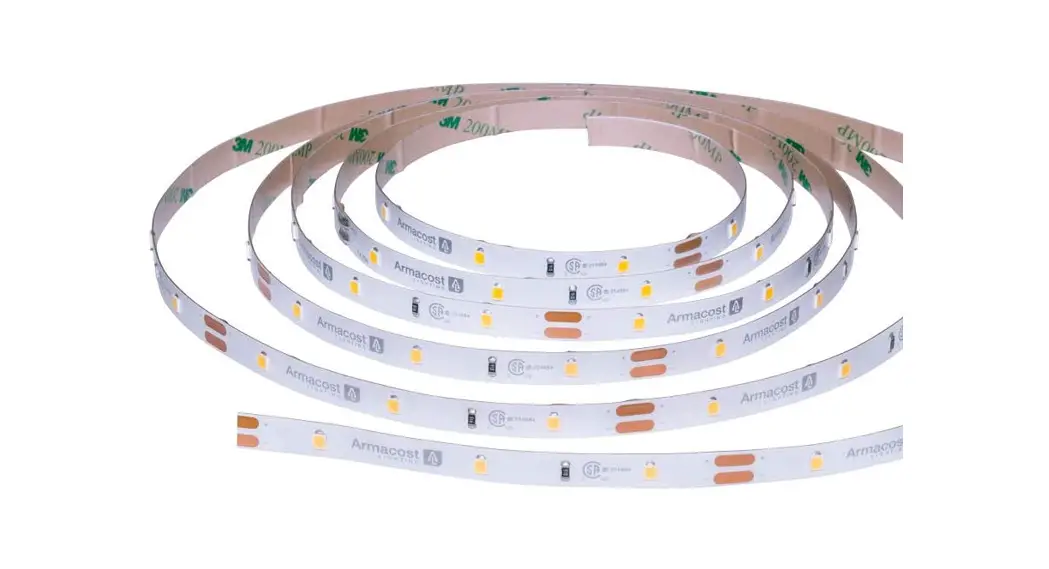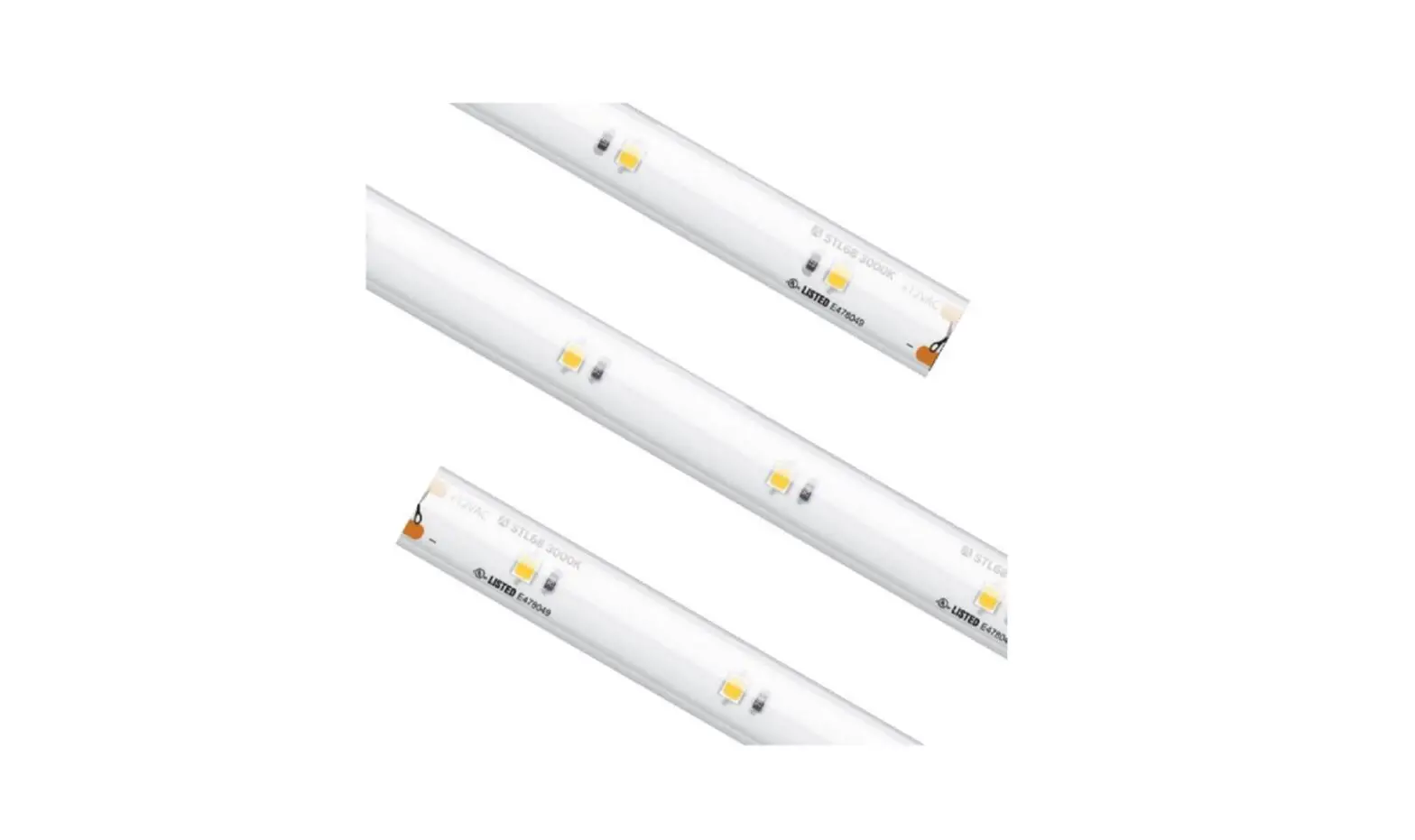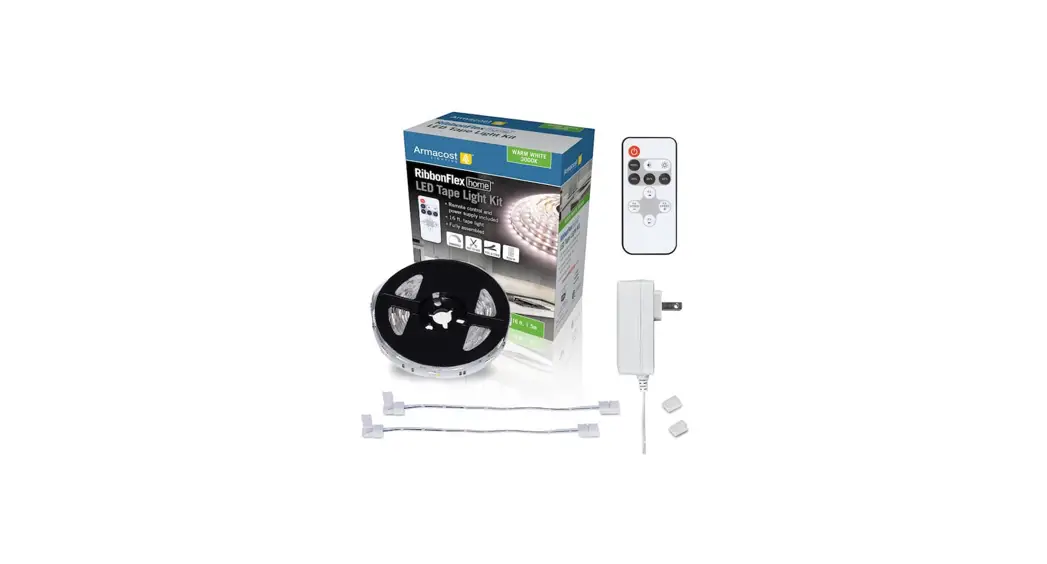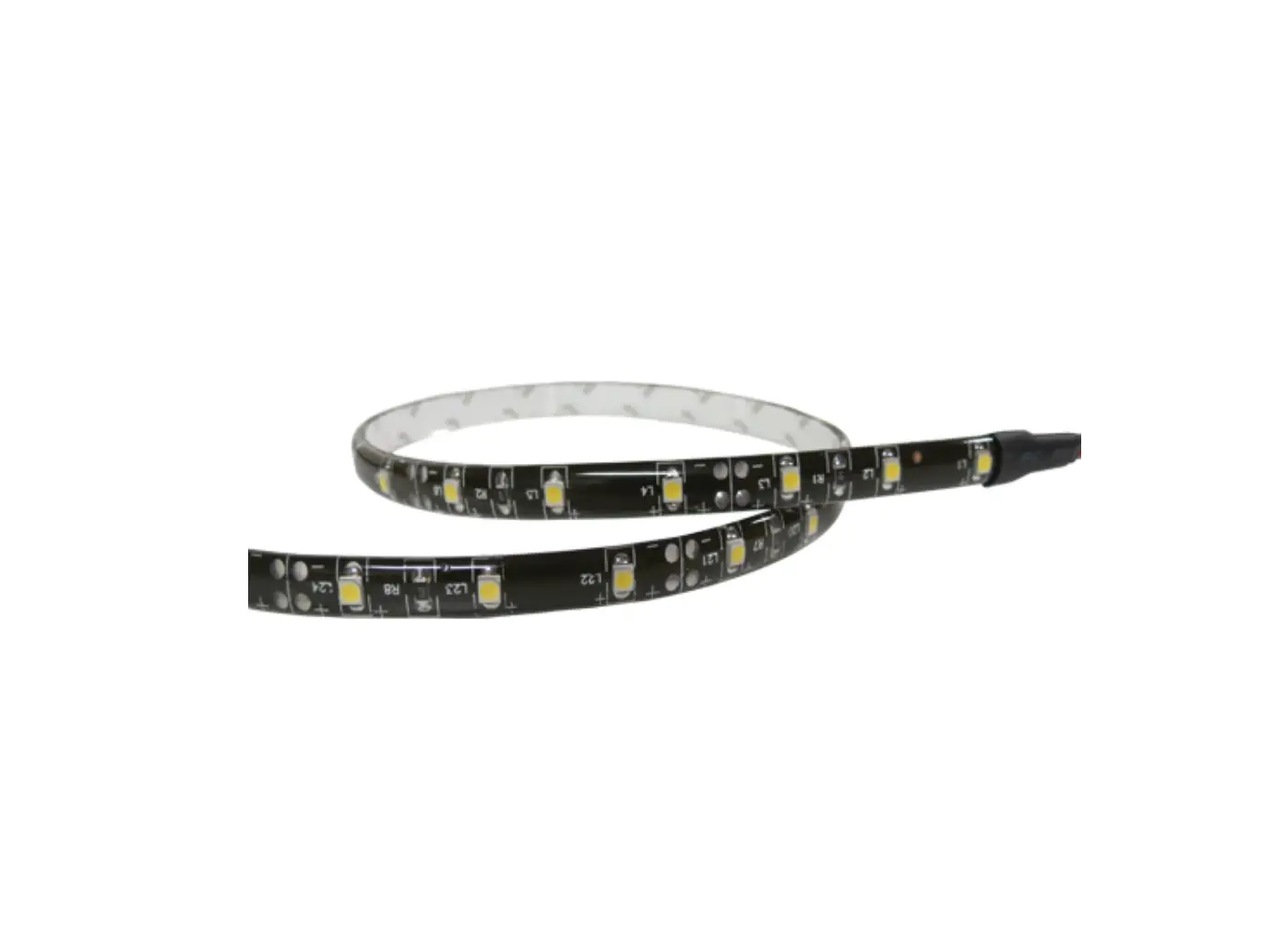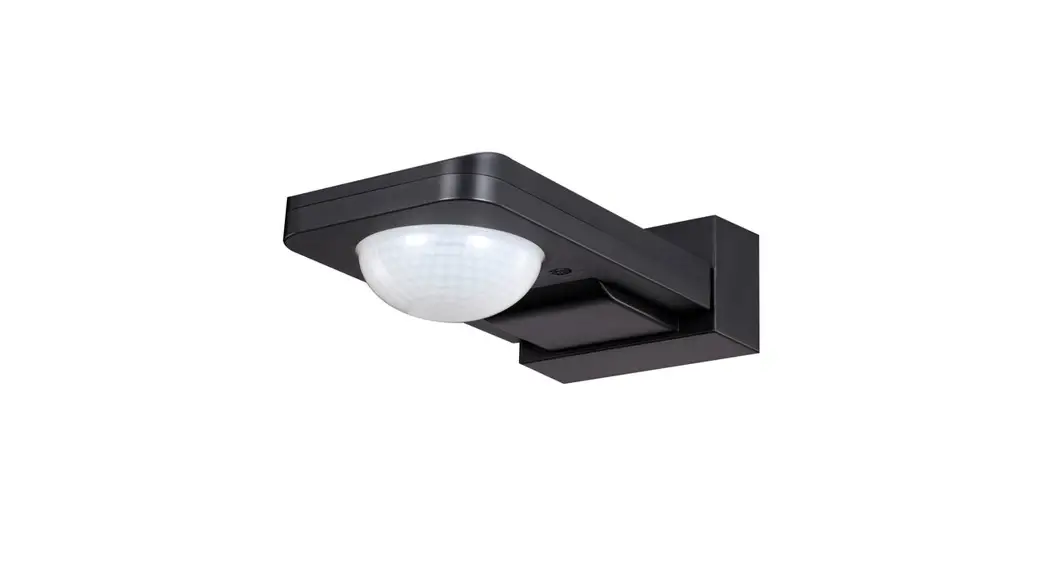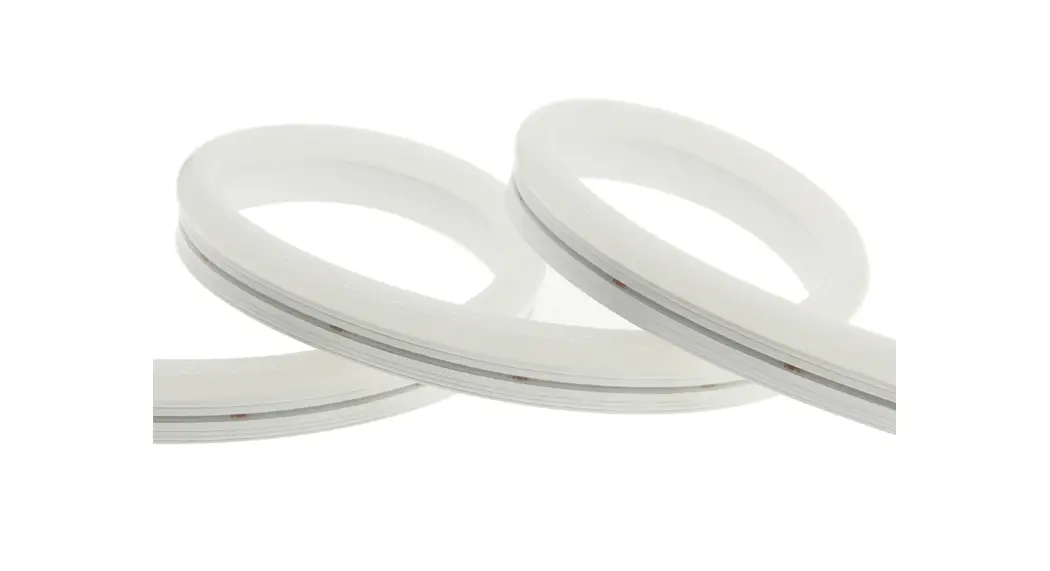
 Addressable Reed Tape Light Install Instructions
(Part #’s: HTLL1205-29912-04-1J)
Instruction Manual
PARTS/TOOLS NEEDED:
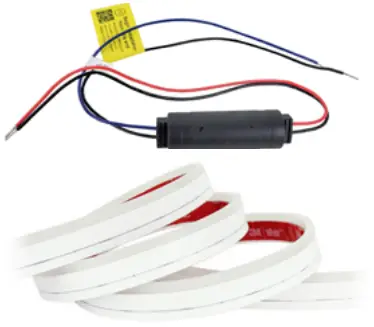 | 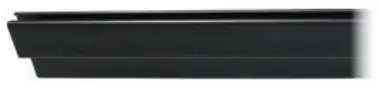 |
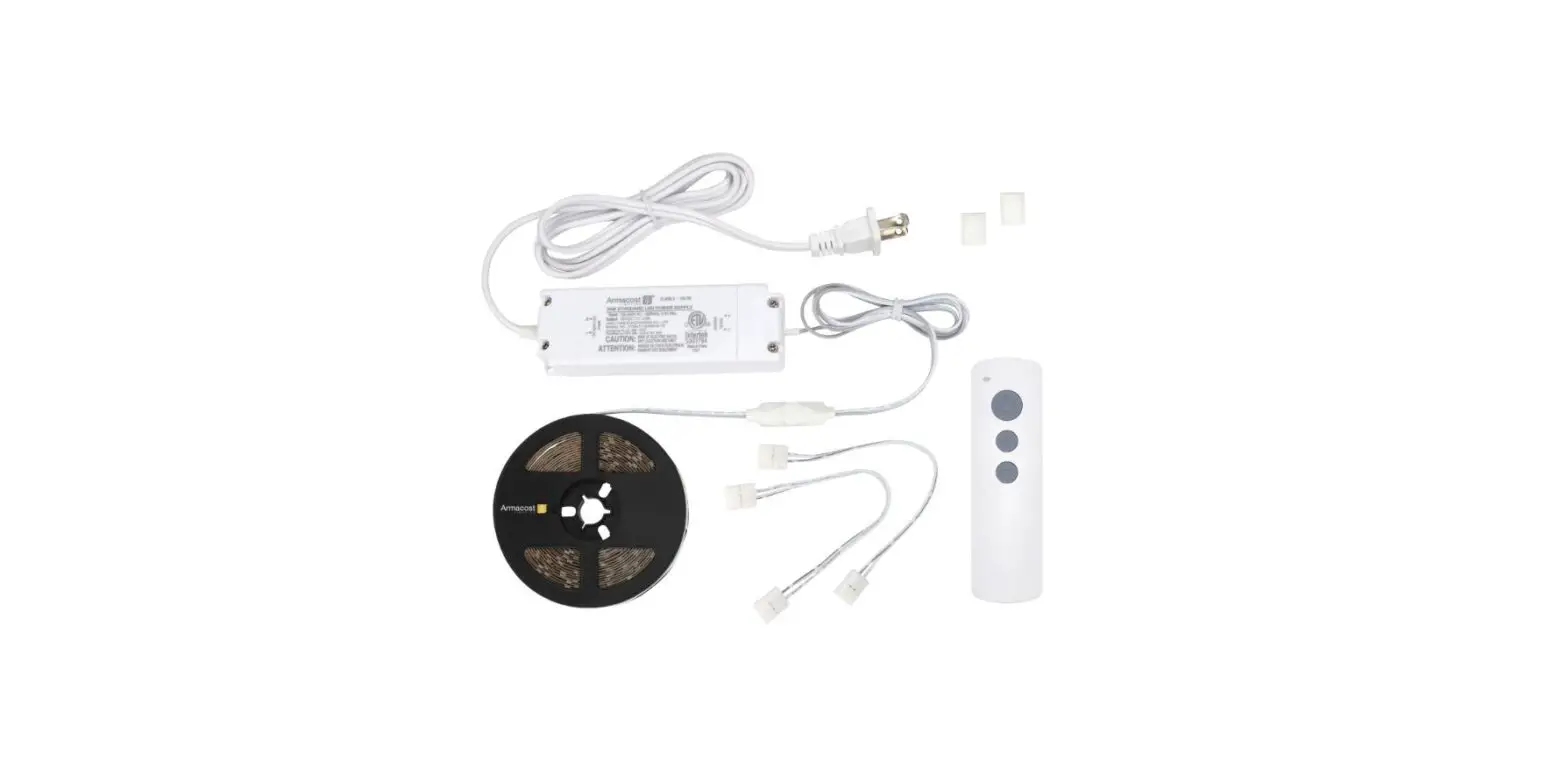
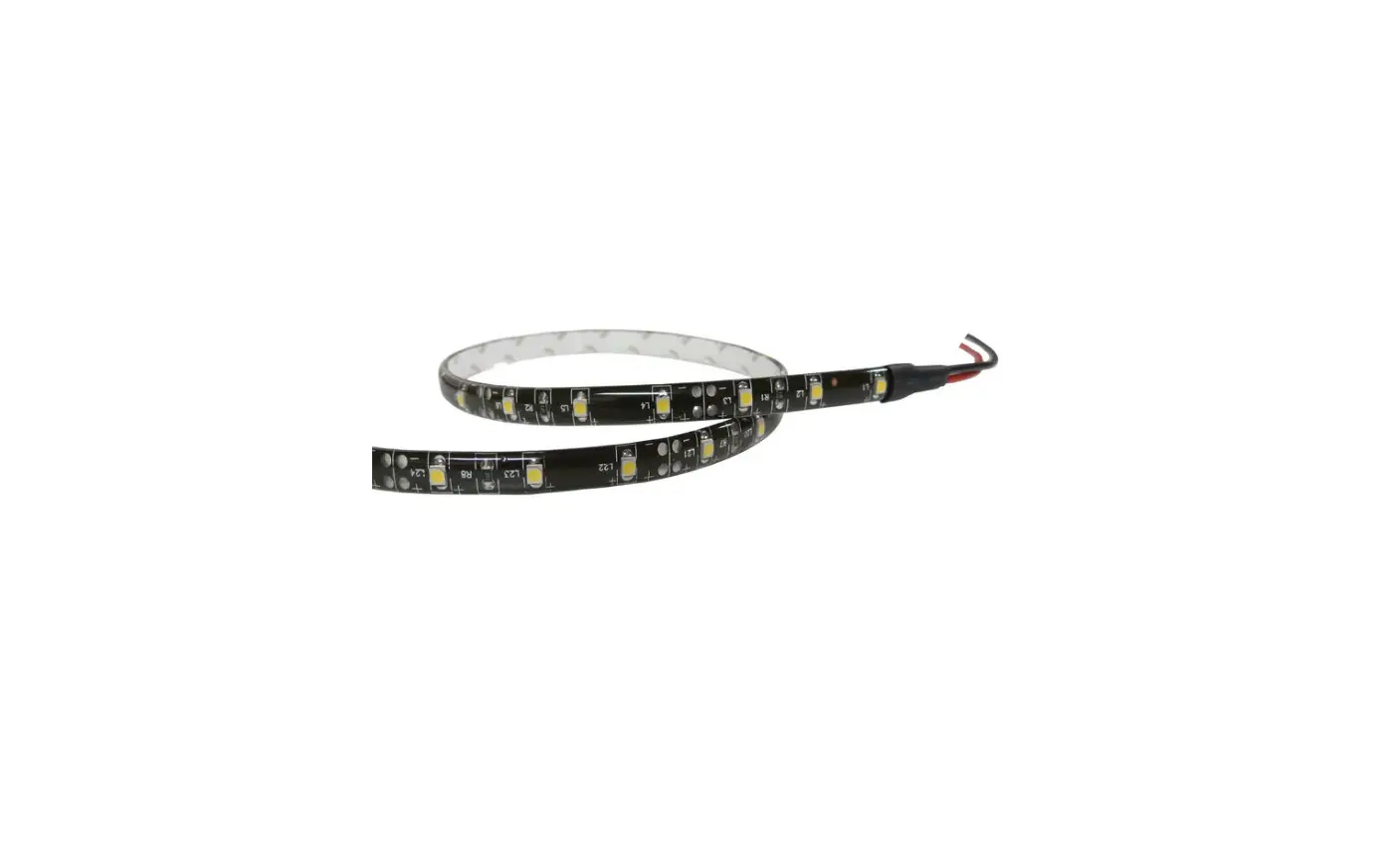
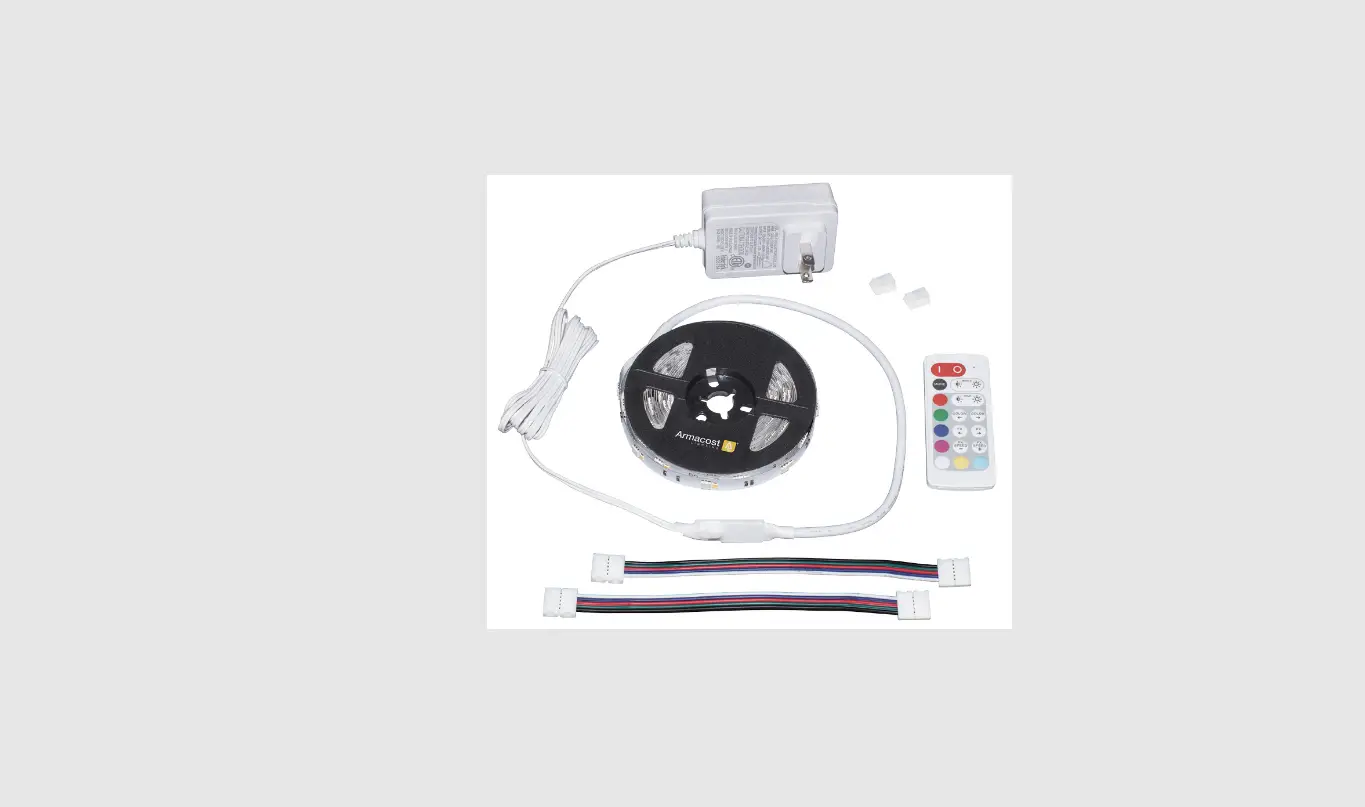
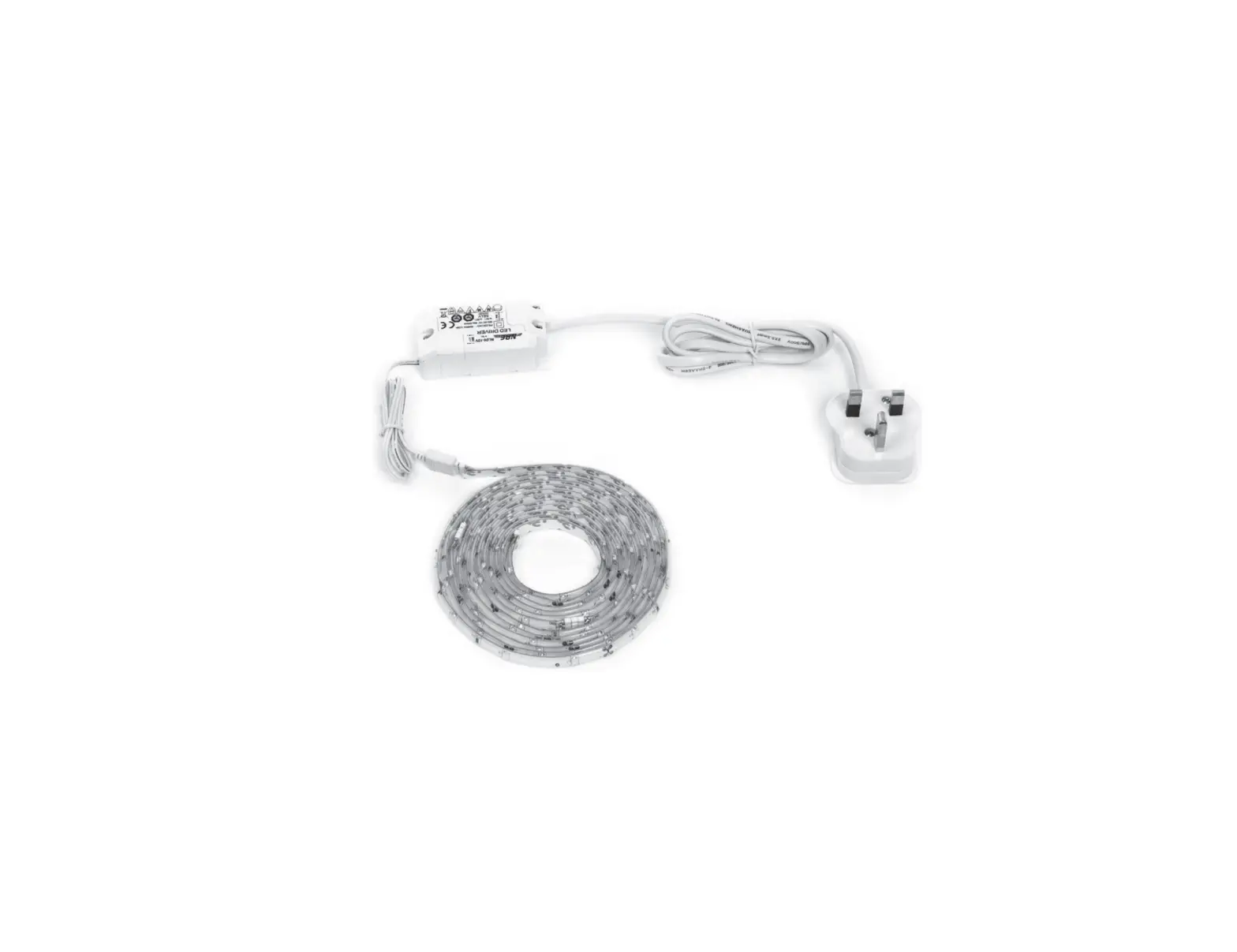
| Flexible Light w/Driver | Mounting Channel (purchased separately) |
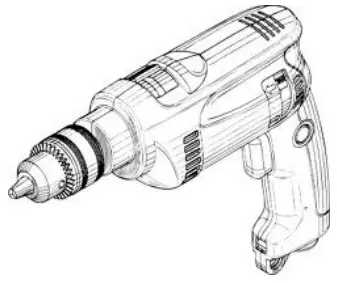 |  |
| Power Drill (not provided) | Butt Splice Connectors (not provided) |
 |  |
| #4 Flat Head Screws (not provided) | Alcohol Wipes (not provided) |
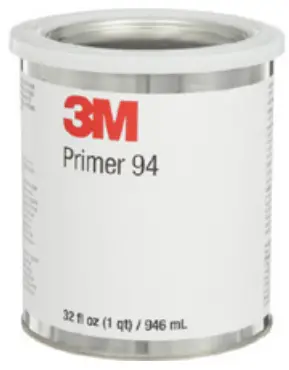 | Primer 94 (not provided) |
IMPORTANT SAFETY INSTRUCTIONS. READ CAREFULLY FOR YOUR PROTECTION AND SAVE ALL INSTRUCTIONS.
- Disconnect power before installing, adding, or changing any component.
- To avoid a hazard to children, account for all parts and destroy all packing materials.
INSTALLATION CONSIDERATIONS:
- It is recommended that fuse protection be added to the positive (+) input.
- Do not bend lighting more than necessary. It should only be bent to a 1” radius. Bending to a tight 90° angle could cause damage to the circuit.
- Only bend the LED ribbon in one natural direction, do not try to bend in an unnatural direction such as twisting.
- Make sure surfaces are smooth, clean, and free of dust and debris before installing this product. Surfaces should be cleaned and primed per the 3M specified cleaning instructions* on page two. Failure to properly clean the surface may result in loss of adhesion.
- Rough surfaces may prevent proper adhesion. If adhesion failure occurs, screw-in mounting channels may be used for installation.
Contact ITC sales for more information on mounting channels: 616-396-1355 / [email protected]. - Unroll the entire length of Reed (HTLL) before installing.
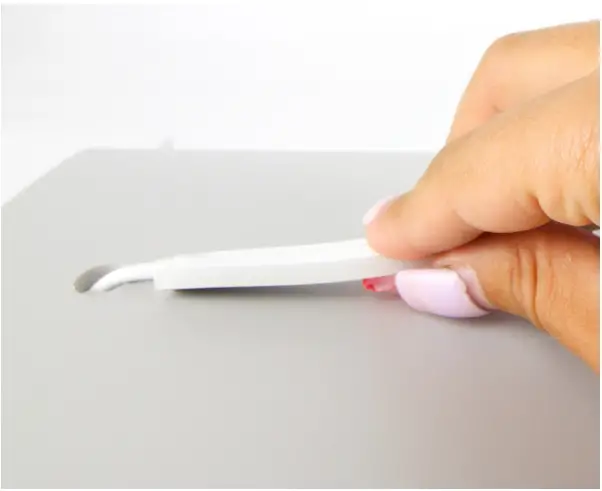
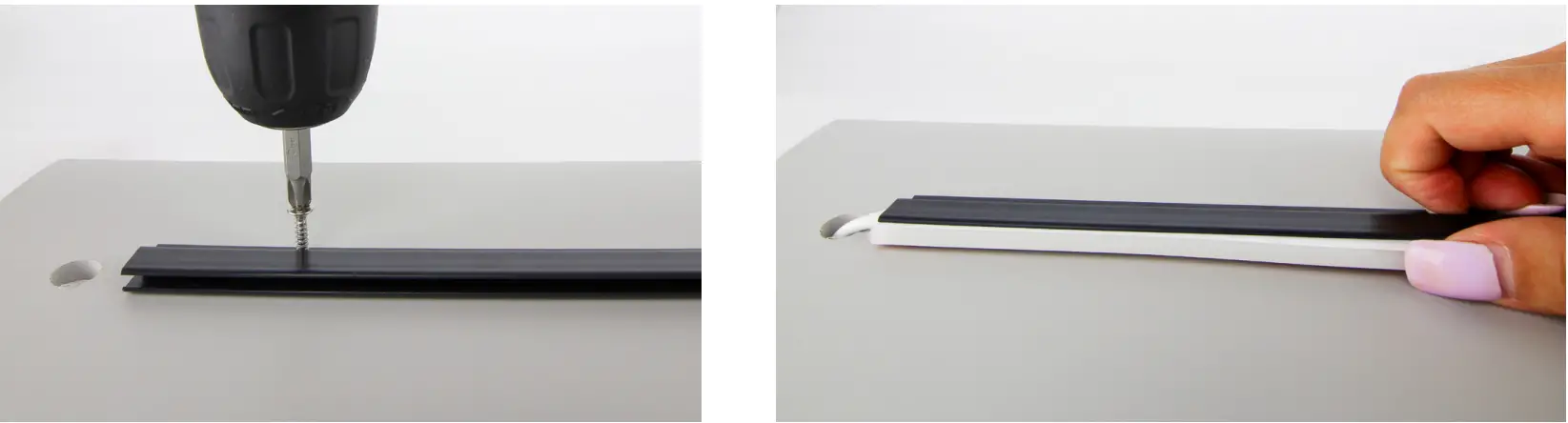
- Start at the wire lead end and beginning of the channel, and work the light into the channel going 6” at a time. The light should go into the channel pretty easily by just thumbing it in.
- When pushing the light into the channel, make sure to push towards the wired end. The silicone on the light is flexible and pushing away from the wired end will leave a gap at the end of the run.
- Clean the surface with a mixture of 50% water/50% isopropyl alcohol.
Let the surface dry.
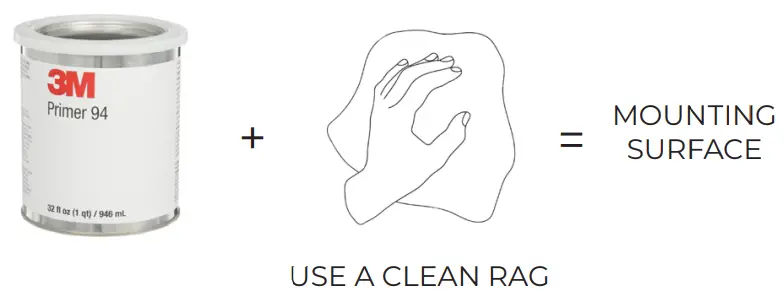
- Apply Primer 94 as recommended by 3M.
Failure to follow the surface preparation guidelines will void the warranty.
- Remove the paper backing and firmly press the light in place.

- If using mounting channels for installation, screws should be used every 12”.

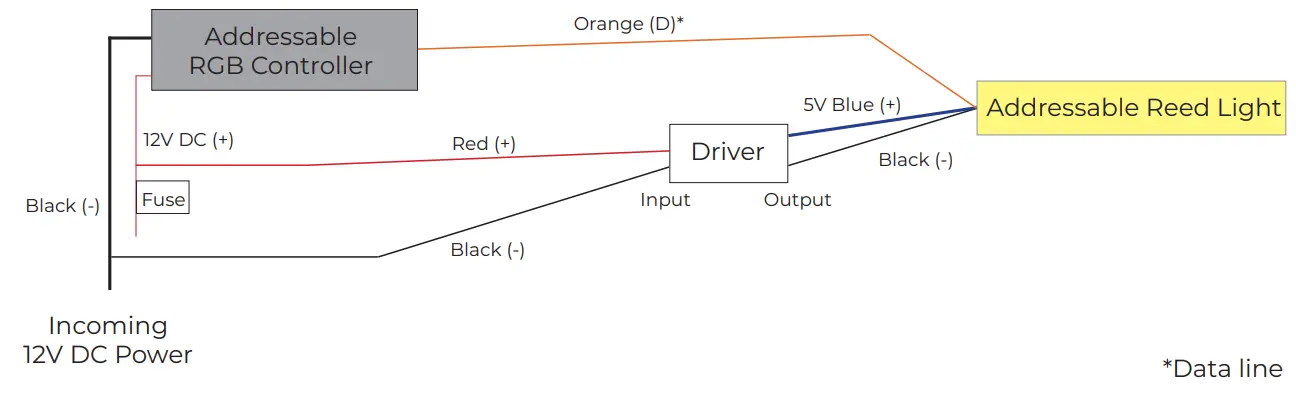
- Wire the light based on the wiring diagram.
Note: One driver (part #810-00719) will need to be used for every 5.5A of power used. Multiple light lengths can be wired to one driver.
- Please review the considerations below to ensure a successful installation.
*Flexible light cannot be field cut. Field cutting the light will void the warranty.

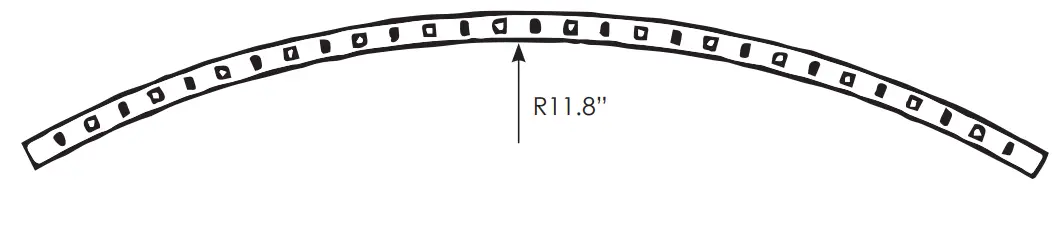 | 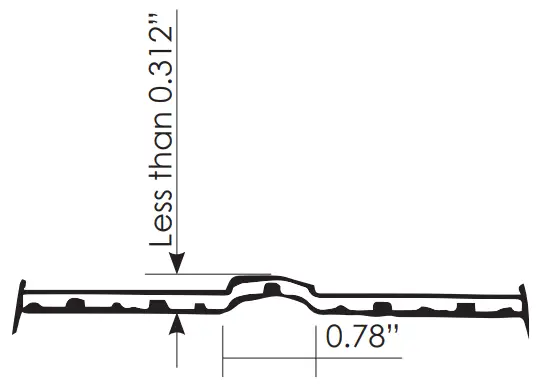 | |
| Do not horizontal bend to a radius of less than 11.8” | Do not axial bend to the height of more than 0.312” within a 0.78” segment | |
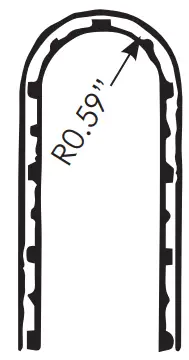 | 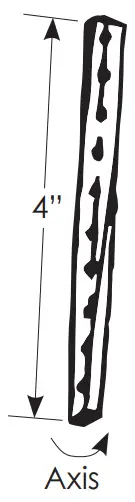 |  |
| Do not bend to a radius of less than 1/2” | Do not twist more than 90° over the length of one 24V segment / Two 12V segments (4” total length) | Do not bend flexible light at 90° |
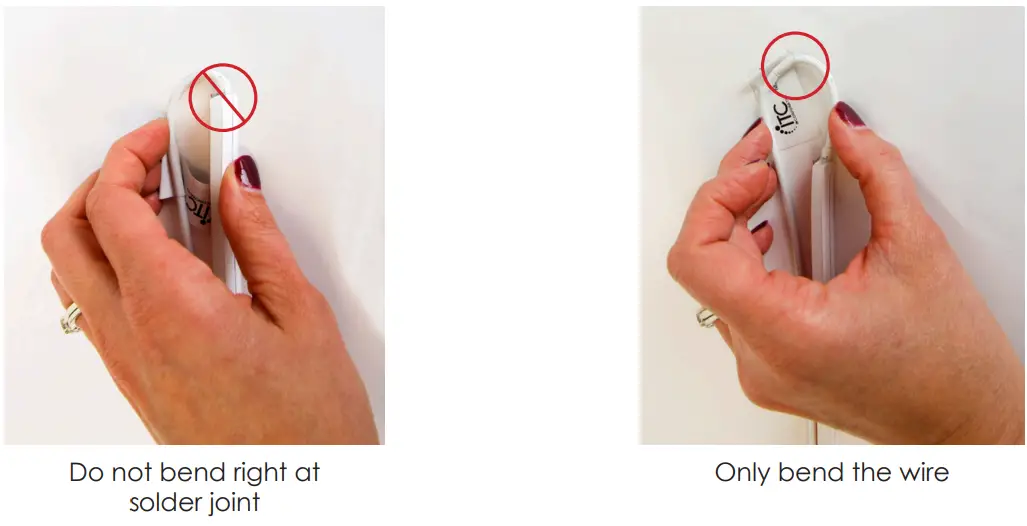
Please visit www.itc-us.com for warranty info
3030 Corporate Grove Dr • Hudsonville • MI • 49426
Phone: 616-396-1355 • www.itc-us.com • [email protected] • 710-00216 • REV A 07/25/22
 Register a .US.COM domain today!
 Surface Preparation for 3Mâ„¢ VHBâ„¢ Tape Applications
 Designs that inspire, products that perform.