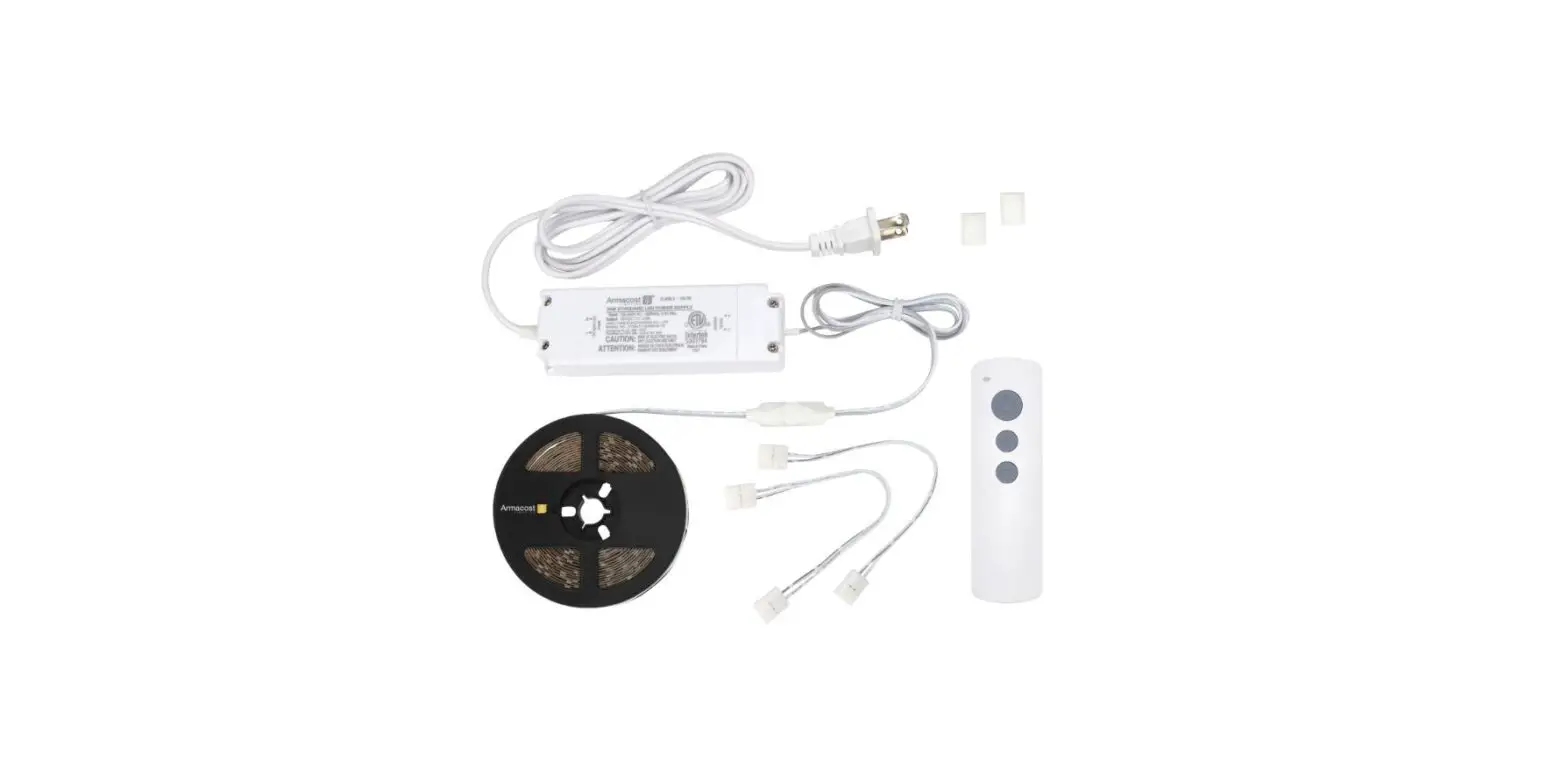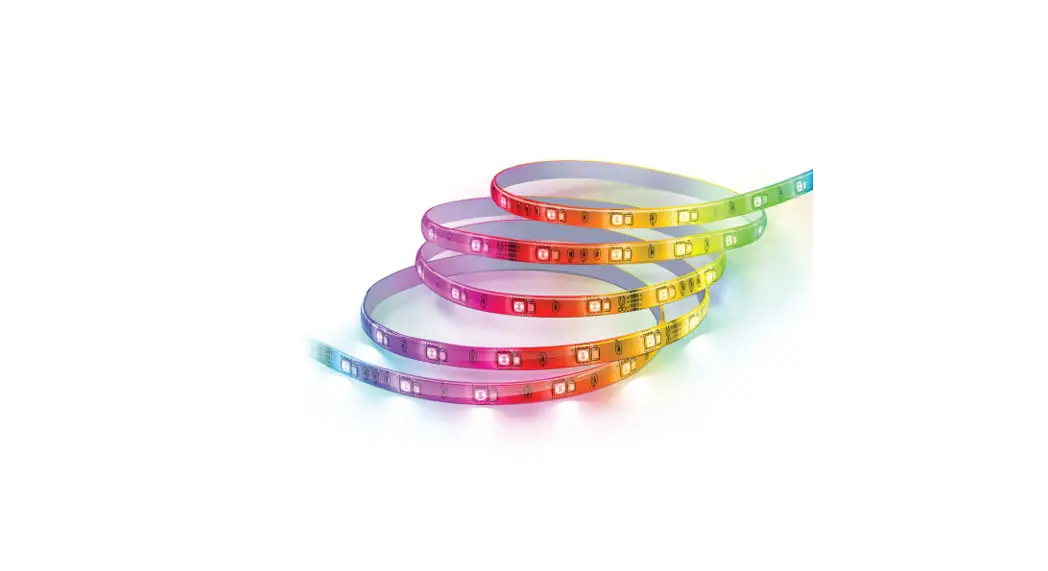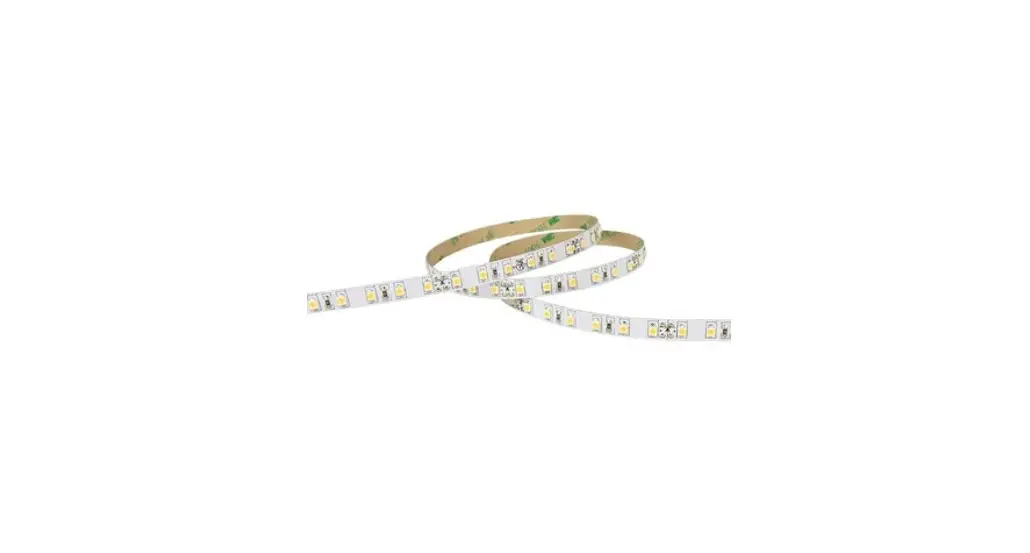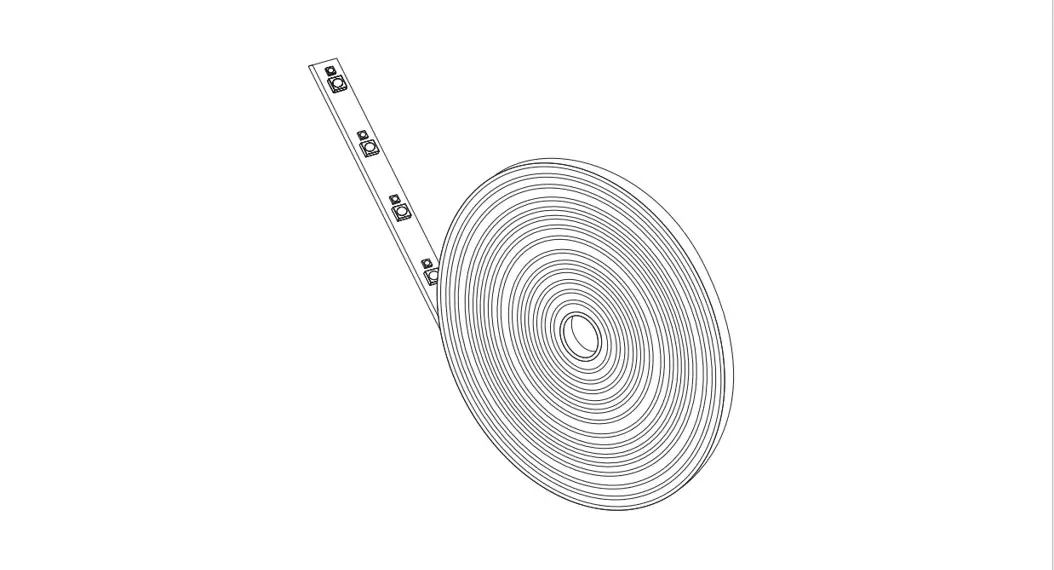

Model: UCL 192/FLEX/5CCT

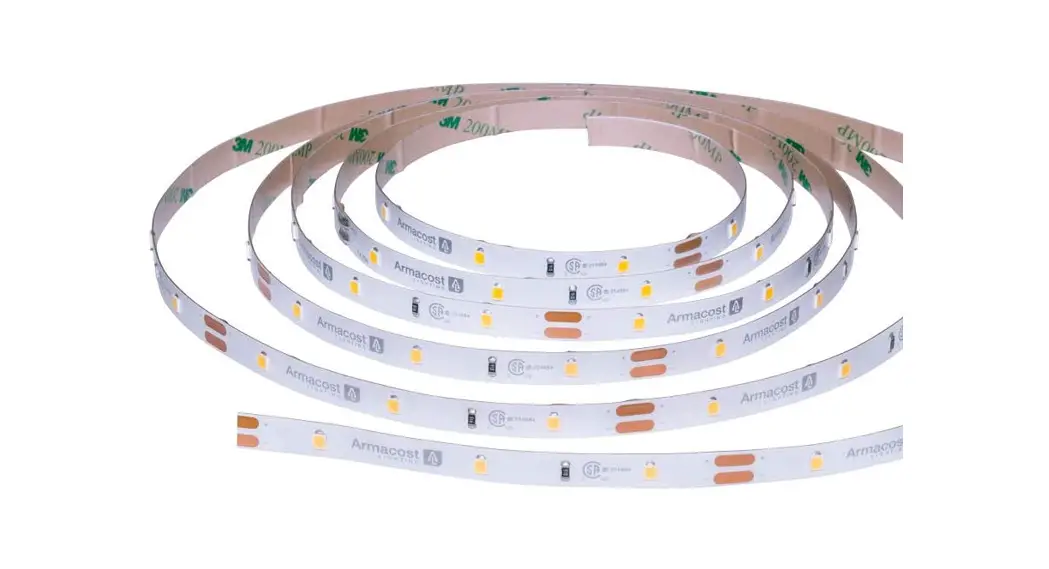
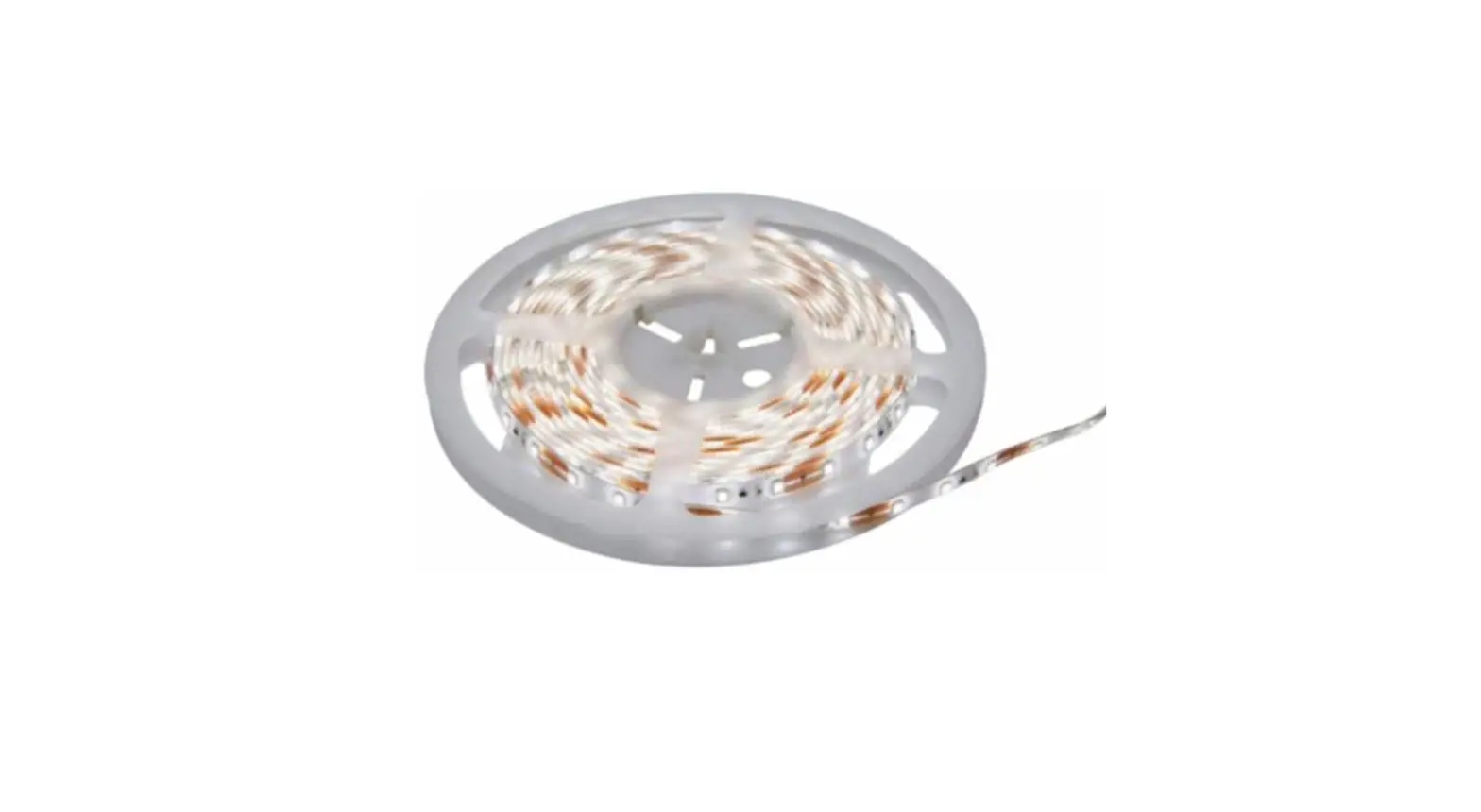
16 FT. TAPE LIGHT
IMPORTANT SAFETY INSTRUCTION AND INSTALLATION GUIDE
READ BEFORE INSTALLATION
SAVE THESE INSTRUCTIONS
Questions, problems, missing parts? Before returning to the store, call Feit Electric Customer Service 8 am. – 5 p.m., PST, Monday – Friday
1-866-326-BULB (2852)
FEIT.COM
We appreciate the trust and confidence you have placed in Feit Electric through the purchase of this Under Cabinet Tape Light. We strive to continually create quality products designed to enhance your home. Visit us online to see our full line of products available for your home improvement needs. Thank you for choosing Feit Electric.
Safety Information
IMPORTANT SAFEGUARDS:
ALWAYS FOLLOW BASIC SAFETY PRECAUTIONS WHEN USING ELECTRICAL PRODUCTS, ESPECIALLY WHEN CHILDREN ARE PRESENT. WARNING: Avoid bending the strip light which may damage the LEDs.
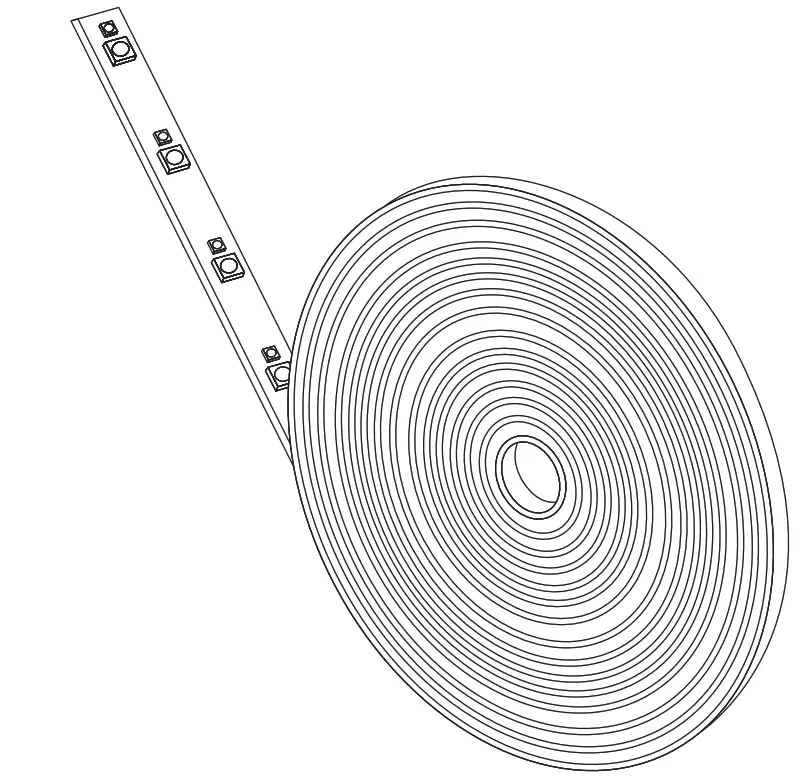
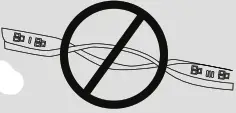 WARNING: Do not roll up the tape light up when using. Please spread out the Tape Light before connecting to the power supply.
SAVE THESE INSTRUCTIONS
 CAUTION: Do not attempt to install while plugged in. This fixture is for indoor use only . not for use with plastice cabinets. Do not install this fixture inside a totally enclosed cabinet. Do not mount over stoves.
WARNING: To avoid risk of electrical shock, always make sure the product is unplugged from the electrical outlet before assembling, disassembling, relocating, servicing or cleaning it. CAUTION: Do not install this product in a wet location. CAUTION: Do not install this product in an outdoor location. CAUTION: Do not use chemical solvents or harsh abrasives A to clean the fixture.
Supplier’s Declaration of Conformity: 47 CFR § 2.1077 Compliance Information
Responsible Party: Feit Electric Company 4901 Gregg Road, Pico Rivera, CA 90660, USA 562-463-2852 Unique Identifier: UCL192/FLEX/5CCT
FCC STATEMENT
This device complies with part 15 of the FCC Rules. Operation is subject to the following two conditions: (1) This device may not cause harmful interference, and (2) this device must accept any interference received, including interference that may cause undesired operation. Note: This equipment has been tested and found to comply with the limits for a Class B digital device, pursuant to part 15 of the FCC Rules. These limits are designed to provide reasonable protection against harmful interference in a residential installation. This equipment generates, uses and can radiate radio frequency energy and, if not installed and used in accordance with the instructions, may cause harmful interference to radio communications. However, there is no guarantee that interference will not occur in a particular installation. If this equipment does cause harmful interference to radio or television reception, which can be determined by turning the equipment off and on, the user is encouraged to try to correct the interference by one or more of the following measures: Reorient or relocate the receiving antenna. Increase the separation between the equipment and receiver. Connect the equipment into an outlet on a circuit different from that to which the receiver is connected. Consult the dealer or an experienced radio/TV technician for help. Any changes or modifications not expressly approved by the manufacturer could void the user’s authority to operate the equipment.
Limited Warranty
This product is warranted to be free from defects in workmanship and materials for up to 1 year from the date of purchase. If the product fails within the warranty period, please contact Feit Electric at info@feitcom, visit feit.com/contact-us or call 1-866-326-BULB (2852) for instructions on replacement or refund. REPLACEMENT OR REFUND IS YOUR SOLE REMEDY. EXCEPT TO THE EXTENT PROHIBITED BY APPLICABLE LAW, ANY IMPLIED WARRANTIES ARE LIMITED IN DURATION TO THE DURATION OF THIS WARRANTY. LIABILITY FOR INCIDENTAL OR CONSEQUENTIAL DAMAGES IS HEREBY EXPRESSLY EXCLUDED. Some states and provinces do not allow the exclusion of incidental or consequential damages, so the above limitation or exclusion may not apply to you. This warranty gives you specific legal rights, and you may also have other rights which vary from state to state or province to province.
pre-Assembly
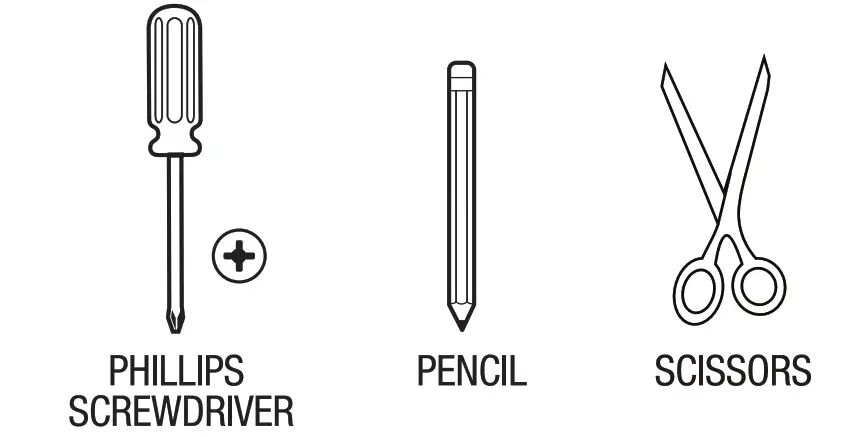
Tools Required
HARDWARE INCLUDED
 NOTE: Hardware not shown to actual size

| Part | Description | Quantity |
| AA | LED tape light with controller | 1 |
| BB | 6 ft. AC cable | 1 |
| CC | 18 in. linking cable | 1 |
| DD | Mounting screws | 2 |
| EE | 6 in. connector cables | 3 |
| FF | Mounting template | 1 |
| item No. | Description | Volts (V) | Wattage Per Fixture (W) | Input Current (mA) | Maximum Linkable Units at 120V |
| UCL192/FLEX/5CCT | Flexible Under Cabinet LED Tape Light | 120 | 40 | 380 | 26 |
Installation
1. Positioning the mounting
screws Find the desired place for the fixture and mark clearly using the provided mounting template (FF).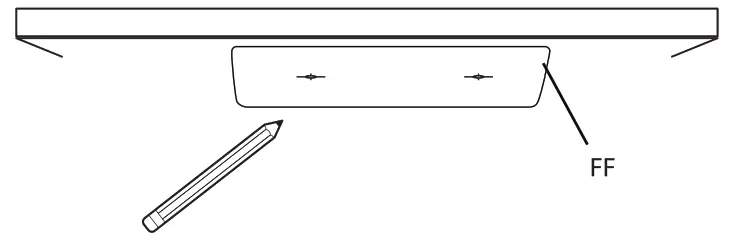 2. Installing the mounting
screws Screw in the mounting screws (DD) on the marked locations.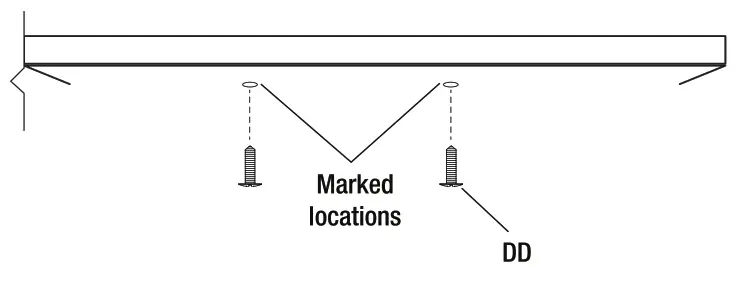 NOTE: Make sure that the LED tape light is aligned in the desired direction.
3 Installing the controller
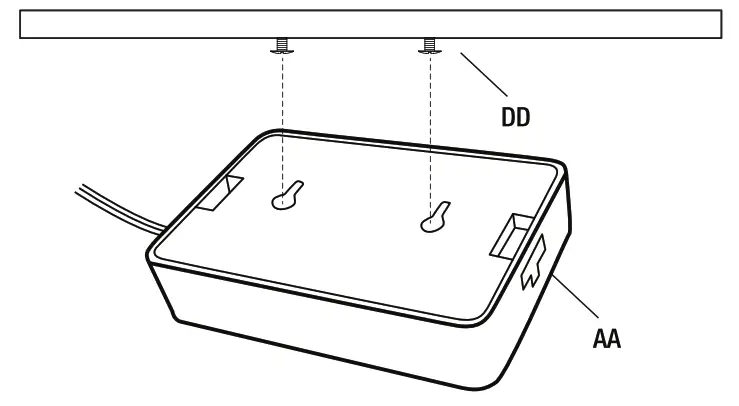
Align the holes on the back of the controller (AA) to the heads of the mounting screws (DD). Slide the controller (AA) towards the mounting slot. If the controller is not snug, remove the controller and readjust the screws.
4 Cutting the tape light
Cut the tape light (AA) to the desired length at marked areas.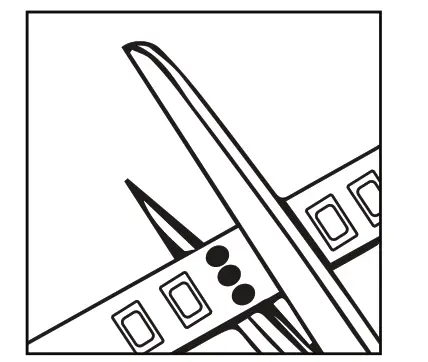 NOTE: Only cut to length at the 3-dot marks on the tape light. Any other areas will permanently damage the strip. (ensure the power supply is not plugged in at the wall outlet).
5 Removing the adhesive backing paper
Remove the adhesive backing paper off the back of the tape light (M) to expose the adhesive.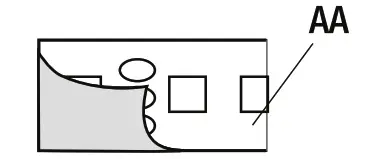 6 Mounting the tape light
Mount the tape light (AA) to the desired position. NOTE: Clean the area thoroughly (surface must be free of dust, dirt or grease). NOTE: Avoid removing and relaying the strip light multiple times as the adhesive may wear off.
7 Connecting the AC cable
Plugin the 6 ft. AC cable (BB) to the controller (AA)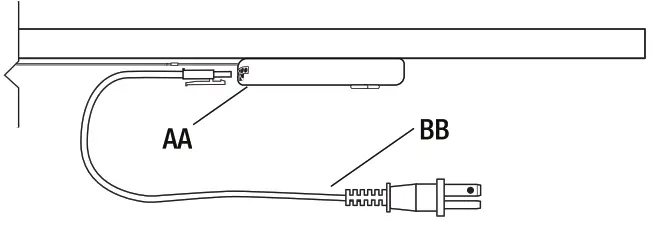 NOTE: The 6 ft. AC cable (BB) can be connected to either side of the controller (AA).
8 Connecting to a power outlet
Connect the 6 ft. AC cable (BB) to the power outlet on the wall.
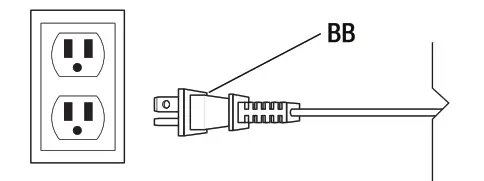 9 Connecting multiple OneSync products
Connect the controller (AA) to other OneSync products using linking cables (CC).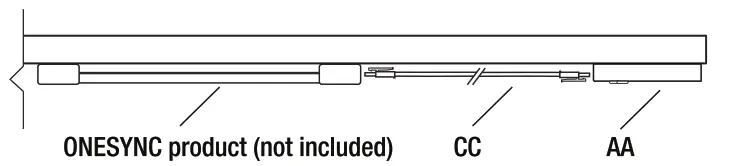 NOTE: The linking cable can be connected to either side of the controller (M).
Cutting and Rejoining the tape light
1 Removing the heat-shrink
Remove 1 cm. of the heat-shrink covering the connection points of the tape light (AA).
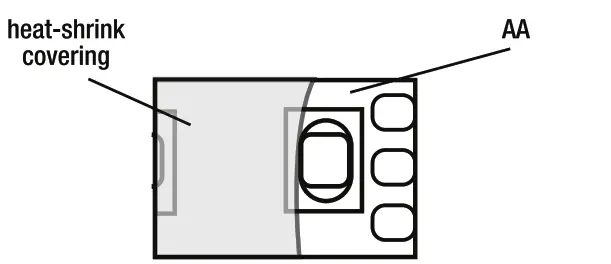 2 Adding the connector
Open the end of the outer connector of the 6 in. connector (EE) and insert the end of the tape light (AA) under the metal pins.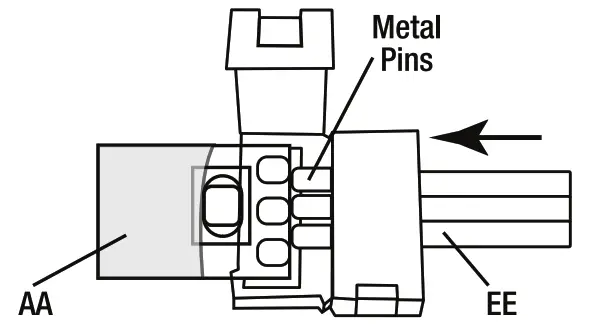 NOTE: To install 2 or more fixtures, repeat the single fixture installation instructions with two or more units.
Operating Instruction
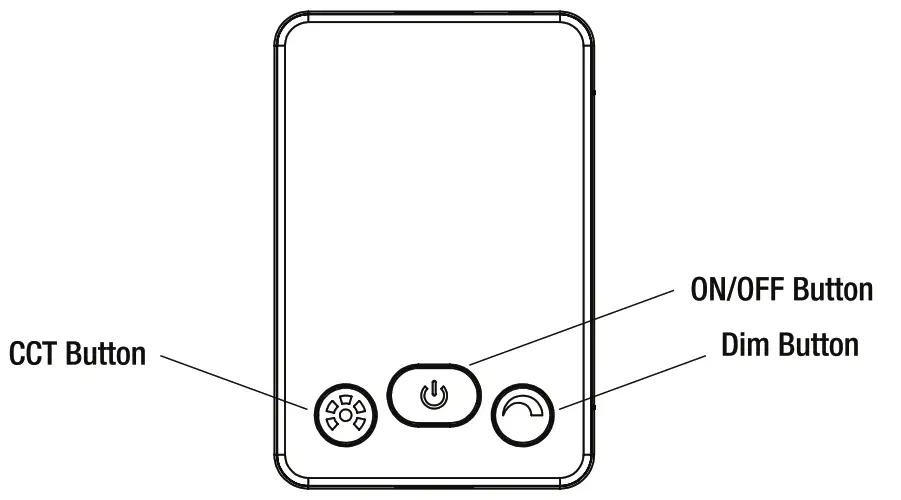
Use the Dim Button to Change the Dimming Levels
❑ To select the desired dimming level, cycle through the dimming levels (high, medium, low, dim, off) by pressing the dim button. This setting will be fixed each time the on/off switch is turned on.
Changing the Color Temperature Setting
❑ To select the desired color temperature, cycle through 2700K – 3000K – 3500K – 4000K – 5000K by pressing the CCT button. This setting will be fixed each time the on/off switch is turned on.
This LED Fixture has the feature to operate and control multiple units, even if they are not linked.
❑ To control multiple fixtures, hold the CCT button for 3 seconds on all the fixtures to be controlled in a group.
❑ To remove the individual fixture from the group, hold the CCT button on the fixture that you want to control individually for 3 seconds.
WWW.FEIT.COM
Please contact 1-866-326 BULB (2852) for further assistance