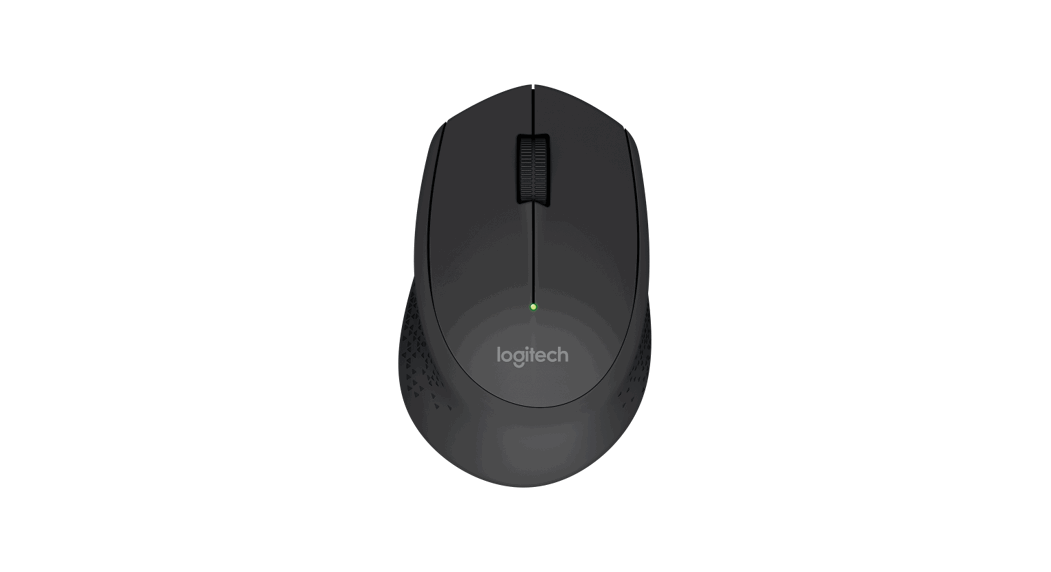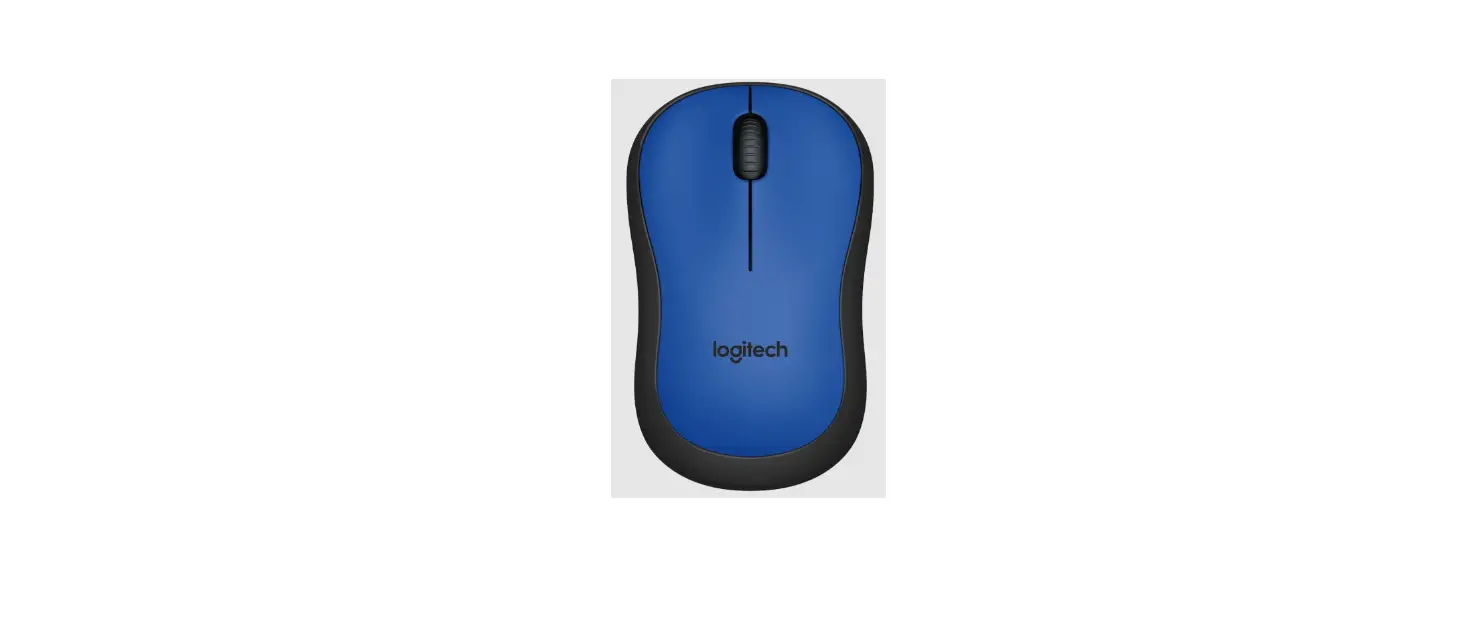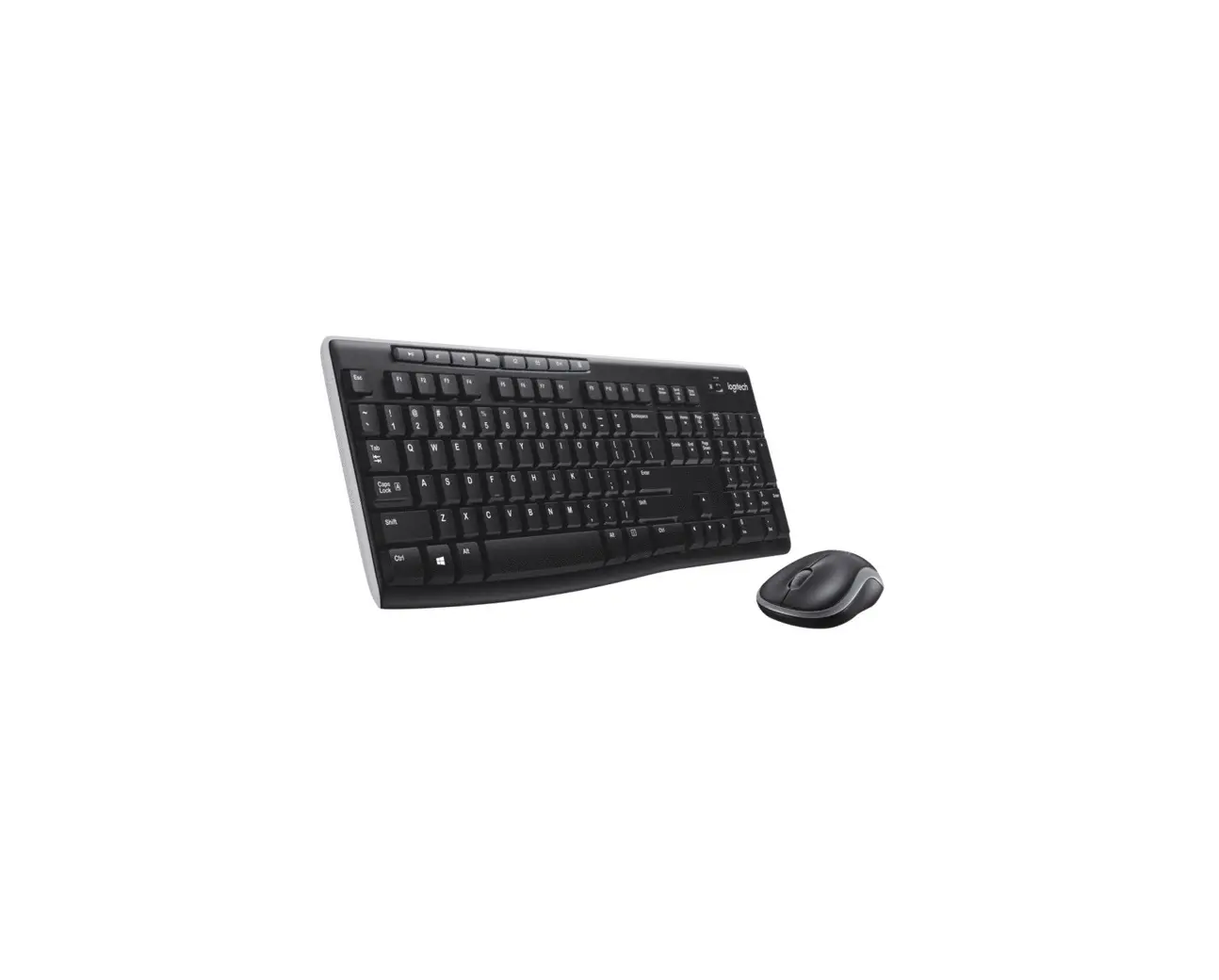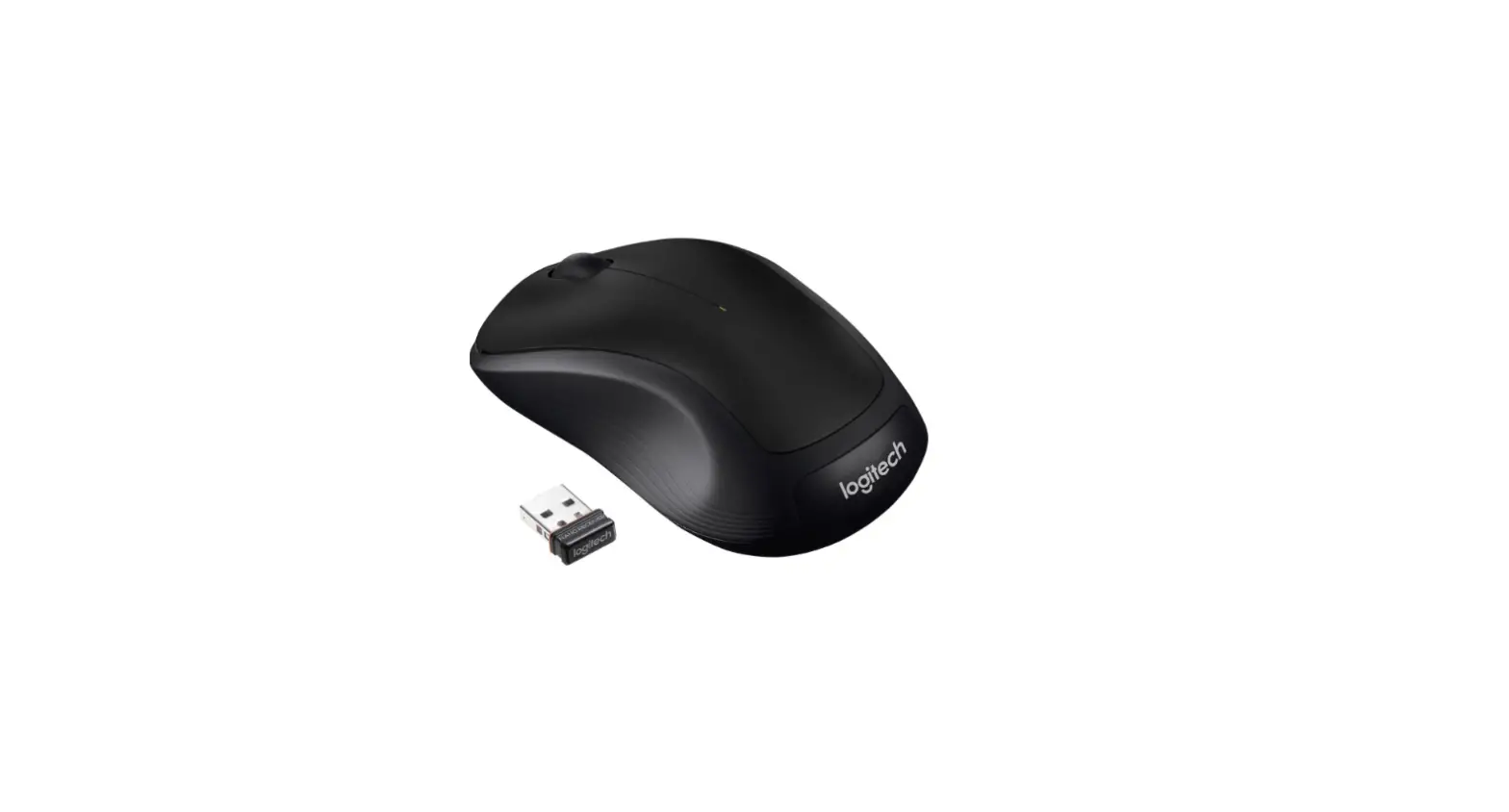
logitech M170/M171 Reliable Wireless Connectivity User Guide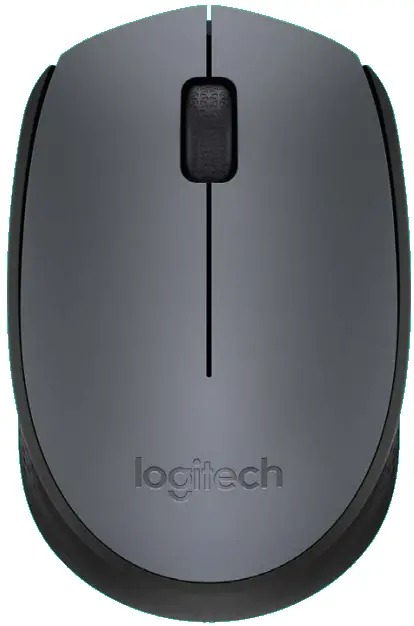
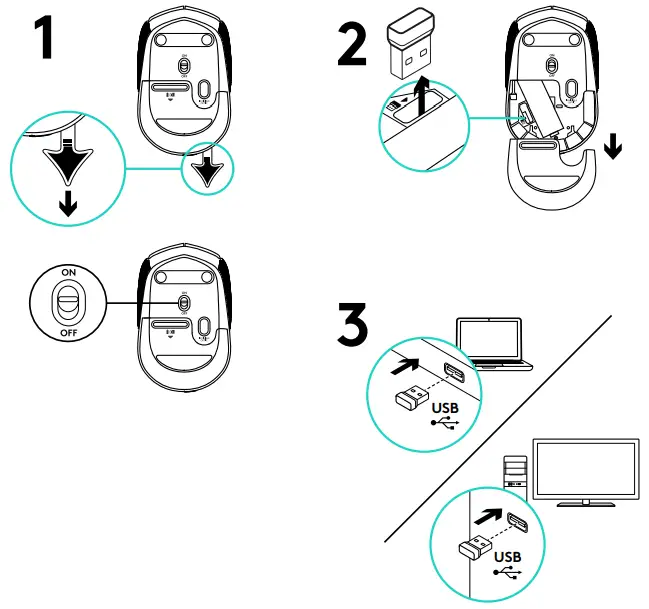
Connections
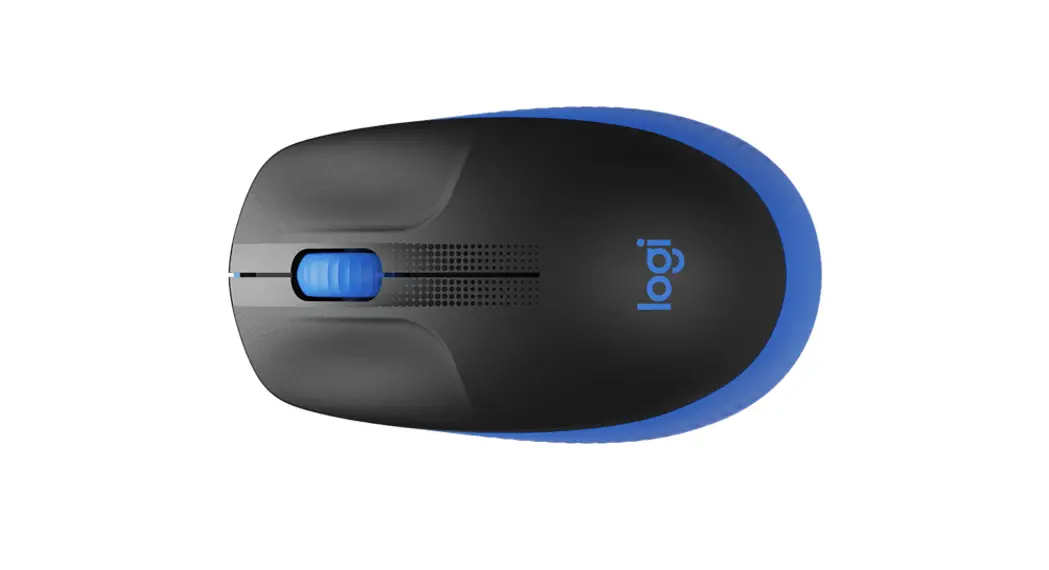
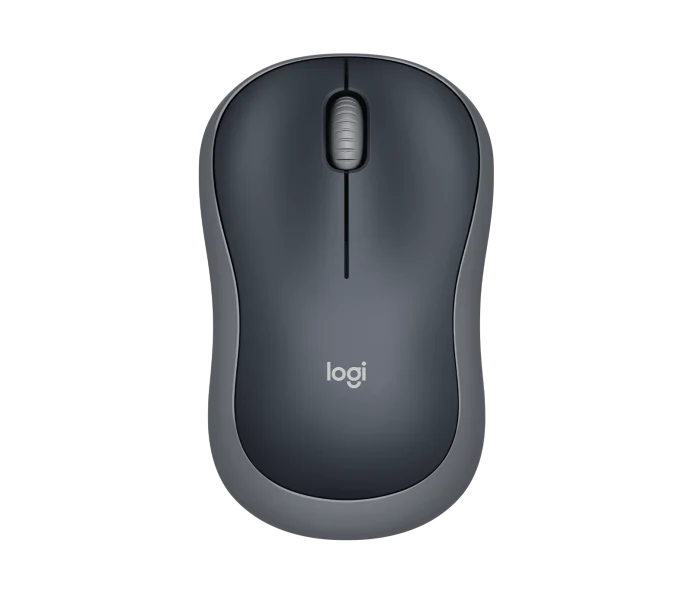
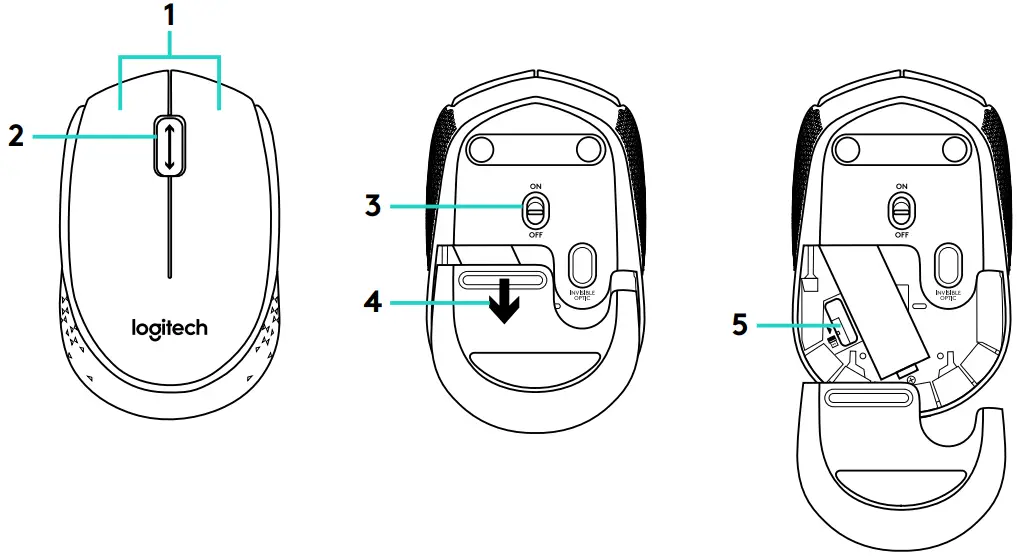
Features
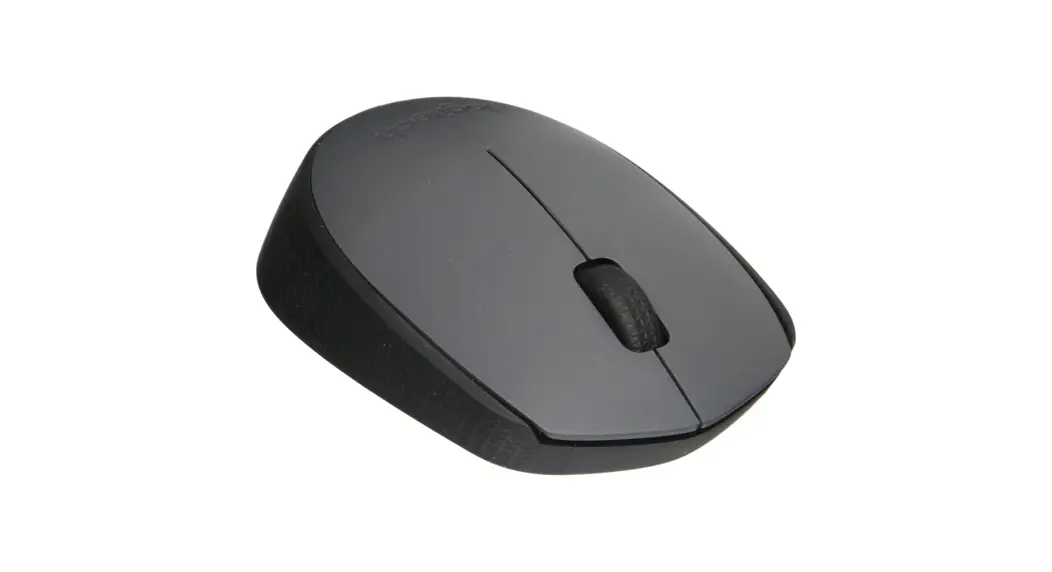
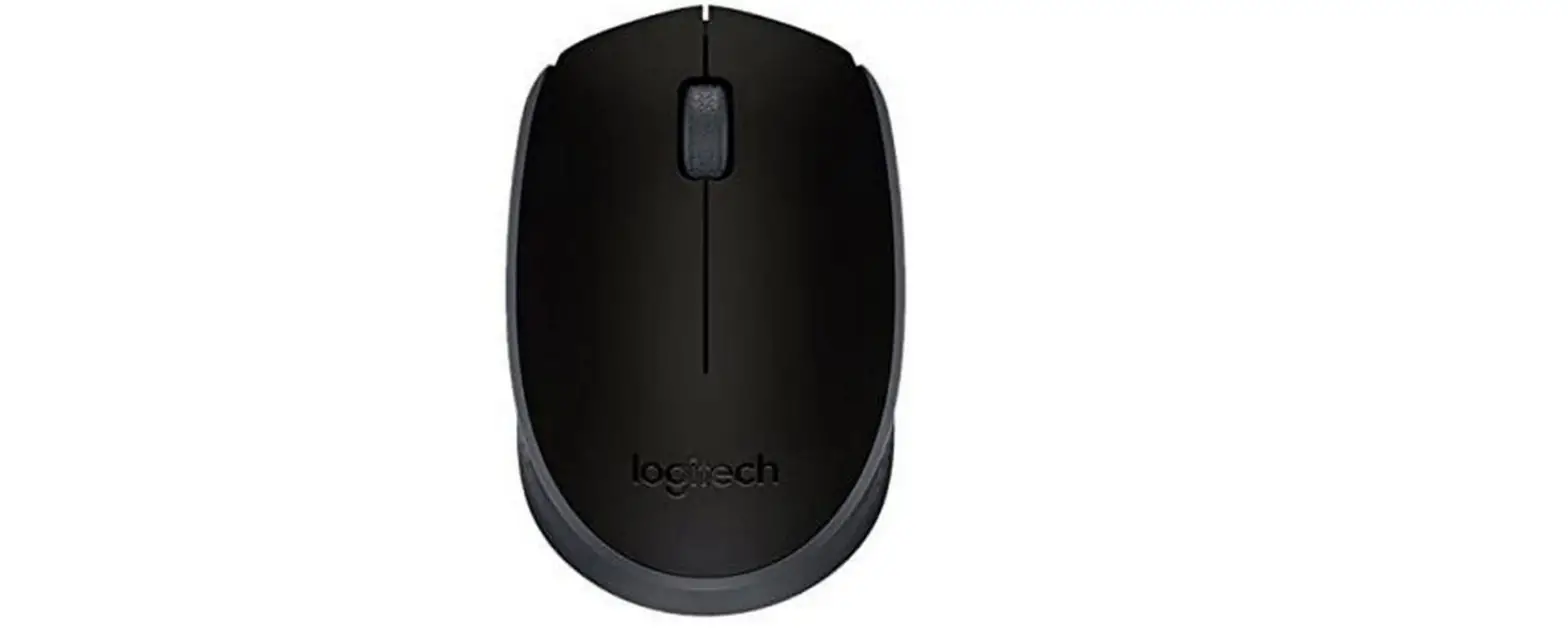
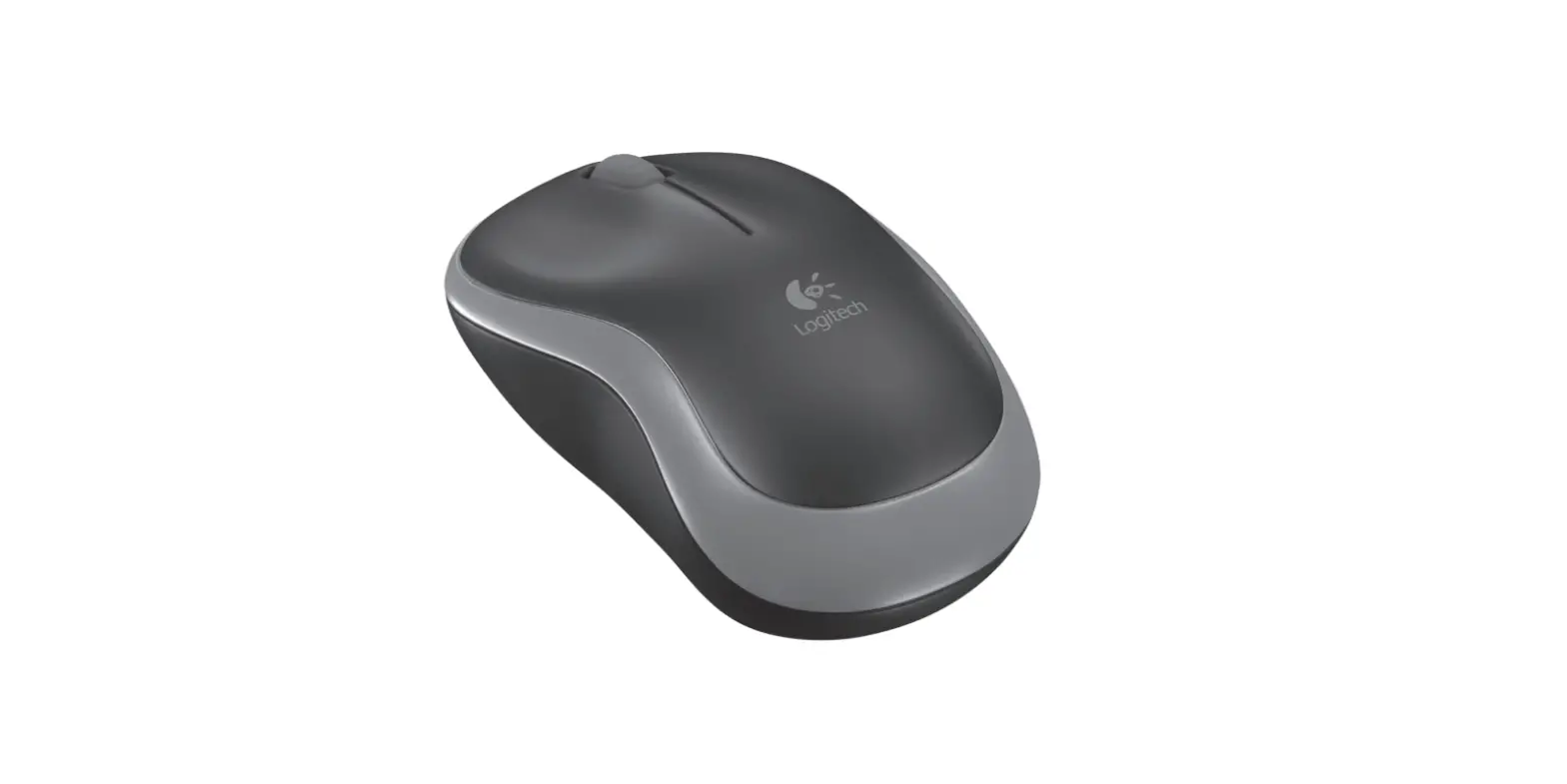
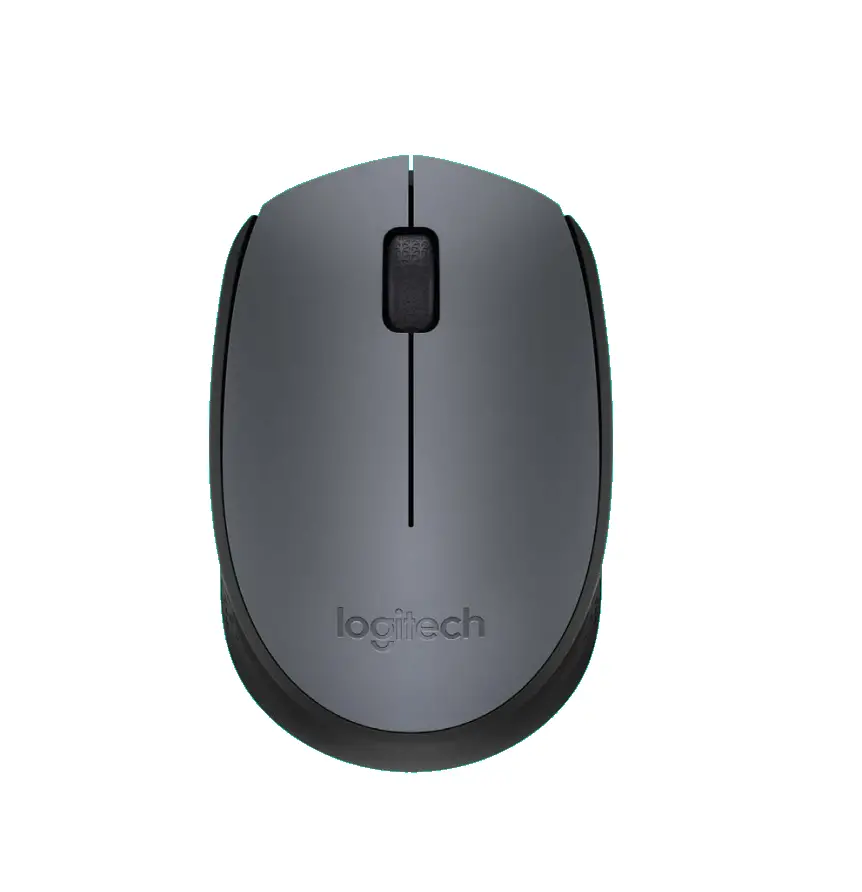
- Left and right mouse buttons
- Scroll wheel
Press the wheel down for middle button (function can vary by software application) - On/Off slider switch
- Battery door release
- USB Nano-receiver storage

Help with setup: Mouse is not working

- Is the mouse powered on?
- Is the Nano receiver securely plugged into a USB port? Try changing USB ports.
- If the Nano receiver is plugged into a USB hub, try plugging it directly into a USB port on your computer.
- Check the orientation of the battery inside the mouse.
- Try a different surface.
Remove metallic objects between the mouse and the Nano receiver. - For Windows® operating systems, reconnect the mouse with the Nano receiver by launching the Connect utility from www.logitech.com/connectutility