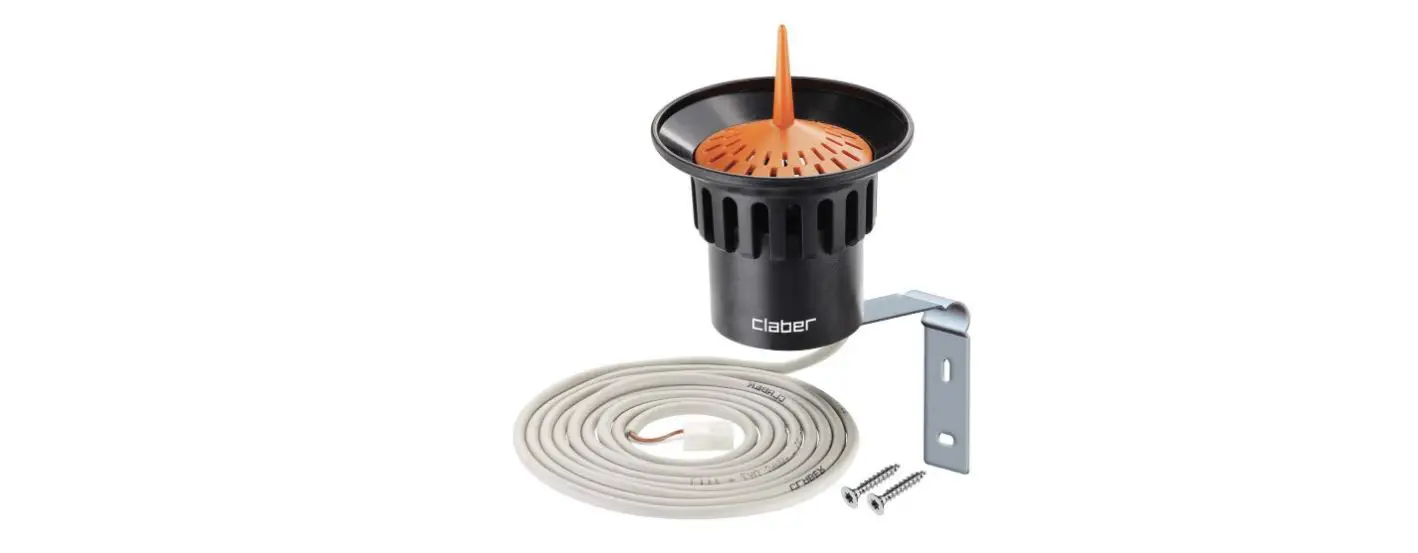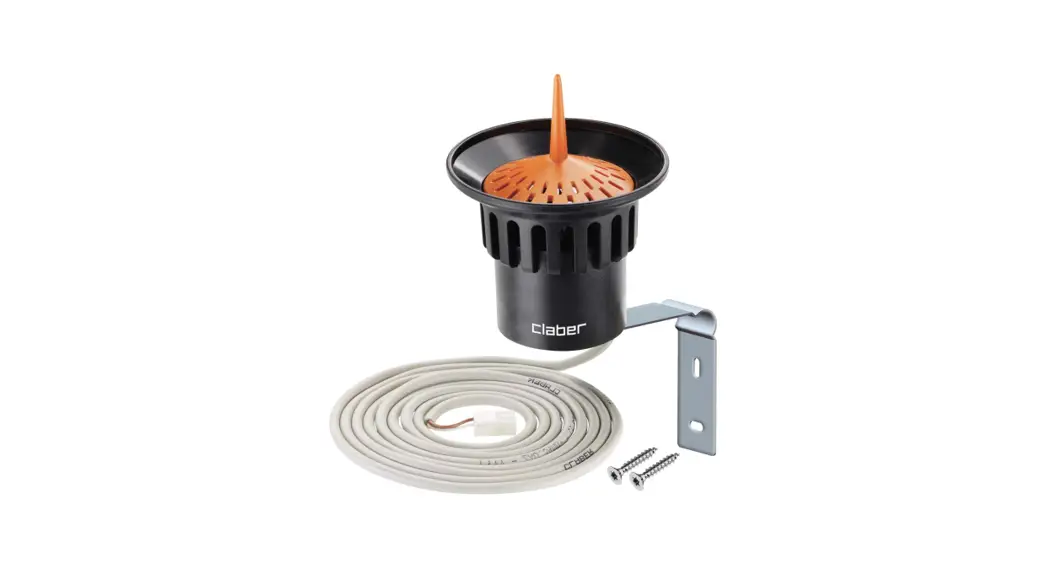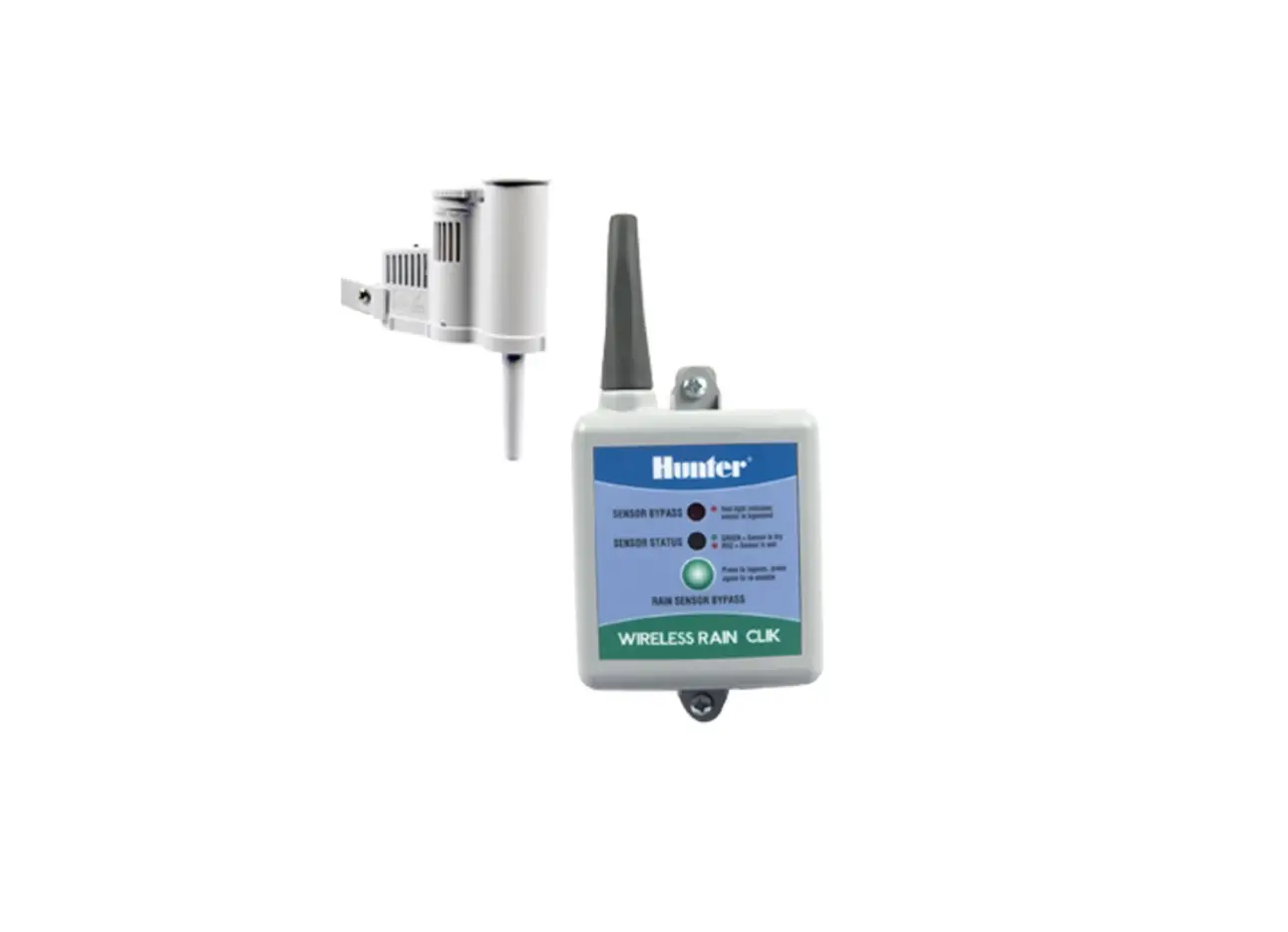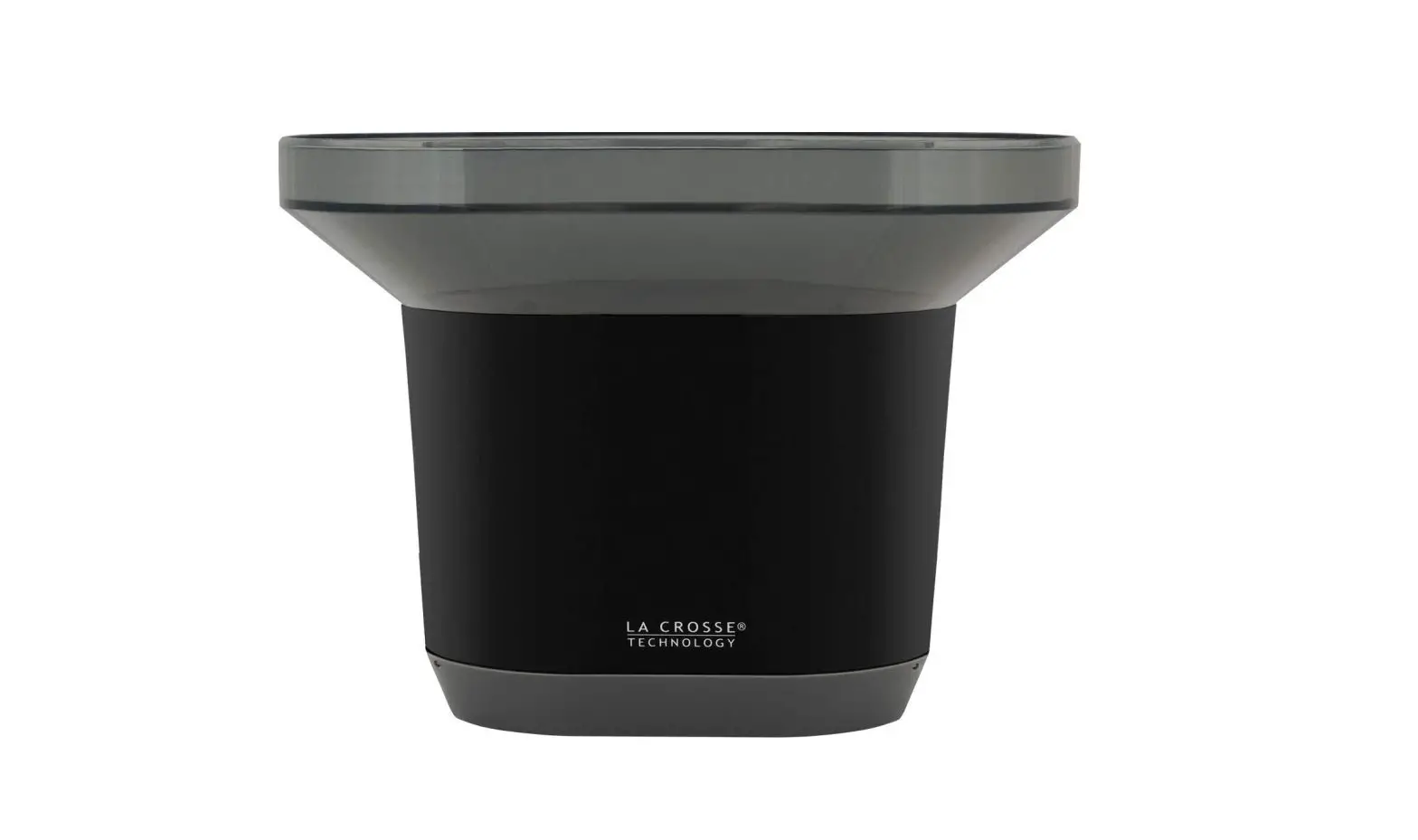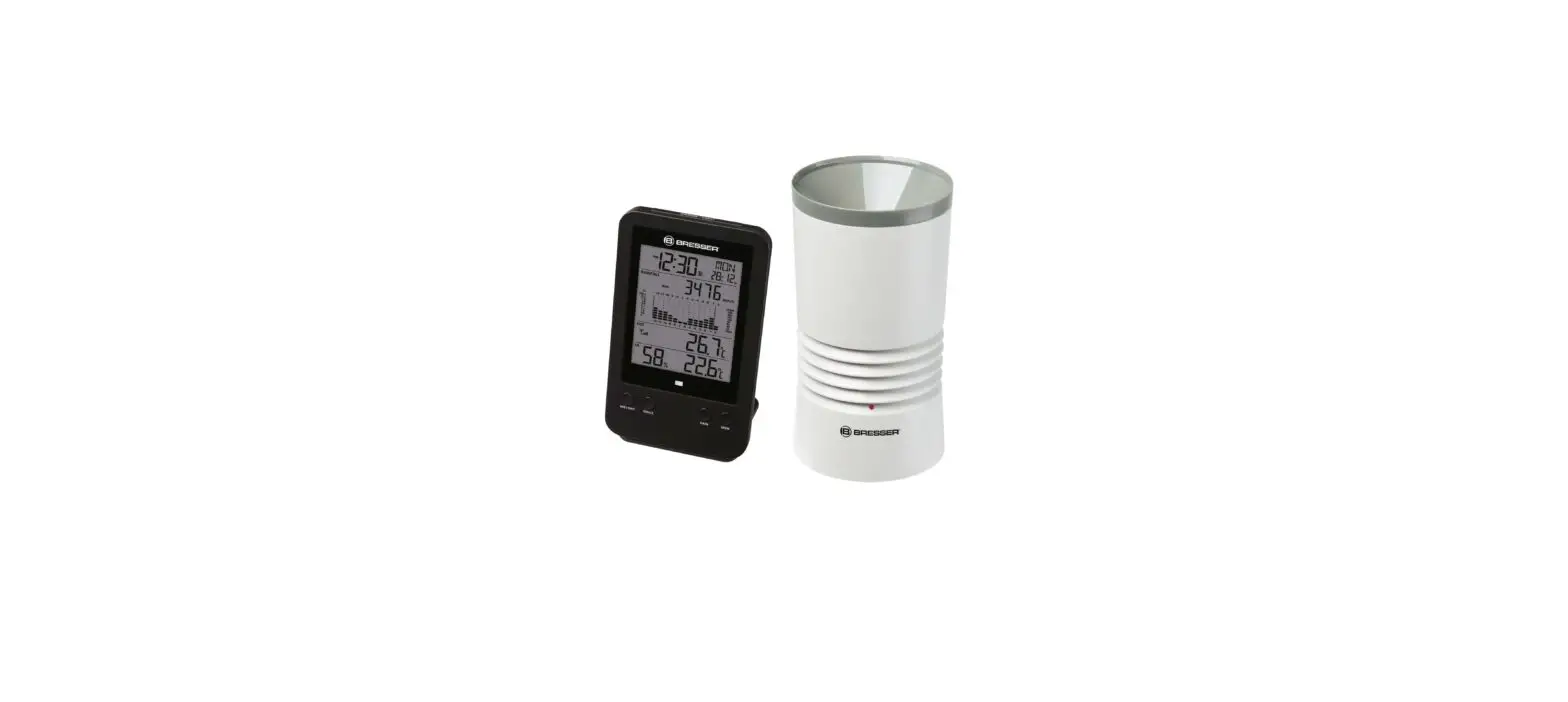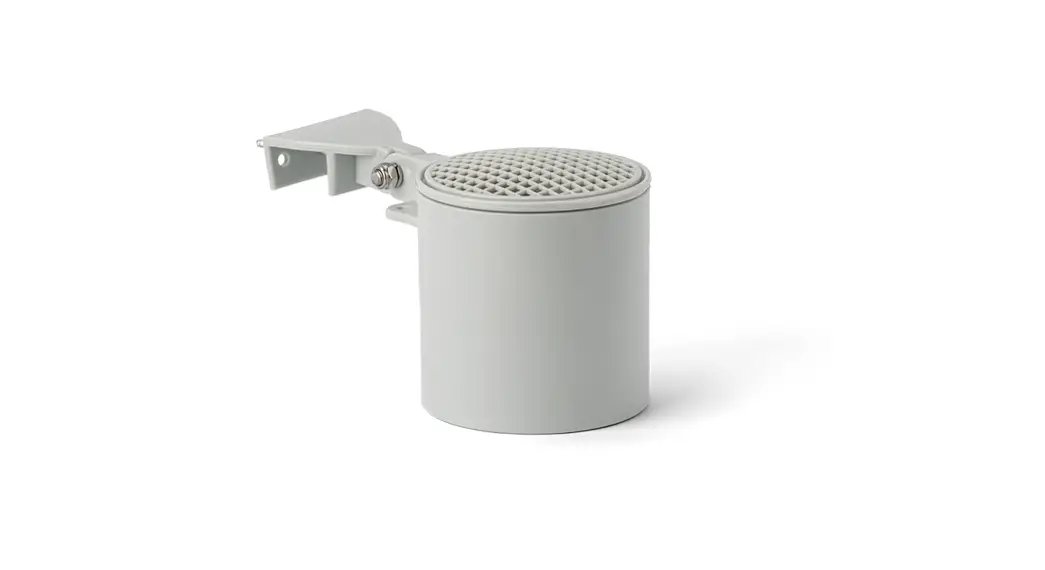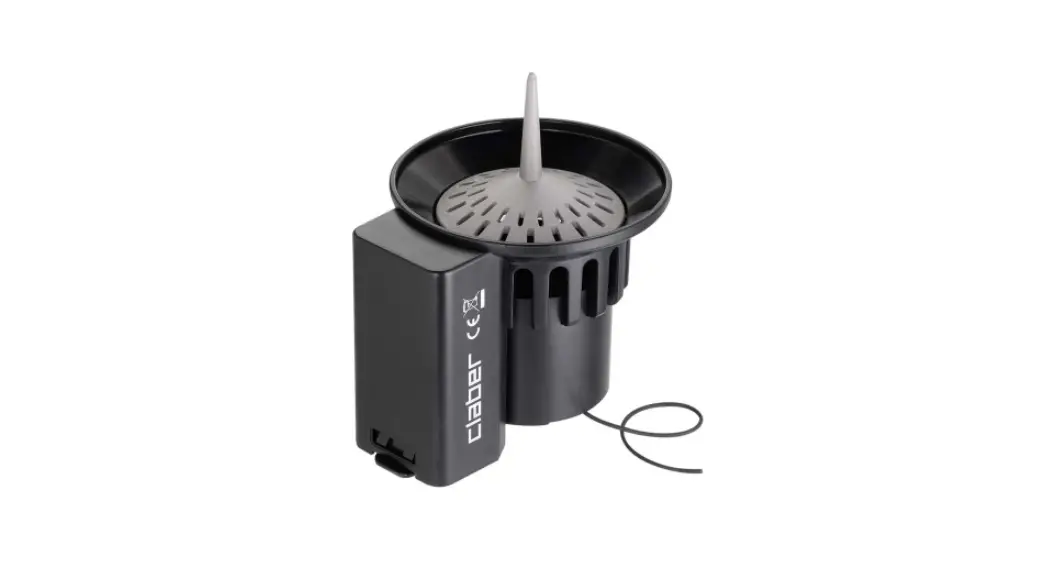

90831 RF Rain Sensor
User Manual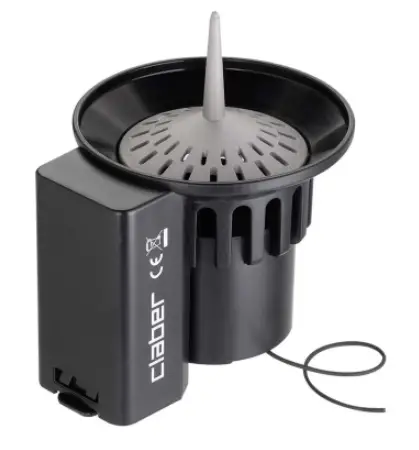
RAIN SENSOR RF
INSTALLATION
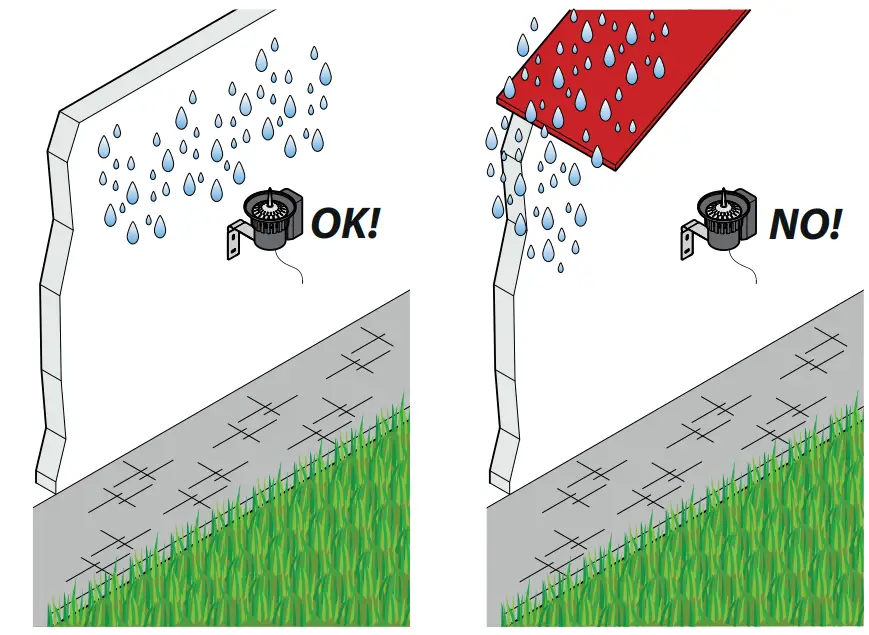
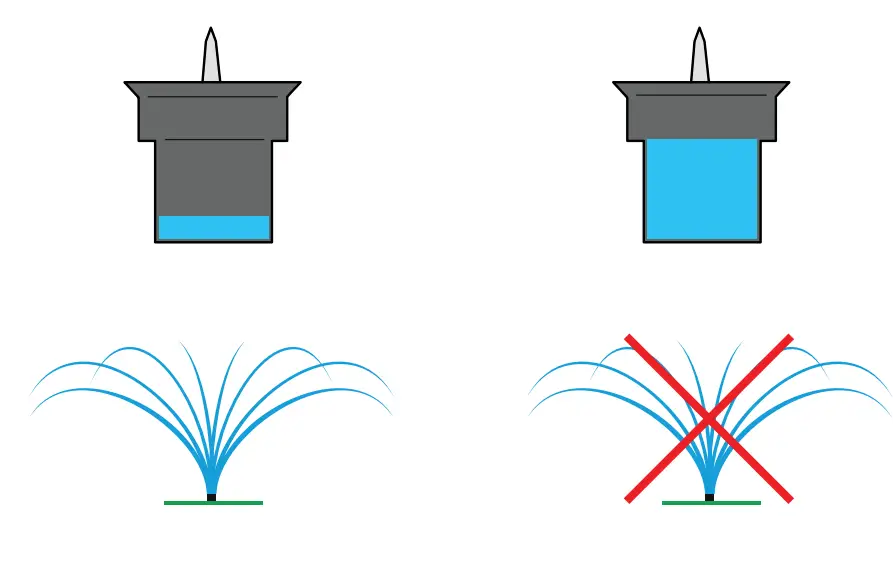
The Rain Sensor avoids wasting water by suspending sprinkler start-up in the event of rain. Install the Rain Sensor in a position exposed to rainfall and out of sprinkler jets.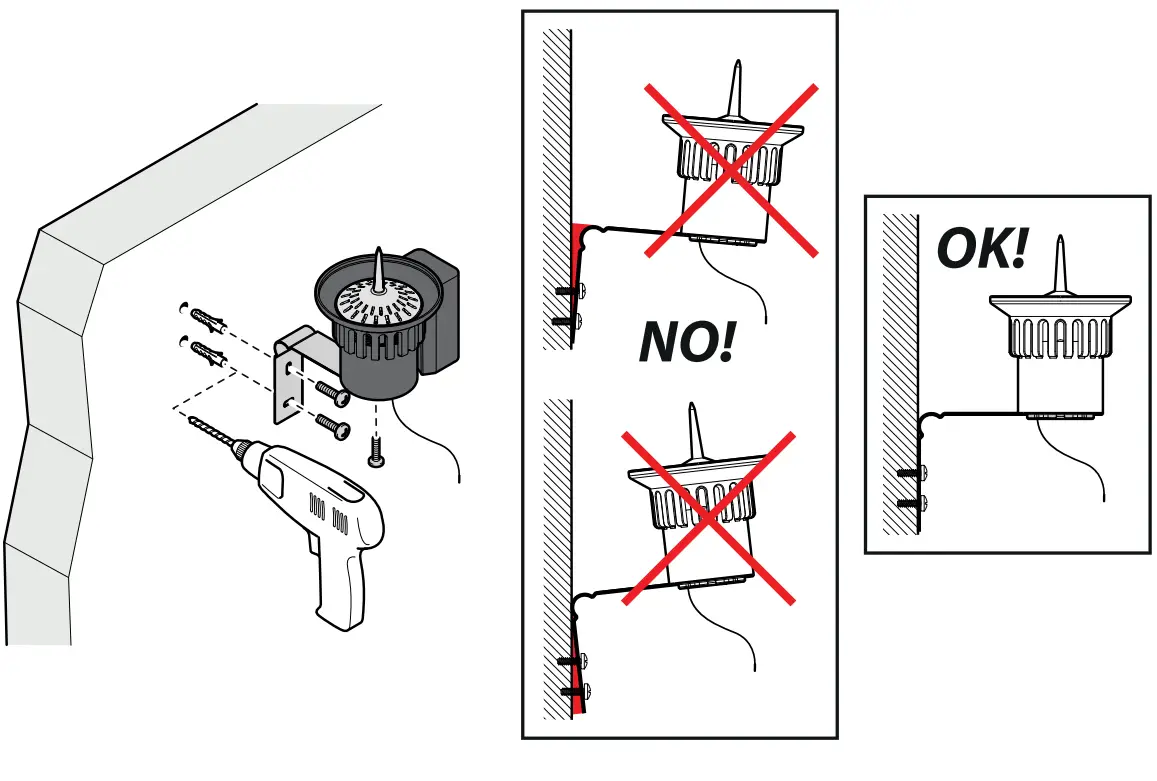
– For Rain Sensor RF (code):
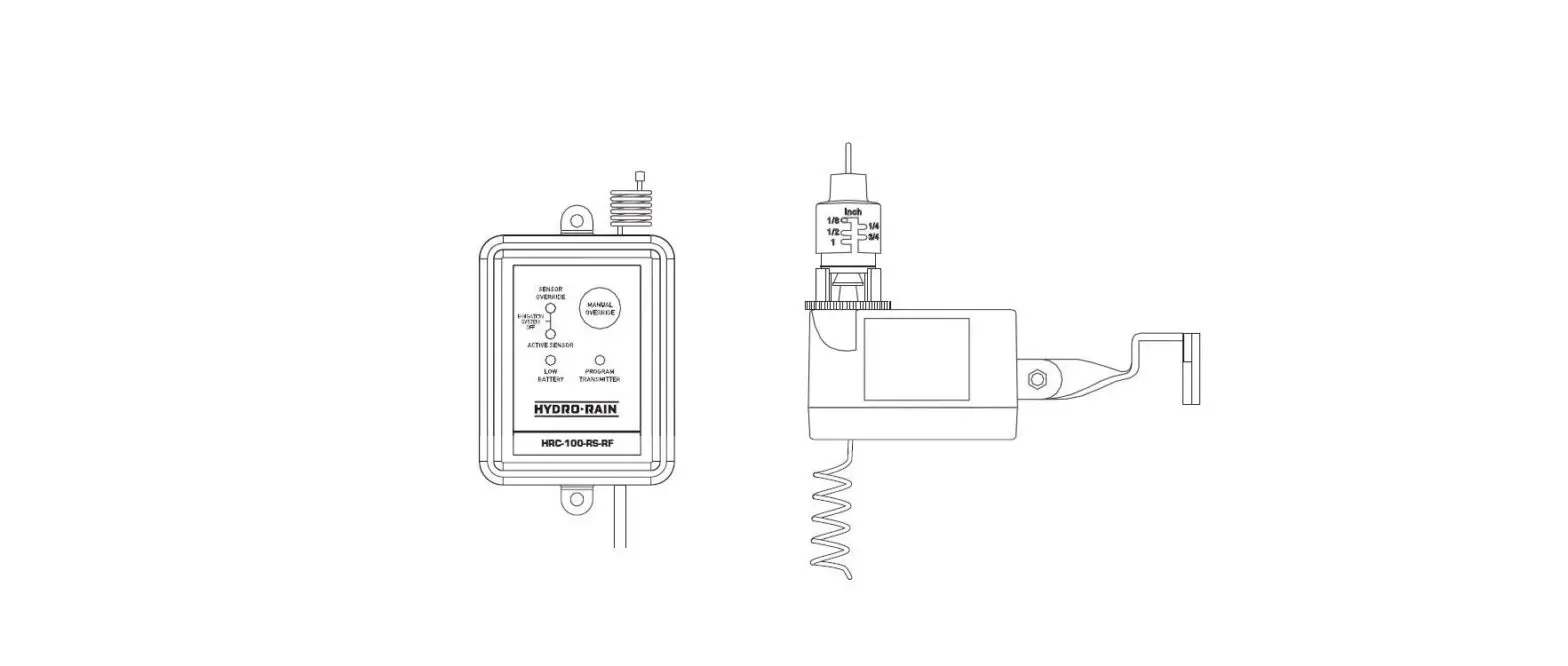
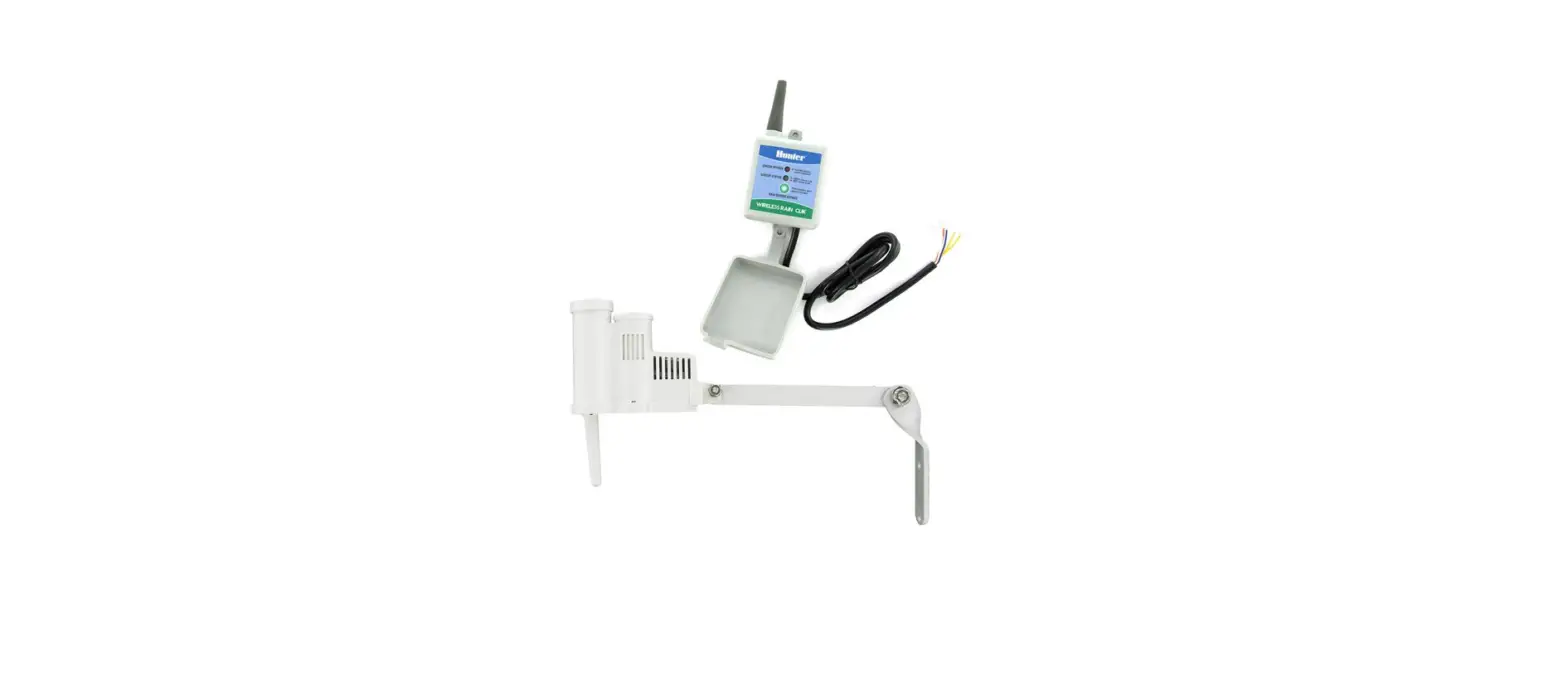
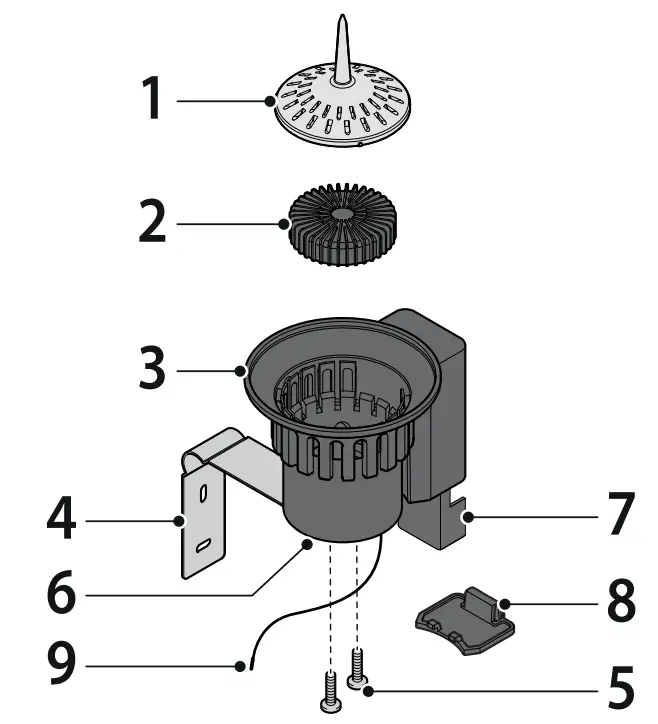
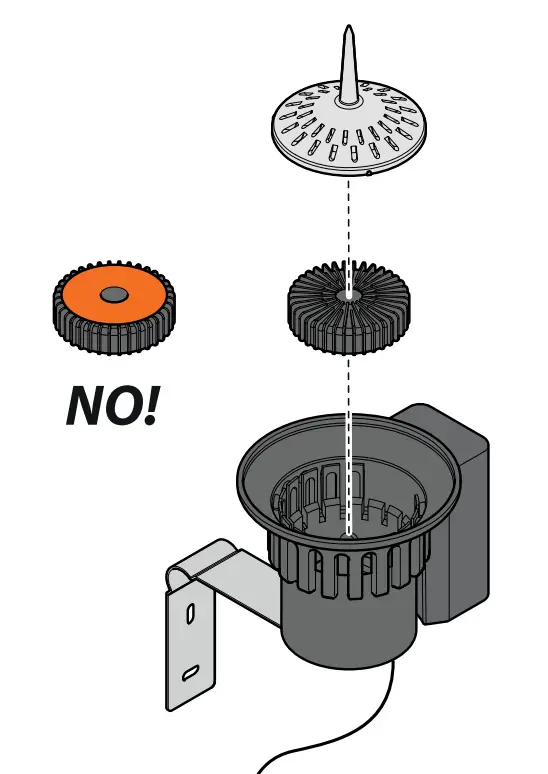
DESCRIPTION.
- Top cover,
- Internal floater,
- Container,
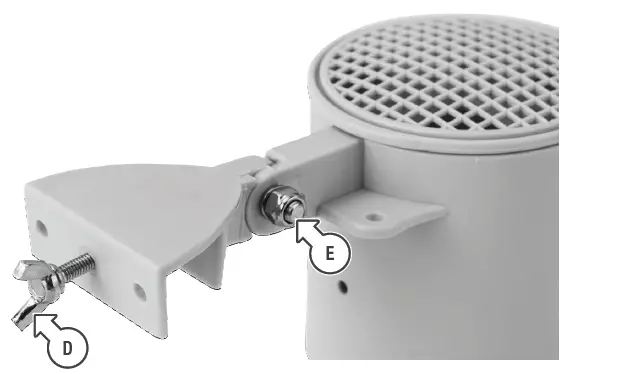
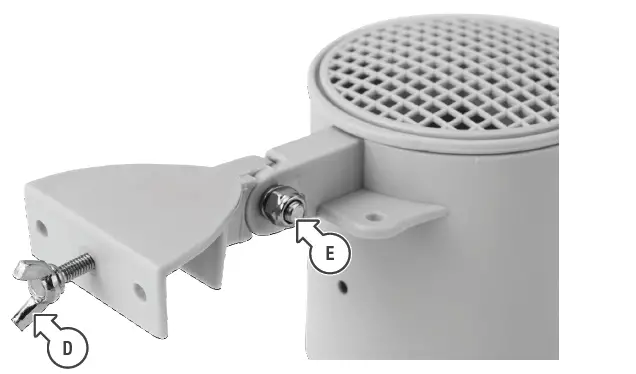
- Fastening bracket,
- Bracket fastening screws,
- Battery status led,
- Battery holder,
- Battery housing cover,
- Aerial
 |  |
FITTING THE BATTERIES.
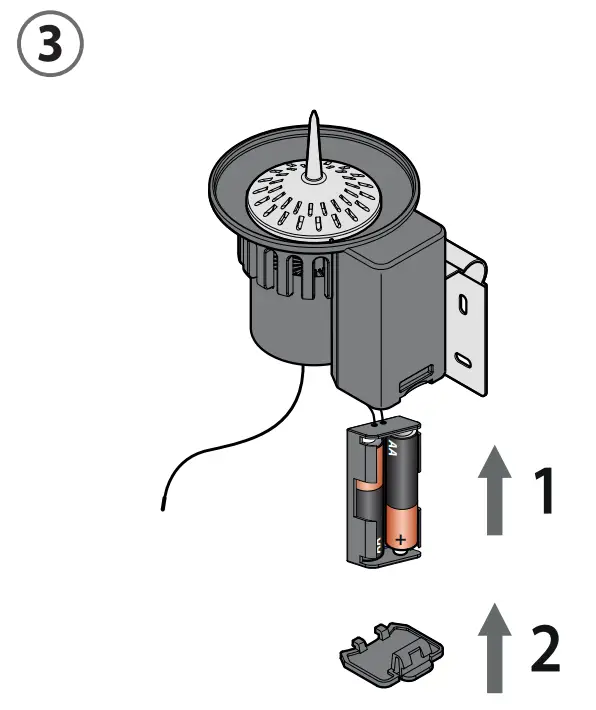
Press the tab firmly and pull downwards. Remove the battery holder and insert 2 non-rechargeable AA batteries in the correct direction. Replace the battery holder in the housing and refit the cover.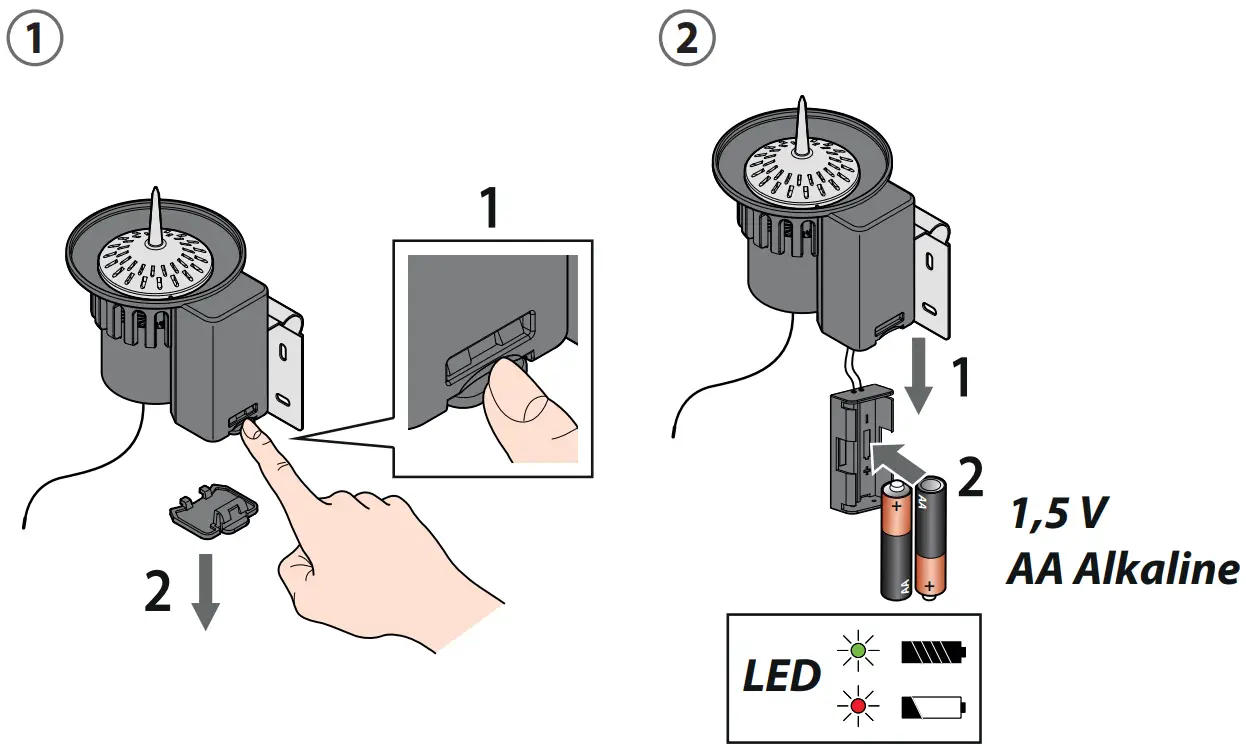
CONNECTION
Once installed, the Rain Sensor RF is ready to be used with all the timers in the Dual and Tempo range (if interface 8480 has previously been entered) or with the Hydro-4.
The RF Rain Sensor RF can be associated with products of the RF range.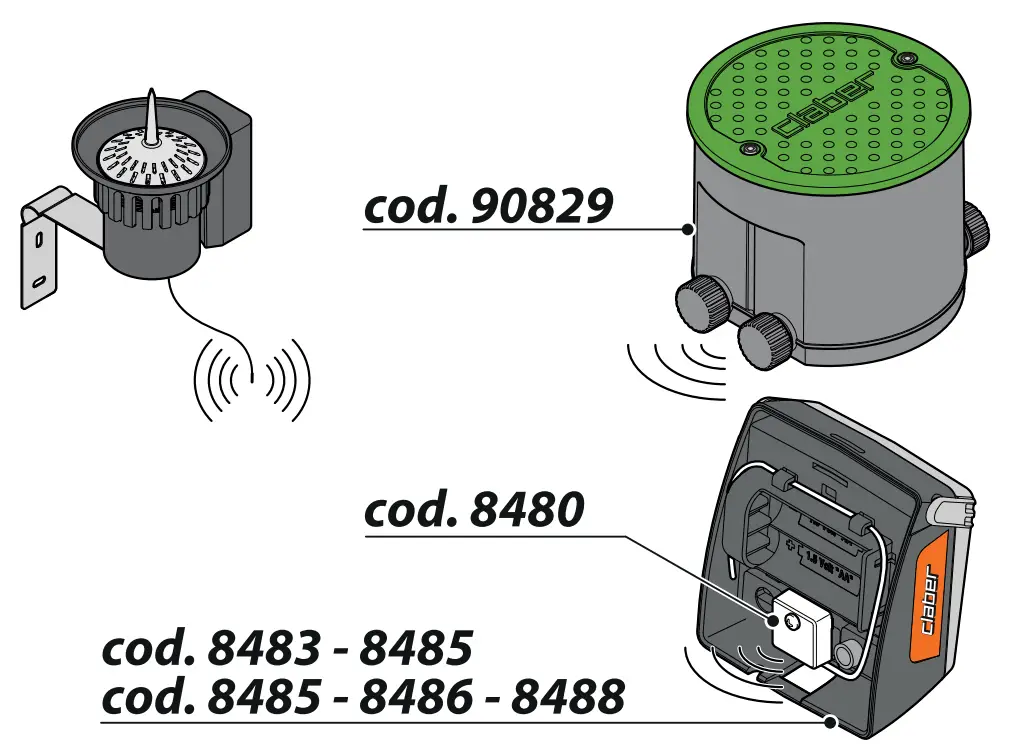
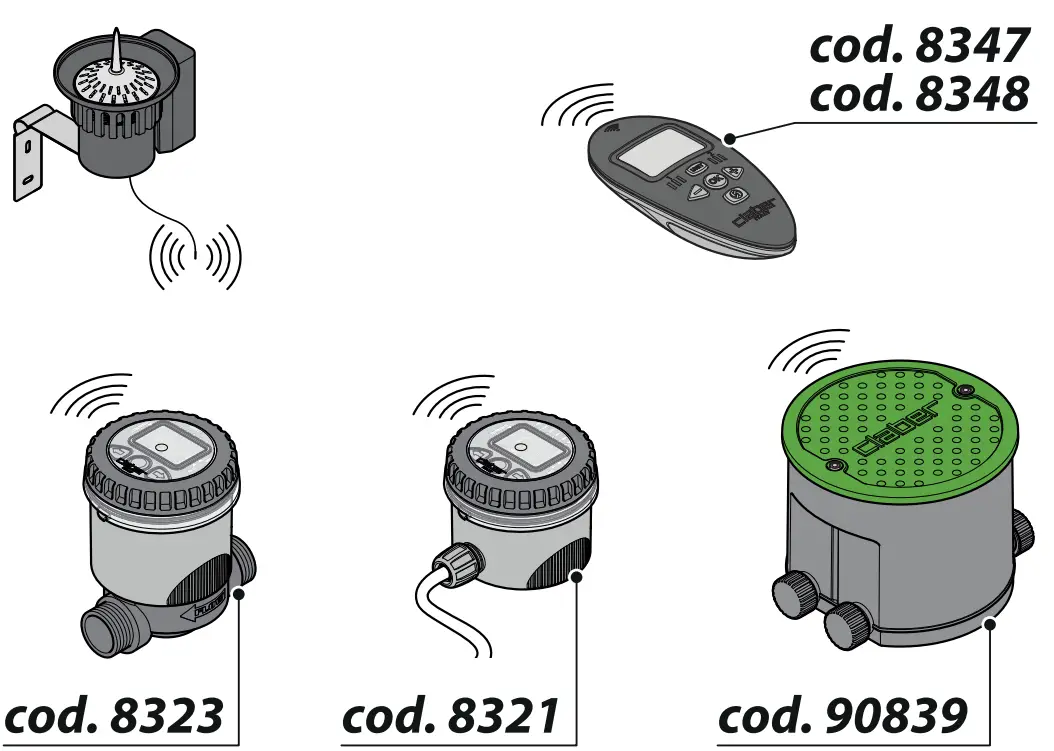
For Rain Sensor RF (code): 90831