
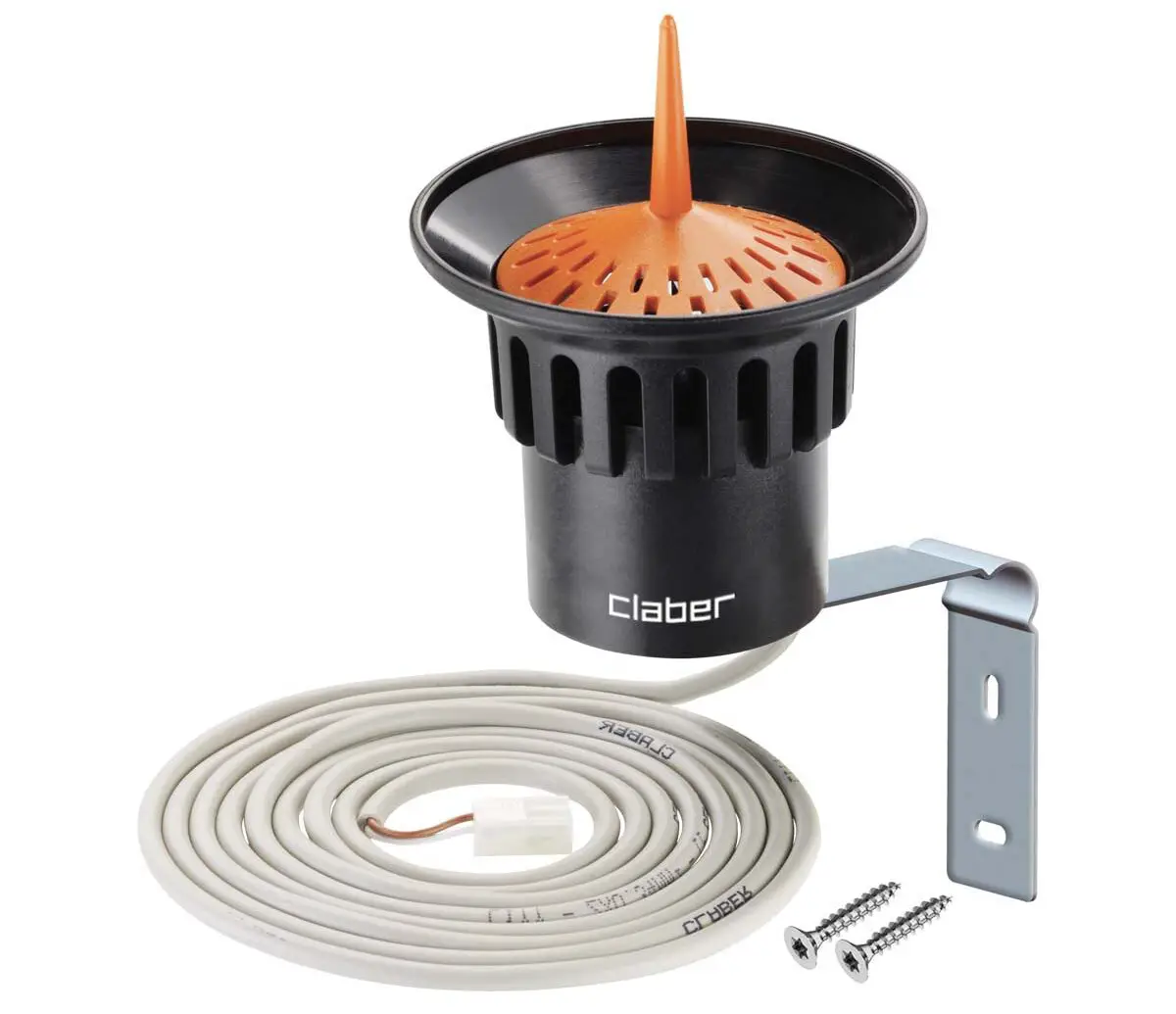
claber 90915 Rain Sensor
INSTALLATION
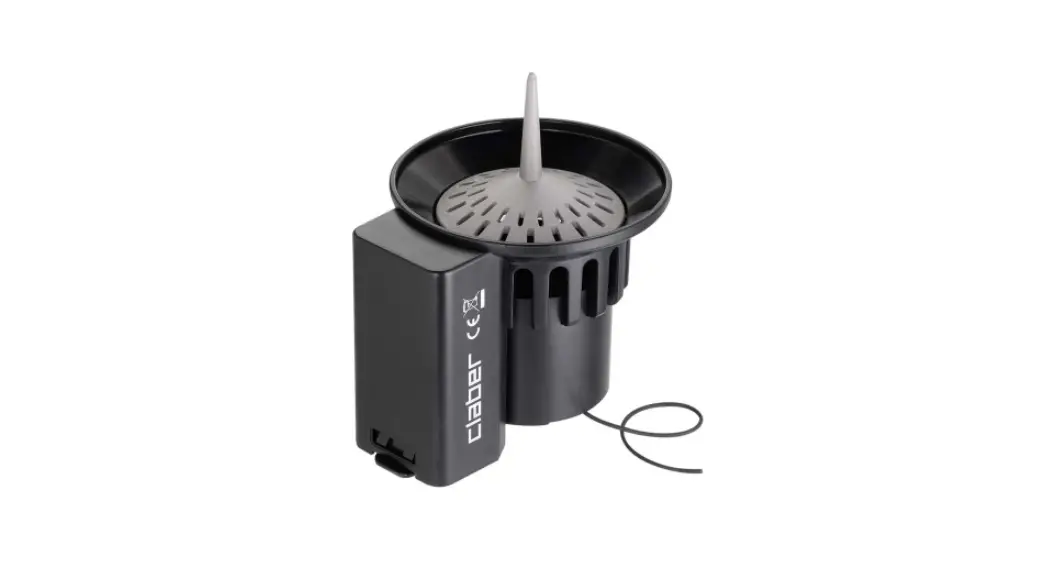
. The Rain Sensor avoids wasting water by suspending sprinkler start-up in the event of rain. Install the Rain Sensor in a position exposed to rainfall and out of sprinkler jets.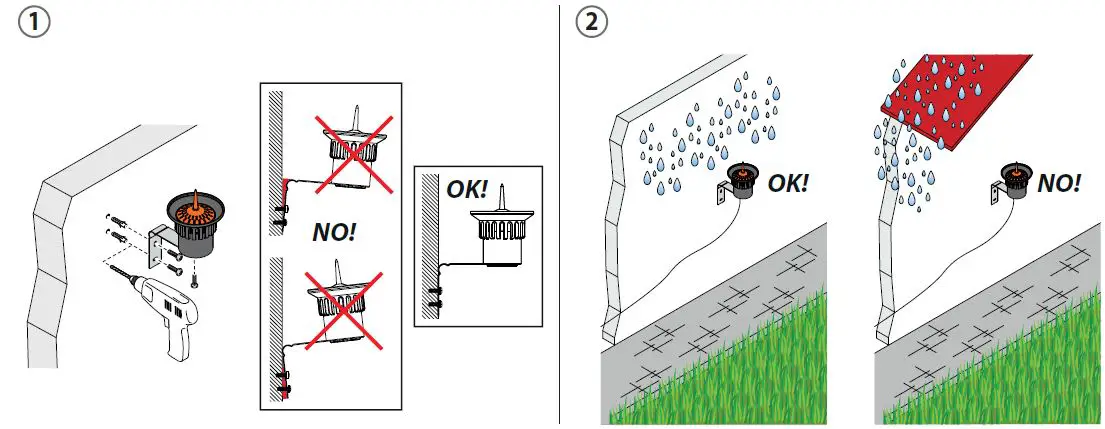
DESCRIPTION
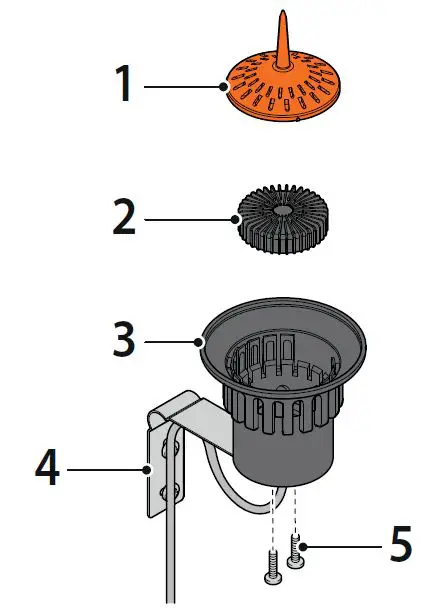
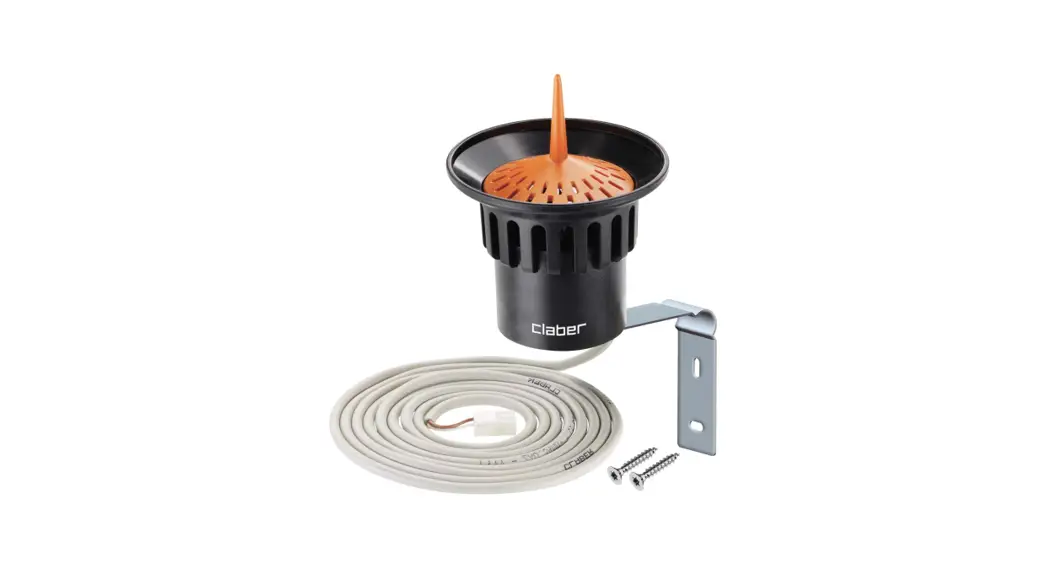
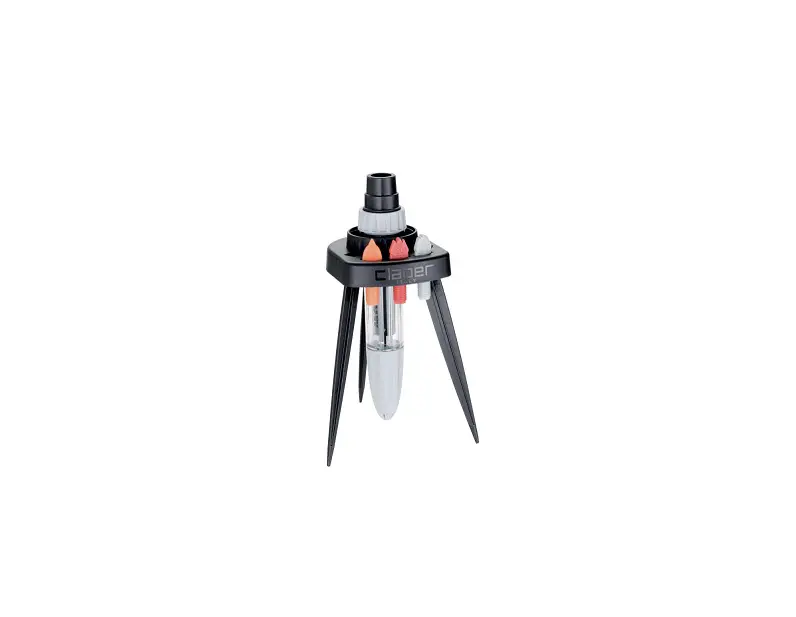
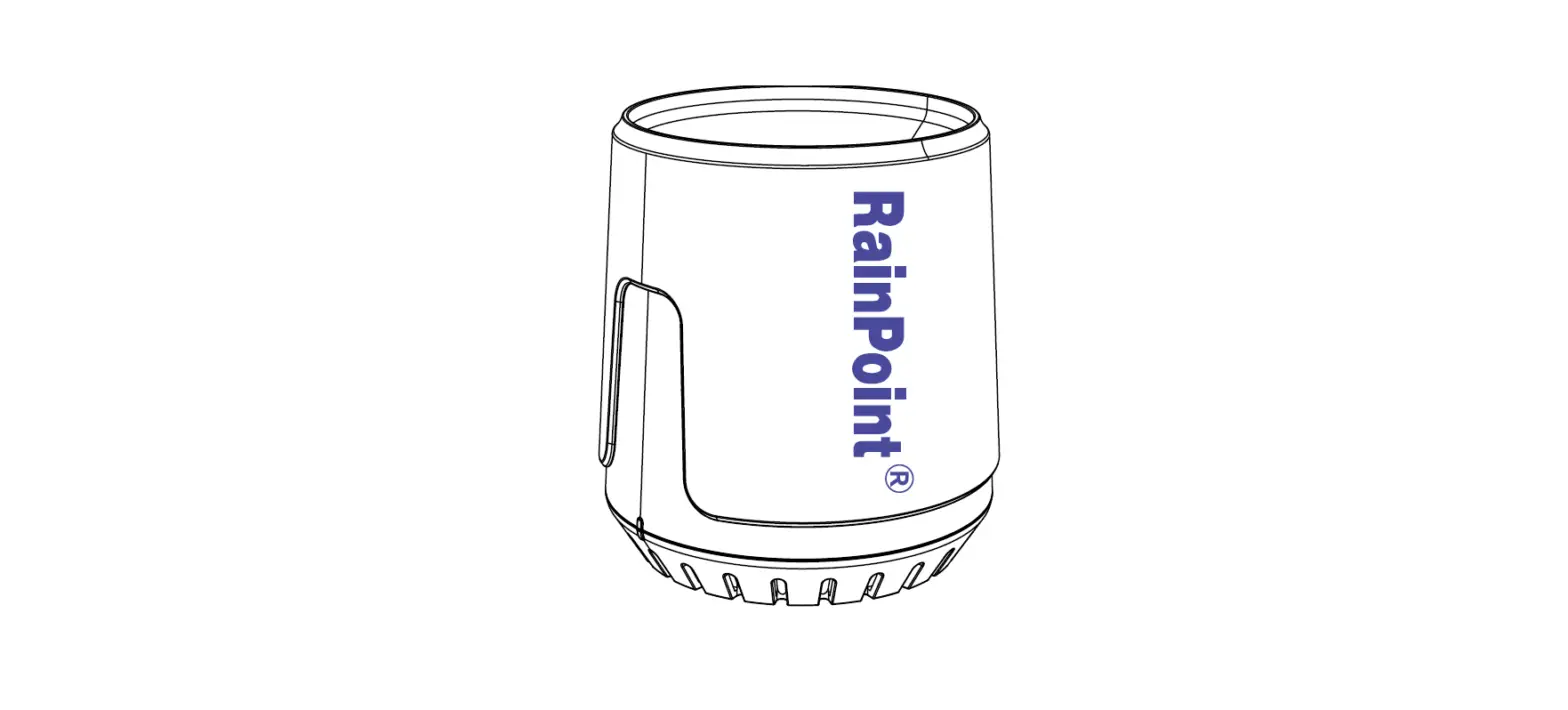
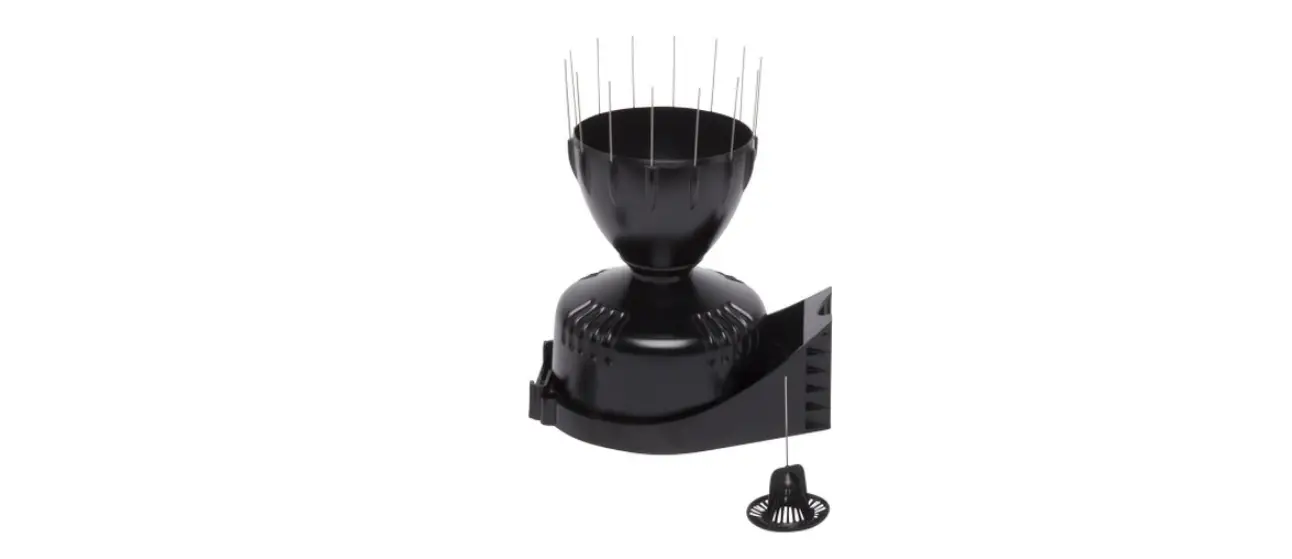
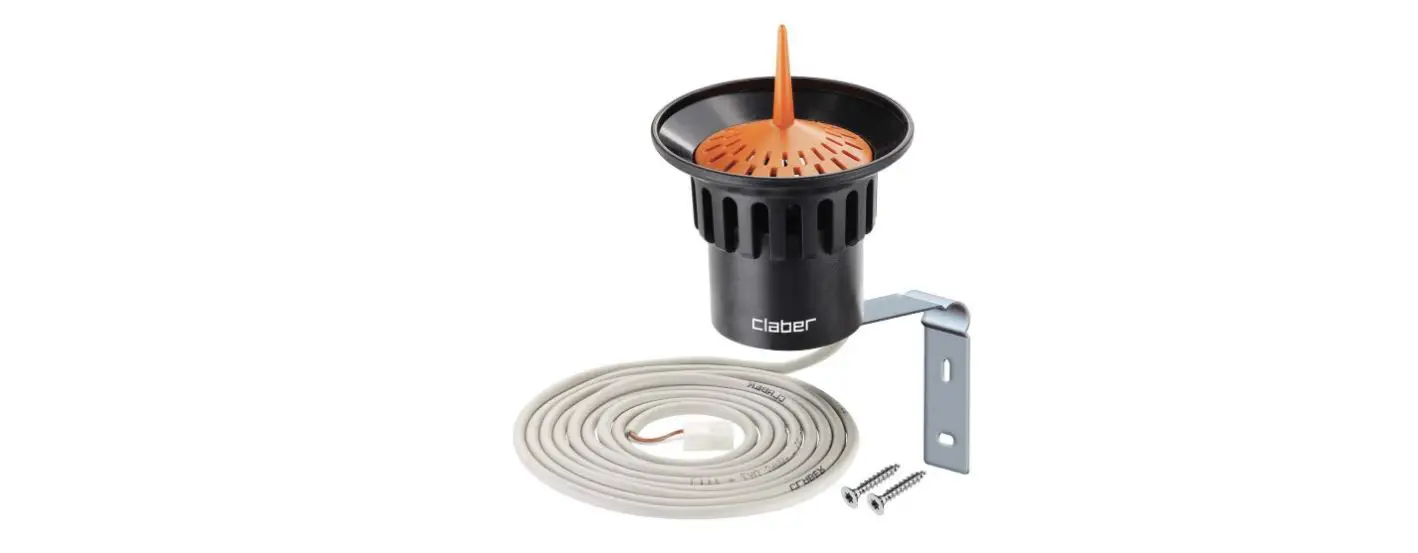
- Top cover,
- Internal floater,
- Container,
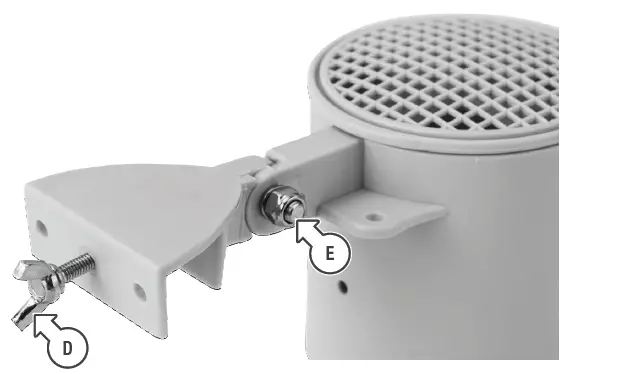
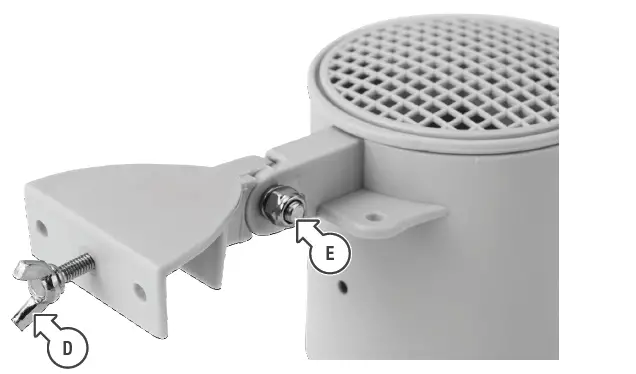
- Fastening bracket,
- Bracket fastening screws
HOW IT WORKS
In order for the sensor to operate correctly, position the floater inside the container with the special fins facing upwards and the orange base facing downwards. The top cover must be kept closed to prevent any foliage or impurities from entering the sensor which would compromise the Rain Sensor operation.
When the Rain Sensor container is full (at least 5 mm of rainfall), it sends a stop signal to the timer. Depending on the model, the timer stops the irrigation cycle in progress or the next cycles as programmed.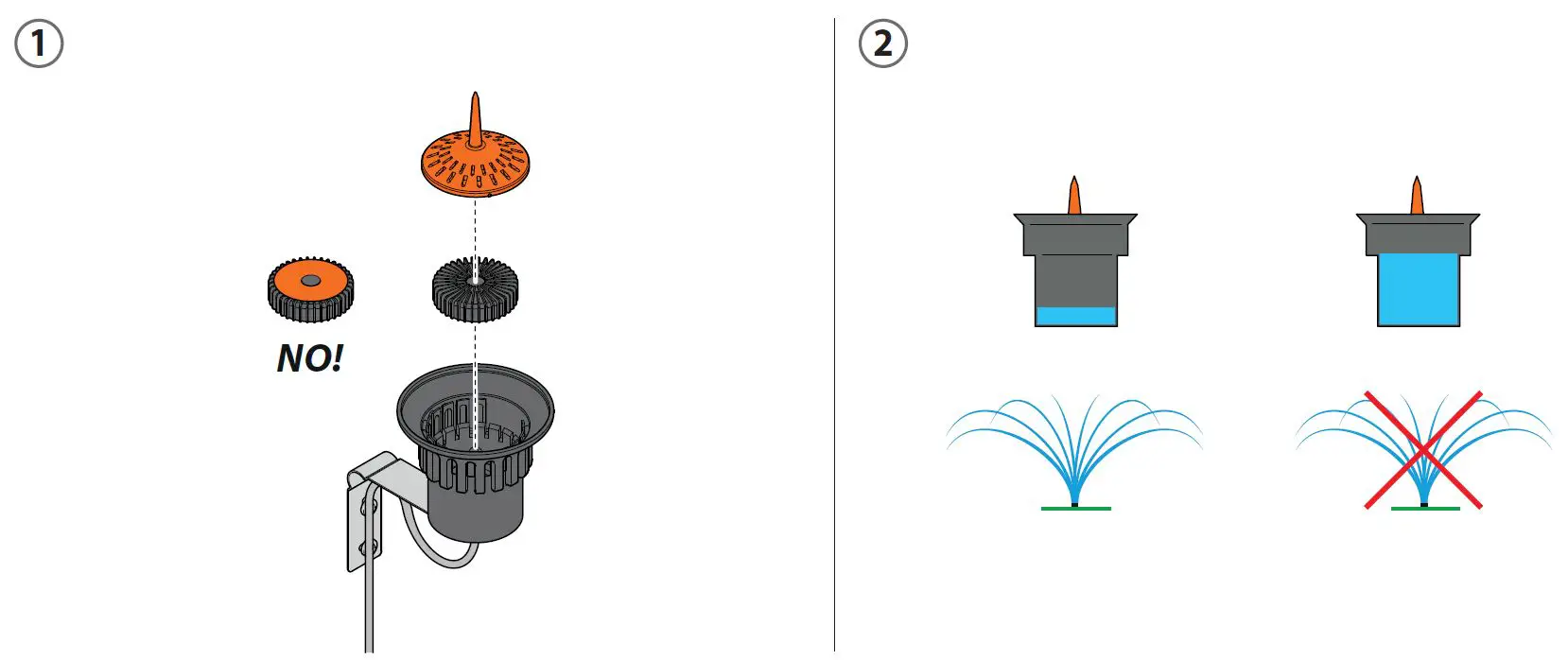
Tap timers.
Remove the bridge connector and connect the Rain Sensor to the timer by inserting the connector into the housing. Warning: if the Rain Sensor cable is not connected to the timer, leave the bridge connector inserted. If it is not inserted, the timer will only work in manual mode, not in automatic.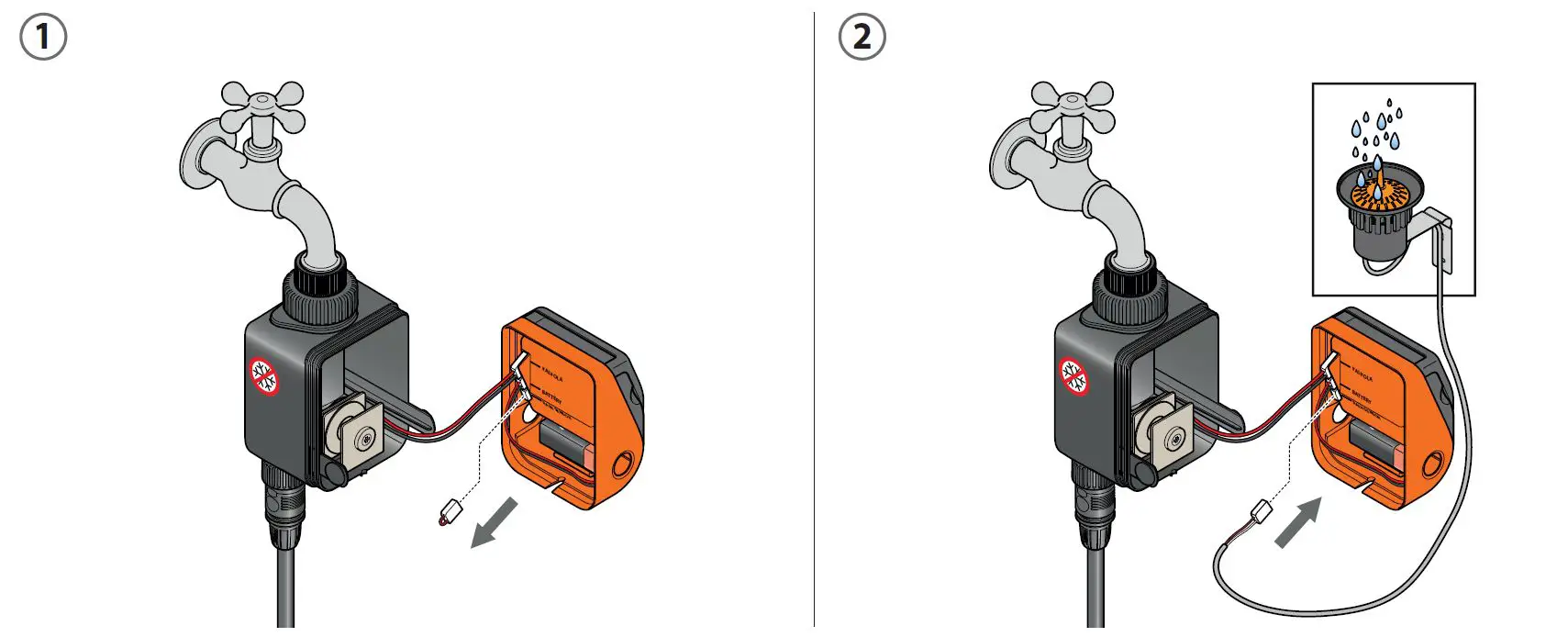
Wall-mounted timers for underground irrigation.
If the timer is equipped with special housings (Multipla type timers), remove the bridge connector from the timer and connect the Rain Sensor by inserting the wires into the terminal board.
Warning: if the Rain Sensor cable is not connected to the timer, leave the bridge connector inserted. If it is not inserted, the timer will only work in manual mode, not in automatic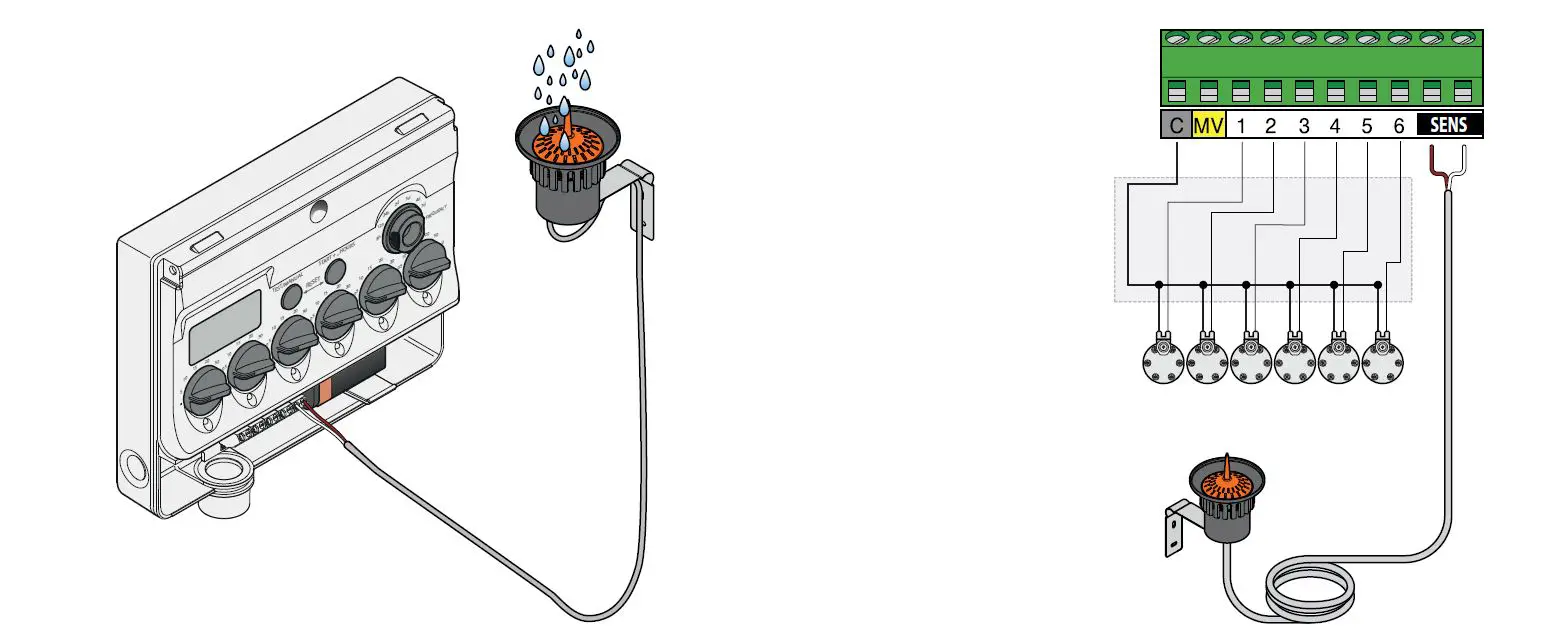 Wall-mounted timers for underground irrigation.
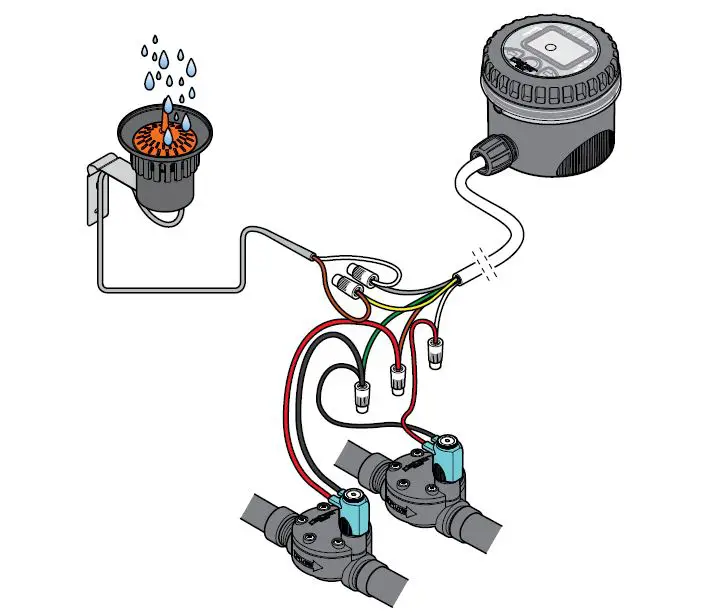
If the timer is not equipped with special housings (Aqua-Home and Cometa type timers), connect the Rain Sensor to the timer by disconnecting the common wire.
Warning: reconnect the common wire if the Rain Sensor is removed from the system.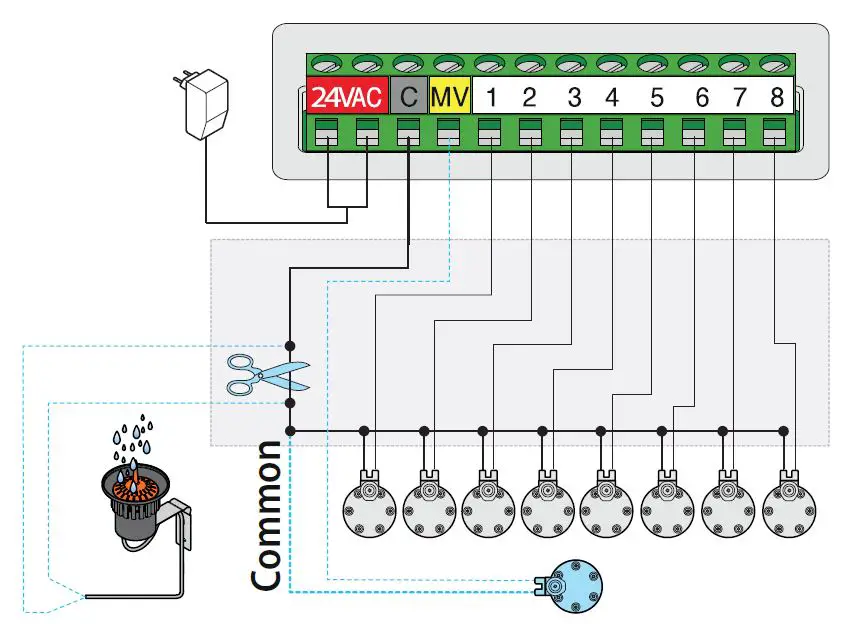 Control unit.
Connect the yellow and grey wires to the Rain Sensor wires inside the control unit.
Warning: reconnect the yellow and grey wires if the Rain Sensor is removed from the system.